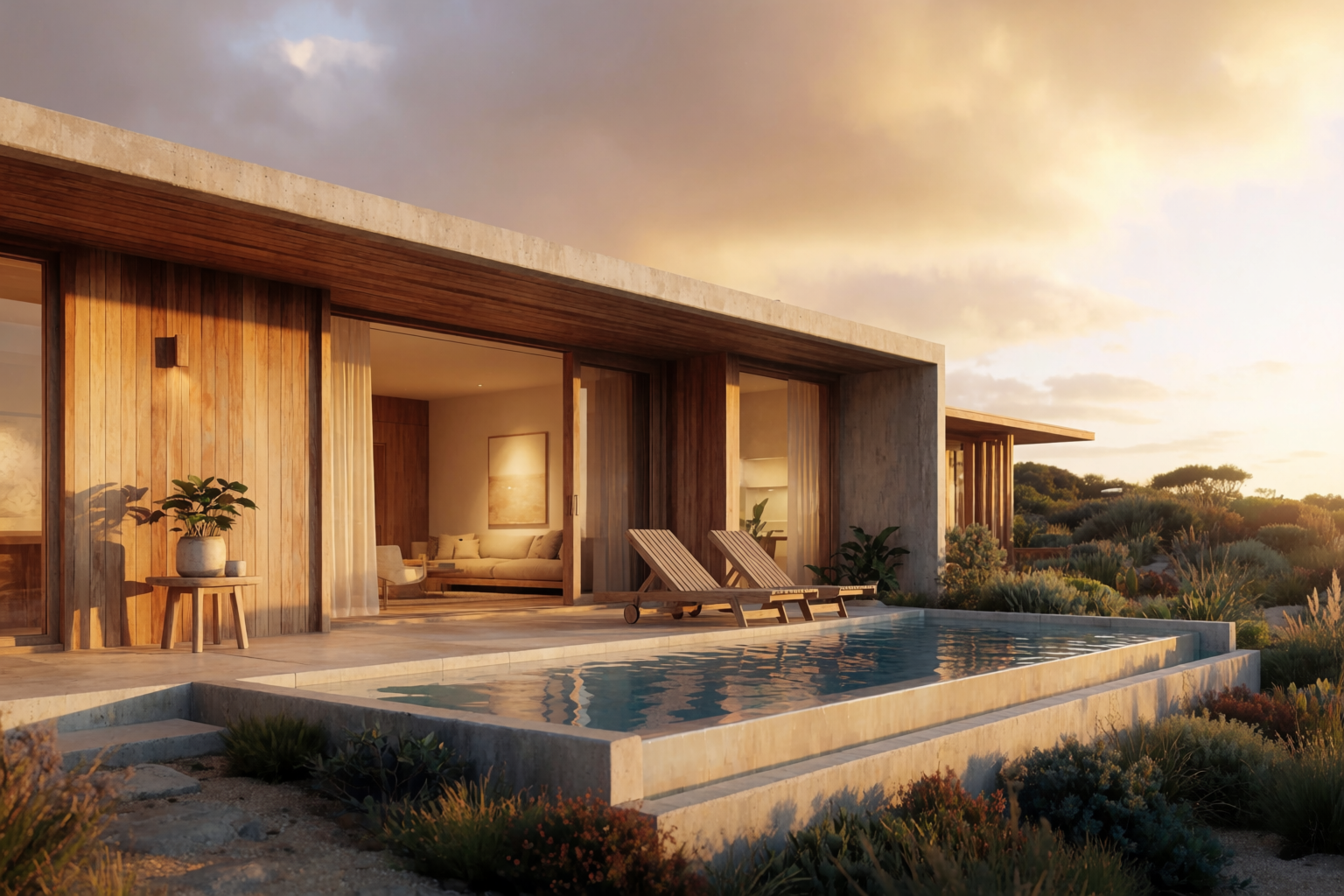
If you produce architectural renders, you have probably evaluated Lumion, Enscape, D5 Render, or Twinmotion at some point. These are excellent tools — built specifically for the architecture-visualization workflow, integrated with the major BIM platforms, and capable of producing hero renders that hold up in any client deck.
Krea 2 is a different kind of tool. It is not a traditional visualization engine. It does not connect to Revit or Rhino directly. It does not produce 4K walkthrough animations. What it does — render-quality images from sketches, photos, and prompts in seconds — fits a different part of the workflow, and is genuinely faster than any traditional tool for that part.
This article is an honest look at where each one wins.
What Lumion, Enscape, D5 Render do well
The traditional architectural visualization tools share a few real strengths:
- Direct BIM integration. Live sync with Revit, Rhino, SketchUp, Archicad. Changes to the model appear in the render.
- 4K hero renders. Final-quality presentation images at the resolutions clients and publications expect.
- Walkthrough animations. Real-time fly-throughs, scripted camera paths, VR walkthroughs.
- Solar-accurate lighting. Sun position from real coordinates, real shadow studies.
- Object libraries. Tens of thousands of vetted assets — furniture, vegetation, vehicles, people — for populating scenes.
If your job is producing the final hero render of a locked design, or a presentation animation, or a VR walkthrough, these tools are the right answer. They have been built specifically for that.
See your design rendered in seconds
Skip the modelling step. Generate photoreal architectural renders from sketches, photos, and prompts.
Generate a renderWhat Krea 2 does well
Krea 2 covers a different part of the workflow:
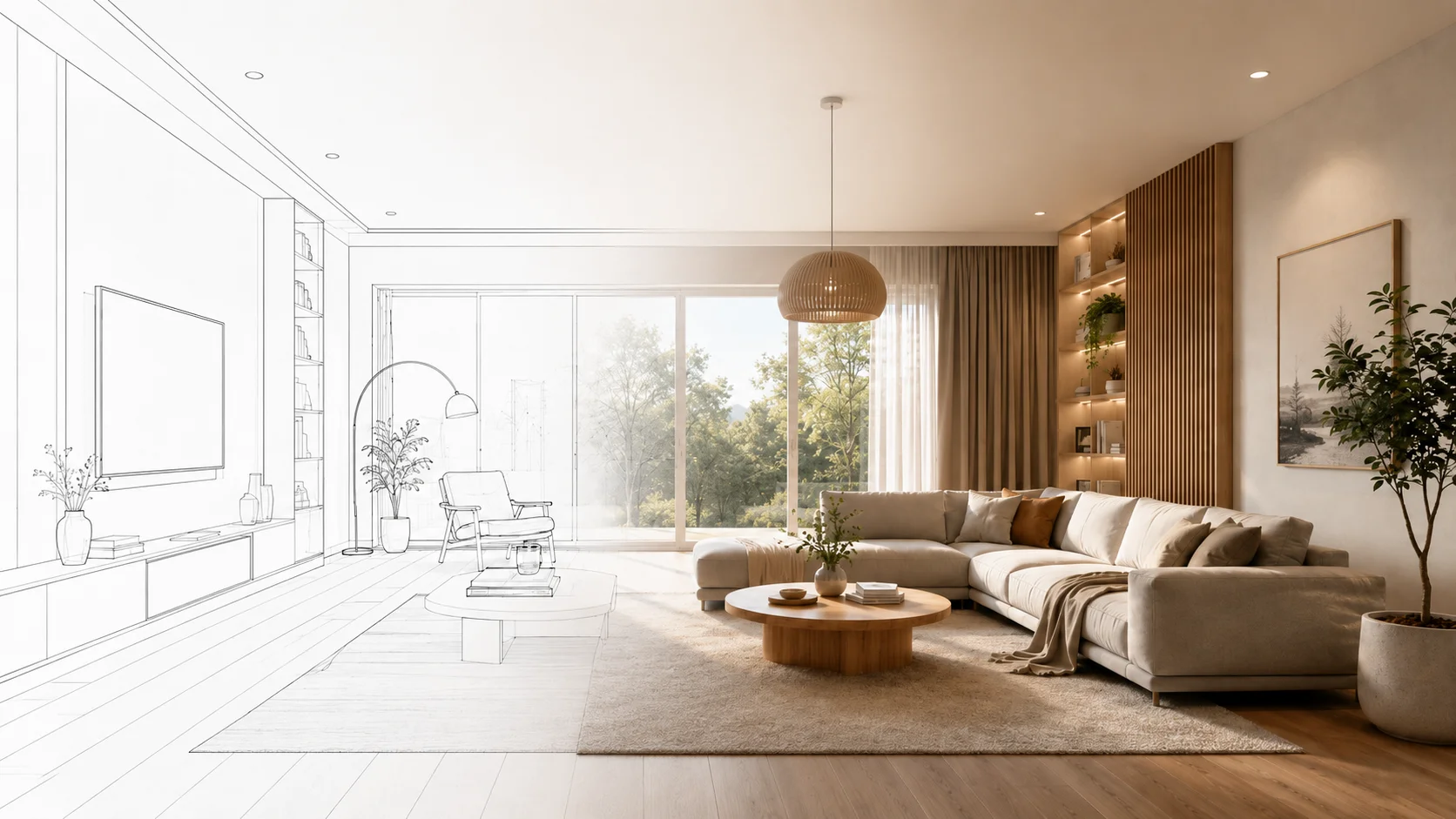
- Sketch to render in seconds. Upload a hand sketch and get a photoreal render. No modelling step.
- Style and material studies. Generate twelve facade variations of the same building in a coffee break.
- Site context renders. Insert a building into a real photo of the site.
- Multi-phase coverage in one tool. The same Krea 2 covers massing, sketch-to-render, styles, interiors, and site context.
- Editing. Krea Edit changes specific parts of a render without re-doing the whole scene.
- Beyond architecture. The same model handles product, fashion, and brand work — useful when an architectural client has adjacent needs.
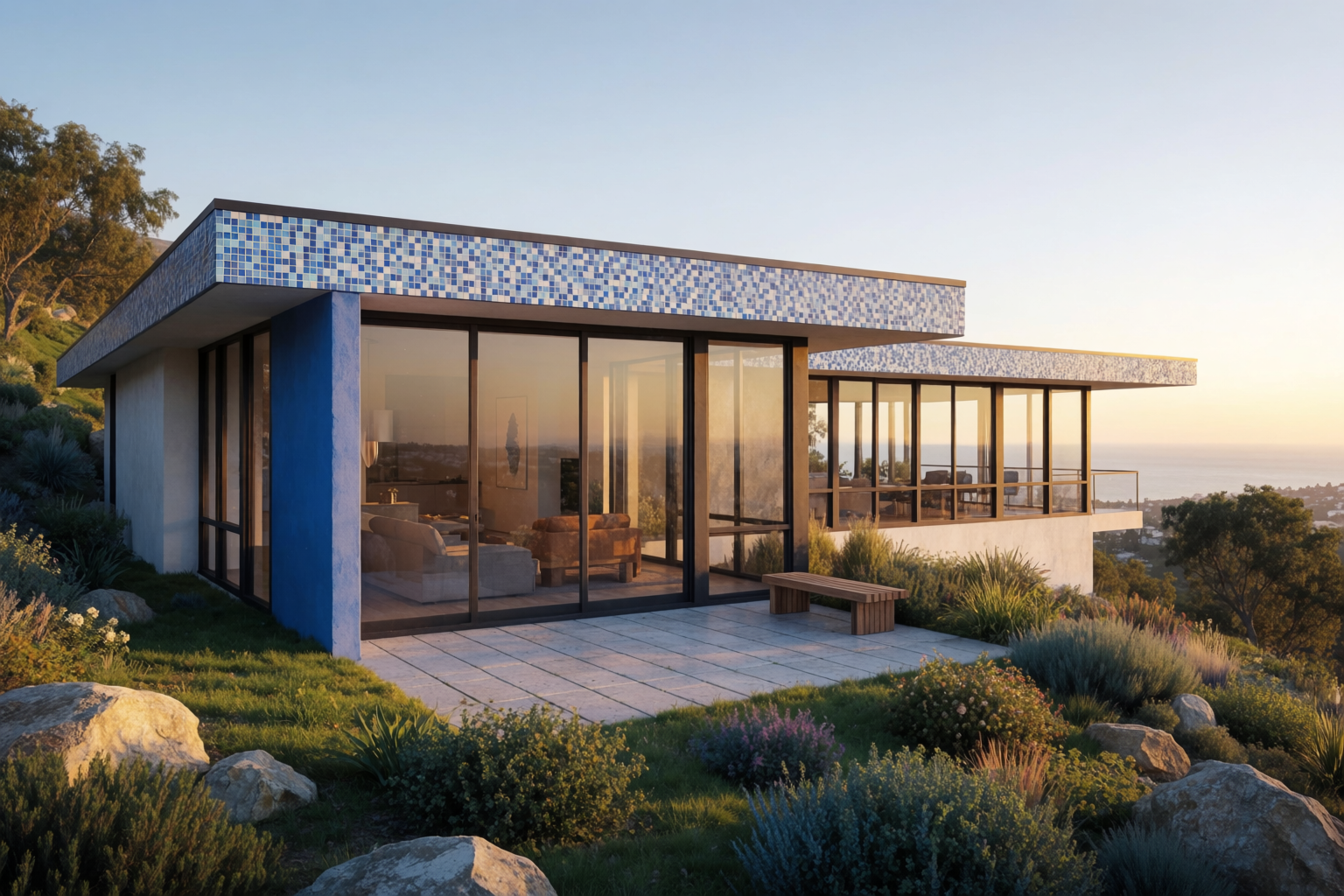
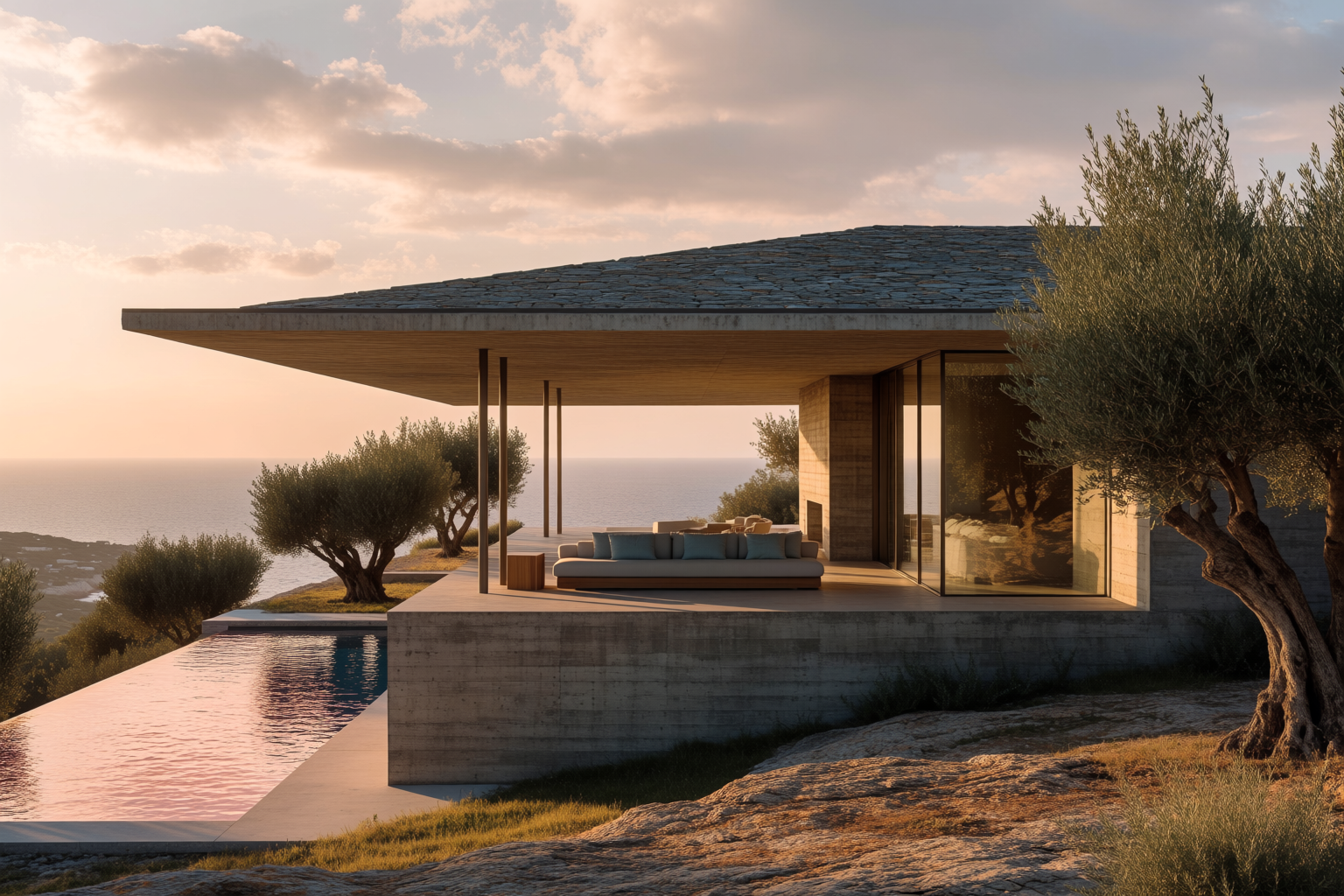
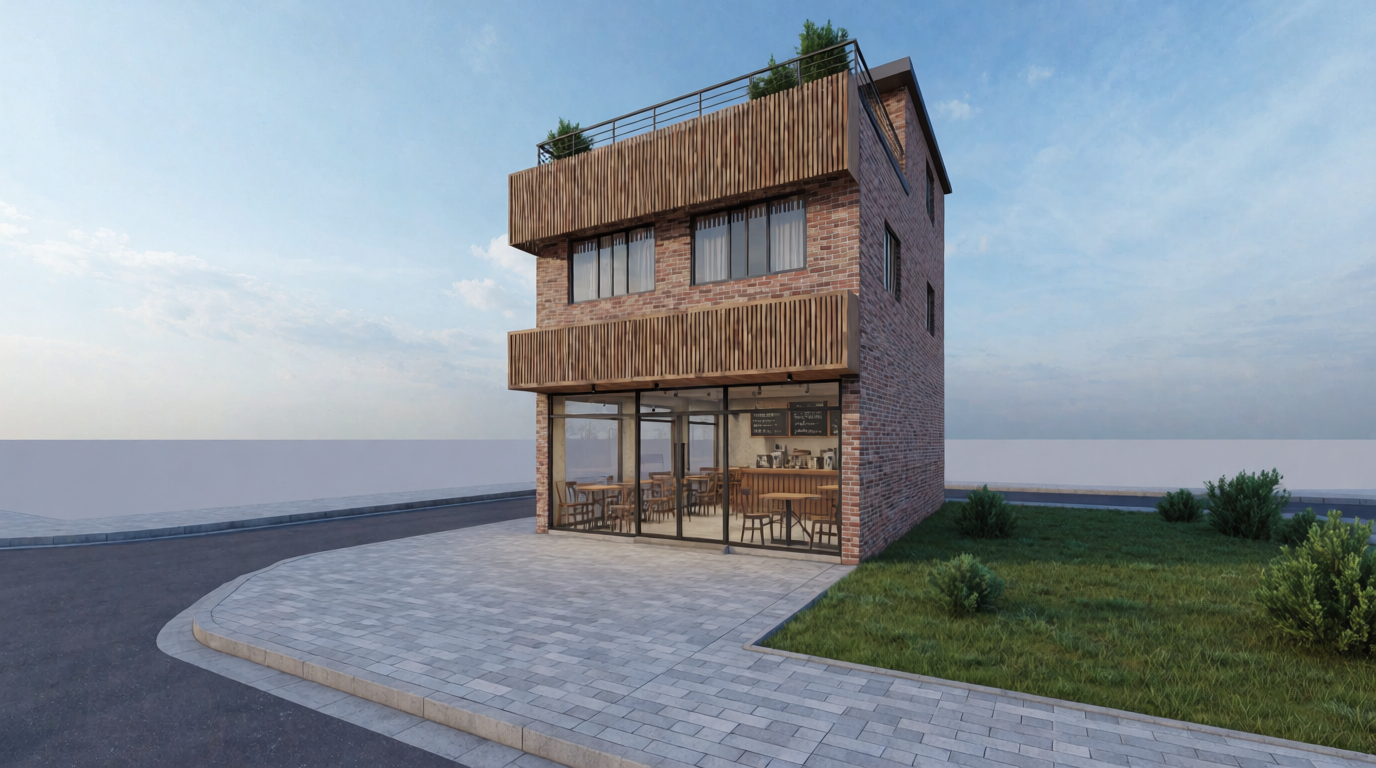
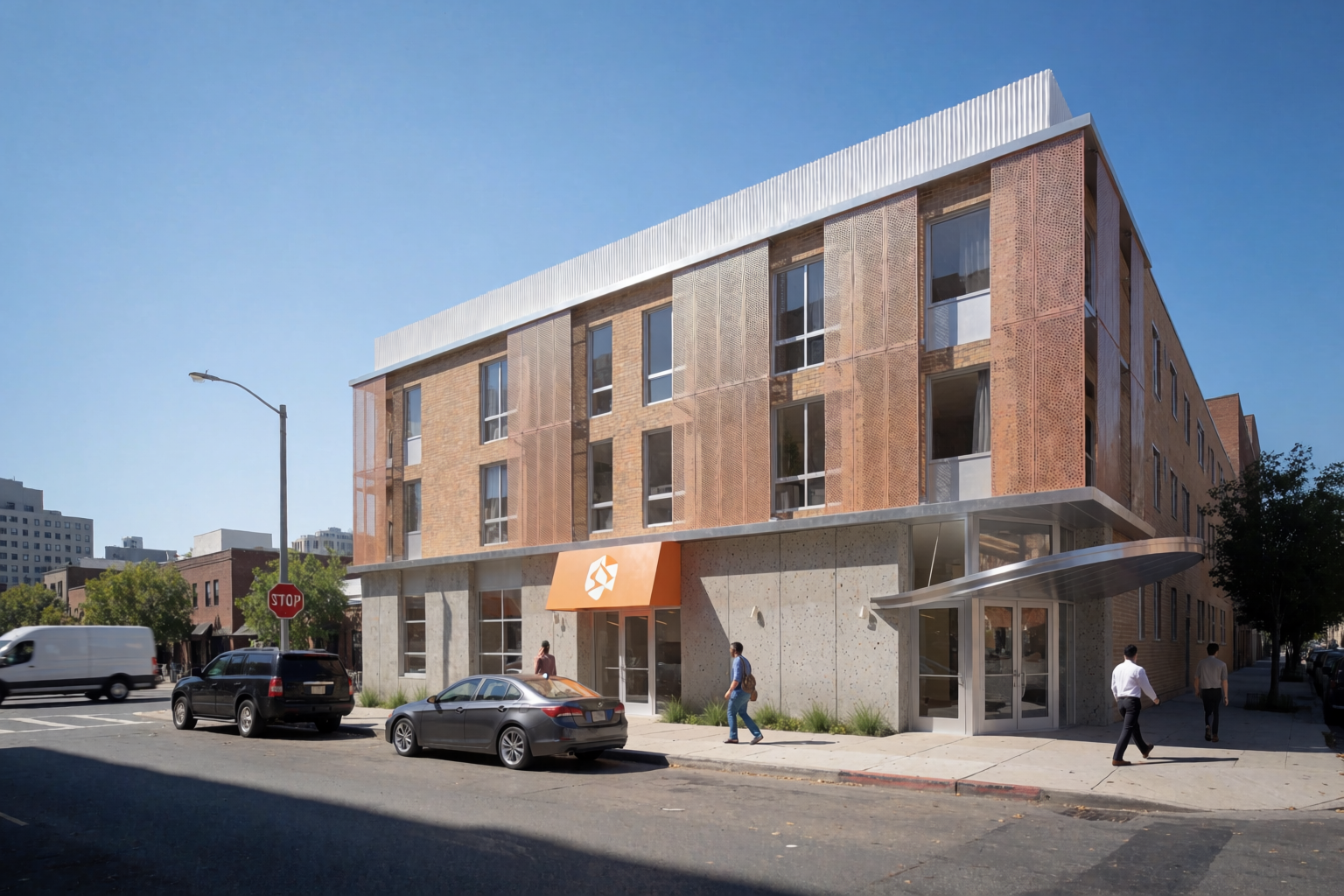
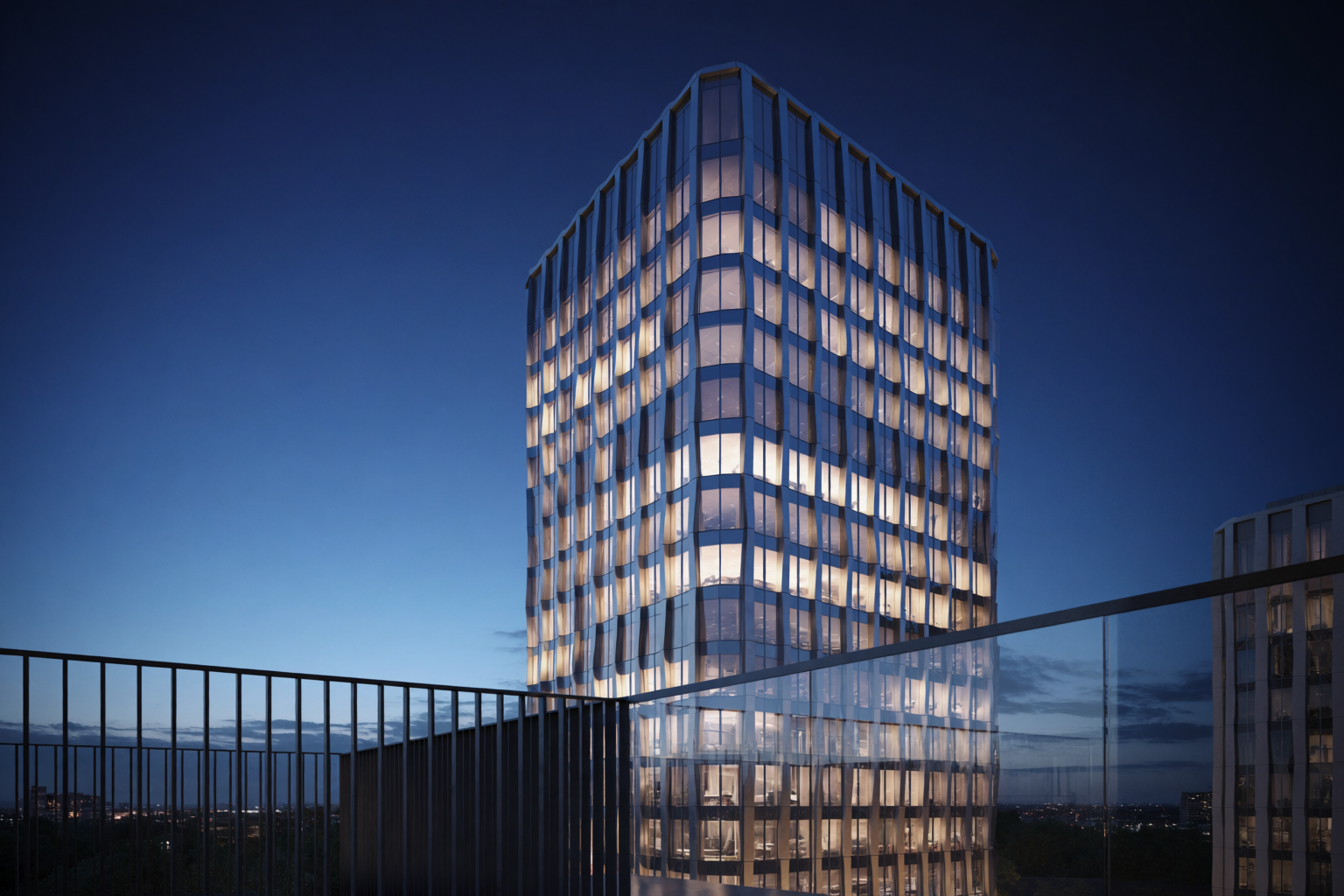
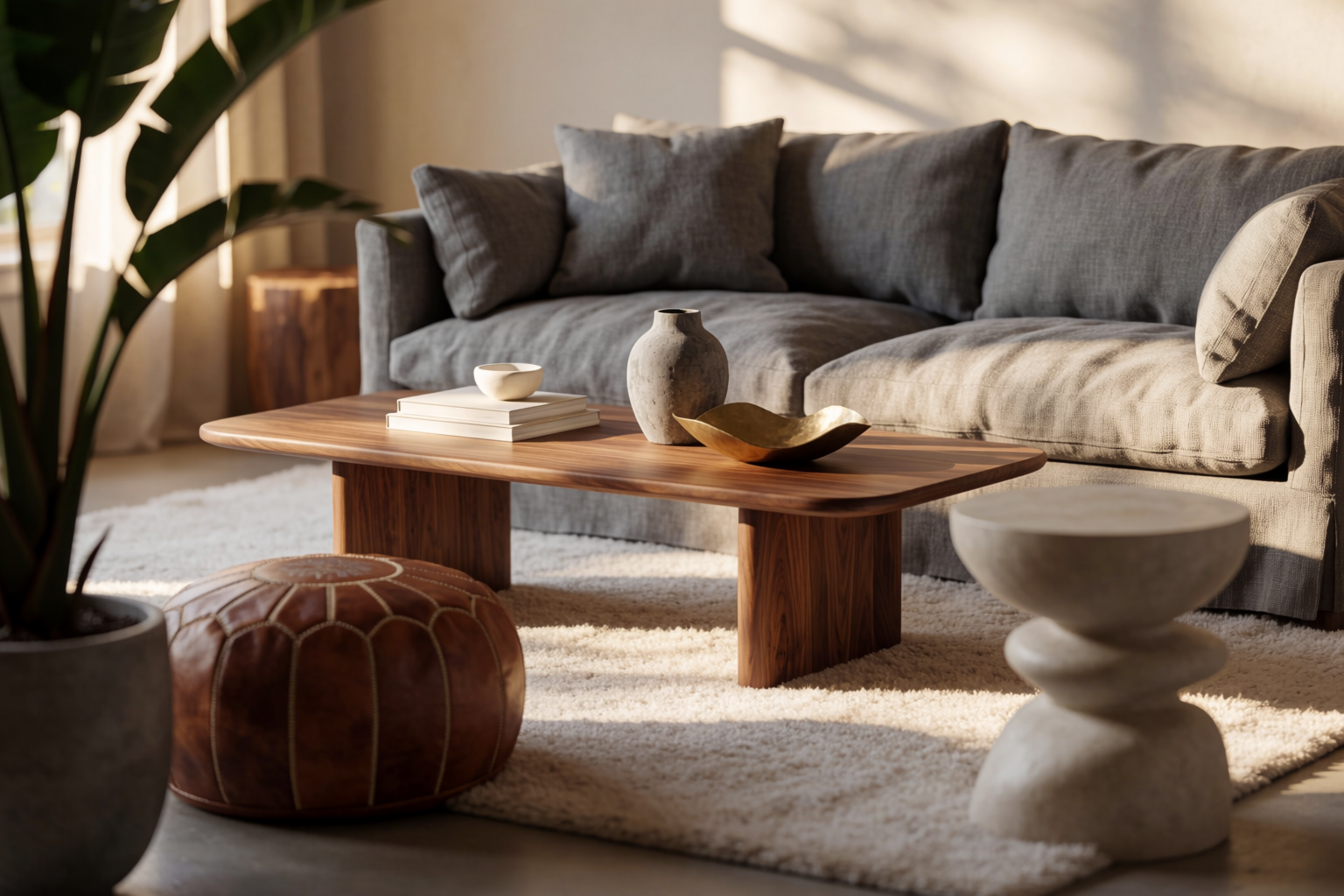
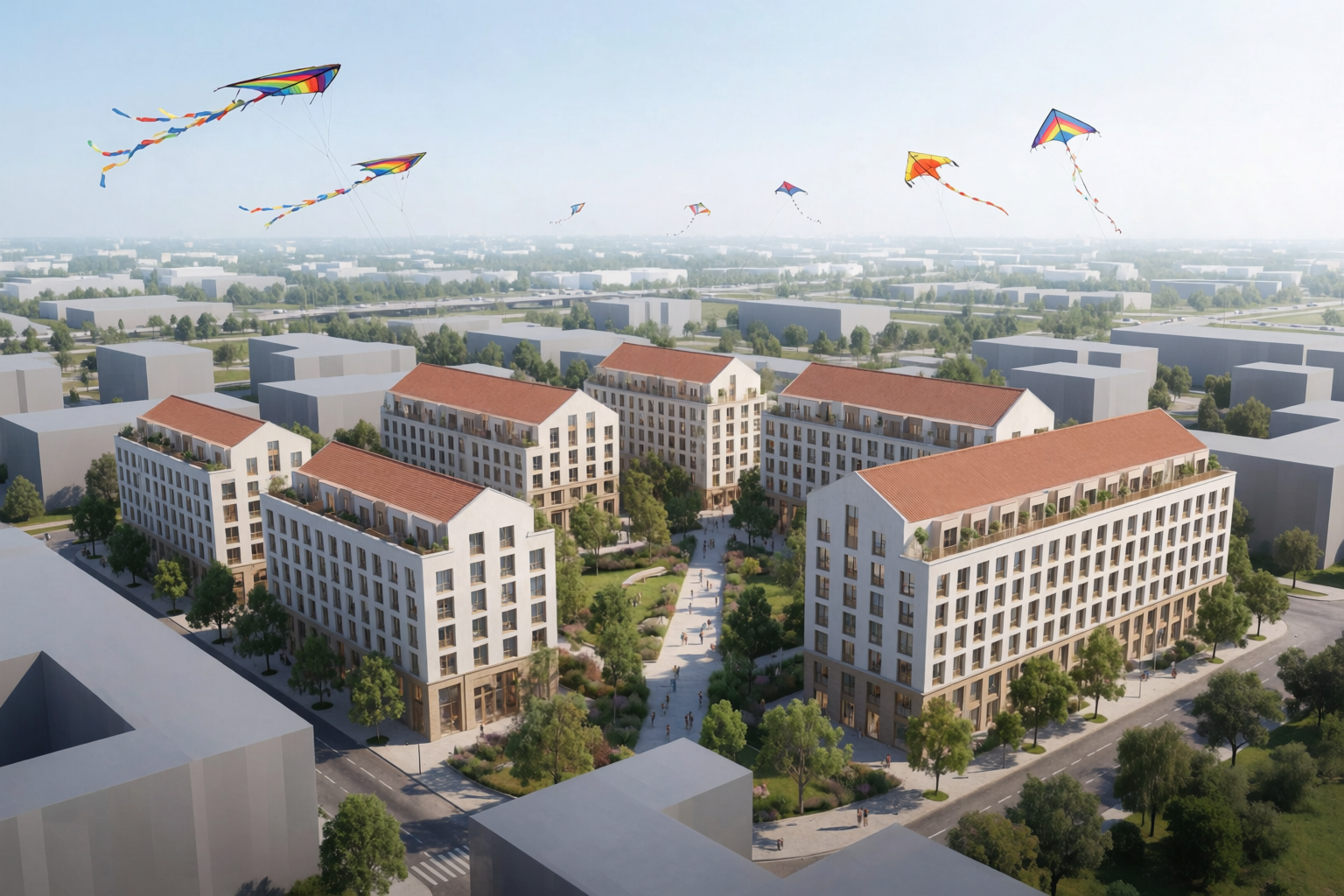
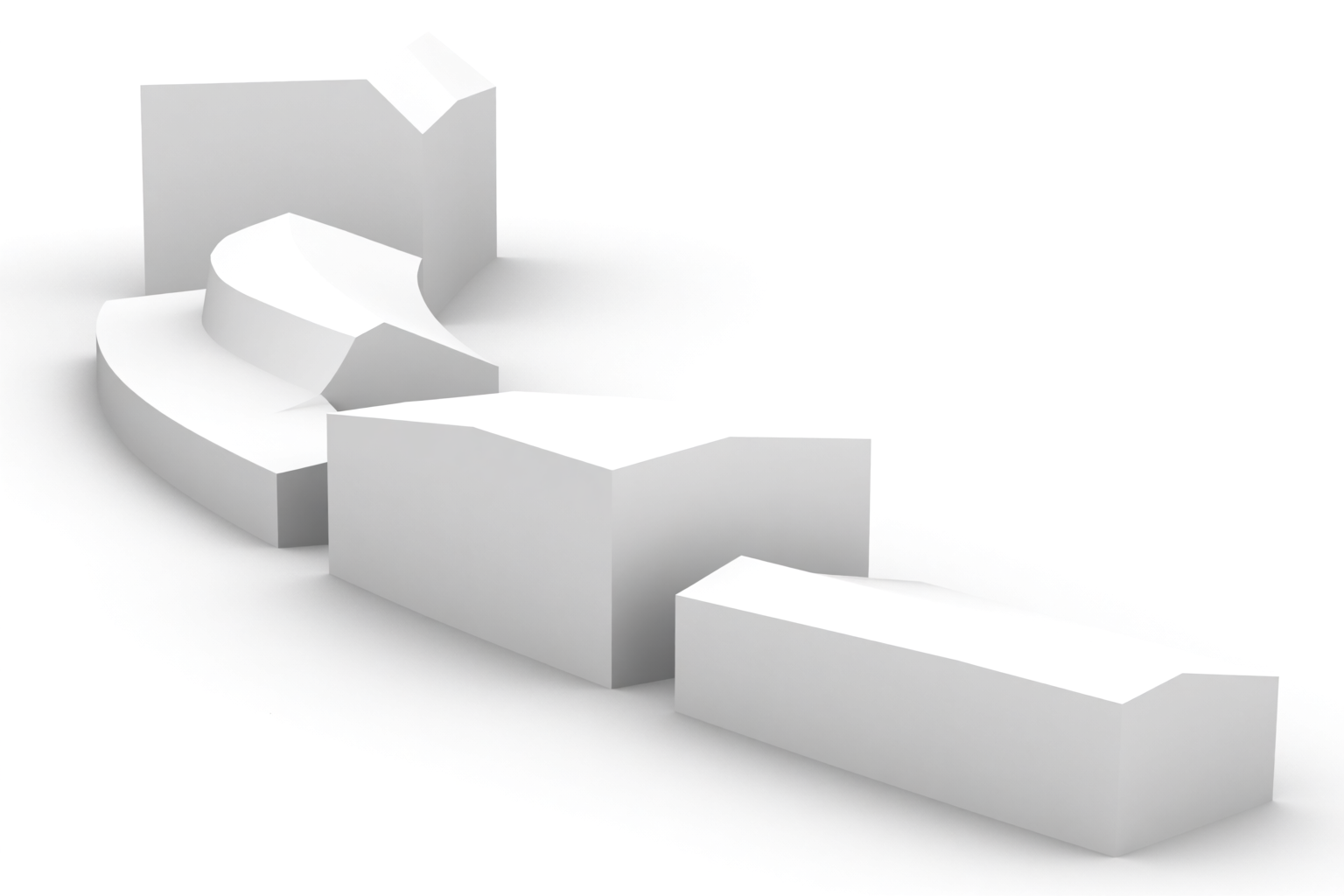
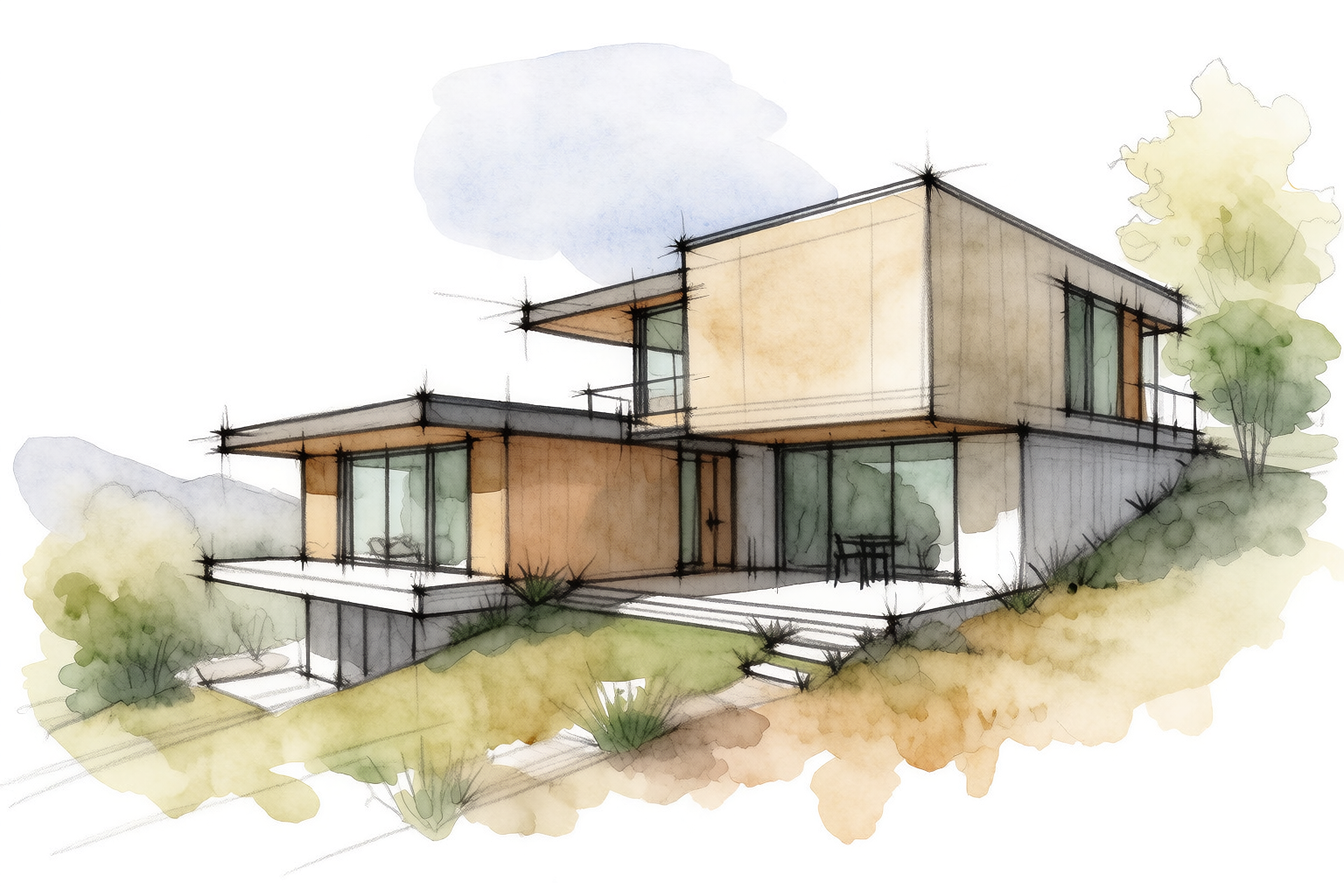
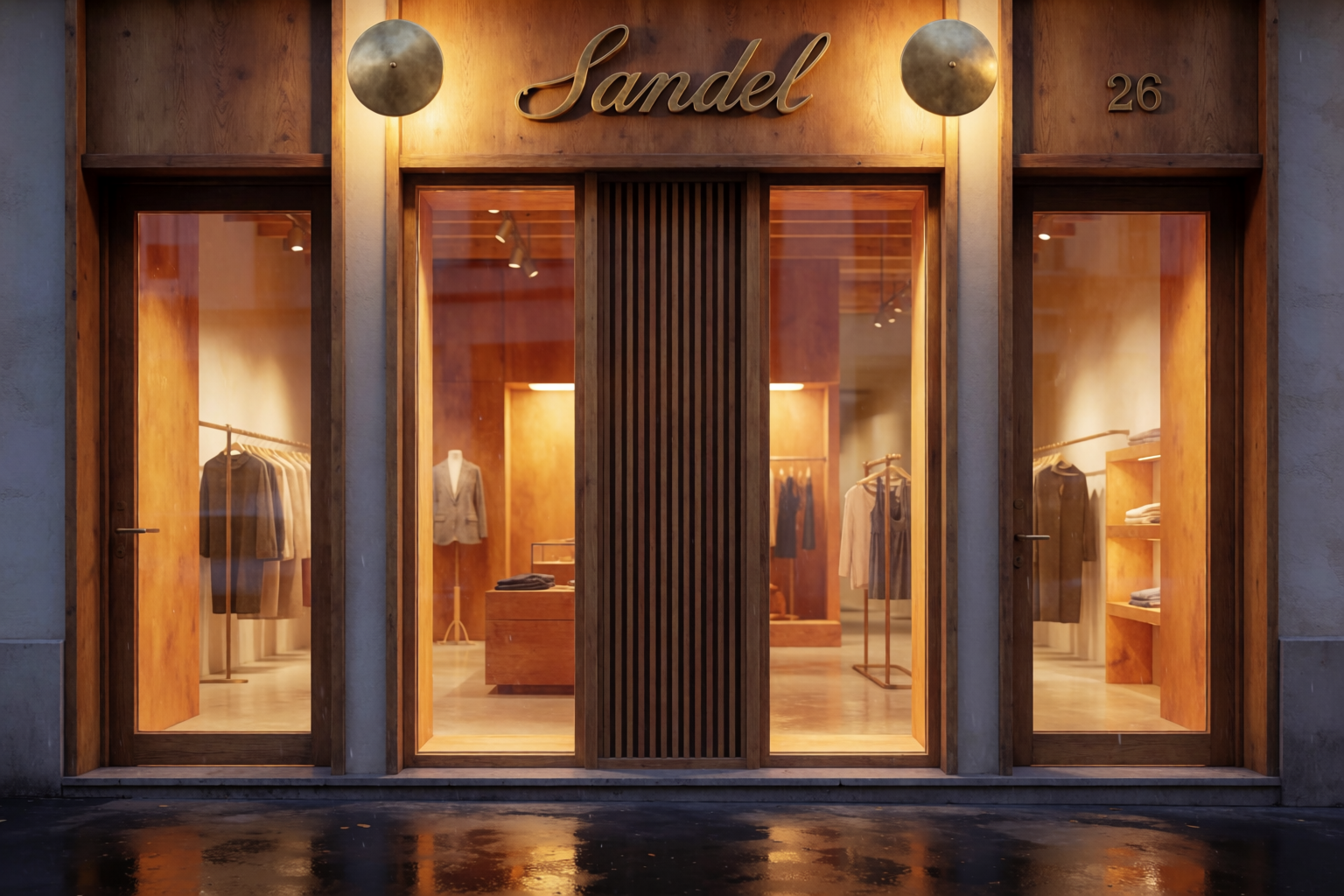
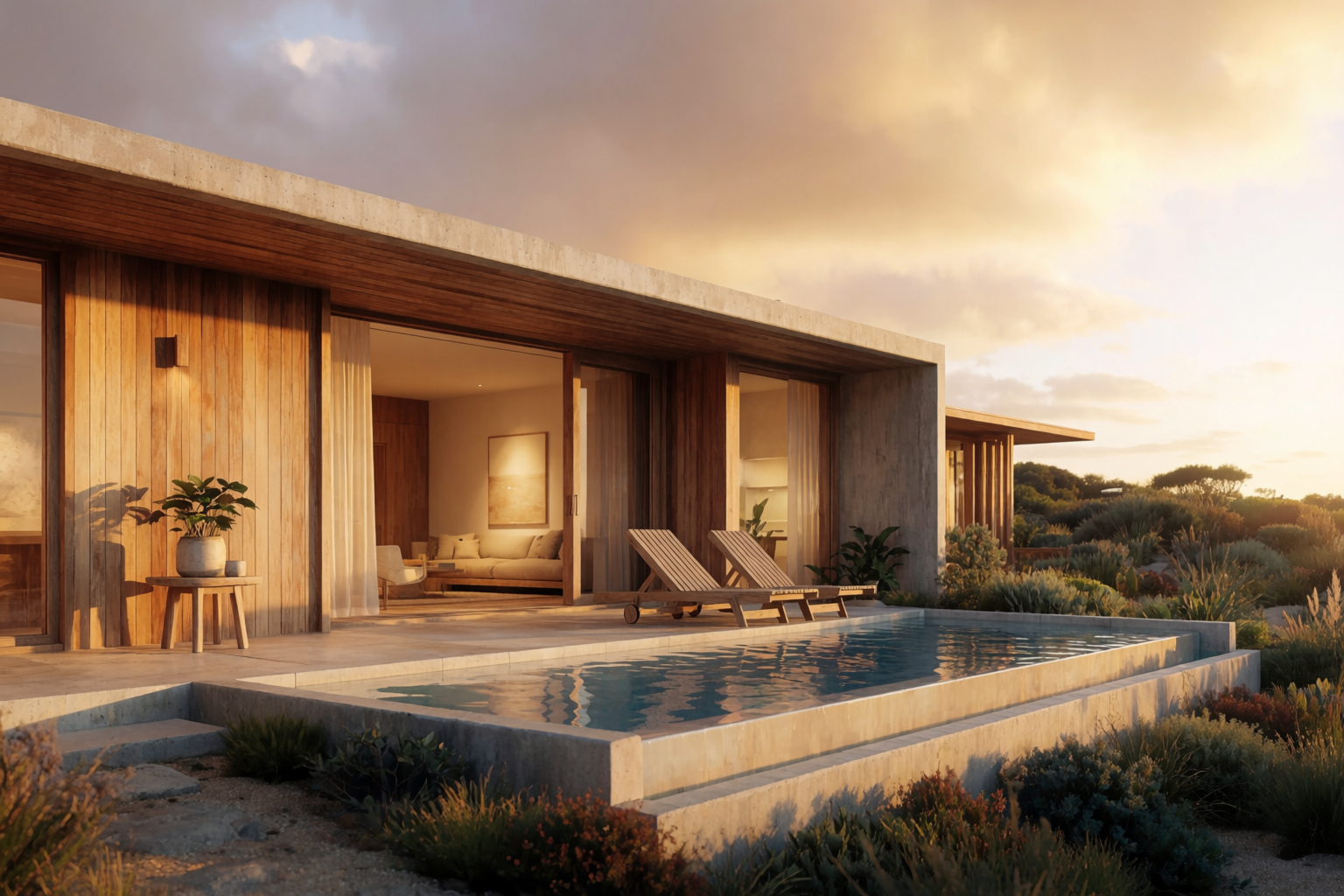
The range argument lives in images. Same model, eight different architectural visualization tasks:
Eight architectural visualization tasks in one model
All generated for this article with Krea 2.
Speed comparison
The clearest difference is speed at the same fidelity.
| Task | Traditional viz (Lumion / D5) | Krea 2 |
|---|---|---|
| Sketch to first photoreal render | Hours to days | Seconds |
| Material study (4 facade variations) | Hours | Minutes |
| Lighting study (4 times of day) | Hours | Minutes |
| Site context render from a photo | Hours | Seconds |
| Final 4K hero render of locked design | Minutes (after modelling) | Seconds |
| Walkthrough animation | Hours | Not supported |
| VR walkthrough | Hours | Not supported |
Krea 2 wins decisively on every task that does not require BIM integration or animation. Traditional viz wins decisively on the two tasks it does not cover.
Workflow features compared
| Lumion / D5 | Krea 2 | |
|---|---|---|
| Live BIM sync | Yes | No |
| Photoreal still renders | Yes | Yes |
| Sketch-to-render | No | Yes |
| Site context from photo | Limited | Yes |
| Material library | Yes (vetted) | Prompt + reference images |
| Style references / mood boards | No | Yes |
| Photo editing of finished render | No | Yes (Krea Edit) |
| Animations / VR | Yes | No |
| Solar-accurate sun studies | Yes | No |
| Covers interior + product + brand work | Limited | Yes |
| Time to first render | Hours | Seconds |
When to pick which
A fair recommendation:
- Pick a traditional visualization tool if your job is the final hero render of a locked design, the walkthrough animation, the VR experience, or the solar study. These tools were built for those jobs.
- Pick Krea 2 if you spend most of your time in the early and middle phases of a project — concept, massing, sketch-to-render, style studies, material studies, site context, interiors. This is where Krea 2 is decisively faster.
The two are not exclusive. The best architecture studios using Krea 2 today use it for everything up to the final render, then move to a traditional pipeline for the deliverable. Krea 2 covers the conversation. The traditional viz tool covers the deliverable.
What is genuinely different about Krea 2
Three things, in order of how much they change a real architecture workflow:
- You can render from a sketch without modelling. This collapses the slowest step in the workflow.
- You can generate dozens of variations cheaply. Style studies, material studies, lighting studies — the comparative work architects have always wanted but rarely had time for.
- You can put a building in a real site photograph. The single deliverable that determines whether planning committees approve a project.
These are workflow differences, not just speed differences. They are the difference between “this is the render we made” and “here are six versions, which one do you prefer?”
Try Krea 2 for architecture
Free to start. Sketch-to-render, site context, and Krea Edit all included.
Open Krea 2