Reve will sunset image generation on reve.com on September 27, 2026. If you used Reve for AI images, you need two things: your library exported before October 31, and a Reve alternative that covers 4K images, editing, style control, and text. This guide gives you both, with Krea 2 as the alternative we know best. Krea is our product. We say where it covers Reve and where it does not.
Bring your Reve prompts to Krea
Krea 2 runs on the free tier, 100 compute units a day, no card needed. Paste a Reve prompt and compare.
Start freeWhat the Reve notice says
Reve announced the sunset on September 18, 2026. Image generation on reve.com ends on September 27, 2026 at 11:59 PM Pacific Time. Reve stopped new accounts and paid subscriptions on September 17, 2026. Every active paid plan gets a full refund of its September payment by mid-October, on the original payment method. Reve says it will move from creative tools to other AI-powered workflows, after an OpenAI investment in July 2026.
What to do before the deadlines
- Export your library before October 31, 2026. Log in to Reve and download every generation you may need. After that date the login closes.
- Save your prompts and references. Reve’s References, Templates, and layouts do not travel as files. Copy the prompt text and download the reference images you used.
- Check your refund. If you paid for September, the refund arrives by mid-October. You do not need to request it.
- Re-create your style, not your project files. On Krea, a folder of your best Reve outputs becomes a style reference or a mood board in one drag.
Reve and Krea at a glance
| Reve | Krea | |
|---|---|---|
| Own image model | Reve 2.1, native 4K, layout-based generation | Krea 2 (Large, Medium, Turbo), our own foundation model, open weights |
| Third-party models | None in the app | Nano Banana Pro and 2, GPT Image 2 and 2.5, Seedream 5 Pro, Flux 1.1 Pro Ultra, Flux Kontext, Ideogram 3, Grok Imagine 2, Luma UNI-1, Runway Gen-4 Image, and more |
| Editing | Region-level edits, Live Layers for text and graphics, Reframe | Natural-language edits with Krea Edit, Realtime Edit on the canvas, inpainting, outpainting |
| Text in images | Multilingual text rendering in Reve 2.1 | Ideogram 3, Seedream 5 Pro, GPT Image 2, Nano Banana Pro, and Krea 2 |
| Style control | References, Templates | Style references with strength sliders, mood boards, custom LoRA training |
| Video | Pro plan only | Seedance, Kling, Veo, Sora, Wan, and Krea Realtime Video on paid plans |
| Upscaling | Reframe and edit tools | Enhance up to 22K with clarity, resemblance, and strength controls |
| Free tier | Closed to new accounts since September 17, 2026 | 100 compute units a day, Krea 2 images |
| Cheapest paid plan | Lite, $7.99 a month (closed) | Basic, $9 a month, or $5 a month billed yearly |
| API | Discontinued August 14, 2026 | Krea API, live |
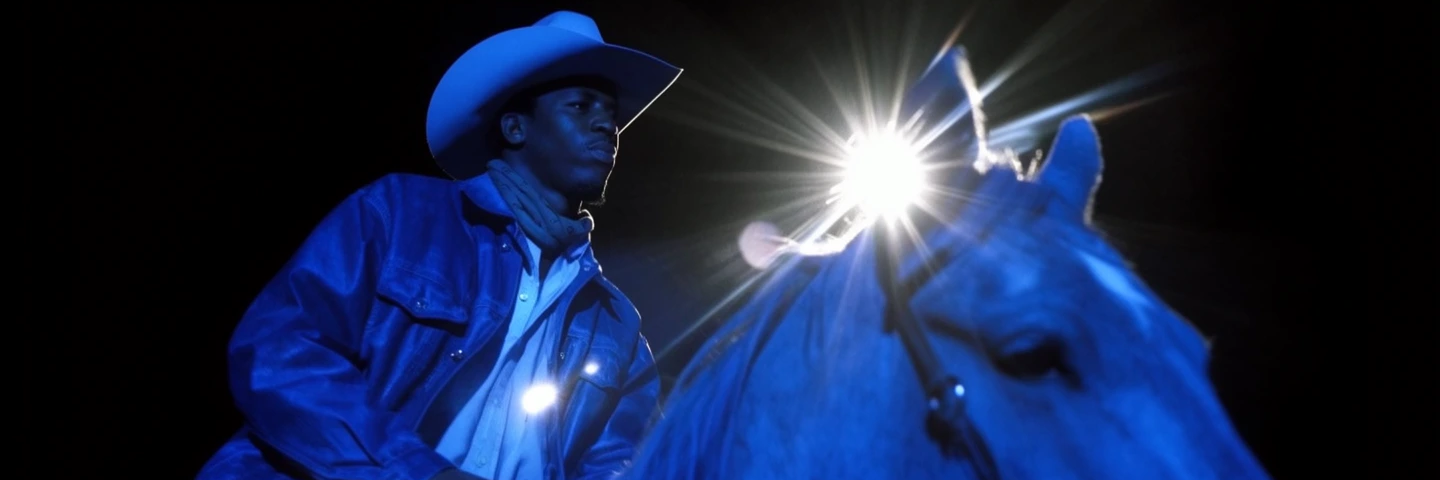
Image quality: Krea 2 next to Reve 2.1
Reve’s model earned its reputation on two things: dense scenes at native 4K, and layout control. Its own post on Reve 2.1 puts it this way: “Images should be built like code, with layouts: hierarchical, structured regions.”
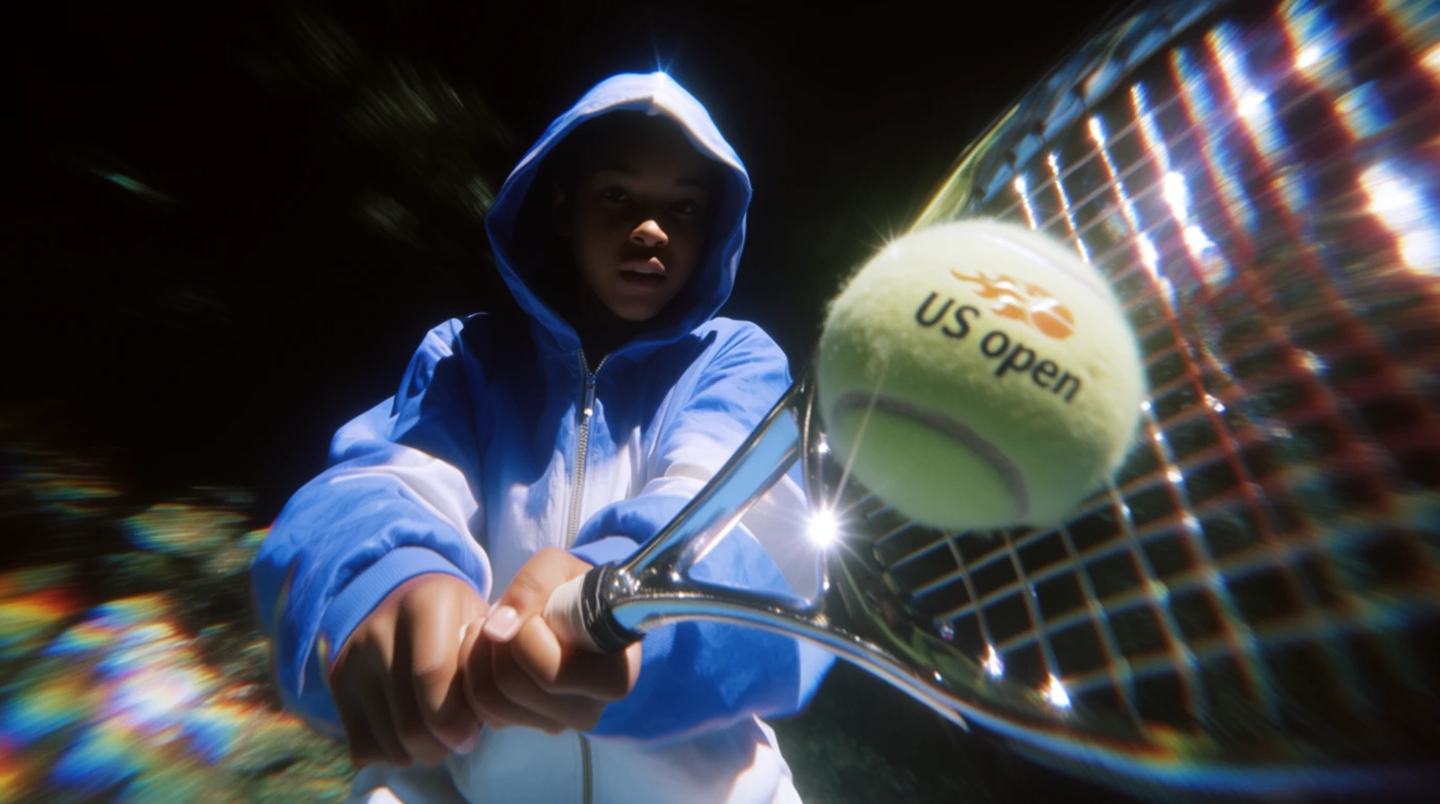
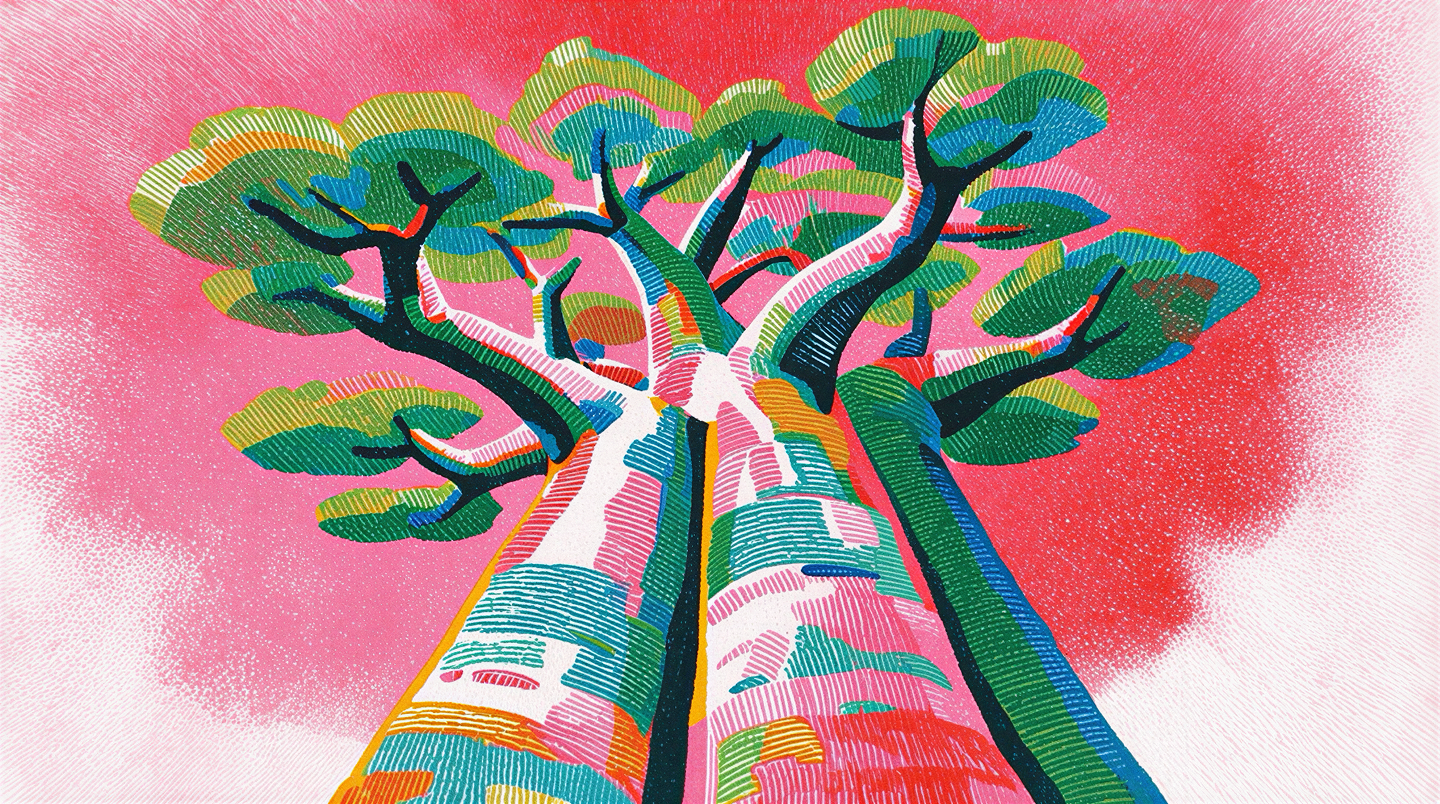
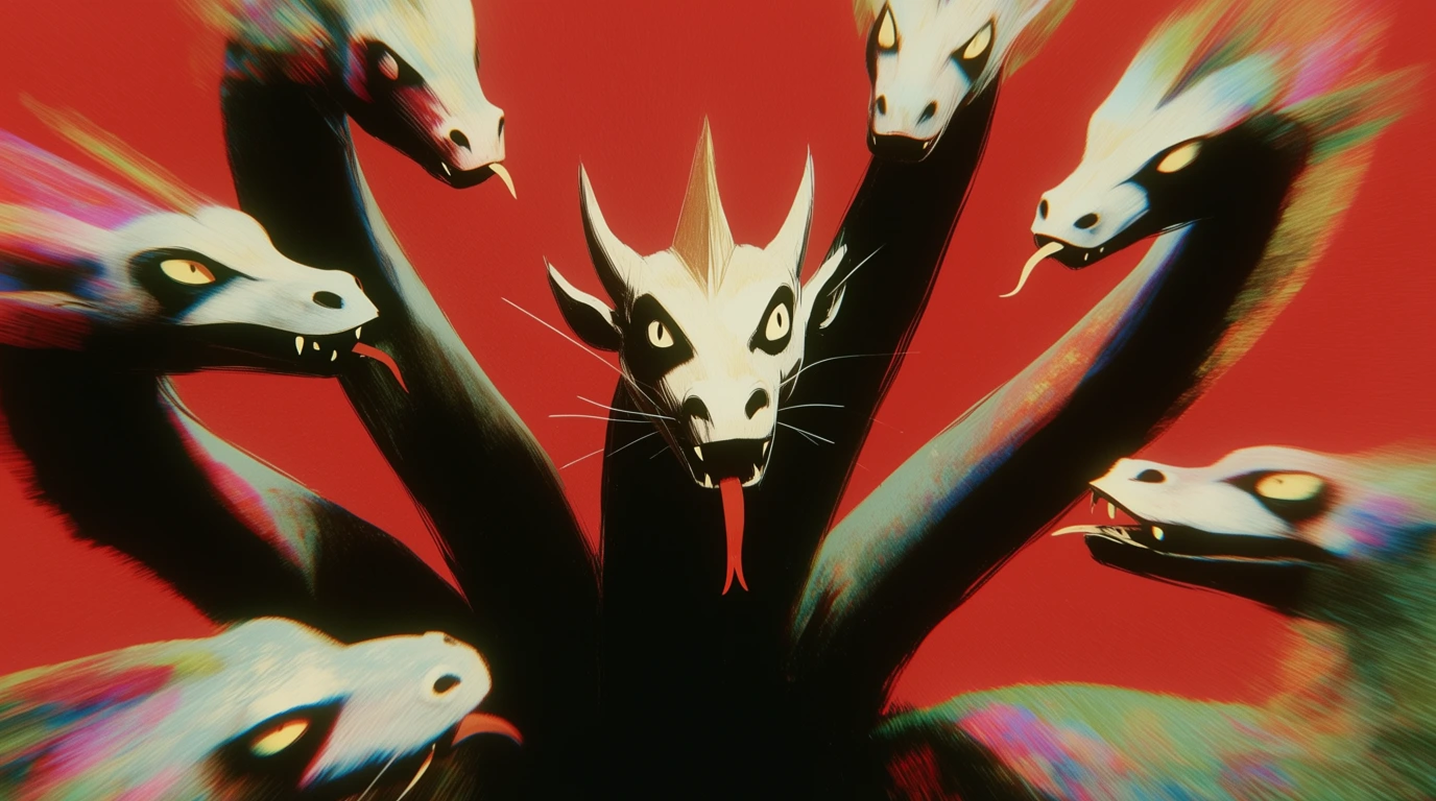
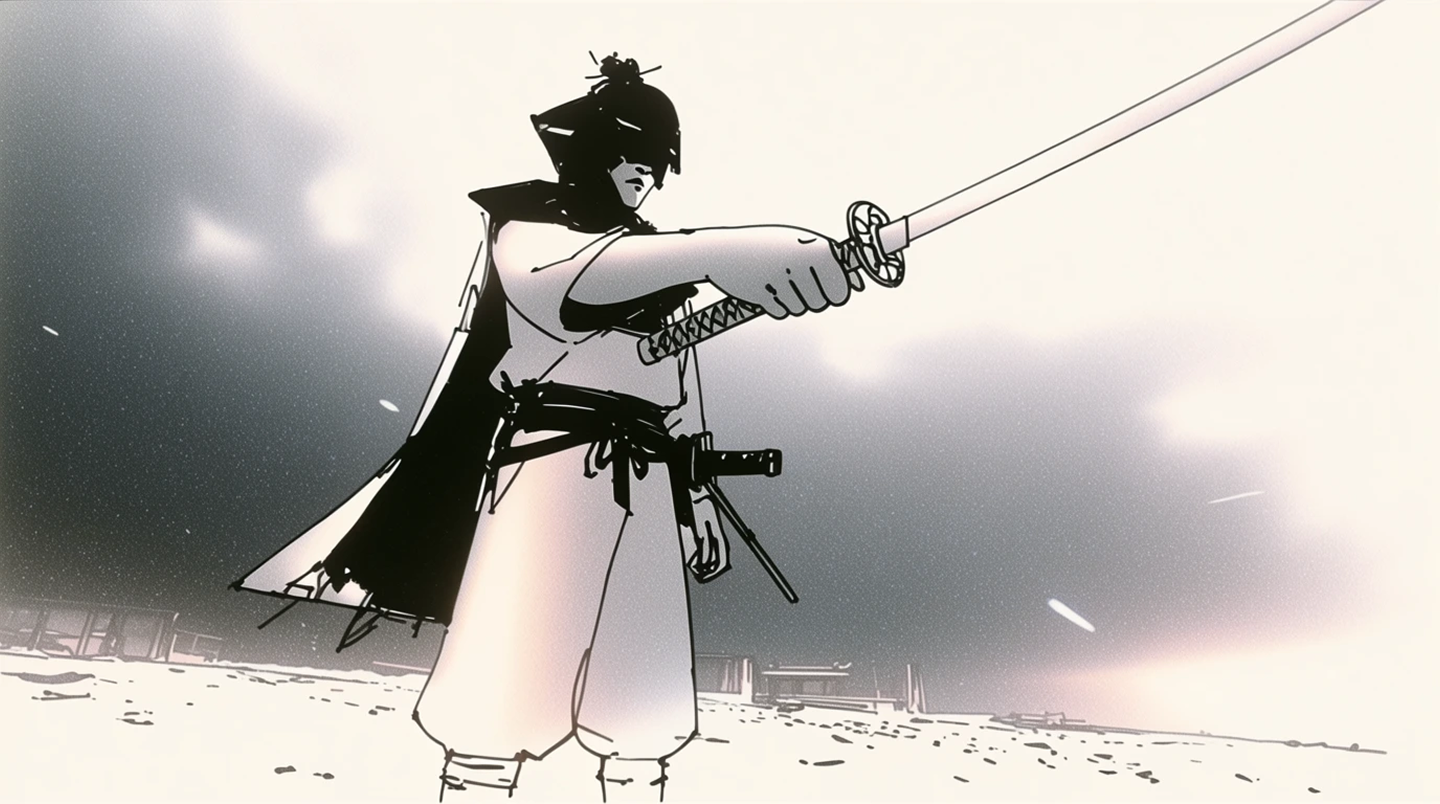
Krea 2 takes a different route. It is a foundation model trained for range and direction rather than a single default look. The same model renders a crisp sports photograph, a loose ink sketch, and a crayon drawing, and it holds the style you hand it. The images below are single Krea 2 generations from the Krea 2 gallery, each with the prompt used.
Photographic and painterly, one model
Krea 2
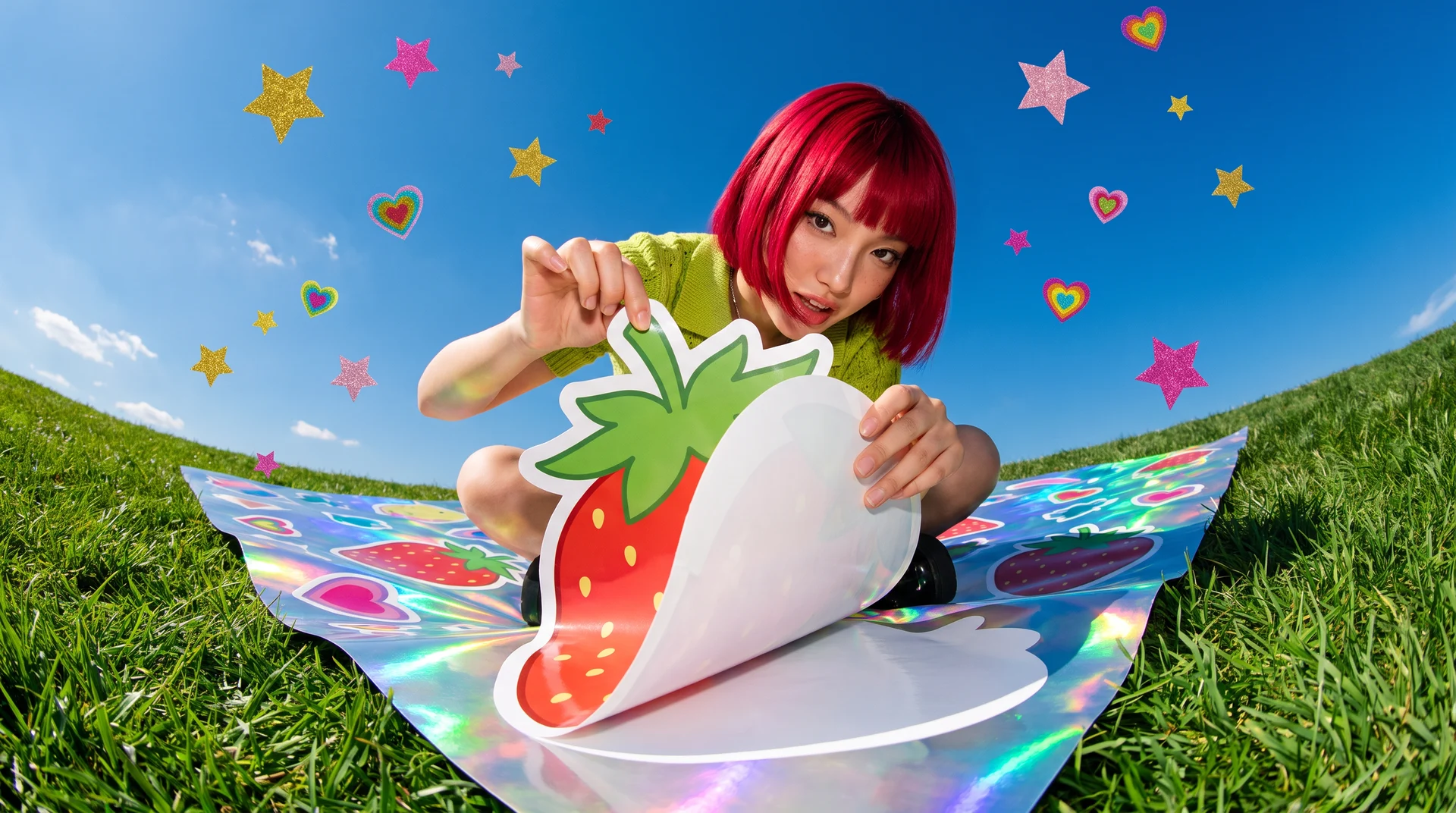
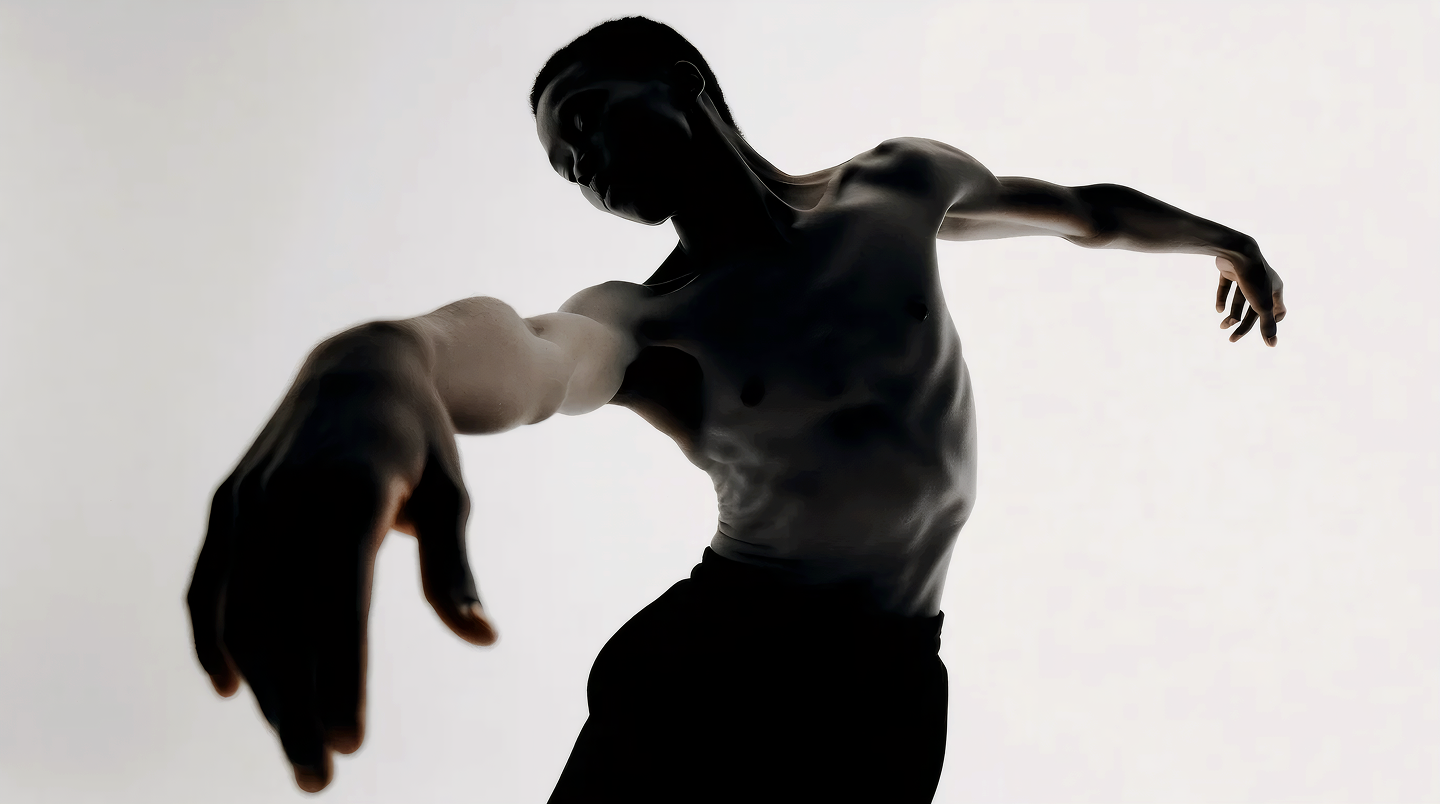
Four raw Krea 2 generations. Prompts, in order: 'Terrifying tiger pouncing on boar in the jungle, vibrant colors, dramatic action shot, wide angle lens'; 'a male contemporary dancer focused on dancing, Contrapposto pose, body contorted, wide angle, one hand outstretched mid-dance towards the camera, high contrast'; 'Hooded girl with chrome shining racquet, mid backhand swing, close up, wide angle lens low vantage point, crisp HD photograph'; 'Beautiful massive ancient baobab tree, viewed from the base looking upward, fisheye lens distortion'.
Styles that most models flatten
Krea 2
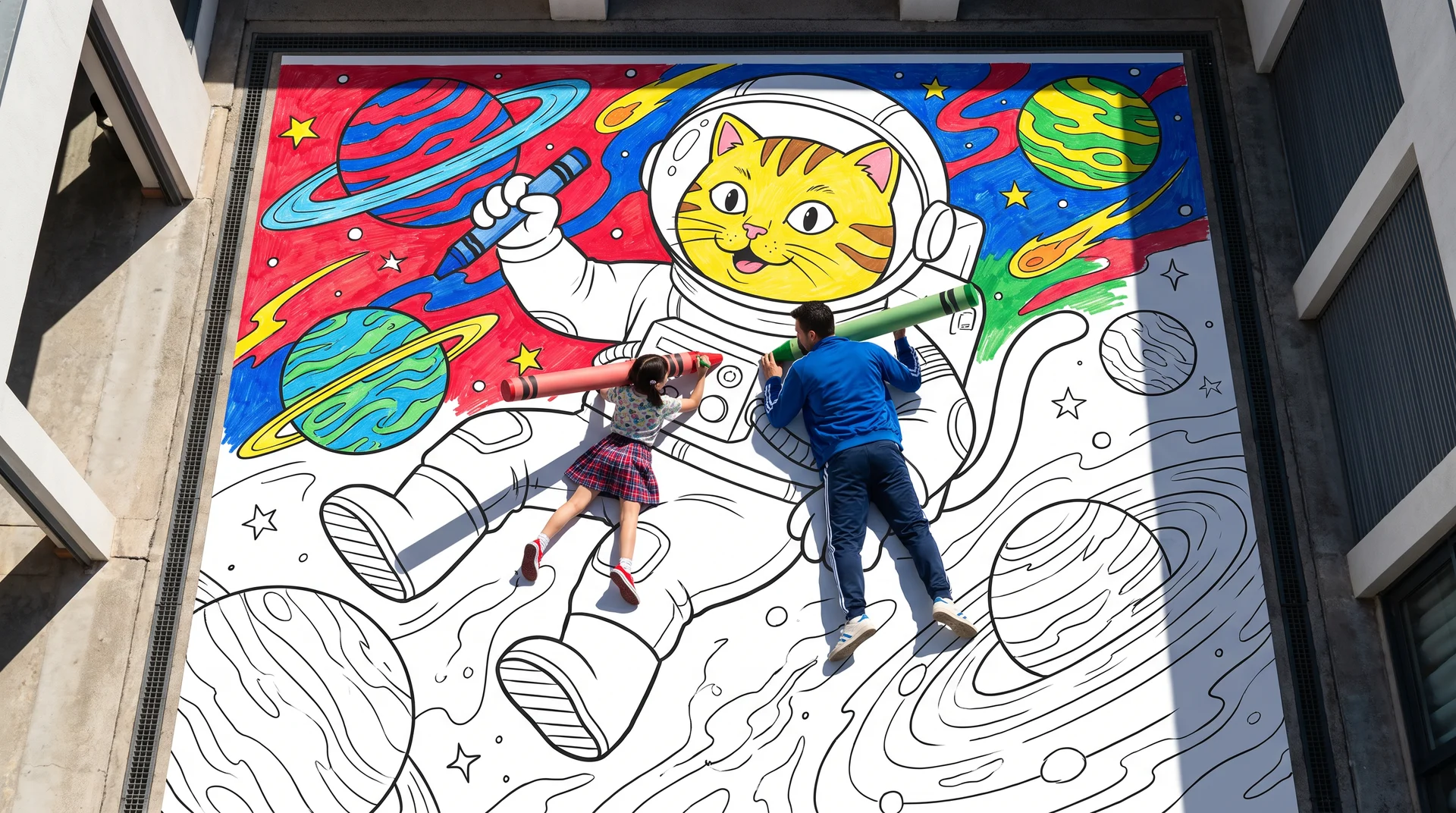
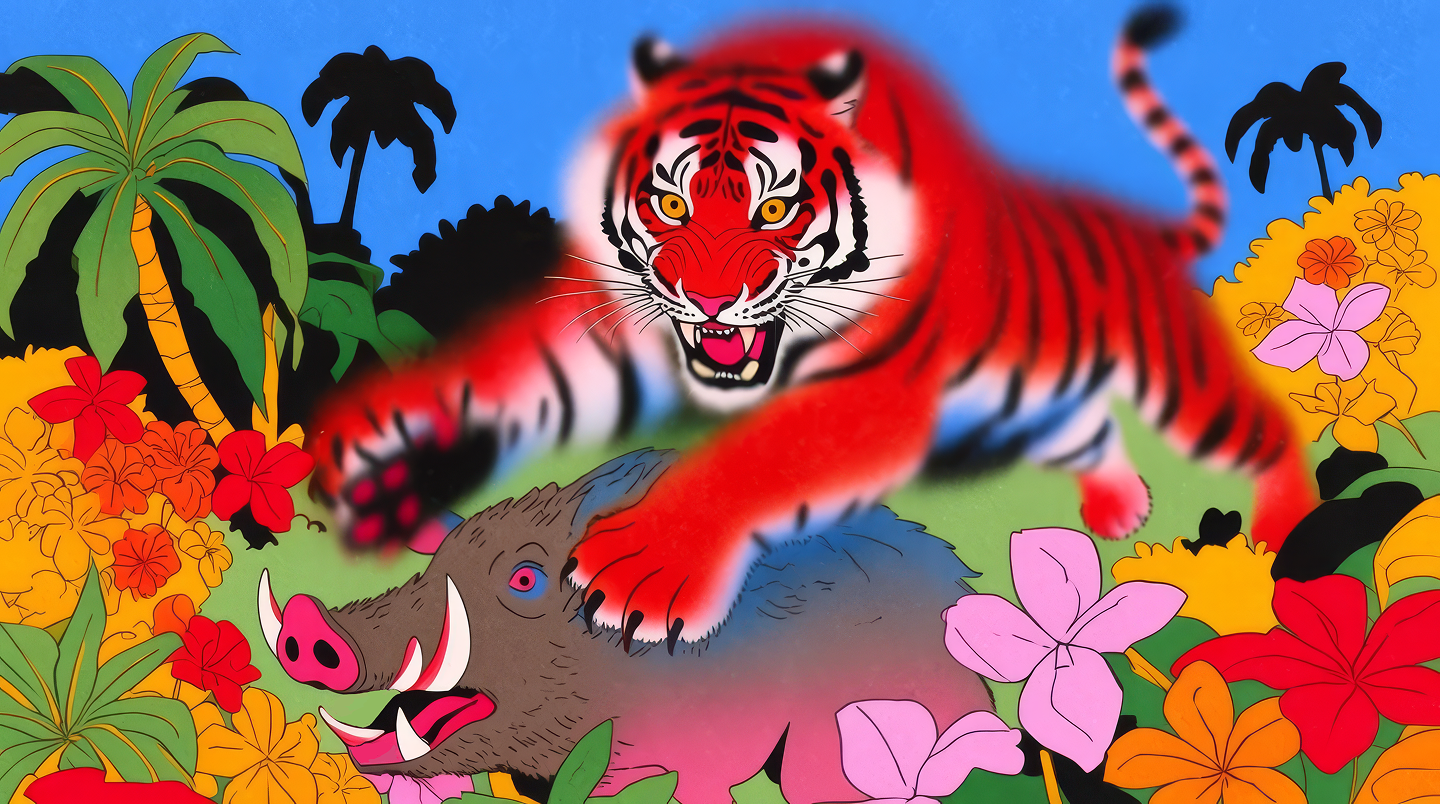
Four raw Krea 2 generations. Prompts, in order: 'multi-headed hydra, its heads spreading out in all directions, extremely stylized expressive rendition, wide angle shot'; 'Samurai drawing his blade, dramatic action shot, wide angle lens'; 'Fantasy concept art of a dark blue skinned elven archer riding a white tiger, solid green backdrop, flat graphic design'; 'childish crayon drawing, a dragon spraying a fire extinguisher at some fire'.
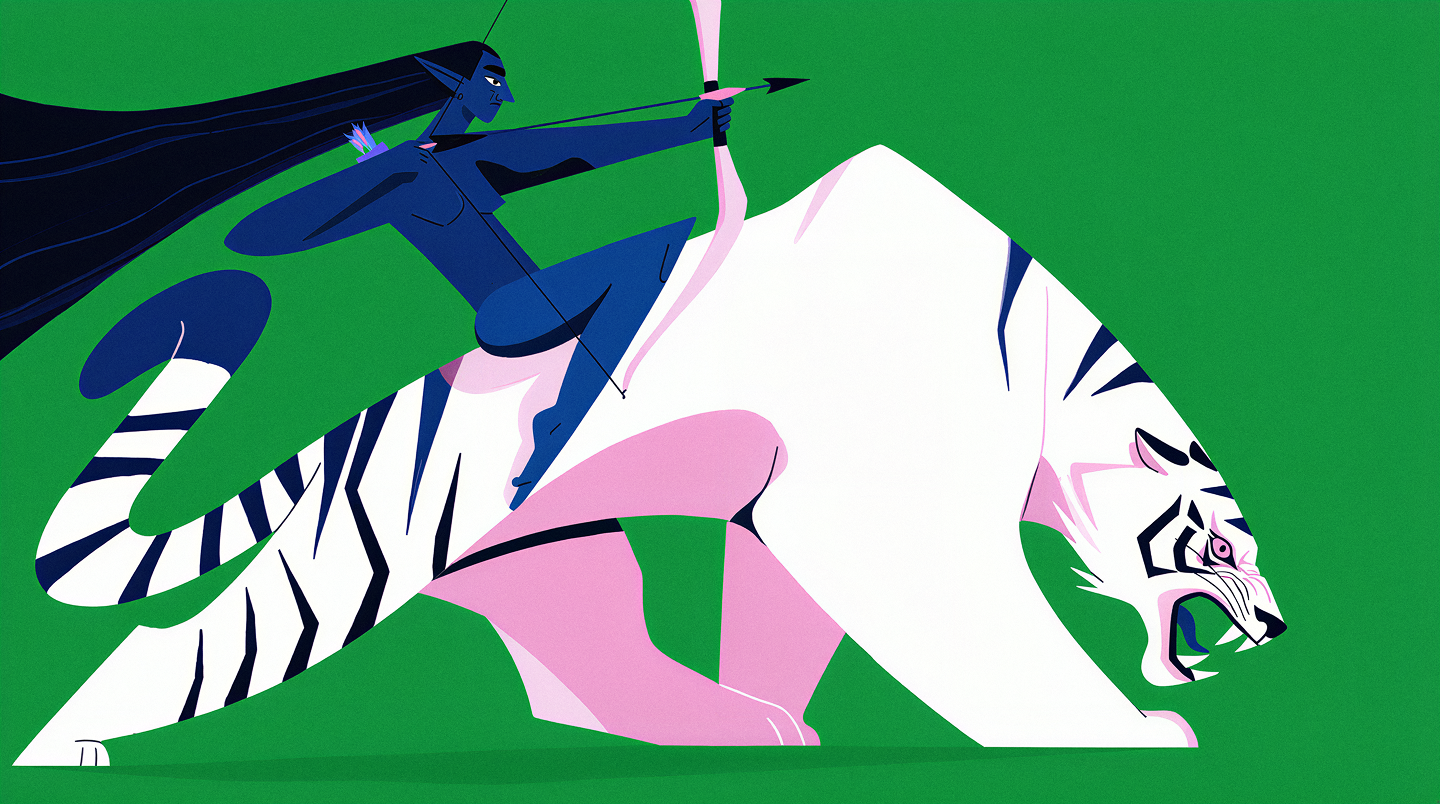
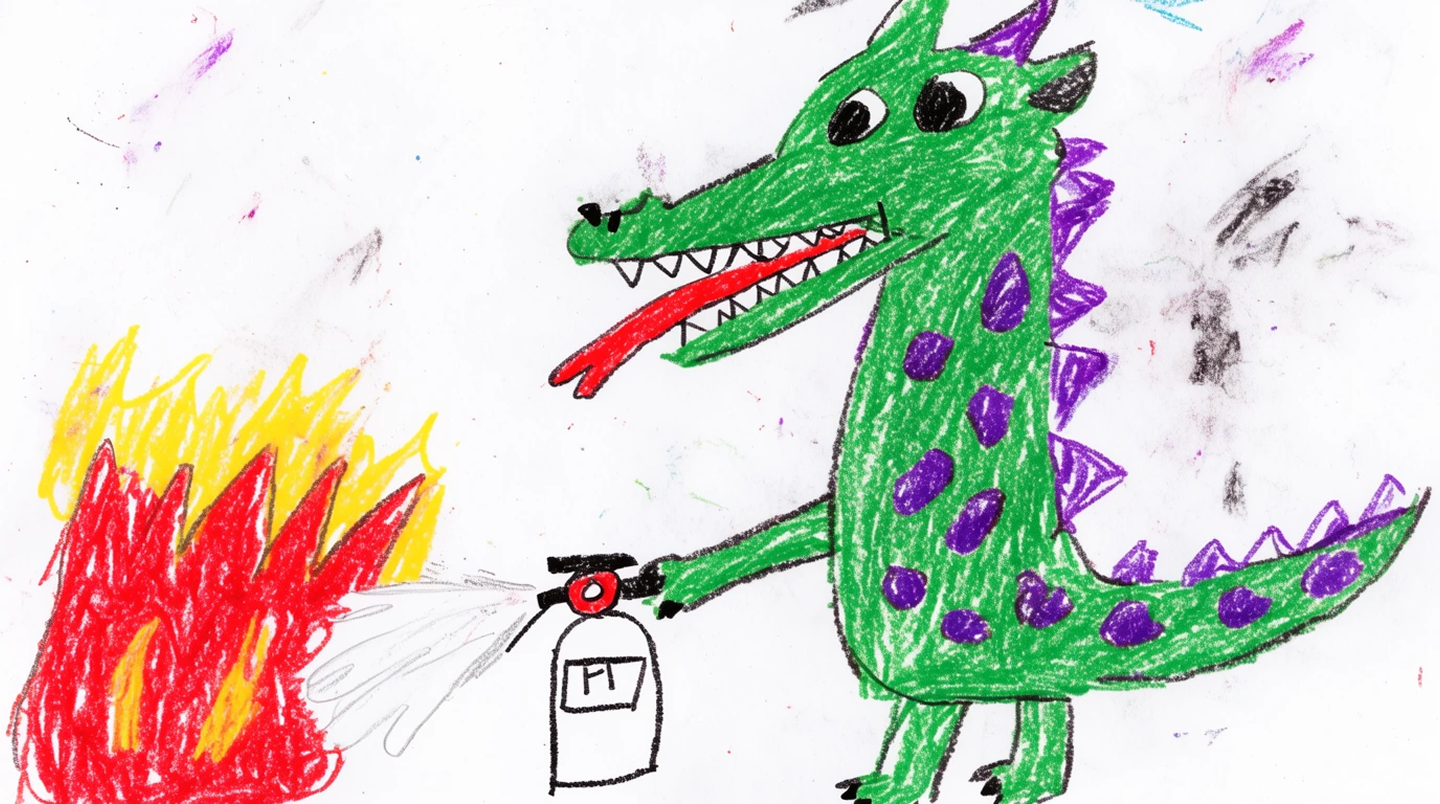
Where Reve wins on paper: native 4K output in one pass, and a layout system that treats every element as addressable. Krea 2 generates at 1K and 2K, then Enhance takes the image to print size with detail control. For a poster or a hero image the two paths end at the same resolution. For a dense infographic with twenty labelled regions, Reve’s layout approach was more direct, and Krea does not have a layout-as-code editor.
Editing: layouts and layers vs. natural language
Reve built editing around structure. Reve 2.1 lets you change one region and re-render it. Live Layers put text and graphics on top of an image inside the editor. Reframe changes the aspect ratio.
Krea built editing around language and speed. Krea Edit takes an instruction such as “swap the jacket for denim and keep the face” and applies it with a choice of editors: Nano Banana Pro, GPT Image 2, Flux Kontext, or SeedEdit. Realtime Edit paints changes onto the canvas as you move the brush. Outpainting covers the reframe case.
What Krea does not have: a layer stack for typography inside the image editor. If your Reve workflow ended with Live Layers text on top of a render, on Krea you render the text with a text-capable model such as Ideogram 3 or GPT Image 2, or you set the type in your design tool.
Style control: where Krea covers more
Reve’s References let you reuse a look, and Templates packaged prompts for teams. Krea goes further in three ways:
- Style references with a strength slider per reference. Drop one image and Krea 2 picks up palette, line, texture, and lighting.
- Mood boards that read a whole folder of references and turn it into a taste profile for every generation.
- LoRA training on your own images, for a character, a product, or a house style that a reference cannot hold.
This is the part that matters most for a migration. Your exported Reve library is not dead weight. It is training data for your next look.
Turn your Reve exports into a style
Upload your best Reve outputs as a mood board and keep generating in the same direction on Krea 2.
Open Krea ImageKrea pricing
- Free: $0. 100 compute units a day, about 11 Krea 2 images a day.
- Basic: $9 a month ($5 billed yearly). 5,000 compute units, about 550 Krea 2 images.
- Pro: $35 a month ($21 billed yearly). 20,000 compute units, about 2,200 Krea 2 images.
- Max: $105 a month ($63 billed yearly). 60,000 compute units, about 4,400 Krea 2 images.
Paid-plan image counts are the Krea 2 Medium estimates in the plan comparison on Krea pricing; the free figure assumes 9 compute units per Krea 2 Medium image. Krea 2 Turbo costs 2, Krea 2 Large costs 18.
Frequently asked questions
Is Reve shutting down?
Will I get a refund from Reve?
How do I download my Reve images?
What is the best Reve alternative?
Does Krea have a free plan?
Can Krea render text in images like Reve?
Try Krea today
Krea 2 on the free tier, 100 compute units a day. Bring your Reve prompts and see the difference before September 27.
See Krea plans