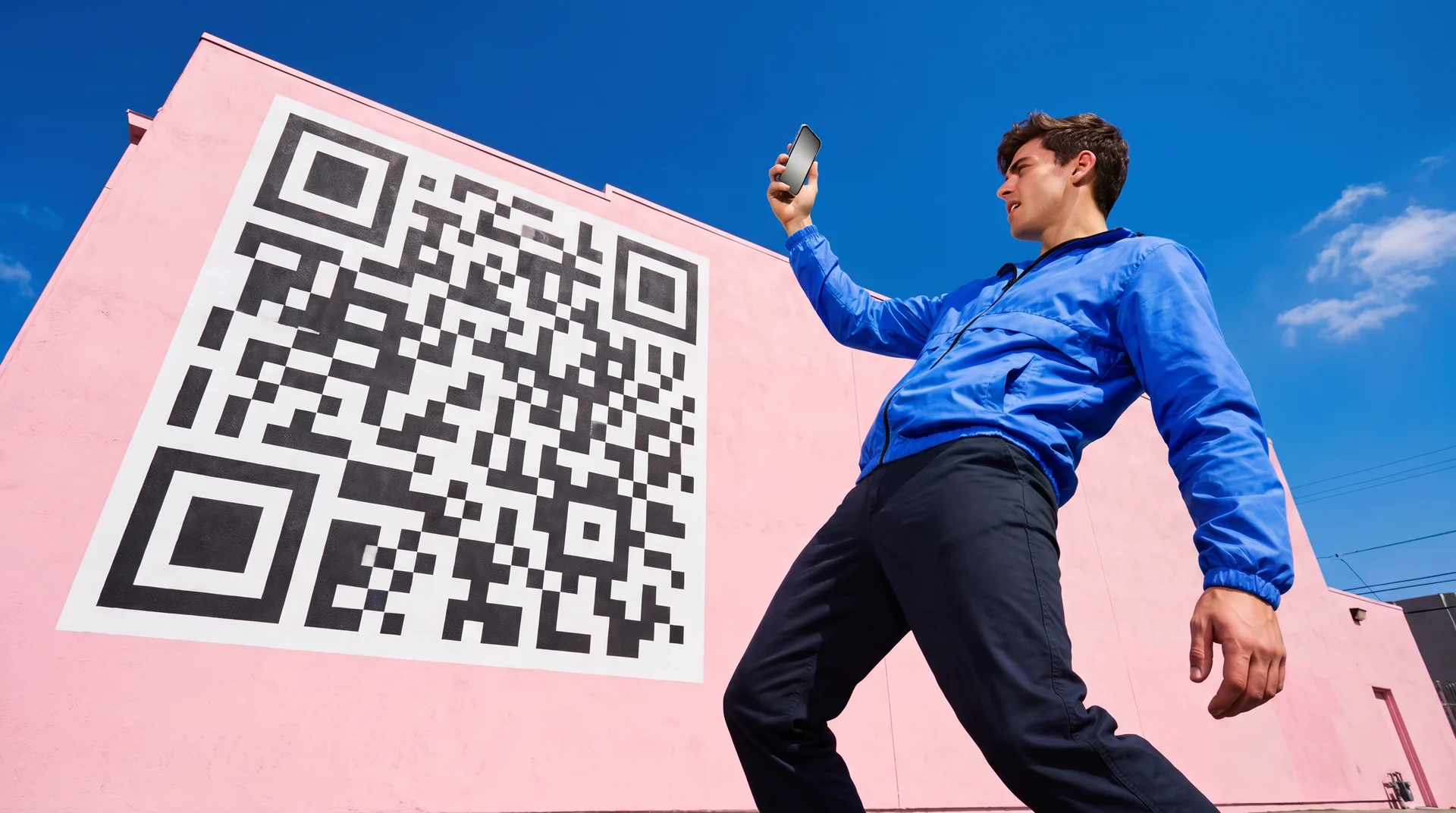
“Free QR code generator” hides two different questions. Most people just need a code that works: point a phone at it, land on a URL, done. A smaller group wants a code that also looks like their brand — on a poster, a menu, packaging — instead of a plain black-and-white square. The tools that solve the first problem are not built to solve the second, and the tools that can solve the second don’t generate a working QR code at all. This guide covers both, honestly: four free QR code generators, and how (and how carefully) to turn one of their codes into AI-generated branded artwork with Krea.
The best free QR code tools at a glance
| # | Tool | Best for | Free tier gives you | Catch |
|---|---|---|---|---|
| 1 | QR Code Generator | The category default | Unlimited static QR codes | Dynamic (editable, tracked) codes are paid |
| 2 | Canva | Building the code into a design you’re already making | Static and dynamic codes, free account | Scan tracking needs a Business plan |
| 3 | Adobe Express | No signup, a code that never expires | Unlimited static codes, logo + color customization | Static only, no tracking, ever |
| 4 | ME-QR | Real scan analytics for free | Up to 10,000 codes, unlimited scans, 1 year of analytics | Every free code carries ME-QR’s own ad/branding |
| 5 | Krea | An artistic, on-brand QR code | Image-to-image styling on Krea 2, 100 compute units/day | Not a QR generator — scannability is not guaranteed, and needs a scan test |
Style a QR code with Krea
Bring a working QR code into Krea 2 and turn it into on-brand artwork — then scan-test it before you print anything.
Open Krea 2How we chose and tested
We generated one real QR code — encoding https://www.krea.ai, with High error correction, using a plain QR library — and used it as the reference for every claim below that depends on how a QR code actually behaves. Every price and feature claim for the four generators comes from the vendor’s own pricing or product page, checked this week (September 2026); each is linked inline.
For the Krea section specifically, we fed that same real QR code into Krea 2 as an image reference at two different style strengths, then ran both resulting images through a QR-code reader before writing a word about them. That is the one part of this guide where “does it actually work” isn’t a settings question — it’s an image-generation question, and we treat it that way below.
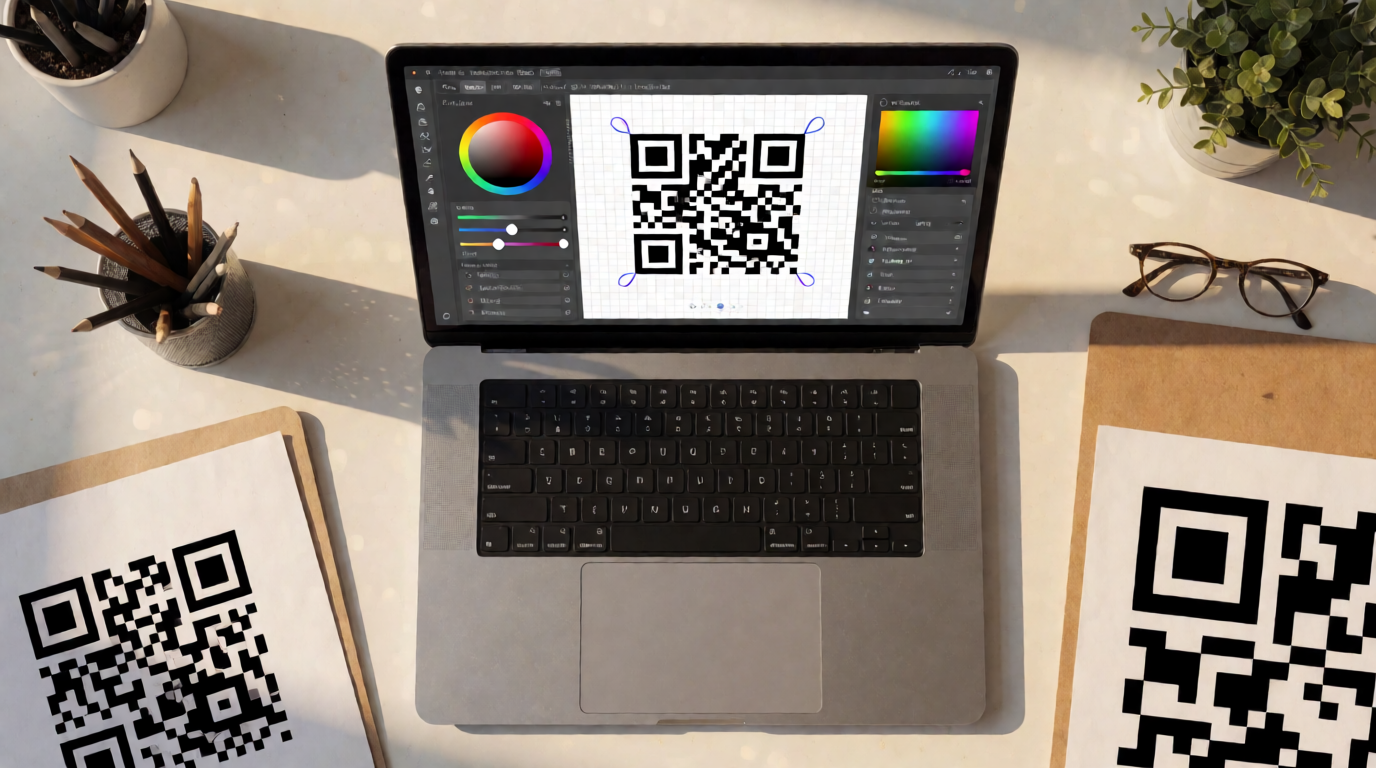
1. QR Code Generator — the category default
qr-code-generator.com is close to generic for the category — a lot of people searching for “a QR code generator” mean this specific site. Its free plan covers unlimited static QR codes at no cost, no account required to try a basic one. Everything that makes a code useful after you’ve printed it — an editable destination, scan counts — sits behind the paid Starter, Advanced, and Professional tiers: Starter gives 2 dynamic codes with up to 10,000 tracked scans, Advanced steps up to 50 dynamic codes with unlimited scans plus bulk creation and API access, and Professional raises those ceilings again. Note that the vendor’s own pricing page renders amounts in EUR and asks you to click through for a region-priced quote rather than listing a flat USD number.
Settings recipe:
Type: Website URL. Level: Static (free) or Dynamic (paid). Error correction: High, if you plan to add a logo later. Format: PNG for web, SVG for print.
Variation tip: switch to Dynamic before you print anything you might need to redirect later — once a static code is printed, its destination is fixed for good.
Where it stops: the free tier is static-only. No editable destination, no scan count, no way to know if the code you printed six months ago still gets used.
2. Canva — QR codes without leaving your design
Canva’s QR code tools are free with a free Canva account, and Canva actually ships two separate apps for it: Static QR codes and Dynamic QR codes, both reachable from Elements or Apps by searching “QR code.” The dynamic option lets you change the destination after the design has already been printed or shared — at no extra cost — which is more than the plain incumbent above offers for free. The catch is analytics: scan tracking (“Insights”) is gated to Canva Business ($25/user/month) or higher; Free and Pro users get an upgrade prompt instead of a scan count.
Settings recipe:
Elements → search “QR code” → Create dynamic → paste your destination URL → name it so you can find it later → Save → drop it onto your design and recolor to match your palette.
Variation tip: keep the three corner squares high-contrast even after recoloring — Canva doesn’t warn you when a color choice makes a code unreadable.
Where it stops: no free scan tracking, and no error-correction control, so heavy recoloring or a large logo overlay can silently break a code with no warning from the tool.
3. Adobe Express — no login, codes that don’t expire
The standalone generator at adobe.com/express works with no account and no cost: paste a URL, get a static code in seconds. Customization covers colors, your own logo, and a frame, with PNG, JPEG, or PDF downloads. Adobe’s own pitch is that these codes never expire — a real practical difference from generators that put a countdown on a “free” code and start charging (or breaking the link) after a trial period. There is no analytics layer at all; Adobe Express won’t tell you a single scan happened, on any plan.
Settings recipe:
Enter your destination URL → pick a color/frame preset or your brand colors → add a logo (optional) → download PNG for web, PDF for print.
Variation tip: keep any logo to roughly 20% of the code’s area, centered, with High error correction selected — past that, decoding gets unreliable in any tool, not just this one.
Where it stops: static only, no redirect, no tracking, ever. It’s built as a “make it once and print it” tool, not a campaign tool.
4. ME-QR — the only free tier with real scan analytics
ME-QR’s free plan is $0/month for up to 10,000 QR codes, unlimited scans, one year of analytics history, and 100MB of file storage — genuinely more capable than the other three free tiers on paper, including real per-scan data (timestamp, location, device). The trade-off: every code on the free plan carries ME-QR’s own ad or branding on the landing interstitial. Removing that costs money — the $16.99/month Lite plan only buys a single ad-free code, and the $27.99/month Premium plan (both discounted roughly 30-45% on annual billing) is what actually removes ads across every code you make.
Settings recipe:
Choose a QR type (URL, vCard, PDF, Wi-Fi, etc.) → paste your content → pick a frame and colors → download. The free-tier ad interstitial applies whenever someone scans.
Variation tip: if the destination content matters more than the visual design, this is the one free tool here that tells you who’s actually scanning — worth the ad trade for a campaign you want to measure.
Where it stops: the free analytics come bundled with an ad shown to whoever scans your code — a real cost for anything facing an actual customer, even though no money changes hands.
5. Krea — for a code that looks like your brand, not a black-and-white square
Say this plainly up front: Krea is not a QR code generator. It has no “type a URL, get a scannable code” feature, and it isn’t trying to replace the four tools above for that job. What Krea is actually good at is the next step none of them offer: turning an already-working QR code into illustrated, on-brand artwork.
The workflow is an image-to-image one, not a from-scratch one. First, generate a real, working QR code with any tool above — set its error correction to High, since that gives the code roughly 30% redundancy to survive being visually altered. Then bring that image into Krea 2 as an image reference and describe the look you want, explicitly telling the model to preserve the code’s grid and contrast rather than replace it.
Prompt:
Turn this QR code into a botanical poster illustration: recolor the dark grid modules as deep forest-green monstera leaves and vines woven tightly together, keep the light background modules as clean cream negative space, preserve the exact square module grid, alignment, and contrast pattern of the original code so the underlying pattern stays intact, flat poster-illustration style, high contrast.
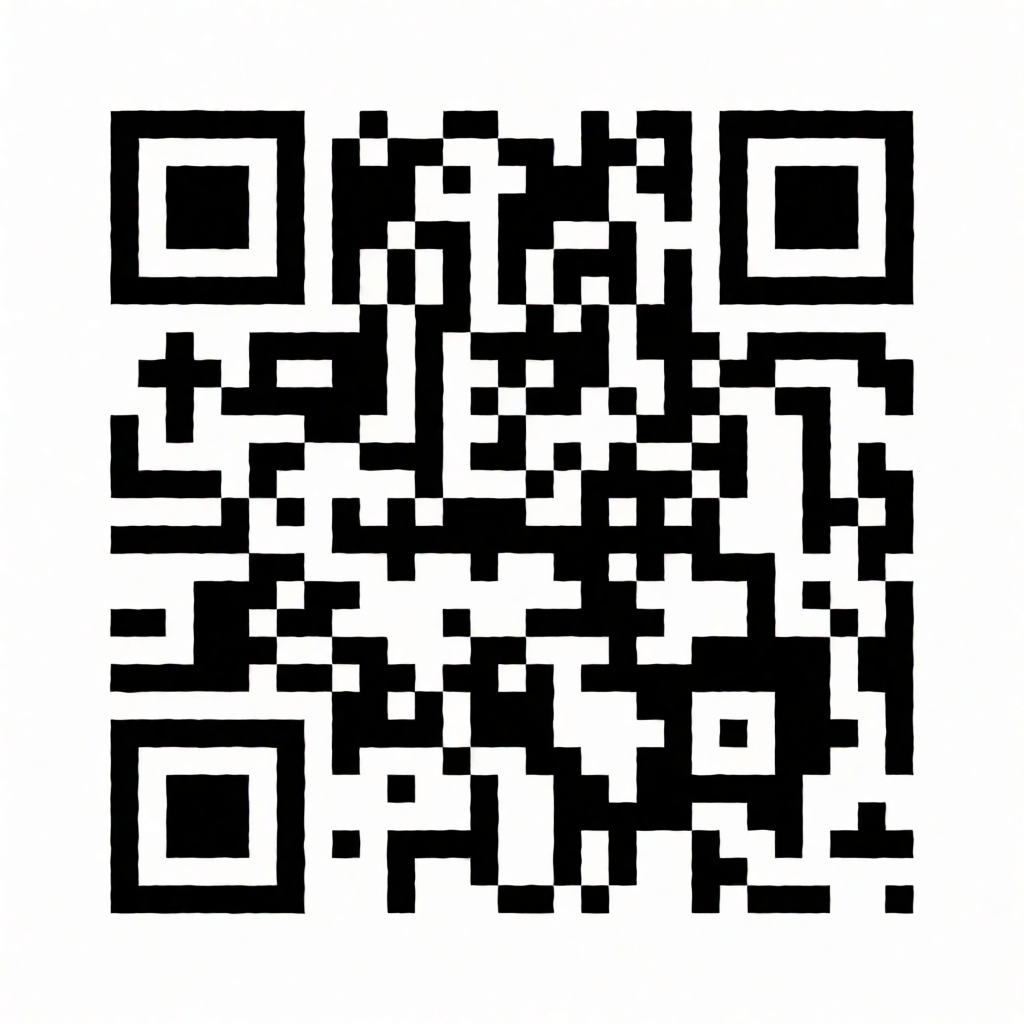
Variation tip: keep the image-to-image strength low — around 0.3 to 0.5 — to hold onto the module grid. Push it higher and the artwork gets more expressive, but the grid usually breaks first.
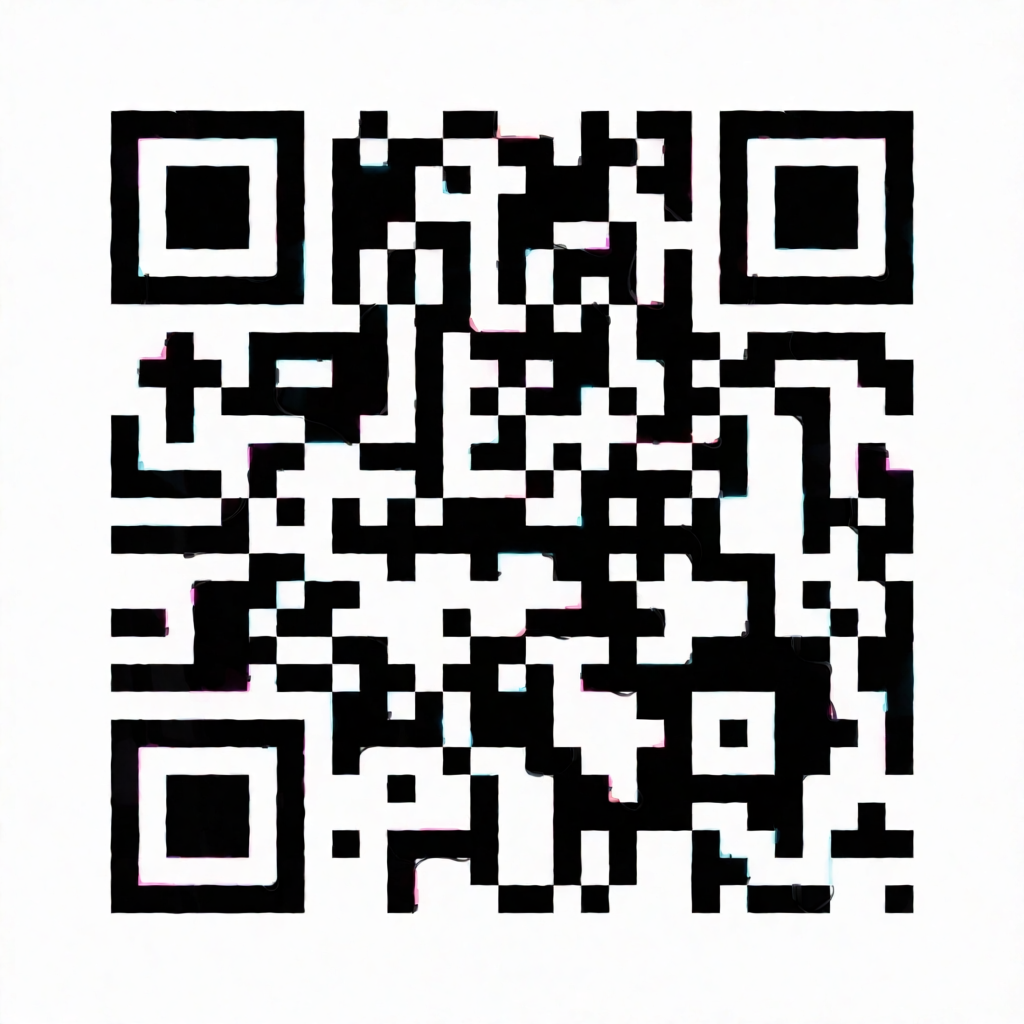
Both images above are raw Krea 2 outputs from the reference QR code and the prompts shown, generated at strengths of 0.35 and 0.5. We ran a QR-code reader against both files immediately after generating them, and both still decoded to the URL we started with. That is a real, if narrow, result — but be clear about what it does and doesn’t prove: it’s a software check against a flat image file, not a phone camera reading a printed, lit, possibly-angled piece of paper or packaging. It is not a guarantee that your version, with your logo and your colors, will scan the same way.
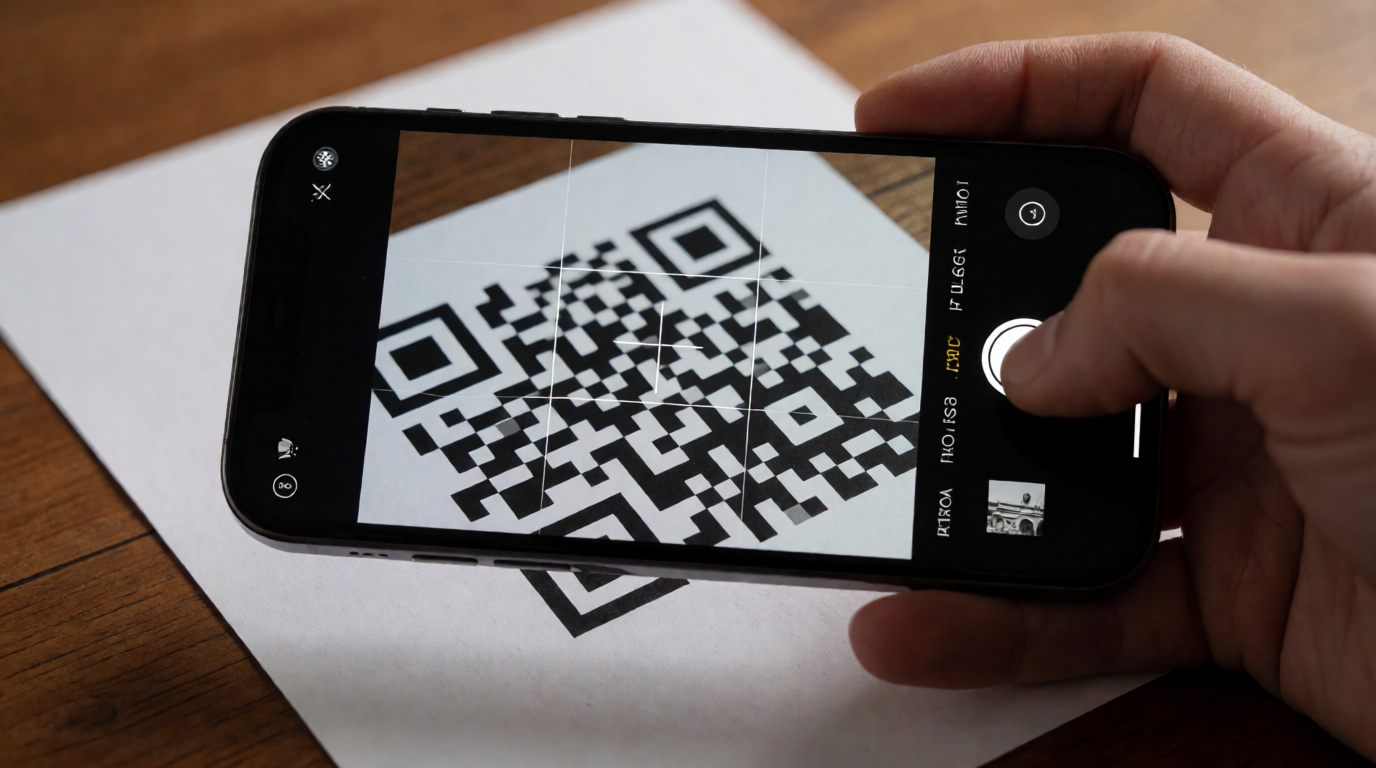
So treat this as a hard rule, not a suggestion: scan-test every artistic QR code with a phone before you use it anywhere. Print it, or view it full-size on a screen, and scan it with two or three different phones. If it doesn’t scan cleanly, lower the image-to-image strength, simplify the artwork near the three corner squares (the part every scanner uses to find the code), or fall back to a plainer style. A plain generator from the list above guarantees a scannable code. Krea does not, and won’t — that trade is the whole point of using it, and it only pays off if you check the result yourself.
Once you have a stylized code that scans reliably, Krea’s enhancer can upscale it to print resolution for a large poster, and the editor is useful for small touch-ups near the corner markers if a scan test comes back marginal. If botanical or neon isn’t your brand’s look, Krea’s wider model library covers dozens of other styles worth testing the same way.
Where it stops: no encode feature of its own — you always bring a real, already-working QR code in from somewhere else. No scannability guarantee and no built-in scan check; that verification is on you, every time. No analytics. And the free plan (100 compute units/day, no credit card) covers this workflow since it’s a standard Krea 2 generation, but the commercial license and the broader paid model library sit on paid plans.
Free tier scorecard: tracking, ads, and editability
| Tool | Free code type | Scan tracking, free | Ads on free codes | Editable after printing |
|---|---|---|---|---|
| QR Code Generator | Static only | No | No | No — paid unlocks dynamic |
| Canva | Static + Dynamic | No (Business plan+) | No | Yes, on dynamic codes |
| Adobe Express | Static only | No, on any plan | No | No |
| ME-QR | Static + Dynamic | Yes, 1-year history | Yes, on every free code | Yes, on dynamic codes |
| Krea | N/A — restyles a code you bring in | No | No | Depends on the source code |
Which free QR tool should you actually use?
Pick by what happens after someone scans, not by which tool loads first:
- You just need a code that works, once, for free → QR Code Generator’s static tier, or Adobe Express if you’d rather skip signing up entirely.
- You’re already building the poster, flyer, or menu → Canva’s dynamic QR code app, so the destination stays editable after you print.
- You need real scan numbers and don’t mind an ad on the landing step → ME-QR.
- The code needs to look like your brand, not a generic square → generate a plain, high-error-correction code with any tool above, then restyle it in Krea — and scan-test the result before it goes anywhere near a print run.
If the rest of your project is design work beyond the QR code itself — a poster, a logo, packaging — our guides to the best free AI image generators, AI logo generators, and Canva alternatives cover the tools around it.
Frequently asked questions
What is the most popular free QR code generator?
Is there a truly free QR code generator?
Does a branded or artistic QR code still scan?
Can Krea generate a QR code from a URL?
What's the difference between a static and a dynamic QR code?
How do I make a QR code with a logo in it without breaking it?
Turn a QR code into on-brand artwork
Bring a working QR code into Krea 2, style it to match your brand, and scan-test it before you ship it. Free plan: 100 compute units a day, no credit card.
Try Krea free