Stop switching tabs to make images and video.
Connect Krea to Claude, ChatGPT, Cursor, or any MCP client in under a minute. Then just ask, and finished images, video, and 22K upscales come straight back into your chat.
No API key Works on the free plan Setup ≈ 60 seconds
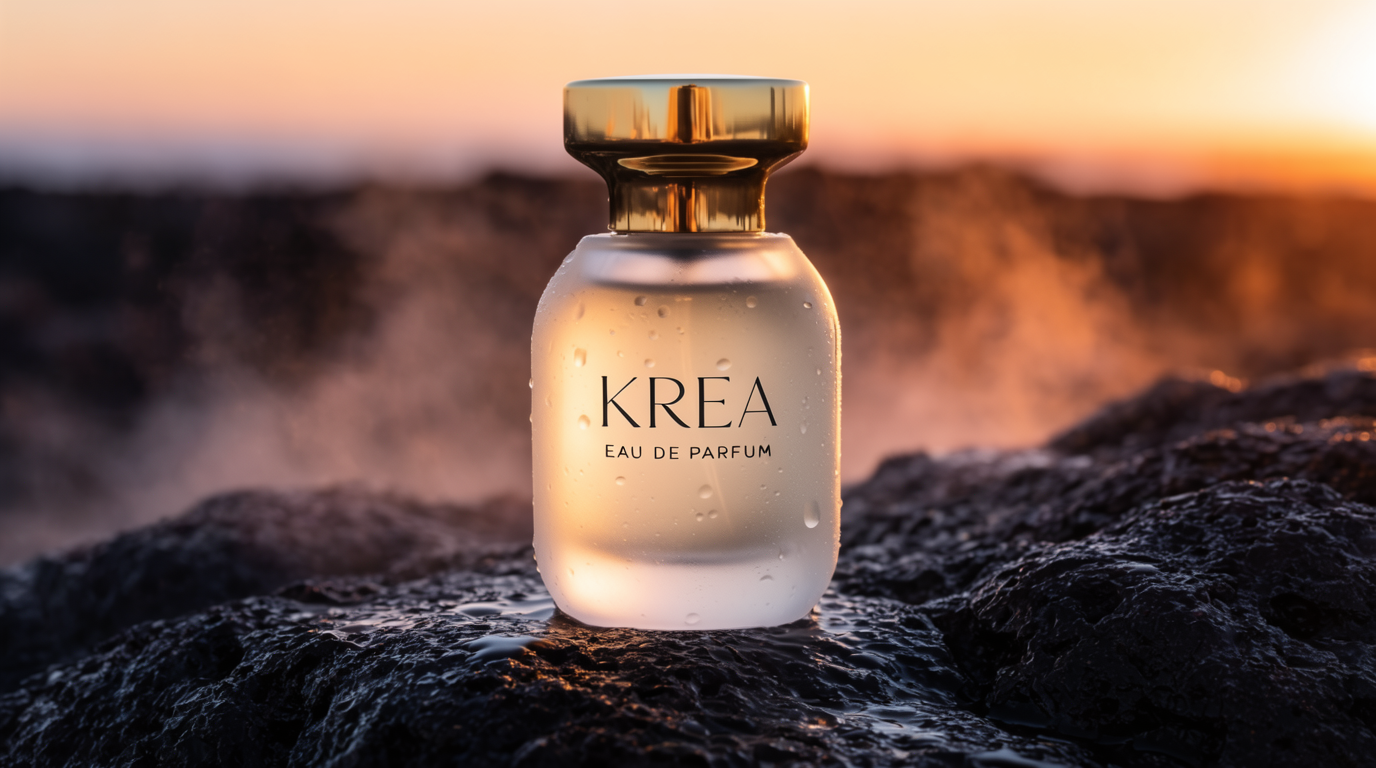
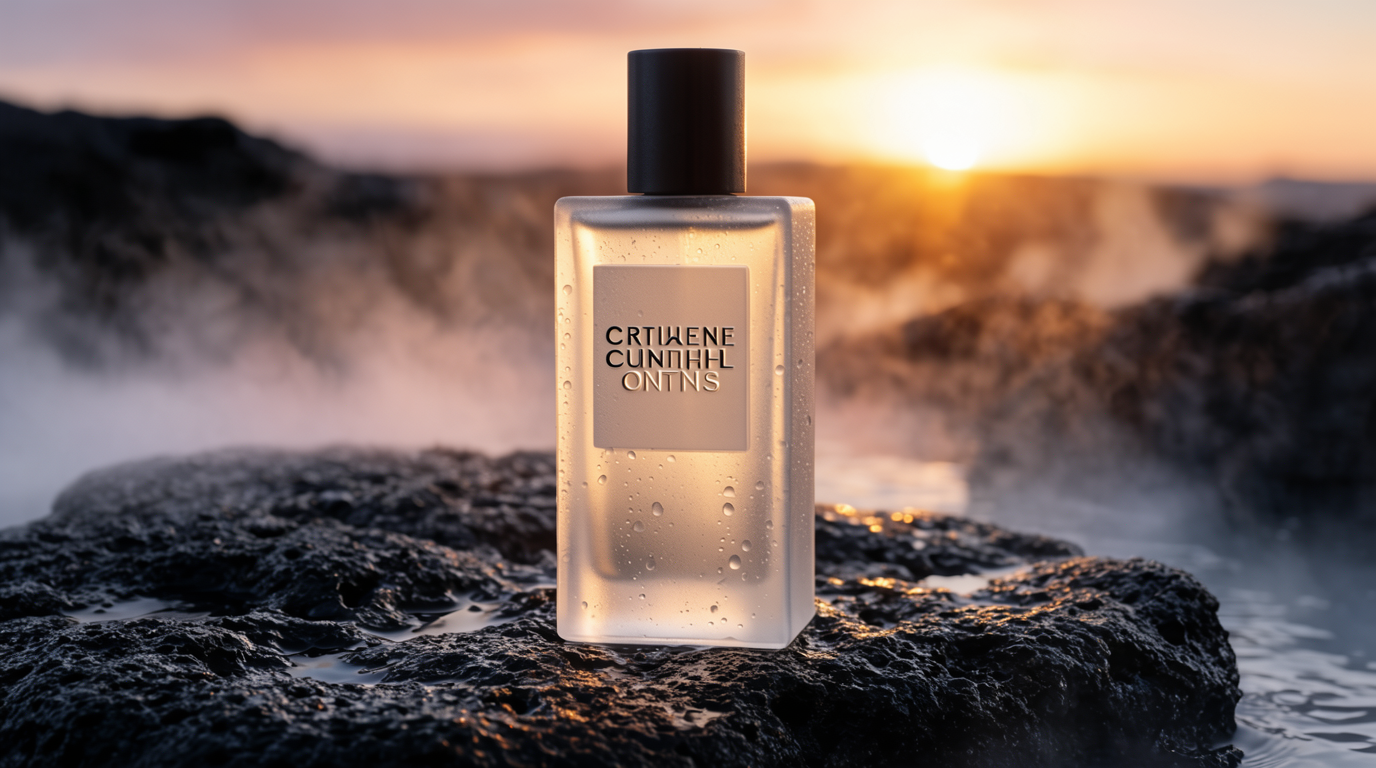
Generate a cinematic product shot of a "KREA" perfume bottle on wet stone at sunrise.
'/%3e%3c/svg%3e) Claude
Claude ChatGPT Claude Code
'/%3e%3c/svg%3e) Cursor
Cursor OpenClaw
 Hermes + any MCP client
Connect in under a minute.
Pick your agent, paste one URL, sign in with Krea. No API key, no install, and it works on the free plan.
Copy the Krea URL
Click copy — you’ll paste it in the next step.
Open Settings → Connectors
In Claude, go to Settings → Connectors and click Add.
Open Claude settingsConnect and sign in
Paste the URL, click Connect, and finish the Krea sign-in. Then just ask for an image.
Everything you'd open Krea for, just by asking.
Describe what you want and Krea delivers finished images and video right back into your conversation — no tabs, no dashboards, no copy-paste.
Turn a sentence into finished visuals
Describe what you need and get it back in seconds — campaign concepts, product shots, editorial imagery, storyboard frames. Powered by Krea 2, Flux, Nano Banana Pro, and more.
Generate a cinematic product shot of a "KREA" perfume bottle on wet stone at sunrise.
Bring a still or an idea to life
Hand over an image or just an idea and get a finished clip back, ready to drop into your edit. Powered by Veo, Kling, Wan, Runway, Sora, and more.
Turn this concept into a 5-second cinematic clip with a slow drone push-in.
Make any image bigger and sharper
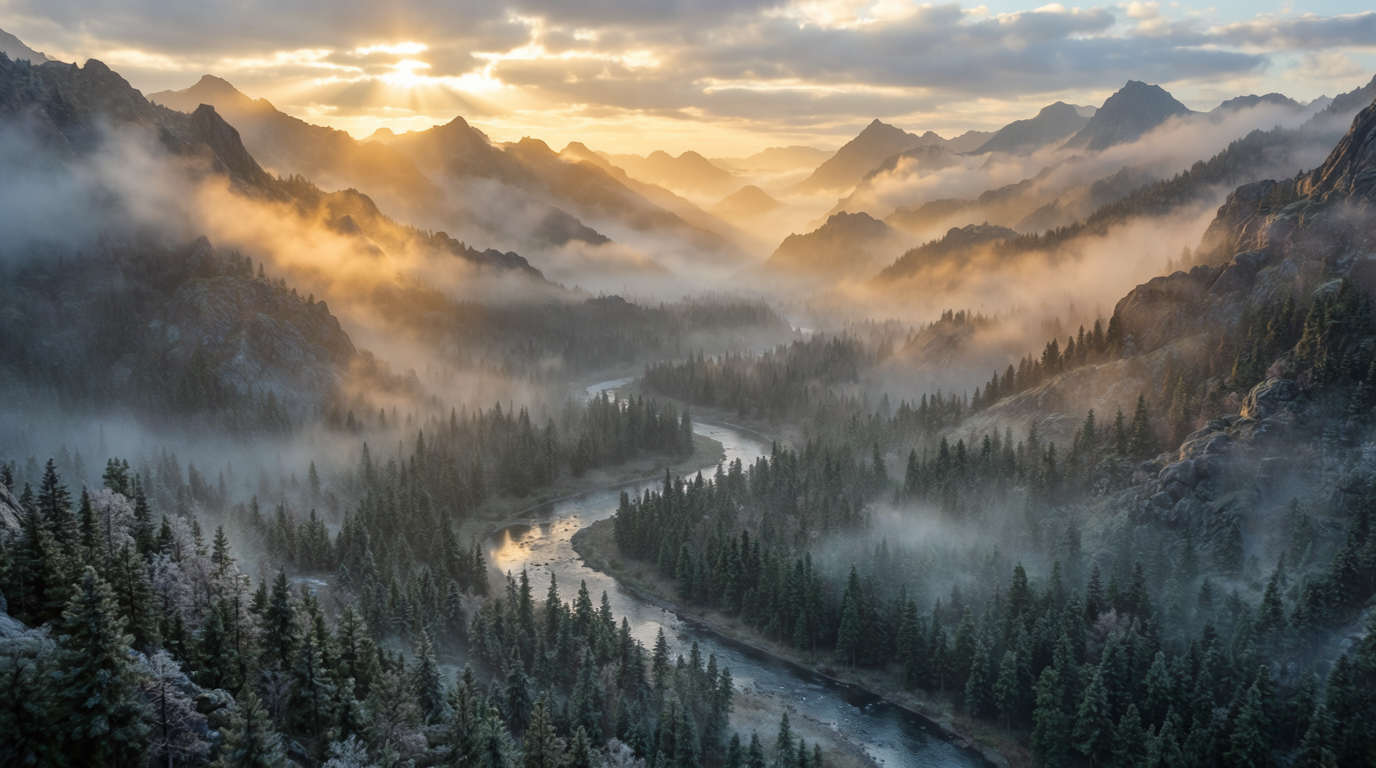
Send a photo and get a crisp, high-resolution version back — up to 22K with Topaz upscaling. Perfect for rescuing old assets or printing big.
Enhance this photo to 4K and sharpen the fur and lighting detail.


Your trained styles, in every agent
Styles you train in Krea travel with you. Ask for any subject in your own look — your agent lists your styles and keeps every result on-brand, no re-prompting.
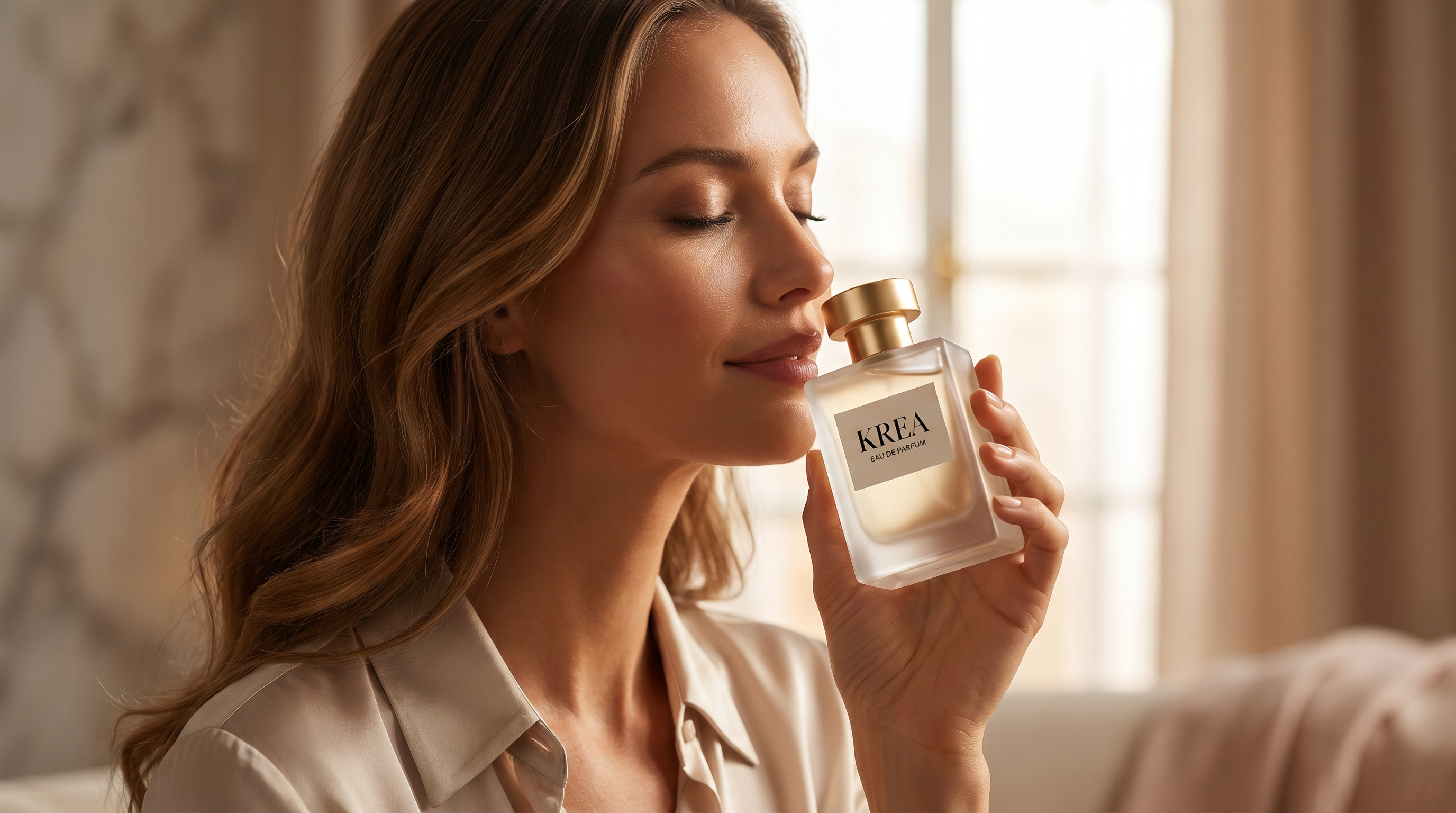
Generate a lifestyle shot of the bottle in my trained "KREA editorial" style.

Run your own creative workflows
Feed in your reference shots and get consistent, on-brand results every time. Krea keeps your product, style, and details locked across the whole composition.
Use these three shots to make one consistent product hero image.


40% off Krea Pro
Krea MCP is free to connect. Pro is what takes the limits off — every video model, 20,000 compute units a month, and eight generations running at once.
Applied automatically at checkout, or enter code MCP40 in Settings → Promo. New customers only: available to accounts that have never had a paid Krea subscription. Offer ends August 31, 2026.
What's in Pro
- 20,000 compute units every month
- All image models, including Krea 2
- All video models — Veo, Kling, Sora, Runway, Wan
- Up to 8 generations running at once
- Workflow automation with Nodes, Apps, and Nodes Agent
- Bulk discounts on extra compute packs
The latest models, all in one place
Krea 2, Flux, Veo, Kling, Nano Banana Pro, Topaz and more — every model in Krea is one prompt away inside your agent.
Or try every model side by side in Krea's free AI video generator and AI image generator.
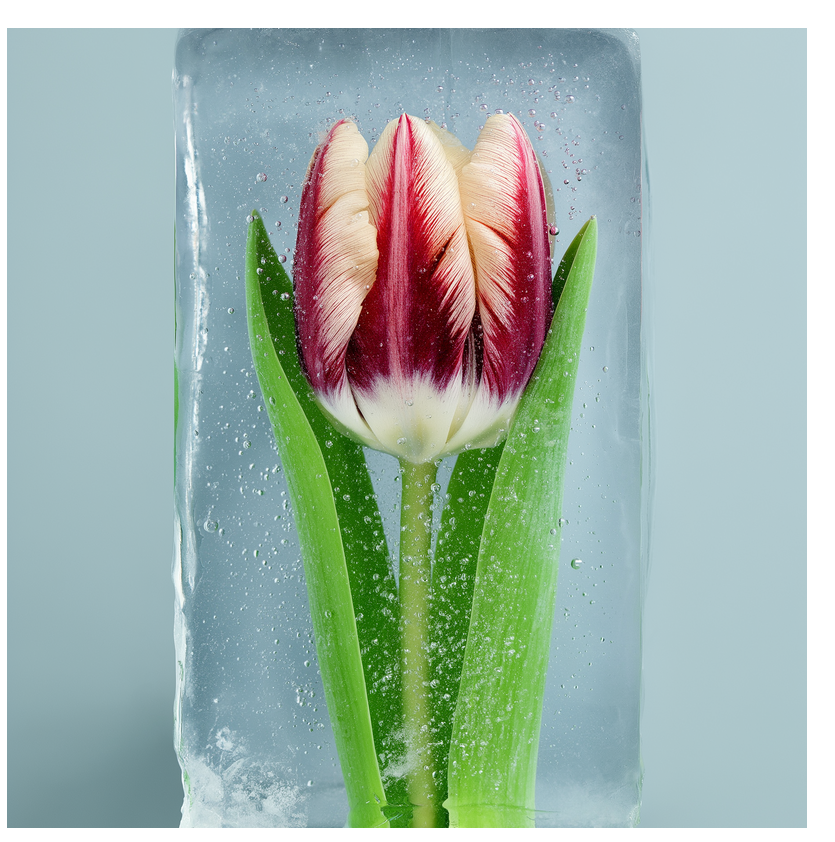
Studio-quality results, generated on demand.
The same models behind these visuals are a single prompt away inside your agent.

“People running, risograph poster”
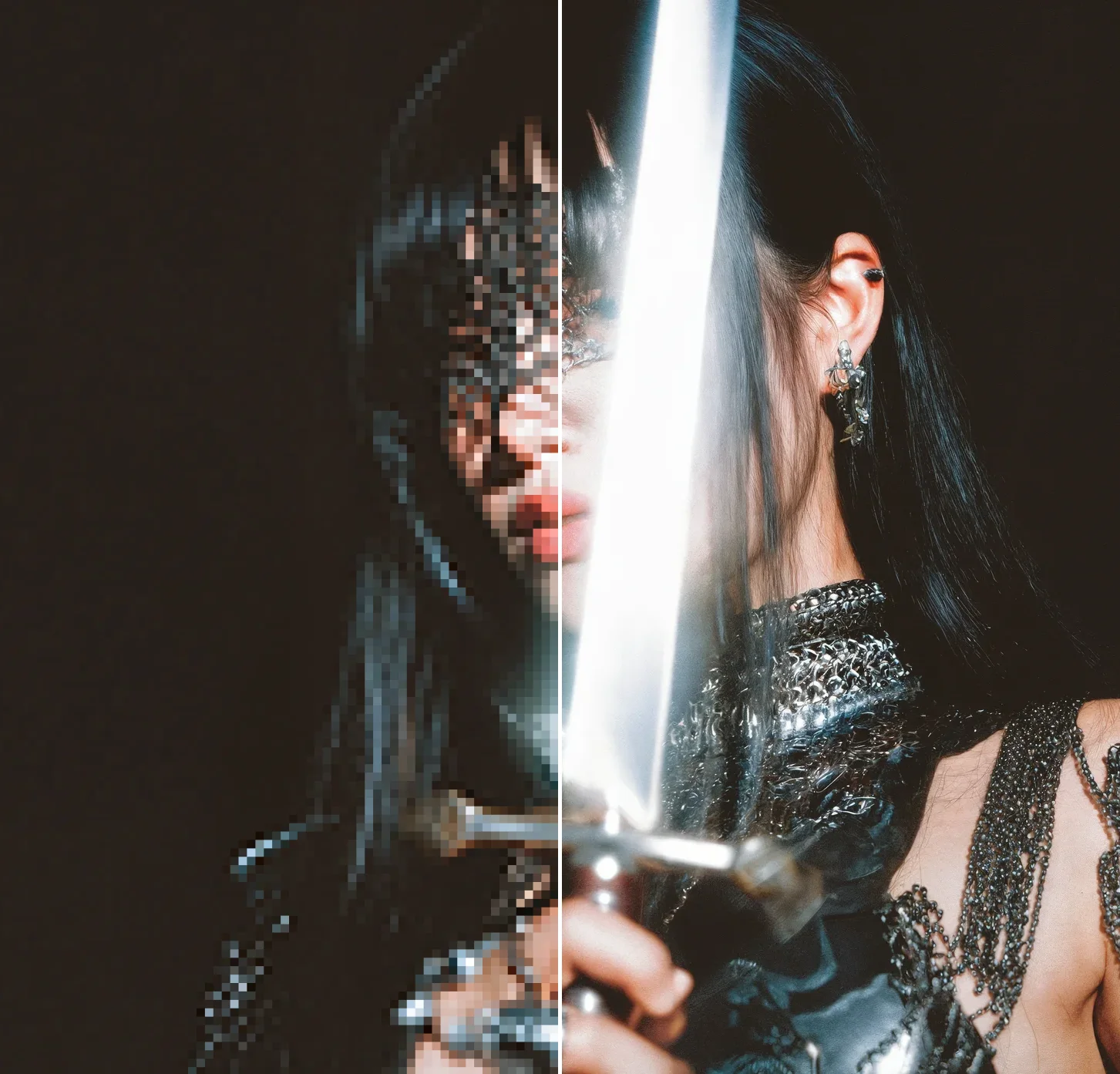
Upscale image 512px → 8K

“Dramatic photo of an old offroad truck racing through the desert”
Frequently asked questions
40% off Krea Pro on the monthly plan. Start checkout from the button on this page and the discount is already applied, or enter the code MCP40 under Settings → Promo.
Accounts that have never had a paid Krea subscription. If you have subscribed before — on the web or on iOS — the offer will not apply, and you can subscribe at standard pricing from the pricing page.
No. Krea MCP works on the free plan with no API key. Pro is what removes the limits: all video models, more compute, and up to 8 jobs at once.
Yes. Pro is a monthly subscription you can cancel any time from Settings → Billing, and you keep access until the end of the period you have paid for.
Krea MCP connects your AI agent directly to Krea, so it can generate images and video, enhance assets, and run your creative workflows on your behalf.
Generate images and video, enhance and upscale images, use your trained styles, and run your own multi-step Krea workflows — all from a simple prompt.
It works with Claude, ChatGPT, Codex, OpenClaw, Cursor, Grok Bot, and other agents that support connecting tools.
In ChatGPT, Cursor, and Grok Bot, add the Krea plugin. In other agents, add the Krea MCP server URL. Then sign in with your Krea account. Setup takes under a minute.
All of Krea’s image, video, and enhancement models, including Krea 2, Flux, Veo, Kling, Nano Banana Pro, and Topaz.
Images usually come back in seconds. Video and larger jobs run in the background and return as soon as they are ready.
No. Use https://api.krea.ai/mcp as the MCP server URL and authenticate through your Krea account when your agent asks you to connect.
Explore the Krea API dashboard for the playground, pricing, and integration docs.
Bring Krea into your agent
Connect free in under a minute, and take 40% off Pro while the offer lasts.
Get 40% off Pro Just connect the free plan