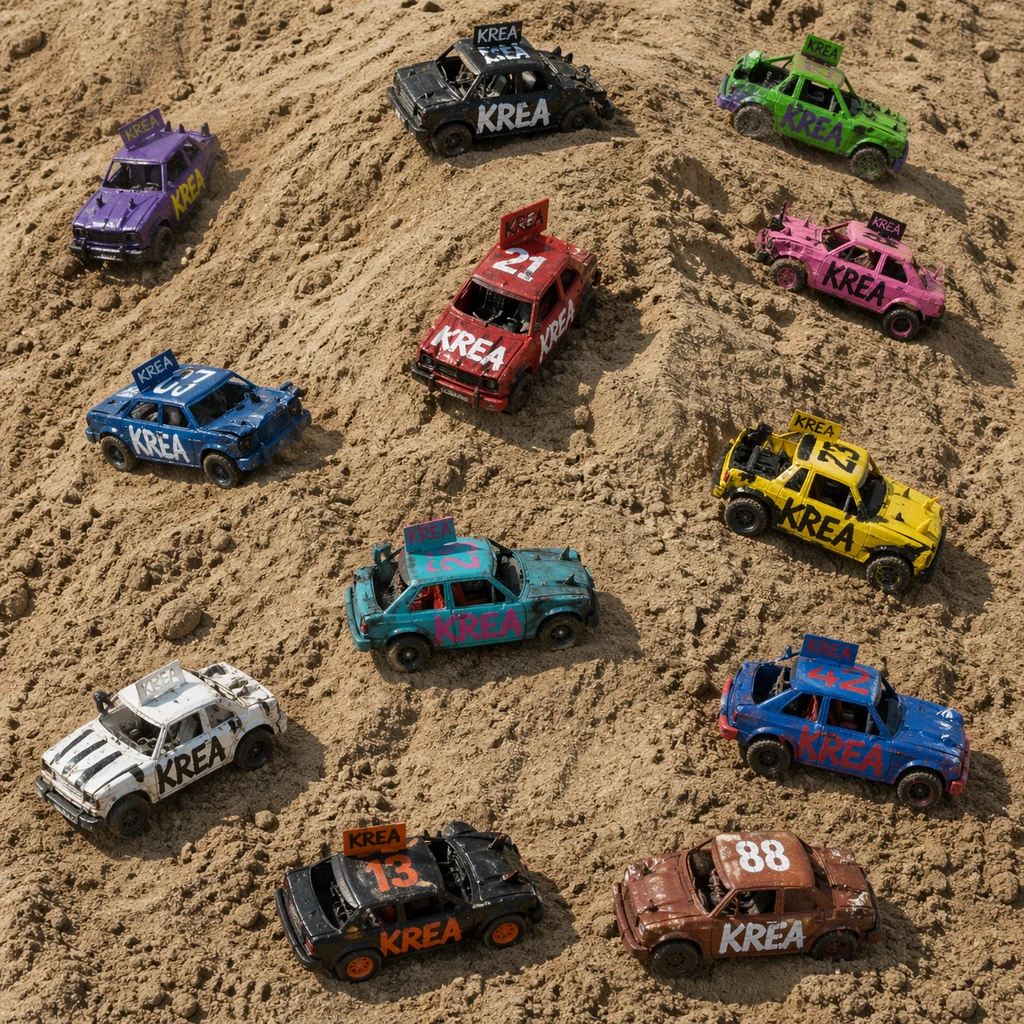
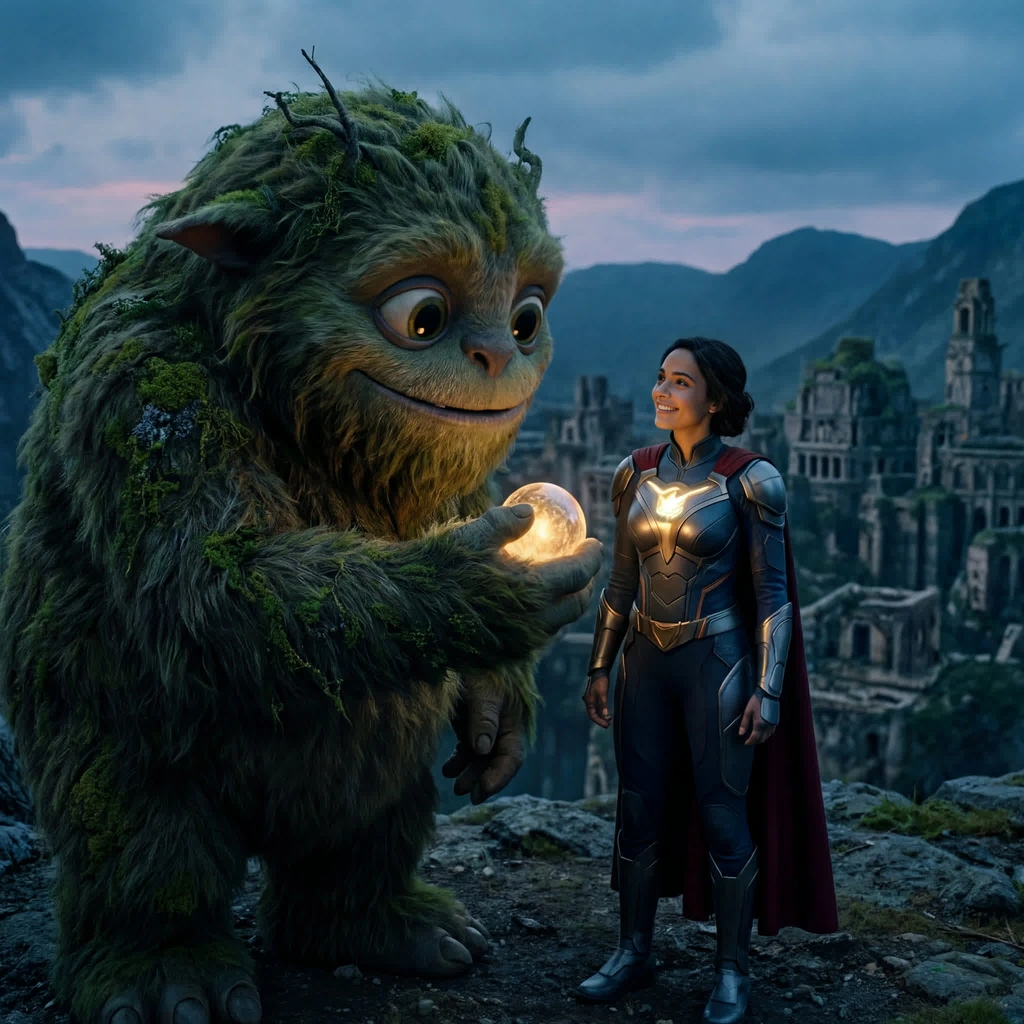
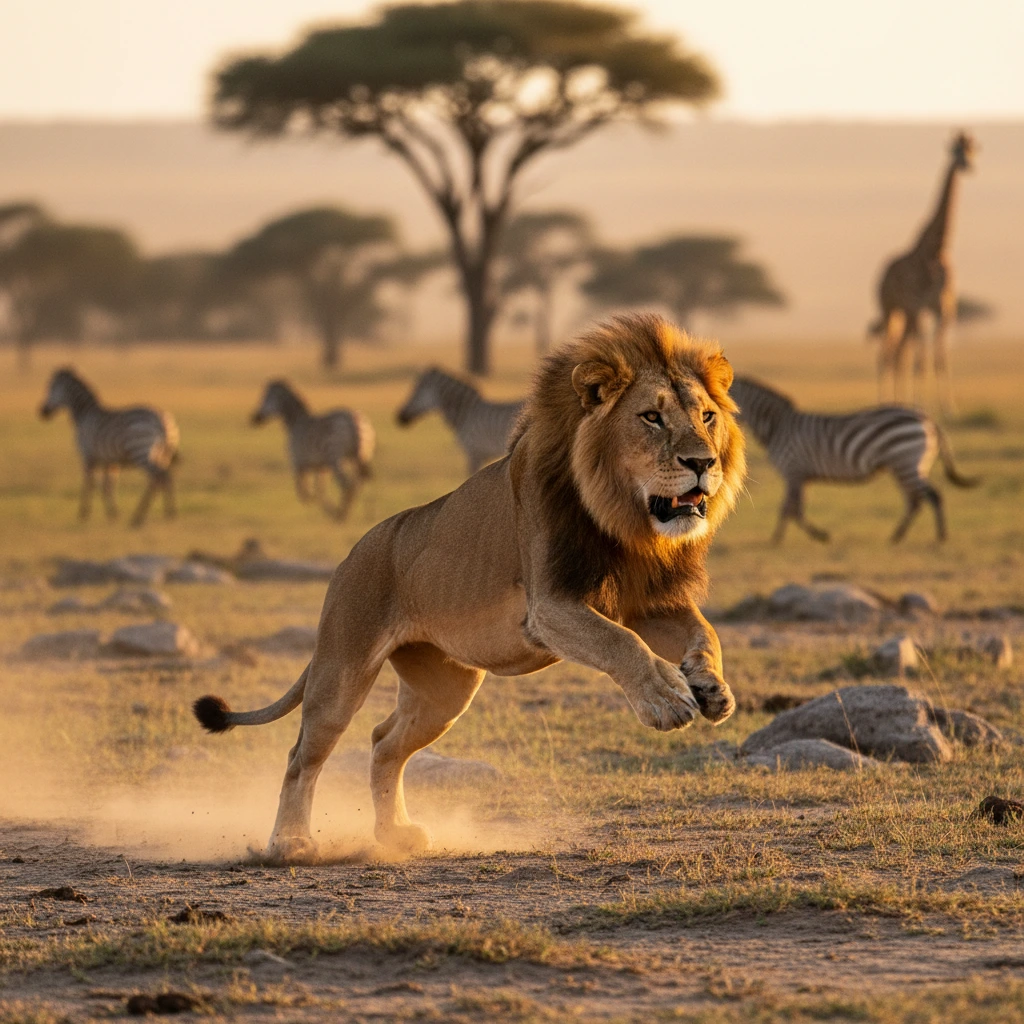
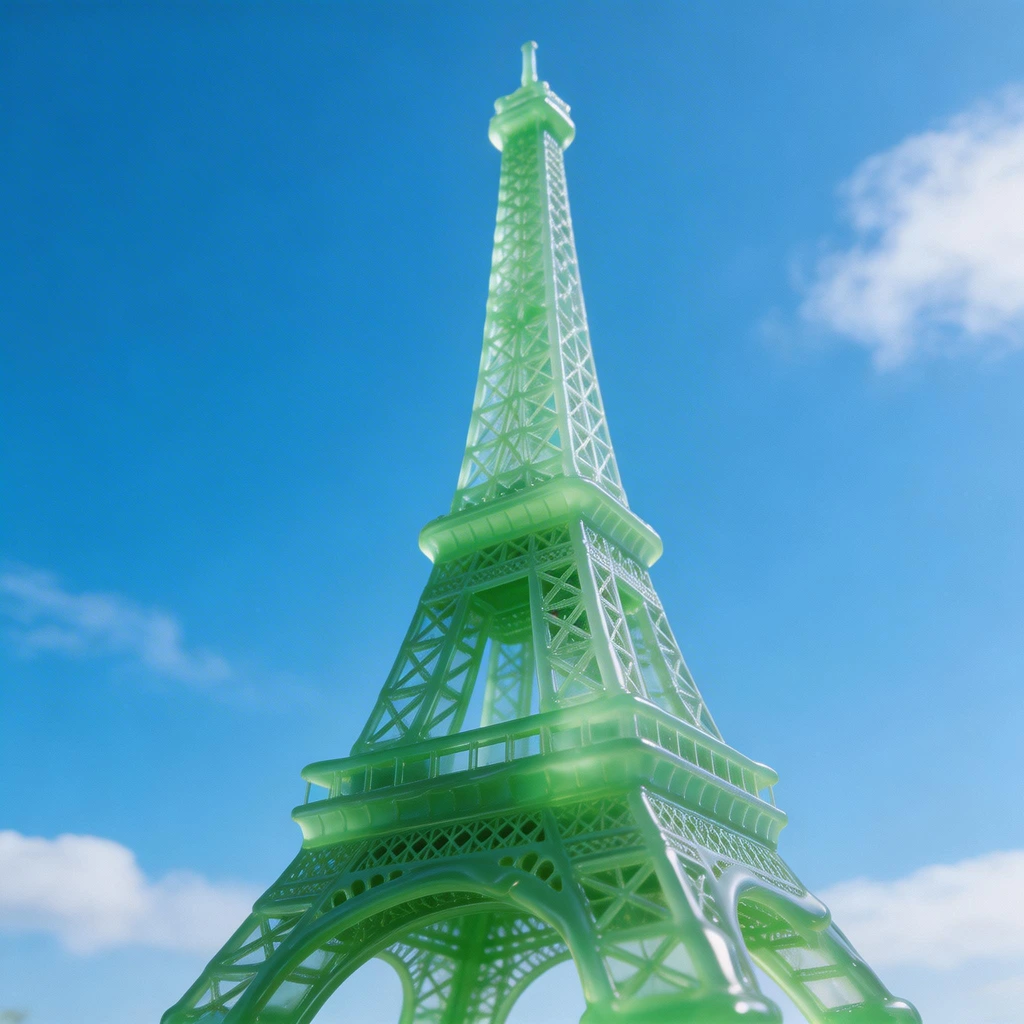
Generate
Edit
Customize
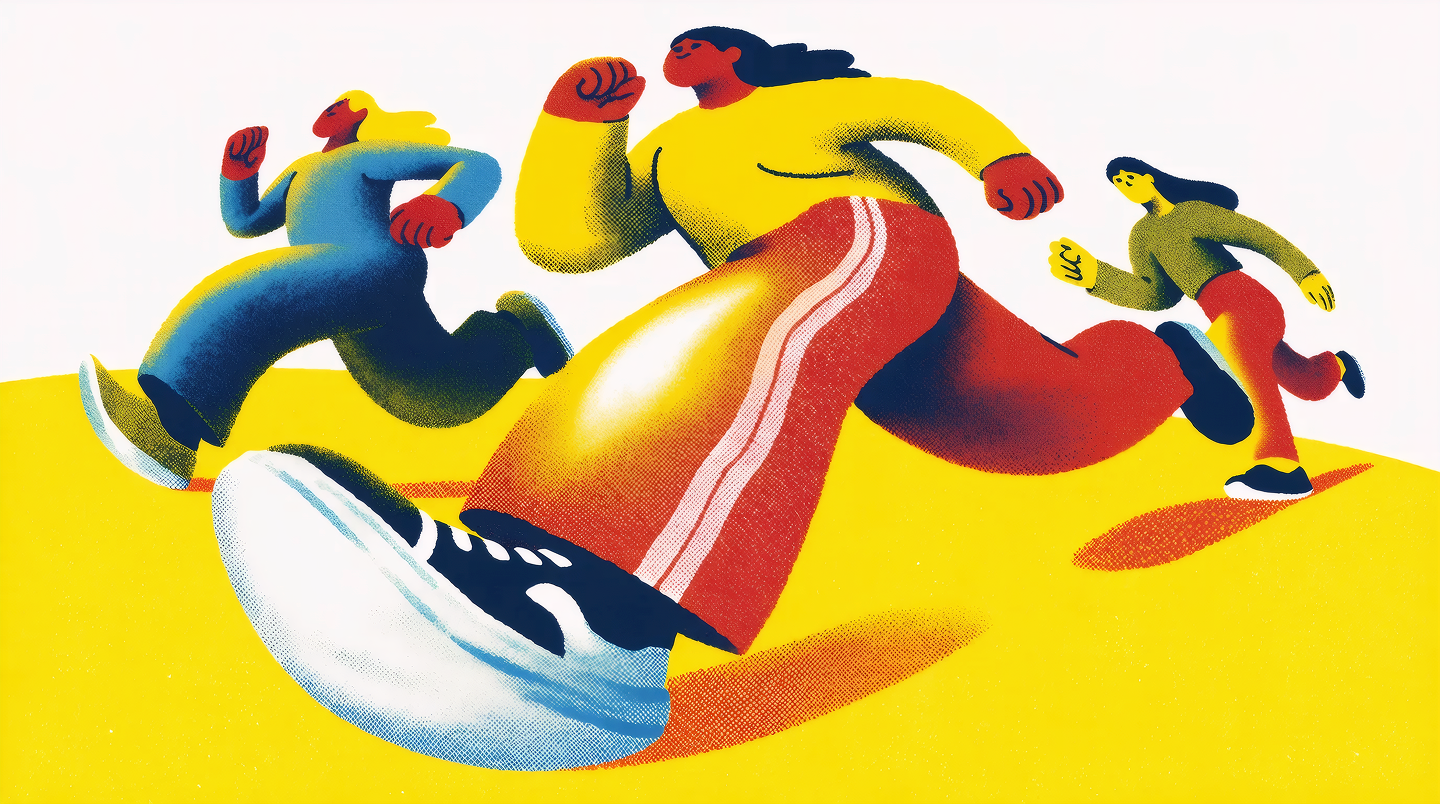
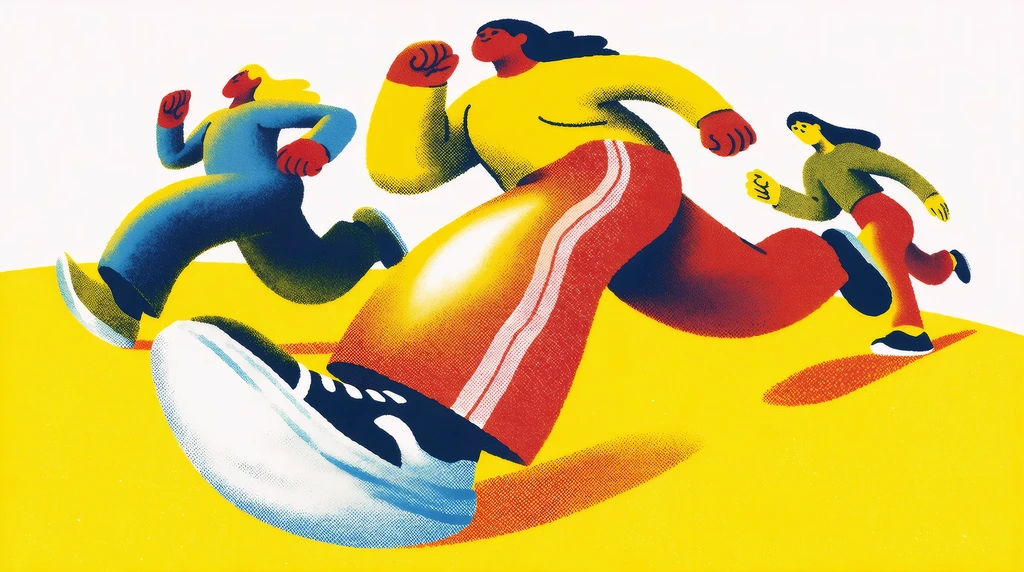
"People running, risograph poster"
Generate
Edit
Customize
Nano Banana 2
by Google
Google's latest AI image generation model with advanced world knowledge, production-ready specs, subject consistency, and semantic editing. All at Flash speed.
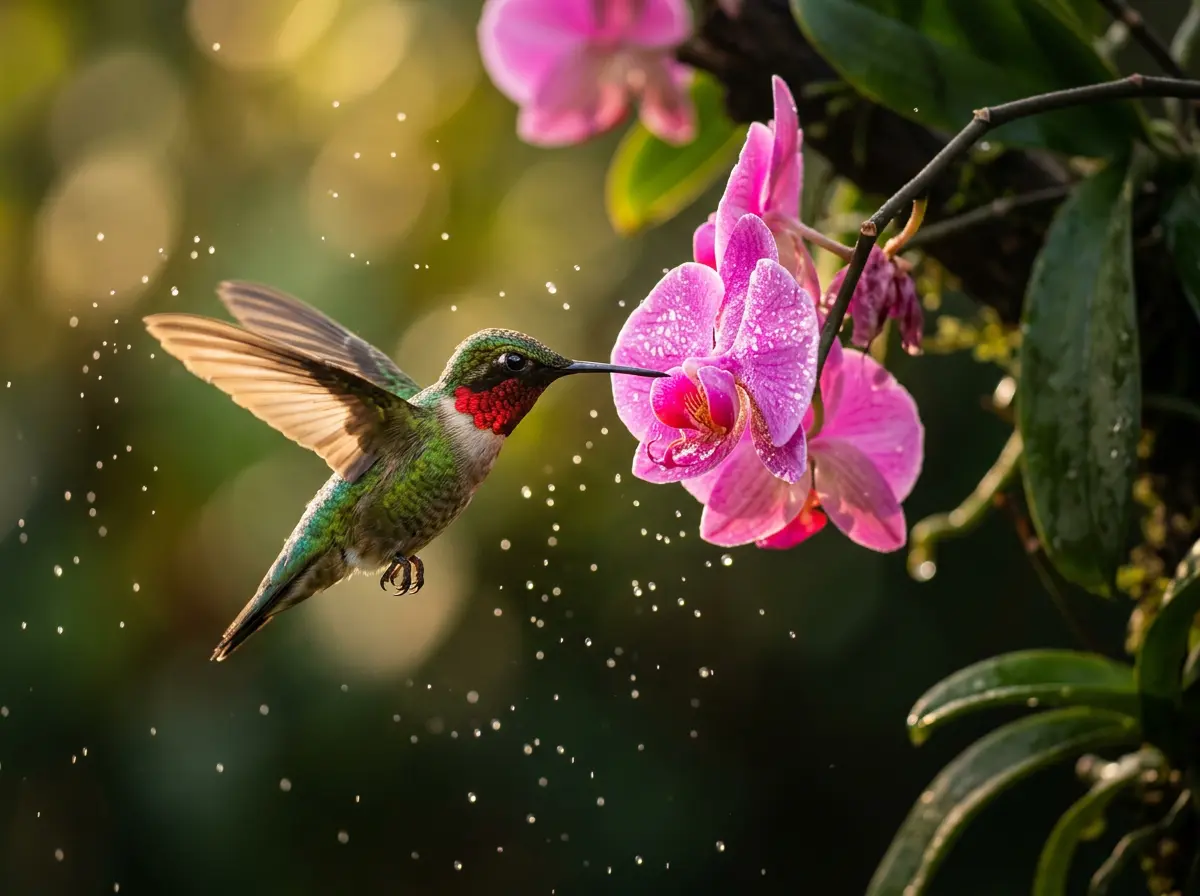
What Nano Banana 2 Can Do
AI Image Generation at Flash Speed
Generate stunning, photorealistic images from text prompts in seconds. Nano Banana 2 combines advanced world knowledge with Google's Flash inference for production-ready results without the wait.
Try Nano Banana 2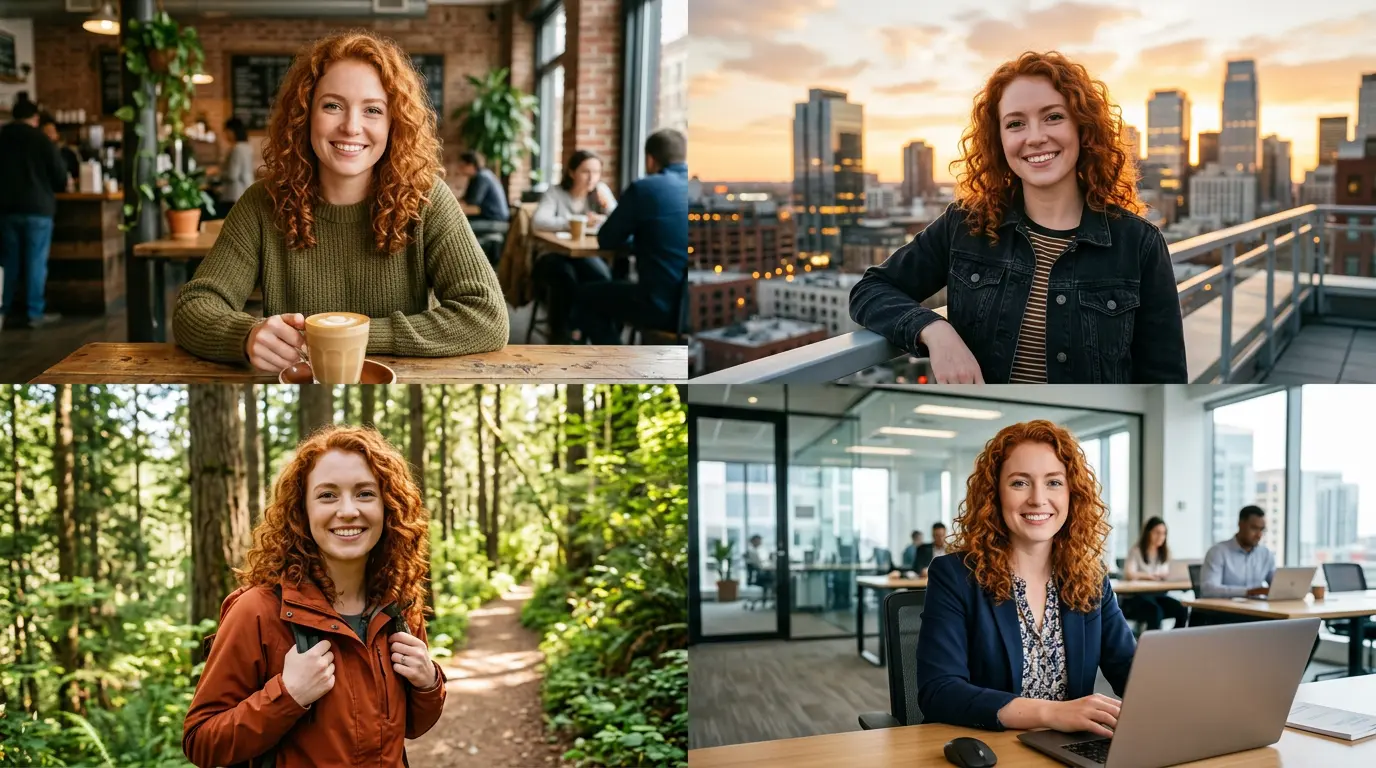
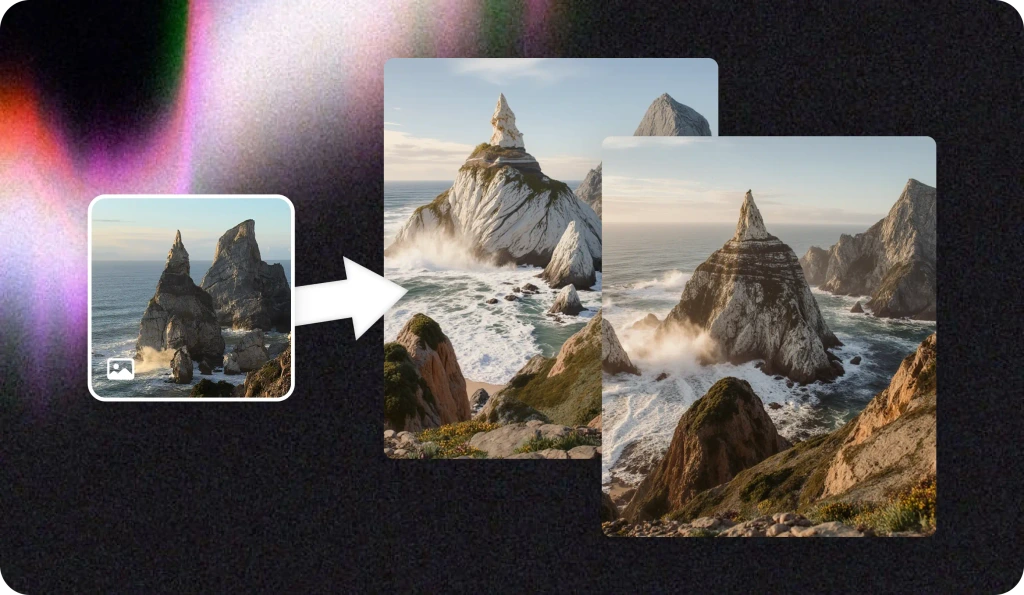
Subject Consistency Across Images
Maintain identity and character consistency across multiple generations. Nano Banana 2 excels at keeping subjects recognizable whether you're creating marketing campaigns, storyboards, or product visuals.
Try Nano Banana 2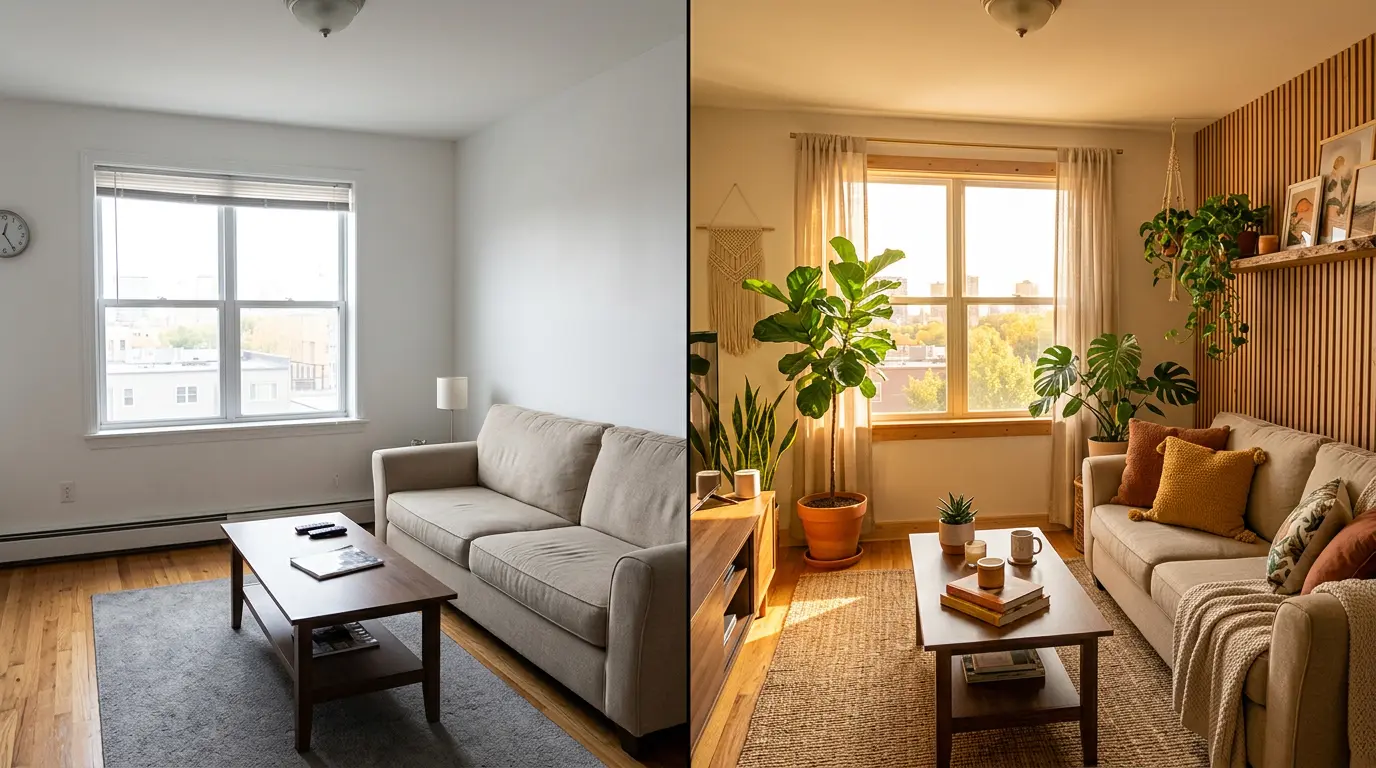
Semantic Image Editing with Natural Language
Edit any part of an image using natural language instructions. Change backgrounds, lighting, objects, or styles without masks or manual selection. Nano Banana 2 understands context and makes precise edits.
Try Nano Banana 2Built for Professional Image Creation
Advanced World Knowledge
Nano Banana 2 draws on Google's deep understanding of the world. Objects, scenes, physics, and visual relationships are rendered accurately to generate images that look right and feel real. Get accurate depictions of complex subjects without extensive prompt engineering.
Try Nano Banana 2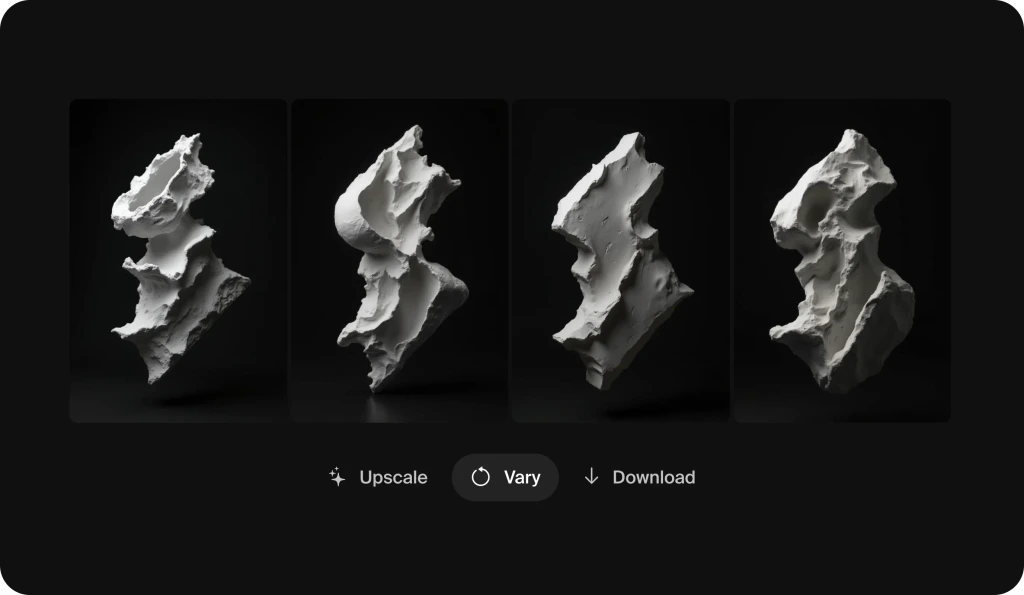
Production-Ready Specifications
Generate images with production-grade quality out of the box. Nano Banana 2 outputs high-resolution images suitable for commercial campaigns, print media, social content, and professional design work.
Try Nano Banana 2
Multi-Image Composition
Combine multiple reference images into a single coherent generation. Upload product shots, style references, and composition guides. Nano Banana 2 synthesizes them into exactly the image you need.
Try Nano Banana 2
Enhanced Text Rendering
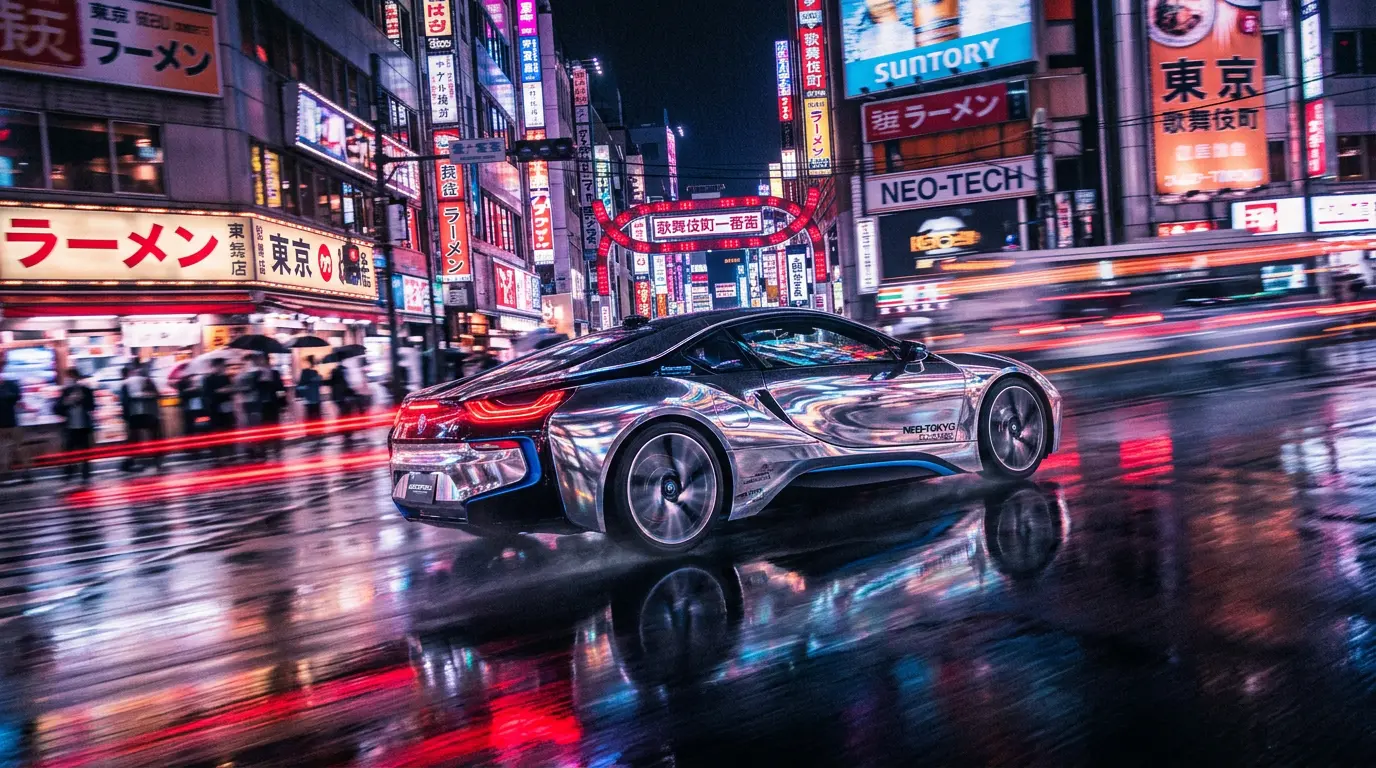
Nano Banana 2 handles text in images better than ever. Signs, labels, logos, and typography render clearly and accurately. Perfect for social media graphics, ads, and mockups that include readable text.
Try Nano Banana 2Frequently Asked Questions
Nano Banana 2 is Google's latest AI image generation model. It combines advanced world knowledge, production-ready specifications, subject consistency, and semantic editing capabilities, all at Flash speed. It's available to use on Krea alongside other leading AI models.
Nano Banana 2 is the next generation of Google's image model, building on Nano Banana Pro with improved world knowledge, faster inference, better subject consistency, and enhanced text rendering. It delivers higher quality results with more precise prompt adherence.
Yes! Krea's free tier lets you generate and edit images with Nano Banana 2 at no cost. You can create several images per day to experiment with prompts, styles, and editing. Upgrade to a paid plan for higher volumes and commercial licensing.
Nano Banana 2 generates images at Flash speed. Most results are ready in just a few seconds. Google optimized the model for both quality and speed, so you get production-ready output without long wait times.
Yes. Nano Banana 2 supports semantic image editing using natural language. Upload an image and describe the changes you want. Change backgrounds, lighting, objects, or styles without needing masks or manual selection tools.
Subject consistency means Nano Banana 2 can maintain the identity and appearance of characters, products, or objects across multiple generated images. This is essential for branding, campaigns, storyboards, and any project requiring visual continuity.
Yes! Images generated with Nano Banana 2 on Krea's paid plans include full commercial licensing. Use them in marketing campaigns, products, client work, and any commercial project.
Go to the Image Tool, select Nano Banana 2 from the model selector, type your prompt, and generate. You can also upload reference images for image-to-image generation or semantic editing.
Nano Banana 2 by Google
Generate and edit stunning AI images with advanced world knowledge, subject consistency, and semantic editing. Try Google's latest image model free on Krea.
Try Nano Banana 2More from Google
Explore other Google models available on Krea
-
Nano Banana Pro
ImageWorld's most intelligent model.
-
Nano Banana 2 Lite
ImageFast Google image model.
-
Nano Banana
ImageMost versatile intelligent model.
-
Veo 3.1 Lite
VideoFaster, affordable Veo 3.1.
-
Veo 3.1
VideoBest video model. Highest quality with audio.
-
Gemini Omni Flash
VideoGoogle's video-first multimodal generation model for text, image, audio, and video guided creation.
-
Veo 3 Fast
VideoFaster, affordable Veo 3 with audio.
-
Veo 3.1 Fast
VideoFaster, affordable Veo 3.1 with audio.
Explore Other Models
Discover more AI models for images and videos on Krea
Or try every model side by side in Krea's free AI video generator and AI image generator.