














Step 1
Upload
Drop in a JPG or PNG and choose your target subject. The AI analyzes the image to separate foreground and background with high accuracy.
Remove image backgrounds in seconds with BG remover. AI cutouts for products, portraits, and logos. Upload, refine edges, download PNG—try it now.
How to use BG remover
BG remover makes background removal fast and precise. Follow these steps to upload your photo, generate an AI cutout, refine edges, and download a transparent PNG for any project.
Step 1
Drop in a JPG or PNG and choose your target subject. The AI analyzes the image to separate foreground and background with high accuracy.

Step 2
Generate the cutout, then refine edges for hair, shadows, and small details. Adjust keep/remove areas to get a clean, natural-looking result.

Step 3
Export your image as a transparent PNG or place it on a new background. Use the result instantly for listings, ads, thumbnails, or design files.
Features
BG remover uses machine learning segmentation to remove backgrounds with crisp edges and realistic detail. Get consistent cutouts for product photos, portraits, and logos, with quick refinements for tricky areas. Export transparent PNGs ready for ecommerce, social, and design workflows—no manual masking required.
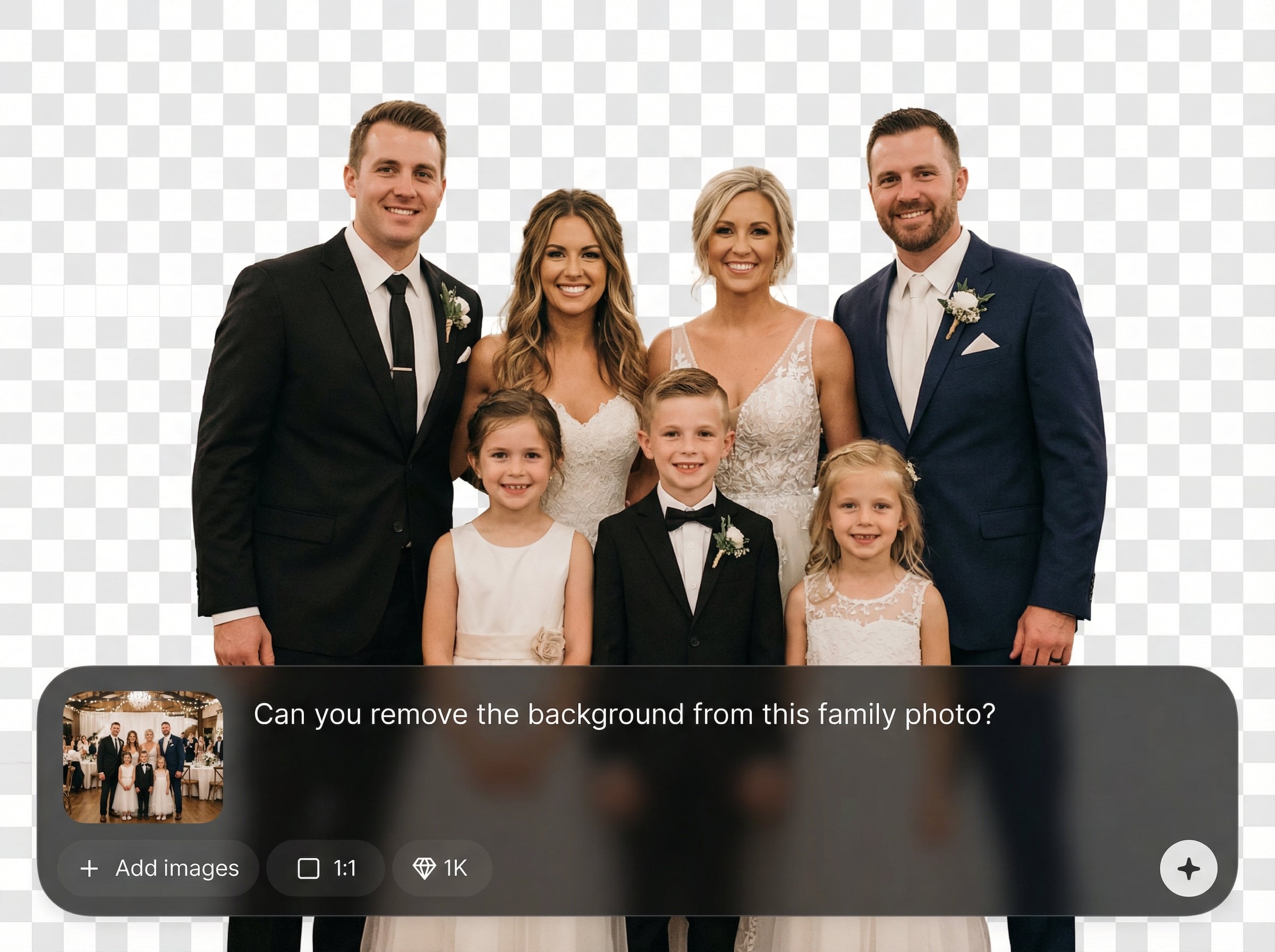
Automatic subject detection removes backgrounds cleanly, including complex edges like hair and transparent objects. Get a polished cutout that looks natural and ready to use.
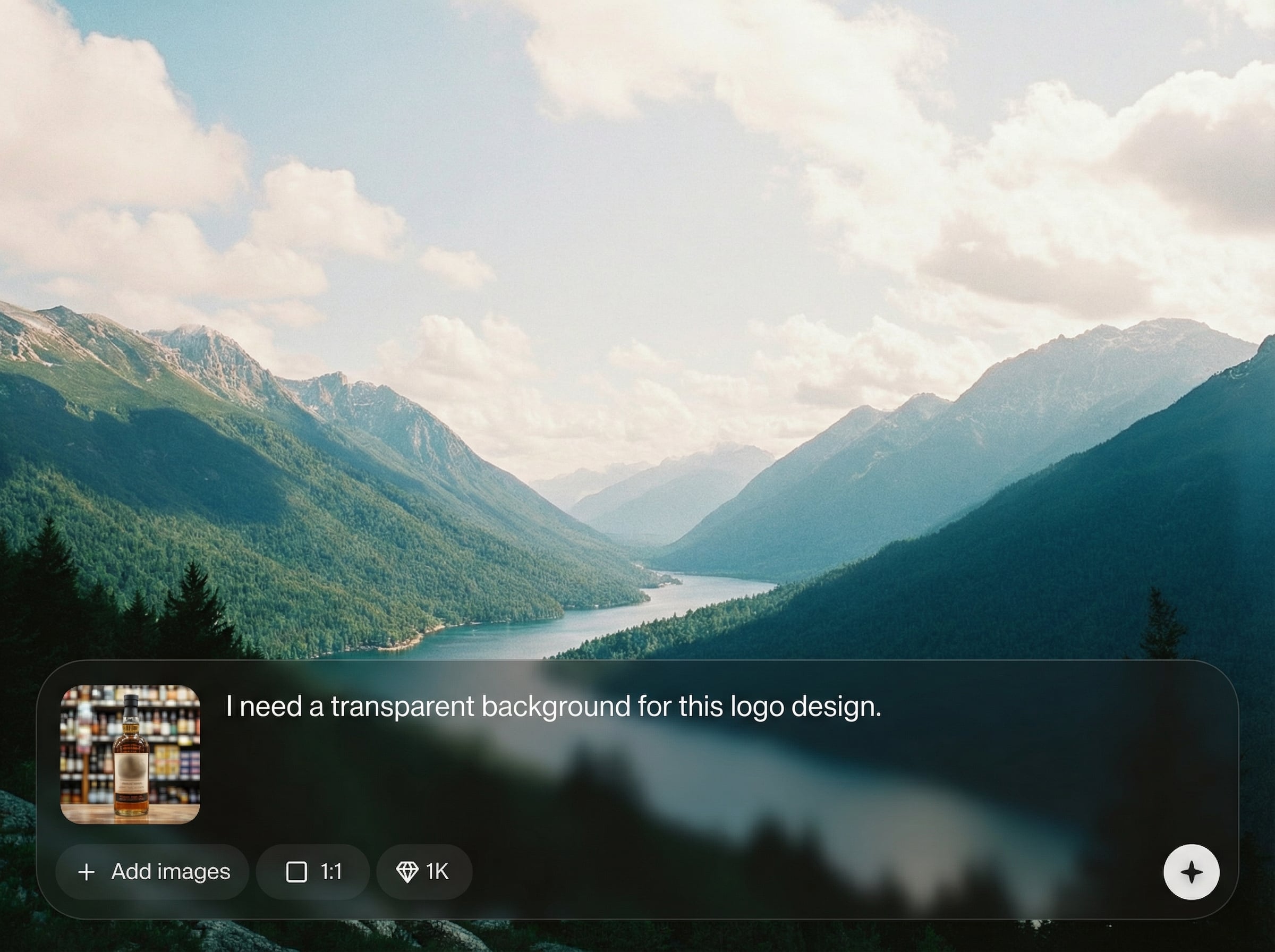
Process images in seconds with an optimized background remover tool. Spend less time editing and more time publishing consistent visuals across your projects.
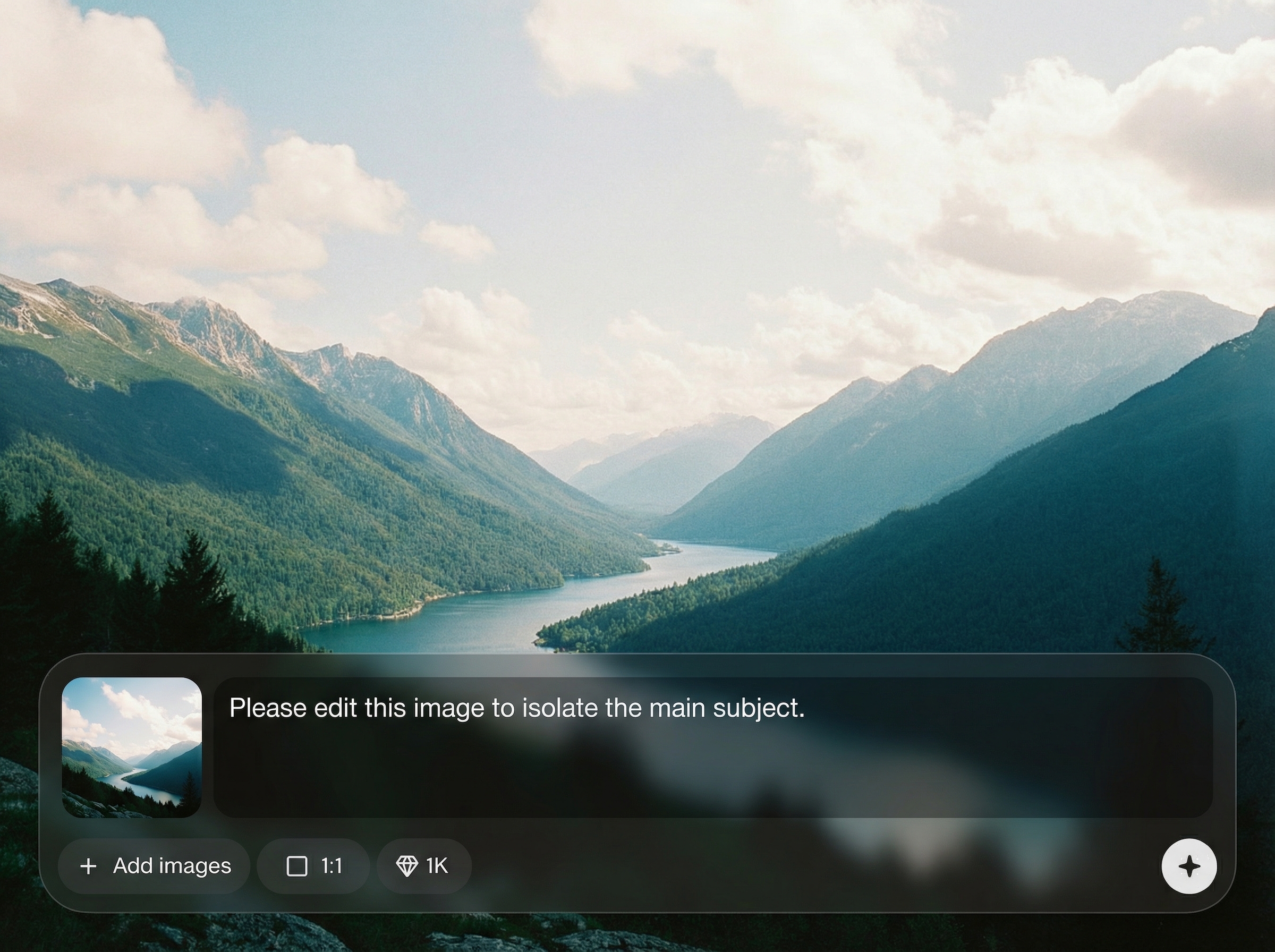
Download transparent PNGs for seamless placement on any background. Perfect for product listings, profile photos, and marketing assets that need clean isolation.
About
BG remover is an AI background remover that creates clean cutouts from photos in seconds. Upload an image, let artificial intelligence detect the subject, and export a transparent PNG for ecommerce, marketing, or design. Fine-tune edges and keep hair and details sharp, without manual masking or complex editing tools.
BG remover delivers fast, accurate background removal with natural edges and minimal cleanup. It supports transparent PNG exports, quick refinement for complex details, and consistent results for ecommerce, portraits, and brand assets. Keep your workflow simple while producing professional-looking cutouts.
Open BG remover, upload an image, and generate the cutout. Refine edges if needed, then download a transparent PNG or place your subject on a new background right away.
Use cases
Discover how different creators use this app in their workflow.
Create clean product cutouts for marketplaces and DTC stores. Keep edges crisp, remove distractions, and maintain a consistent catalog look across listings.
Remove backgrounds from headshots for resumes, socials, and teams. Replace scenes, keep natural hair detail, and deliver a professional look quickly.
Turn logos into transparent PNGs for slides, websites, and videos. Eliminate white boxes, isolate marks cleanly, and reuse assets across designs.
Krea is one of the world's leading generative AI platforms. See what others say.
Real reviews on TrustpilotSo many AI tools out there but I always come back to Krea. It's really the one AI platform that 'just works'.

FYN
Krea's interfaces are still the best in the industry. Everything looks and feels so clean and easy to use! Imo the easiest to use gen AI website.

Lynn
Ultra fast generations. Extremely simple to use. All the latest AI models.

Daniel
KREA is the only AI subscription I have right now besides ChatGPT.

Sophia M.
Answers to common questions about BG remover and AI background removal.
BG remover uses artificial intelligence and machine learning segmentation to detect the main subject and separate it from the background. It generates a clean cutout you can refine before exporting.
Upload common image formats like JPG and PNG. Download a transparent PNG for easy placement on any background, or use the cutout directly in your design workflow.
Yes. The AI is tuned for detailed edges such as hair and fur. Use quick refine controls to fix small misses, preserve fine strands, and keep natural-looking borders.
Absolutely. BG remover is built for product cutouts that look clean and consistent. Remove cluttered scenes, keep accurate silhouettes, and export transparent PNGs for ecommerce listings.
No. Upload, generate, and download in a simple flow. Optional refinements help you perfect tricky areas, but most images require only one click to remove the background.
Upload a photo, generate a clean AI cutout, and download a transparent PNG in seconds.

