














Step 1
Configure
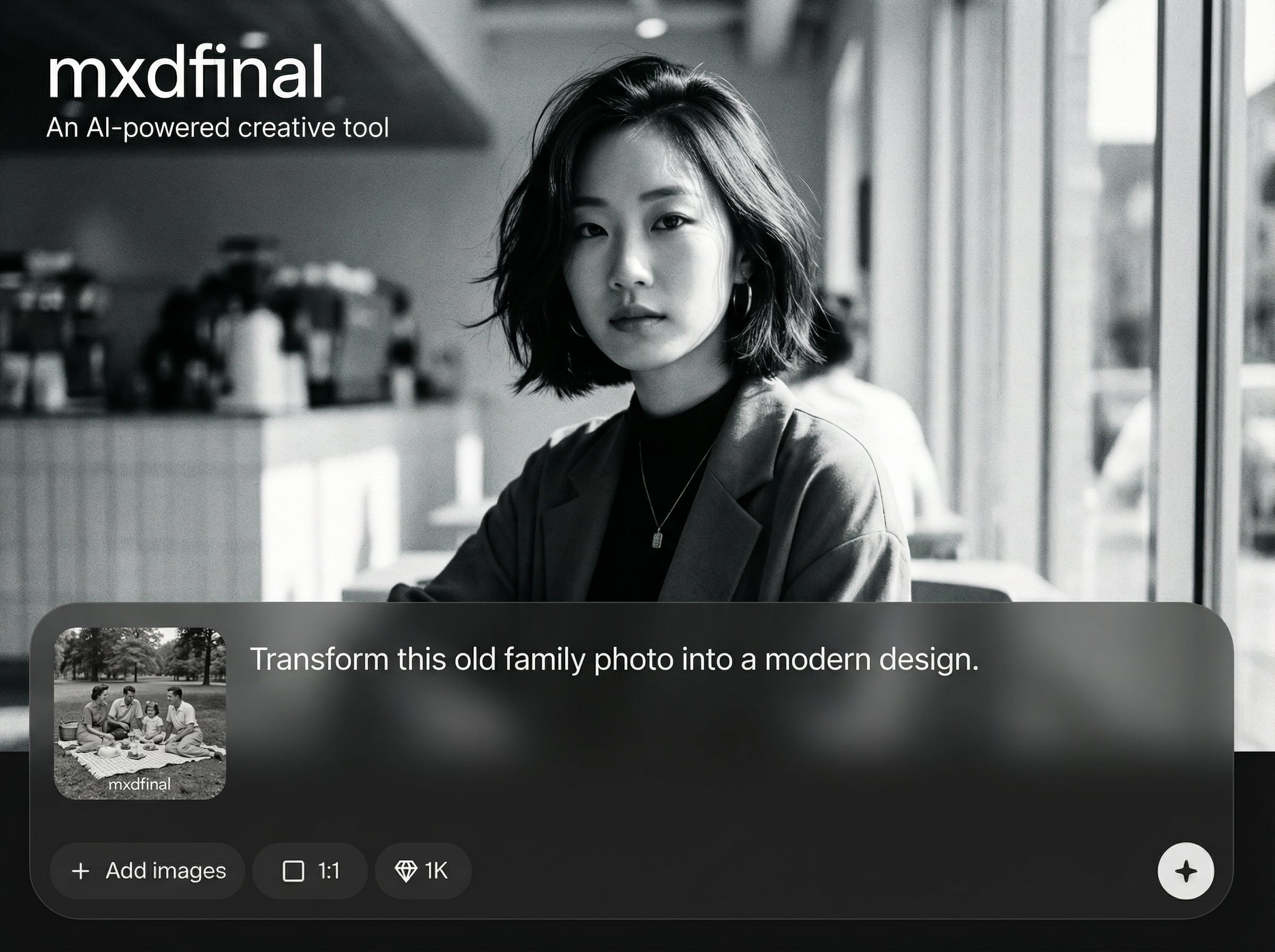
Choose your output type and size, then add a clear prompt. Optionally set style, detail level, and constraints to keep results consistent across iterations.
Generate clean MXD-style final assets fast with mxdfinal. Use AI to refine prompts, iterate variations, and export ready-to-use results online.

How to use mxdfinal
This quick tutorial shows how to use mxdfinal to turn a simple idea into a final, export-ready result. Set your goal, guide the AI with prompts and options, then download assets in the format you need.
Step 1
Choose your output type and size, then add a clear prompt. Optionally set style, detail level, and constraints to keep results consistent across iterations.

Step 2
Run the AI generator and review results. Adjust wording, add references, or tweak settings to create new variations while preserving the core look and layout.

Step 3
Select the best output and export it in a ready-to-use format. Save versions for later, share a link, or rerun with small edits for quick updates.
Features
mxdfinal focuses on speed, consistency, and control for AI-generated assets. Use prompt refinement, variation tools, and format settings to guide outputs toward production-ready results. Keep iterations organized and export clean files for real workflows, from concepts to deliverables.

Turn short prompts into polished outputs with AI. mxdfinal prioritizes clean composition and usable detail so you spend less time fixing and more time shipping final assets.

Create multiple variations quickly without starting over. Adjust key parameters and prompt edits to explore options, compare results, and converge on the best final version.
Control size and output format for your workflow. Export high-quality files suited for web, product, or marketing use, with consistent settings across repeated generations.
About
mxdfinal is an AI generator for producing polished, final-ready creative assets in minutes. Refine prompts, generate variations, and keep outputs consistent with simple controls for style, detail, and format. Export high-quality results for design, marketing, and product workflows without complex setup or manual iteration.
mxdfinal is optimized for production: fast generation, controlled variations, and export-ready outputs. Clear settings make it easier to steer the AI toward consistent results, while streamlined iteration reduces time spent on rework and manual cleanup.
Enter a prompt, pick your output settings, and generate. Refine with small edits and variations until it’s right, then export the final asset for your workflow.
Use cases
Discover how different creators use this app in their workflow.
Generate final-ready visuals for ads, landing pages, and social posts. Iterate quickly on messaging and style while keeping consistent branding across variations.
Produce clean concept assets for UI mockups, illustrations, or placeholders. Use AI variations to explore layouts and styles before committing to a final direction.
Scale asset production for multiple channels and formats. Standardize settings, reuse prompt patterns, and export deliverables fast for tight timelines.
Krea is one of the world's leading generative AI platforms. See what others say.
Real reviews on TrustpilotSo many AI tools out there but I always come back to Krea. It's really the one AI platform that 'just works'.

FYN
Krea's interfaces are still the best in the industry. Everything looks and feels so clean and easy to use! Imo the easiest to use gen AI website.

Lynn
Ultra fast generations. Extremely simple to use. All the latest AI models.

Daniel
KREA is the only AI subscription I have right now besides ChatGPT.

Sophia M.
Answers to common questions about mxdfinal and AI generation.
mxdfinal is an AI generator designed to create polished, final-ready creative assets from prompts. It helps you iterate quickly, keep outputs consistent, and export results suitable for real production workflows.
No. mxdfinal is built for simple, guided generation. Add a clear prompt, choose basic settings, and refine with small edits. The AI handles most of the heavy lifting and iteration.
Use specific prompts, keep key terms stable, and adjust only one variable at a time. mxdfinal supports controlled iteration so you can converge on a consistent style and format.
You can export generated assets directly for your workflows. Usage rights can depend on your plan and inputs, so review the in-app terms and ensure prompts and references are licensed appropriately.
mxdfinal supports common export sizes and formats optimized for online use. Choose your target dimensions before generating to reduce rework and ensure the final output matches your delivery requirements.


Create, iterate, and export AI-generated results in minutes with simple controls for quality and consistency.

