














Step 1
Add references
Upload a collage or up to five reference visuals. Choose images that capture your target colors, composition, typography feel, lighting, and overall style direction.
Turn a short brief plus 5 reference visuals into on-brand images. Match visual DNA, styles, and layout cues with AI generation. Try VAD now.
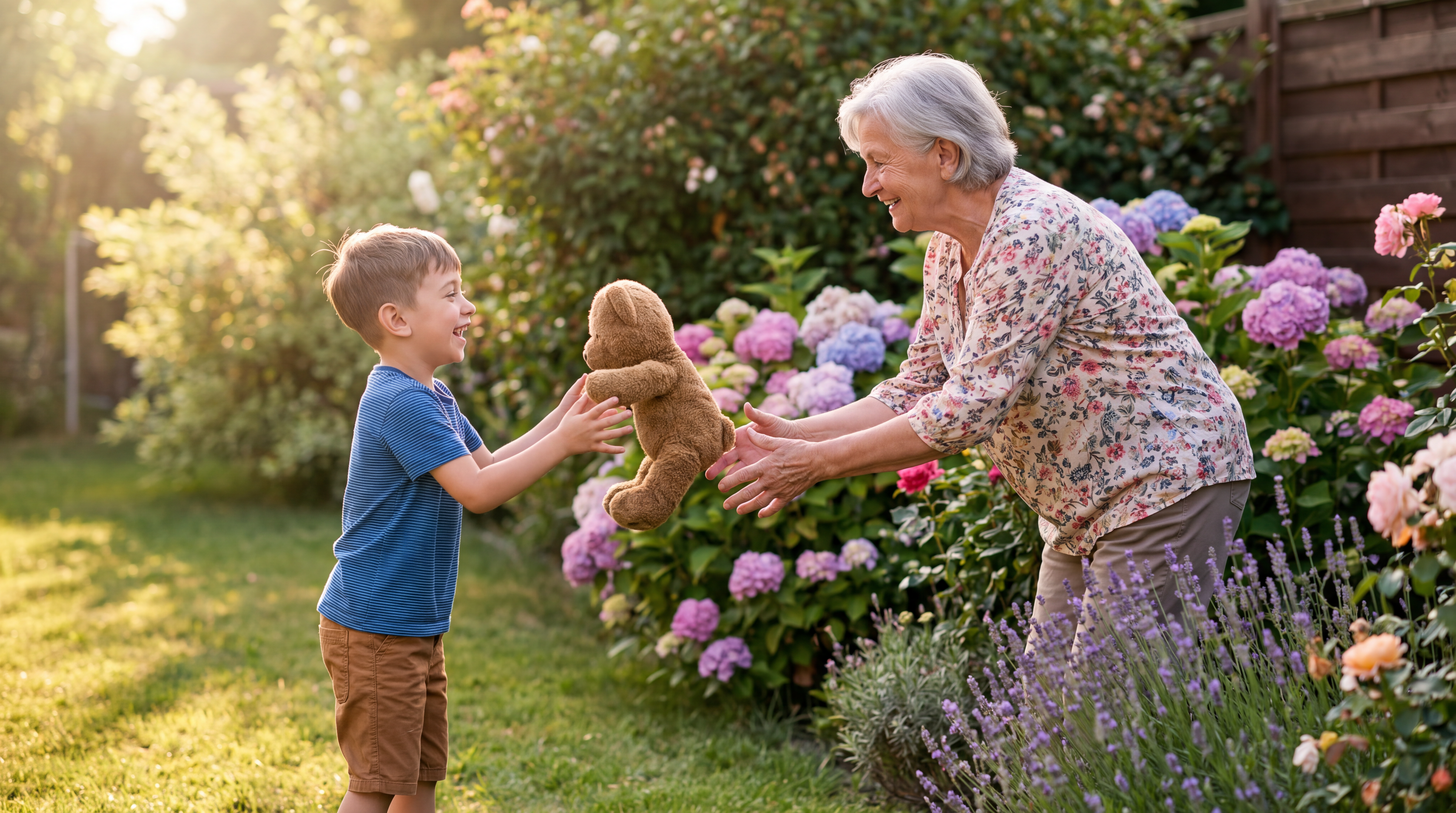
How to use VAD - Brief to visual
Use VAD - Brief to visual to generate new images from a short brief and visual references. Upload a collage or five references, describe the outcome, then iterate until the visual DNA matches your target style.
Step 1
Upload a collage or up to five reference visuals. Choose images that capture your target colors, composition, typography feel, lighting, and overall style direction.

Step 2
Enter a clear description of the subject, mood, and constraints. Add key details like setting, camera angle, and brand cues to guide accurate generation.

Step 3
Generate a new visual that follows the references’ visual DNA. Adjust the brief or swap references to explore variations, then export the result for your workflow.
Features
Generate new visuals that stay faithful to your references. VAD blends a short text brief with a collage or five images to learn style cues like palette, composition, and mood. Produce consistent outputs for campaigns, product concepts, and design exploration while keeping the look aligned to your visual DNA.
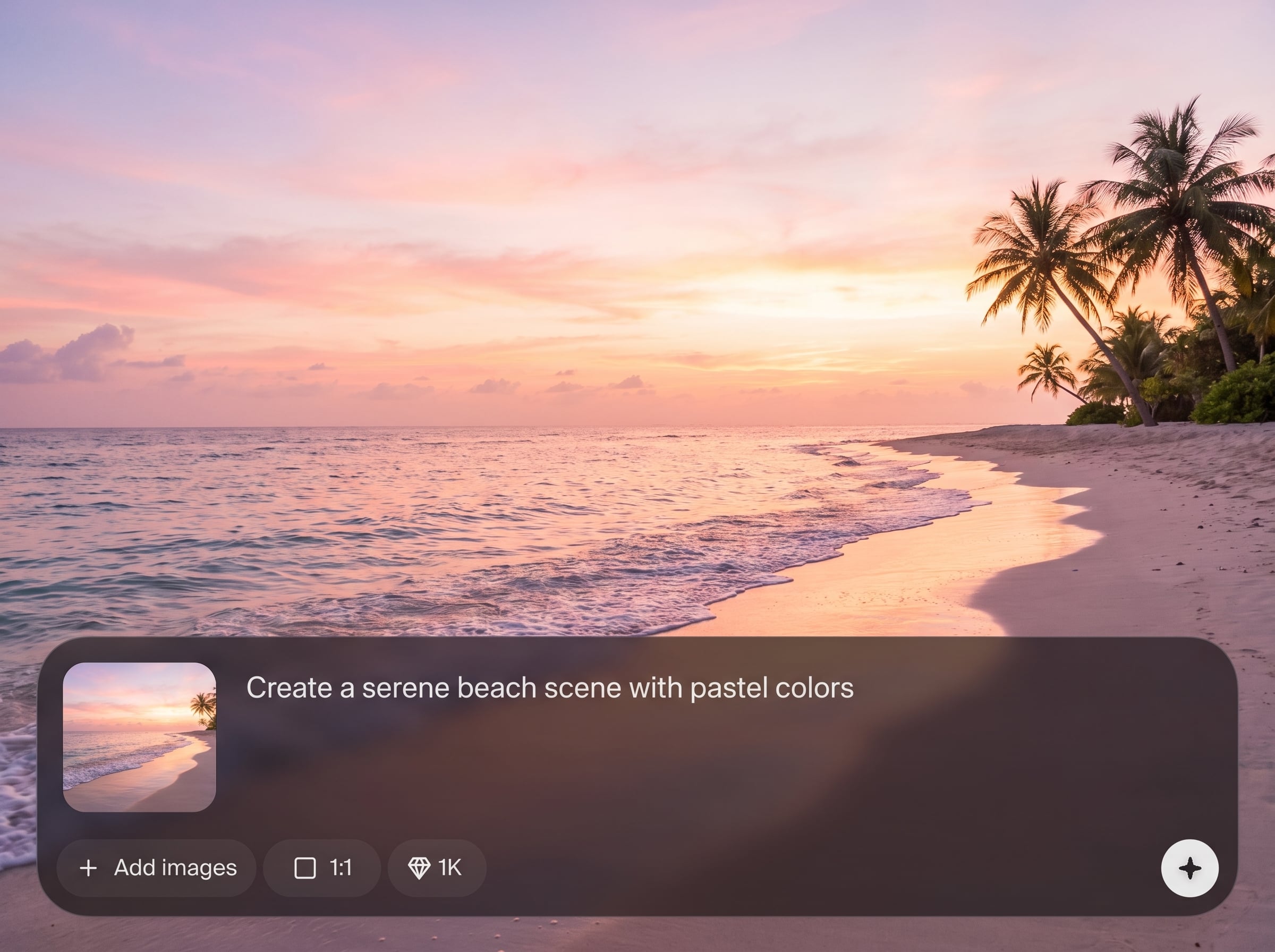
Use up to five references to anchor style, color, lighting, and composition. The AI image generator follows your visual DNA to deliver cohesive, on-brand results.
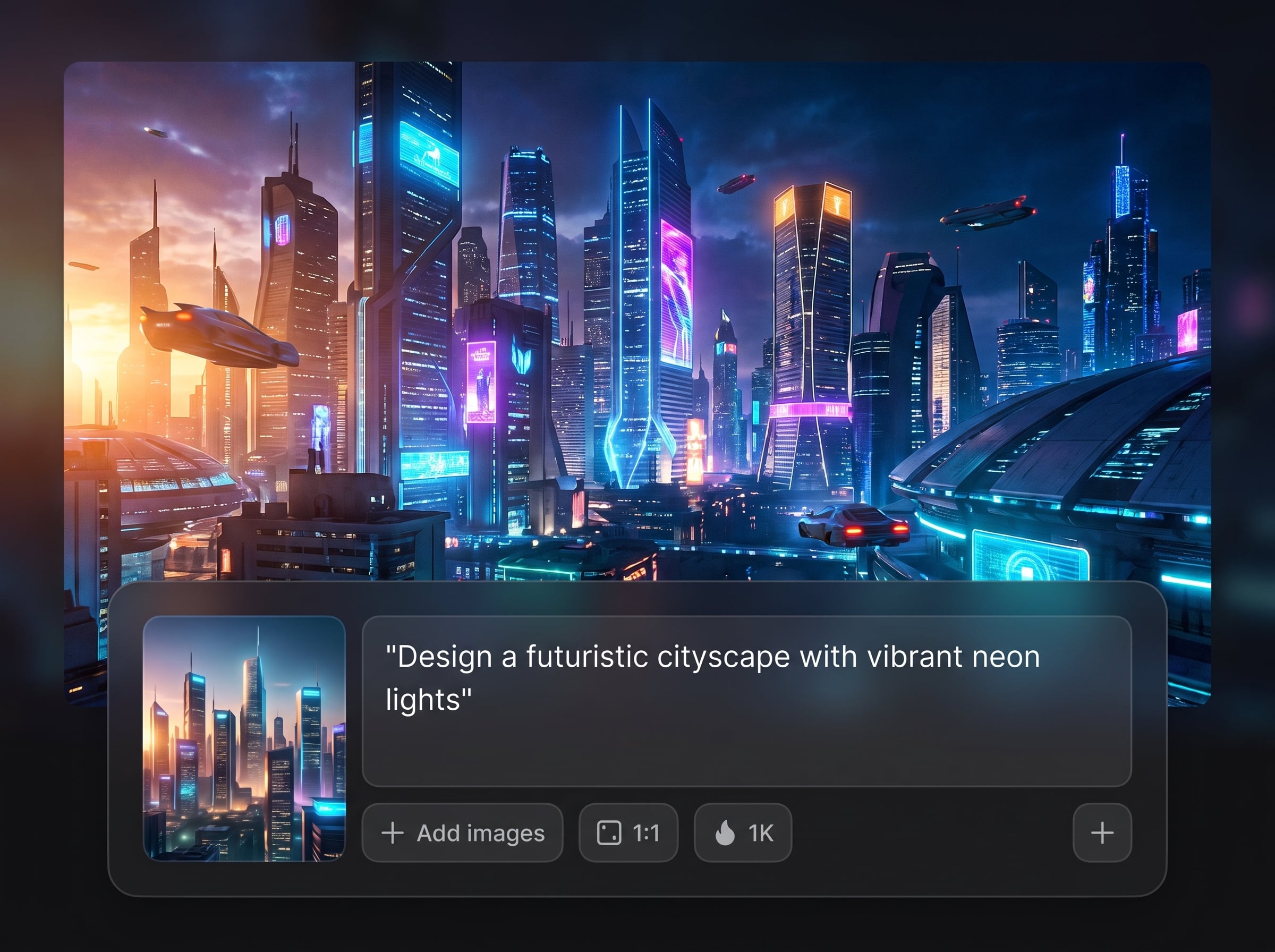
Drop in a collage to communicate layout and vibe fast. Combine multiple cues in one input and generate a fresh visual that respects the structure you provided.
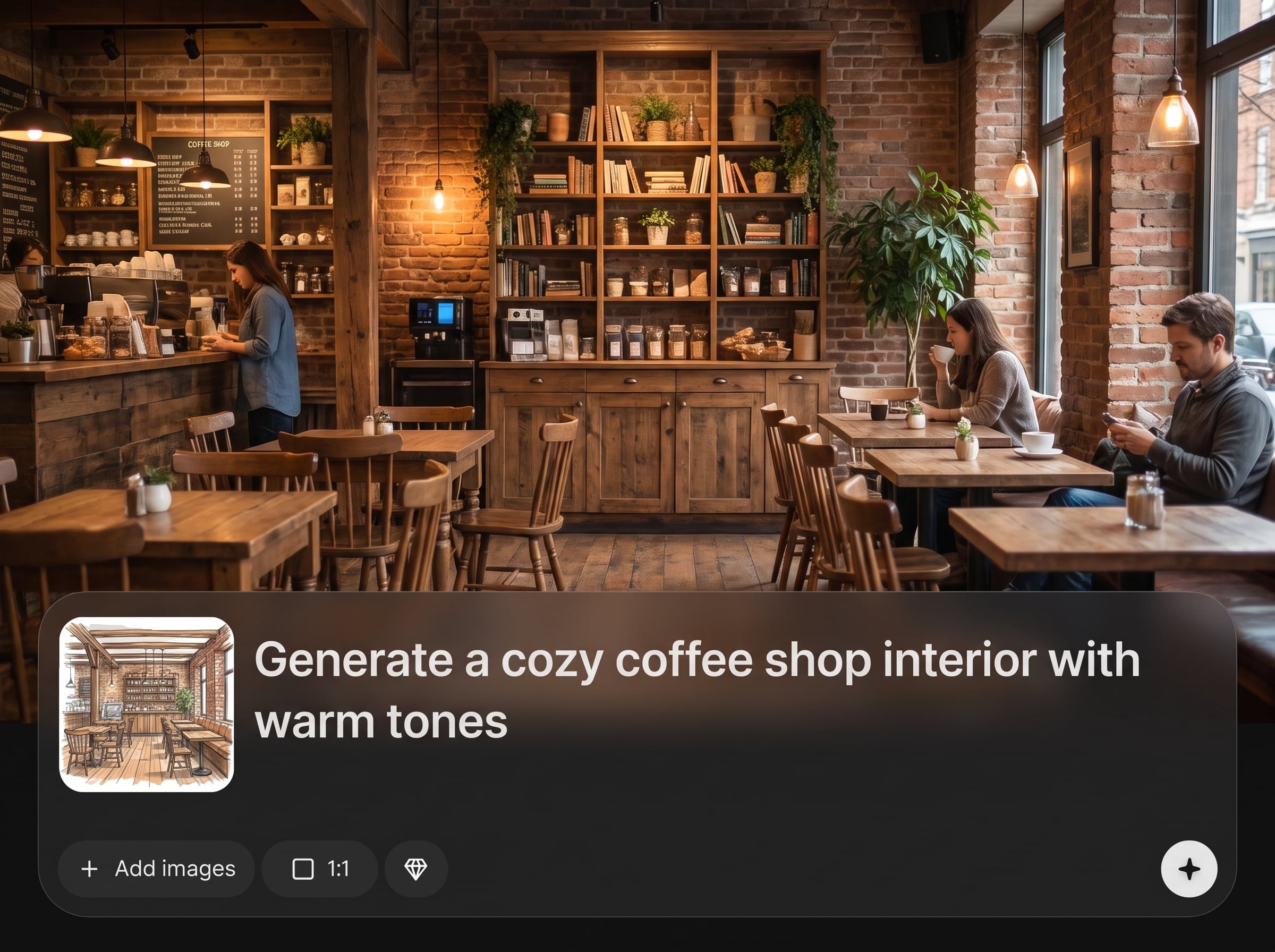
Create multiple variations quickly without restarting from scratch. Swap references, tweak the brief, and compare outputs to converge on the best direction in minutes.
About
VAD - Brief to visual turns a basic description plus a collage or up to five reference visuals into a fresh image that follows your visual DNA. Upload references, describe the goal, and generate consistent compositions, color palettes, and styling cues. Quickly explore variations while keeping the look aligned to your references.
VAD keeps generation grounded in your references, so outputs stay stylistically consistent instead of random. Combine collage-level direction with text precision, iterate quickly, and maintain visual DNA across variations for faster decision-making and cleaner handoffs.
Add a collage or up to five reference visuals, then write a simple brief describing the subject and mood. Click generate, review outputs, and refine by adjusting references or wording to lock the look.
Use cases
Discover how different creators use this app in their workflow.
Turn brand references and a short creative brief into consistent imagery. Keep tone, palette, and composition aligned across campaign concepts and deliverables.
Generate product scenes guided by reference styling. Explore lighting, backgrounds, and layout options while maintaining a consistent look for presentations and reviews.
Use reference sets to lock a specific aesthetic, then generate new scenes from text. Ideal for rapid style exploration with reliable visual consistency.
Krea is one of the world's leading generative AI platforms. See what others say.
Real reviews on TrustpilotSo many AI tools out there but I always come back to Krea. It's really the one AI platform that 'just works'.

FYN
Krea's interfaces are still the best in the industry. Everything looks and feels so clean and easy to use! Imo the easiest to use gen AI website.

Lynn
Ultra fast generations. Extremely simple to use. All the latest AI models.

Daniel
KREA is the only AI subscription I have right now besides ChatGPT.

Sophia M.
Common questions about reference-based AI generation, visual DNA, and how to get the best results.
It generates a new image from a short text brief plus a collage or up to five reference visuals. The model uses those references to follow your visual DNA—style, palette, mood, and composition cues.
You can add a collage or up to five reference visuals. Using fewer strong references can improve clarity, while five images helps capture a richer style blend and more consistent alignment.
Visual DNA refers to the shared style signals in your references—color palette, contrast, lighting, composition, textures, and overall mood. VAD uses those cues to keep new outputs consistent with your target look.
Yes. The brief defines subject matter and intent, while references steer style. Combine both for best results: describe what you want to see, and let the references control how it should look.
It’s designed for consistency by grounding generation in your reference set. Use on-brand imagery, keep references cohesive, and specify constraints in the brief to reinforce brand style across variations.
Choose clear, high-quality images that represent the exact style you want—palette, lighting, layout, and textures. Mix close and wide shots if needed, but keep the aesthetic direction consistent.
Use focused references, avoid conflicting styles, and write a specific brief with subject, environment, and key constraints. If results drift, swap a reference or simplify the description and regenerate.
Yes. VAD uses artificial intelligence and machine learning to generate images from text and reference inputs. It analyzes your references to guide style while following the intent described in your brief.
Yes. Keep the same references and adjust the brief to explore alternatives, or keep the brief fixed and swap one reference to nudge style. This makes controlled iteration fast and repeatable.
Replace any outlier reference, then regenerate. Tighten your brief with explicit style constraints like “soft daylight,” “high contrast,” or “minimal layout,” and reduce reference diversity for stronger alignment.
Upload a collage or five references, add a brief, and generate consistent visuals with AI in minutes.

