














Step 1
Upload
Add a stock photo and choose your target format. Optionally lock key elements like subject placement or product details to maintain continuity across variations.
Turn stock photos into original-looking visuals with VAD - stock to original. Use AI to restyle, remove sameness, and export fast. Try it now.
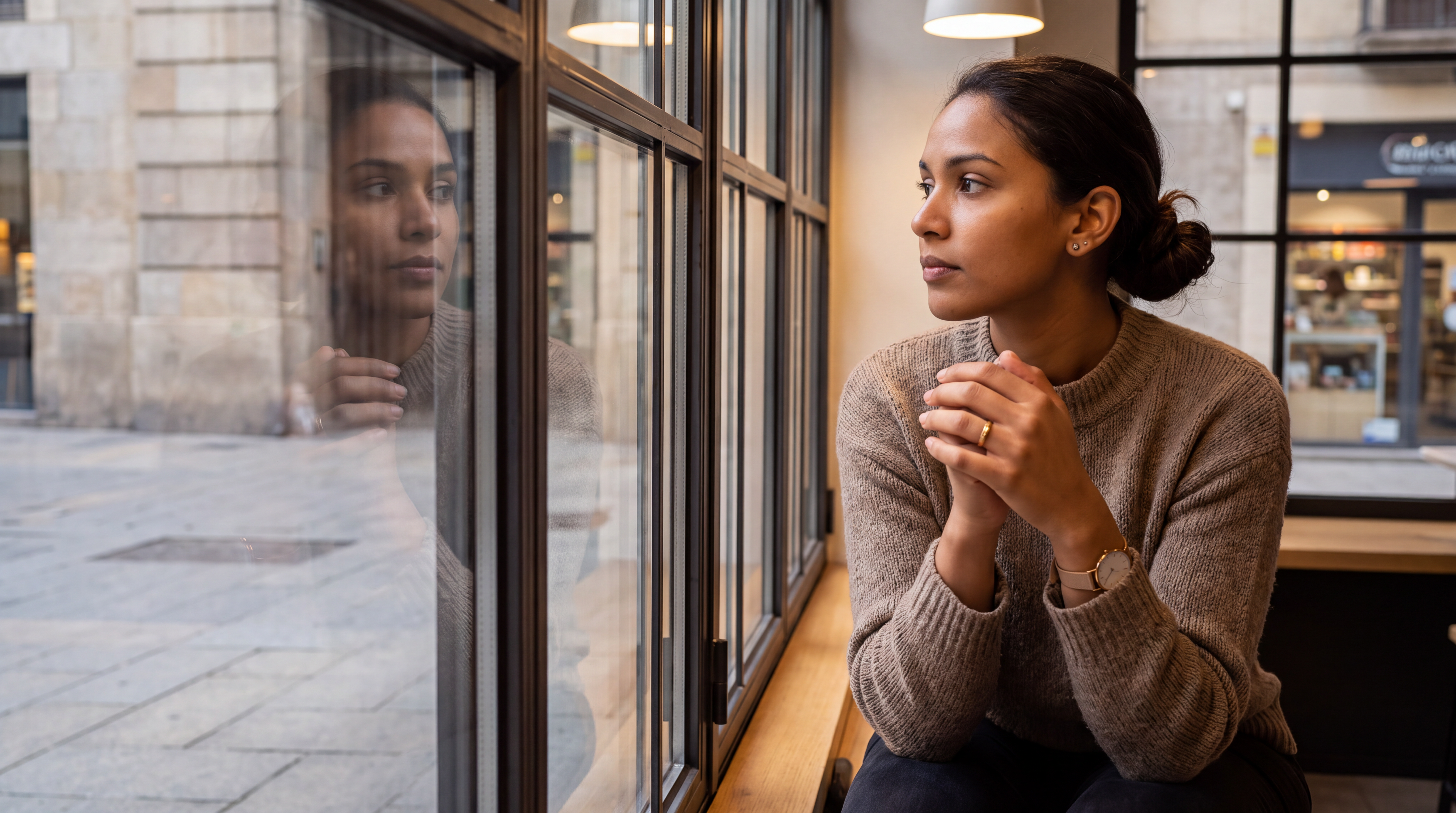
How to use VAD - stock to original
Convert stock imagery into unique-looking visuals with a simple workflow. Upload your image, set the creative direction, then generate and refine AI variations until you get the right look.
Step 1
Add a stock photo and choose your target format. Optionally lock key elements like subject placement or product details to maintain continuity across variations.

Step 2
Describe the new look with prompts or presets. Adjust strength to keep structure while changing lighting, color, background, and overall visual identity.

Step 3
Review results, pick the strongest options, and upscale if needed. Download ready-to-use images for campaigns, web pages, and social channels.
Features
Generate original-looking alternatives from stock images without rebuilding assets from scratch. VAD - stock to original uses AI to restyle composition, color, and environment while keeping core intent intact. Create multiple on-brand variations, reduce repeated stock aesthetics, and iterate quickly for different channels and audiences.
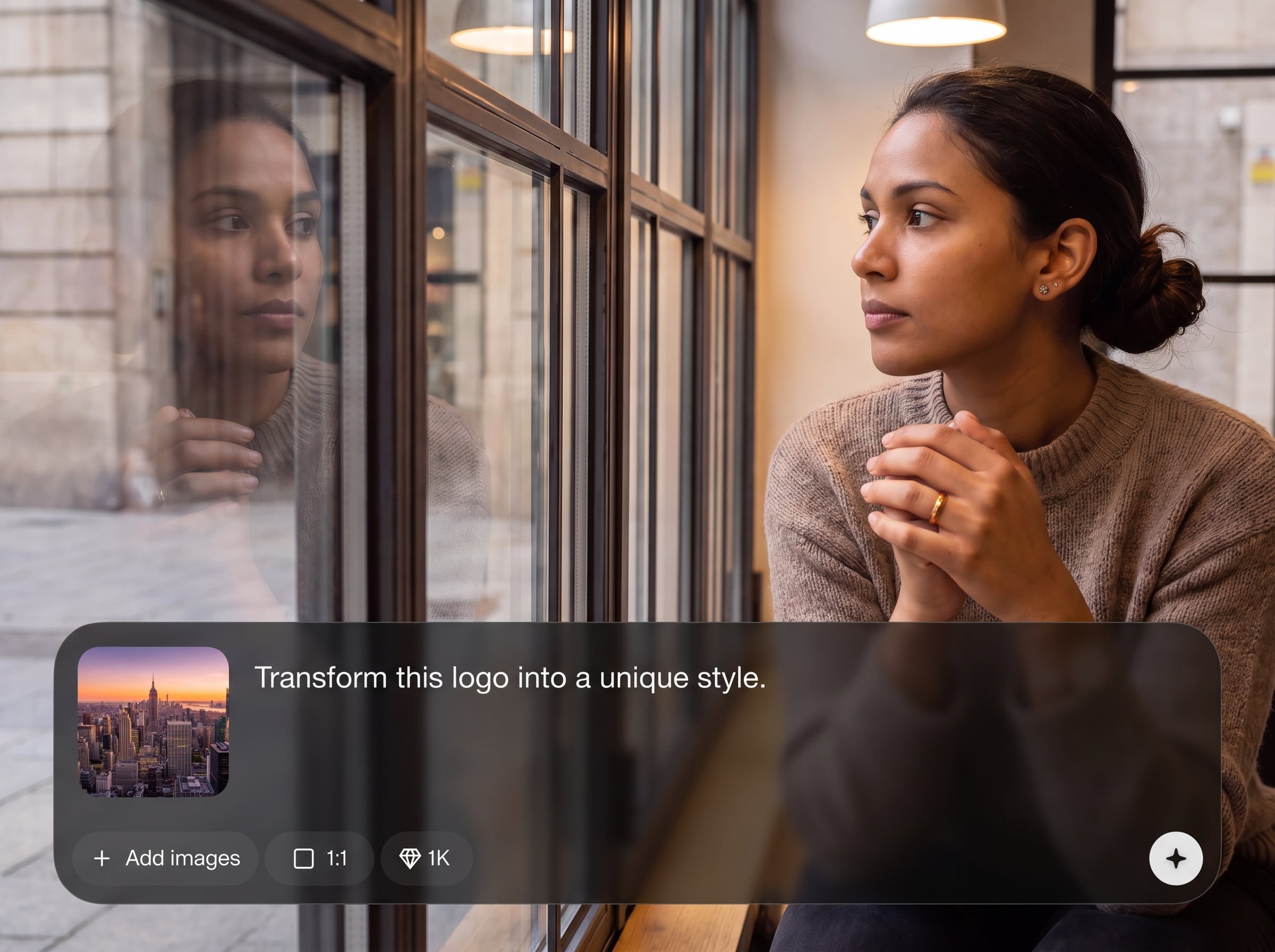
Steer how much the image changes with adjustable transformation strength. Preserve key details while refreshing lighting, textures, and backgrounds to avoid generic stock visuals.
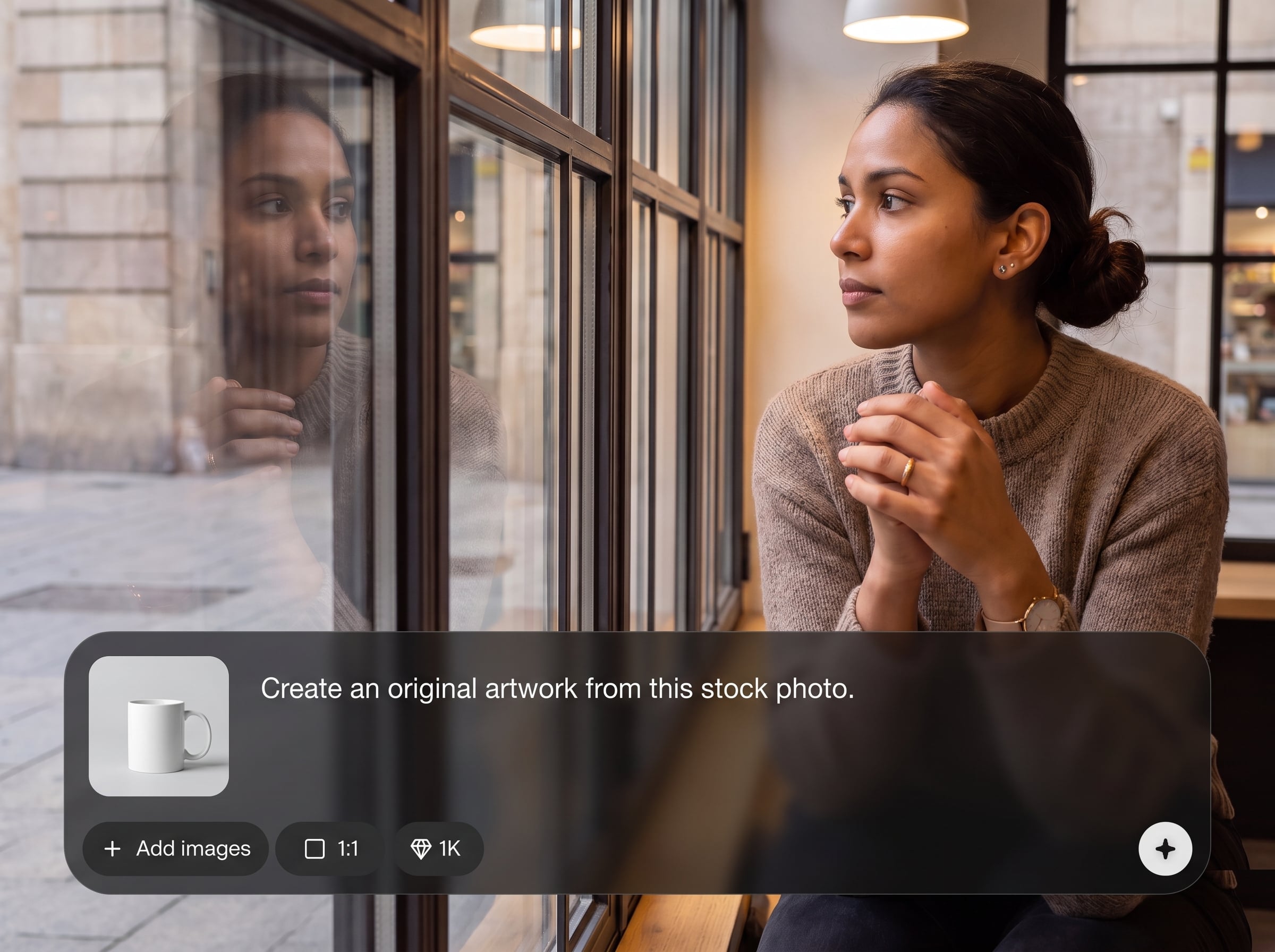
Generate several AI variations in one run to compare options quickly. Explore different moods and compositions without repeating manual edits or lengthy design cycles.
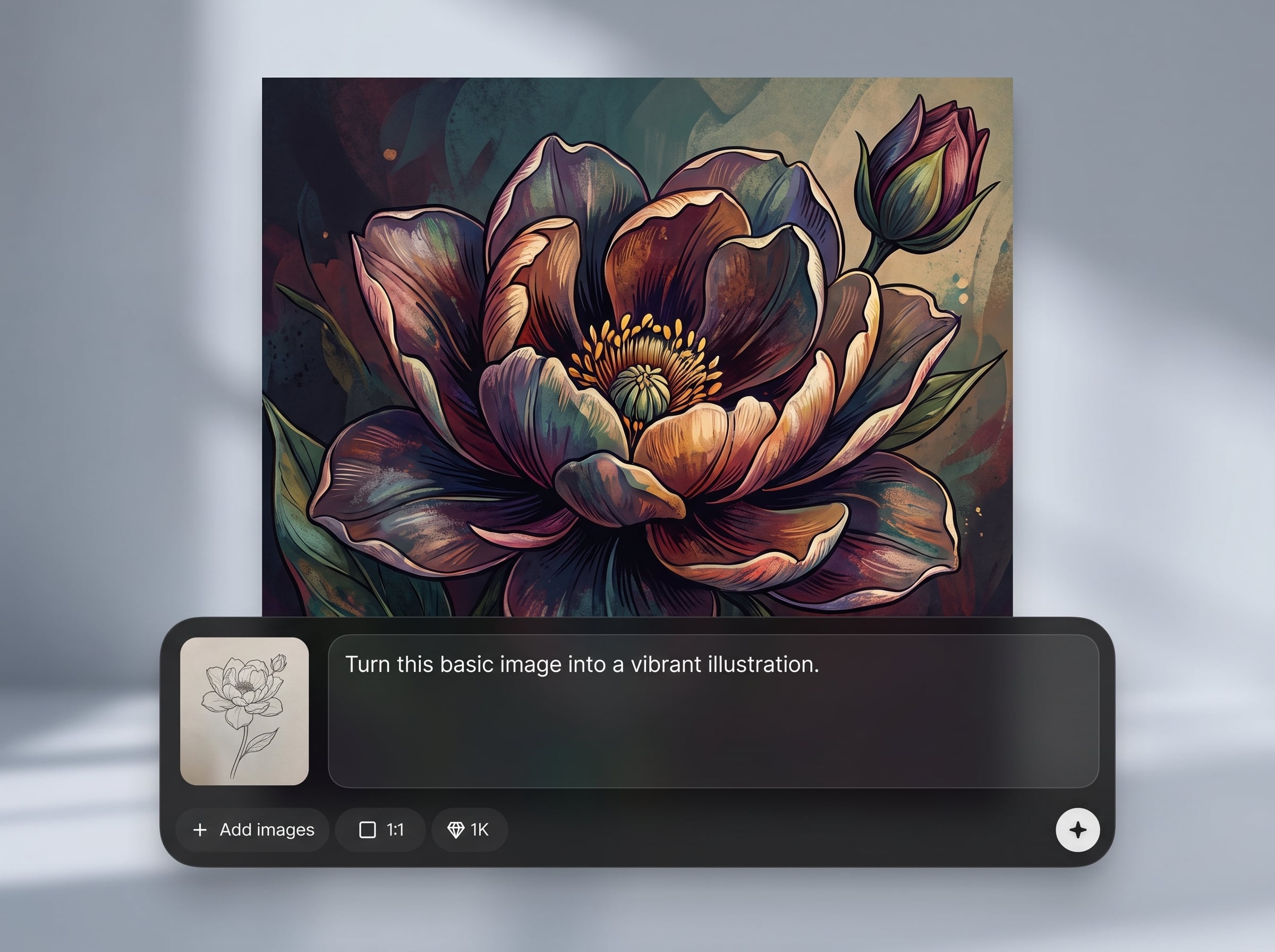
Create consistent looks for ads and content by reusing prompts and settings. Keep a cohesive style across campaigns while still producing fresh, original-looking images.
About
VAD - stock to original transforms common stock photos into original-looking images using AI. Upload a stock image, choose a style direction, and generate fresh variations that keep the message while reducing the “seen-before” feel. Export high-quality results for ads, landing pages, social posts, and product content—fast, consistent, and easy to iterate.
VAD - stock to original helps you move beyond generic stock aesthetics with controllable AI restyling. Generate multiple options quickly, keep brand consistency through reusable directions, and iterate without complex photo editing. Get distinct, campaign-ready visuals while preserving the intent of your source image.
Open VAD - stock to original, upload a stock image, and describe the look you want. Generate variations, refine with strength and style tweaks, then export the best results for your channels.
Use cases
Discover how different creators use this app in their workflow.
Refresh stock images into campaign-ready variations for paid social, display, and landing pages. Maintain the message while creating distinct visuals for testing.
Produce alternative lifestyle scenes and backgrounds from existing stock shots. Generate cohesive sets that match your store’s aesthetic and seasonal promos.
Turn one stock photo into multiple post options with different moods and styles. Keep output high while reducing repetitive, overused stock visuals.
Krea is one of the world's leading generative AI platforms. See what others say.
Real reviews on TrustpilotSo many AI tools out there but I always come back to Krea. It's really the one AI platform that 'just works'.

FYN
Krea's interfaces are still the best in the industry. Everything looks and feels so clean and easy to use! Imo the easiest to use gen AI website.

Lynn
Ultra fast generations. Extremely simple to use. All the latest AI models.

Daniel
KREA is the only AI subscription I have right now besides ChatGPT.

Sophia M.
Answers to common questions about turning stock images into original-looking AI variations.
It uses AI to restyle a stock photo into fresh, original-looking variations. You can change mood, color, lighting, and background while keeping the core subject and intent recognizable.
Filters apply a uniform effect, but AI restyling can alter scene elements more intelligently. VAD - stock to original generates new variations that feel less templated and more distinct.
Yes. Use prompts and transformation strength to preserve the subject and composition while shifting environment, lighting, and textures. This helps maintain clarity while reducing stock sameness.
Clear, high-resolution images with a well-defined subject work best. Simple compositions and good lighting produce more predictable AI results, especially when you want consistent variations.
It’s both: you start from an existing stock image, then AI generates new variations based on your direction. This combines the reliability of a source photo with generative flexibility.
Yes. Generate batches of variations to test different moods, colors, or backgrounds. This makes it easier to compare performance across ads, thumbnails, and landing page creatives.
They can. Reuse prompts, settings, and style directions to keep a cohesive look. Generating from similar source images also improves consistency across a set of outputs.
No. The workflow is designed for quick results with simple controls. Upload a stock image, describe the look you want, and generate AI variations in a few steps.
Export options depend on the app’s output settings, but common formats are supported for web and marketing use. Download your selected variation at a quality suitable for publishing.
Use moderate transformation strength, keep prompts specific, and avoid extreme stylization. Start from a high-quality stock image and iterate in small steps to maintain realism and detail.
Upload a stock photo, set a style direction, and generate unique variations ready for campaigns and content.

