










Step 1
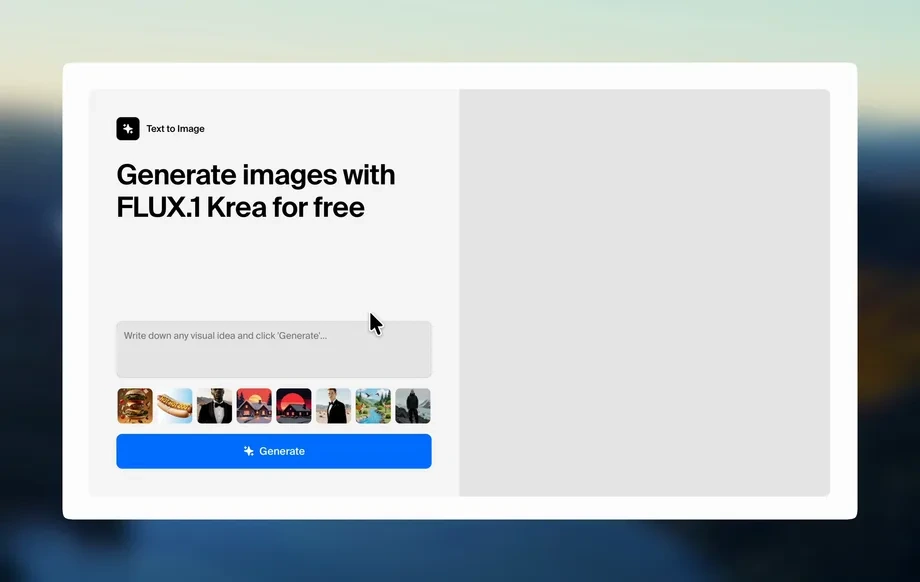
Describe
Enter a simple prompt or a detailed brief. Include the subject, style, and any brand colors so Pres can generate presentation-safe graphics and icons.
 App by Nitsan
Create presentation-ready graphics and icons from simple or detailed prompts. Pres uses AI to generate clean visuals fast—try it online now.

How to use Pres
Use Pres to turn prompts into polished presentation graphics and icons. Start with a quick idea or a detailed description, then refine style and colors to match your slides before exporting.
Step 1
Enter a simple prompt or a detailed brief. Include the subject, style, and any brand colors so Pres can generate presentation-safe graphics and icons.
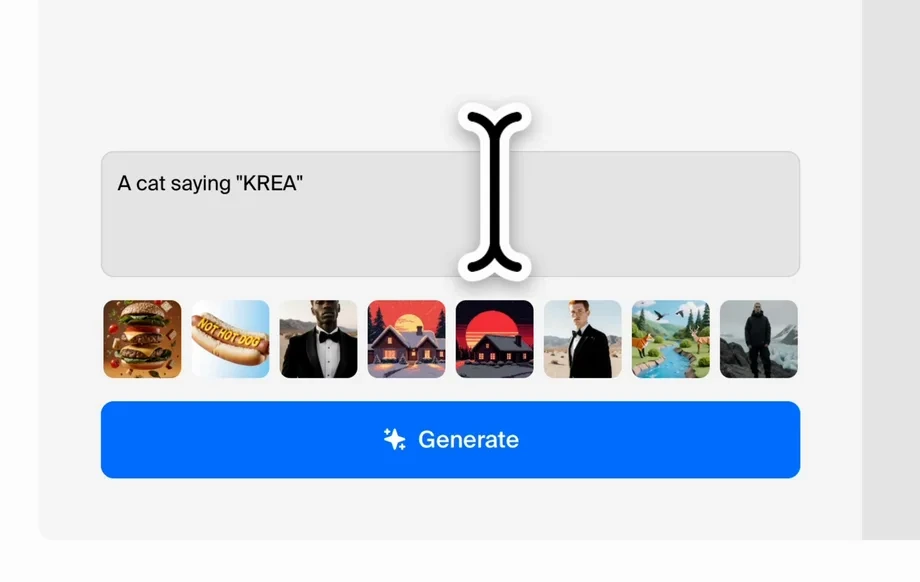
Step 2
Adjust layout, icon style, line weight, and color palette. Iterate with quick edits until the visuals fit your slide theme and hierarchy.
Step 3
Download your selected graphics and icons for presentations. Add them to PowerPoint, Google Slides, or Keynote to keep your deck clean and consistent.
Features
Pres is an AI presentation graphic generator designed for speed and consistency. Create icons and graphics from prompts, then fine-tune style and color to match your deck. Get clean, readable visuals that work at small sizes, ideal for titles, agendas, and key takeaways.
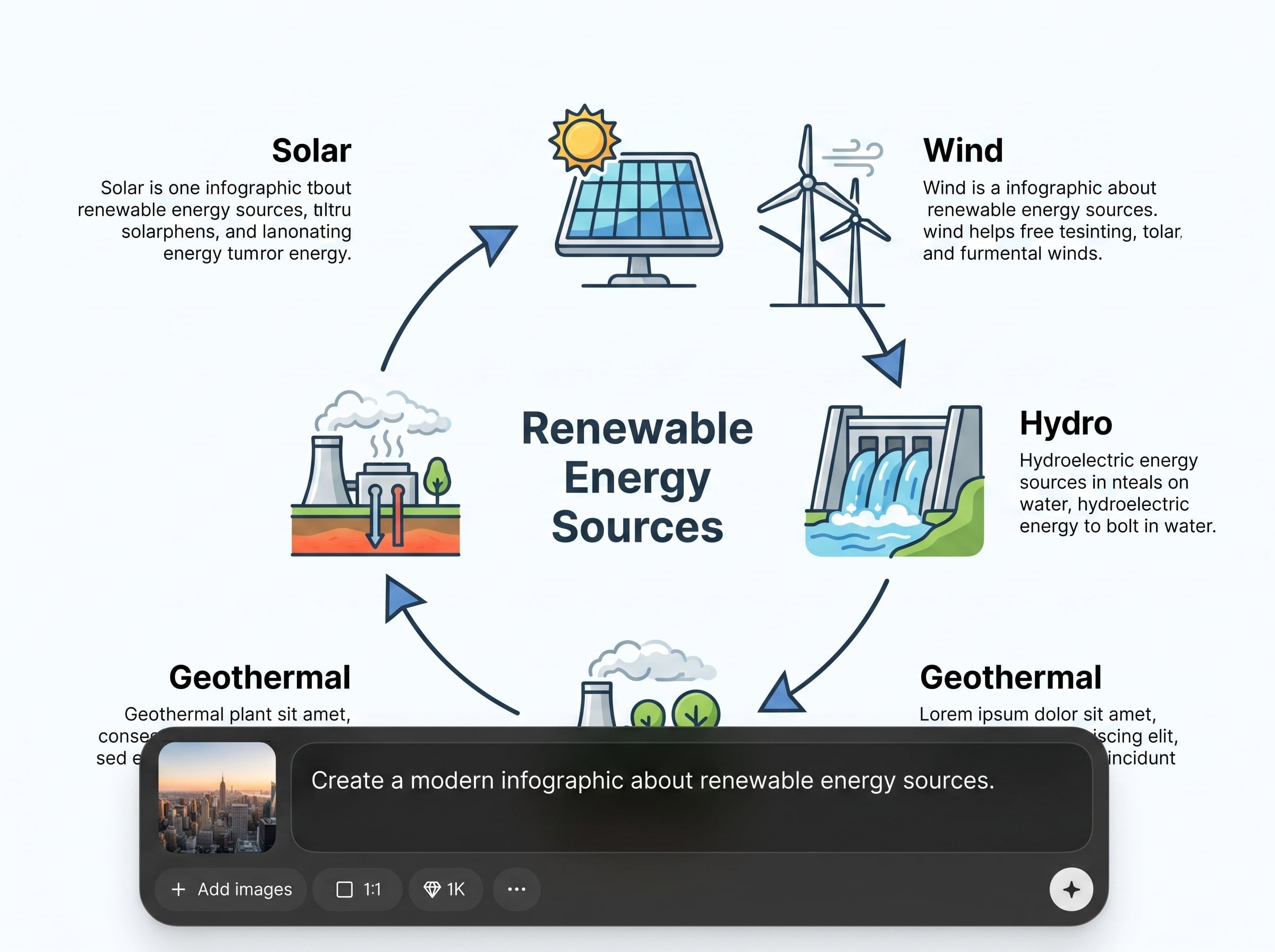
Generate icons and presentation graphics from simple or detailed prompts. Pres interprets concepts, tone, and style cues to produce clear visuals for slide layouts and callouts.
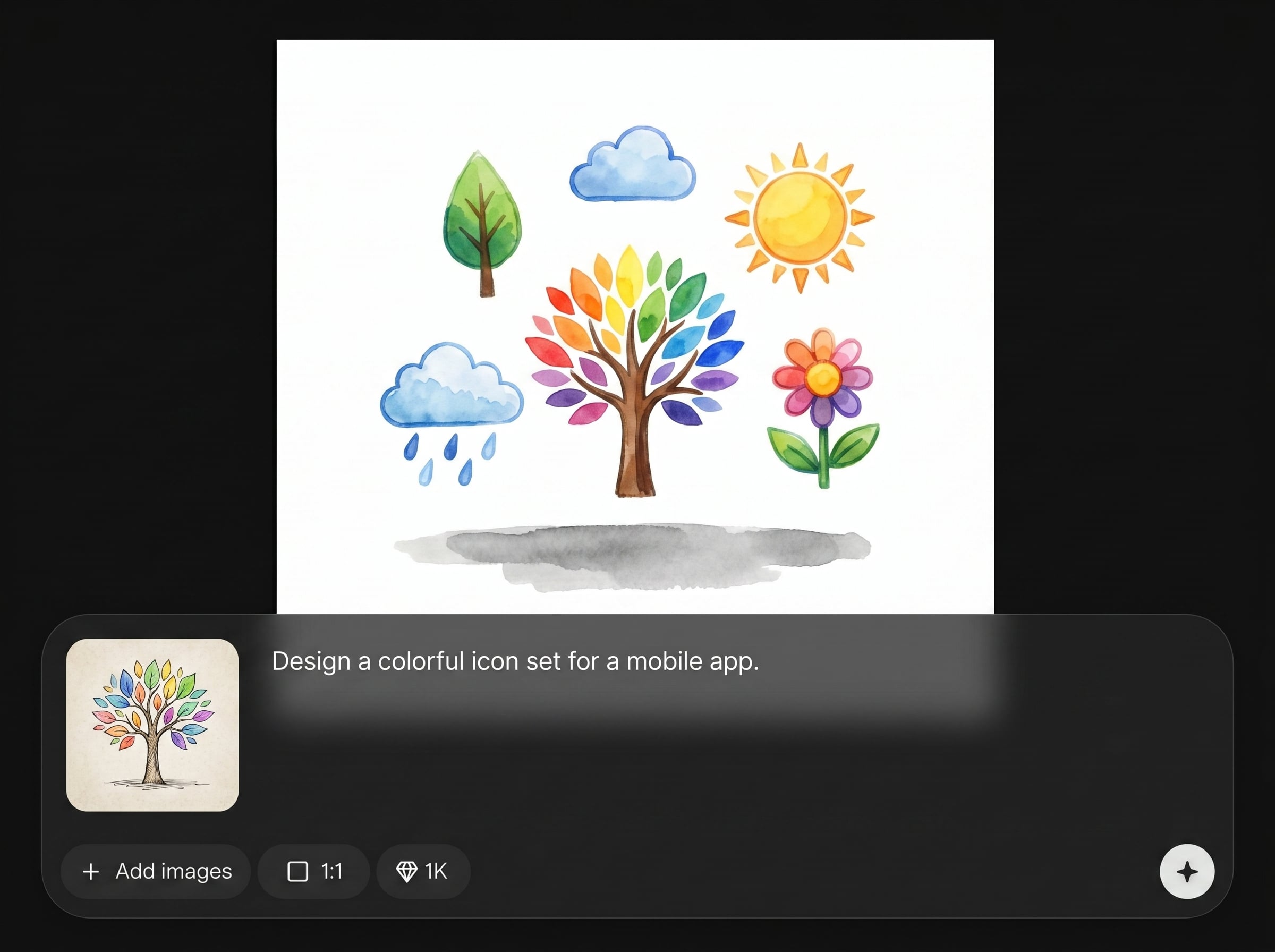
Explore variations quickly and refine results without restarting. Update prompts, adjust style, and regenerate in seconds to keep design momentum during deck building.
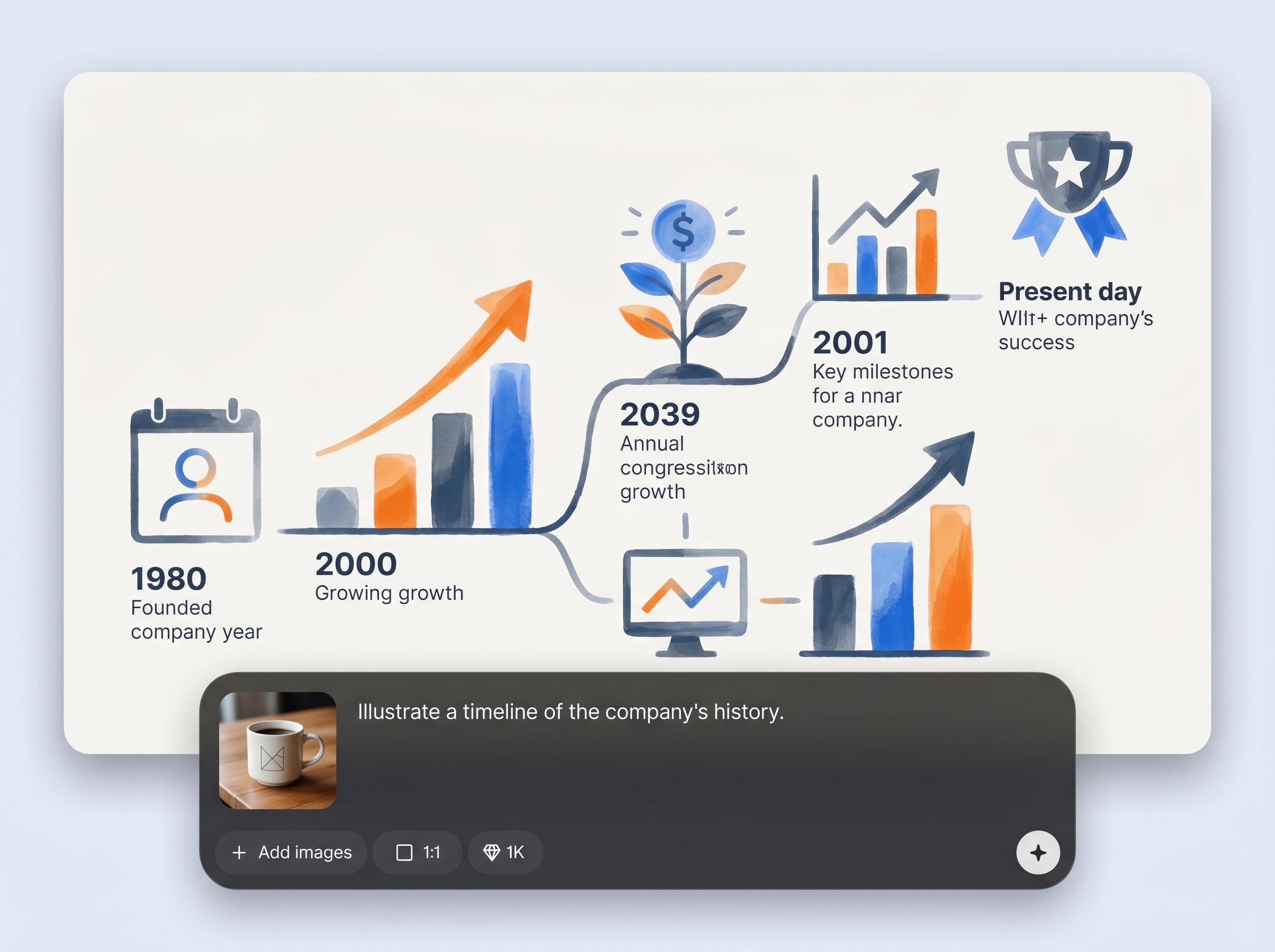
Maintain a unified look across slides by aligning icons and graphics to your chosen palette and visual style. Reduce mismatched assets and improve readability in presentations.
About
Pres generates presentation-ready graphics and icons from a simple prompt or a detailed brief. Describe a concept, style, and color palette to get clean visuals that match your deck. Save time on slide design while keeping a consistent look across titles, charts, and key points.
Pres focuses on presentation-ready output: clean shapes, readable icons, and consistent styling. It supports both quick prompts and detailed briefs, making it easy to generate visuals that fit your deck’s theme. Iterate fast to align with branding and slide hierarchy.
Type a prompt describing the icon or graphic you need, then refine style and colors. Generate variations, pick the best result, and export your visuals to place directly into your presentation.
Use cases
Discover how different creators use this app in their workflow.
Create clean icons and graphics for strategy, quarterly updates, and proposals. Keep slides consistent while communicating complex ideas with simple, readable visuals.
Generate visual cues for lessons, onboarding, and workshops. Make concepts easier to scan with icon sets and diagrams that match your slide theme.
Build feature icons, benefit graphics, and launch visuals fast. Keep branding consistent while producing slide-ready assets for pitches and stakeholder reviews.
Krea is one of the world's leading generative AI platforms. See what others say.
Real reviews on TrustpilotSo many AI tools out there but I always come back to Krea. It's really the one AI platform that 'just works'.

FYN
Krea's interfaces are still the best in the industry. Everything looks and feels so clean and easy to use! Imo the easiest to use gen AI website.

Lynn
Ultra fast generations. Extremely simple to use. All the latest AI models.

Daniel
KREA is the only AI subscription I have right now besides ChatGPT.

Sophia M.
Answers to common questions about Pres and AI presentation graphics.
Pres is an AI tool that generates presentation graphics and icons from text prompts. It helps you create slide-ready visuals quickly, starting from a simple idea or a detailed design brief.
Either works. Use a simple prompt for quick concepts, or add details like style, color palette, and mood for tighter results. Pres supports iterative refinements to reach a presentation-ready look.
Include brand colors, style keywords, and desired line weight in your prompt. Then refine variations until the icons match your deck’s visual system and stay readable at small sizes.
Yes. Pres functions as an AI icon generator and presentation graphic generator, producing clean visuals optimized for slides. It’s built to support consistent styling across multiple icons and graphics.
You can create icons, simple illustrations, and slide-friendly graphics for concepts, sections, and highlights. Pres works best for clear, minimal visuals that support text and charts in decks.
Pres generates results quickly and is designed for rapid iteration. You can test multiple prompt variations, adjust styling, and regenerate to compare options without slowing down your workflow.
Yes. Start with one strong style direction, then reuse the same prompt structure and settings. Pres helps you maintain consistency across a set so slides look cohesive and professional.
No. Pres is built for non-designers and busy teams. If you can describe what you want in words, you can generate and refine slide-ready graphics and icons in minutes.
Add the subject, intended slide use, style (flat, outline, minimal), colors, and any constraints like “high contrast” or “simple shapes.” This helps Pres generate cleaner, more consistent results.

Turn prompts into presentation icons and graphics in minutes with Pres—fast, consistent, and ready for your deck.

