














Step 1
Upload or Prompt
Start with a photo of your object or type a short prompt. Choose subject focus, background, and composition so the crystallized result matches your intent.
Crystallize This turns any object into crystal-style AI art in seconds. Upload a photo, pick a look, and generate high-res images fast—try it now.
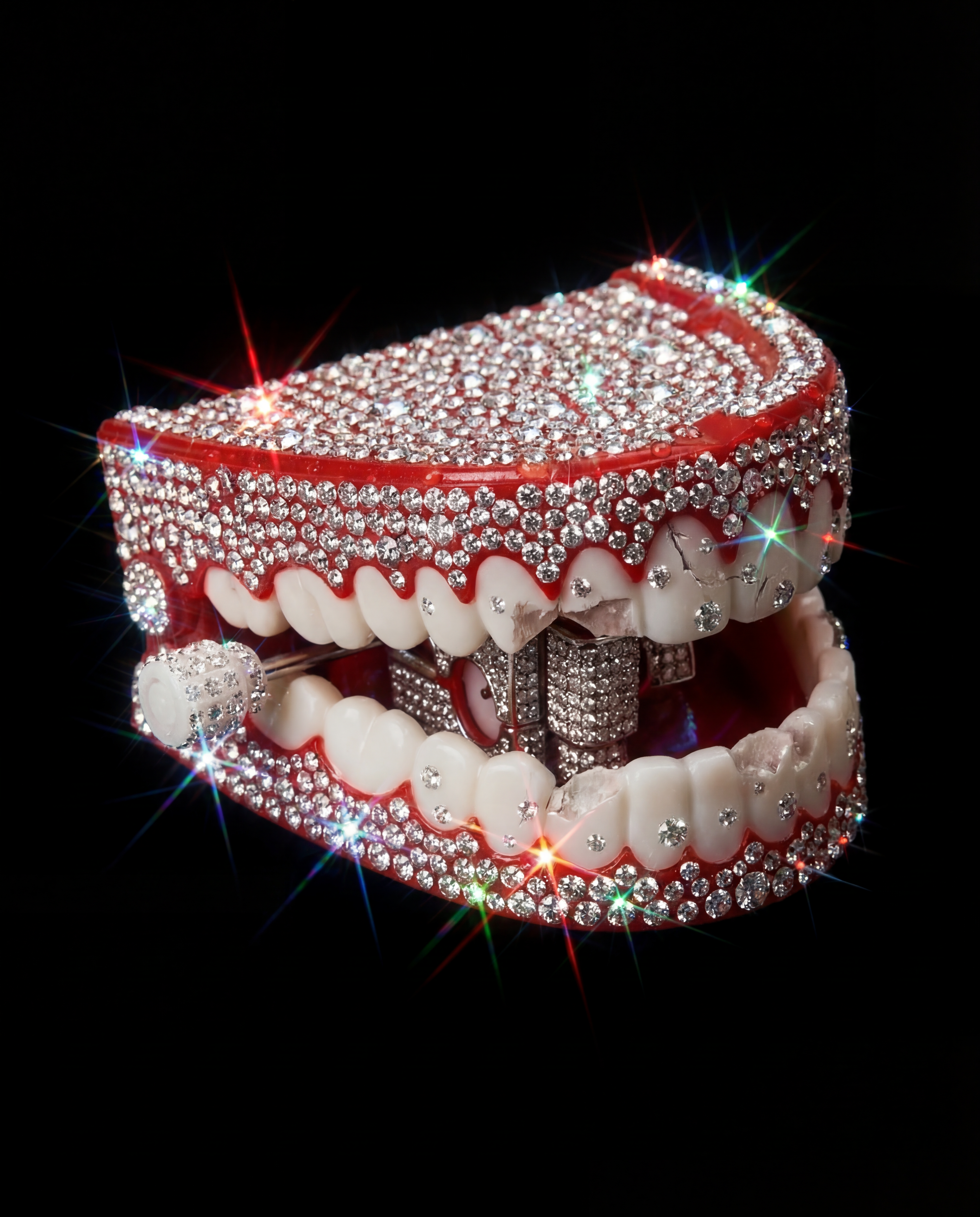
How to use Crystallize This
Create crystal-style artwork from any object in a simple workflow. Upload an image or describe what you want, choose a crystallized aesthetic, then generate and refine until it looks perfect.
Step 1
Start with a photo of your object or type a short prompt. Choose subject focus, background, and composition so the crystallized result matches your intent.

Step 2
Pick a faceted, prism, or gemstone look and set color, glow, and sharpness. Adjust strength to keep recognizable shapes while adding crystalline geometry.

Step 3
Generate multiple variations, select the best, and iterate with quick tweaks. Export high-resolution images for print, web, product pages, or social posts.
Features
Crystallize This converts ordinary objects into faceted crystal artwork using AI image transformation. Control the level of crystallization, color palettes, and lighting for a clean, high-end look. Generate consistent variations quickly for branding, product visuals, concept exploration, or decorative prints—without complex 3D modeling or manual editing.
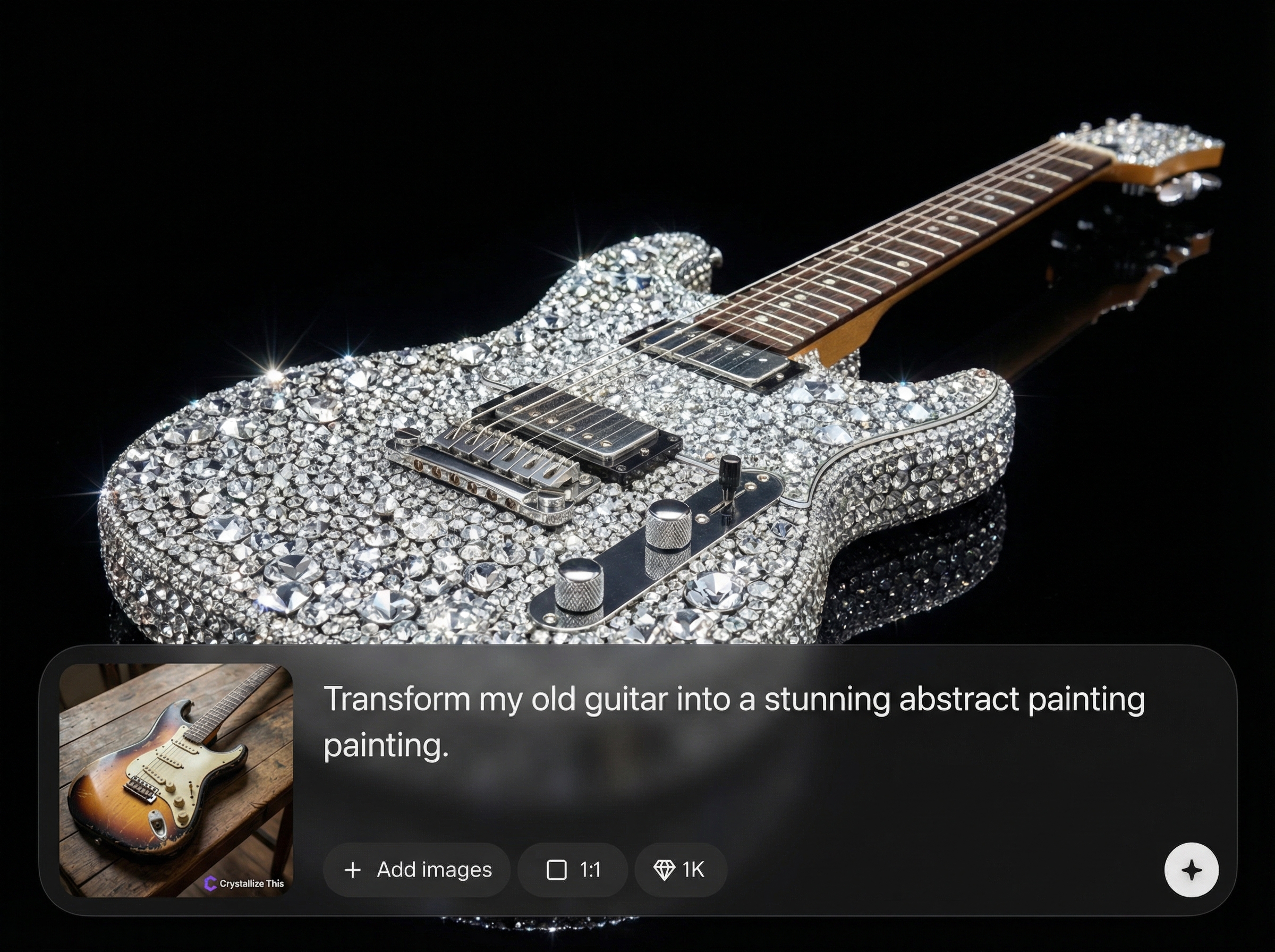
Turn photos or prompts into sharp, geometric crystal art. The model preserves key contours while adding gemstone facets, reflective highlights, and polished depth for a premium finish.
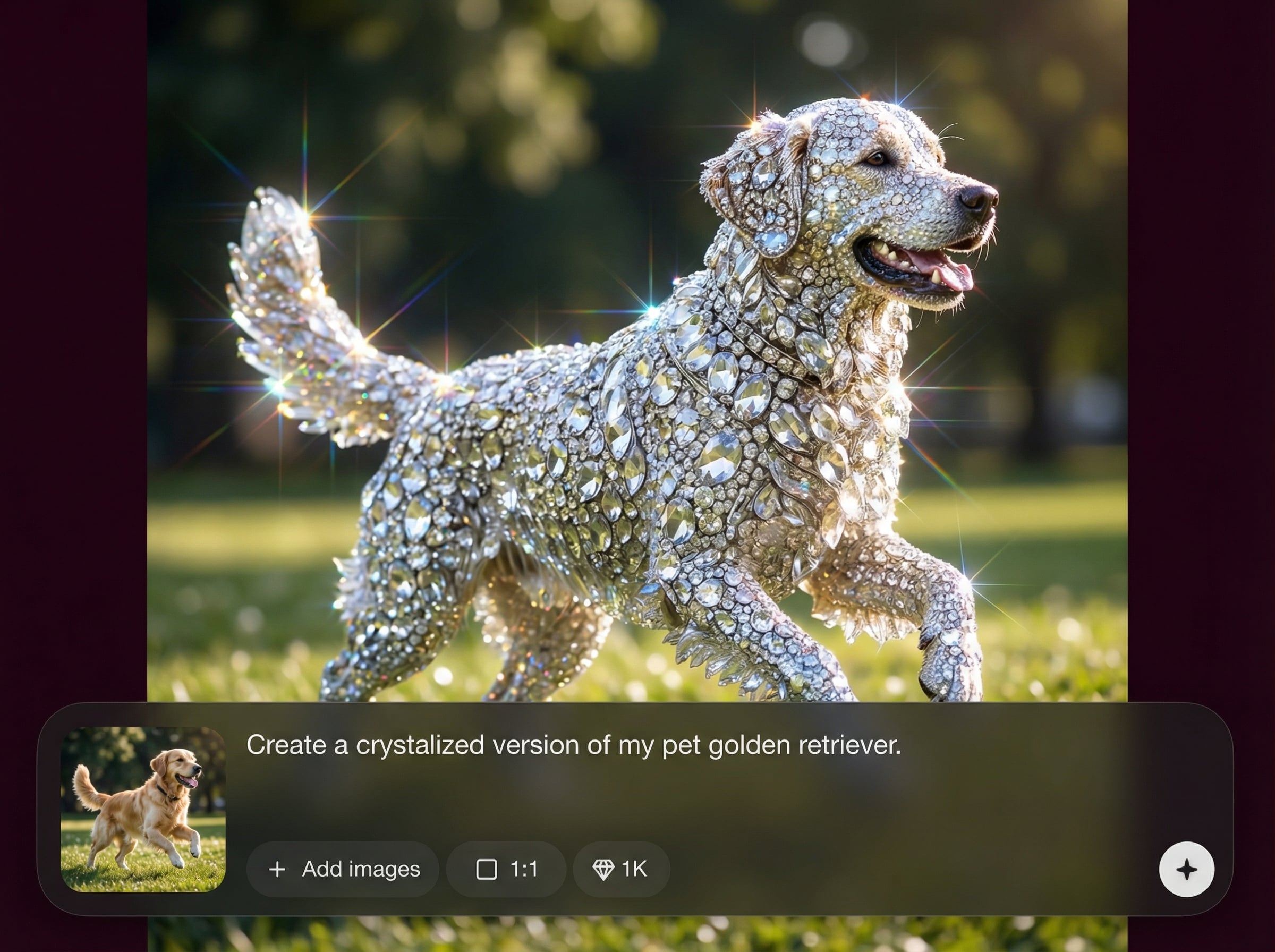
Dial in crystallization strength, color, glow, and contrast to match your aesthetic. Create subtle glassy effects or bold prism sculptures, then keep results consistent across a set.
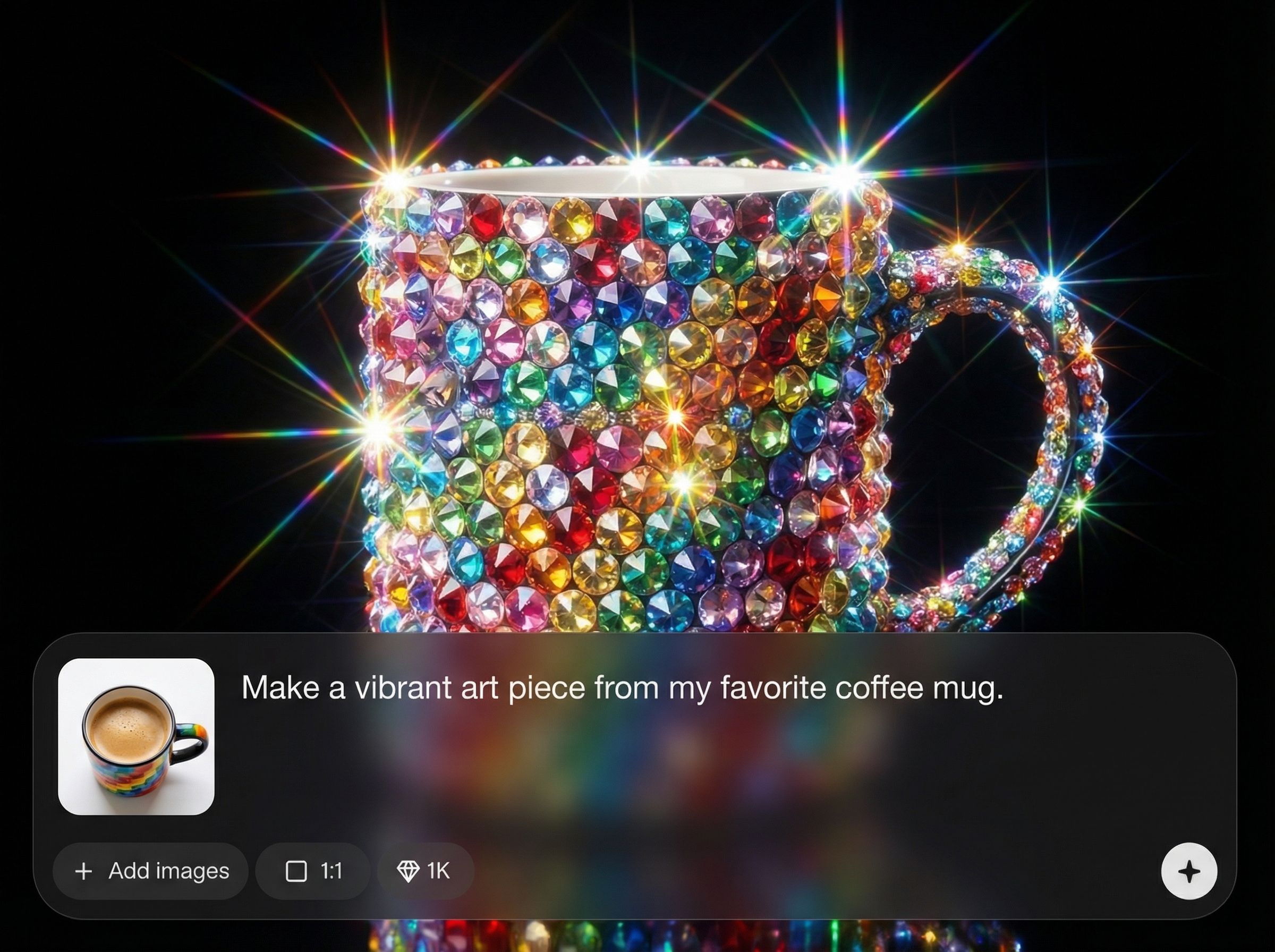
Generate multiple options in seconds and refine with small edits instead of restarting. Export high-resolution images suitable for posters, product shots, thumbnails, and digital ads.
About
Crystallize This transforms any object into stunning crystal-style AI art with sharp facets, glossy highlights, and gallery-ready detail. Upload a photo or start from a prompt, choose a crystallized look, then generate variations in seconds. Perfect for product visuals, posters, icons, and concept art—export high-resolution images and keep your style consistent across a whole series.
Crystallize This delivers a focused crystal-art transformation with controls that keep subjects recognizable while adding premium faceted detail. Generate multiple variations quickly, maintain stylistic consistency, and export high-resolution outputs for real-world design needs.
Open Crystallize This, upload an object photo or enter a prompt, then choose a crystallized look. Generate variations, tweak strength and color, and export your favorite result at high resolution.
Use cases
Discover how different creators use this app in their workflow.
Crystallize products into premium, faceted renders for hero images, launch graphics, and seasonal campaigns. Great for packaging mockups and standout e-commerce thumbnails.
Create a consistent crystal motif for logos, icons, and UI art. Generate a cohesive set of assets with matching lighting, palette, and geometric detail.
Turn everyday objects into striking poster art or concept exploration. Rapidly iterate compositions, colors, and crystal density to find the strongest visual direction.
Krea is one of the world's leading generative AI platforms. See what others say.
Real reviews on TrustpilotSo many AI tools out there but I always come back to Krea. It's really the one AI platform that 'just works'.

FYN
Krea's interfaces are still the best in the industry. Everything looks and feels so clean and easy to use! Imo the easiest to use gen AI website.

Lynn
Ultra fast generations. Extremely simple to use. All the latest AI models.

Daniel
KREA is the only AI subscription I have right now besides ChatGPT.

Sophia M.
Answers to common questions about crystallizing images with AI and exporting results.
Crystallize This is an AI image tool that transforms an object into crystal-style artwork with faceted geometry, reflective highlights, and stylized depth. Use a photo or prompt to generate high-quality variations quickly.
Yes—upload most object photos and the AI will apply a crystal effect while keeping the subject recognizable. Clear lighting and a distinct subject help produce sharper facets and cleaner silhouettes.
Adjust the crystallization strength, palette, glow, and contrast to shape the final style. You can generate multiple versions, compare outcomes, and refine settings to match a consistent visual direction.
It’s ideal for product visuals, ads, thumbnails, and posters where a premium, faceted aesthetic stands out. Generate variations fast, then export high-resolution images ready for web or print layouts.
Export high-resolution images suitable for digital design and print use. Output options depend on your workflow, but the goal is clean, detailed renders that hold up in banners, posters, and product pages.
Upload an image or write a prompt, pick a crystal style, and generate high-res results in seconds.

