














Step 1
Upload
Upload a single product image with clear edges and good lighting. The AI detects the subject, cleans the scene, and prepares it for editorial styling.
Upload one product image and generate studio-quality editorial shots in seconds with AI. Perfect for ecommerce, ads, and catalogs—try it online now.
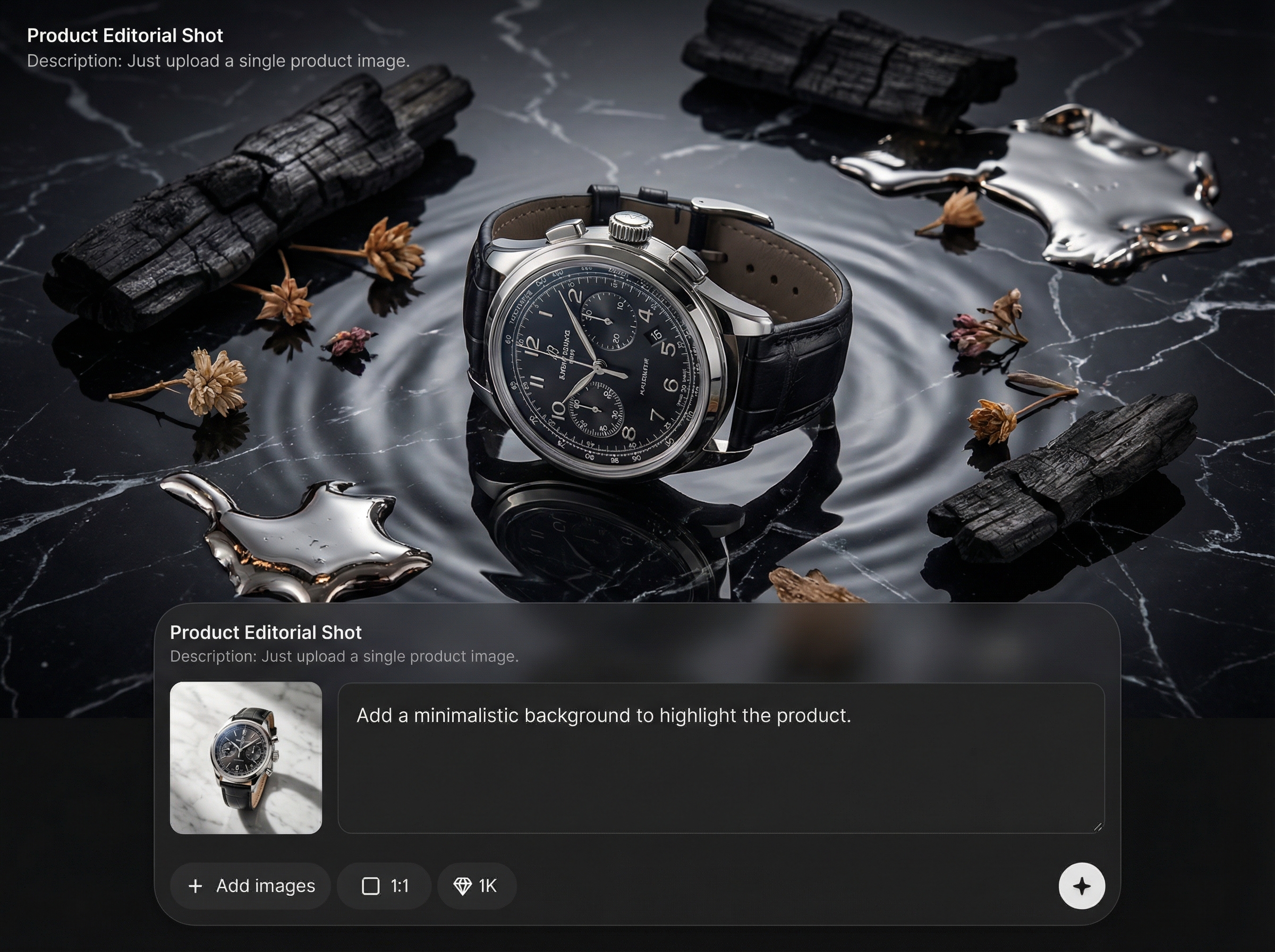
How to use Product Editorial Shot
Generate premium editorial-style product images from just one upload. Follow these steps to set the visual style, render variations, and export assets sized for ecommerce, ads, and social.
Step 1
Upload a single product image with clear edges and good lighting. The AI detects the subject, cleans the scene, and prepares it for editorial styling.

Step 2
Pick an editorial look: background, lighting mood, and composition. Adjust options to match your brand, then preview multiple directions before generating.

Step 3
Generate several high-quality variations in seconds. Select your favorites and export optimized images for product pages, ads, and campaign layouts.
Features
Create studio-grade editorial product photography without a full shoot. Product Editorial Shot uses AI to enhance composition, lighting, and backgrounds while keeping the product clean and accurate. Generate multiple polished options fast, so you can launch campaigns, update listings, and test creatives with less time and cost.
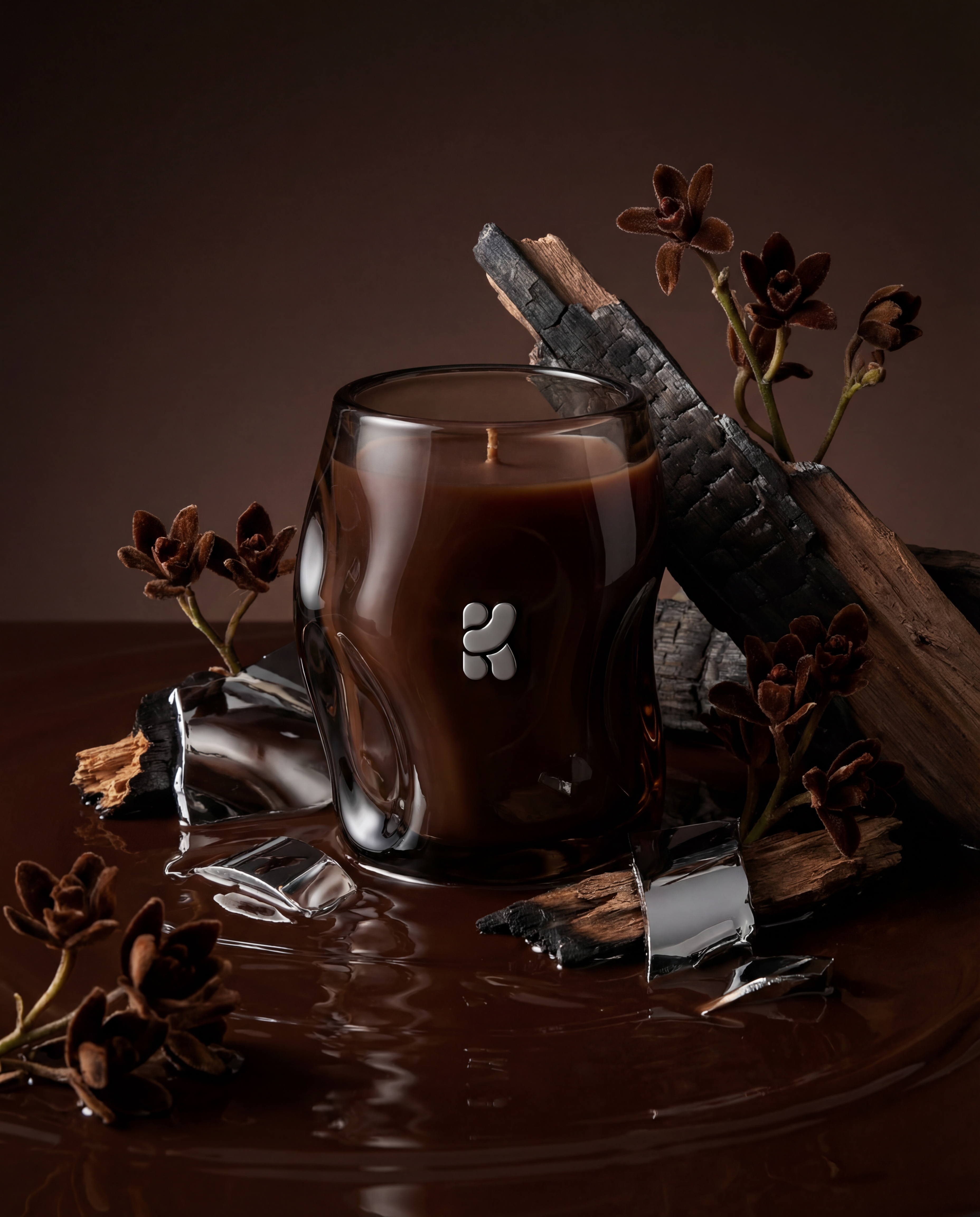
Upload one product photo and generate editorial-style shots automatically. The AI preserves key product details while upgrading lighting, setting, and overall presentation for a premium look.
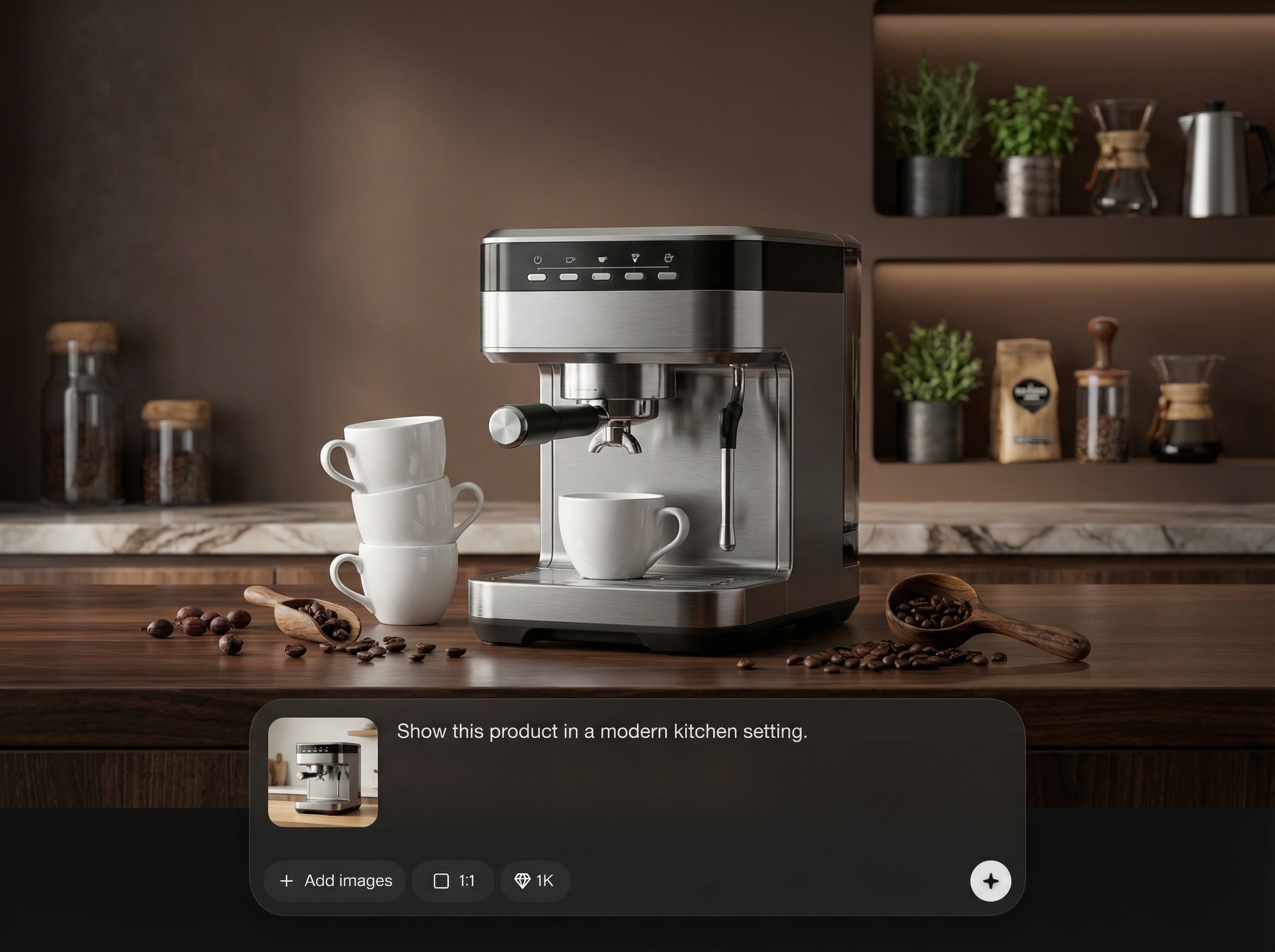
Produce multiple backgrounds and compositions in seconds. Quickly compare options for ads, storefronts, and seasonal drops, then choose the best-performing creative direction.
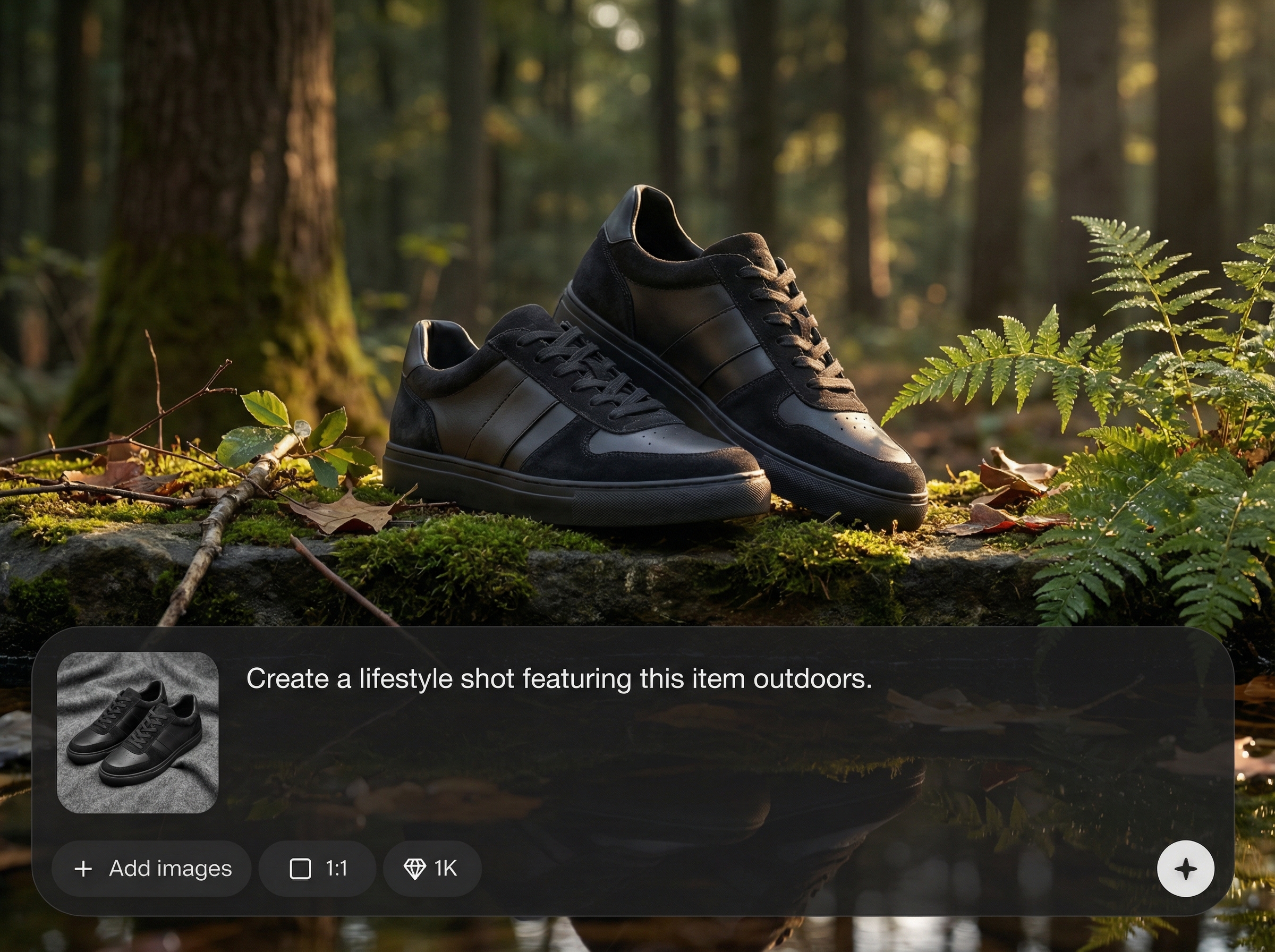
Keep images consistent and professional across channels. Generate clean, high-end product visuals that reduce manual edits and help maintain a cohesive catalog and campaign style.
About
Product Editorial Shot turns a single product photo into polished, studio-style editorial images. Upload one image, choose a look, and generate high-end results for ecommerce listings, ads, and catalogs. Save time on reshoots while keeping your product sharp, on-brand, and ready to publish across channels.
Product Editorial Shot helps you produce premium, consistent product visuals without coordinating a full studio shoot. Generate fast variations for testing, keep catalogs cohesive, and reduce manual editing. Get editorial quality from a single image with AI-powered speed and flexibility.
Start by uploading one clear product photo. Choose an editorial style, generate several variations, and export the best option for your product page, ad set, or catalog layout.
Use cases
Discover how different creators use this app in their workflow.
Refresh PDP images with editorial backgrounds and lighting without reshoots. Create consistent visuals that help products look premium and conversion-ready.
Generate campaign-ready product shots fast for new drops, promos, and A/B tests. Get multiple creative options from a single image.
Produce polished product imagery for catalogs, lookbooks, and marketplace uploads. Maintain clean edges and consistent styling across large assortments.
Krea is one of the world's leading generative AI platforms. See what others say.
Real reviews on TrustpilotSo many AI tools out there but I always come back to Krea. It's really the one AI platform that 'just works'.

FYN
Krea's interfaces are still the best in the industry. Everything looks and feels so clean and easy to use! Imo the easiest to use gen AI website.

Lynn
Ultra fast generations. Extremely simple to use. All the latest AI models.

Daniel
KREA is the only AI subscription I have right now besides ChatGPT.

Sophia M.
Find quick answers about generating editorial product photos with AI from a single upload.
Upload one product photo and the AI isolates the subject, then generates editorial-style scenes with improved lighting and composition. You can create multiple variations and export the best results.
Use a clear, high-resolution image with the full product visible and minimal motion blur. Neutral backgrounds and good lighting help the AI produce cleaner edges and more realistic editorial shots.
Yes. Choose different editorial looks to generate a range of backgrounds, moods, and compositions. This makes it easy to match brand style guides or test creative directions quickly.
Absolutely. The tool is designed for ecommerce listings, paid ads, and catalogs where clean product accuracy matters. Generate high-quality options quickly to keep campaigns moving.
No. The workflow is simple: upload, select a style, and generate. The AI handles background, lighting, and polish so you can focus on choosing the best variation.
Upload one product image and generate studio-style visuals for ecommerce, ads, and catalogs in seconds.

