














Step 1
Upload
Add a product photo from your device. For best results, use sharp images with clear edges so the AI can separate the product from the background accurately.
 App by Pavel
Create studio-quality product photos in minutes with product shots. Use AI backgrounds, lighting, and styling to boost listings. Try it online now.
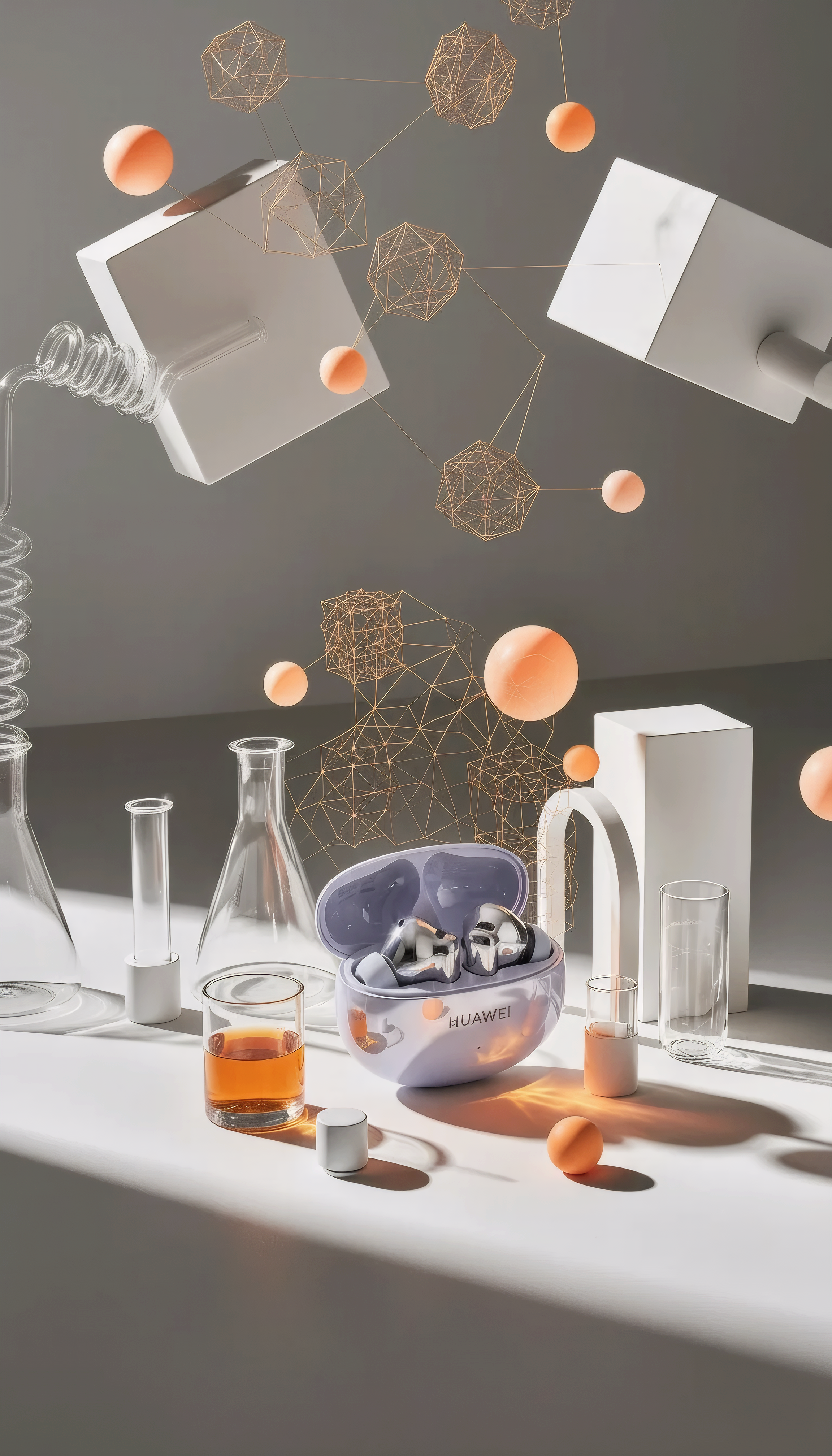
How to use product shots
Learn how to create high-quality product images with product shots using AI. In a few steps, you’ll upload a product photo, choose a look, and export ready-to-use visuals for ecommerce listings.
Step 1
Add a product photo from your device. For best results, use sharp images with clear edges so the AI can separate the product from the background accurately.

Step 2
Pick a background, scene, and lighting preset, or describe the look in text. Adjust colors and framing to match brand guidelines and marketplace requirements.

Step 3
Generate multiple variations, compare options, and refine the best result. Download high-resolution product shots optimized for web, ads, and storefronts.
Features
product shots creates clean, consistent product photography with AI—no studio, props, or reshoots. Generate professional backgrounds, realistic shadows, and balanced lighting from a single image. Produce multiple angles and looks quickly, keeping your catalog cohesive across ecommerce platforms, ads, and social campaigns.

Replace distracting scenes with clean backdrops or lifestyle sets. The AI keeps edges crisp and generates natural depth so your product stays the focus in every shot.

Add softbox-style lighting, reflections, and grounded shadows that match the surface. Create consistent exposure across variations, helping listings look premium and trustworthy.

Generate multiple scenes, colors, and crops in minutes. Iterate quickly for A/B tests, seasonal campaigns, and marketplace requirements—without repeating manual edits.
About
product shots is an AI product photo generator that turns simple product images into studio-ready visuals fast. Create clean backgrounds, realistic lighting, and on-brand scenes for ecommerce, ads, and catalogs. Upload a photo, choose a style, and generate consistent product imagery that looks professionally shot—without a full studio setup.
Get consistent, studio-quality product visuals without complex editing. product shots uses AI to generate realistic scenes, balanced lighting, and clean compositions at speed—helping your listings look premium while reducing production time and costs.
Open product shots, upload a product image, and select a style or write a short prompt. Generate variations, refine the best option, and download high-resolution images ready for ecommerce and ads.
Use cases
Discover how different creators use this app in their workflow.
Create marketplace-ready product images with clean backgrounds, consistent lighting, and sharp details to improve click-through and conversion across storefronts.
Generate scroll-stopping product shots in themed scenes for promos and launches. Produce multiple variations quickly for testing creative performance.
Keep product photography cohesive across collections. Standardize style, framing, and background treatments to build a premium, consistent visual identity.
Krea is one of the world's leading generative AI platforms. See what others say.
Real reviews on TrustpilotSo many AI tools out there but I always come back to Krea. It's really the one AI platform that 'just works'.

FYN
Krea's interfaces are still the best in the industry. Everything looks and feels so clean and easy to use! Imo the easiest to use gen AI website.

Lynn
Ultra fast generations. Extremely simple to use. All the latest AI models.

Daniel
KREA is the only AI subscription I have right now besides ChatGPT.

Sophia M.
Answers to common questions about product shots and AI product photography workflows.
product shots is an AI product photo generator that creates studio-quality product images from a single upload. It can change backgrounds, enhance lighting, and produce multiple variations for ecommerce, ads, and catalogs.
Use high-resolution photos with clear product edges and minimal blur. Neutral lighting helps, but the tool can improve exposure and shadows. Plain or lightly textured backgrounds typically produce the cleanest cutouts.
Yes. Choose presets or describe a scene in text to generate new backgrounds while keeping the product consistent. You can iterate on style, colors, and composition to match your brand.
product shots helps produce clean, centered product images with consistent lighting and framing. Export high-resolution files suitable for listings, ads, and thumbnails, then crop or resize to your platform’s specs.
It includes AI background replacement plus enhancements like lighting, shadows, and scene generation. It’s designed specifically for product photography, so outputs look more like real studio shots than basic cutouts.
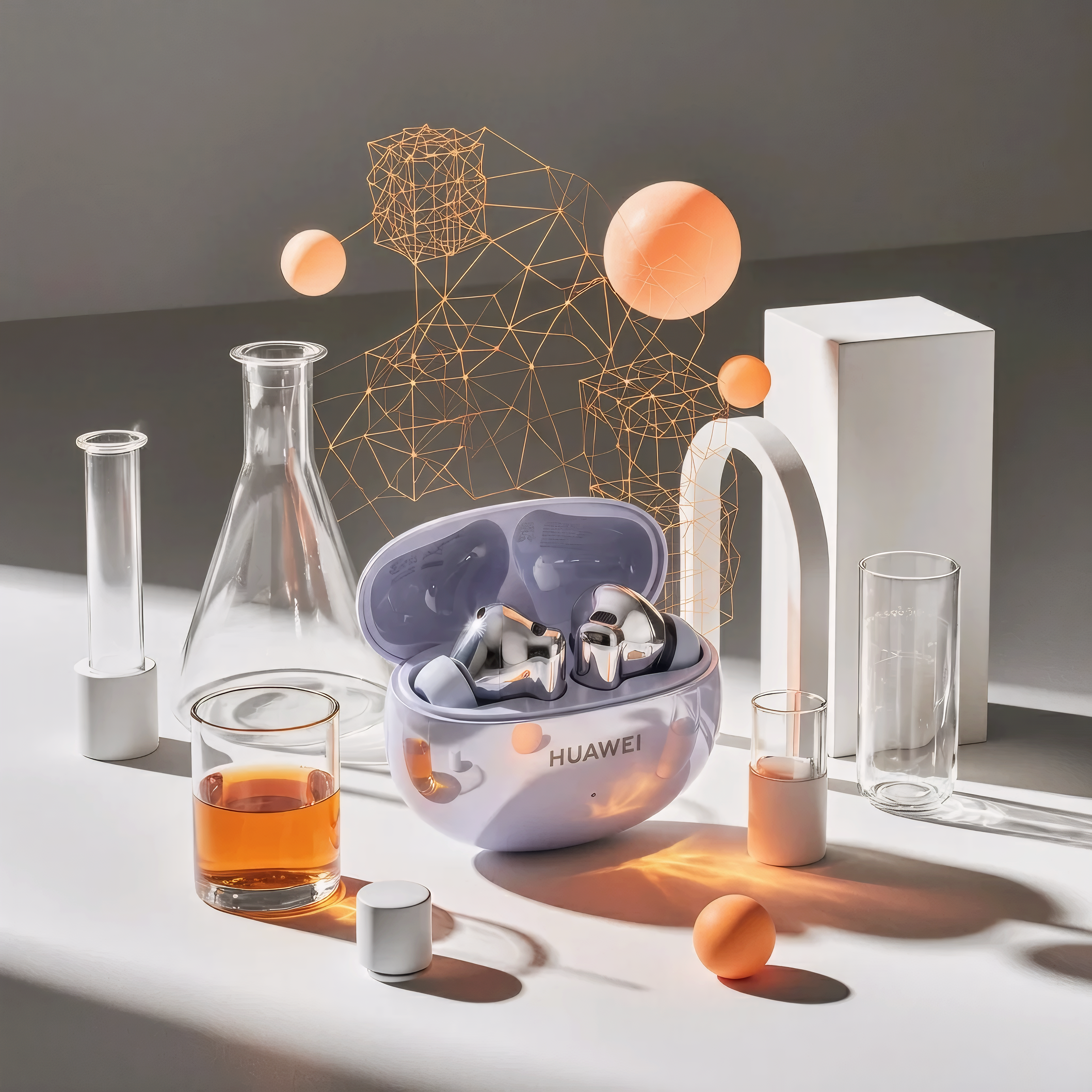
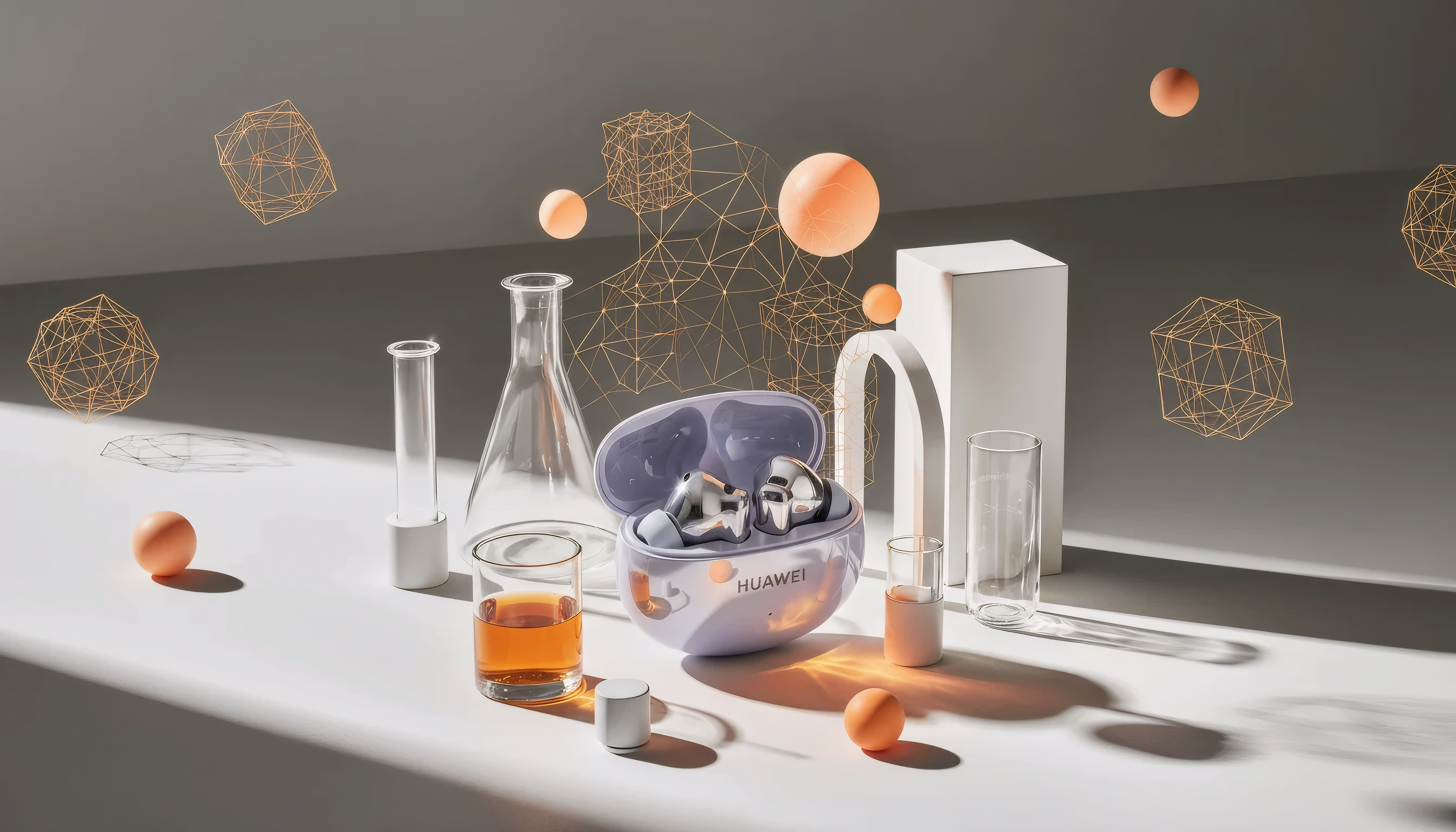
Upload a photo and generate polished product images with AI backgrounds, lighting, and styling in minutes.

