














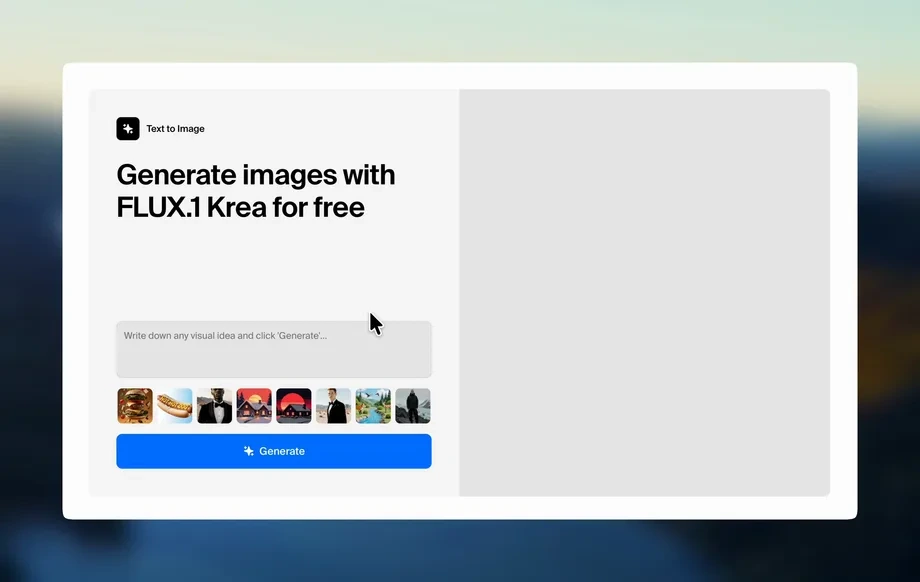
Step 1
Set your prompt
Describe the scene, mood, and setting, then choose the GTA VI LEGO background vibe. Add lighting or color notes to guide the AI toward the look you want.
Generate GTA VI-inspired LEGO-style backgrounds fast with STYLIZED. Use AI prompts, adjust style, and export HD assets for projects—try it online now.
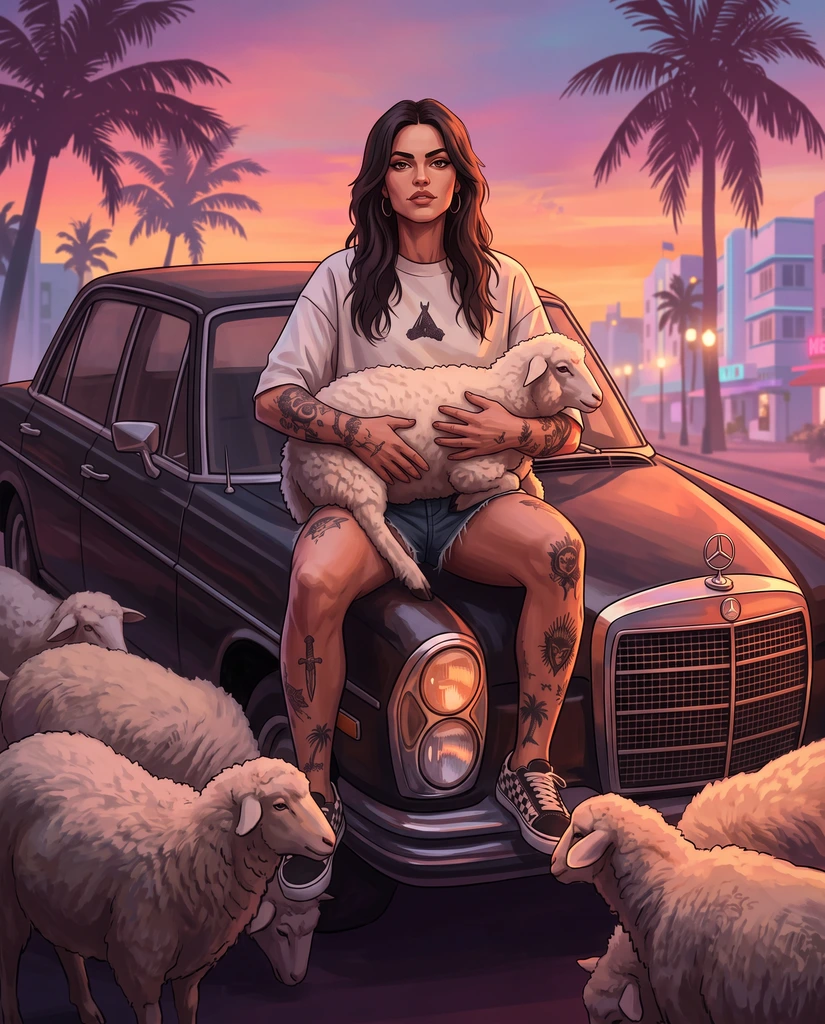
How to use STYLIZED
Use STYLIZED to turn a simple prompt into a GTA VI-inspired LEGO-style background. Follow these quick steps to choose a style, generate variations, and export a clean, high-resolution image for your workflow.
Step 1
Describe the scene, mood, and setting, then choose the GTA VI LEGO background vibe. Add lighting or color notes to guide the AI toward the look you want.
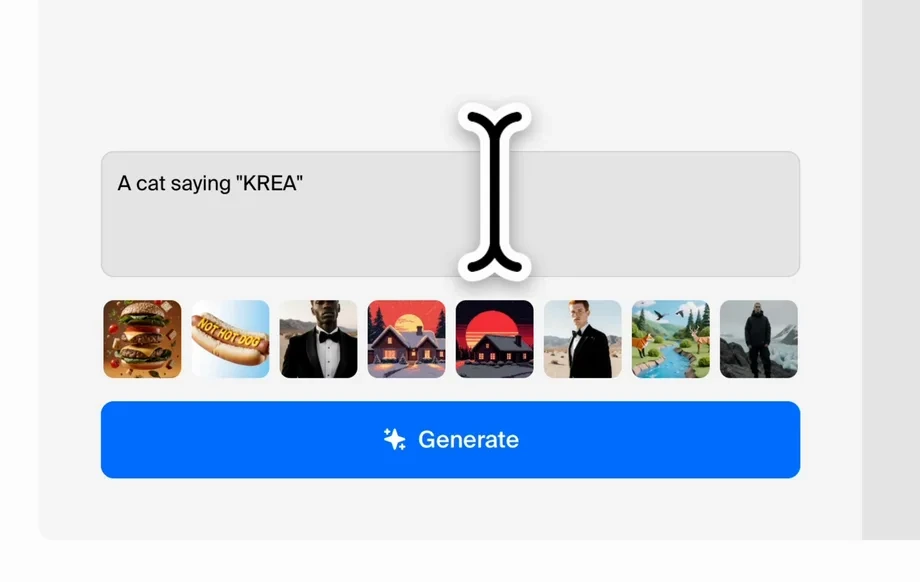
Step 2
Click generate to create multiple stylized options. Refine the prompt, adjust style strength, and rerun until the composition, detail, and colors match your target aesthetic.
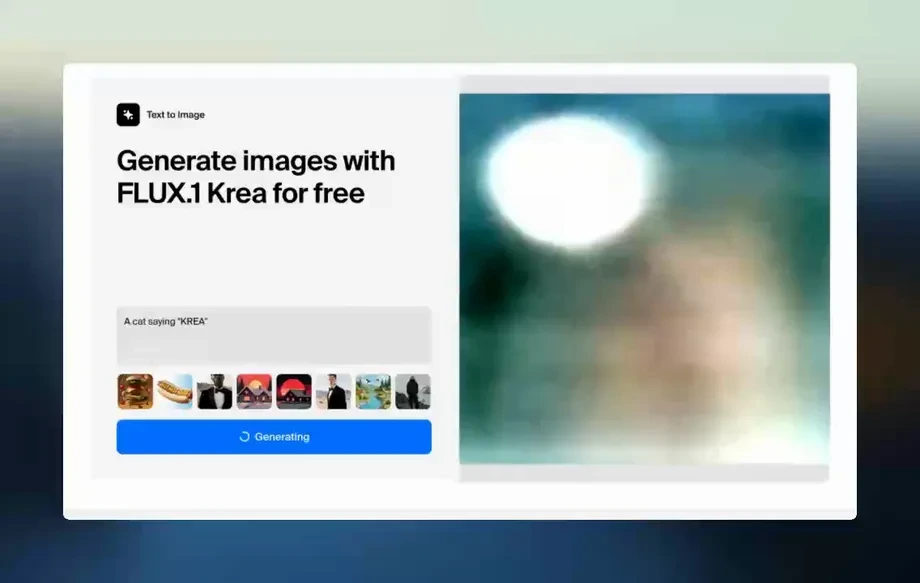
Step 3
Download your favorite result in high quality. Reuse the prompt and settings to keep consistent backgrounds across a series, campaign, or product mockups.
Features
STYLIZED helps you generate GTA VI-inspired LEGO-style scenes with fast iteration and consistent results. Control style intensity, lighting, and composition through clear prompt guidance and variation generation. Export high-quality backgrounds that fit thumbnails, concept boards, and design comps, without complex software or long render times.
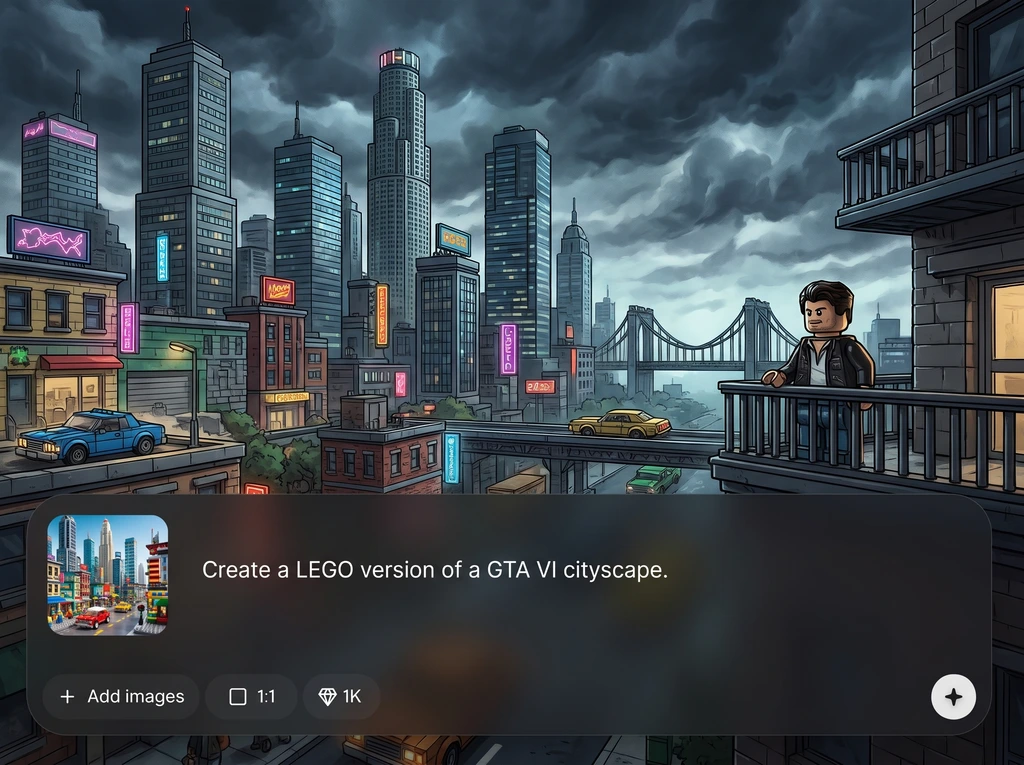
Create LEGO-like textures and a bold GTA VI-inspired vibe from a single prompt. Fine-tune how stylized the output is while keeping readable shapes and clean, graphic detail.

Generate multiple background options in seconds to explore angles, color palettes, and mood. Iterate quickly by adjusting prompt details and regenerating until the scene matches your vision.
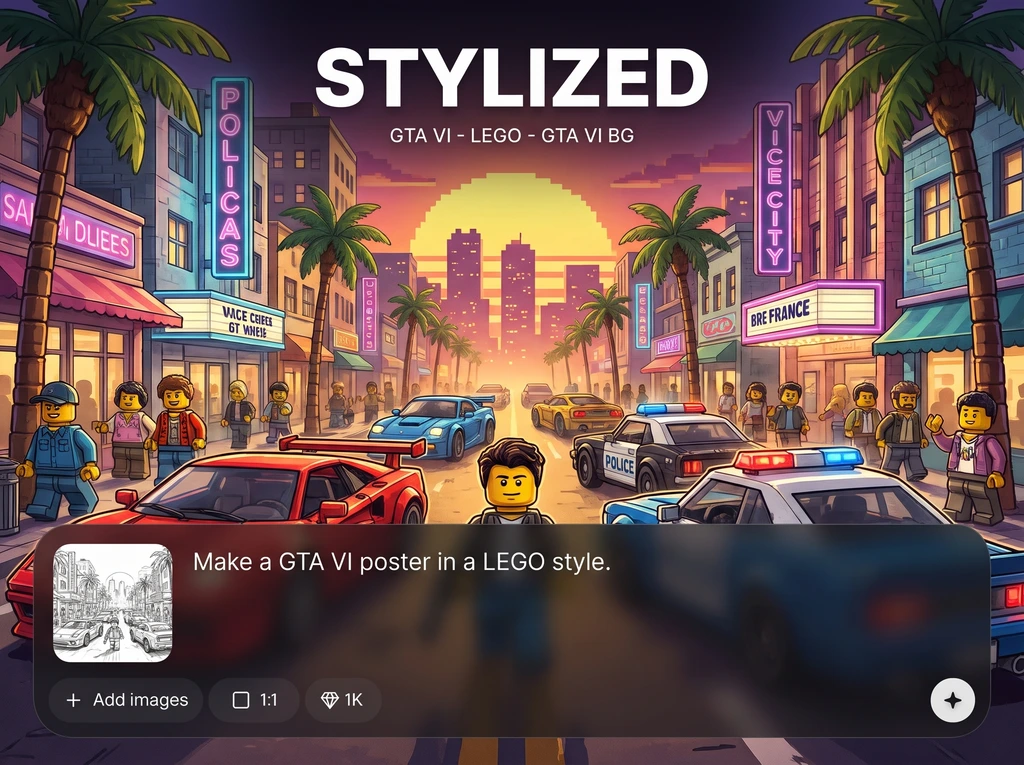
Export crisp, high-quality images suited for thumbnails, presentations, and design mockups. Keep outputs consistent by reusing prompts and settings for repeatable, series-based results.
About
STYLIZED is an AI stylized art generator for GTA VI-inspired LEGO aesthetics and bold, game-ready backgrounds. Enter a prompt or upload a reference, then shape color, composition, and detail for a clean, cinematic look. Generate consistent variations quickly and export high-quality images for thumbnails, mockups, or visual concepts—right in your browser.
STYLIZED is built for fast, repeatable stylized background generation with a GTA VI LEGO-inspired aesthetic. Get consistent variations, clear prompt control, and high-quality exports without complicated tools. Iterate quickly, compare options side by side, and lock in a visual direction that stays cohesive across assets.
Type a short prompt describing the setting and mood, pick a stylized GTA LEGO direction, then generate variations. Refine wording and settings, and export the best result in high quality—done in minutes.
Use cases
Discover how different creators use this app in their workflow.
Generate eye-catching GTA VI LEGO-style backdrops that keep subjects readable and improve click appeal with strong color, contrast, and composition control.
Explore stylized environments quickly for pitches and planning. Create multiple looks for the same scene to compare lighting, palette, and atmosphere.
Produce playful, game-inspired backgrounds for banners, ads, and landing visuals. Maintain a consistent visual theme across campaigns with reusable prompts.
Krea is one of the world's leading generative AI platforms. See what others say.
Real reviews on TrustpilotSo many AI tools out there but I always come back to Krea. It's really the one AI platform that 'just works'.

FYN
Krea's interfaces are still the best in the industry. Everything looks and feels so clean and easy to use! Imo the easiest to use gen AI website.

Lynn
Ultra fast generations. Extremely simple to use. All the latest AI models.

Daniel
KREA is the only AI subscription I have right now besides ChatGPT.

Sophia M.
Common questions about generating GTA VI LEGO-style AI backgrounds with STYLIZED.
STYLIZED generates AI stylized images focused on GTA VI-inspired LEGO-style backgrounds. You provide a prompt or reference, and it creates scene variations you can refine and export in high quality.
Yes. Generate multiple variations from the same prompt to explore different angles, lighting, and palettes. Small prompt edits help steer composition while keeping a consistent stylized look.
No. STYLIZED is prompt-driven and works directly in your browser. Use simple scene descriptions and optional style notes, then iterate with variations until the background looks right.
Add prompt terms like “plastic bricks,” “stud texture,” “toy-like reflections,” and “clean edges.” Increase stylization or detail settings if available, then regenerate to compare results.
If reference input is available, you can upload an image to guide composition or vibe while keeping the GTA VI LEGO background aesthetic. Combine it with a clear prompt for best control.
You can export high-quality images suitable for digital use like thumbnails, mockups, and presentations. For best results, start with a clear prompt and choose the highest available export option.
Reuse the same prompt structure, key descriptors, and settings across generations. Change only one variable at a time—like time of day or location—to keep style consistency while adding variety.
Yes. STYLIZED uses AI (artificial intelligence) and machine learning techniques to generate stylized imagery from prompts and settings, helping you iterate quickly without manual rendering workflows.
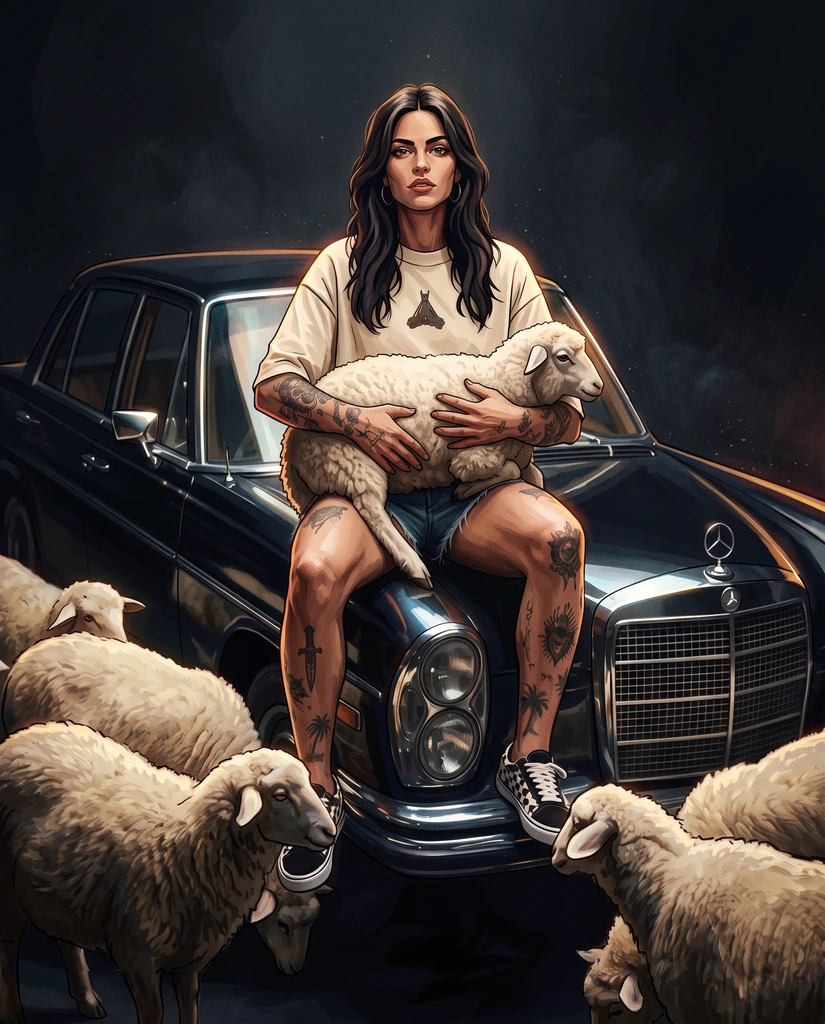
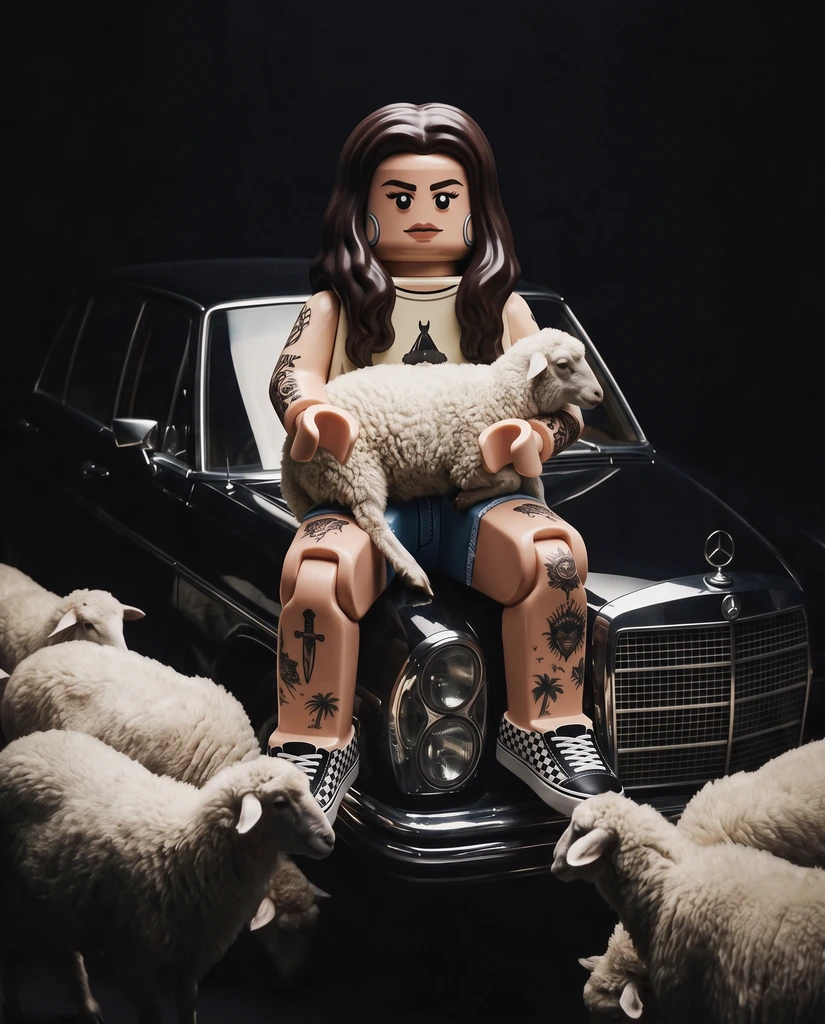
Generate stylized GTA VI-inspired LEGO scenes in seconds, refine with prompts, and export clean HD images instantly.

