














Step 1
Set your prompt
Describe the scene, subject, and mood in a clear text prompt. Pick a landscape orientation and choose a style to guide composition and lighting.
Generate landscape-ready photos with FOTO V2 (liggend). Use AI prompts, style controls, and fast exports for web, ads, and print. Try it now.
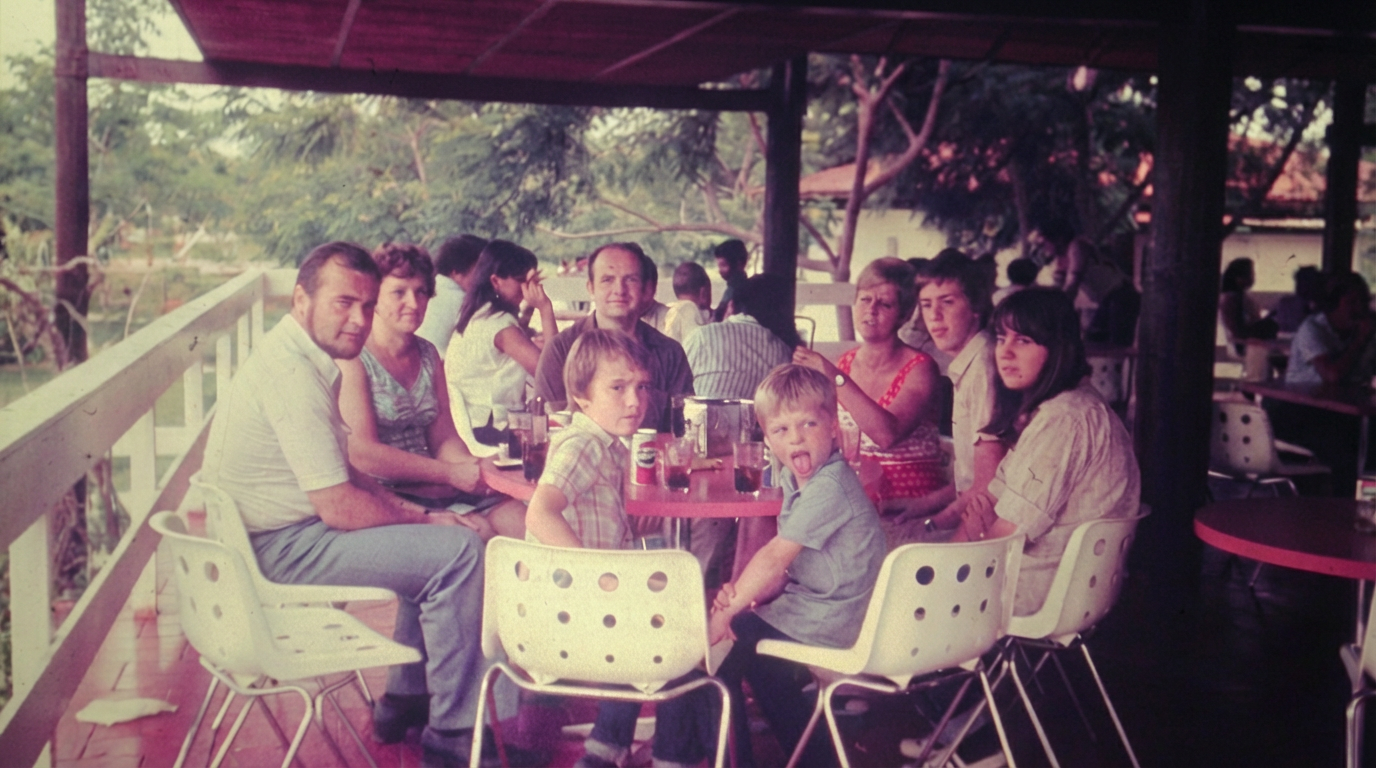
How to use FOTO V2 (liggend)
Create horizontal visuals with FOTO V2 (liggend) using a simple prompt workflow. Choose a look, generate options, then refine details and export at the right resolution for your project.
Step 1
Describe the scene, subject, and mood in a clear text prompt. Pick a landscape orientation and choose a style to guide composition and lighting.

Step 2
Click generate to create multiple landscape options. Review results, adjust wording or style settings, and rerun to quickly explore new directions and framing.

Step 3
Polish the best image with quick edits like detail enhancement and cleanup. Export in high resolution for web banners, ads, slides, or print-ready layouts.
Features
FOTO V2 (liggend) helps you generate horizontal images that fit modern layouts. Use AI-driven composition, flexible styling, and rapid iteration to get on-brief results faster. Export crisp, high-resolution images for marketing, presentations, websites, and product storytelling without complex editing workflows.
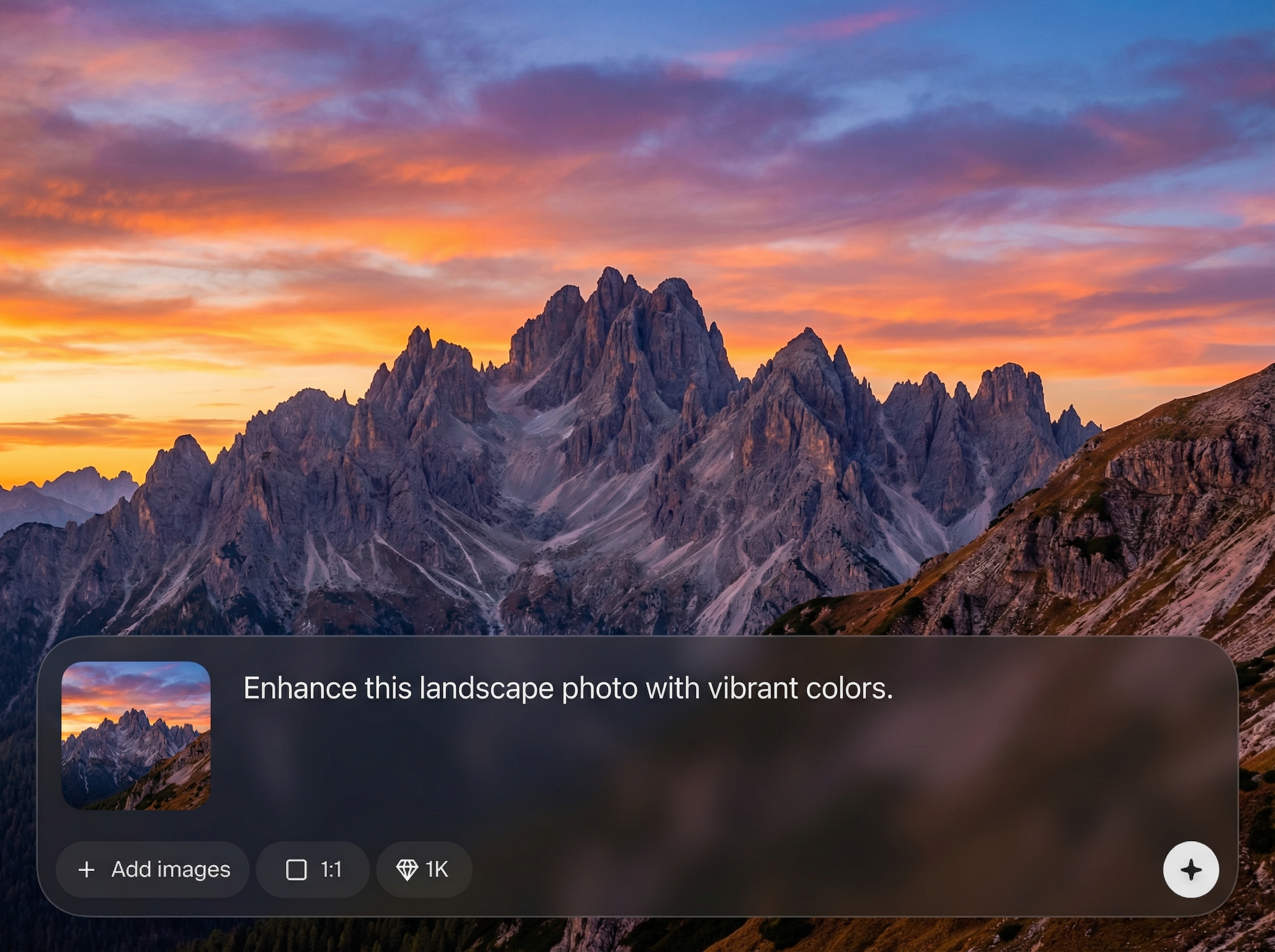
Create images optimized for horizontal formats like headers, hero sections, and slides. Get balanced framing and cinematic composition that fits wide canvases without awkward crops.
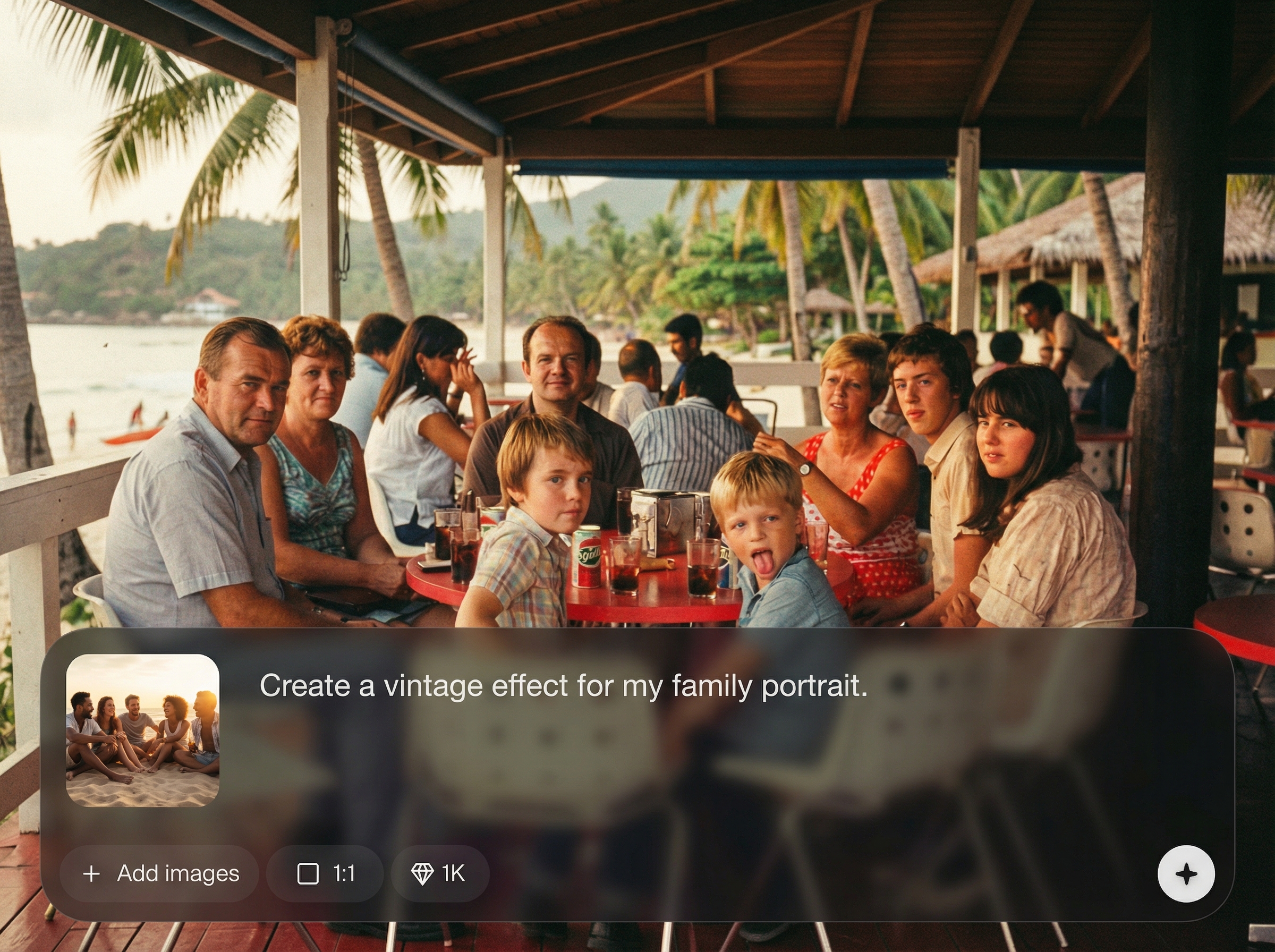
Iterate quickly with style and prompt adjustments to dial in lighting, mood, and realism. Produce multiple options in minutes, then keep refining until it matches your brief.
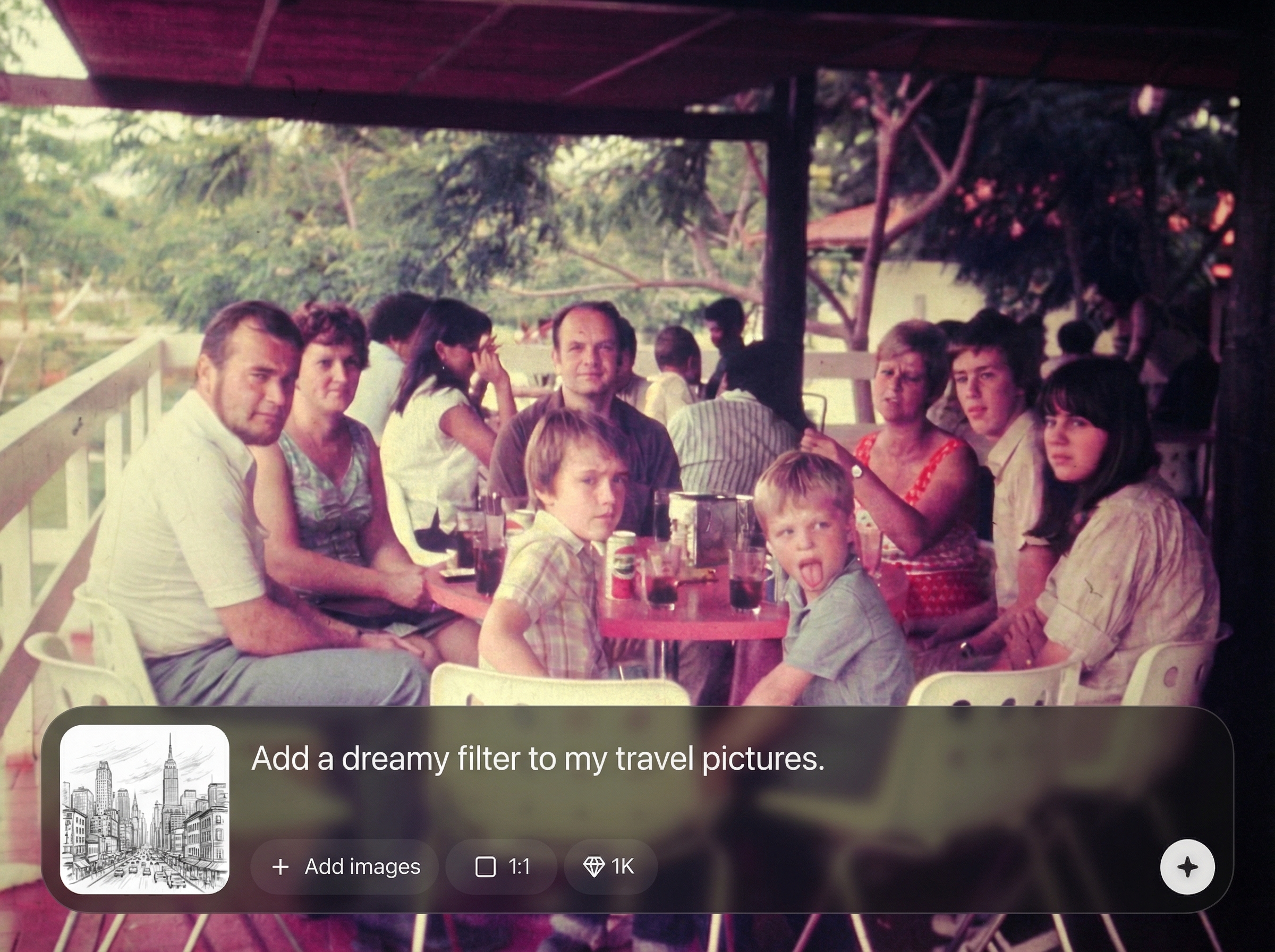
Export sharp visuals for web, ads, and print. Improve clarity with enhancement tools and keep results consistent across campaigns with repeatable prompt and style settings.
About
FOTO V2 (liggend) is an AI photo generator built for landscape (horizontal) images. Turn prompts into high-quality visuals, refine composition with style controls, and iterate fast to match your brand. Export clean, sharp images optimized for websites, ads, presentations, and print layouts.
FOTO V2 (liggend) is optimized for landscape composition, helping you avoid awkward crops and inconsistent framing. Get fast iterations, consistent styling, and high-resolution exports suited for web, ads, slides, and print—without a complicated editing workflow.
Enter a descriptive prompt, choose a style, and generate landscape variations. Pick your favorite result, refine details, then export at the resolution you need for your project.
Use cases
Discover how different creators use this app in their workflow.
Generate wide hero images, section banners, and background visuals that match your message. Keep a consistent look across pages with reusable prompts and styles.
Produce landscape creatives for display ads and social headers fast. Test multiple concepts, moods, and compositions to improve click-through with better visual fit.
Create clean horizontal visuals for slides, posters, and brochures. Export high-resolution images that stay sharp on big screens and in print layouts.
Krea is one of the world's leading generative AI platforms. See what others say.
Real reviews on TrustpilotSo many AI tools out there but I always come back to Krea. It's really the one AI platform that 'just works'.

FYN
Krea's interfaces are still the best in the industry. Everything looks and feels so clean and easy to use! Imo the easiest to use gen AI website.

Lynn
Ultra fast generations. Extremely simple to use. All the latest AI models.

Daniel
KREA is the only AI subscription I have right now besides ChatGPT.

Sophia M.
Answers to common questions about FOTO V2 (liggend) and AI landscape image generation.
FOTO V2 (liggend) is an AI photo generator for creating landscape (horizontal) images from text prompts. It’s ideal for banners, website hero sections, ads, slides, and wide-format visuals.
Include subject, setting, camera feel, and lighting, plus composition cues like “wide shot” or “panoramic.” Add style keywords (e.g., realistic, cinematic) and iterate by adjusting one detail at a time.
Yes. Generate several options per prompt, then refine using small prompt edits or style changes. This helps you explore different framings, color palettes, and moods without restarting from scratch.
Exports are designed to be clean and high quality for web use, presentations, and print layouts. Use higher resolution options and enhancement tools when you need sharper details and larger formats.
No. The workflow is prompt-first with simple controls for style and refinement. You can generate, compare variations, and export ready-to-use landscape visuals without advanced editing software.
Generate wide-format images fast, refine with simple controls, and export high-res results for any channel.

