














Step 1
Upload
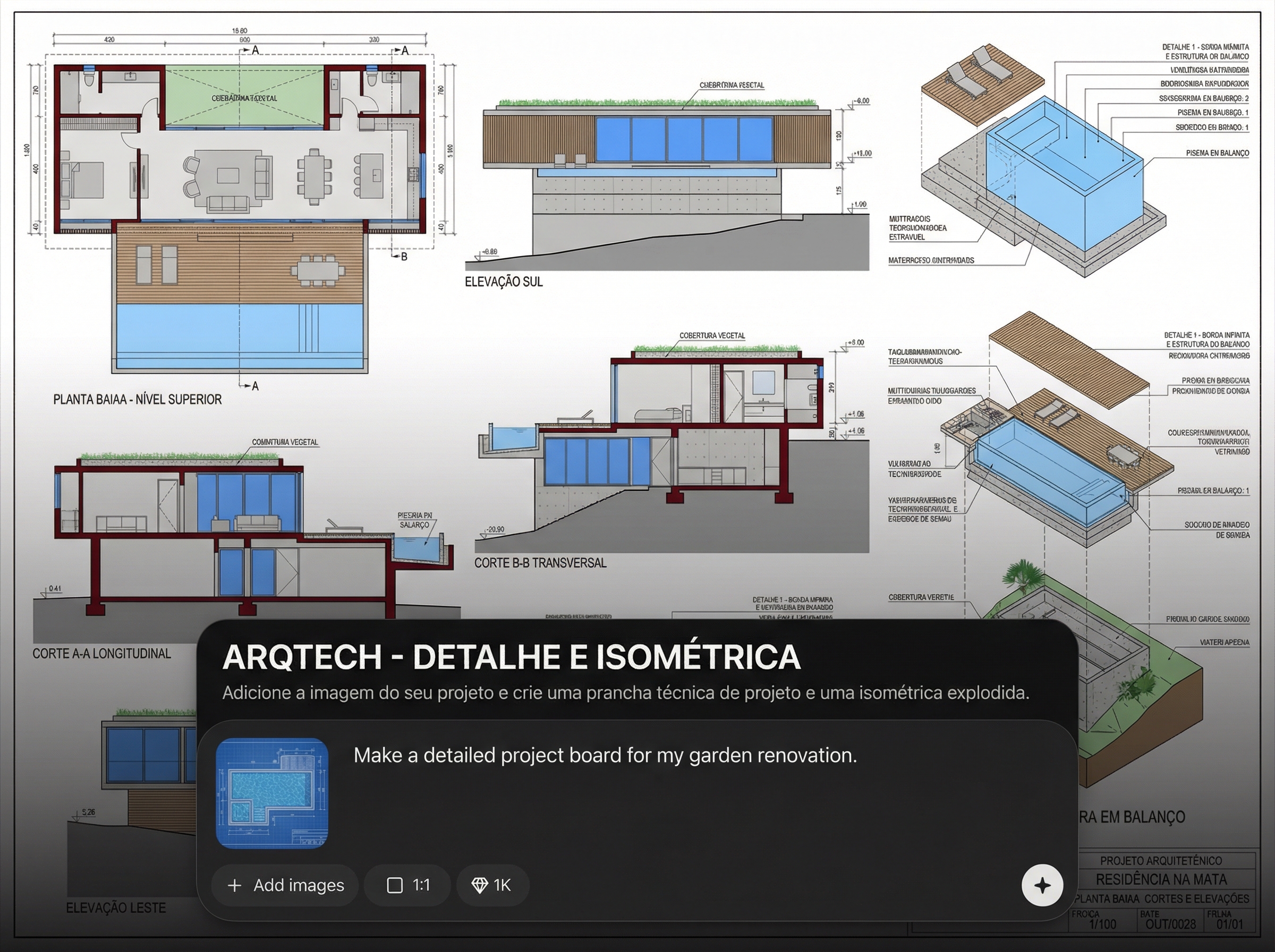
Add your project image or drawing. The AI reads visual structure and key components to prepare detailing and an exploded isometric layout.
 App by Sobrearquitetura
Upload your project image and generate a technical presentation board plus an exploded isometric view with AI. Fast, accurate, ready to share online.
How to use ARQTECH - DETALHE E ISOMÉTRICA
This quick tutorial shows how to upload your project image, set the desired board style, and generate a technical sheet plus an exploded isometric view. Export results ready for review, print, or sharing.
Step 1
Add your project image or drawing. The AI reads visual structure and key components to prepare detailing and an exploded isometric layout.

Step 2
Select board format, scale emphasis, and labeling style. Adjust what to highlight—materials, joints, assemblies, or key construction details.

Step 3
Run generation to create the technical board and isometric exploded view. Review, refine if needed, then export for presentations, documentation, or client approvals.
Features
Generate a professional technical presentation board and an exploded isometric from a single image. AI helps structure the sheet, improve readability, and keep visual consistency across projects. Create clear detailing for reviews, construction documentation, or product assembly communication—faster than manual layout work.
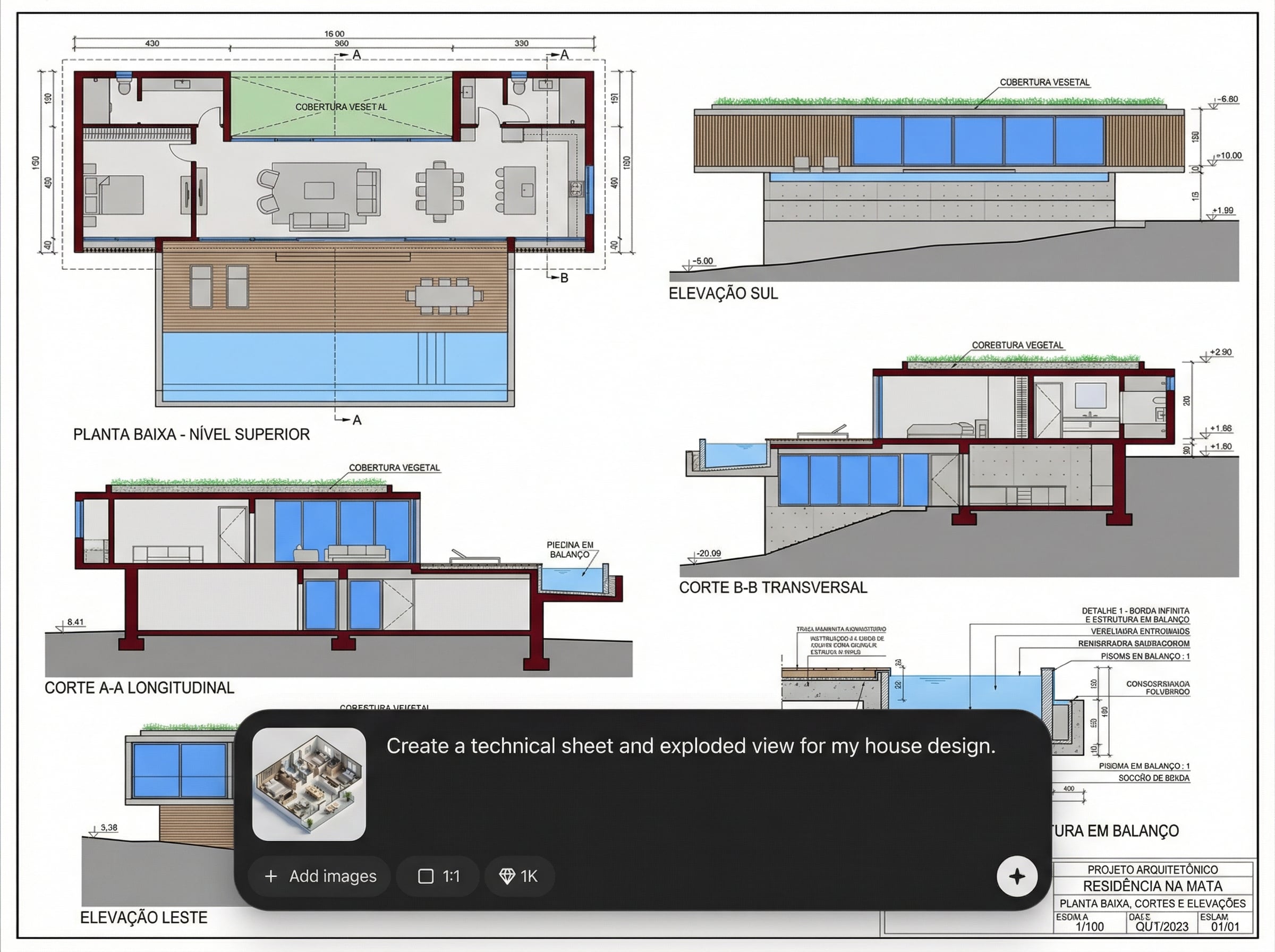
Automatically organizes your project into a structured sheet with clear hierarchy. Create a presentation-ready technical board that improves readability and reduces manual formatting time.
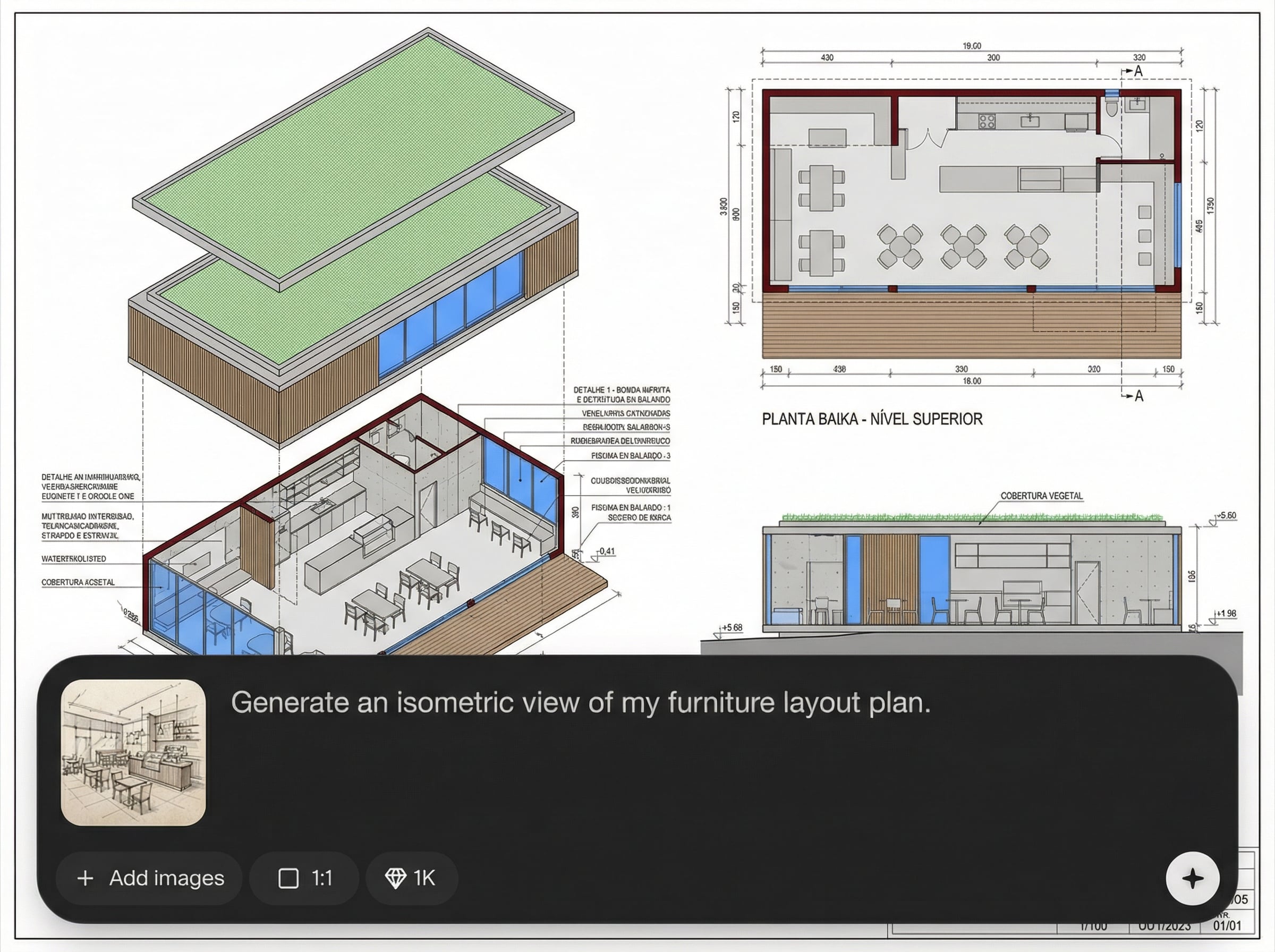
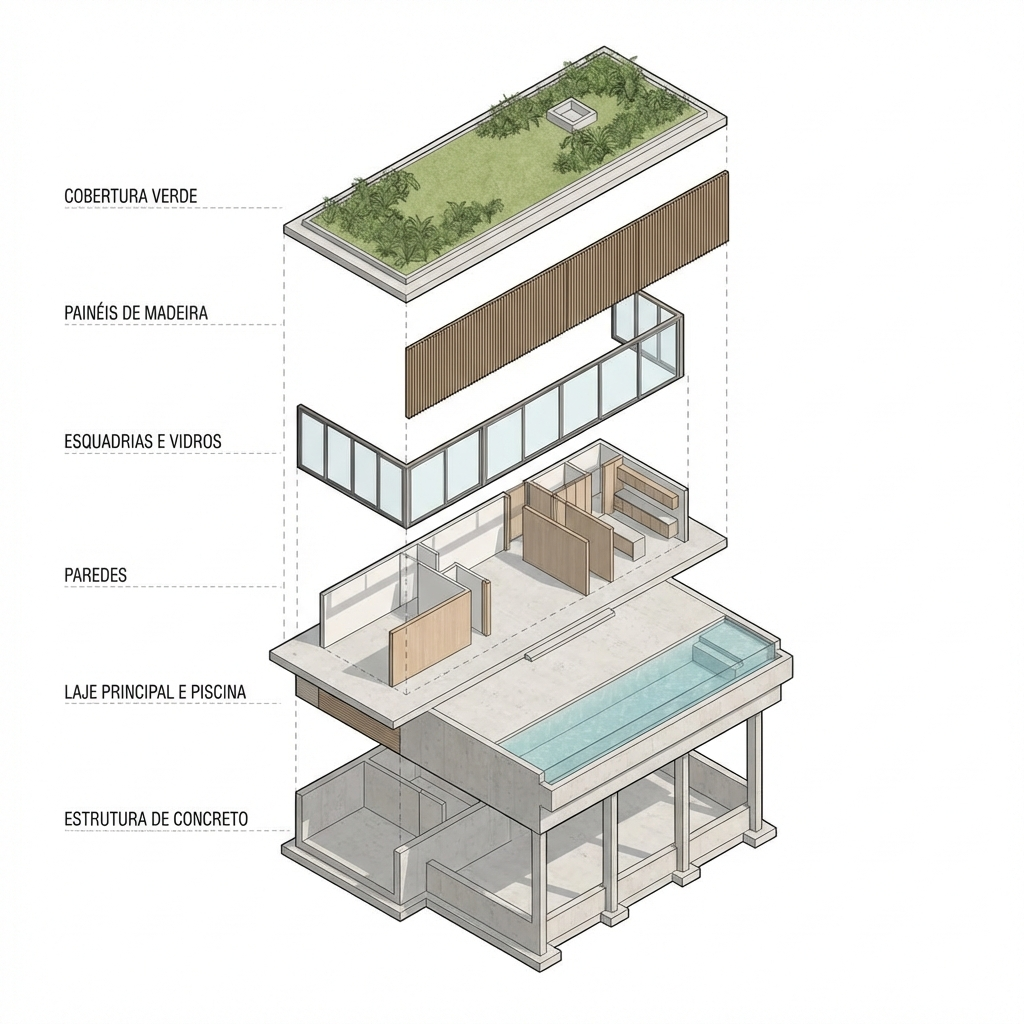
Creates an exploded isometric view to communicate assemblies and relationships between parts. Ideal for architectural detailing, interiors, and product components that need clear visual explanation.
Generate sheets quickly while keeping consistent visual standards across multiple projects. Save time on repetitive layout work and focus on design decisions and revisions.
About
ARQTECH - DETALHE E ISOMÉTRICA turns a project image into a clean technical board and an exploded isometric view in minutes. Upload, choose the layout, and let AI organize detailing, callouts, and presentation structure. Produce consistent, share-ready sheets for architecture, interiors, and product assemblies—without manual formatting.
ARQTECH - DETALHE E ISOMÉTRICA streamlines technical presentation by converting a single project image into a structured board and exploded isometric view. AI-assisted layout improves consistency, readability, and communication quality across iterations. Get faster outputs for reviews, coordination, and documentation without repetitive manual formatting.
Open the app, upload your project image, choose board and isometric preferences, and generate. Review the result, iterate if needed, then export a share-ready technical sheet for your workflow.
Use cases
Discover how different creators use this app in their workflow.
Turn concept or draft images into technical boards that support reviews, detailing discussions, and clearer project communication across teams and stakeholders.
Create exploded isometrics and structured boards to explain joinery, fixtures, and assemblies—useful for approvals, coordination, and installation guidance.
Generate exploded isometric presentations from a reference image to show part relationships, assembly order, and component breakdown for technical documentation.
Krea is one of the world's leading generative AI platforms. See what others say.
Real reviews on TrustpilotSo many AI tools out there but I always come back to Krea. It's really the one AI platform that 'just works'.

FYN
Krea's interfaces are still the best in the industry. Everything looks and feels so clean and easy to use! Imo the easiest to use gen AI website.

Lynn
Ultra fast generations. Extremely simple to use. All the latest AI models.

Daniel
KREA is the only AI subscription I have right now besides ChatGPT.

Sophia M.
Common questions about generating technical boards and exploded isometrics with AI.
It generates a technical presentation board (prancha técnica) and an exploded isometric view based on your uploaded project image, organizing visuals into a clear, shareable layout.
No. You can start with an image of your project or drawing. The AI uses the visual input to structure the board and build an exploded isometric-style presentation.
Yes. Choose layout preferences and what to emphasize, such as assemblies or key details. You can iterate generation to refine clarity and match your documentation style.
It’s designed for technical communication: clearer detailing, structured boards, and exploded isometrics that support reviews and coordination. Always validate dimensions and specs against your source documents.
Most results generate in minutes, depending on image complexity and chosen settings. This speeds up repetitive presentation tasks so you can focus on design and revisions.
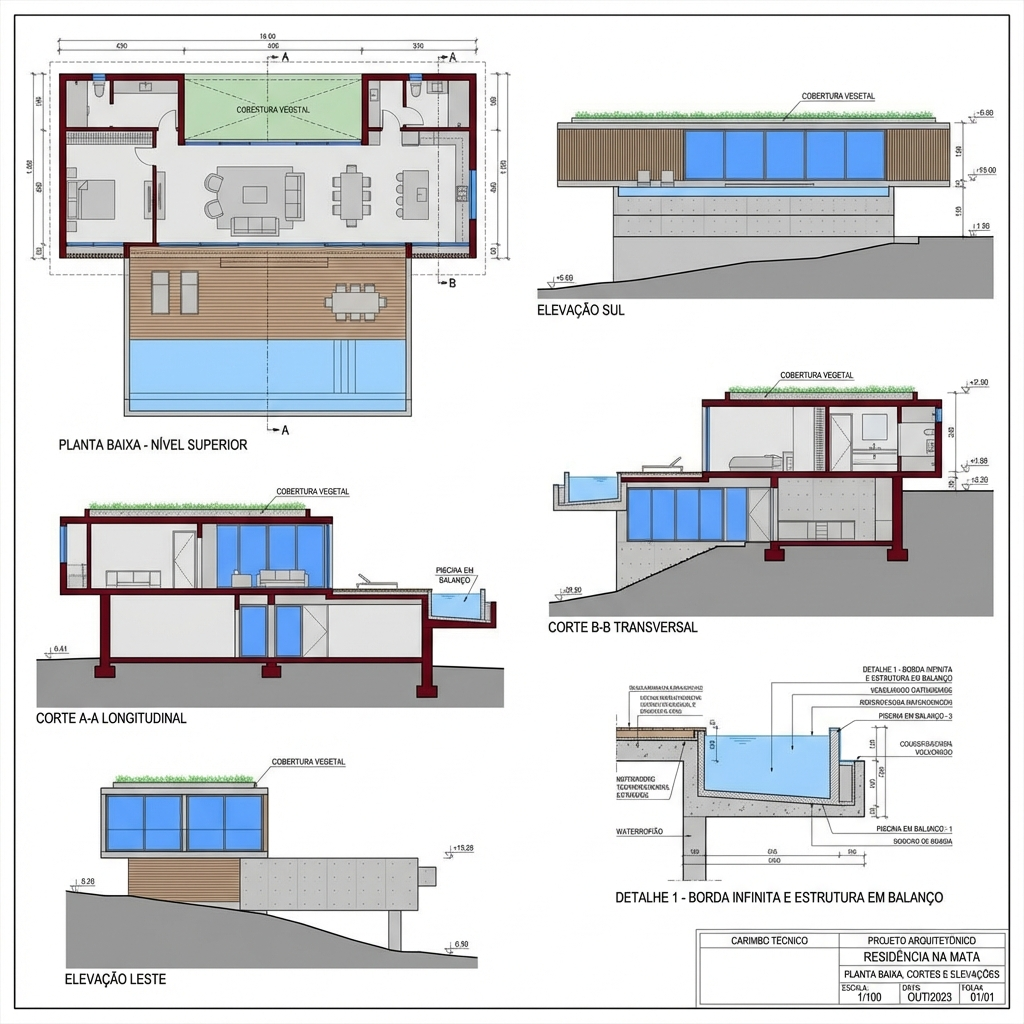
Upload a project image and generate a technical sheet plus exploded isometric online in minutes.

