














Step 1
Describe
Enter your brand name, tagline, and a short prompt. Choose a style like minimal, modern, or bold, and select colors to guide the AI.
Create unique logos fast with Krea Logo Generator. Use AI to generate brand marks, icons, and wordmarks, then export for web and print. Try it now.
How to use Krea Logo Generator
Use Krea Logo Generator to turn a short idea into multiple logo directions quickly. Pick a style, generate options, then refine details and export assets ready for web and print use.
Step 1
Enter your brand name, tagline, and a short prompt. Choose a style like minimal, modern, or bold, and select colors to guide the AI.

Step 2
Create multiple logo variations instantly. Review icons, wordmarks, and layouts, then regenerate or adjust settings to explore more directions.

Step 3
Fine-tune typography, spacing, and color palettes until it fits your brand. Export high-resolution files for social, web, and print deliverables.
Features
Krea Logo Generator is an AI logo maker built for fast, consistent branding. Generate logo concepts from text prompts, explore multiple styles, and iterate without starting over. Get clean outputs suitable for real-world use, with options to refine colors, layout, and typography for a polished final mark.
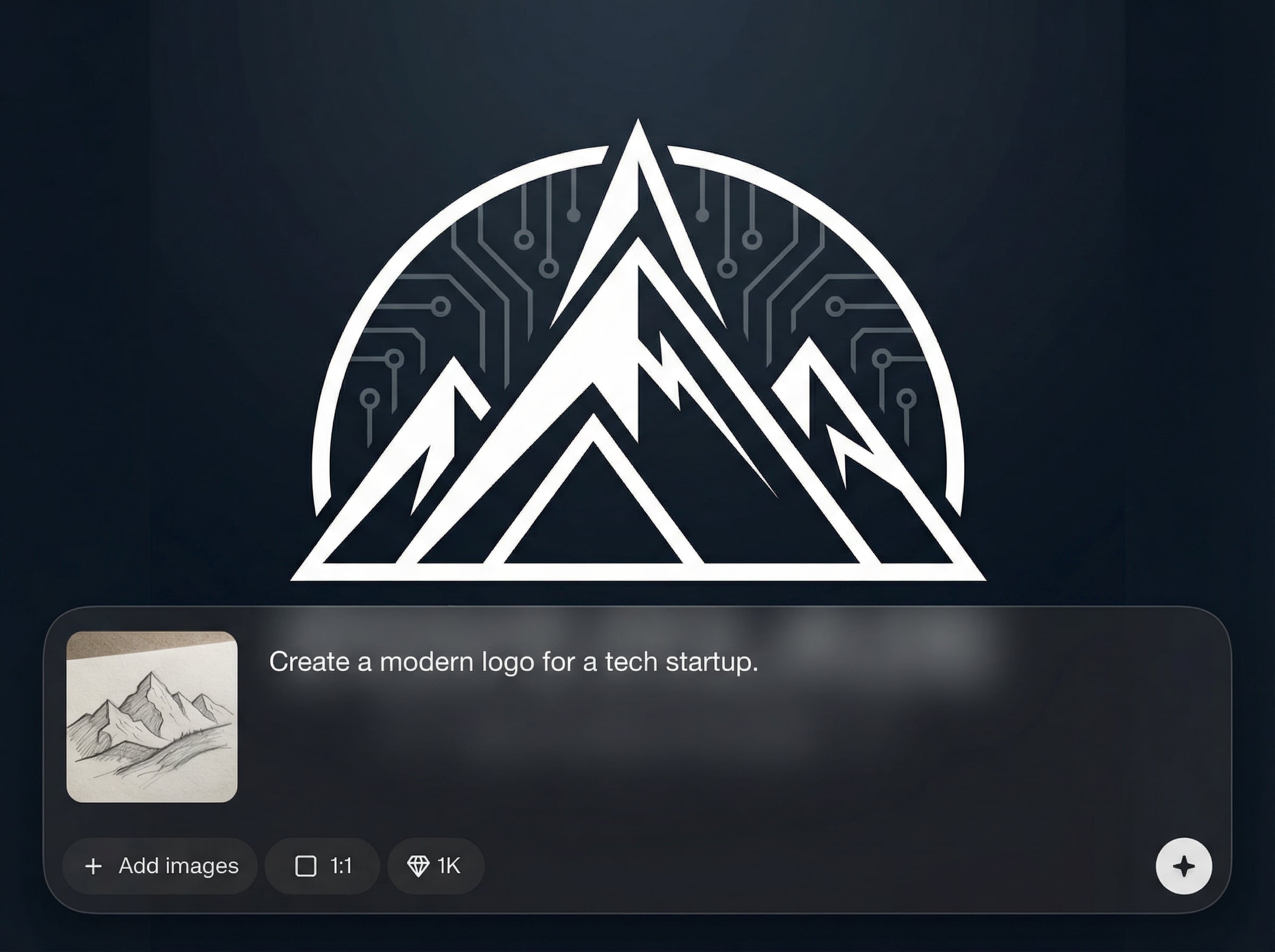
Turn a short description into logo concepts with AI. Create icons, wordmarks, and combined marks, then regenerate variations to compare directions without manual sketching.
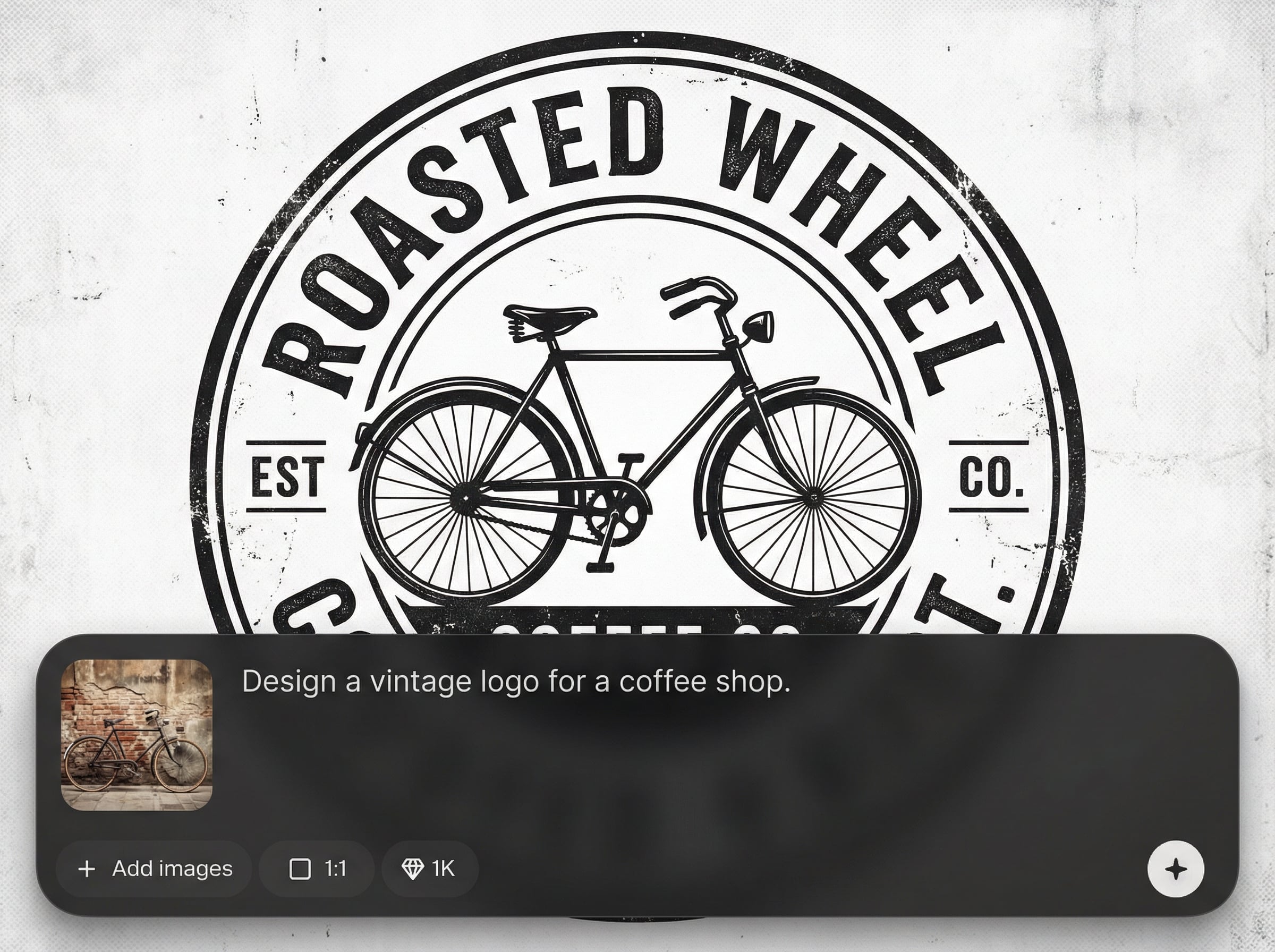
Adjust style, color, and composition to quickly refine results. Iterate in seconds, keep what works, and explore alternatives without losing brand consistency.
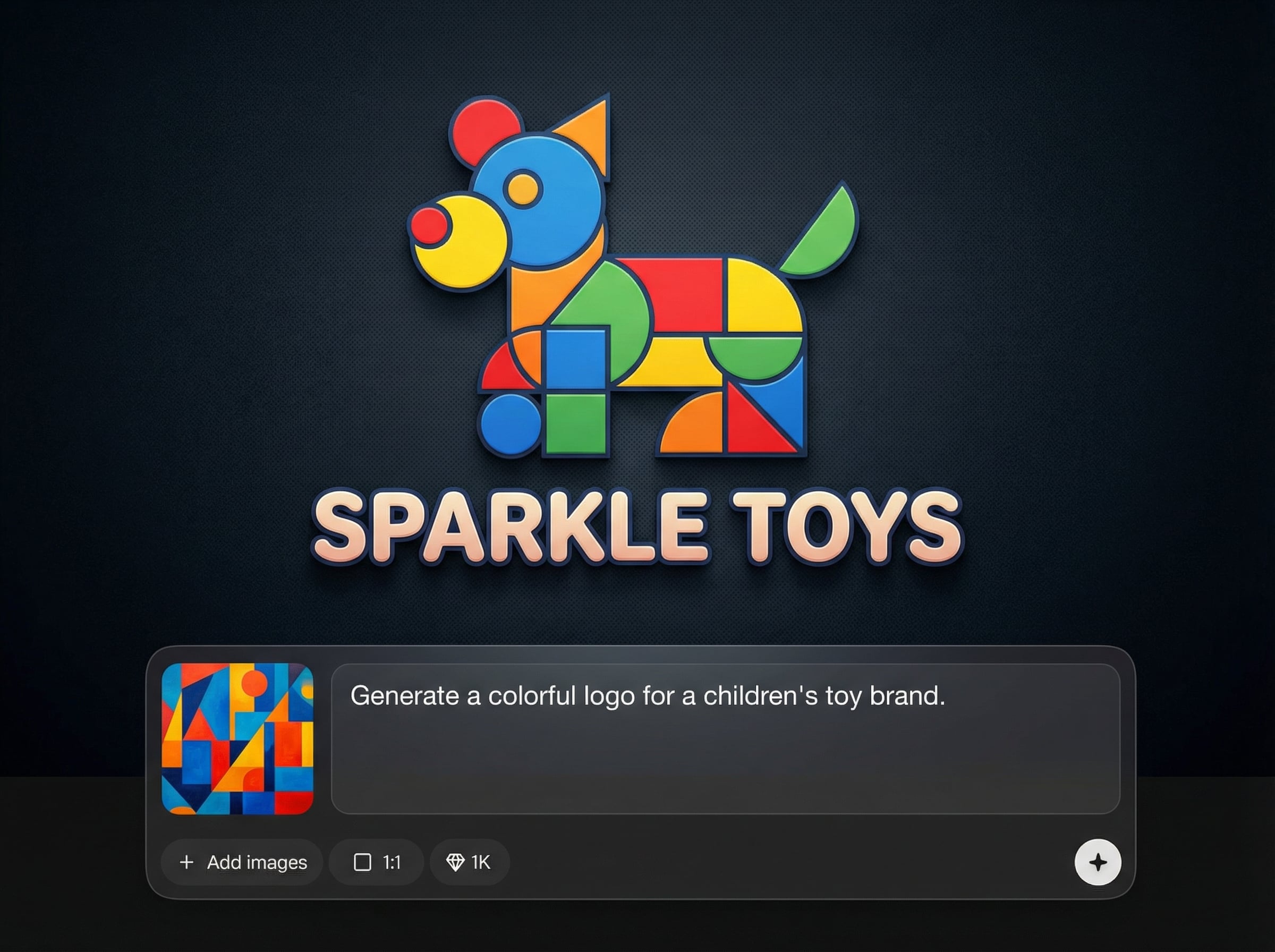
Export high-quality logo files for websites, social media, and print. Get clean, sharp results that scale well across brand touchpoints and marketing materials.
About
Krea Logo Generator helps you create professional logos in minutes using AI. Generate unique icons, wordmarks, and full brand marks from simple prompts, then refine colors, layout, and style. Export high-quality files for websites, social media, packaging, and print—without complex design software or long iteration cycles.
Krea Logo Generator combines fast AI generation with practical controls for real branding work. Explore multiple logo directions quickly, refine details without complex software, and export clean assets that scale across channels. It’s a streamlined way to move from idea to usable logo with fewer revisions.
Enter your brand name and a short prompt, choose a style and colors, then generate variations. Pick a direction, refine the layout and typography, and export your logo files in minutes.
Use cases
Discover how different creators use this app in their workflow.
Generate a modern logo quickly for launches, pitch decks, and landing pages. Explore multiple directions until you find a strong, recognizable brand mark.
Create a professional logo for signage, menus, flyers, and social profiles. Maintain a consistent look with editable color and style options.
Produce rapid logo concepts for client rounds and campaigns. Generate variations fast, align on direction, then export assets for multi-channel use.
Krea is one of the world's leading generative AI platforms. See what others say.
Real reviews on TrustpilotSo many AI tools out there but I always come back to Krea. It's really the one AI platform that 'just works'.

FYN
Krea's interfaces are still the best in the industry. Everything looks and feels so clean and easy to use! Imo the easiest to use gen AI website.

Lynn
Ultra fast generations. Extremely simple to use. All the latest AI models.

Daniel
KREA is the only AI subscription I have right now besides ChatGPT.

Sophia M.
Common questions about using Krea Logo Generator for AI logo design and exports.
Krea Logo Generator is an AI logo generator that creates logo concepts from text prompts. It helps you explore icons, wordmarks, and layouts quickly, then refine and export assets for real projects.
Use a clear prompt with brand keywords, industry, and style cues like “minimal,” “geometric,” or “retro.” Add preferred colors and include what to avoid for cleaner, more targeted generations.
Yes. Generate multiple options per prompt, then iterate by changing style, color palettes, and composition. This makes it easy to compare directions and converge on a consistent brand identity.
Export high-resolution logo assets suitable for web, social media, and print. Choose formats that preserve clarity at different sizes so your logo stays sharp across brand touchpoints.
It’s built for practical branding workflows: quick concept generation, fast iteration, and export-ready outputs. You can create a cohesive mark, then reuse the style for consistent visual identity across materials.
Generate logo concepts instantly, refine the best option, and export assets ready for web, social, and print.

