














Step 1
Upload
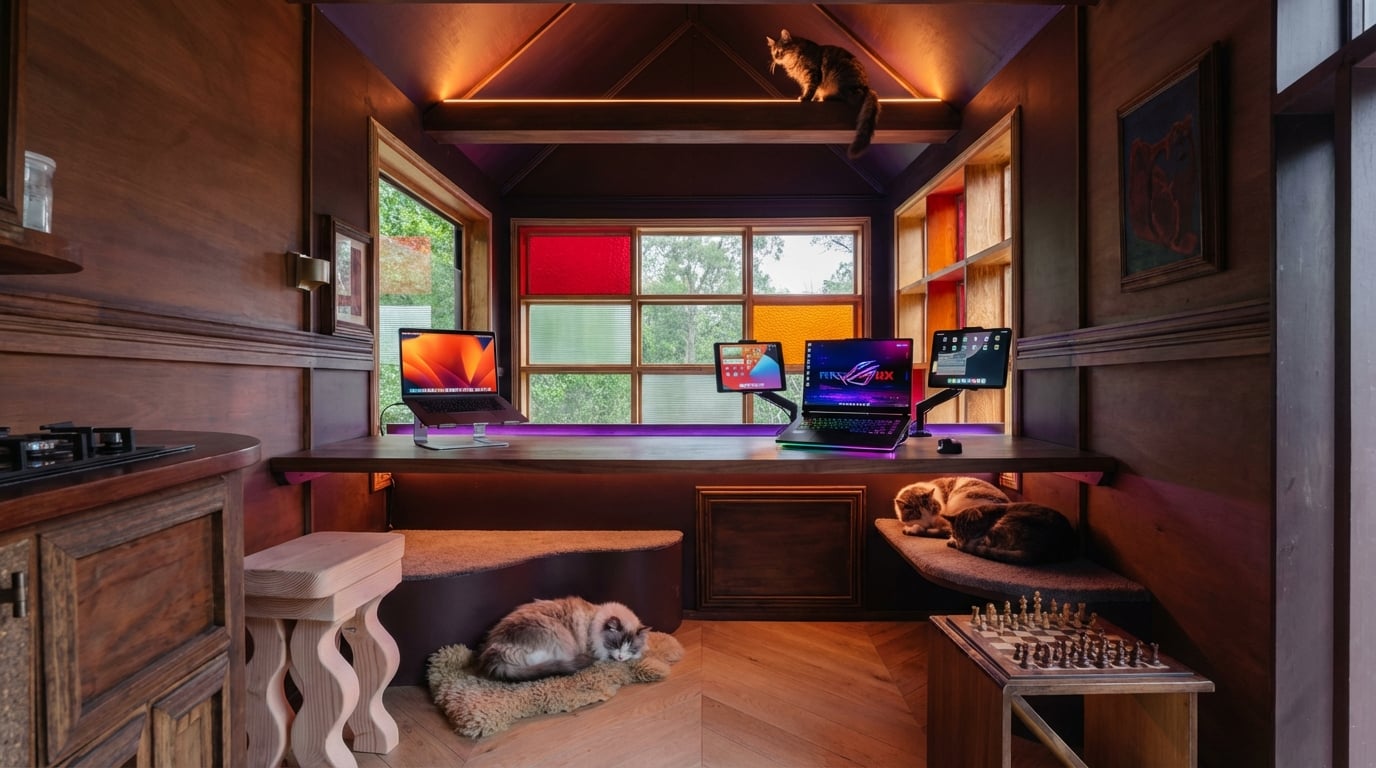
Take or upload a clear photo of your room. Include the desk area and walls so the AI can understand layout, lighting, and available space.
Upload a room photo and describe your rig to generate a dream gaming room layout. Get instant AI design ideas, styles, and upgrades—try it now.
How to use gaming room v0.1
Turn a quick room photo into a gaming setup concept with AI. Add a short description of your gear and style, then generate design options you can iterate until it fits your space.
Step 1
Take or upload a clear photo of your room. Include the desk area and walls so the AI can understand layout, lighting, and available space.

Step 2
Describe your setup goals—PC/console, monitors, chair, RGB lighting, and style. Add constraints like budget, minimalism, or cable management priorities.

Step 3
Generate gaming room designs and compare variations. Refine prompts to adjust colors, lighting, shelves, and layout until the concept matches your dream setup.
Features
Design a better gaming setup using your real room as the starting point. gaming room v0.1 analyzes your photo and prompt to generate layout ideas, decor styles, and lighting concepts. Iterate quickly to explore themes like minimalist, cyberpunk, or cozy—then save the options you like for planning upgrades.
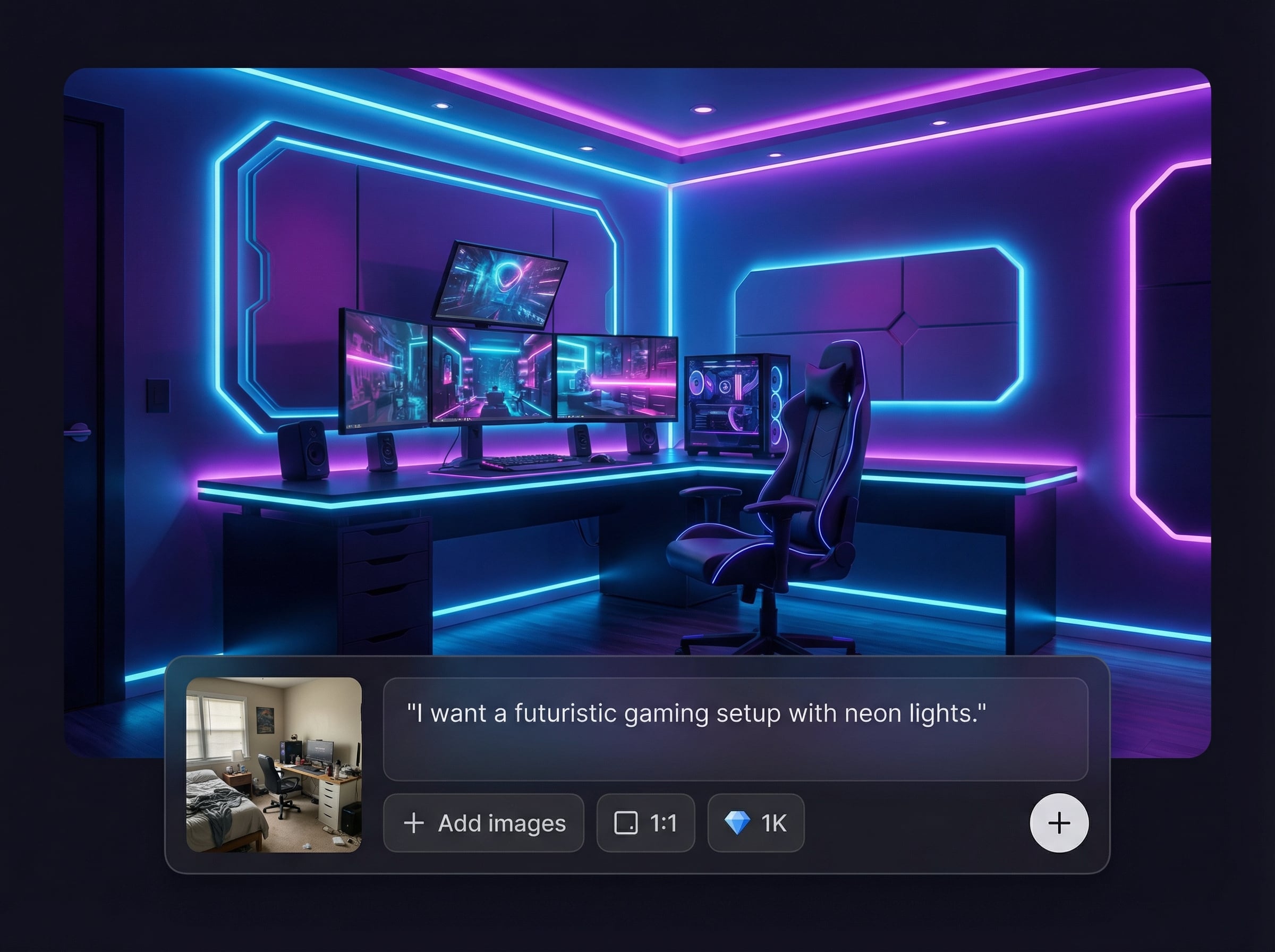
Upload a room photo and get AI-generated gaming room concepts that respect your space. Quickly visualize desk placement, wall decor, and vibe changes before buying anything.
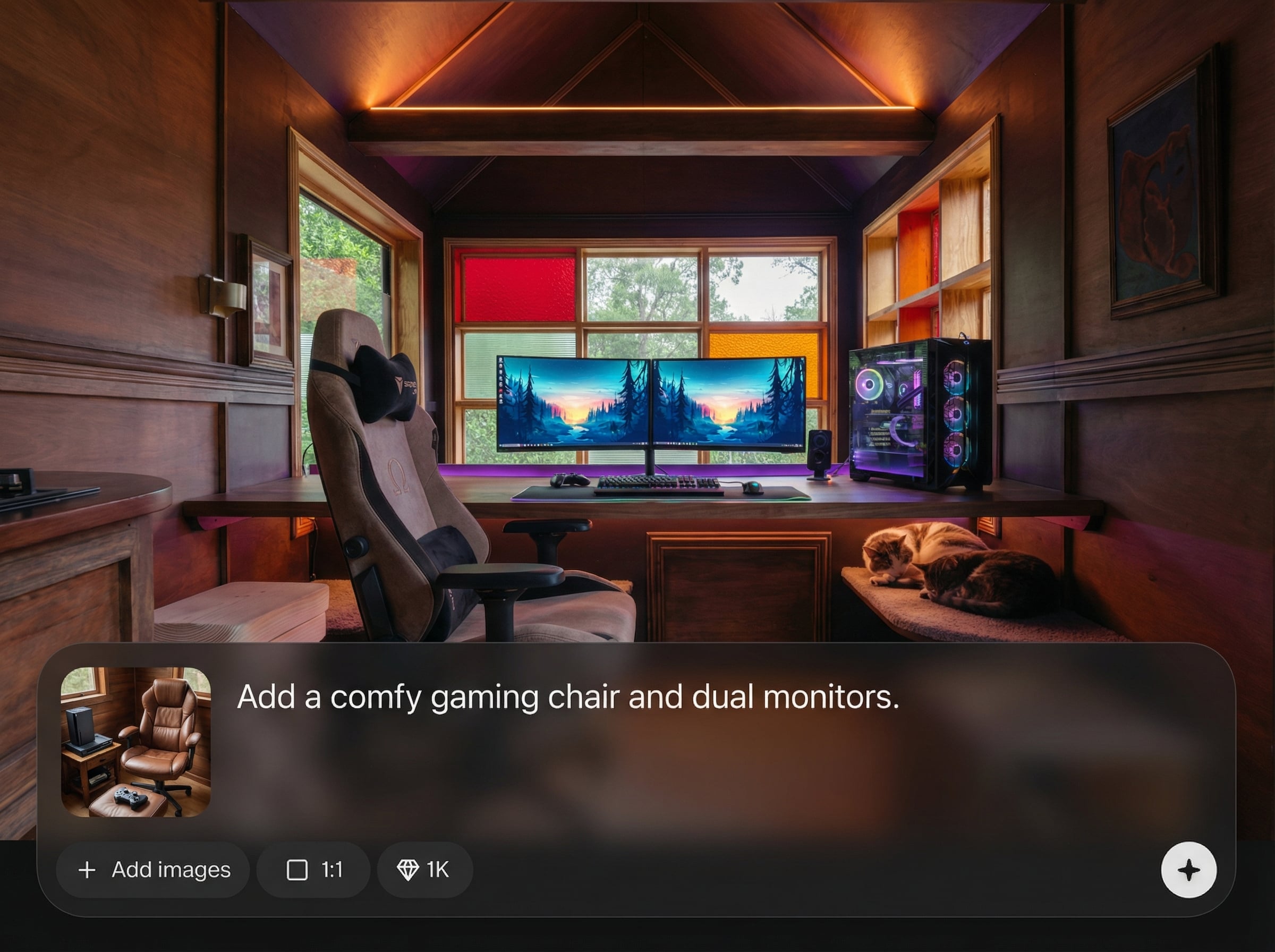
Describe your gear, colors, and aesthetic to guide the result. Fine-tune themes like RGB, minimalist, or retro, and adjust details such as shelves, posters, and accessories.
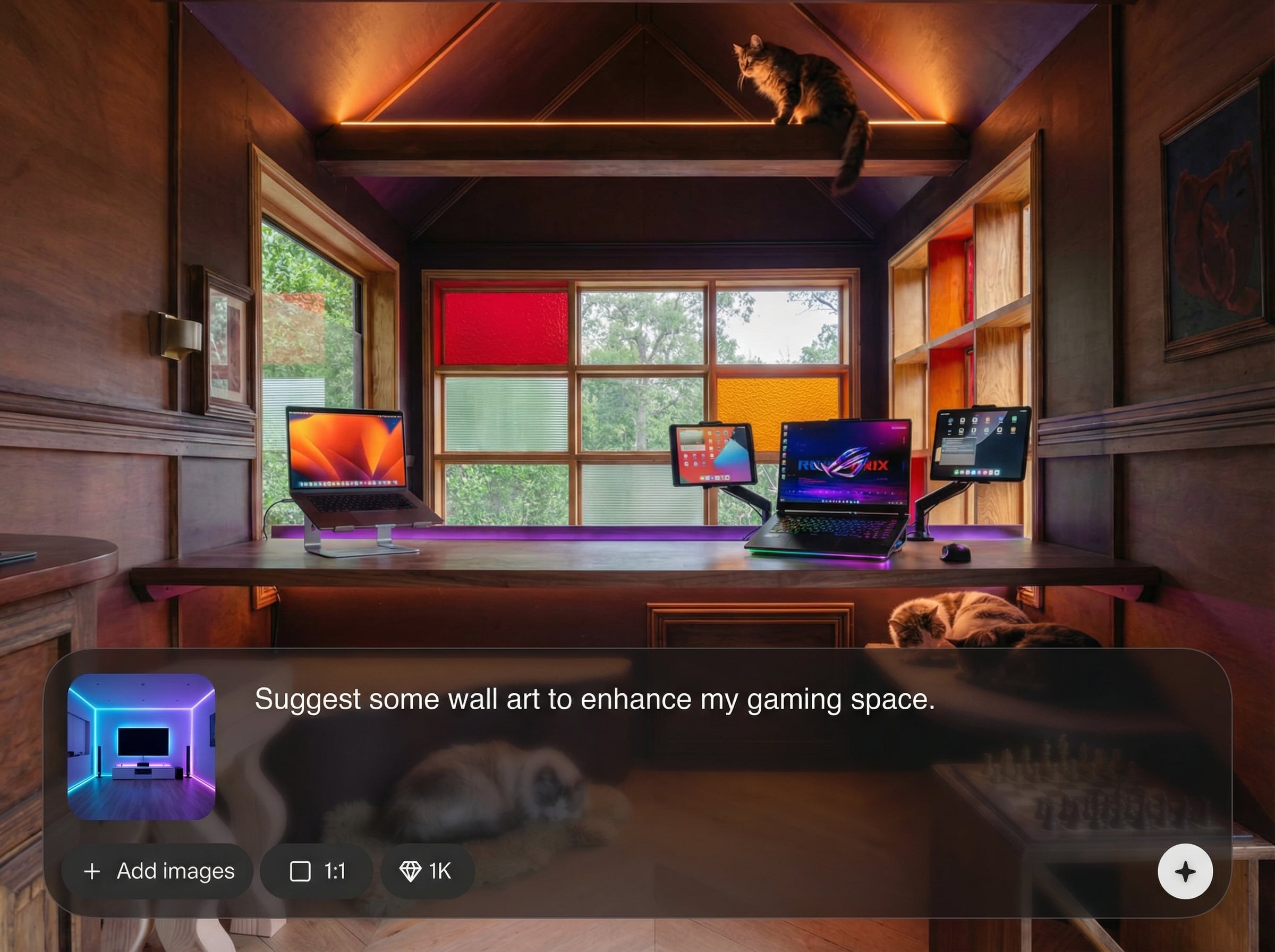
Generate multiple options quickly to compare layouts and lighting ideas. Use variations to decide priorities—monitor arrangement, cable routing, wall treatment, and upgrade order.
About
gaming room v0.1 is an AI mini app that turns your real room into a dream gaming setup. Upload a photo, describe your desk, gear, and vibe, then generate stylish layout and decor ideas that match your space. Explore lighting, color themes, and upgrade suggestions fast—without complex design tools or guessing measurements.
gaming room v0.1 turns real-room photos into practical gaming setup concepts with fast iteration. Control results with simple prompts, explore multiple styles, and compare variations side by side. Get actionable layout and decor direction without learning complex interior design software.
Take a clear photo of your room, then describe your desk, gear, and preferred vibe. Generate results, refine the prompt, and save the concepts that best match your space and budget.
Use cases
Discover how different creators use this app in their workflow.
See how to fit a gaming desk, monitor stack, and storage in tight spaces. Generate compact layouts and lighting plans that keep the room functional.
Explore complete style directions from cozy to cyberpunk. Create wall decor and RGB lighting concepts that match your setup and the room’s architecture.
Visualize upgrades before purchasing gear. Compare ideas for chairs, shelving, acoustic panels, and cable management to plan changes with fewer mistakes.
Krea is one of the world's leading generative AI platforms. See what others say.
Real reviews on TrustpilotSo many AI tools out there but I always come back to Krea. It's really the one AI platform that 'just works'.

FYN
Krea's interfaces are still the best in the industry. Everything looks and feels so clean and easy to use! Imo the easiest to use gen AI website.

Lynn
Ultra fast generations. Extremely simple to use. All the latest AI models.

Daniel
KREA is the only AI subscription I have right now besides ChatGPT.

Sophia M.
Answers to common questions about using AI to design a gaming room from a photo.
You upload a photo of your room and add a short description of your setup goals. The AI uses machine learning to generate gaming room layout and decor variations based on your prompt.
Use a bright, in-focus photo that shows the desk area, walls, and floor. Wider angles help the AI infer space and lighting, producing more realistic gaming setup ideas.
Yes. Mention styles such as RGB lighting, minimalist, cyberpunk, or cozy in your description. You can iterate with new prompts to adjust color themes, decor density, and layout choices.
It generates visual concepts and planning ideas rather than precise measurements. For best results, include constraints like desk size or room dimensions in your prompt for better layout accuracy.
Yes. Generate several versions to compare layouts, lighting, and decor. Use small prompt changes—like monitor count or wall shelves—to explore distinct gaming room designs quickly.
Upload a room photo, describe your setup, and generate AI gaming room ideas you can iterate in minutes.

