














Step 1
Configure
Enter a prompt, choose asset type, and optionally upload reference images. Set style, resolution, background, and output format to match your pipeline.
Create production-ready game assets fast with Asset-generate. Use AI to generate icons, props, textures, and packs in minutes. Try it online now.
How to use Asset-generate
Follow these steps to generate consistent assets with Asset-generate. Add a prompt or reference, set style and output specs, then generate variations and export ready-to-use files.
Step 1
Enter a prompt, choose asset type, and optionally upload reference images. Set style, resolution, background, and output format to match your pipeline.

Step 2
Run the AI generator to create multiple variations. Refine with quick edits, regenerate specific elements, and keep results consistent across an asset set.

Step 3
Download assets as transparent PNGs or high-res images, and bundle into packs. Organize outputs for quick import into game engines and design tools.
Features
Asset-generate turns prompts and references into usable visual assets with consistent style control. Generate icons, props, textures, and packs, then iterate with variations to match art direction. Export clean files for games, UI, and prototypes, reducing time spent on repetitive production work.
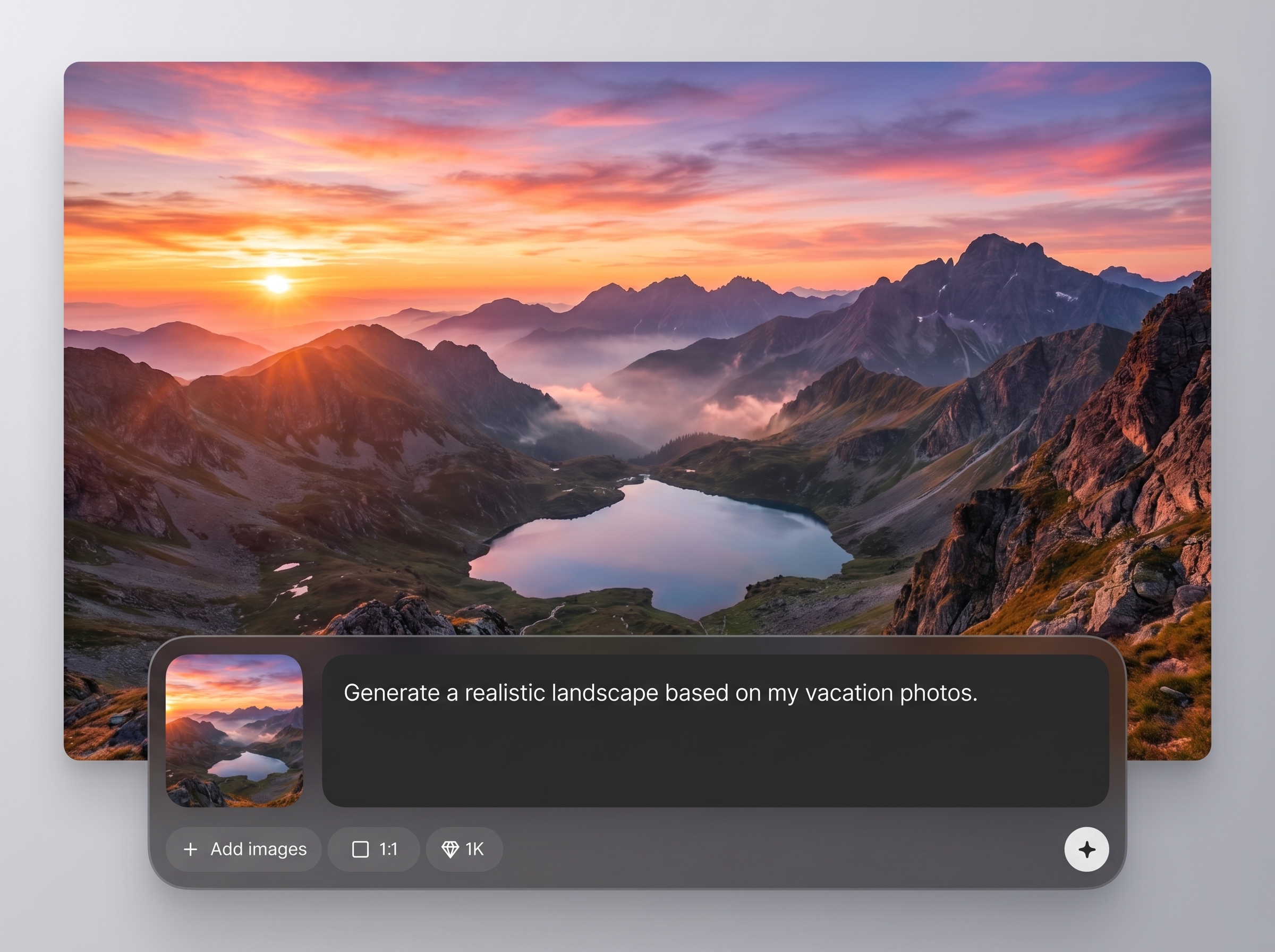
Generate 2D and 3D-style assets from text prompts and reference images. Produce icons, props, textures, and UI elements with controllable composition and consistent outputs.
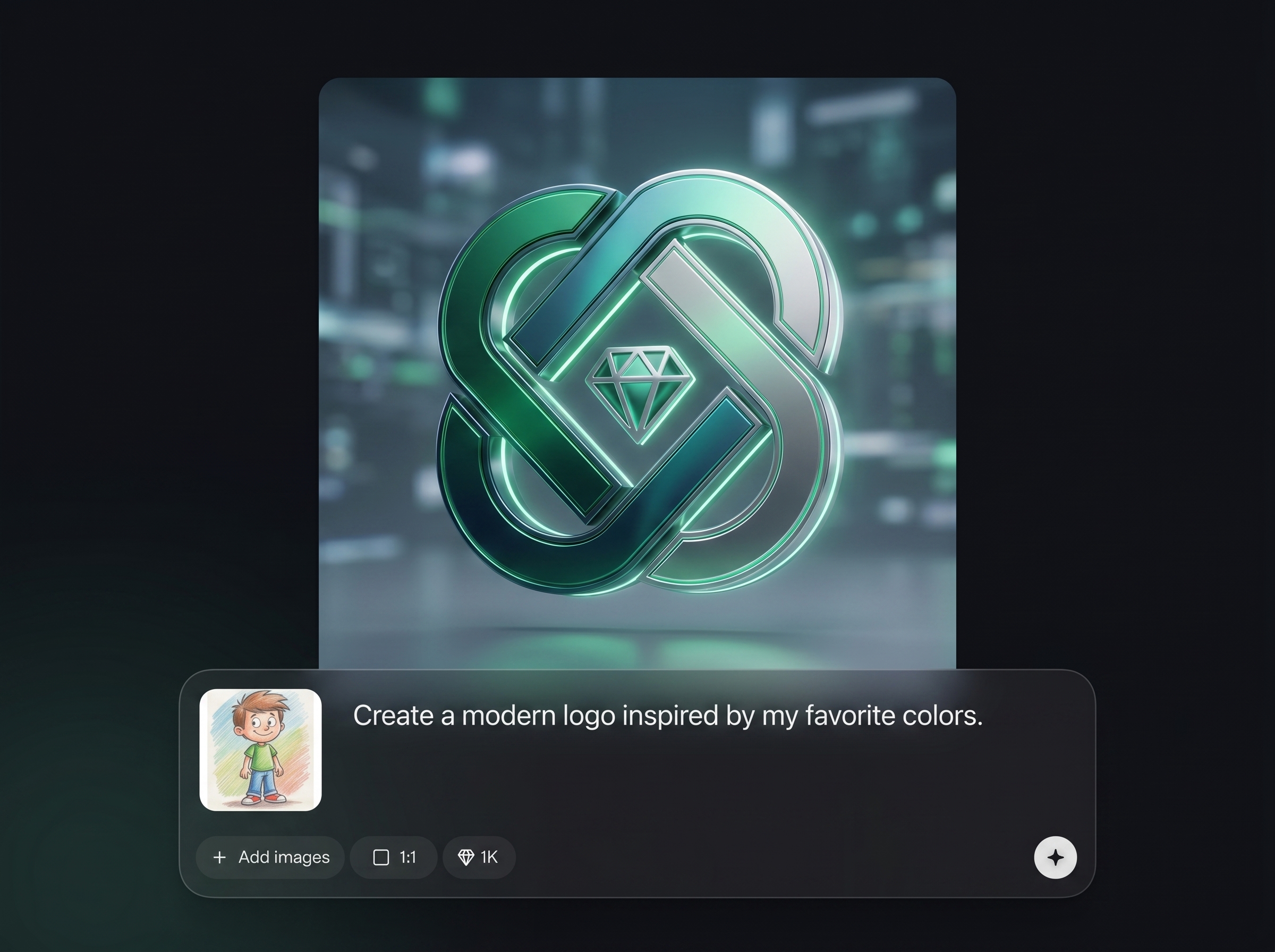
Keep an asset set aligned with adjustable style settings and repeatable parameters. Create variations that stay on-model for cohesive packs across screens, levels, or product surfaces.
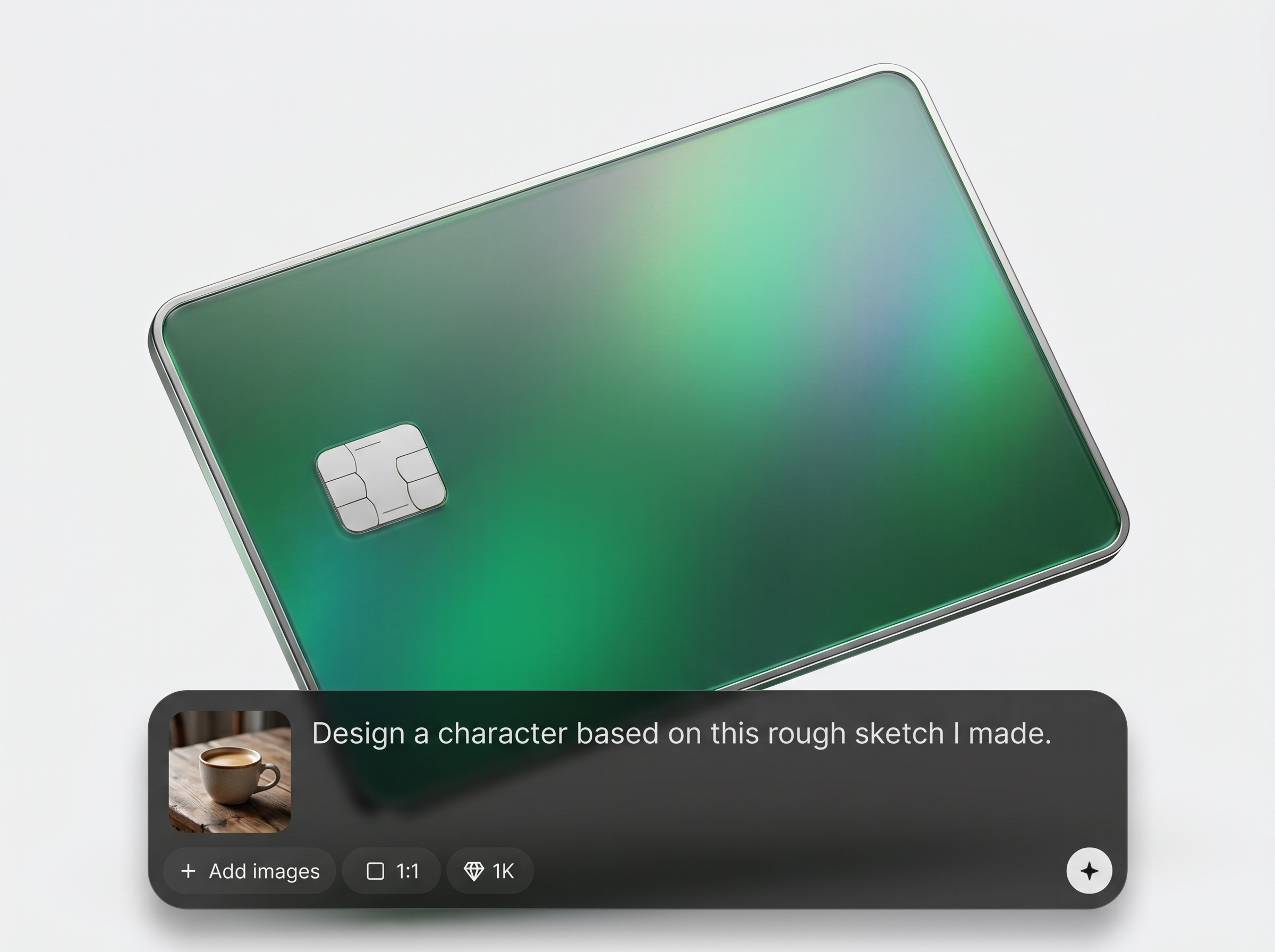
Generate multiple options in minutes, refine quickly, and export production-ready files. Download transparent assets and high-resolution images optimized for game engines, UI design, and prototyping.
About
Asset-generate is an AI asset generator for creating consistent 2D and 3D assets from prompts and references. Generate icons, props, textures, and asset packs quickly while keeping style and variations aligned. Export clean outputs for games, apps, prototypes, and design systems—without rebuilding assets from scratch.
Asset-generate focuses on practical outputs: consistent styles, fast variations, and clean exports. It reduces repetitive asset production while keeping control over look and format. Use prompts and references to match art direction and generate cohesive sets that fit real workflows.
Type a prompt, pick an asset type, and add a reference image if needed. Adjust style and output settings, generate variations, and export assets in the formats your pipeline already uses.
Use cases
Discover how different creators use this app in their workflow.
Generate icons, props, textures, and asset packs for rapid prototyping and production. Keep style consistent across levels and quickly iterate on art direction.
Create UI icons, illustrations, and components that match a design system. Produce variants and export clean assets for Figma, web, and mobile workflows.
Build campaign visuals, thumbnails, and brand-aligned graphics on demand. Generate multiple concepts fast, then export ready-to-use images for ads and social posts.
Krea is one of the world's leading generative AI platforms. See what others say.
Real reviews on TrustpilotSo many AI tools out there but I always come back to Krea. It's really the one AI platform that 'just works'.

FYN
Krea's interfaces are still the best in the industry. Everything looks and feels so clean and easy to use! Imo the easiest to use gen AI website.

Lynn
Ultra fast generations. Extremely simple to use. All the latest AI models.

Daniel
KREA is the only AI subscription I have right now besides ChatGPT.

Sophia M.
Answers to common questions about Asset-generate, AI asset generation, formats, and workflow.
Asset-generate is an AI asset generator that creates visual assets from prompts and references. It helps you produce icons, props, textures, and cohesive packs quickly with consistent style control.
You can generate icons, UI elements, props, textures, and illustration-style assets. Use prompts and references to guide look and feel, then produce variations for a complete asset set.
Yes. Use stable settings, references, and repeatable parameters to keep outputs aligned. Generate variations while maintaining the same visual language, making packs cohesive across multiple assets.
Yes. You can generate and export assets with transparent backgrounds for easy compositing. This is ideal for UI icons, game sprites, and overlays that need clean edges.
Export common image formats such as PNG for transparency and high-resolution images for production. Choose output size and quality settings to match game engine, web, or design tool requirements.
Reference images help guide style, shapes, and details so results match existing art direction. Combine references with clear prompts to reduce drift and increase consistency across iterations.
Yes. It’s designed for fast iteration—generate multiple concepts quickly, pick the best direction, and refine. This speeds up early exploration before committing to full production.
Describe the asset type, style, materials, color palette, and view angle. Add constraints like “flat icon,” “isometric,” or “hand-painted,” and include references to keep outputs consistent.
Yes. Generate batches of variations to explore options quickly. This makes it easy to create a full set of icons or props with consistent styling and controlled differences.
Asset-generate is best used to accelerate production and ideation, not disrupt your pipeline. Generate starting points and consistent variations, then integrate outputs into your usual editing and build process.
Create consistent AI-generated assets in minutes, then export clean files ready for games, UI, and prototypes.

