














Step 1
Describe
Write a clear story prompt with scene beats for eight frames. Include characters, setting, mood, and key actions so the AI can keep the sequence coherent.
Create 8 static story images fast with Image_generator_for_storytell. Use AI prompts and styles to generate a consistent set for story posts. Try it online now.
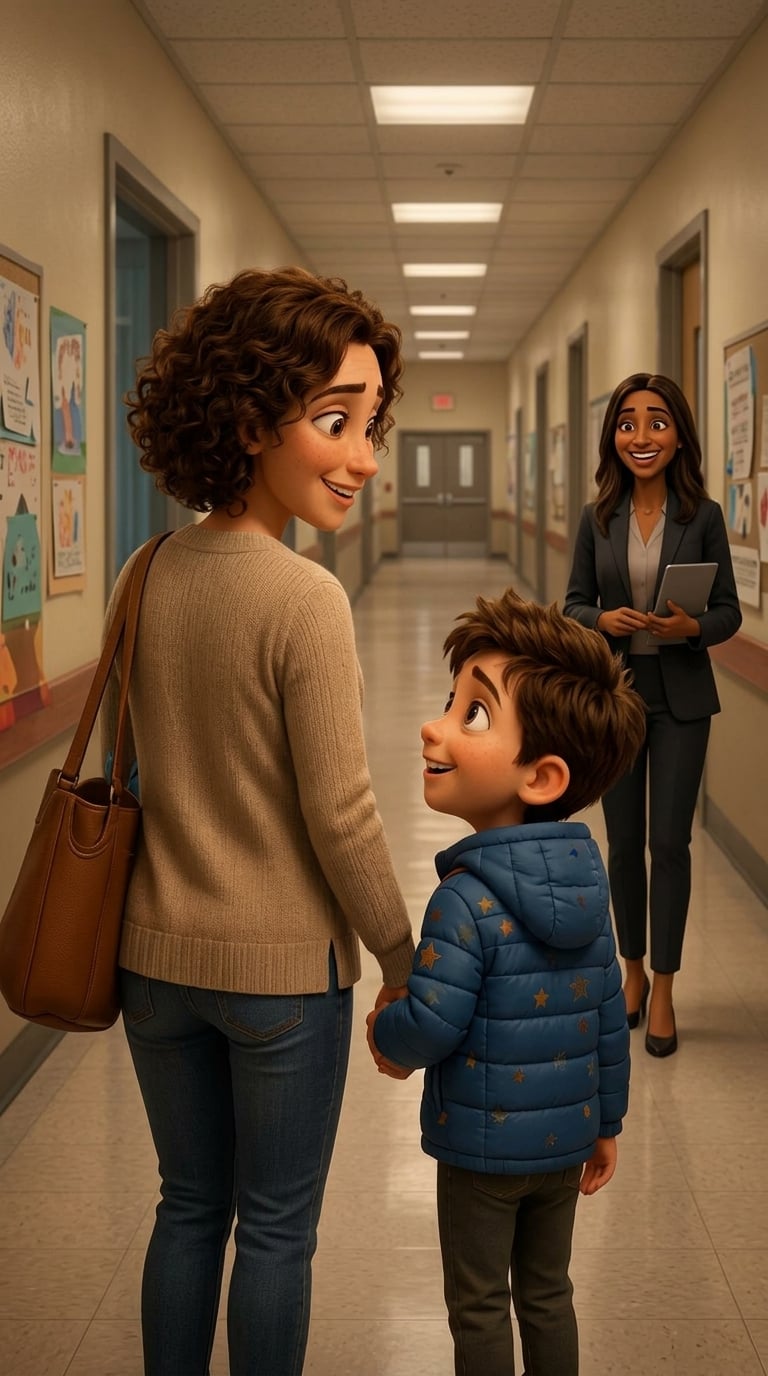
How to use Image_generator_for_storytell
Build a full story set quickly with AI. Add your narrative prompt, pick a visual style, and generate 8 static images as a consistent sequence you can refine and export for publishing.
Step 1
Write a clear story prompt with scene beats for eight frames. Include characters, setting, mood, and key actions so the AI can keep the sequence coherent.

Step 2
Choose an art style and adjust details like tone or composition. Add keywords for lighting, camera angle, or color palette to guide consistent visuals.

Step 3
Click generate to create 8 static images at once. Review the set, revise the prompt for weak frames, and export the final slides for your story workflow.
Features
Generate 8 static images in one run to form a complete storytelling sequence. Image_generator_for_storytell uses AI to keep style and mood aligned across frames while you iterate with prompts and adjustments. Create cohesive story slides for social posts, storyboards, or pitch decks—fast and repeatable.
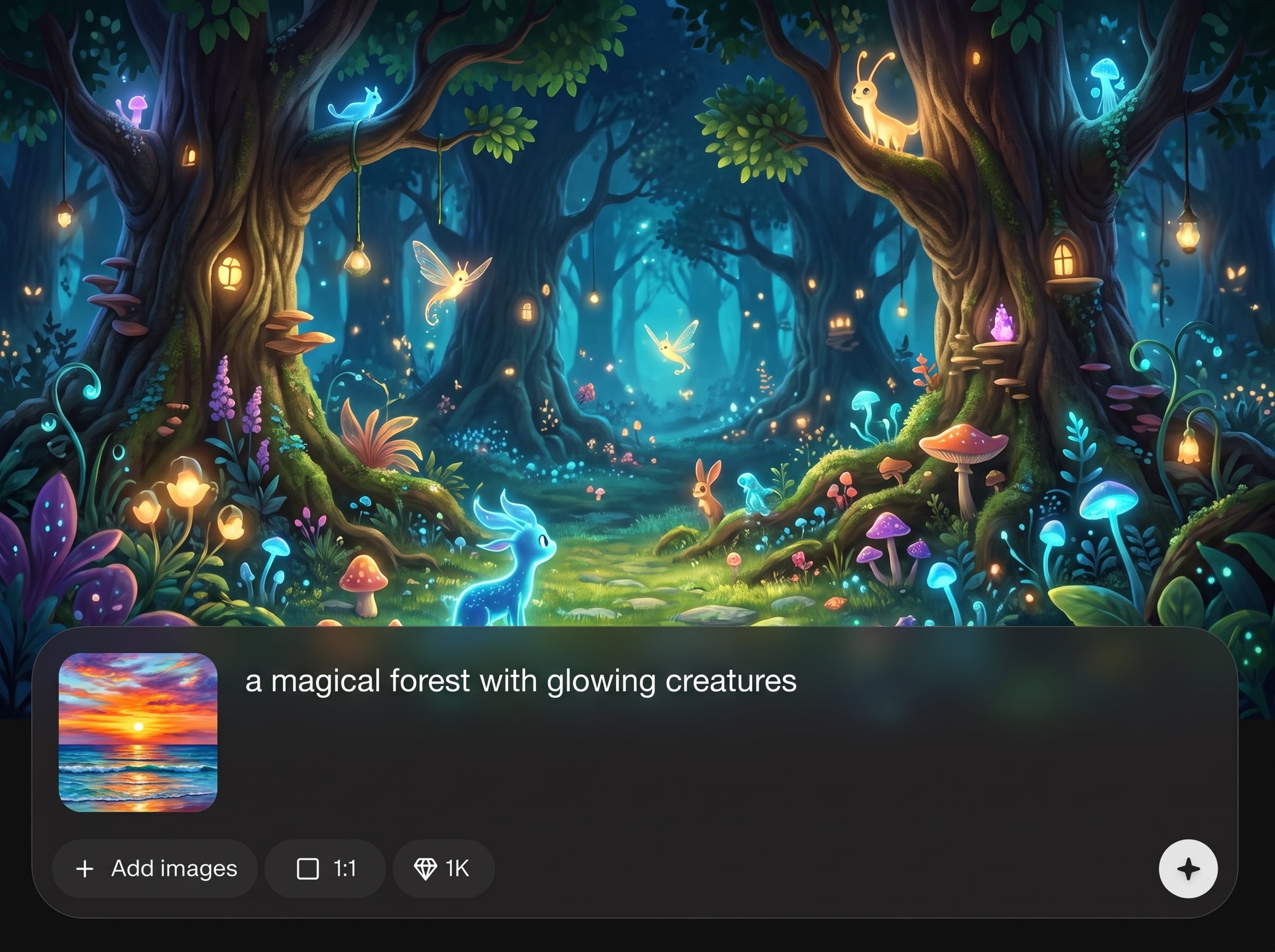
Create an eight-image set from a single prompt, ideal for story posts and storyboard beats. Save time by generating a complete sequence instead of one image at a time.
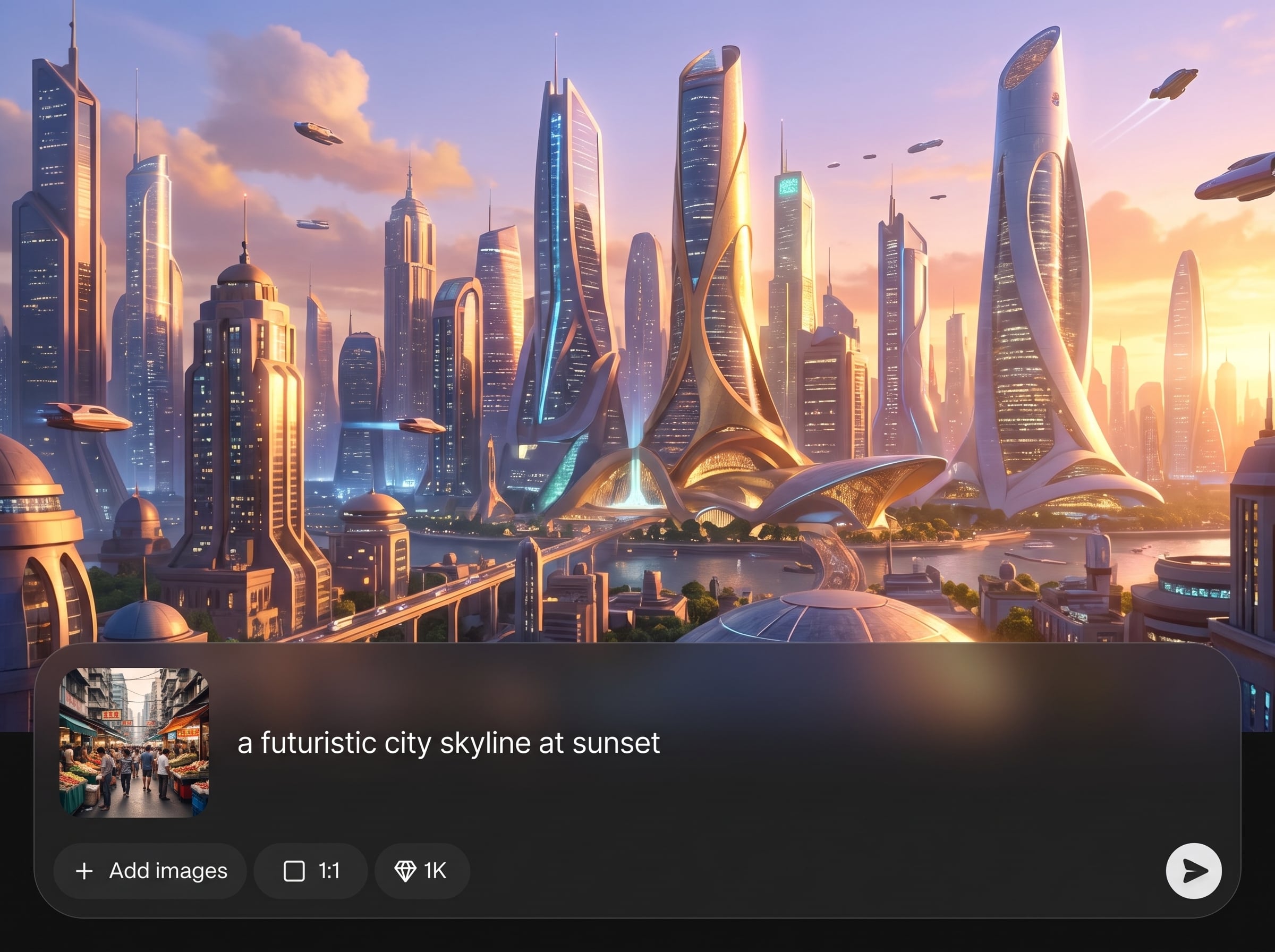
Maintain a unified look across all frames with style guidance and prompt controls. Keep lighting, color palette, and overall mood aligned so the story reads as one set.
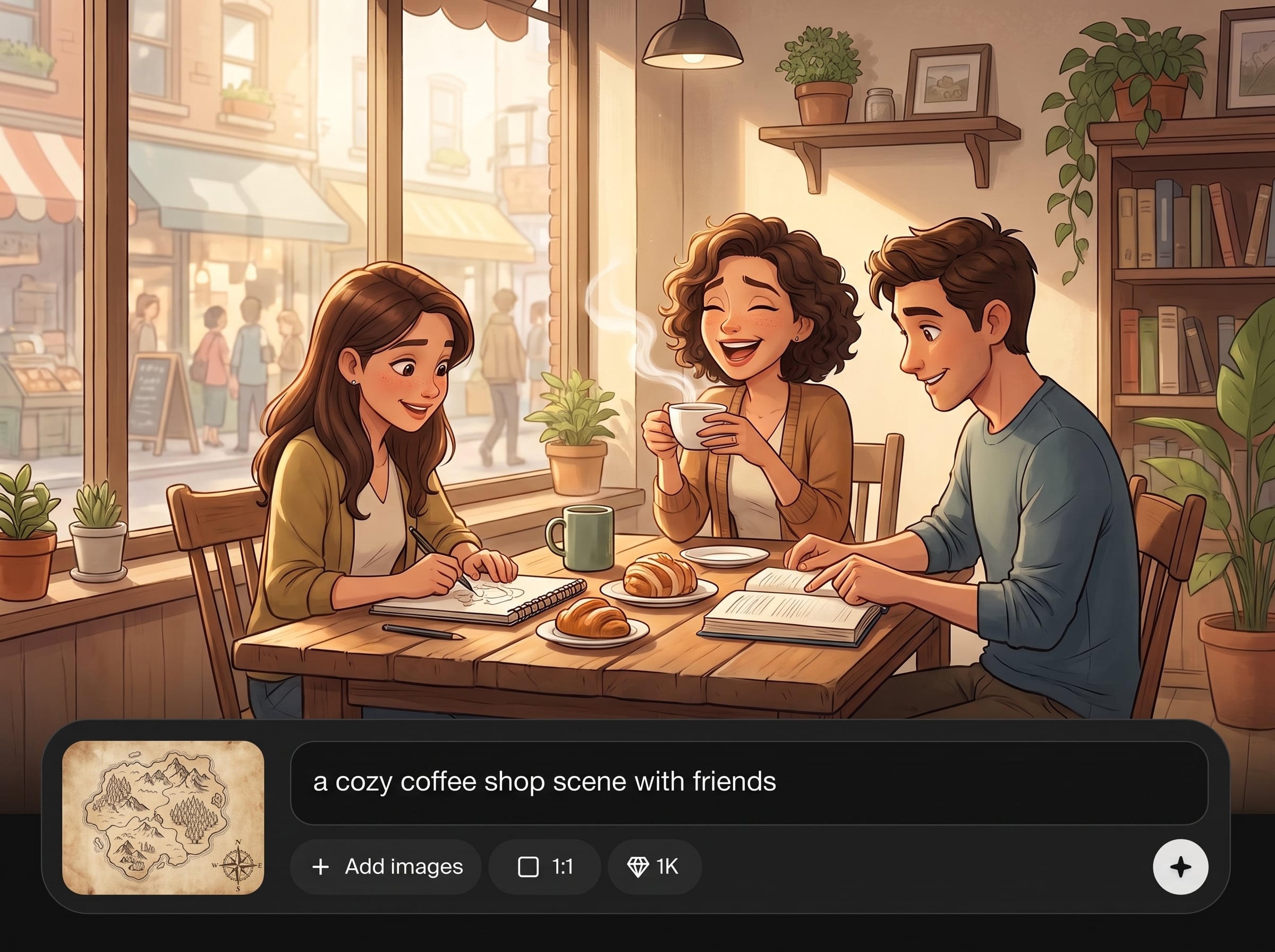
Refine your narrative quickly by adjusting prompts and regenerating results. Improve weak frames, test alternate directions, and converge on a polished story sequence in minutes.
About
Image_generator_for_storytell generates 8 static images for a complete story set in minutes. Enter a prompt, choose a style, and get a cohesive sequence ready for story posts, storyboards, or presentations. Keep characters, mood, and composition consistent across all slides with AI-assisted generation and quick iteration.
Image_generator_for_storytell is built for sequence-based storytelling, not single images. Generate 8 frames in one run, keep style and mood consistent, and iterate quickly with prompt controls. It’s a practical AI tool for repeatable story slide production.
Enter a prompt with eight scene beats, select a style direction, and click generate. Review the 8 images, adjust details for continuity, and export the final sequence for your story workflow.
Use cases
Discover how different creators use this app in their workflow.
Generate eight cohesive static visuals for Instagram, TikTok, or Shorts story formats. Keep a consistent theme across frames and publish faster with ready-to-use slides.
Turn a script beat list into an eight-frame storyboard. Use AI images to plan composition, pacing, and mood before moving into production or animation.
Create an eight-slide visual narrative for pitches, product stories, or campaign concepts. Communicate ideas clearly with a matched set of AI-generated frames.
Krea is one of the world's leading generative AI platforms. See what others say.
Real reviews on TrustpilotSo many AI tools out there but I always come back to Krea. It's really the one AI platform that 'just works'.

FYN
Krea's interfaces are still the best in the industry. Everything looks and feels so clean and easy to use! Imo the easiest to use gen AI website.

Lynn
Ultra fast generations. Extremely simple to use. All the latest AI models.

Daniel
KREA is the only AI subscription I have right now besides ChatGPT.

Sophia M.
Answers to common questions about generating 8 static story images with AI.
It generates 8 static images designed to work as a single story sequence. You provide a prompt and style direction, and the AI outputs a cohesive set of frames you can refine.
Use a detailed character description and repeat key identifiers in the prompt for each frame beat. Keeping the same style keywords, wardrobe, and setting details improves continuity across the set.
Yes. Add style terms like cinematic, watercolor, or anime plus lighting and color cues. The AI uses these directions to align the look and mood across all eight frames.
Include the setting, main subject, mood, and a short beat list for eight frames. Mention camera angle or composition if needed, and keep key descriptors consistent across the sequence.
Yes. It’s a batch AI image generator that outputs eight static images at once, making it suitable for social media story visuals, sequential posts, and quick narrative content production.
You can iterate by tweaking the prompt to target weak frames and regenerating to improve results. Use specific notes like “frame 3: wider shot” to steer updates efficiently.
The images work well for story posts, storyboard panels, presentations, and pitch decks. Export the set and place each frame into your preferred layout or publishing workflow.
In most cases, you can generate a full eight-frame set in minutes, then refine with a few prompt iterations. Speed depends on complexity, style, and how specific your story beats are.
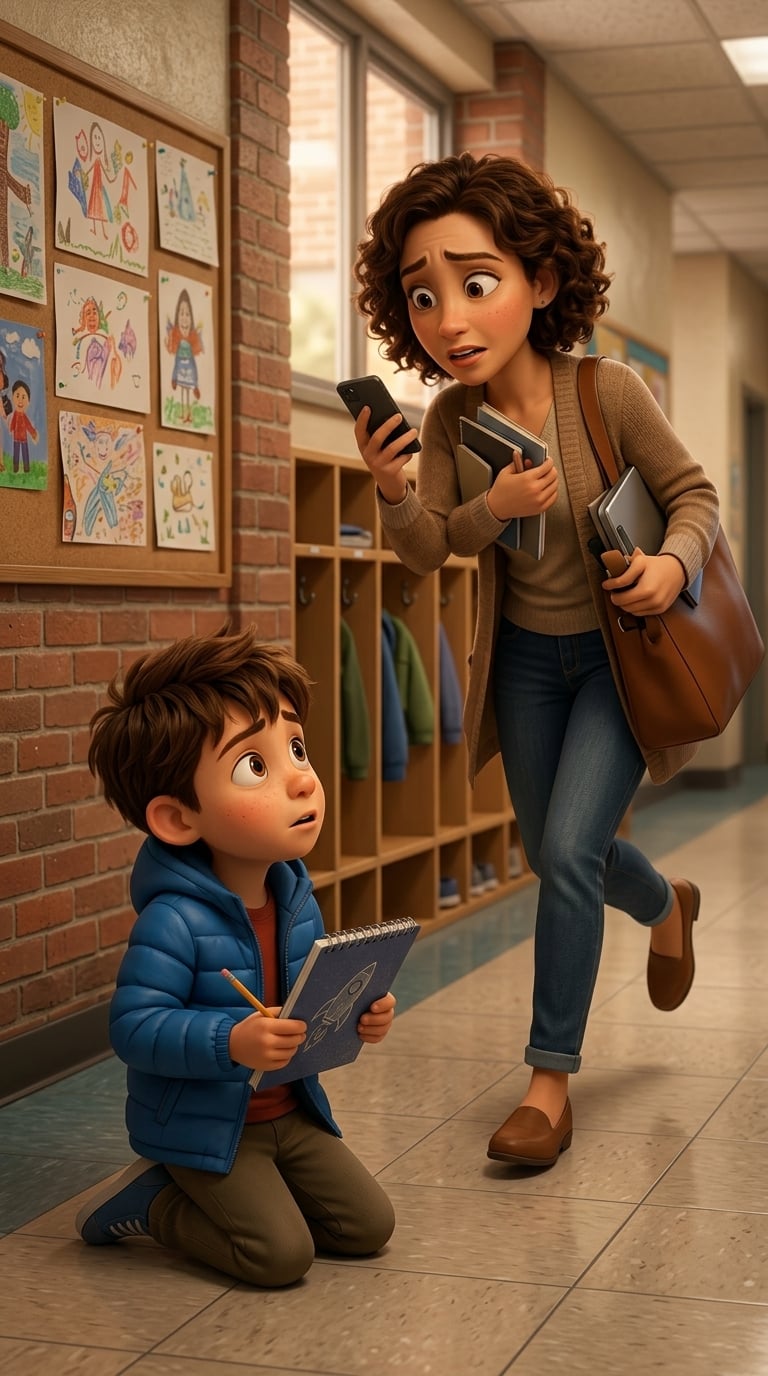
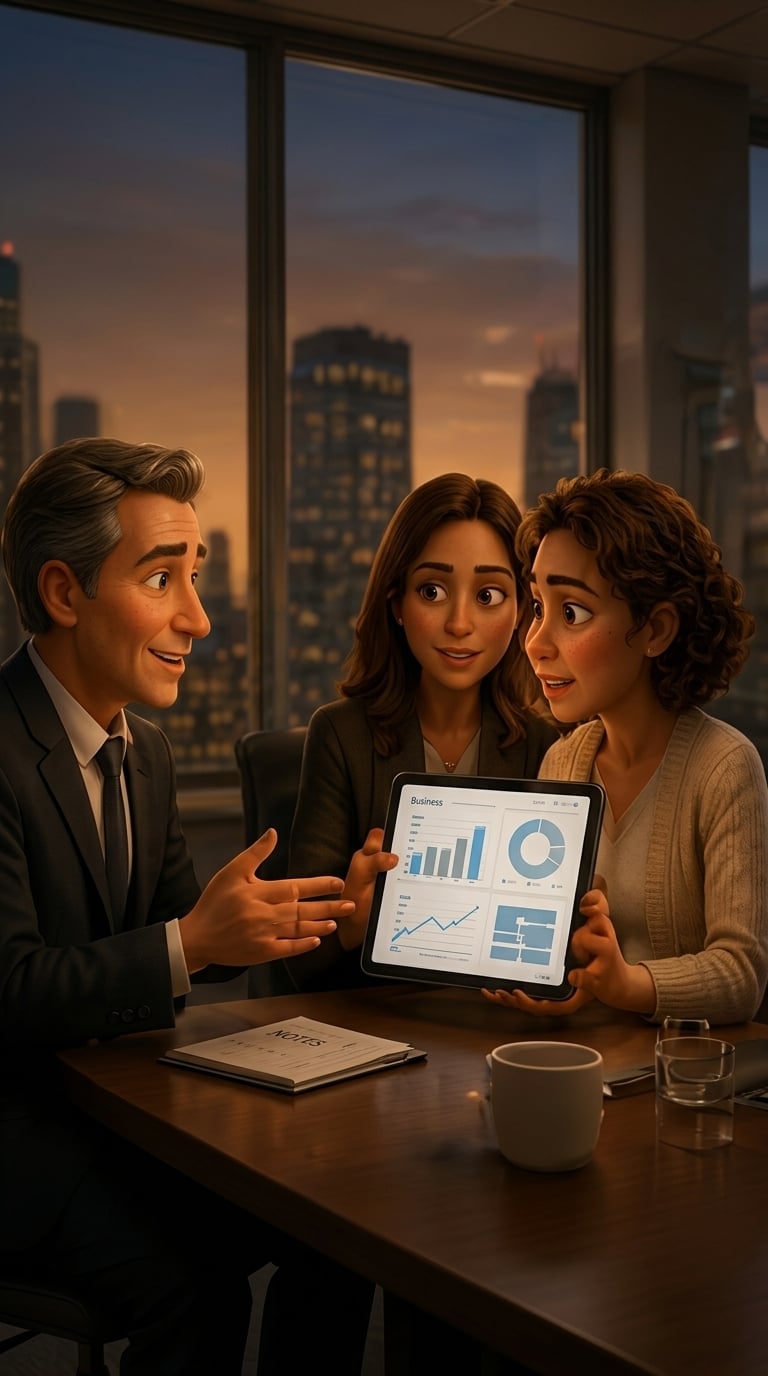
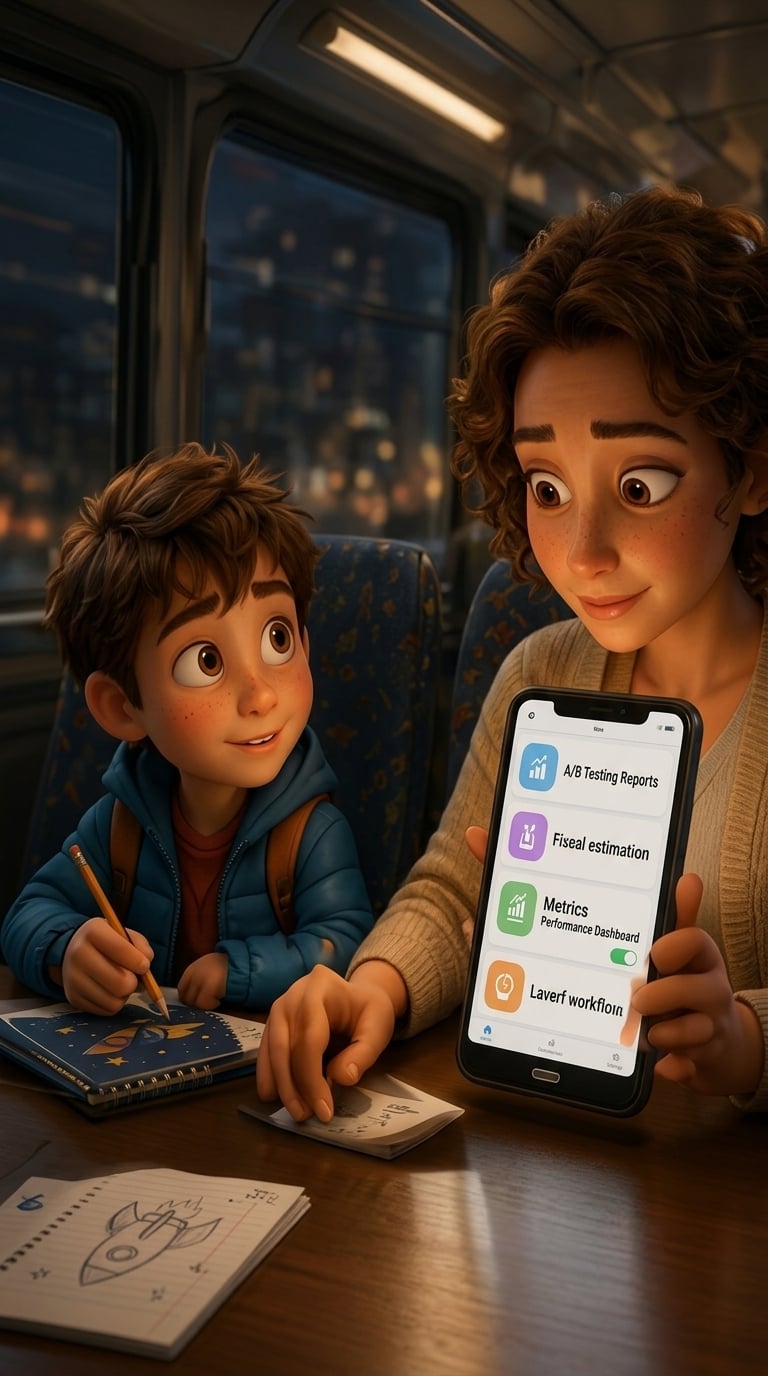
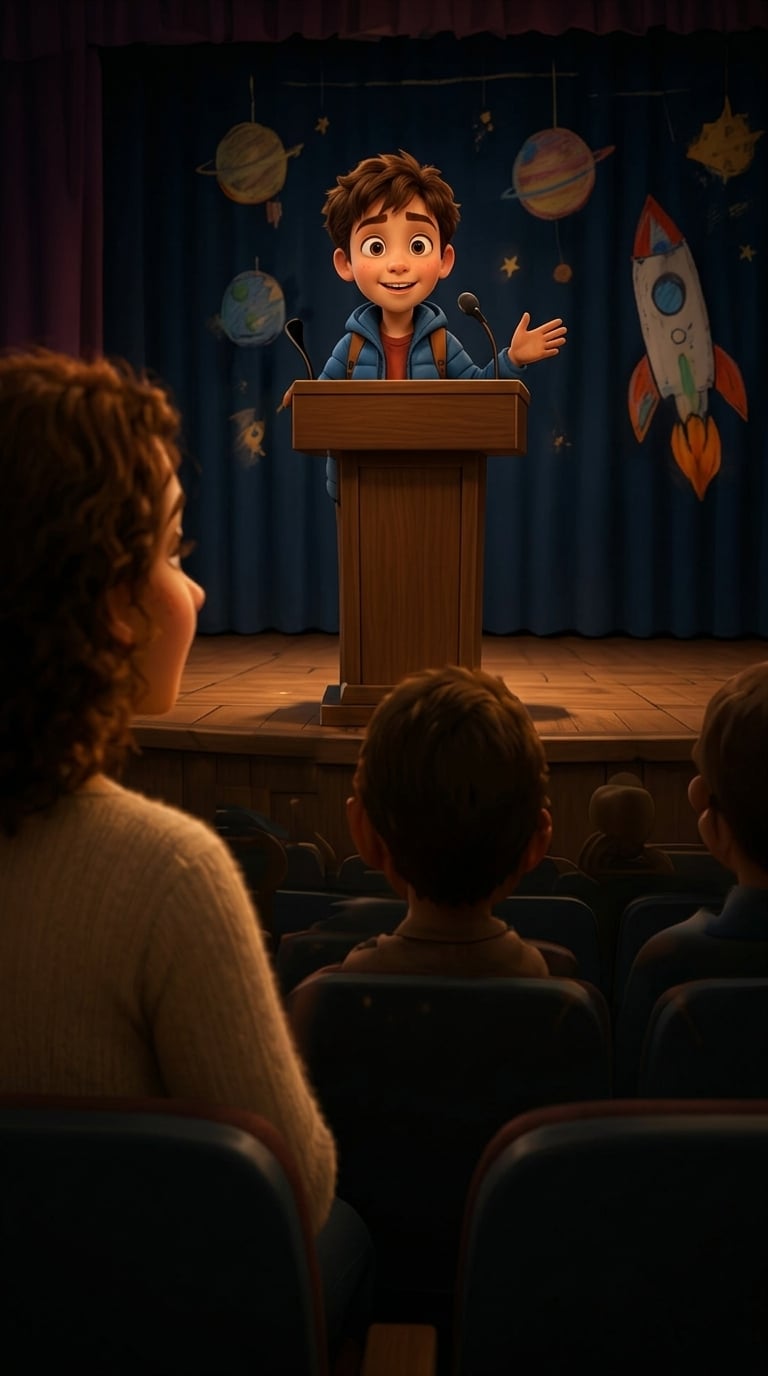
Generate eight consistent static visuals from one prompt and iterate fast until the sequence feels right.

