














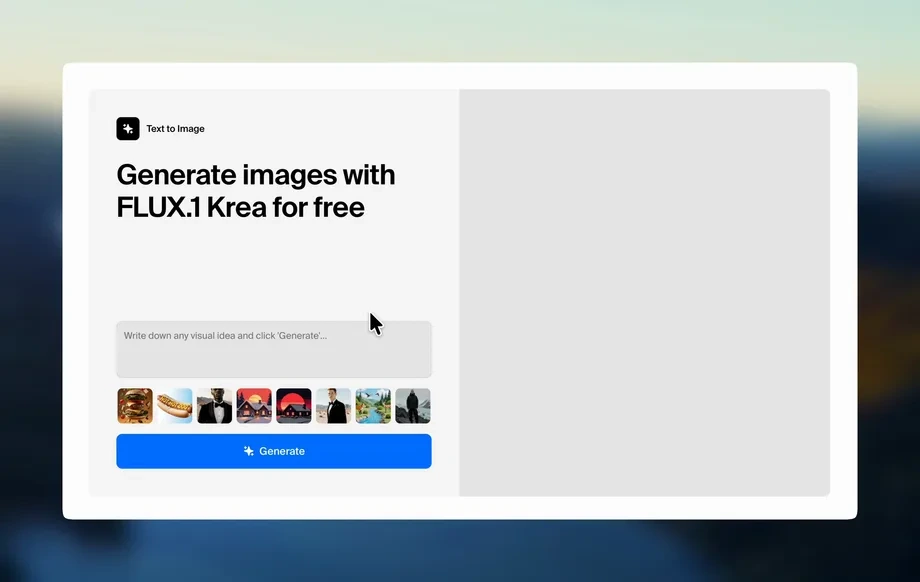
Step 1
Describe
Enter a clear text prompt and add details like subject, lighting, lens, and mood. Use negative prompts to reduce unwanted artifacts and improve consistency.
Use t1 AI to generate stunning images from text prompts. Fast, high-quality AI art with style control, upscaling, and downloads. Try it now.
Run the app to see your first output
How to use t1
Learn how to create polished AI images with t1 in minutes. Follow these steps to write a prompt, select styles, and generate multiple variations you can refine and download.
Step 1
Enter a clear text prompt and add details like subject, lighting, lens, and mood. Use negative prompts to reduce unwanted artifacts and improve consistency.
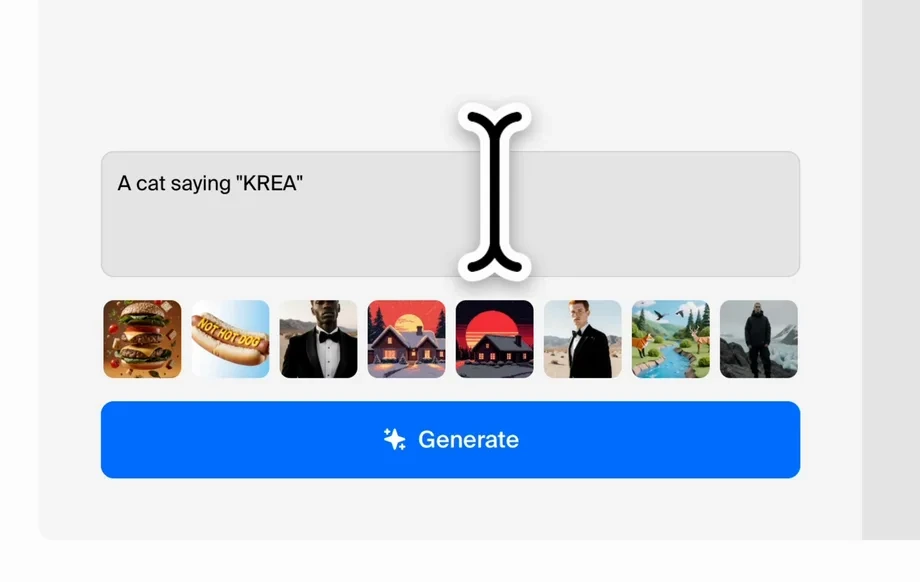
Step 2
Choose a style preset, aspect ratio, and quality settings, then generate variations. Adjust the prompt and settings to refine composition, colors, and detail fast.
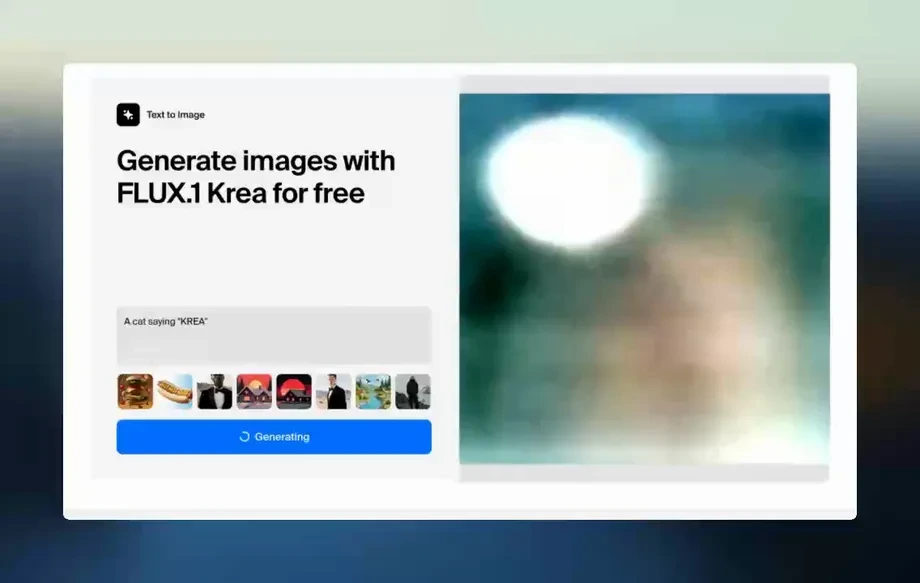
Step 3
Select your best result, upscale for sharper detail, and download in a share-ready format. Save prompts to reuse the same look across future generations.
Features
t1 combines fast AI image generation with practical controls for real-world design tasks. Create images from text, explore multiple variations, and fine-tune style, framing, and detail. With upscaling and clean exports, t1 helps you move from idea to usable visuals quickly—without complex workflows or extra tools.
Turn prompts into detailed images with controllable style and composition. Use negative prompts and iteration to reduce artifacts and keep outputs aligned with your concept.
Generate multiple options in seconds and refine results with small prompt changes. Speed up ideation, explore styles, and converge on a final image without starting over.
Upscale selected outputs for sharper textures and cleaner edges, then download in share-ready formats. Keep results consistent and ready for web, ads, and product pages.
About
t1 is an AI prompt-to-image generator that turns simple text into high-quality visuals in seconds. Choose styles, refine details, and iterate quickly to reach the exact look you need. Built for speed and control, t1 helps you generate consistent results, upscale outputs, and export ready-to-use images for marketing, products, and social content.
t1 focuses on speed, controllability, and clean outputs for practical design needs. Generate multiple variations, refine with prompt and style controls, and upscale for sharper results. Everything is optimized for quick iteration and reliable exports you can use immediately.
Open t1, enter a descriptive prompt, choose a style and aspect ratio, and generate variations. Select your favorite result, upscale if needed, then download and reuse saved prompts to stay consistent.
Use cases
Discover how different creators use this app in their workflow.
Create ad creatives, banners, and campaign imagery from a single prompt. Generate variations for A/B testing and keep a consistent style across channels.
Generate product scenes and lifestyle images without a shoot. Control aspect ratios for marketplaces and quickly iterate backgrounds, lighting, and composition.
Produce scroll-stopping posts, thumbnails, and story assets at speed. Reuse saved prompts to maintain a cohesive look across a content calendar.
Krea is one of the world's leading generative AI platforms. See what others say.
Real reviews on TrustpilotSo many AI tools out there but I always come back to Krea. It's really the one AI platform that 'just works'.

FYN
Krea's interfaces are still the best in the industry. Everything looks and feels so clean and easy to use! Imo the easiest to use gen AI website.

Lynn
Ultra fast generations. Extremely simple to use. All the latest AI models.

Daniel
KREA is the only AI subscription I have right now besides ChatGPT.

Sophia M.
Common questions about using t1 for AI image generation and exports.
t1 is an AI image generator that creates visuals from text prompts. It helps you produce variations quickly, control style and framing, and export images for marketing, product, and social use.
Describe the subject first, then add specifics like environment, lighting, camera angle, and style. Include a negative prompt to avoid unwanted elements, and iterate with small changes for precision.
Yes. You can select style presets and choose aspect ratios for common use cases like ads, thumbnails, and product pages. Adjust settings to keep composition consistent across variations.
Yes. Generate several options per prompt to explore composition and style quickly. Pick the best result, then refine it by adjusting prompt details and regenerating targeted variations.
After generating an image, you can upscale it to improve sharpness and fine detail. This helps make outputs cleaner for web use, marketing assets, and higher-resolution exports.
t1 runs online, so there’s no heavy setup required. Open the tool, enter a prompt, choose settings, and generate images directly in your browser for quick iteration and downloads.
t1 provides share-ready downloads suitable for common web and design workflows. Export your selected results after upscaling to use them in websites, ads, social posts, and product listings.
Reuse a strong base prompt, keep style settings consistent, and adjust only one variable at a time. Saving prompts and using negative prompts also helps maintain a stable look and reduce drift.
Generate high-quality AI visuals from text prompts, refine fast, and export clean results in minutes.

