














Step 1
Upload
Add an image or asset with white areas you want to fill. The tool detects bright regions and prepares them for AI texture generation automatically.
Turn plain white areas into realistic textures with White to Texture. AI-powered material mapping for designs, 3D, and mockups—try it online now.
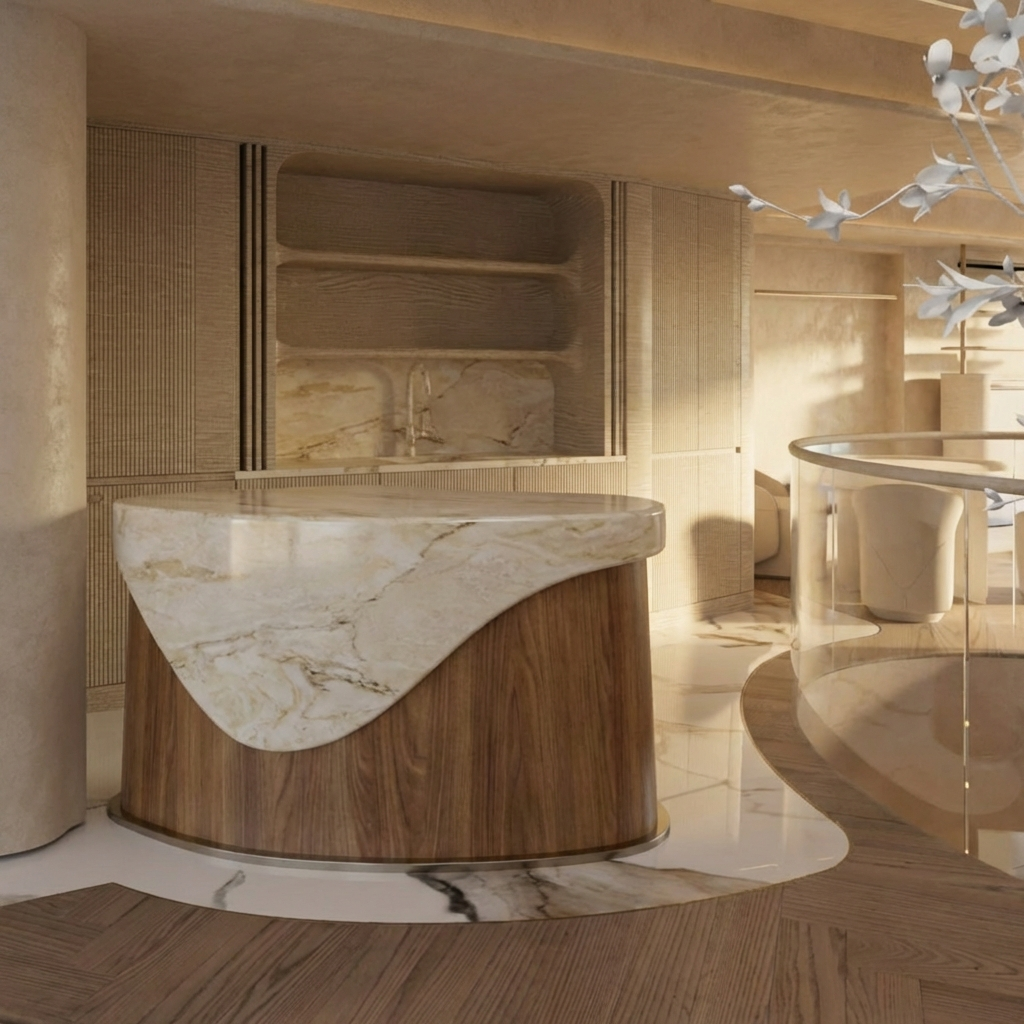
How to use White to Texture
Transforming blank white space into usable texture is fast. Follow these steps to upload your image, select a texture style, and export results for design, 3D, or mockup workflows.
Step 1
Add an image or asset with white areas you want to fill. The tool detects bright regions and prepares them for AI texture generation automatically.

Step 2
Pick a material style and adjust intensity for subtle grain or bold detail. Preview variations until the texture matches your scene, brand, or surface.

Step 3
Download the textured result for your pipeline. Use it in mockups, compositing, or 3D texturing, and iterate quickly by generating new variations.
Features
White to Texture replaces plain white fills with believable surface detail using AI. Create fabric, paper, stone, plastic, and more with consistent results and quick iteration. It’s built for fast experimentation, clean previews, and exports that fit common design and 3D workflows.
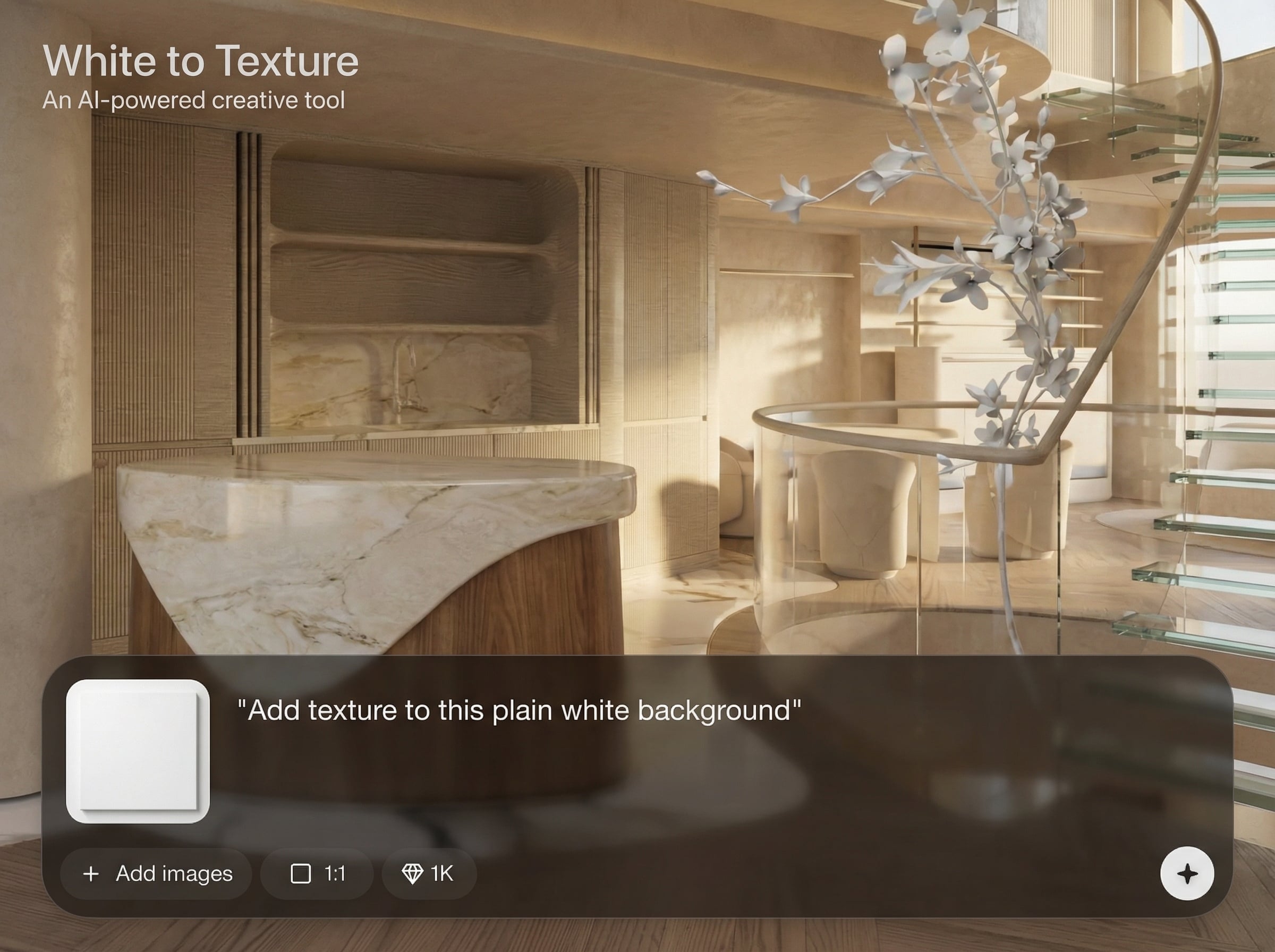
Targets white and near-white regions for texture fill while preserving surrounding edges. Get clean, controlled texture placement without tedious masking or manual brushwork.
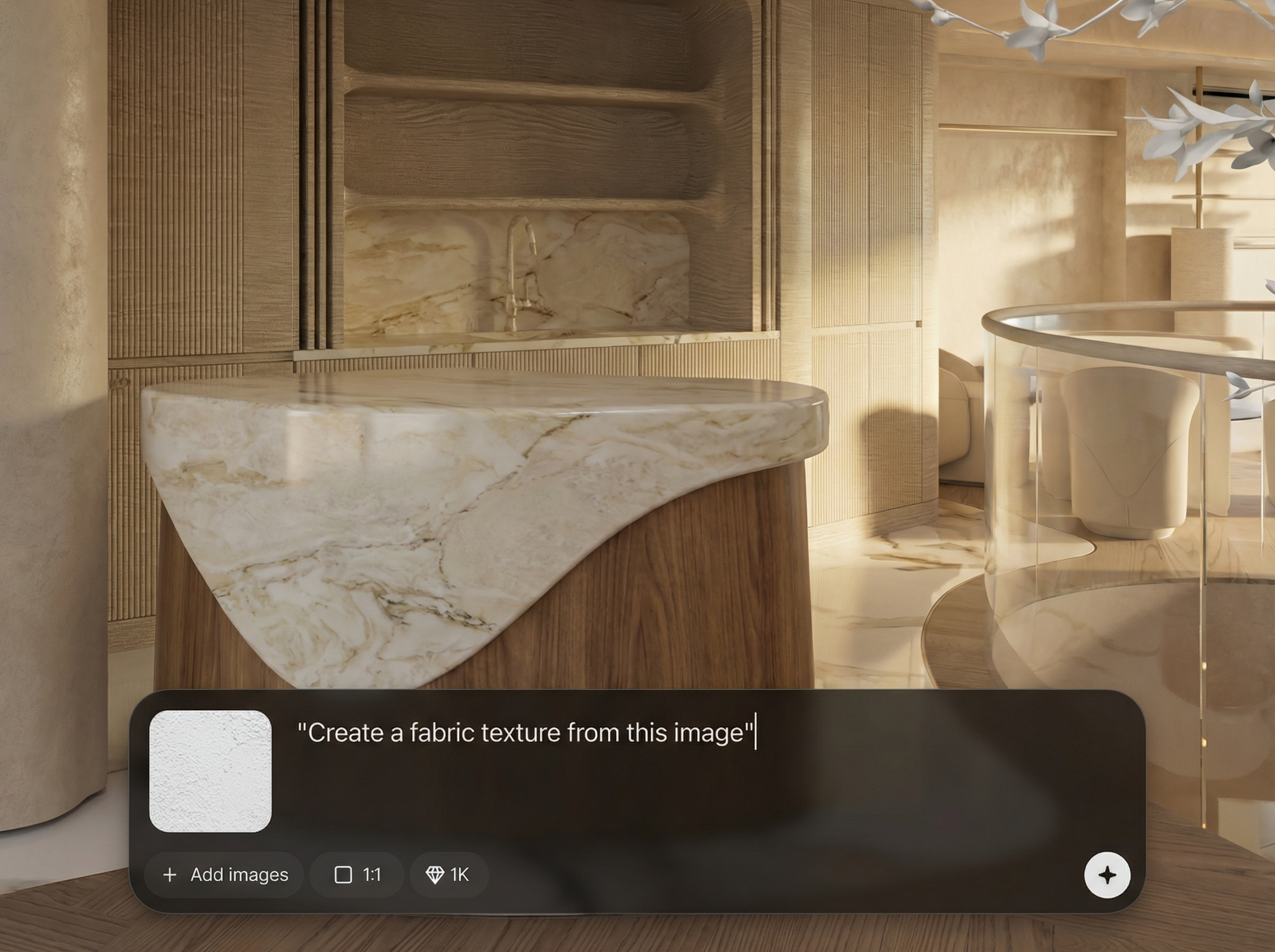
Choose texture types and fine-tune strength for realistic results, from subtle noise to high-detail materials. Generate multiple variations quickly to compare options.
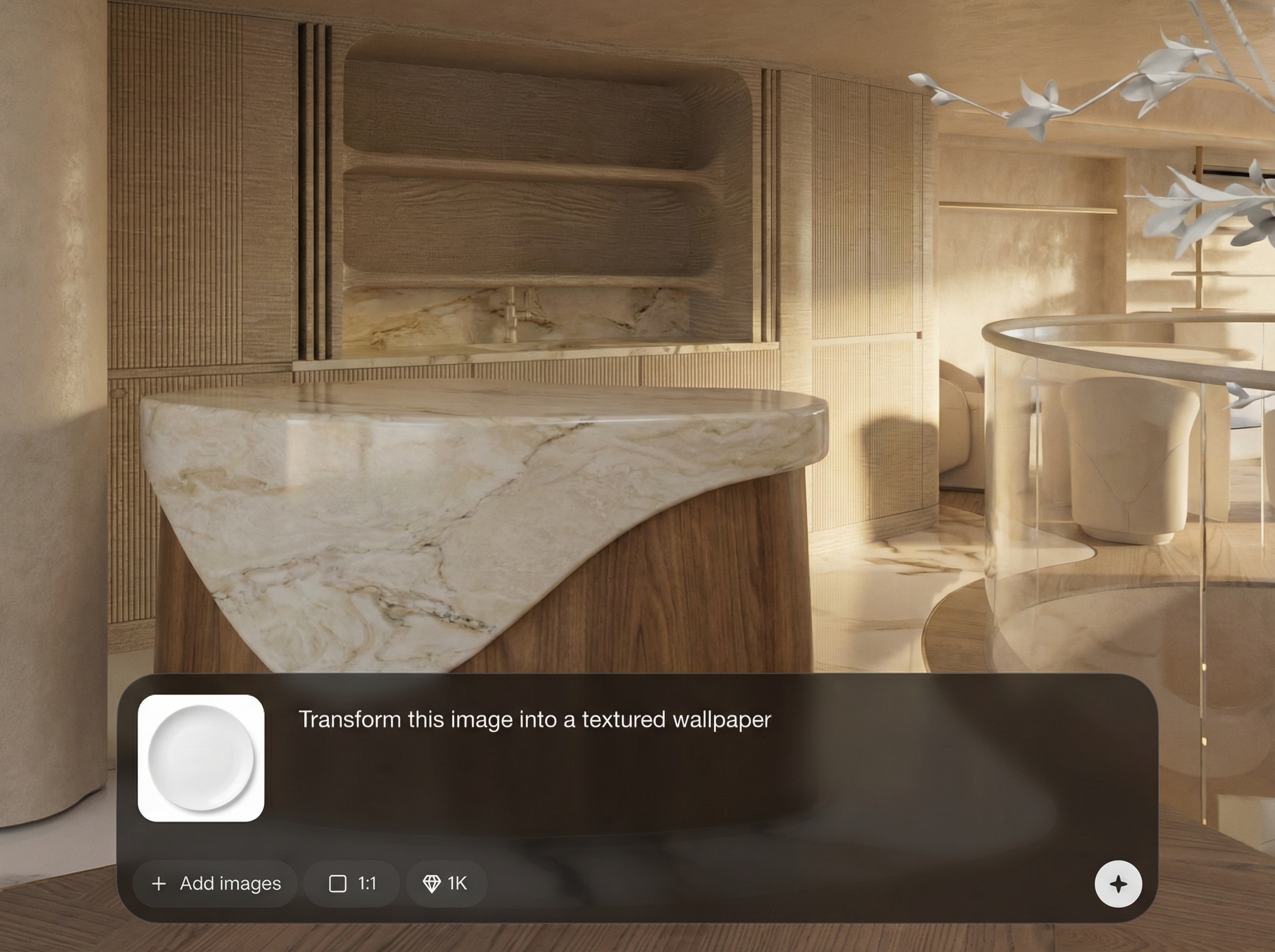
Generate textures in seconds and export results ready for mockups, compositing, and 3D texturing. Iterate rapidly to match different scenes, lighting, and surface needs.
About
White to Texture converts flat white regions into rich, realistic textures in seconds. Use AI to generate material detail for product mockups, graphic layouts, and 3D surfaces without manual painting. Upload an image, choose a look, and export consistent texture results that fit your workflow.
White to Texture delivers fast, controllable AI texture fills focused on white areas, reducing manual cleanup. Generate multiple variations, dial in subtle or bold detail, and keep edges looking clean. It’s ideal for quick iteration across design, mockups, and 3D workflows.
Open White to Texture, upload an image with white regions, choose a texture style, and adjust intensity. Preview variations, then export the result and repeat to quickly explore different material looks.
Use cases
Discover how different creators use this app in their workflow.
Add paper grain, plastic sheen, or fabric detail to white label areas. Improve realism in packaging renders and marketing visuals with quick AI texture fills.
Turn blank UV or placeholder white surfaces into textured materials. Useful for fast look-dev, concepting, and creating surface variation before final shading.
Generate subtle textures for posters, UI panels, and brand assets. Replace flat white blocks with tasteful material depth while keeping layouts clean and readable.
Krea is one of the world's leading generative AI platforms. See what others say.
Real reviews on TrustpilotSo many AI tools out there but I always come back to Krea. It's really the one AI platform that 'just works'.

FYN
Krea's interfaces are still the best in the industry. Everything looks and feels so clean and easy to use! Imo the easiest to use gen AI website.

Lynn
Ultra fast generations. Extremely simple to use. All the latest AI models.

Daniel
KREA is the only AI subscription I have right now besides ChatGPT.

Sophia M.
Answers to common questions about AI texture generation and converting white areas into textures.
It converts white or near-white regions in an image into realistic textures using AI. You choose a texture style and intensity, then export the result for mockups, design work, or 3D pipelines.
Yes. The tool can target near-white tones as well as pure white, helping you texture placeholders and bright fills. If needed, adjust your source contrast for cleaner region selection.
You can generate texture detail suitable for many 3D material workflows. For full PBR sets (albedo/normal/roughness), use the output as a base and refine or derive maps in your 3D tools.
It’s designed to preserve boundaries around the white areas while filling them with texture. For best results, use clean shapes and high-resolution inputs to reduce artifacts.
Yes—White to Texture runs online and generates results quickly. Upload your image, set a style, and download textured outputs without complicated setup or manual texturing steps.
Upload an image and generate realistic textures for mockups, design surfaces, or 3D assets in seconds.

