












Step 1
Upload Base
Upload your white render as the base image. Choose a clean, well-lit render so edges, shapes, and surfaces are easy for the model to interpret.
Turn white renders into realistic textures with AI. Upload a base render plus up to 3 reference images to generate detailed, clean results fast—try it now.
How to use White to Textured
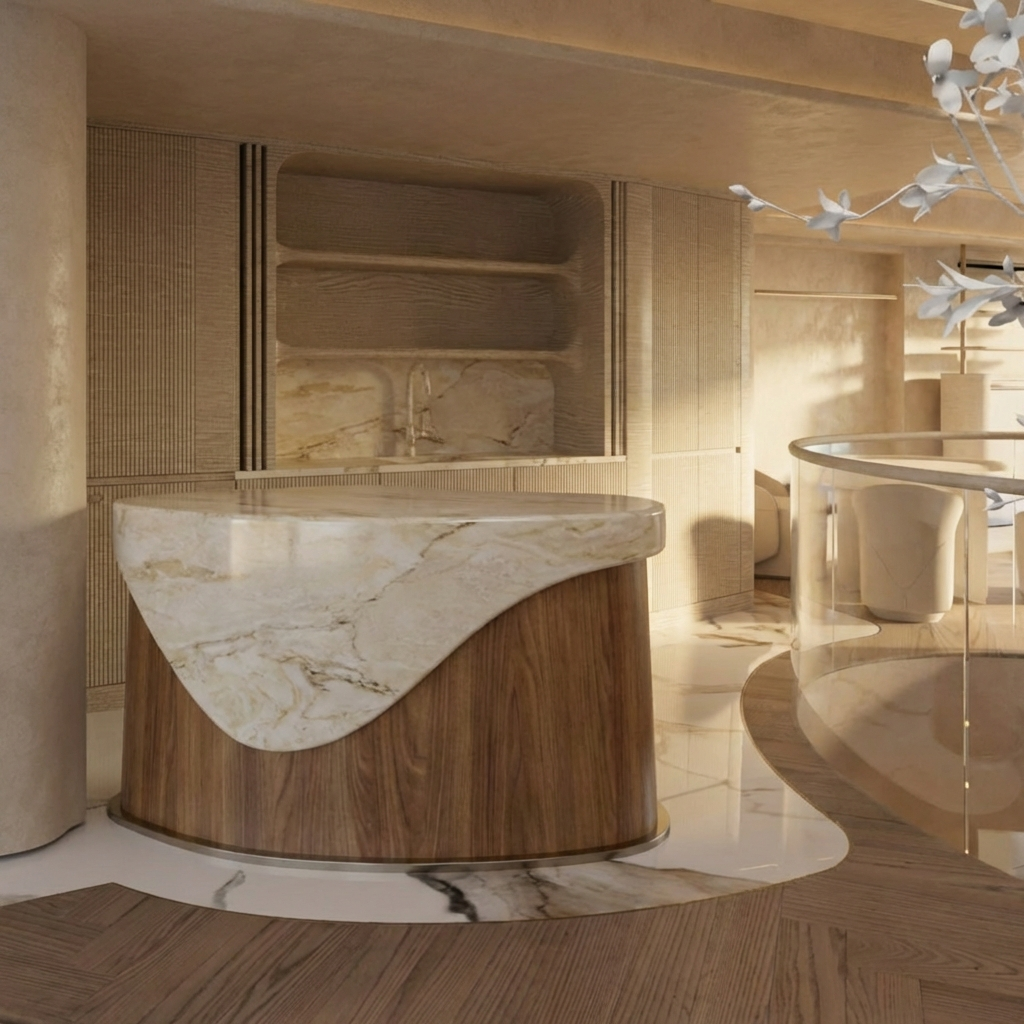
Start with a white render as your base and add up to three references to steer the material look. In a few clicks, the AI generates a textured result you can review and iterate quickly.
Step 1
Upload your white render as the base image. Choose a clean, well-lit render so edges, shapes, and surfaces are easy for the model to interpret.
Step 2
Upload up to three reference images showing the textures and finishes you want. Mix close-ups and full shots to guide color, roughness, and pattern direction.
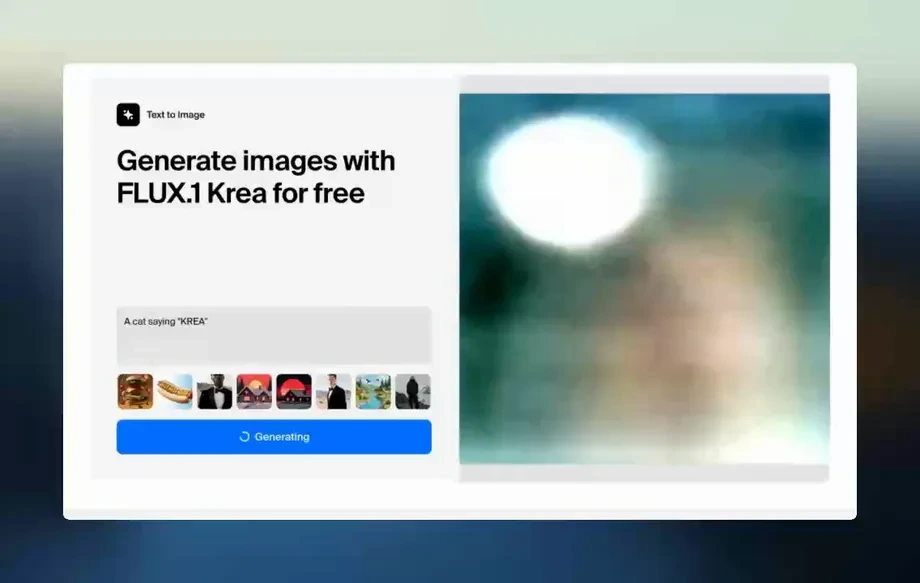
Step 3
Run the AI to create the textured output. If needed, swap references or adjust your inputs and generate again until the material style matches your target.
Features
Convert white renders into textured visuals with reference-guided AI. Use up to three images to steer material feel, color, and surface detail while keeping the original form readable. Ideal for quick look development, faster approvals, and consistent iterations across product, interior, or concept renders.
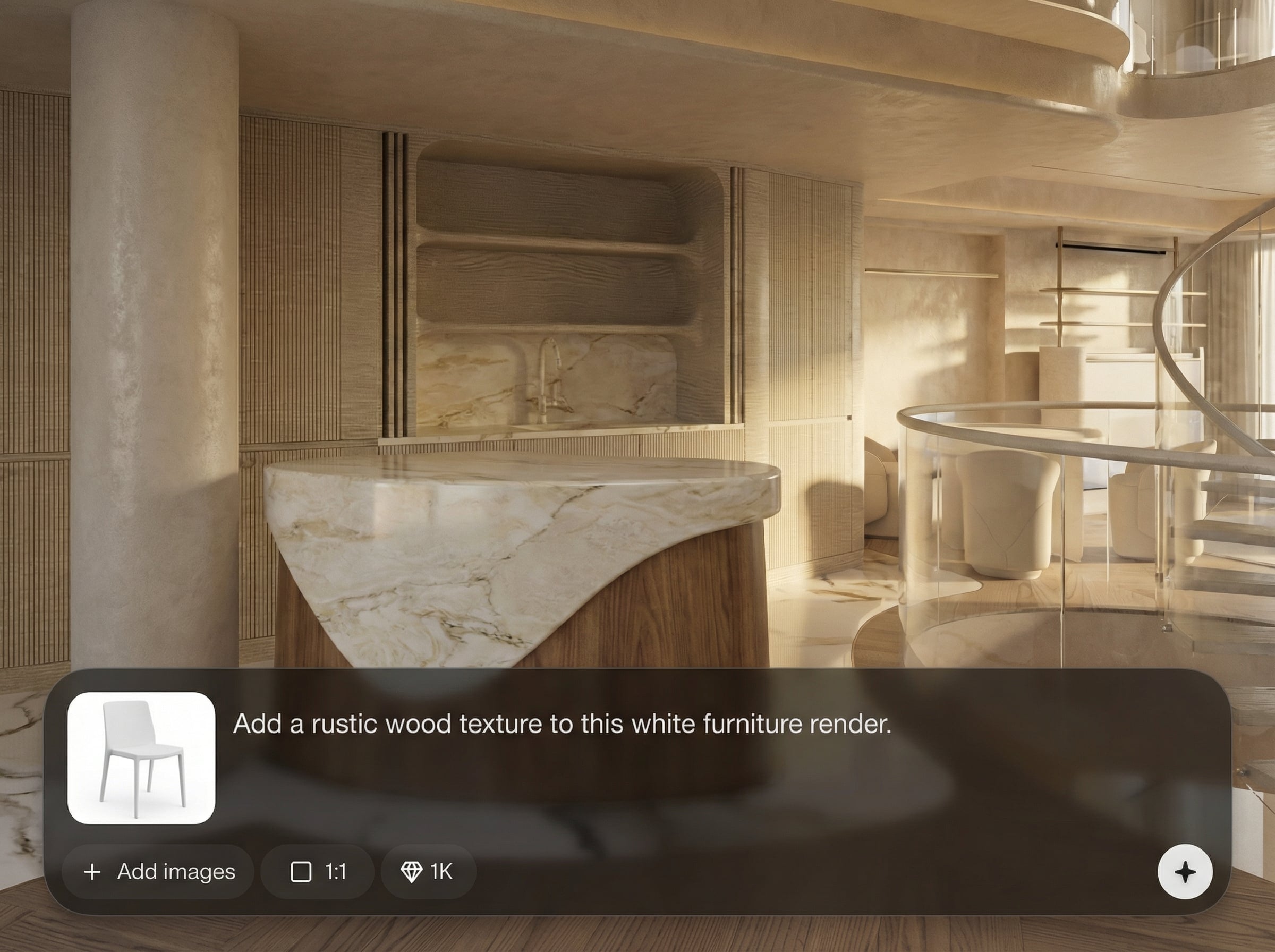
Control the final look by supplying up to three reference images. The model uses them to infer textures, colors, and surface qualities while respecting the base render’s structure.
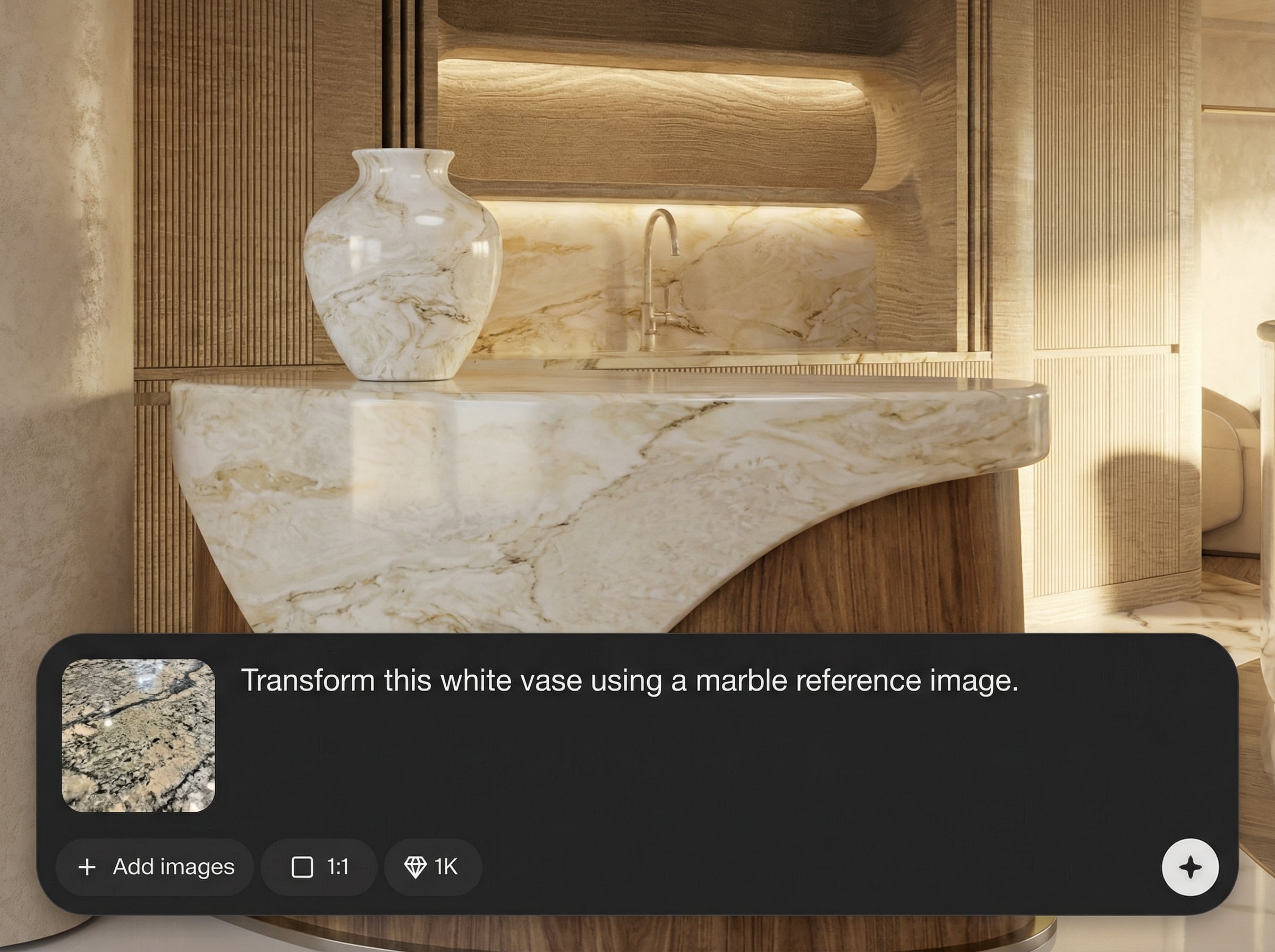
Skip manual paintovers and early-stage UV work for previews. Generate textured variations quickly to compare options, iterate, and move to final production only after decisions are made.
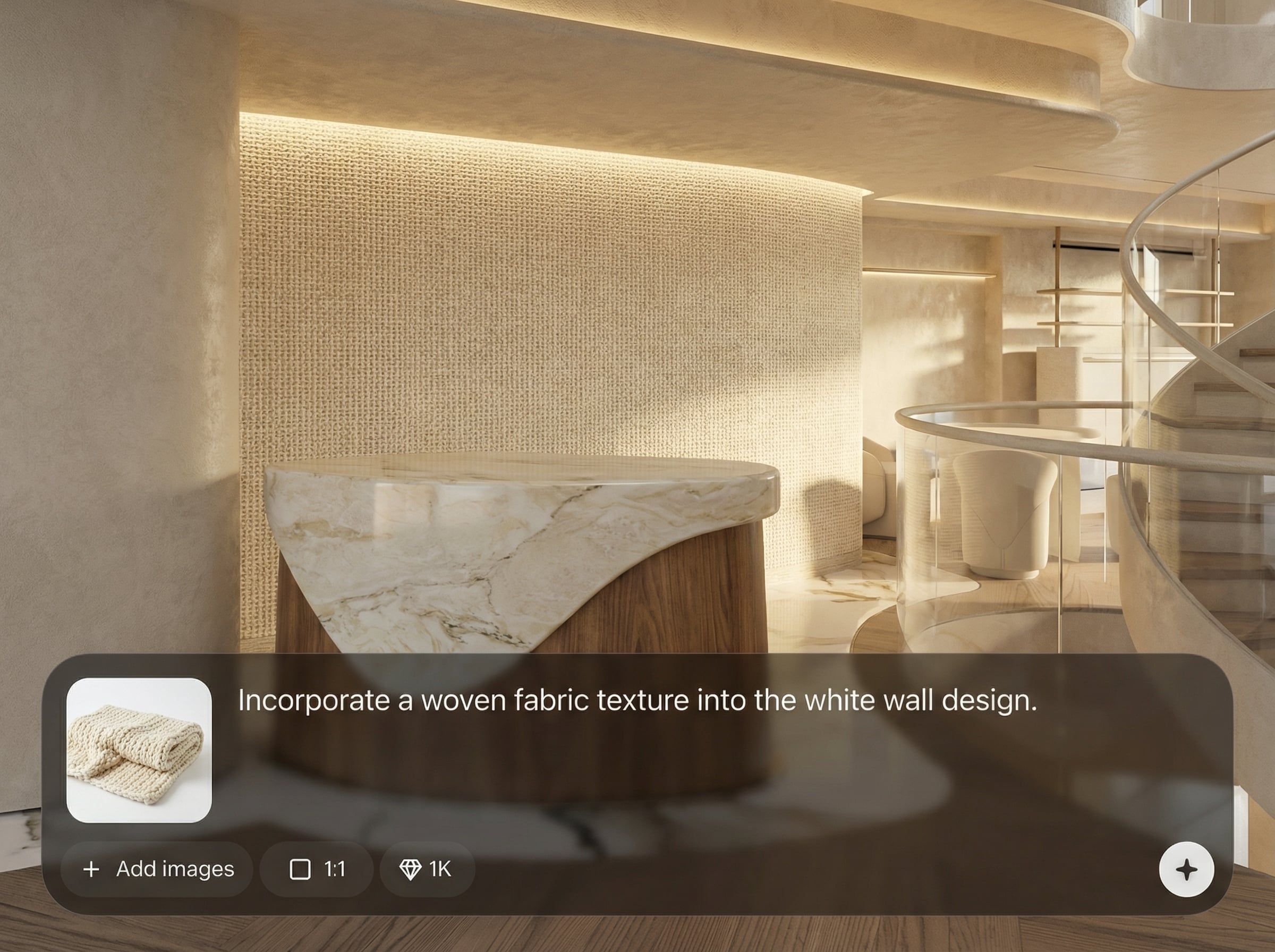
Start from a neutral white render to keep lighting and geometry clear. The AI adds texture detail without overwhelming the form, producing outputs suitable for reviews and presentations.
About
White to Textured turns a plain white render into a textured, realistic image using AI. Upload your base render and up to three reference images to guide materials, color, and surface detail. Get cleaner previews faster for product shots, archviz, and concept work—without repainting textures by hand.
White to Textured streamlines render-to-texture exploration with reference-guided AI. It keeps your base geometry readable while adding convincing materials, helping you evaluate options quickly. Use fewer manual steps, iterate faster, and align stakeholders with clear, textured previews.
Upload your white render, then choose up to three references that match the finish you want. Generate the result, review it, and iterate by swapping references until the texture direction looks right.
Use cases
Discover how different creators use this app in their workflow.
Turn clay renders into textured product concepts for faster styling decisions. Test finishes like metal, plastic, fabric, or wood before committing to full material builds.
Apply realistic materials to white interior or exterior renders using references. Explore multiple surface options for floors, walls, and fixtures with quick iteration cycles.
Generate material directions from moodboard references while keeping your base shapes intact. Produce rapid variants for review, then refine with new references as needed.
Krea is one of the world's leading generative AI platforms. See what others say.
Real reviews on TrustpilotSo many AI tools out there but I always come back to Krea. It's really the one AI platform that 'just works'.

FYN
Krea's interfaces are still the best in the industry. Everything looks and feels so clean and easy to use! Imo the easiest to use gen AI website.

Lynn
Ultra fast generations. Extremely simple to use. All the latest AI models.

Daniel
KREA is the only AI subscription I have right now besides ChatGPT.

Sophia M.
Answers to common questions about AI texturing from white renders and reference images.
White to Textured is an AI texture generator that converts a white render into a textured result. You upload a base render and up to three references to guide material style and detail.
You can upload up to three reference images. Using multiple references helps the AI better match color, pattern, and surface feel while keeping the original render’s structure consistent.
Use a clean white or clay render with clear edges, minimal noise, and balanced lighting. Higher-resolution inputs typically produce sharper textures and more stable material placement across surfaces.
Yes—swap references, change the mix of close-ups vs. full shots, and regenerate to explore different looks. This makes it easy to compare finishes and converge on a final direction.
It generates a textured image output for visualization and iteration. If you need full PBR map sets, use the result as a guide for building production materials in your 3D workflow.
Upload a white render, add up to three references, and generate realistic textured results in minutes.

