














Step 1
Add your topic
Type your topic in the first field—short or detailed. The AI uses it to structure the 5-slide storyline and key points.
Generate a 5-slide carousel and ready-to-post caption with AI. Add a topic, choose a visual style, upload a photo for slide 4, and export fast.

How to use КАРУСЕЛЬКА 🎠🎠🎠🎠🎠
Use this mini app to generate a complete 5-slide carousel and a final caption. Just provide a topic, define the visual style, and add an optional image for slide 4.
Step 1
Type your topic in the first field—short or detailed. The AI uses it to structure the 5-slide storyline and key points.

Step 2
In the second field, write a visual style prompt. Use one word or a full art direction to guide colors, layout, and mood.

Step 3
Attach a photo for the fourth slide: your portrait, product shot, dog photo, or logo. The generator integrates it into the carousel design.
Features
КАРУСЕЛЬКА 🎠🎠🎠🎠🎠 combines slide generation and caption writing in one workflow. It creates 5 cohesive carousel slides, keeps visual consistency from your style prompt, and prepares a final text you can paste into a post description. Fast, flexible, and easy to customize for any topic or brand look.

Generate a complete 5-slide carousel with a clear flow: hook, explanation, key details, image highlight, and closing. Ideal for educational posts, product overviews, and storytelling.

Steer the design with a simple or detailed style prompt. Get consistent typography, color mood, and layout across all slides—without manual template work or repetitive edits.
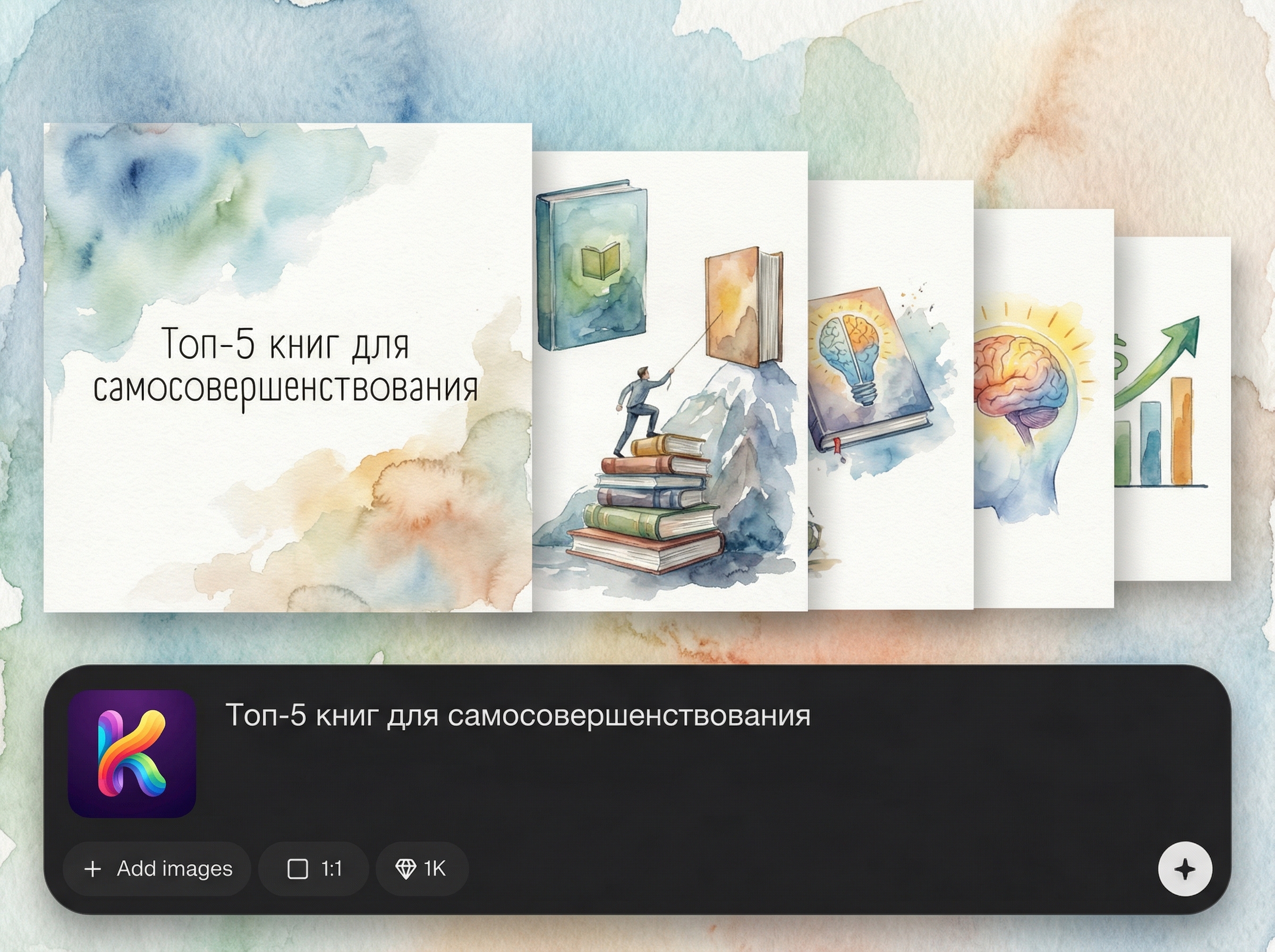
Upload a photo, product image, dog picture, or logo for slide 4. The tool places it into the composition so the carousel feels personalized and brand-ready.
About
КАРУСЕЛЬКА 🎠🎠🎠🎠🎠 is an AI carousel generator that automatically creates 5 polished slides plus a final caption for your post description. Enter your topic, describe the visual style in one word or a detailed brief, and optionally upload a photo for slide 4. Get consistent layouts, on-brand visuals, and ready-to-publish copy in minutes.
КАРУСЕЛЬКА 🎠🎠🎠🎠🎠 streamlines carousel creation with AI-driven structure, style control, and built-in caption generation. Get consistent visuals across slides, reduce manual layout time, and personalize the carousel by inserting a key image on slide 4 for stronger engagement.
Type your topic, describe the visual style, and add an optional image for slide 4. Generate the 5-slide carousel and copy the final caption—then publish or refine in seconds.
Use cases
Discover how different creators use this app in their workflow.
Turn a topic into a swipeable carousel with a ready caption. Great for campaigns, weekly rubrics, announcements, and fast content production.
Show a product, logo, or portrait on slide 4 and keep the rest visually consistent. Useful for launches, offers, and feature breakdowns.
Create structured slides that teach or summarize: steps, tips, myths, FAQs, or comparisons. Add a consistent style for better readability.
Krea is one of the world's leading generative AI platforms. See what others say.
Real reviews on TrustpilotSo many AI tools out there but I always come back to Krea. It's really the one AI platform that 'just works'.

FYN
Krea's interfaces are still the best in the industry. Everything looks and feels so clean and easy to use! Imo the easiest to use gen AI website.

Lynn
Ultra fast generations. Extremely simple to use. All the latest AI models.

Daniel
KREA is the only AI subscription I have right now besides ChatGPT.

Sophia M.
Quick answers about generating carousels, captions, styles, and photo uploads with AI.
It generates 5 carousel slides and a final caption you can paste into your post description. You provide a topic, a visual style prompt, and optionally an image for slide 4.
Either is fine. A short topic gives a general structure, while a detailed brief helps the AI produce more specific points, wording, and slide sequencing for your carousel.
Use one word (e.g., watercolor, horror film) or a full design brief like “minimal layout, pink headlines, fantasy characters.” The generator follows it to keep slides consistent.
Upload a portrait, product photo, dog photo, or logo. The app uses it specifically on the fourth slide to create a personalized highlight within the 5-slide carousel.
Yes. The caption is designed to be ready-to-post, but you can quickly tweak tone, add hashtags, or adjust calls-to-action to match your brand voice and goals.



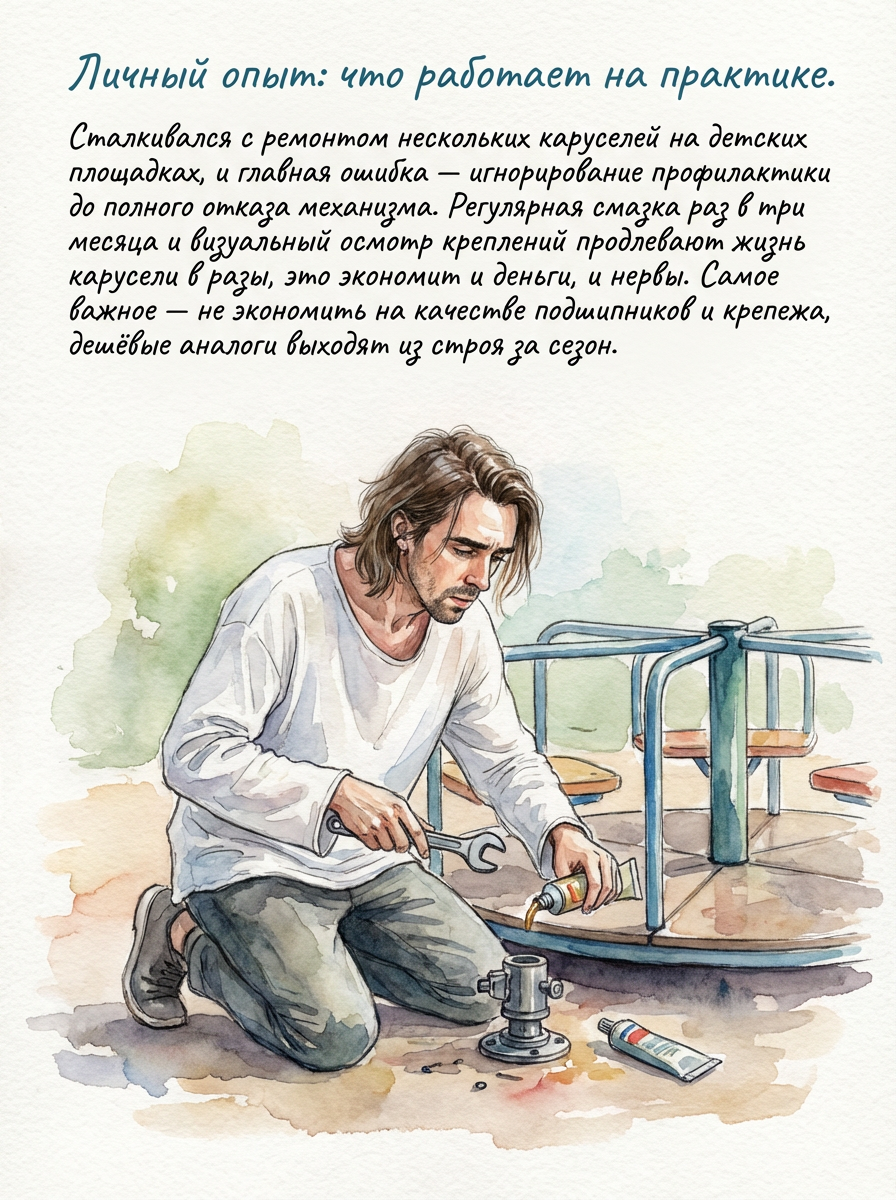
Enter a topic, set a visual style, upload an image for slide 4, and export your carousel with caption.

