














Step 1
Upload
Drop in a JPG or PNG and let the AI analyze details, edges, and noise. The tool prepares an optimal super-resolution pass for your image.
Upscale Pro is an AI image upscaler to enlarge photos, sharpen details, and reduce noise. Enhance resolution fast for print, web, and e-commerce—try now.

How to use Upscale Pro
Use Upscale Pro to increase image resolution with AI in minutes. Upload your file, choose the upscaling settings, preview improvements, and export a higher-quality image for web or print.
Step 1
Drop in a JPG or PNG and let the AI analyze details, edges, and noise. The tool prepares an optimal super-resolution pass for your image.

Step 2
Pick an upscale factor and enable sharpening or denoise as needed. Preview before-and-after results to confirm crisp details without overprocessing.

Step 3
Export your enhanced image in high resolution for print or online use. Save a clean, enlarged file that stays sharp across platforms and devices.
Features
Upscale Pro uses AI super-resolution to enlarge images while keeping lines, textures, and faces natural. Improve clarity with smart sharpening and noise reduction, then export consistent results for web, print, or product listings. Get fast, reliable upscales without manual retouching.
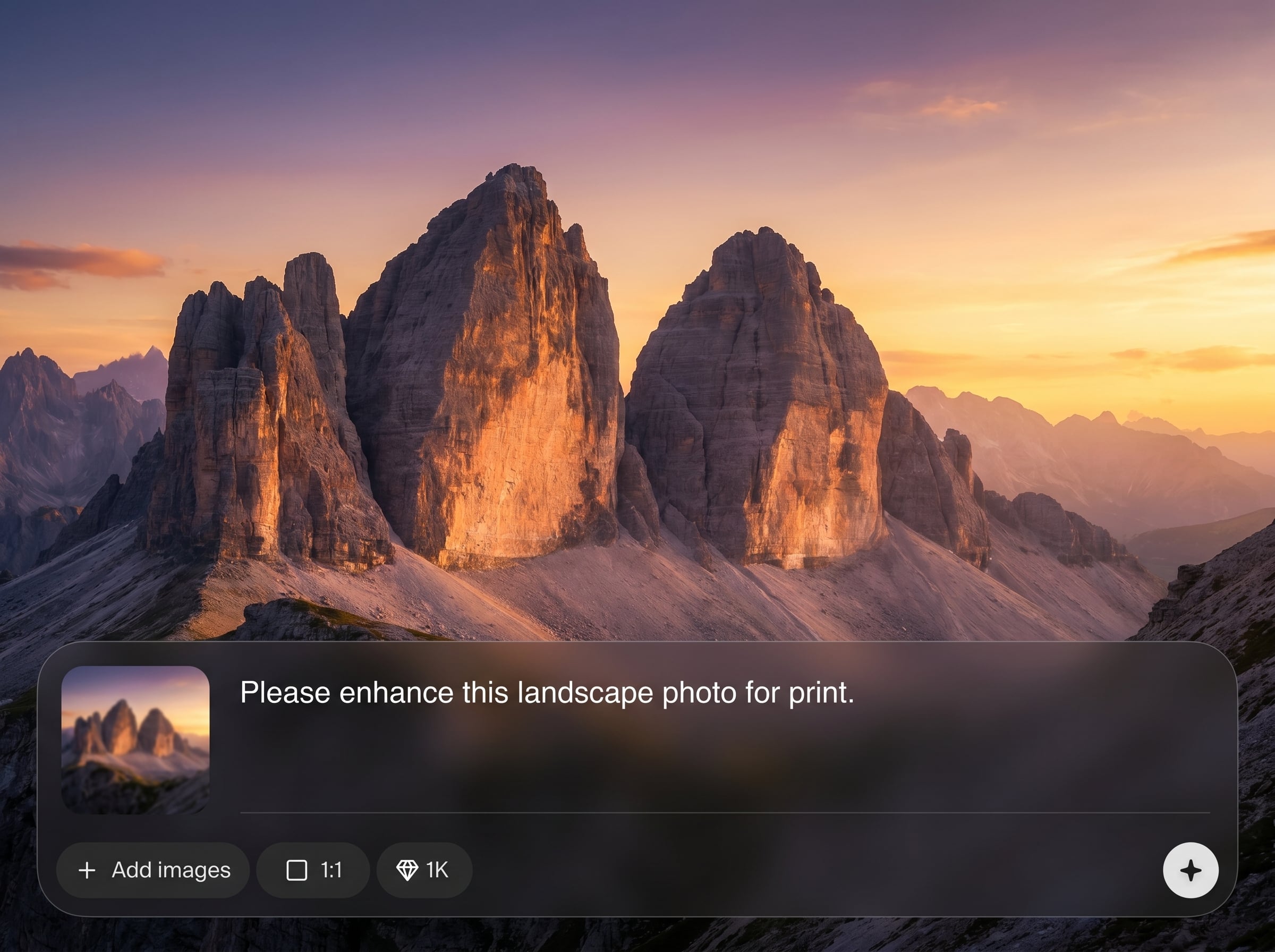
Increase resolution while preserving fine detail and avoiding blocky artifacts. Upscale Pro reconstructs edges and textures for sharper results that still look natural.
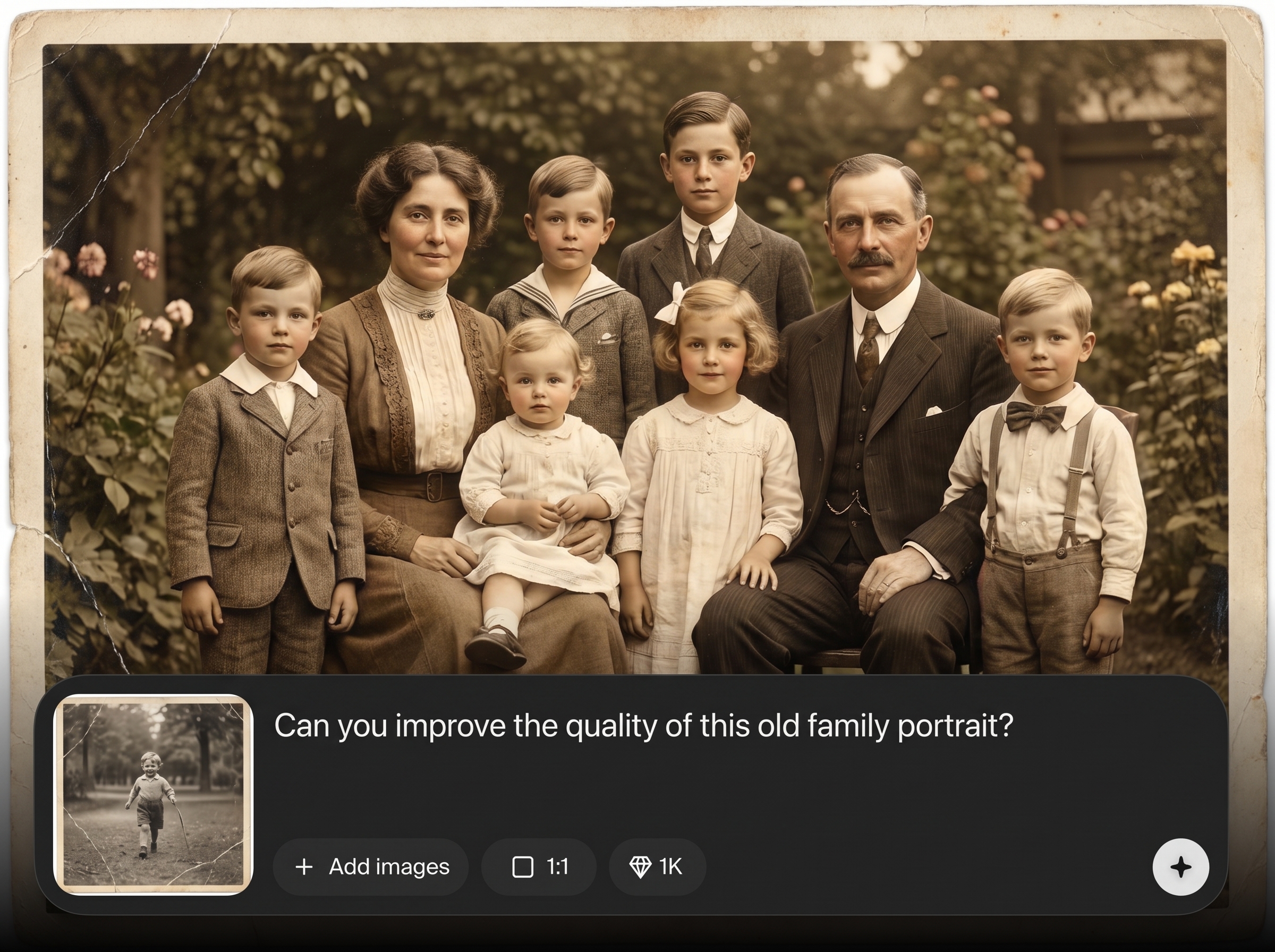
Enhance clarity with optional sharpening and noise reduction tuned for photos. Clean up compression, smooth grain, and keep important details crisp and readable.
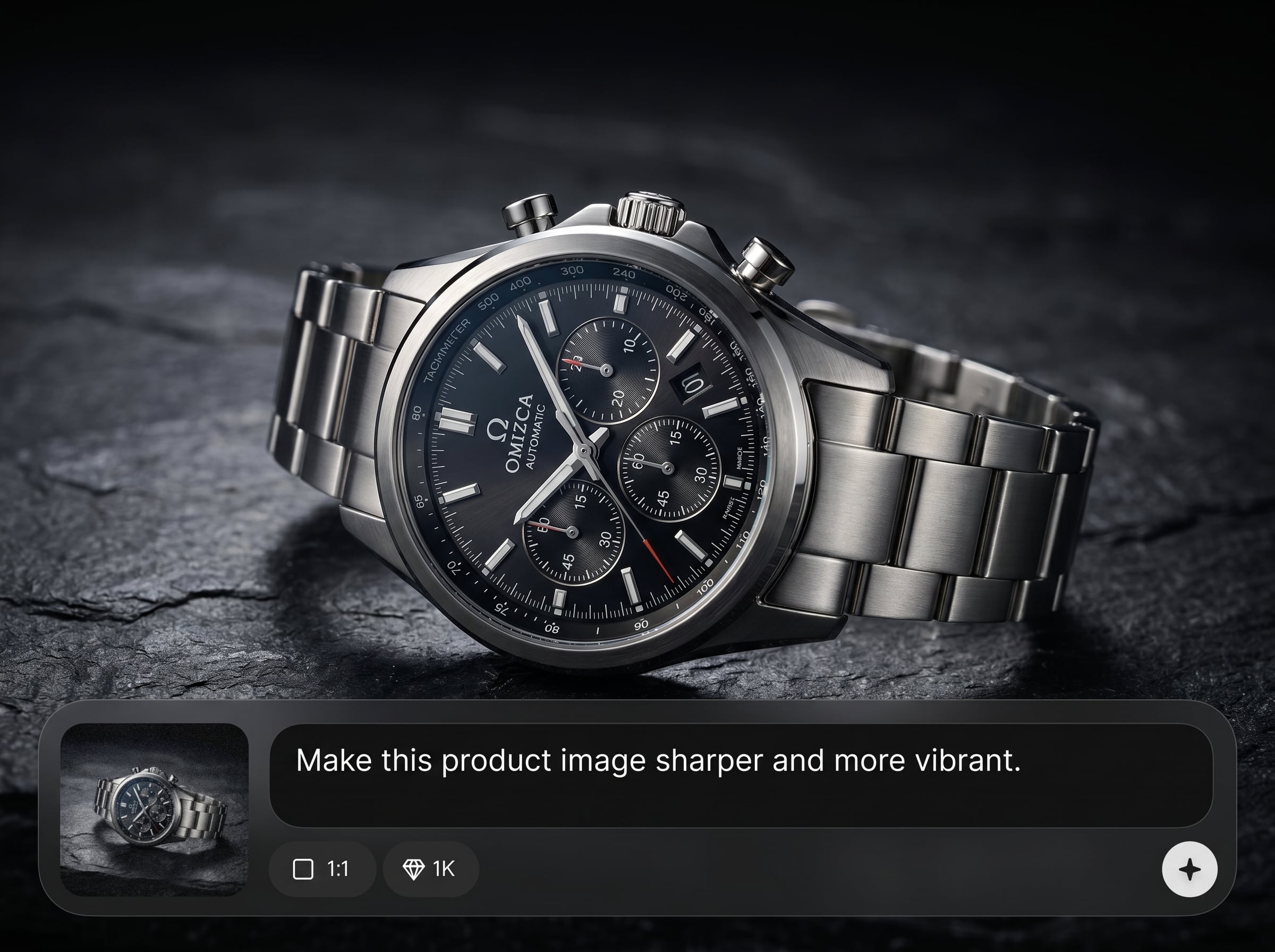
Process images quickly and download high-resolution files ready for marketplaces, social posts, or print. Maintain consistent quality across batches and repeated edits.
About
Upscale Pro is an AI image upscaler that boosts resolution while preserving natural texture and detail. Enlarge photos up to 4K, reduce noise, and sharpen edges for cleaner results. Perfect for product images, social media, and print-ready assets—upload, enhance, and export in seconds with consistent quality.
Upscale Pro delivers reliable AI super-resolution with clean edges, natural texture, and fewer artifacts. Built-in denoise and sharpening help improve low-quality inputs while keeping results consistent. Get high-resolution exports suited for e-commerce, marketing, and print workflows.
Open Upscale Pro, upload a JPG or PNG, and select your upscale settings. Preview the enhancement, adjust sharpening or denoise, then download your improved high-resolution image.
Use cases
Discover how different creators use this app in their workflow.
Upscale product images for sharper zoom and cleaner listings. Improve detail, reduce noise, and create consistent, high-resolution visuals for marketplaces and ads.
Prepare images for posters, flyers, and brochures. Increase resolution with AI and keep edges crisp so designs look professional at larger sizes.
Enhance older or low-quality photos by upscaling and denoising. Recover clarity, reduce compression artifacts, and create cleaner digital copies for sharing.
Krea is one of the world's leading generative AI platforms. See what others say.
Real reviews on TrustpilotSo many AI tools out there but I always come back to Krea. It's really the one AI platform that 'just works'.

FYN
Krea's interfaces are still the best in the industry. Everything looks and feels so clean and easy to use! Imo the easiest to use gen AI website.

Lynn
Ultra fast generations. Extremely simple to use. All the latest AI models.

Daniel
KREA is the only AI subscription I have right now besides ChatGPT.

Sophia M.
Answers to common questions about AI image upscaling, quality, file types, and best results.
Upscale Pro is an AI image upscaler that increases photo resolution using super-resolution methods. It enhances detail, reduces noise, and sharpens edges to produce cleaner, higher-quality enlargements.
AI upscaling predicts missing pixels and reconstructs patterns like edges and texture. This approach can create sharper, more natural-looking enlargements than standard resizing, especially on compressed or low-resolution images.
Yes. Upscale Pro can upscale images to higher resolutions, including 4K-equivalent dimensions depending on your starting size. Use the preview to confirm detail and avoid over-sharpening for best results.
Common formats like JPG and PNG are supported for upload and export. For the cleanest results, start with the highest-quality file available and avoid heavily compressed images when possible.
Upscale Pro can reduce noise and improve perceived sharpness, but results depend on the source. Enable denoise for grain and compression artifacts, and use sharpening carefully to prevent halos.
Yes, it can improve facial clarity by refining edges and skin texture. For best portrait results, choose moderate upscaling, avoid aggressive sharpening, and check the preview for natural-looking detail.
Start with a lower factor to preserve realism, then increase only if needed for your target size. Compare previews at 100% zoom and balance sharpness with noise reduction for a clean finish.
Yes. Upscale Pro helps create sharper product photos for storefronts by improving resolution and reducing artifacts. Export high-resolution images that stay clear on zoom and across different device screens.
It speeds up image enhancement and can reduce the need for manual work, but it doesn’t fix every issue. For complex edits, combine upscaling with standard photo editing for best overall quality.
Most images upscale quickly, with time depending on file size and chosen settings. Use smaller batches for faster iteration, then export final high-resolution versions once you confirm the preview looks right.
Upload a photo, enhance resolution with AI, and download a sharper, print-ready file in minutes.

