












Step 1
Upload
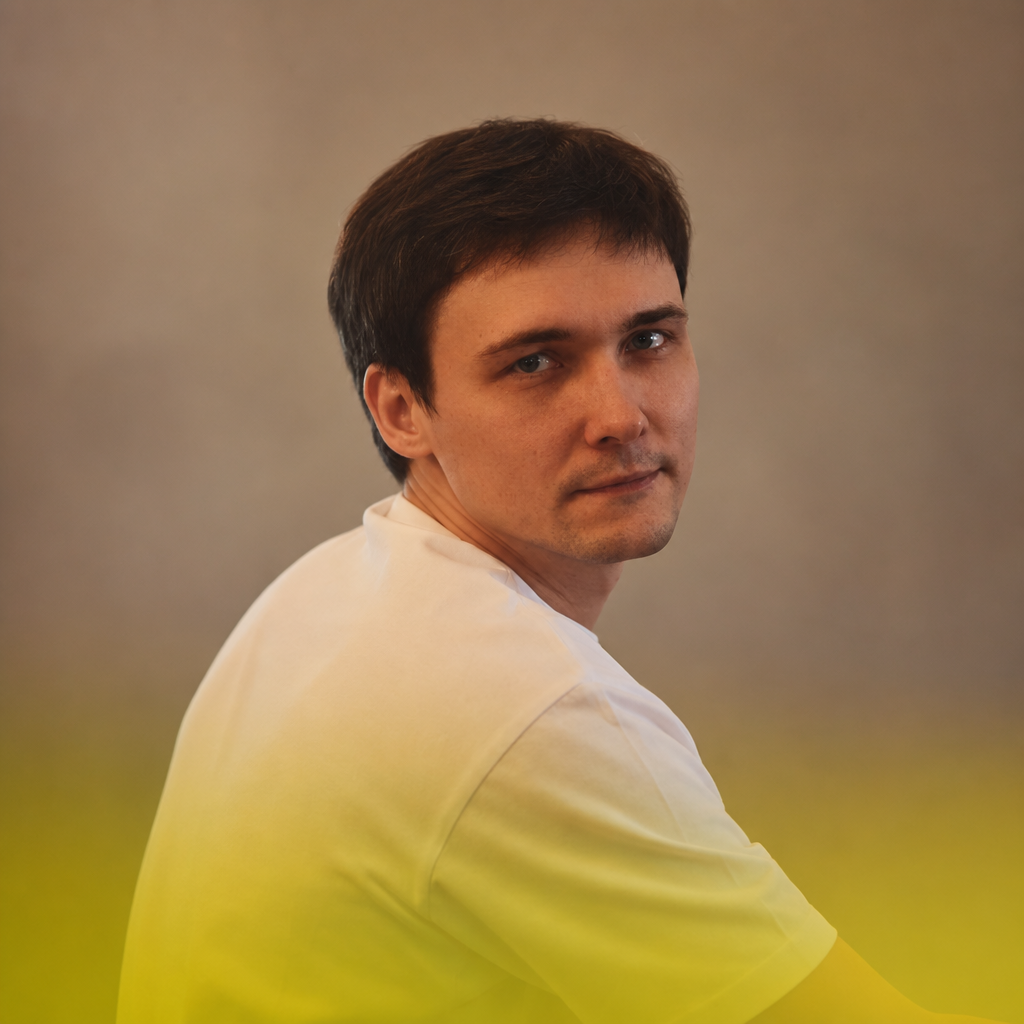
Add a clear portrait photo. For best results, use a front-facing image with good lighting so the AI can preserve facial details and skin texture.
Test portrait photo styles with AI. Upload an image, preview multiple looks, and generate consistent, high-quality portraits fast. Try it online now.
How to use Тест фотостиля портретов
This quick tutorial shows how to test portrait photo styles with AI. Upload a portrait, choose your style direction, then generate and compare variations to pick the best look for your use case.
Step 1
Add a clear portrait photo. For best results, use a front-facing image with good lighting so the AI can preserve facial details and skin texture.
Step 2
Select portrait style presets or enter a short prompt. Adjust intensity to keep results realistic, and set consistency options for a cohesive series.
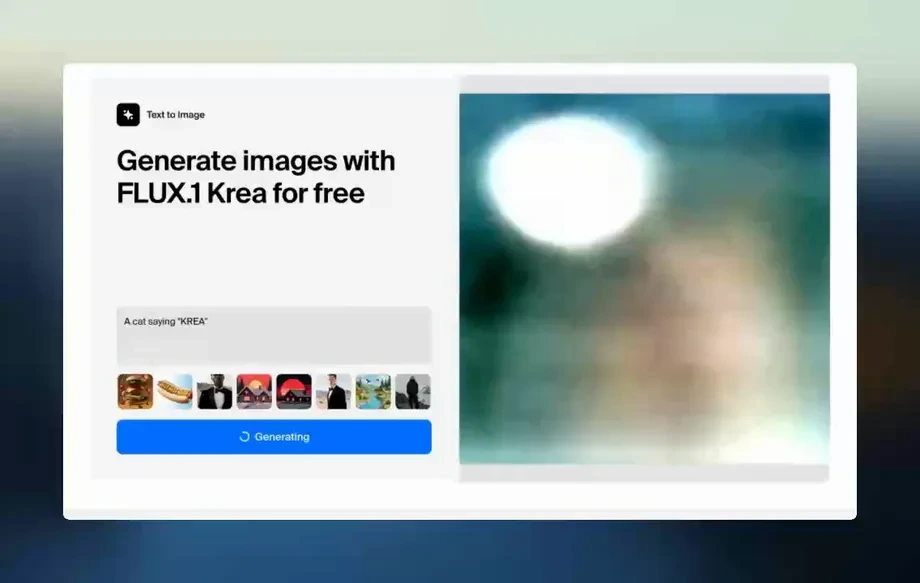
Step 3
Generate multiple variations, compare them side by side, and refine as needed. Download your favorites in high quality for web, print, or social use.
Features
Тест фотостиля портретов uses AI style transfer to create multiple portrait looks from a single image. Quickly explore headshot, editorial, cinematic, and studio aesthetics while keeping identity consistent. Fine-tune intensity and generate batches to compare options, then export high-quality results ready for profiles, marketing, or design workflows.
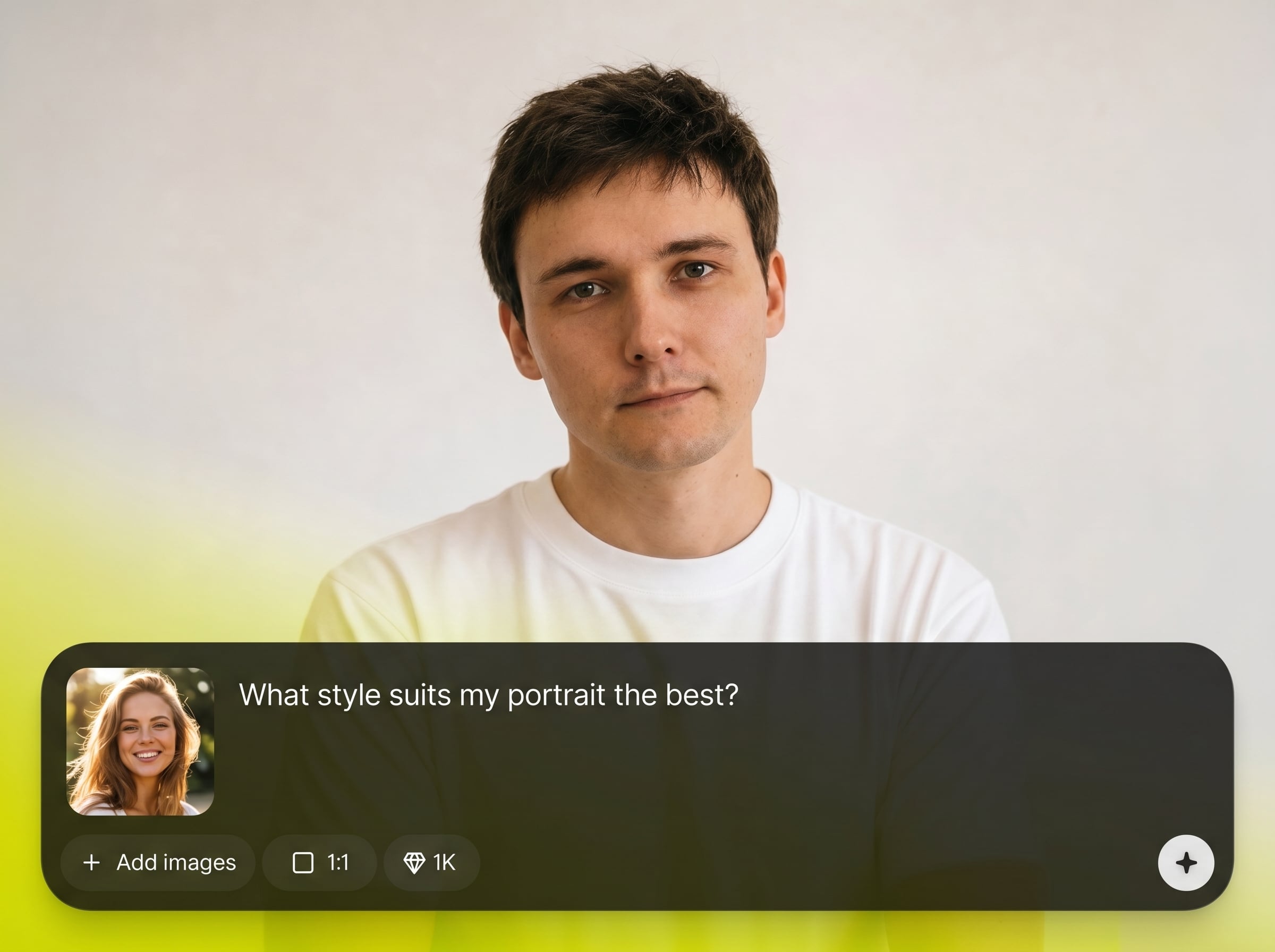
Apply curated portrait photo styles in one click. Get consistent color grading, lighting feel, and overall mood while keeping the subject recognizable and natural-looking.
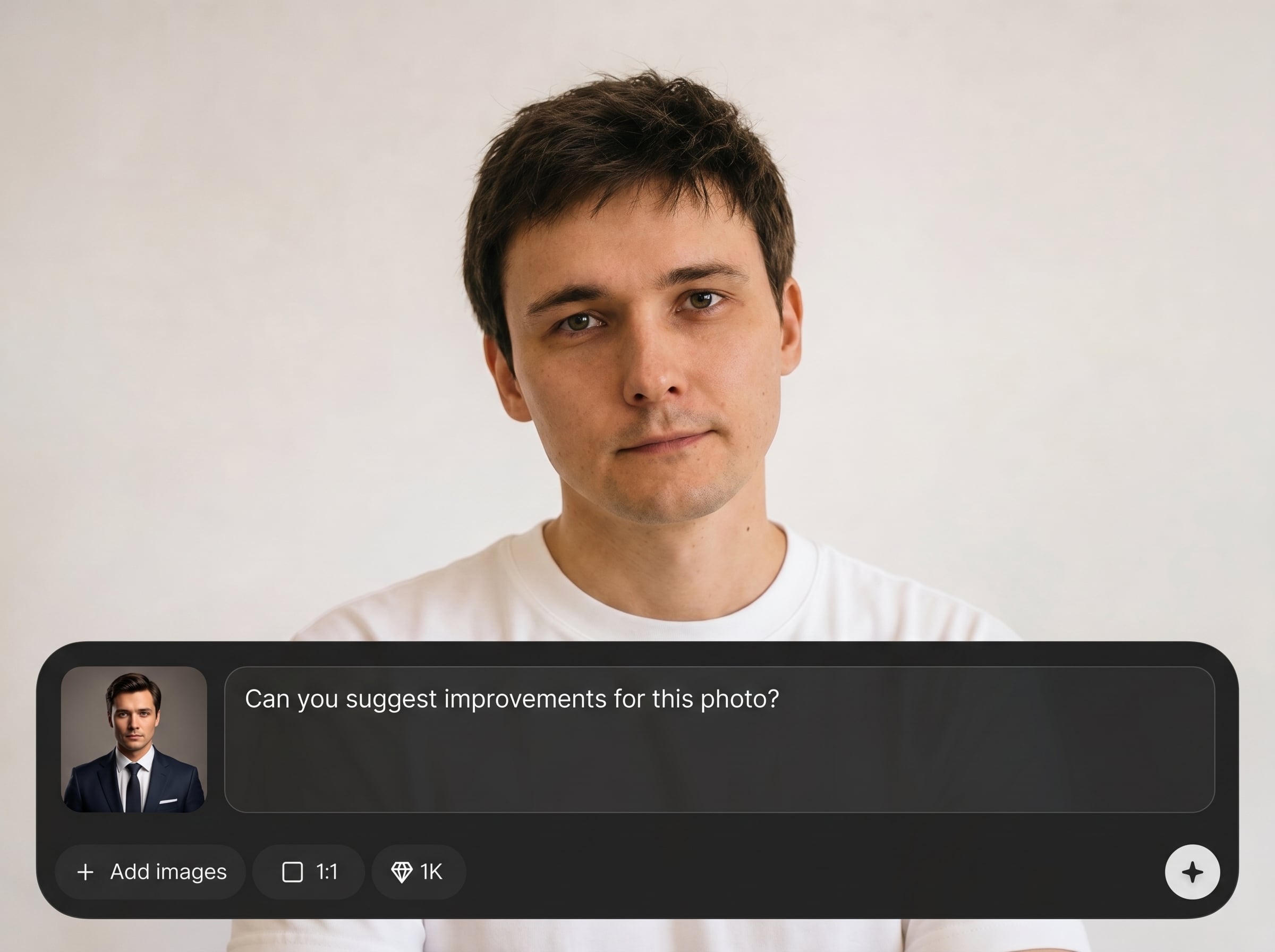
Generate multiple style variations at once to compare options quickly. Iterate with small tweaks to prompts and intensity without restarting your workflow.
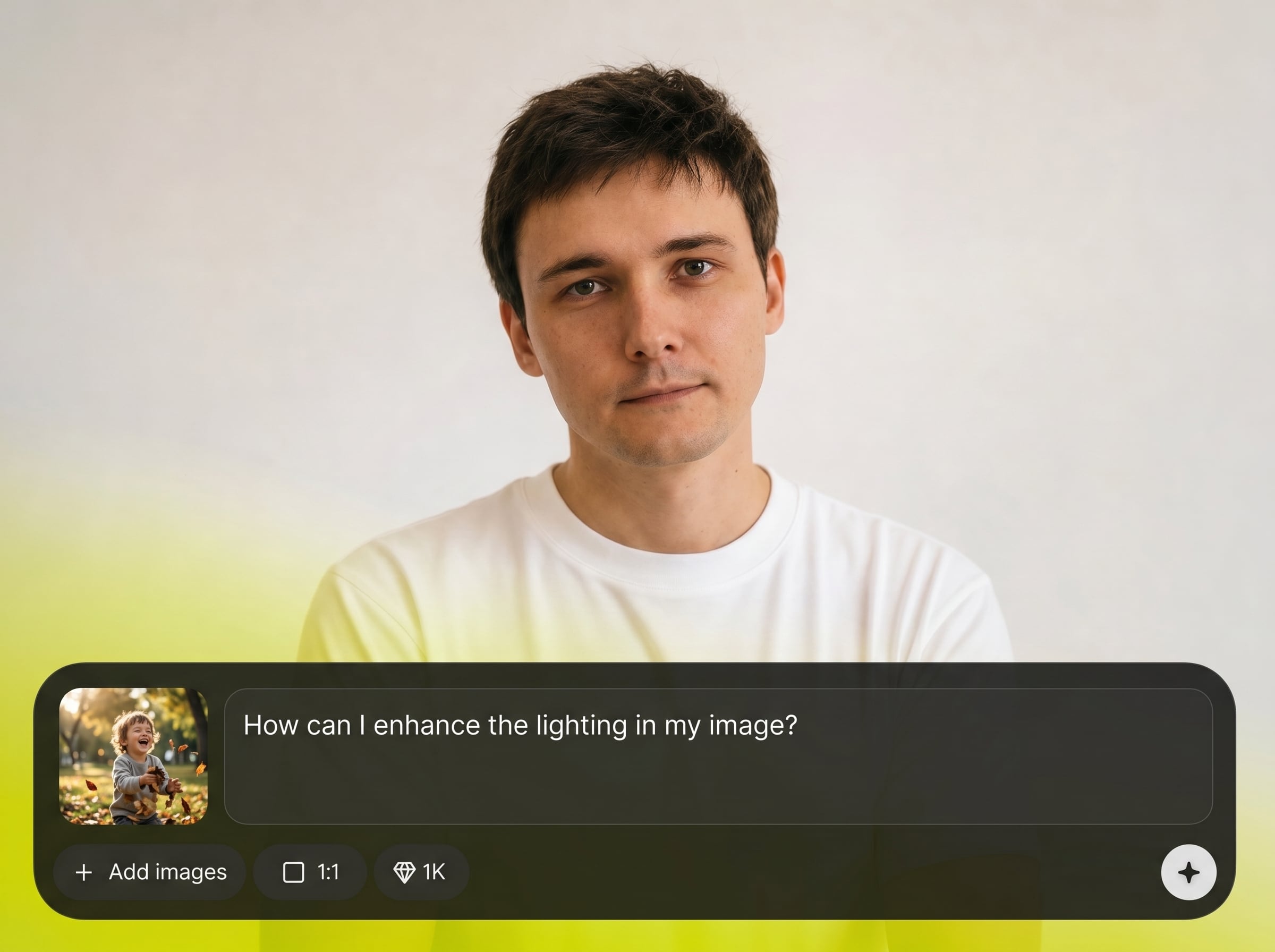
Export high-quality portraits that fit real projects. Use the outputs for headshots, brand visuals, and mockups, then continue editing in your preferred tools.
About
Тест фотостиля портретов is an AI portrait style generator that helps you test and compare photo looks in minutes. Upload a portrait, pick style presets, and generate clean variations with consistent lighting and tone. Use it to quickly find the right headshot, editorial, or cinematic style for profiles, portfolios, and campaigns—without complex editing.
Тест фотостиля портретов helps you validate a portrait look before you commit to heavy editing. Generate consistent variations fast, compare styles side by side, and keep results clean and usable for real-world workflows. Natural controls make it simple to go from idea to export.
Open the tool, upload a portrait, and pick a style preset or prompt. Generate a batch of variations, refine intensity for realism, then download the best result in high quality.
Use cases
Discover how different creators use this app in their workflow.
Test professional headshot styles for LinkedIn, resumes, and team pages. Generate consistent looks across different photos while keeping details sharp and flattering.
Explore editorial or cinematic portrait styles for ads and landing pages. Quickly preview directions, align on a look, and produce variations for different formats.
Compare lighting, color, and mood options before committing to a full edit. Use AI to narrow choices fast, then refine the final direction.
Krea is one of the world's leading generative AI platforms. See what others say.
Real reviews on TrustpilotSo many AI tools out there but I always come back to Krea. It's really the one AI platform that 'just works'.

FYN
Krea's interfaces are still the best in the industry. Everything looks and feels so clean and easy to use! Imo the easiest to use gen AI website.

Lynn
Ultra fast generations. Extremely simple to use. All the latest AI models.

Daniel
KREA is the only AI subscription I have right now besides ChatGPT.

Sophia M.
Answers to common questions about AI portrait style testing, quality, and best practices.
Тест фотостиля портретов is an AI portrait style generator that creates multiple photo looks from one portrait. It helps you test styles quickly, compare results, and export the best option for your project.
The tool uses artificial intelligence and machine learning to apply style cues like color grading, contrast, and lighting mood. You upload a portrait, choose a style, and generate variations in seconds.
It’s designed to keep key facial features consistent while changing the overall photo style. Starting with a clear, well-lit portrait improves likeness, realism, and stable results across variations.
Use a high-resolution portrait with even lighting, minimal motion blur, and a visible face. Neutral backgrounds help, but aren’t required; clean inputs usually produce more natural AI portrait results.
Yes. Create batches of variations to compare different looks quickly. Adjust intensity or prompts between runs to explore subtle changes without losing the overall direction.
It’s primarily a portrait style testing and generation tool, not a manual retouch suite. You can use the outputs as finished images or as a base for further editing elsewhere.
You can export high-quality generated portraits suitable for web and design use. For best clarity, start with a sharp original image and choose realistic style settings when needed.
Yes—it's ideal for testing professional headshot looks. Generate clean, consistent options, pick the most natural result, and export for profiles, team pages, or marketing assets.
Choose subtle styles, reduce intensity, and use a clear front-facing photo. Avoid extreme prompts, and generate several variations to select the most natural skin tones and lighting balance.
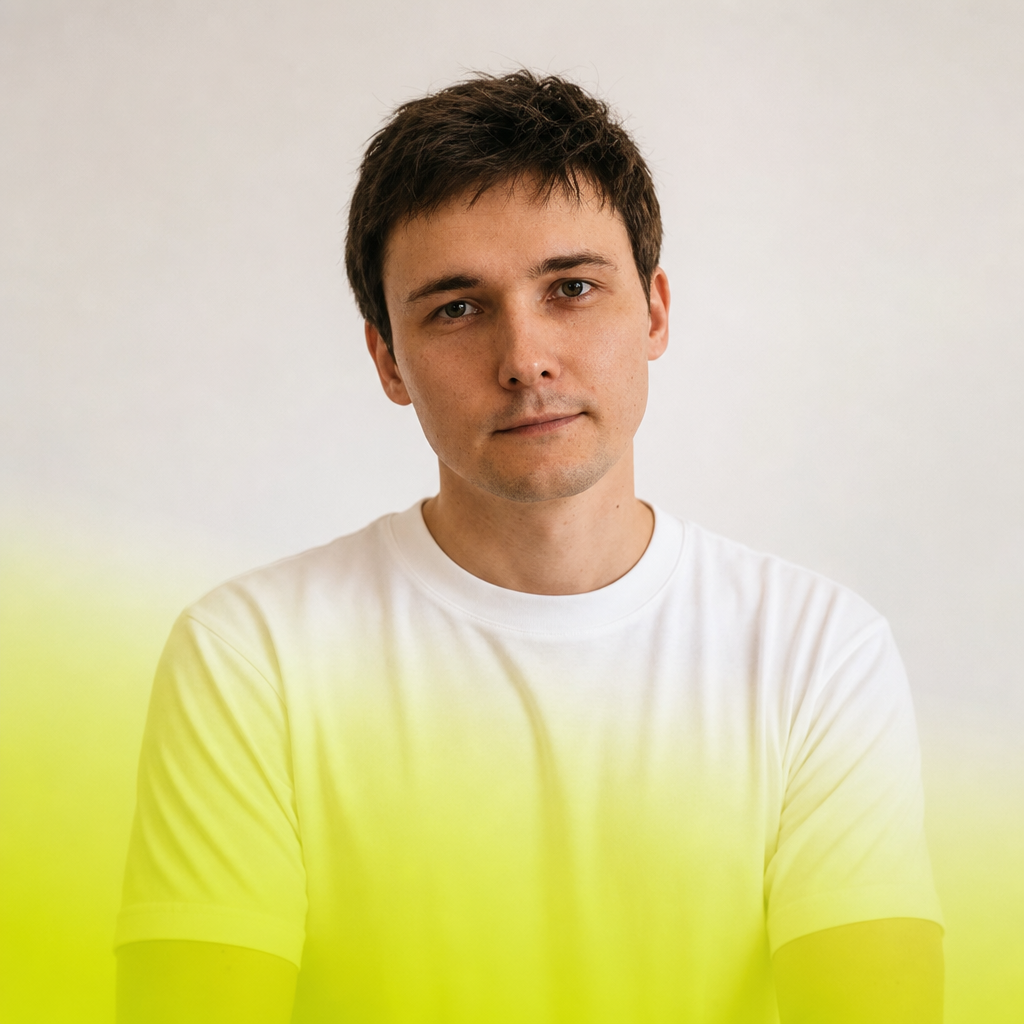
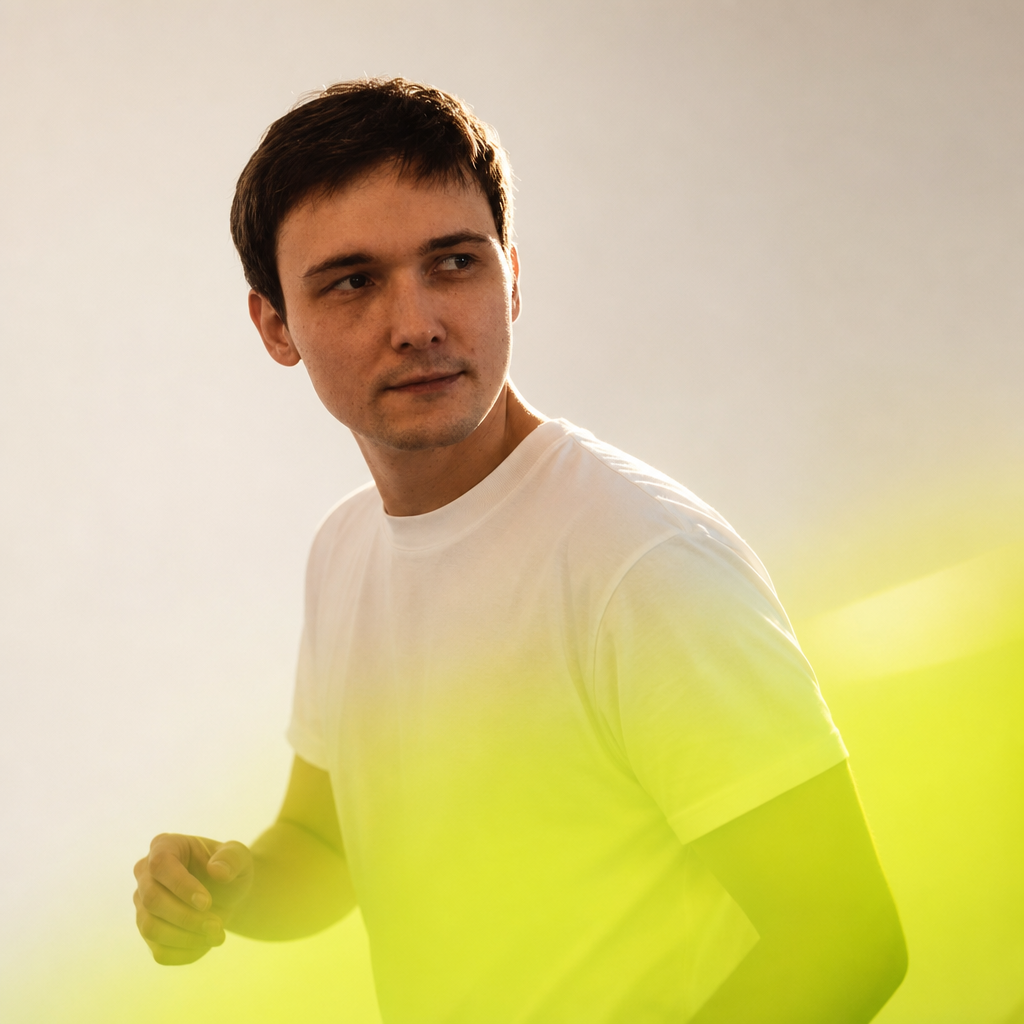
Upload a portrait, test multiple AI photo styles, and export a consistent look for any project.

