
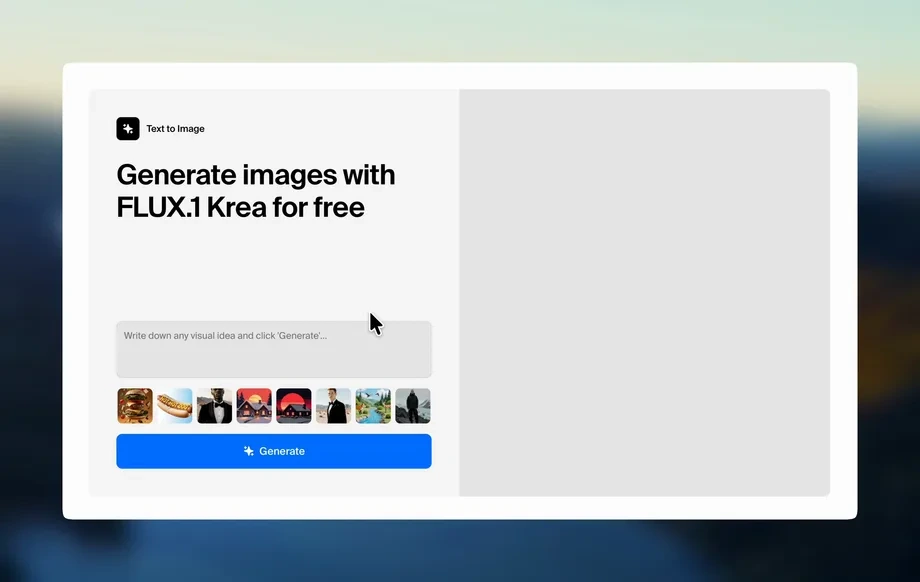
Step 1
Prompt
Enter a clear text prompt describing subject, style, and lighting. Add optional negatives to avoid unwanted elements, and choose an aspect ratio that fits your output.
Generate, refine, and upscale visuals with hose-11/25/2026. Use AI to turn prompts into high-quality images fast. Try it online today.
Run the app to see your first output
How to use hose-11/25/2026
This quick walkthrough shows how to generate an AI image, refine the result, and export in the format you need. Start with a prompt, adjust settings, and iterate until it looks right.
Step 1
Enter a clear text prompt describing subject, style, and lighting. Add optional negatives to avoid unwanted elements, and choose an aspect ratio that fits your output.
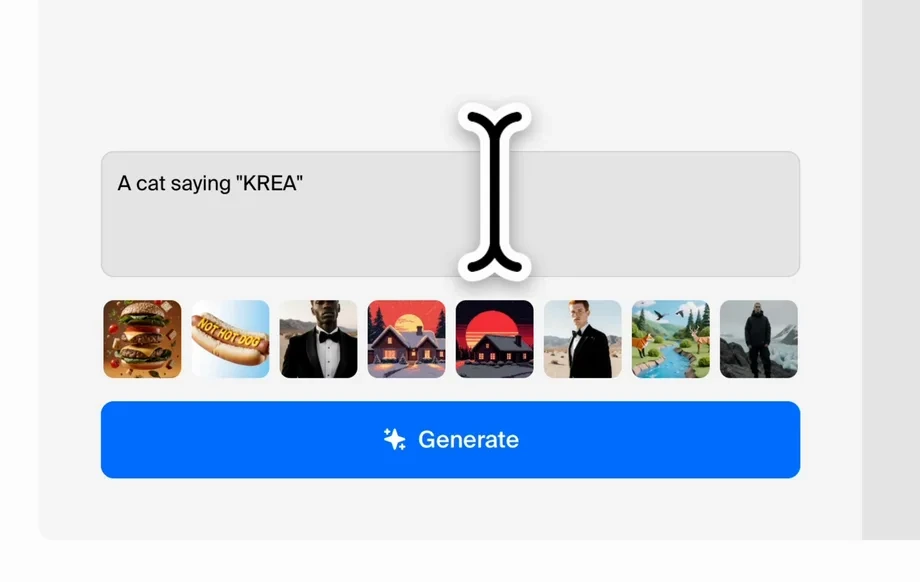
Step 2
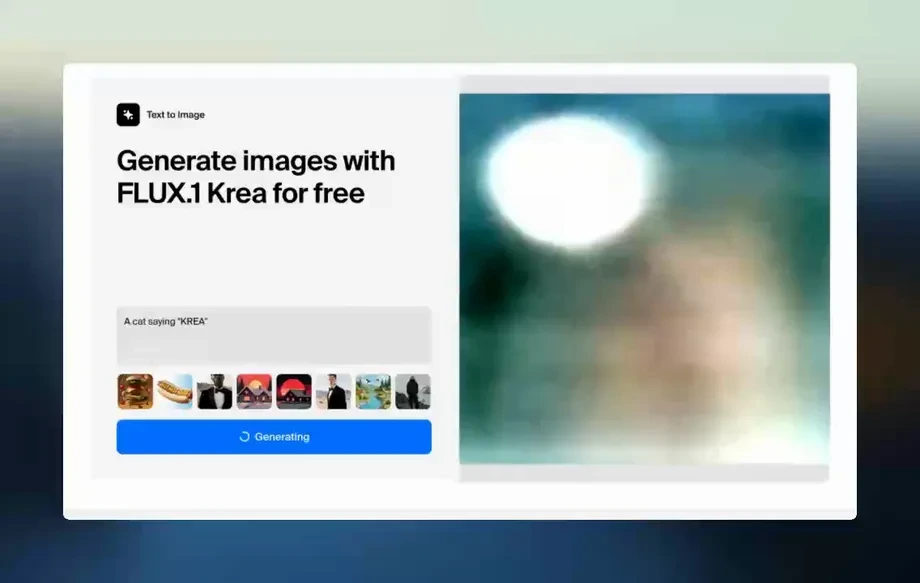
Click generate to produce multiple AI image variations. Review results, tweak prompt keywords or settings, and rerun to quickly converge on the look you want.
Step 3
Enhance the best image with upscaling and cleanup options. Make final adjustments, then export in a web-ready resolution for sharing, ads, or design mockups.
Features
hose-11/25/2026 helps you generate images from text and refine outputs with practical enhancement controls. Iterate quickly, improve clarity, and keep results consistent across styles. Built for speed and quality, it supports prompt-based workflows from early concepts to export-ready assets without switching between multiple tools.
Turn prompts into high-quality AI images with controllable composition and style. Generate multiple variations at once to compare options and select the strongest direction quickly.
Adjust prompts and settings to refine results without starting over. Re-generate variations, steer toward cleaner details, and reach a consistent look across a series.
Improve sharpness and presentation with AI enhancement. Upscale images for clearer edges and better print or web quality, then export optimized files for your workflow.
About
hose-11/25/2026 is an AI visual generator that turns text prompts into polished images in seconds. Create concepts, iterate styles, and refine details with built-in enhancement tools for cleaner results. Use it online to generate, upscale, and export ready-to-share visuals for design, marketing, and rapid prototyping.
hose-11/25/2026 combines AI image generation with practical refinement so you can move from idea to output quickly. Iterate in seconds, keep results consistent, and export clean assets for real projects. It’s a streamlined online workflow focused on quality, speed, and control.
Open the tool, type a descriptive prompt, and generate a set of variations. Select your favorite, refine with enhancement or upscaling, then export the final image in the resolution you need.
Use cases
Discover how different creators use this app in their workflow.
Generate campaign imagery, product concepts, and ad variants quickly. Use AI to test styles, backgrounds, and compositions before committing to a final direction.
Create fast mockups for landing pages, posters, and UI scenes. Iterate from a prompt to multiple options, then upscale a favorite for presentation-ready results.
Produce thumbnails, social visuals, and illustration-style assets at speed. Keep a consistent look by reusing prompt patterns and refining outputs with enhancement tools.
Krea is one of the world's leading generative AI platforms. See what others say.
Real reviews on TrustpilotSo many AI tools out there but I always come back to Krea. It's really the one AI platform that 'just works'.
FYN
Krea's interfaces are still the best in the industry. Everything looks and feels so clean and easy to use! Imo the easiest to use gen AI website.
Lynn
Ultra fast generations. Extremely simple to use. All the latest AI models.
Daniel
KREA is the only AI subscription I have right now besides ChatGPT.
Sophia M.
Answers to common questions about generating and refining AI images with hose-11/25/2026.
hose-11/25/2026 is an AI image generator for creating visuals from text prompts. It also supports refinement steps like iteration and enhancement to help produce cleaner, more usable results.
Describe the subject, environment, style, and lighting in one clear sentence. Add specifics like camera angle or color palette, and include negative terms to reduce unwanted artifacts or objects.
Yes. Generate several AI image variations per prompt to compare composition and style. Then refine by adjusting keywords or settings and re-running until the output matches your goal.
Yes. Use AI upscaling to increase resolution and improve perceived detail. Upscaling is useful for sharper exports, larger layouts, and cleaner presentation across web and print surfaces.
Reuse a stable prompt structure and keep key descriptors constant, such as medium, lighting, and palette. Generate in batches and make small incremental edits to avoid drifting styles.
Export options depend on your workspace settings, but typical outputs include web-friendly image files. Choose a resolution that fits your target use, such as social, ads, or mockups.
Yes. hose-11/25/2026 runs online, so you can generate and refine AI images from your browser. This keeps your workflow simple without requiring complex local setup.
Use negative prompts, simplify overly long descriptions, and specify clean details like “sharp focus” or “no text.” Generating multiple variations also helps you pick the cleanest base image.
Generate, refine, and upscale visuals online with hose-11/25/2026 in a fast, prompt-based workflow.