














Step 1
Set Input
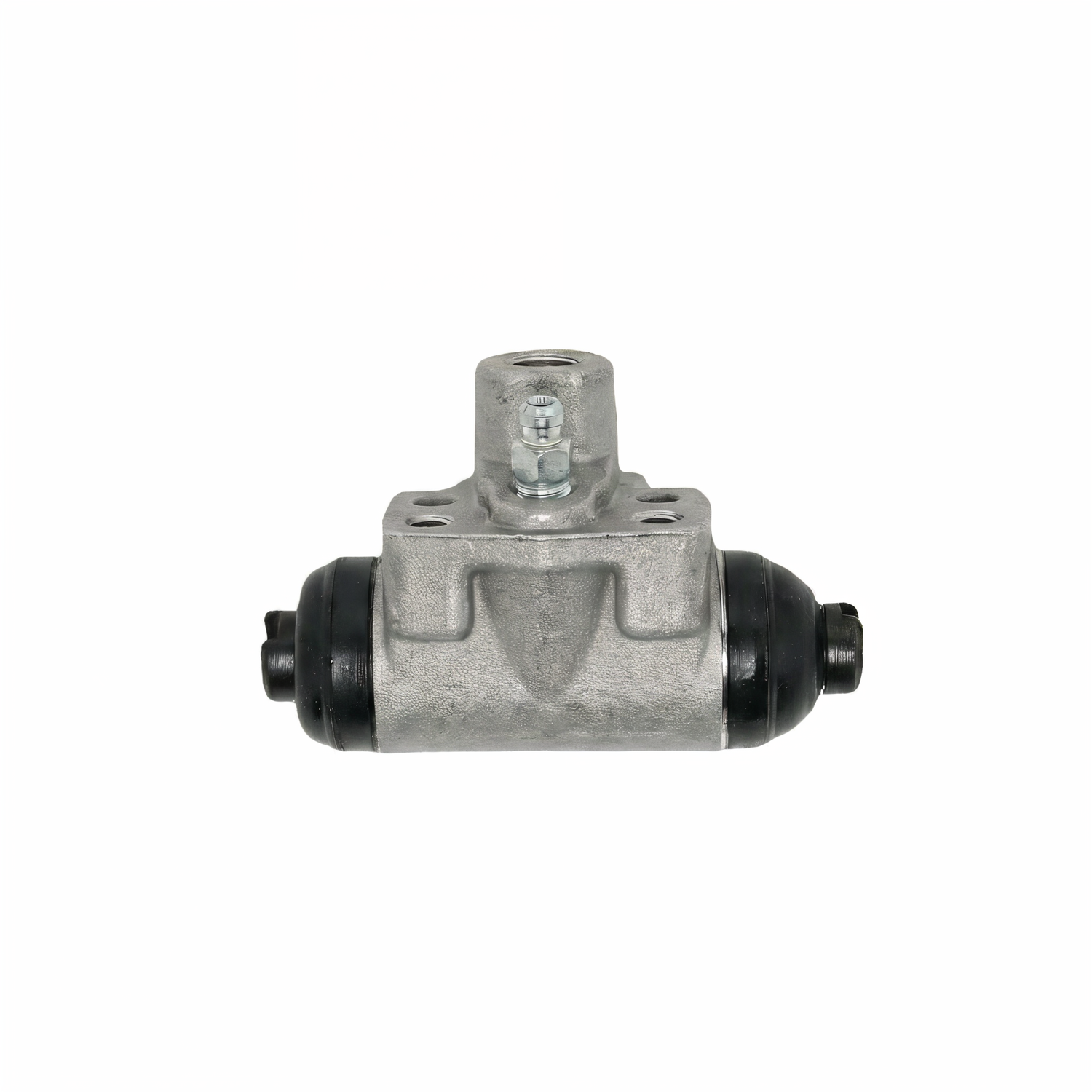
Enter a prompt describing the wheel cylinder, style, and viewpoint. Optionally upload a reference image to guide geometry, materials, labels, and overall proportions.
Generate wheel cylinder visuals fast with Wheel Cylinder 2 - Updated. Use AI to create, refine, and export clean designs online for projects. Try it now.
How to use Wheel Cylinder 2 - Updated
Create accurate wheel cylinder images with an AI workflow built for speed and consistency. Follow these steps to set your input, generate variations, and export visuals that match your project requirements.
Step 1
Enter a prompt describing the wheel cylinder, style, and viewpoint. Optionally upload a reference image to guide geometry, materials, labels, and overall proportions.

Step 2
Run the AI generator to produce multiple wheel cylinder options. Adjust parameters like detail level, lighting, background, and composition until the output matches your intended look.

Step 3
Select the best result and refine with quick edits for clarity and consistency. Export high-resolution images for product decks, technical docs, web listings, or internal reviews.
Features
Wheel Cylinder 2 - Updated helps you generate wheel cylinder imagery with consistent style and fast iteration. Use AI to create multiple angles, materials, and render looks without manual drafting. Produce clean outputs for product visualization, technical illustration, and concept exploration, then export ready-to-use images for workflows.
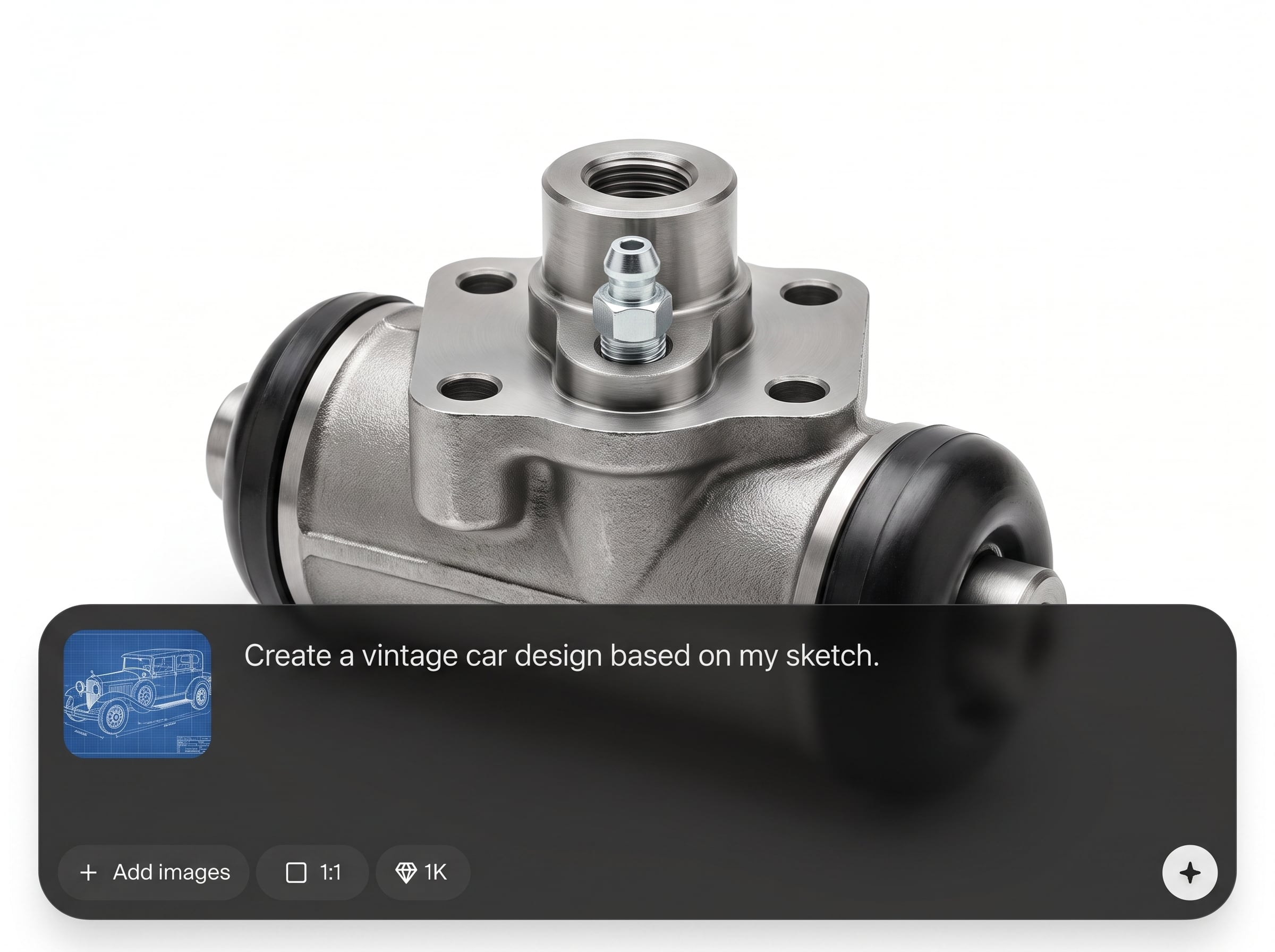
Generate wheel cylinder images from text prompts and optional references. Create consistent parts-focused visuals with controlled angles, backgrounds, and detail for clear communication and review.
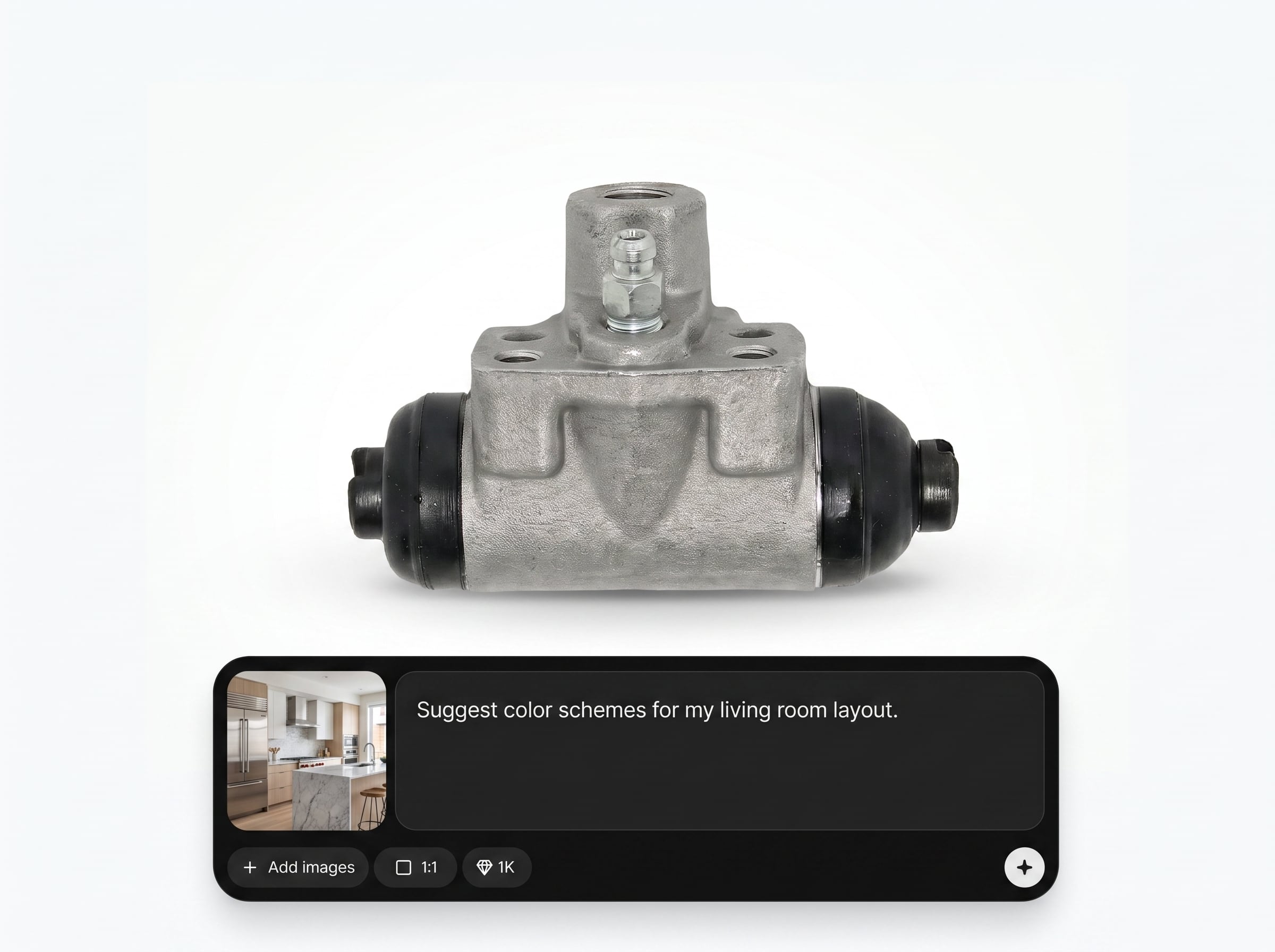
Explore multiple concepts quickly with one-click variation generation. Compare designs, viewpoints, and finishes side-by-side to converge on the right visual direction in less time.
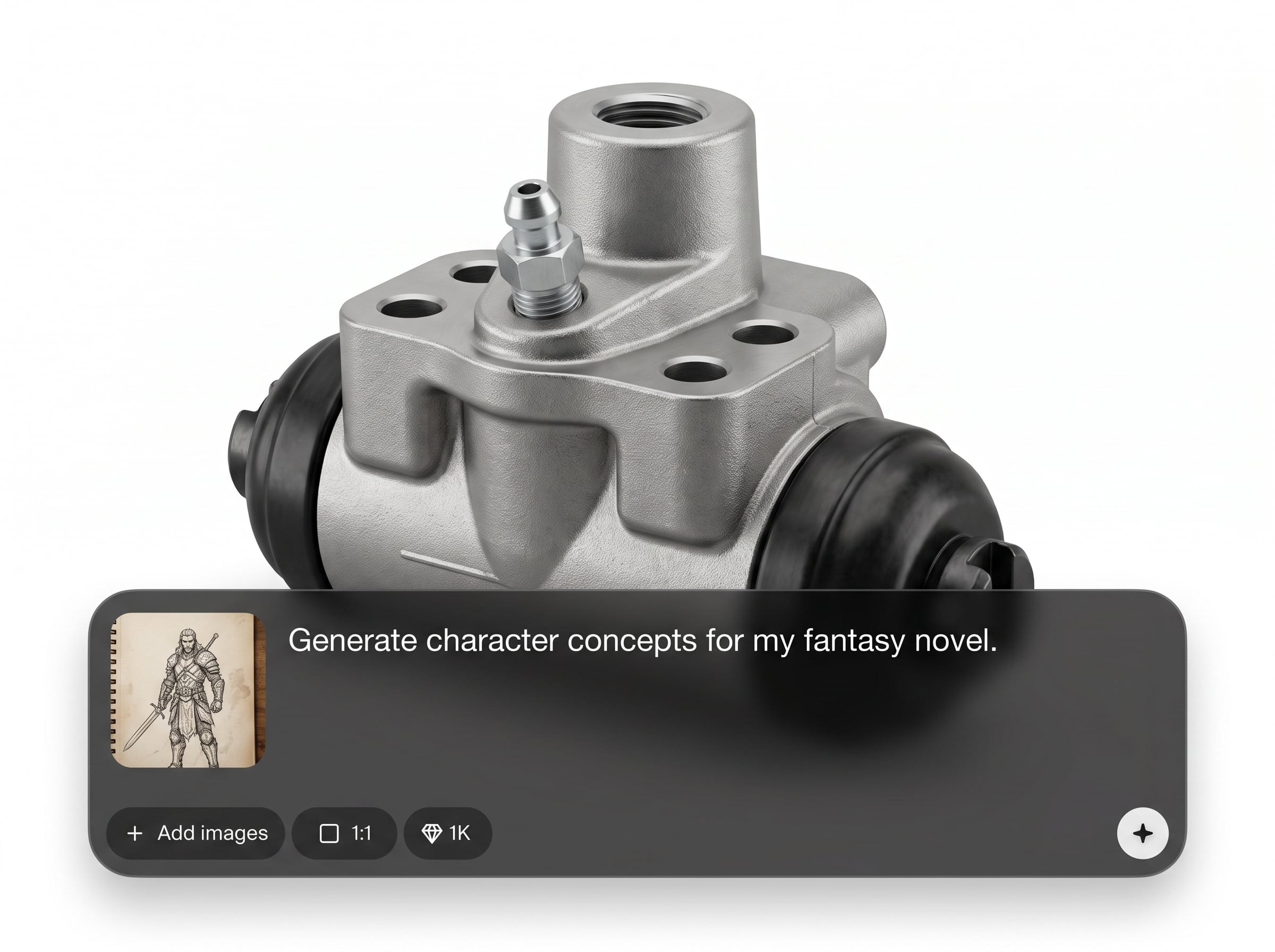
Export high-quality images suitable for presentations, documentation, and listings. Keep outputs consistent across sets, supporting clear product visualization and technical-style illustration needs.
About
Wheel Cylinder 2 - Updated is an AI wheel cylinder generator for creating clean, consistent visuals in minutes. Generate design concepts, technical-style illustrations, or product visualization images from simple prompts and references. Refine details like angle, materials, and background, then export high-quality results for documentation, mockups, and presentations.
Wheel Cylinder 2 - Updated streamlines wheel cylinder visualization with fast AI generation and consistent outputs. Create multiple angles and styles without repetitive manual work. Refine quickly, keep image sets uniform, and export visuals ready for documentation, presentations, and product pages.
Type a detailed prompt, optionally add a reference image, and generate variations. Pick the best result, refine key details, and export high-resolution images for immediate use.
Use cases
Discover how different creators use this app in their workflow.
Generate polished wheel cylinder visuals for catalogs, pitch decks, and web listings. Maintain consistent lighting, materials, and angles across a full product set.
Create technical-style images to support manuals, training, and internal documentation. Produce clear views and simplified backgrounds for readability and quick reference.
Iterate on design directions before committing to detailed CAD work. Quickly test form factors, finishes, and composition with AI-generated variations.
Krea is one of the world's leading generative AI platforms. See what others say.
Real reviews on TrustpilotSo many AI tools out there but I always come back to Krea. It's really the one AI platform that 'just works'.

FYN
Krea's interfaces are still the best in the industry. Everything looks and feels so clean and easy to use! Imo the easiest to use gen AI website.

Lynn
Ultra fast generations. Extremely simple to use. All the latest AI models.

Daniel
KREA is the only AI subscription I have right now besides ChatGPT.

Sophia M.
Answers to common questions about Wheel Cylinder 2 - Updated and AI image generation.
Wheel Cylinder 2 - Updated is an AI tool that generates wheel cylinder visuals from prompts and references. It helps create consistent product-style images and technical-looking illustrations quickly for projects and documentation.
You describe the part, viewpoint, and style in a prompt, then generate image variations. The AI (machine learning) synthesizes visuals based on your inputs, letting you refine details through iterative runs.
Yes. Uploading a reference image helps guide geometry, proportions, and materials. Combine it with a clear prompt (angle, finish, background) to produce more consistent, controlled wheel cylinder outputs.
You can generate product render styles, technical illustration looks, or clean studio backgrounds. Specify lighting, material type, and level of detail in your prompt to match your intended visual standard.
No. It’s best for visualization, concepting, and documentation imagery rather than manufacturing-ready CAD. Use it to quickly communicate ideas and produce consistent visuals alongside engineering workflows.
Reuse a structured prompt, keep the same reference image or style cues, and generate variations within the same settings. This helps maintain consistent angle, background, and material appearance across outputs.
Exports are provided as high-quality images suitable for web, documents, and presentations. Choose the highest available resolution for print or detailed review, and downscale for faster web delivery.
Include part details (ports, bleeder screw, mounting), viewpoint (front/side/isometric), style (technical line, studio render), and background. Add material and lighting notes for cleaner, more predictable results.
Yes. It’s designed to generate automotive-part-style visuals quickly, supporting product visualization and technical communication. Use it to explore looks, create consistent images, and improve presentation quality.
Create consistent wheel cylinder images fast—prompt, refine, and export high-quality visuals online in minutes.

