














Step 1
Upload
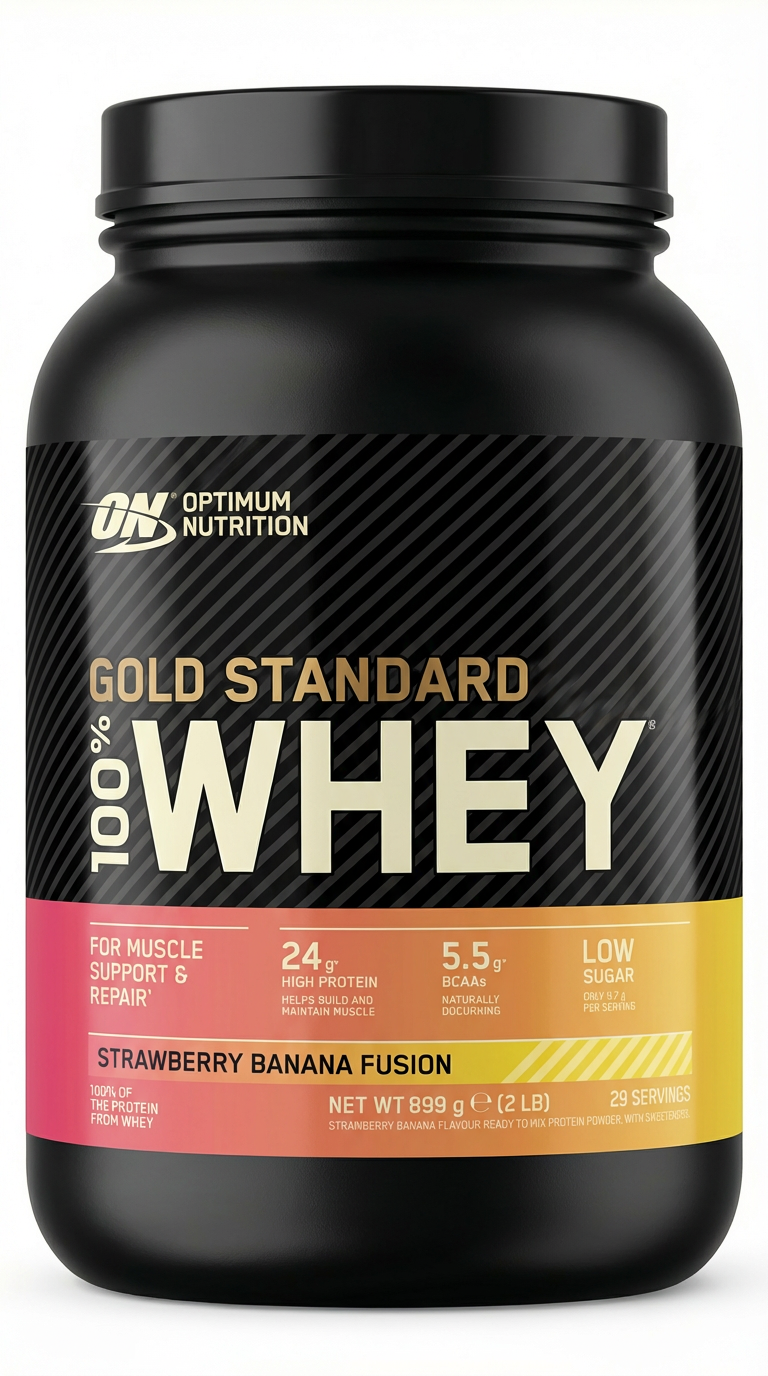
Add your base label artwork and choose a product mockup. Set label placement once so every variant aligns correctly across all generated previews.
Generate multiple product label flavors from one design with AI, then auto-apply them to your product mockup for fast, consistent packaging previews.
How to use PRODUCT LABEL GENERATOR
Start with a single label design and a product mockup. In a few steps, generate multiple flavor variations with AI, apply them to the mockup, and export consistent previews for quick feedback.
Step 1
Add your base label artwork and choose a product mockup. Set label placement once so every variant aligns correctly across all generated previews.

Step 2
Enter flavor names, variants, or style notes. The AI creates several label options from your original design while keeping brand elements consistent.

Step 3
Automatically apply each label variant to the mockup. Review side-by-side, refine as needed, then export images for approvals, ecommerce listings, or pitches.
Features
Generate multiple label designs from a single starting point and keep typography, layout, and branding consistent. PRODUCT LABEL GENERATOR also places each variation onto your product mockup automatically, so you can review realistic packaging options quickly. Iterate faster, compare variants, and export clean previews for stakeholders and storefronts.
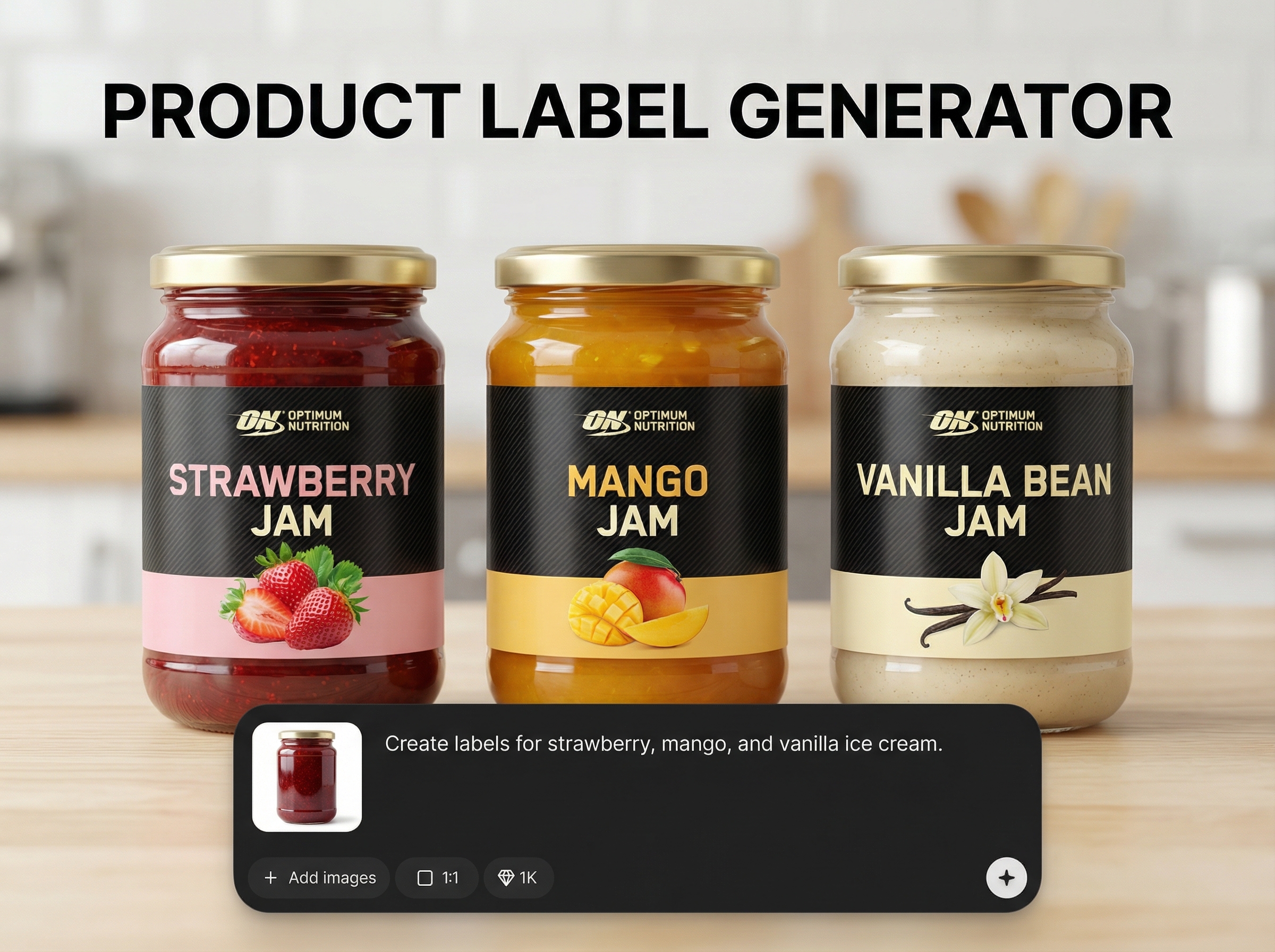
Create multiple flavor or SKU label variations from one base design. Maintain a consistent brand system while adapting names, colors, and key details across a full product line.
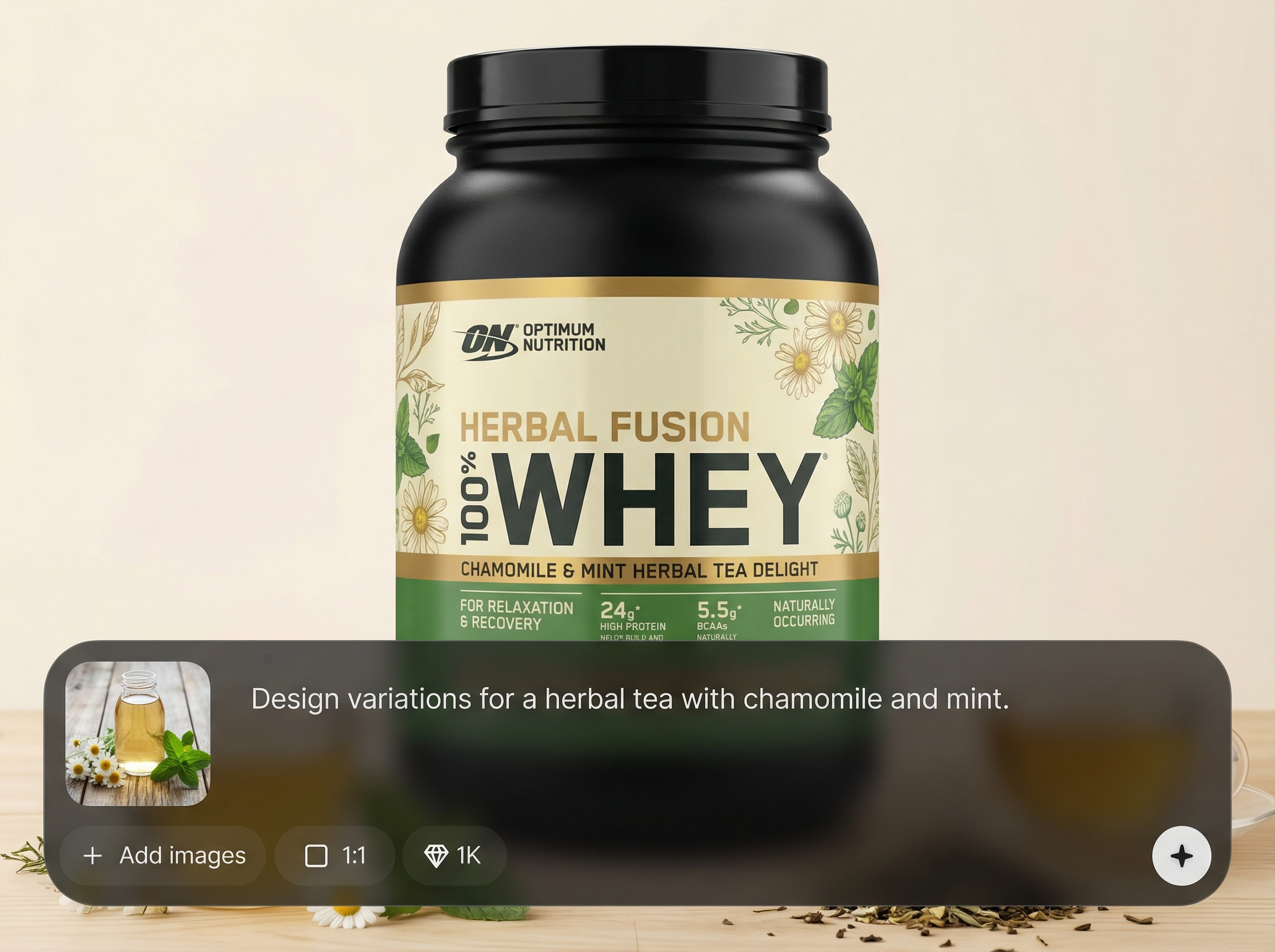
Place every generated label onto your product mockup automatically. Get realistic, aligned previews without repetitive editing, making comparisons and approvals faster and more reliable.
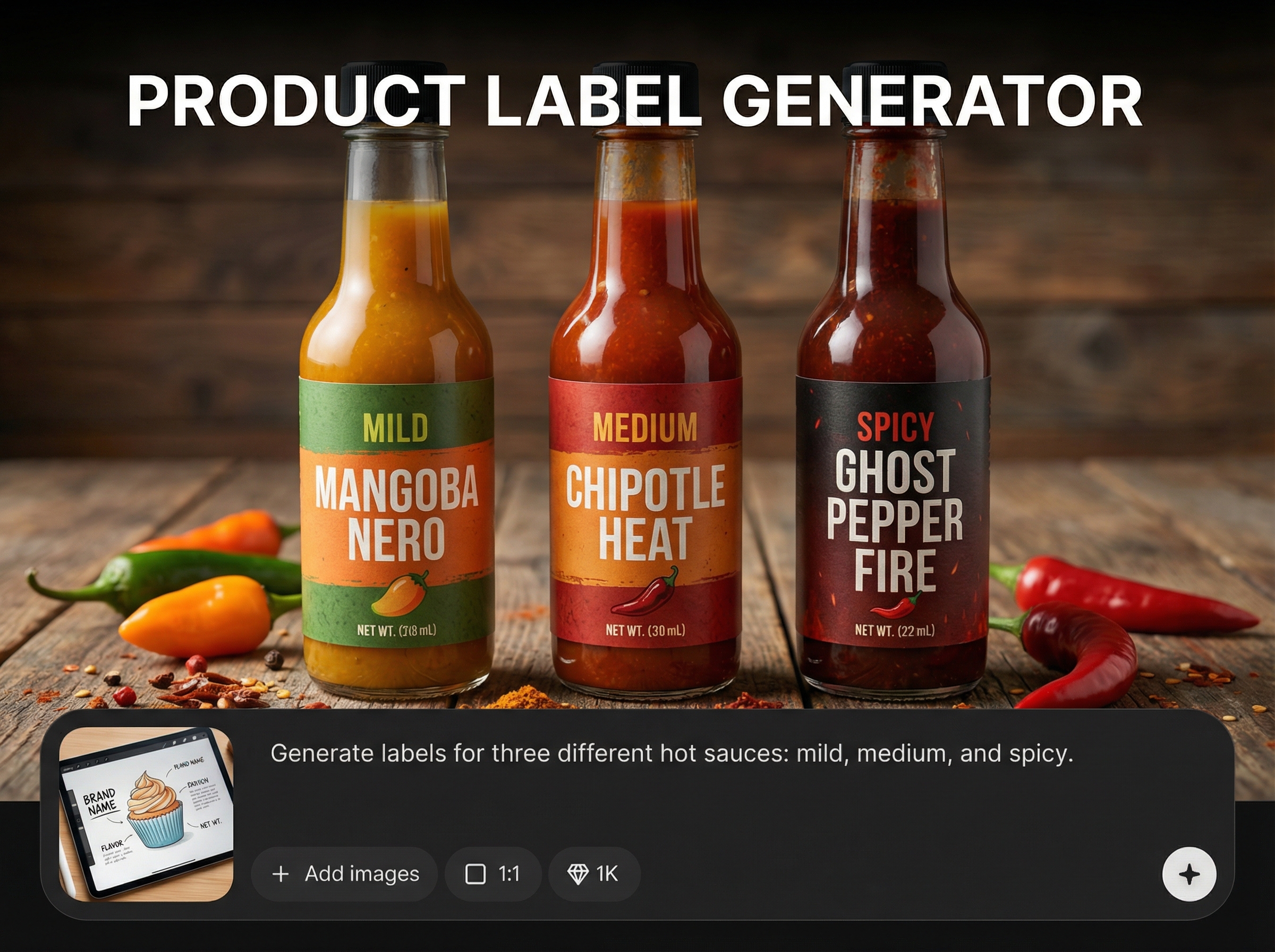
Keep spacing, hierarchy, and visual style consistent across variants for a cohesive shelf look. Export mockups that are ready for reviews, presentations, and ecommerce product pages.
About
PRODUCT LABEL GENERATOR turns one label into multiple flavor or variant designs in seconds. Use AI to generate cohesive label variations, then automatically place them onto your product mockup for realistic packaging previews. Quickly compare options, keep branding consistent, and export mockups ready for reviews, listings, and presentations.
PRODUCT LABEL GENERATOR streamlines packaging iteration by generating consistent label variants from a single source and automatically applying them to mockups. Reduce repetitive design work, compare options faster, and produce clean previews that support decisions across teams and channels.
Upload your base label and select a product mockup, then enter flavor names or variant notes. Generate multiple options, auto-apply them to the mockup, and export the set for review.
Use cases
Discover how different creators use this app in their workflow.
Generate flavor label sets quickly and keep brand consistency across SKUs. Speed up internal reviews with mockups that clearly show variant differences.
Create clean product mockup images for each flavor or variant. Export consistent visuals for storefronts, marketplaces, and product detail pages.
Show multiple label directions on realistic packaging in minutes. Compare options side-by-side and share exports for fast stakeholder sign-off.
Krea is one of the world's leading generative AI platforms. See what others say.
Real reviews on TrustpilotSo many AI tools out there but I always come back to Krea. It's really the one AI platform that 'just works'.

FYN
Krea's interfaces are still the best in the industry. Everything looks and feels so clean and easy to use! Imo the easiest to use gen AI website.

Lynn
Ultra fast generations. Extremely simple to use. All the latest AI models.

Daniel
KREA is the only AI subscription I have right now besides ChatGPT.

Sophia M.
Answers to common questions about generating label variants and applying them to mockups.
It uses your original label as the template, then generates new variations based on flavor names or notes. Core layout and brand styling can stay consistent while variant details update.
Yes. After you set the label placement once, each generated label variant is applied to the same mockup automatically, producing consistent, aligned packaging previews for comparison.
Upload a clear base label design and a suitable product mockup. Provide flavor names, variant attributes, and any style constraints so the AI can generate accurate, on-brand label options.
Yes. You can create sets of label variants for different SKUs, flavors, or editions. This helps standardize packaging while quickly exploring options across a full lineup.
Exports are designed for fast sharing and review. They work well for product pages, internal approvals, and decks, with consistent framing and branding across all variants.
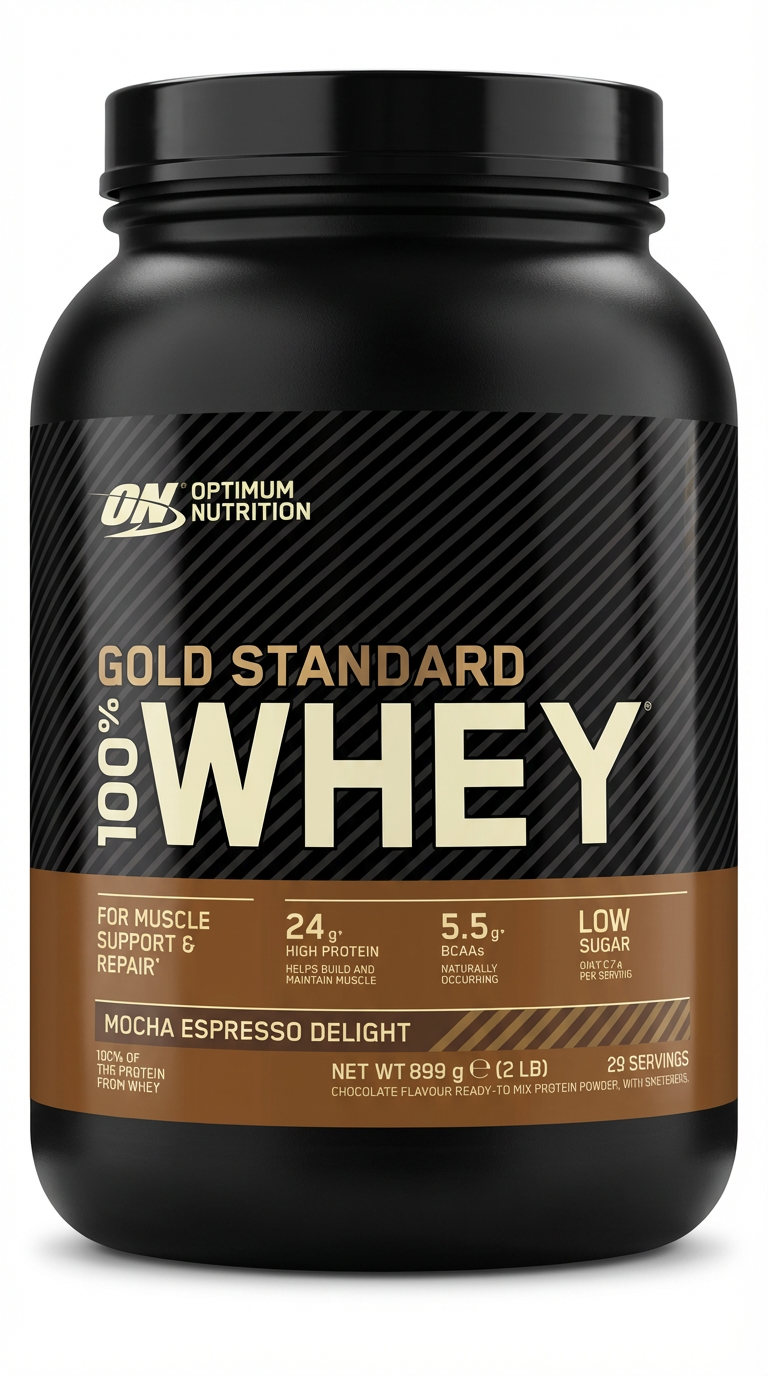
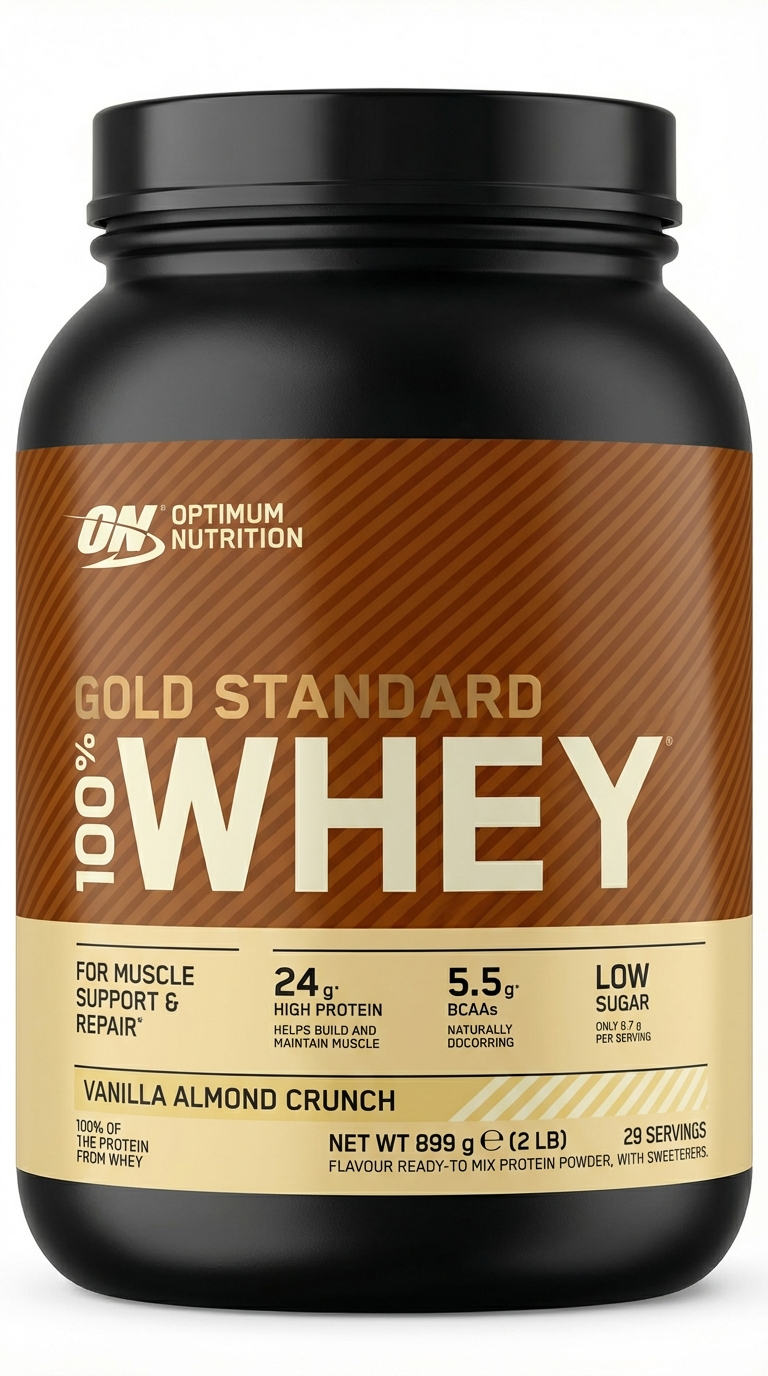
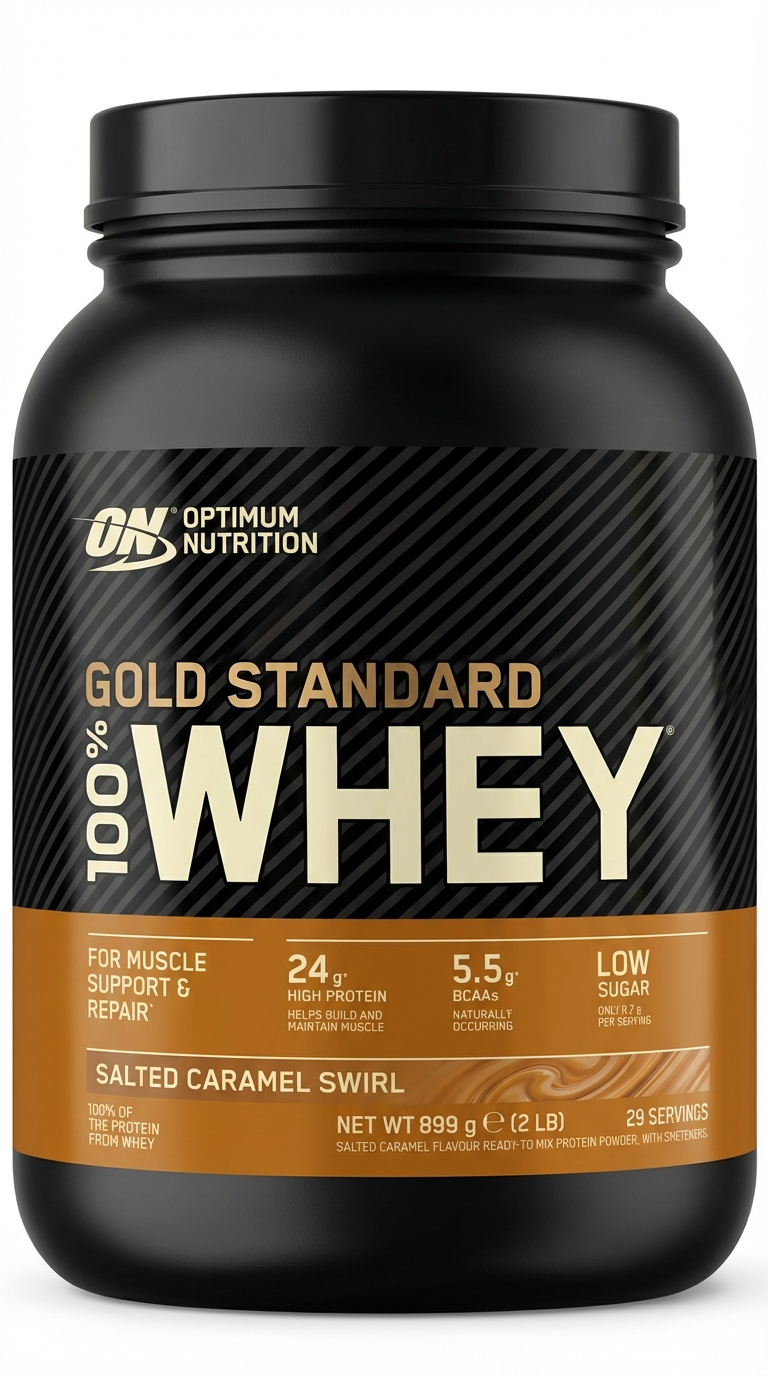
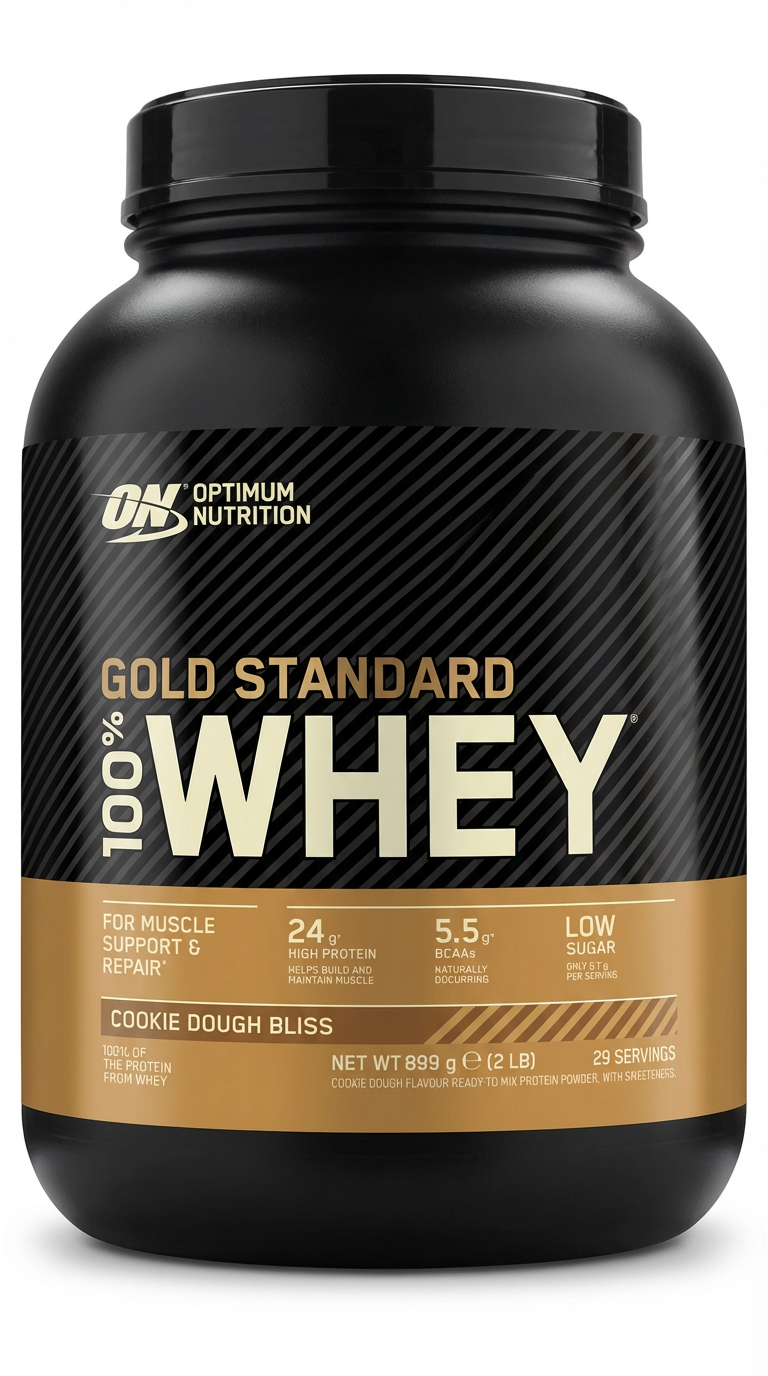
Turn one label into a full set of packaging variations and mockups for faster reviews and launches.

