













Step 1
Upload or describe
Drop in a product photo, type a detailed description, or combine both. Include materials, colors, and notable construction so the AI can match your product accurately.
 App by jasperstaats
Generate consistent product assets fast. Upload a photo or text prompt to create side view, construction detail, and flat-lay images online—try it now.
How to use Assets generator
Create a consistent set of product visuals from a photo, a written description, or both. Follow these steps to generate a left-side view, a construction detail close-up, and a flat-lay on paper.
Step 1
Drop in a product photo, type a detailed description, or combine both. Include materials, colors, and notable construction so the AI can match your product accurately.
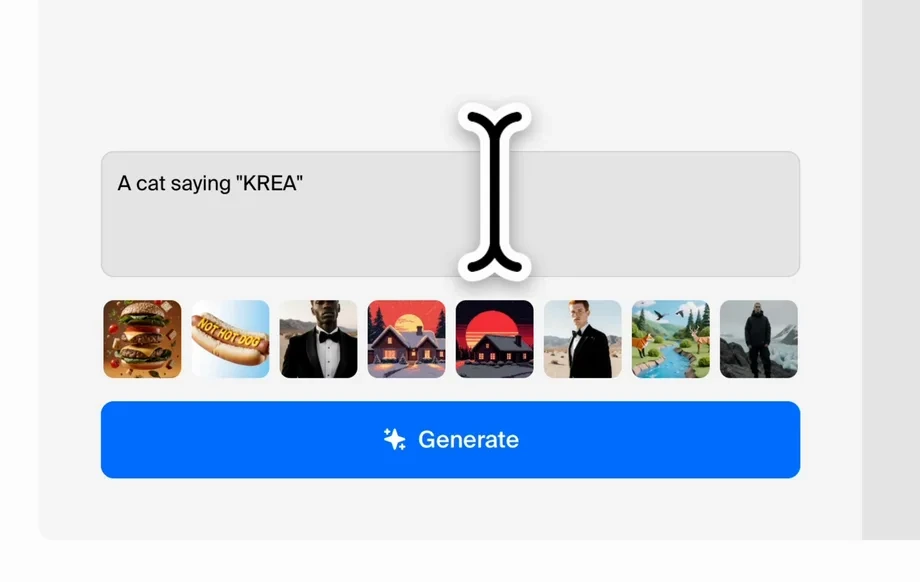
Step 2
Select the asset set: left-side view, key construction detail, and flat-lay on paper. Adjust styling and background cleanliness to fit your brand and catalog needs.
Step 3
Run the generation and review results. Regenerate variations for angle or detail emphasis, then export images ready for e-commerce listings, lookbooks, or internal reviews.
Features
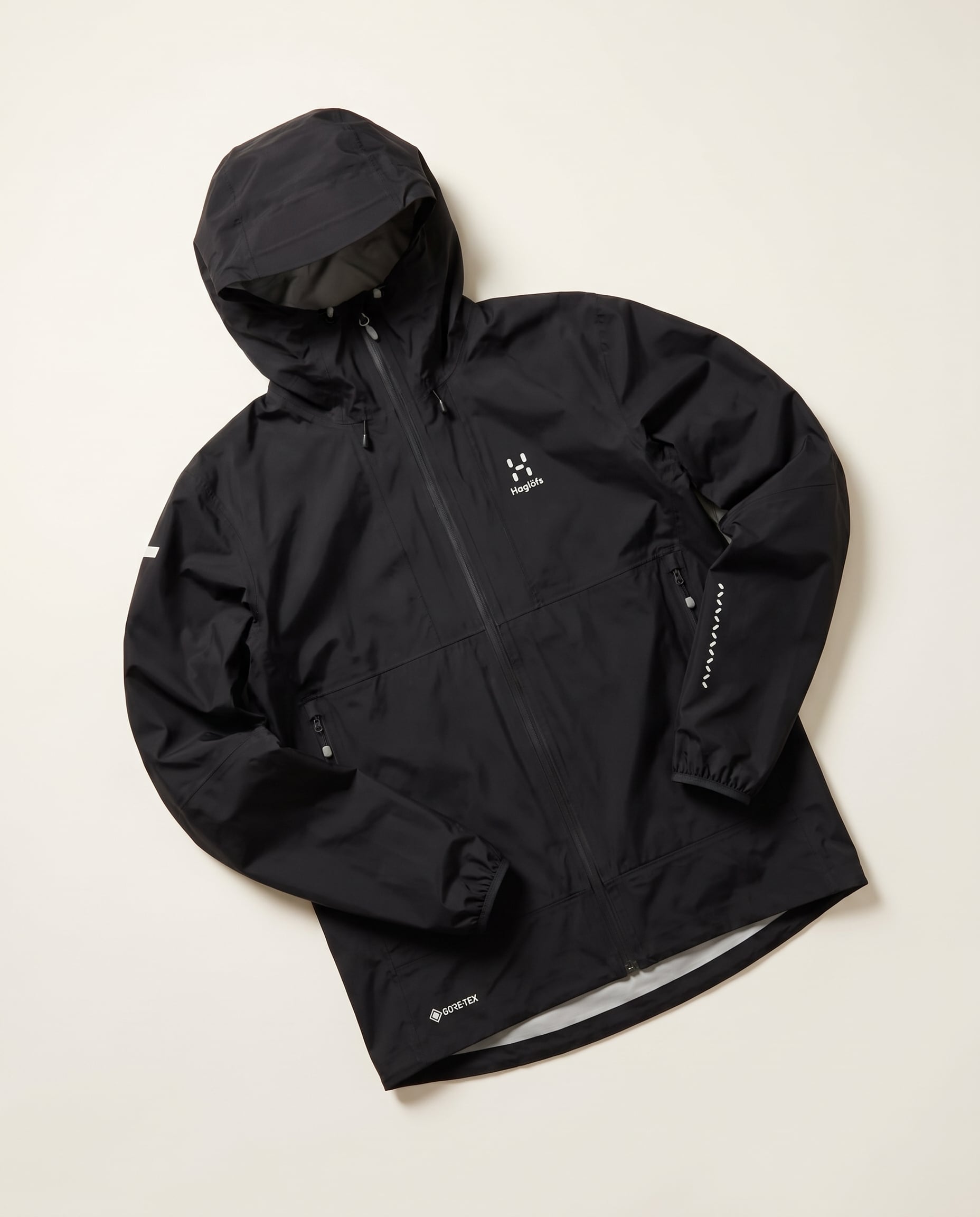
Assets generator creates consistent product imagery without complex shoots. Use AI to transform a single input into three dependable views: left-side profile, construction detail, and flat-lay on paper. Keep angles uniform across SKUs, reduce manual editing, and generate on-brand assets for e-commerce, catalogs, and presentations.
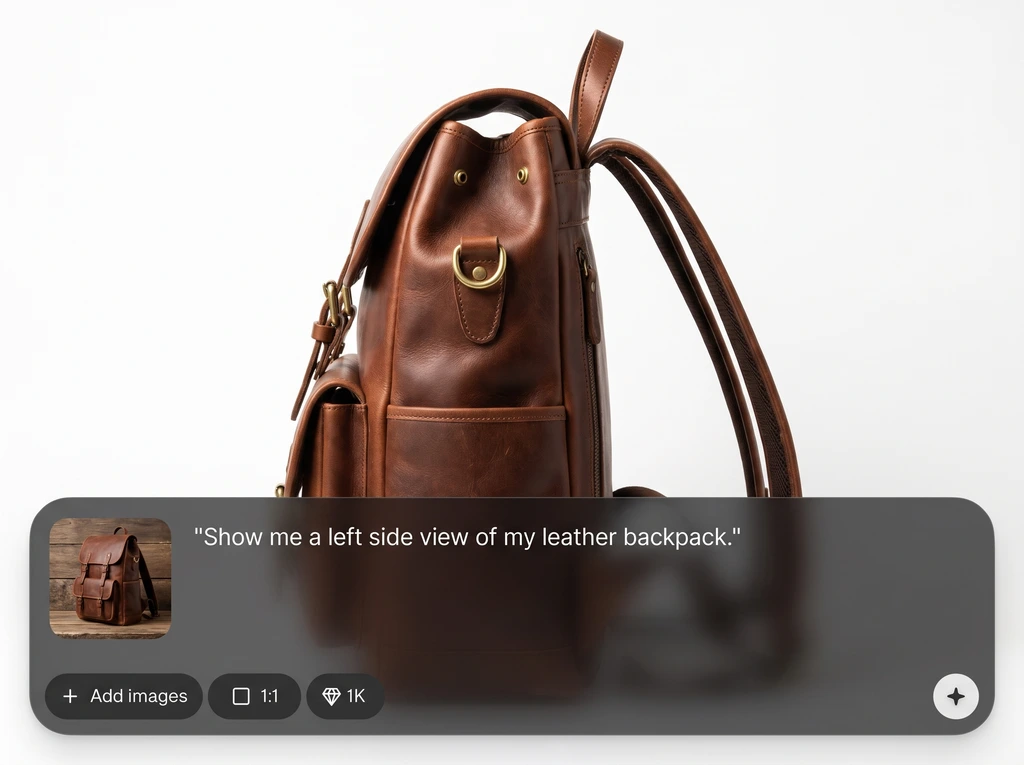
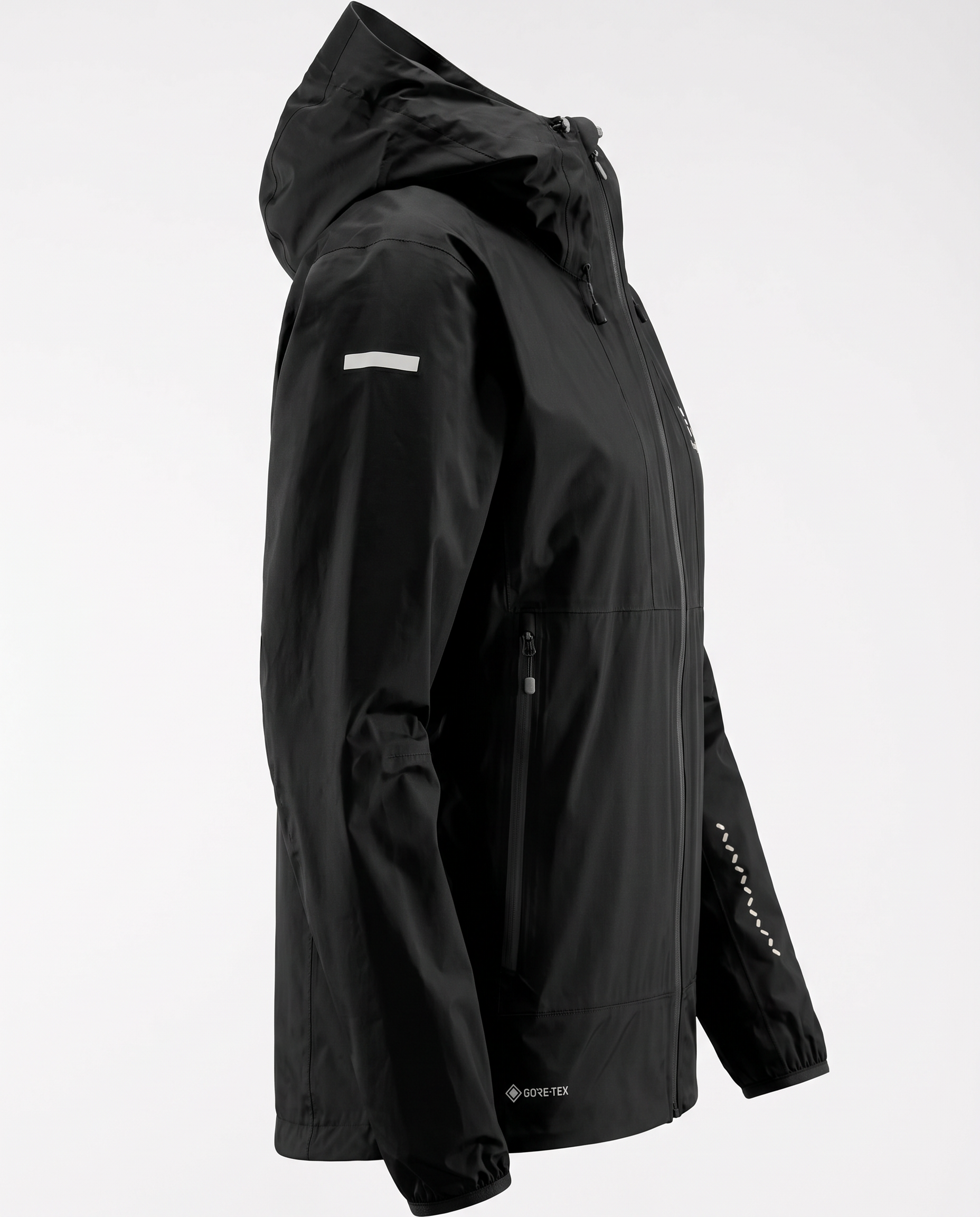
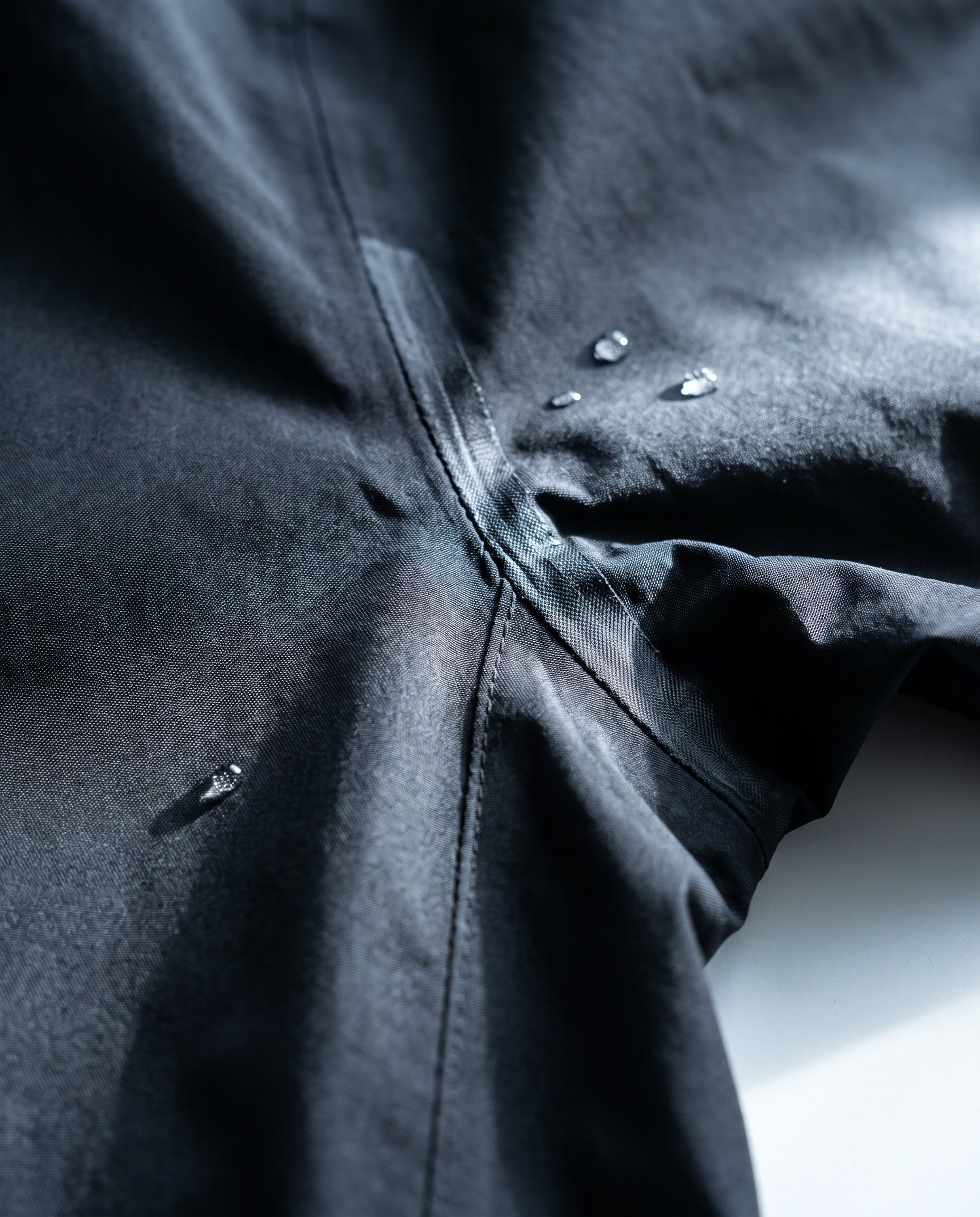
Automatically generate a left-side view, a key construction detail close-up, and a flat-lay on paper. Get repeatable outputs designed for consistent product storytelling across multiple items.
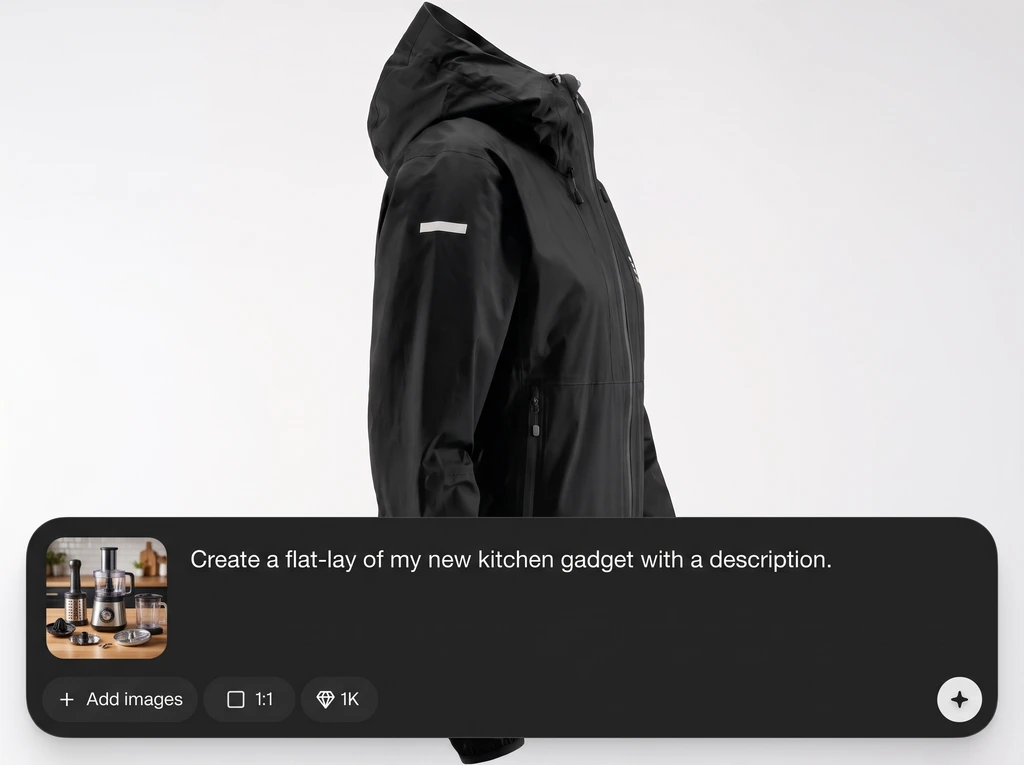
Upload a product image, write a prompt, or use both for stronger control. The model uses your details to preserve materials, color cues, and construction while improving consistency.
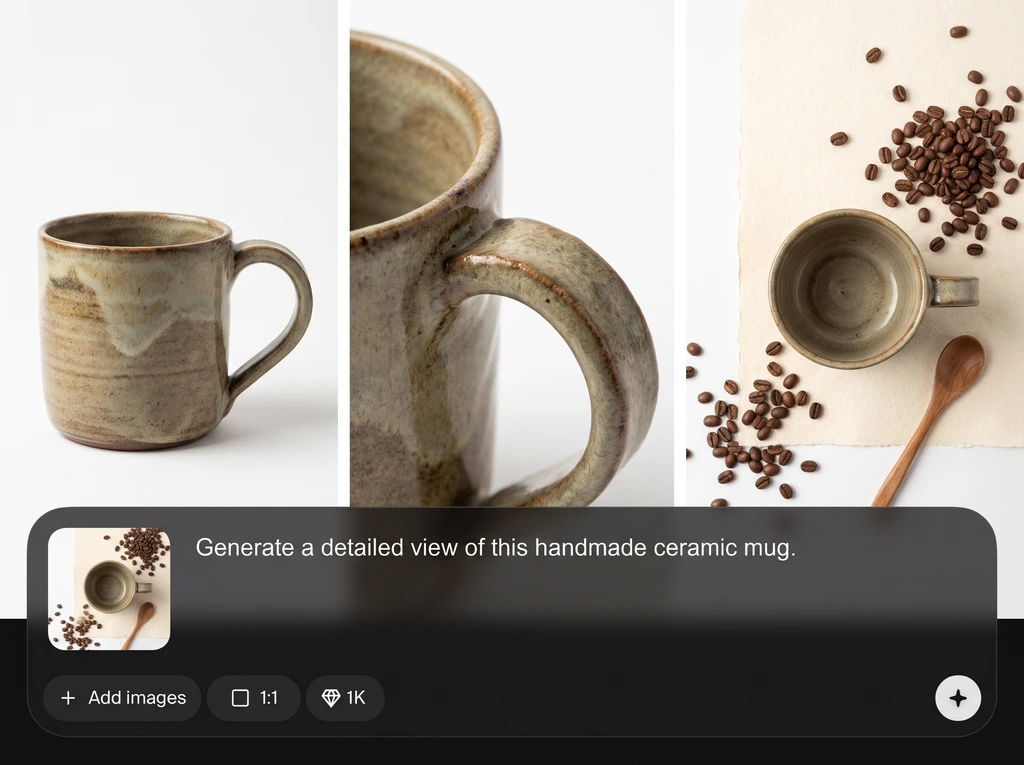
Create variations quickly to compare angles, detail emphasis, and styling. Reduce turnaround time for product pages and internal reviews while keeping outputs aligned to a single standard.
About
Assets generator turns a single product photo or text description into a complete asset set in minutes. Generate a left-side view, a close-up construction detail, and a clean flat-lay on paper for consistent catalogs and product pages. Use AI to standardize angles, highlight craftsmanship, and produce ready-to-use visuals without reshoots.
Assets generator is built for consistent product presentation, not random outputs. Combine photo guidance with precise prompts to standardize angles and highlight construction details. Generate repeatable, catalog-ready views quickly, reducing reshoots and manual editing while keeping visuals aligned across every SKU.
Drop in a product photo or enter a description, then select the three-view asset set. Generate, review, and iterate variations until the side view, detail crop, and flat-lay match your needs.
Use cases
Discover how different creators use this app in their workflow.
Generate consistent side views, detail shots, and flat-lays to improve listing clarity, reduce missing angles, and keep storefront visuals uniform across catalog updates.
Produce standardized asset sets for seasonal drops and wholesale decks. Maintain repeatable angles and clean presentation without coordinating multiple studio setups.
Create clear construction detail visuals for internal review and documentation. Compare versions quickly and communicate changes with consistent, easy-to-scan assets.
Krea is one of the world's leading generative AI platforms. See what others say.
Real reviews on TrustpilotSo many AI tools out there but I always come back to Krea. It's really the one AI platform that 'just works'.

FYN
Krea's interfaces are still the best in the industry. Everything looks and feels so clean and easy to use! Imo the easiest to use gen AI website.

Lynn
Ultra fast generations. Extremely simple to use. All the latest AI models.

Daniel
KREA is the only AI subscription I have right now besides ChatGPT.

Sophia M.
Answers to common questions about generating product views with AI.
It generates a three-image set from your inputs: a left-side product view, a close-up detail of key construction, and a clean flat-lay on paper for consistent presentation.
No. You can upload a photo, write a text description, or combine both. Using both usually improves accuracy for materials, color, and construction details.
Include product type, materials, color, finish, key parts, and any defining construction details. Clear, specific language helps the AI generate consistent angles and realistic details.
Yes. Generate the same asset set for each SKU to standardize the left-side view, detail framing, and flat-lay style. Regenerate variations to match a preferred reference look.
It’s primarily an AI image generator guided by your photo and/or prompt. It produces new views and compositions rather than only retouching your original image.
Yes. You can steer for clean, minimal outputs—especially for the flat-lay on paper—and iterate until the background and presentation match your brand guidelines.
Use a clear, well-lit image with the product visible and minimal blur. Higher-resolution inputs typically yield sharper construction details and more faithful material rendering.
Generation is designed to be quick, producing an asset set in minutes. Speed depends on input complexity and how many variations you request for each view.
Yes, the tool is built for product assets used in listings, catalogs, and marketing. Always ensure your inputs and prompts reflect products and brands you have rights to use.
Add specific construction terms in your prompt and upload a photo that clearly shows seams, fasteners, or joints. Then regenerate variations focusing on the key area you want highlighted.
Upload a photo or write a prompt to produce consistent side, detail, and flat-lay visuals in minutes.

