










Step 1
Upload
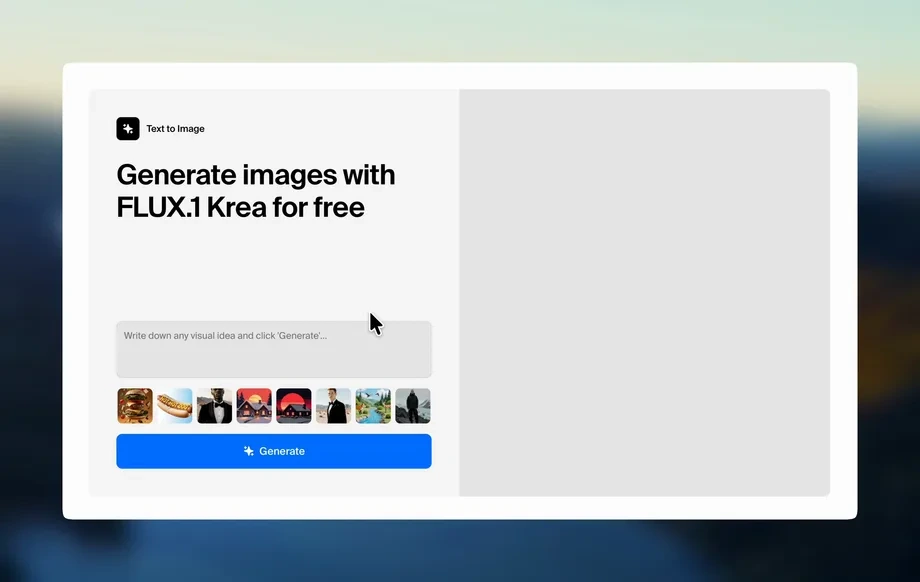
Add a product photo on a plain background for clean results, or upload an image that already includes the setting you want to keep.
Animate toy SKUs from a single product photo with AI. Describe motion and optional scenes to generate clean background options fast. Try SKU Animator now.
How to use SKU Animator
Upload a toy photo and describe the motion you want to see. Add an optional background prompt, or let SKU Animator generate clean, brand-friendly scene options automatically.
Step 1
Add a product photo on a plain background for clean results, or upload an image that already includes the setting you want to keep.
Step 2
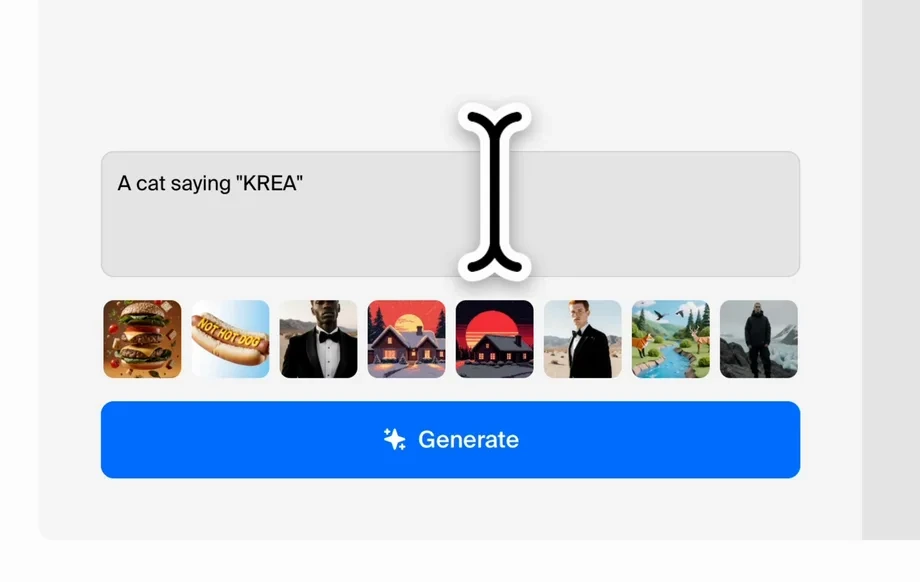
Type the action you want (jumping, waving, spinning) and optionally describe the background. Leave it blank to auto-generate three background styles.
Step 3
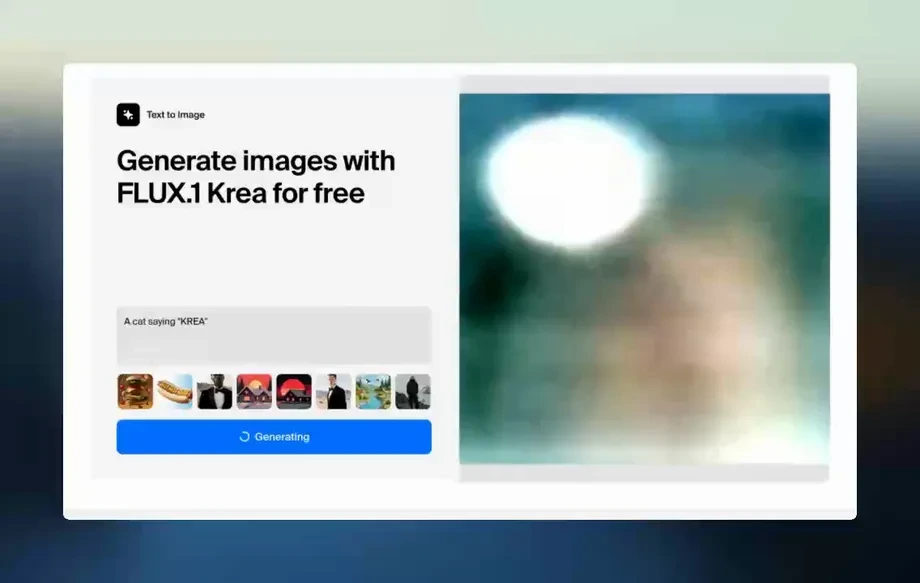
Generate the animation and review outputs. Choose the best motion and background option, then export for product pages, ads, or listings.
Features
SKU Animator creates product-friendly animations from a single toy photo using AI motion generation. Control the action with a simple prompt and keep scenes consistent across a catalog. When no background is specified, it automatically produces three clean options—solid color, horizon, and minimal cartoon world—so you can iterate quickly without extra editing.
Describe the action in plain language to generate smooth, product-focused motion. Keep attention on the toy while producing consistent results suitable for listings and marketing assets.
Skip background prompts to instantly get three ready-to-use scenes: solid color, simple horizon, and a minimal cartoon world. Ideal for fast A/B testing and catalog consistency.
Generate multiple options quickly by adjusting only the action or scene text. Produce polished product animations without complex timelines, keyframes, or manual masking.
About
SKU Animator turns a single toy product photo into an animated SKU-ready clip. Upload a clean photo on a plain background or use a shot with an existing setting, then describe the action and optional background. If you skip the background, the tool generates three scene-ready options: solid color, simple horizon, and a minimal cartoon world for fast, consistent product visuals.
SKU Animator is built for clean, product-first results: simple prompts, consistent outputs, and background options designed for commerce. Generate motion without complex editing, and keep visuals uniform across SKUs with repeatable actions and scene styles.
Start with a clear toy photo on a plain background, then type a short action prompt. Add a background setting, or leave it blank to instantly receive three clean scene options.
Use cases
Discover how different creators use this app in their workflow.
Turn static toy photos into animated SKU clips that help shoppers understand scale and features, while keeping backgrounds clean and consistent across product pages.
Create short product animations from a single image for scroll-stopping ads. Swap actions and backgrounds to test different angles and messages quickly.
Standardize motion and scene style across a full toy catalog. Use auto background options to maintain brand-friendly visuals without reshoots.
Krea is one of the world's leading generative AI platforms. See what others say.
Real reviews on TrustpilotSo many AI tools out there but I always come back to Krea. It's really the one AI platform that 'just works'.

FYN
Krea's interfaces are still the best in the industry. Everything looks and feels so clean and easy to use! Imo the easiest to use gen AI website.
Lynn
Ultra fast generations. Extremely simple to use. All the latest AI models.

Daniel
KREA is the only AI subscription I have right now besides ChatGPT.

Sophia M.
Answers to common questions about AI product animation, background options, and best input photos.
SKU Animator is an AI product animation tool that turns a single toy photo into an animated clip. You describe the action and optionally the background to generate scene-ready results.
Use a sharp product photo with the toy centered and well-lit. Plain backgrounds produce the cleanest edges, but images with an existing setting can work when you want that scene preserved.
Yes. Add a background description in your prompt to guide the setting. If you don’t specify one, SKU Animator generates three options automatically for quick selection.
When no background is provided, the app creates three choices: a solid color, a simple horizon, and a minimal cartoon world. This helps keep outputs clean and SKU-friendly.
Describe a clear, simple motion like “spin slowly,” “wave,” or “hop forward,” and add pacing words such as “gentle” or “energetic.” Avoid overly complex multi-step actions for cleaner motion.
For best results, use one main toy per image. Multiple subjects can confuse motion and focus. If you need several SKUs, generate separate animations per product photo.
It’s an AI animation generator that uses your product photo as the source and produces a short animated output. The result functions like a lightweight product video for listings and ads.
Reuse the same action phrasing and pick a consistent background style, such as solid color or horizon. This makes AI-generated SKU animations feel uniform across product lines.
No. Upload an image, type an action, and generate. The tool handles motion and scene options automatically, reducing the need for timelines, masking, or manual compositing.
Upload a toy photo, describe the motion, and generate clean background options ready for listings and ads.