














Step 1
Upload
Add your product image and select the output format. Use a clean cutout or transparent PNG for best results and sharper edges.
Generate product shots in realistic environments with AI. Create on-brand scenes, lighting, and backgrounds fast. Try Product and environment online now.
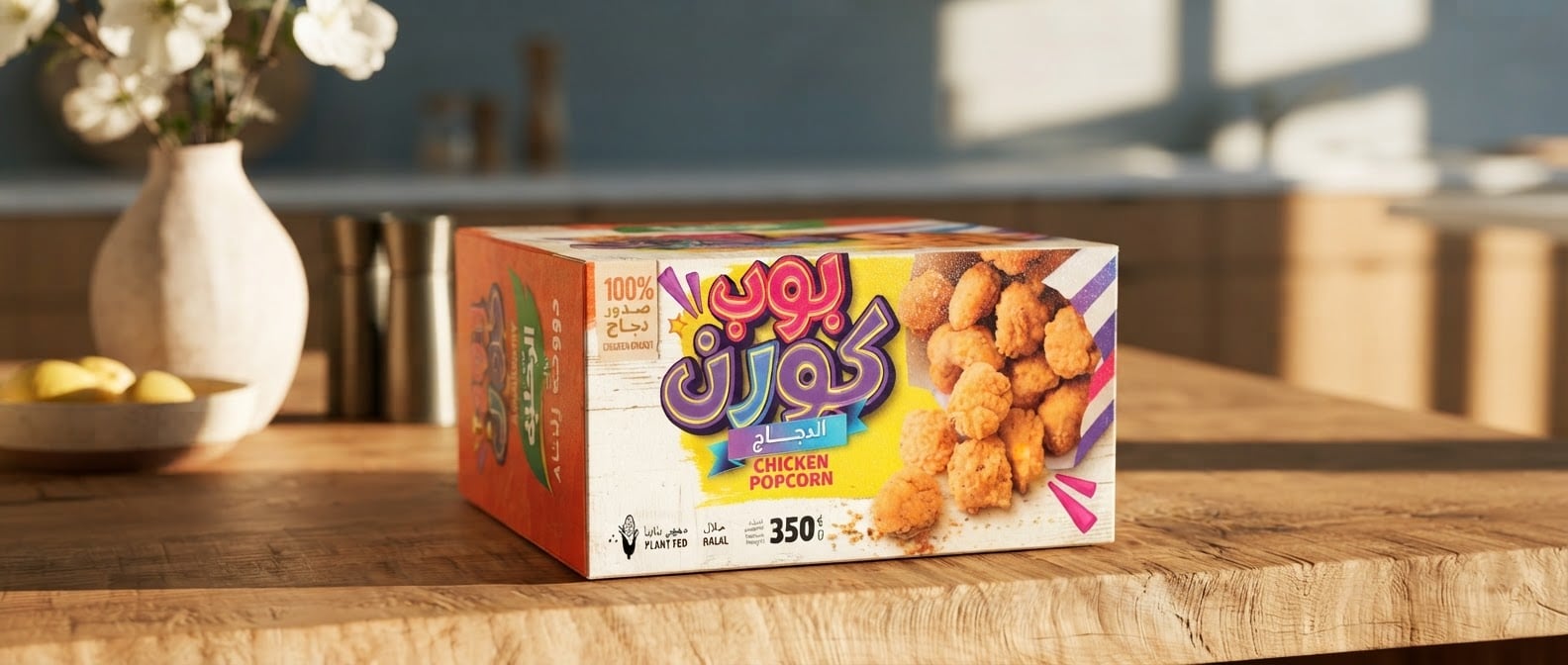
How to use Product and environment
Create polished product visuals by combining your item with AI-generated environments. Follow three quick steps to set the scene, refine results, and export images ready for ecommerce, ads, or web.
Step 1
Add your product image and select the output format. Use a clean cutout or transparent PNG for best results and sharper edges.

Step 2
Enter a prompt for the environment, lighting, and style—studio, lifestyle, seasonal, or minimal. Specify colors, materials, camera angle, and mood.

Step 3
Generate multiple variations, pick the best match, and refine with small prompt tweaks. Download high-resolution outputs for listings, ads, and social.
Features
Turn simple product photos into ready-to-use marketing visuals with AI-generated environments. Control background, lighting, and scene style while keeping the product consistent. Create faster iterations for ecommerce, ads, and branding—without scheduling shoots, building sets, or spending hours on manual photo editing.
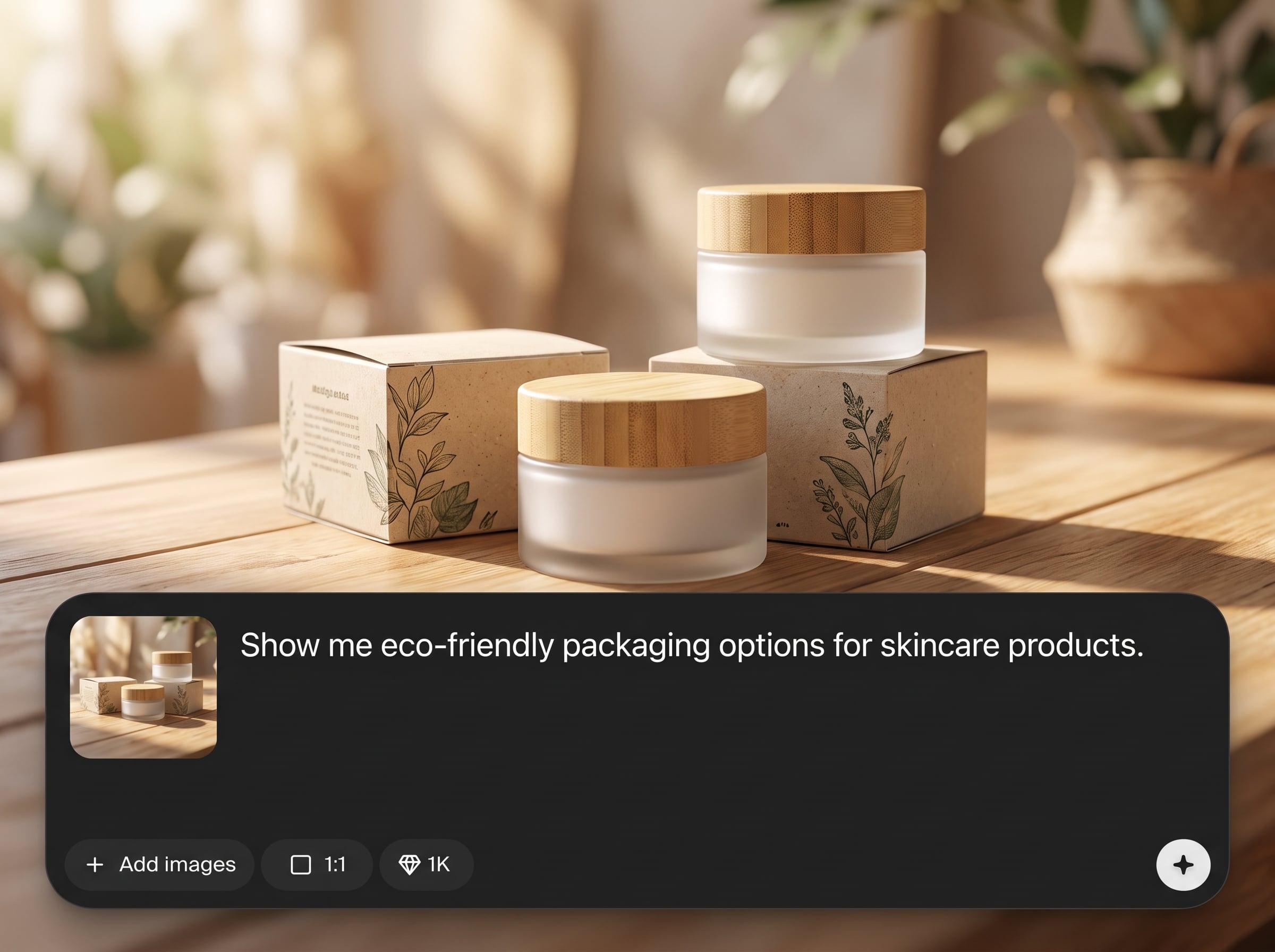
Place products into believable environments with coherent shadows, reflections, and perspective. Generate studio and lifestyle shots that look natural and stay aligned with your product’s shape and details.
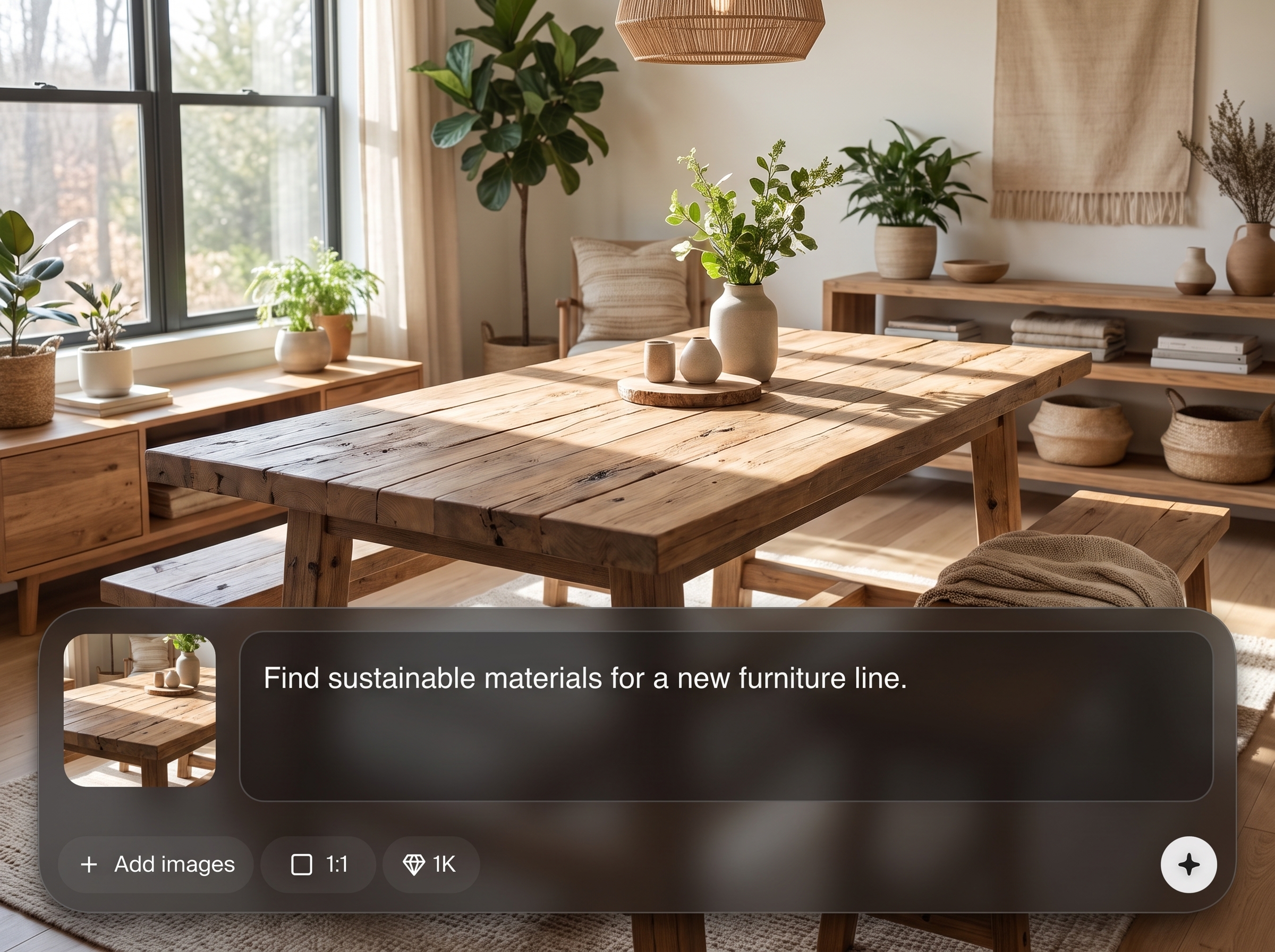
Create multiple background and styling options in seconds. Iterate on seasonal themes, colors, props, and compositions to find the best-performing visual for each channel and audience.
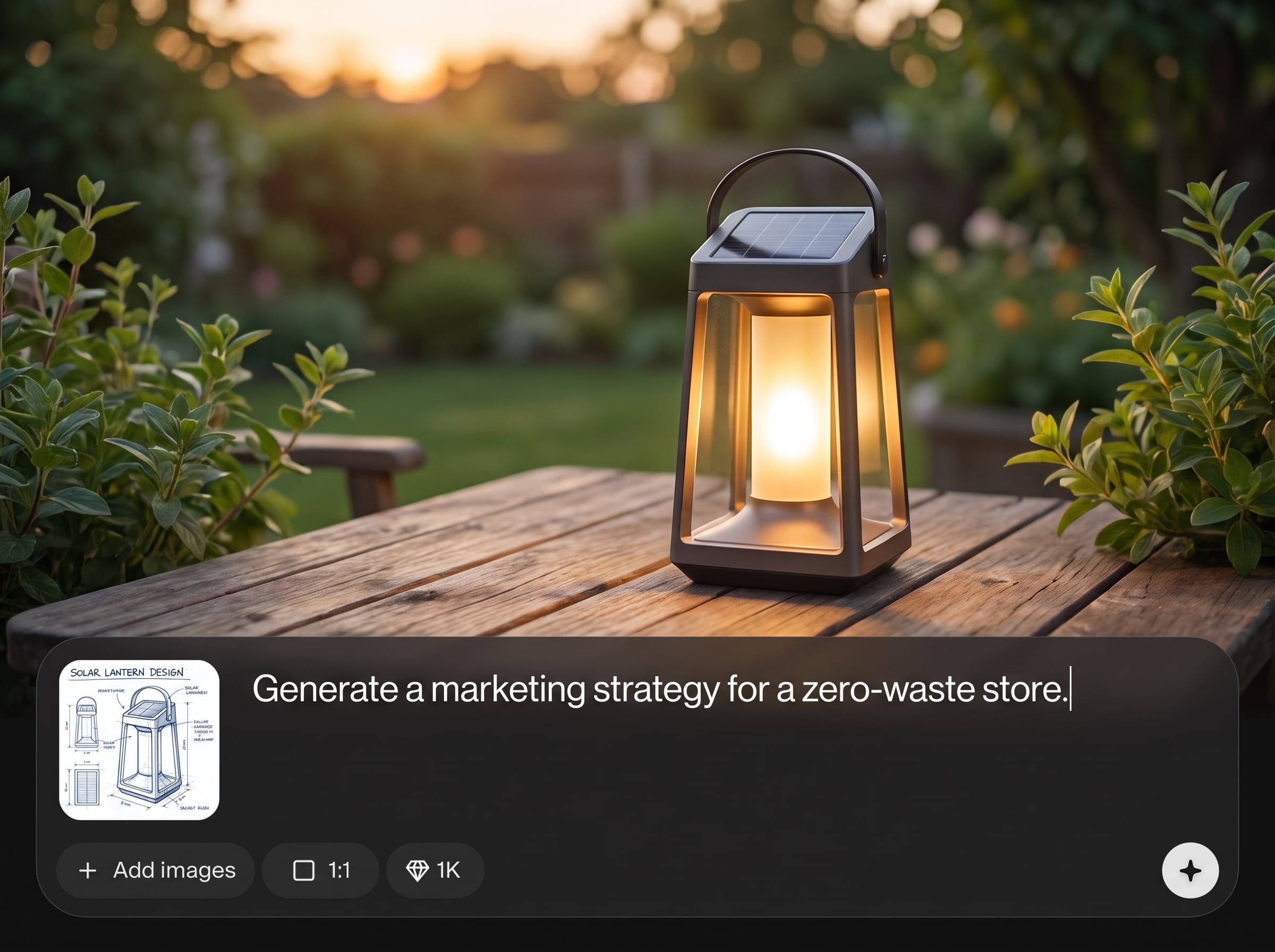
Maintain a consistent look across campaigns by defining style cues like palette, materials, and lighting. Export high-quality images ready for ecommerce listings, ad creatives, and landing pages.
About
Product and environment is an AI tool that generates product images placed into realistic, on-brand environments. Create lifestyle scenes, studio setups, and contextual backgrounds with consistent lighting and perspective. Upload a product, describe the setting, and generate high-quality visuals for ecommerce listings, ads, and landing pages in minutes—without reshoots or complex editing.
Product and environment helps you create realistic product photos in generated scenes with speed and control. Get consistent lighting and style across variations, iterate quickly for different channels, and reduce reliance on expensive shoots and manual editing workflows.
Upload a product image, write a short prompt describing the environment and lighting, then generate variations. Choose your best result, refine with quick edits to the prompt, and download ready-to-publish images.
Use cases
Discover how different creators use this app in their workflow.
Generate clean hero shots and contextual lifestyle images for marketplaces and storefronts. Keep visuals consistent across SKUs while testing different backgrounds and lighting.
Produce scroll-stopping product scenes for paid ads and organic posts. Quickly swap environments and styles to match promotions, seasons, and audience segments.
Build cohesive imagery for landing pages, banners, and email campaigns. Create on-brand environments that support your messaging without expensive reshoots.
Krea is one of the world's leading generative AI platforms. See what others say.
Real reviews on TrustpilotSo many AI tools out there but I always come back to Krea. It's really the one AI platform that 'just works'.

FYN
Krea's interfaces are still the best in the industry. Everything looks and feels so clean and easy to use! Imo the easiest to use gen AI website.

Lynn
Ultra fast generations. Extremely simple to use. All the latest AI models.

Daniel
KREA is the only AI subscription I have right now besides ChatGPT.

Sophia M.
Answers to common questions about AI product environment generation and workflows.
It uses AI to place your product into generated environments and scenes. You can control style, lighting, and context to create realistic product photos for ecommerce, ads, and web.
A transparent PNG or clean cutout helps produce the best edges and placement, but it’s not required. Clear backgrounds and sharp product focus typically yield more accurate results.
Yes. Specify brand colors, materials, mood, and lighting in your prompt to guide the environment generation. Reuse the same style instructions to keep outputs consistent across campaigns.
Use concrete details: setting, surface, props, lighting direction, camera angle, and color palette. For example, “soft daylight, marble countertop, minimal props, 50mm product shot” improves consistency.
Yes. Create seamless studio backgrounds, tabletop setups, or lifestyle environments like kitchens, bathrooms, outdoor scenes, and seasonal settings—while keeping the product as the focal point.
The tool aims to preserve core shapes and visual identity while integrating the product into the environment. Starting from a high-resolution, well-lit product image improves accuracy and consistency.
You can export common image formats suitable for web and ecommerce. Choose an aspect ratio that matches your channel—square for marketplaces, vertical for ads, and wide for banners and headers.
It combines both: you provide a product image, then AI generates the surrounding environment. This workflow creates new scene-based outputs without manually compositing backgrounds and lighting.
Use a consistent input style (same angles and lighting), repeat a shared prompt template, and generate variations from the same scene description. Minor prompt tweaks refine without changing the overall look.
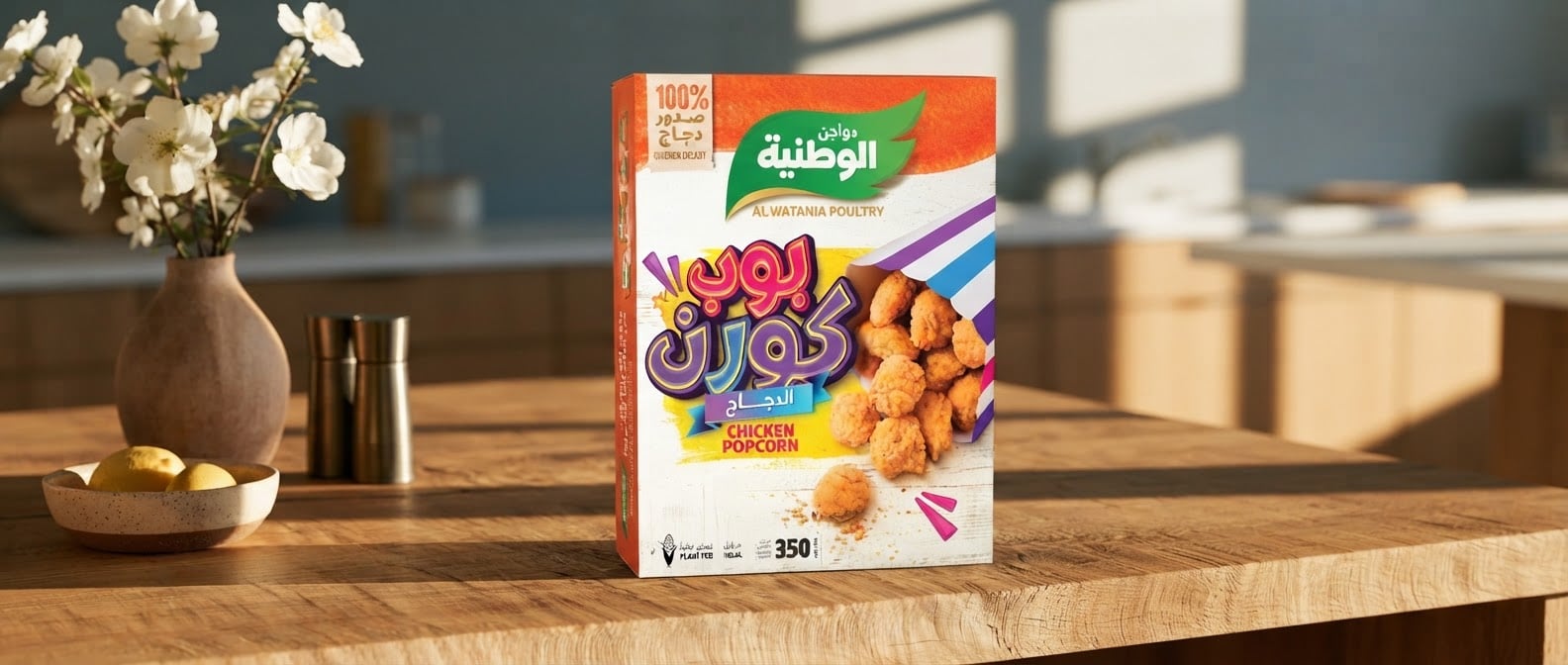
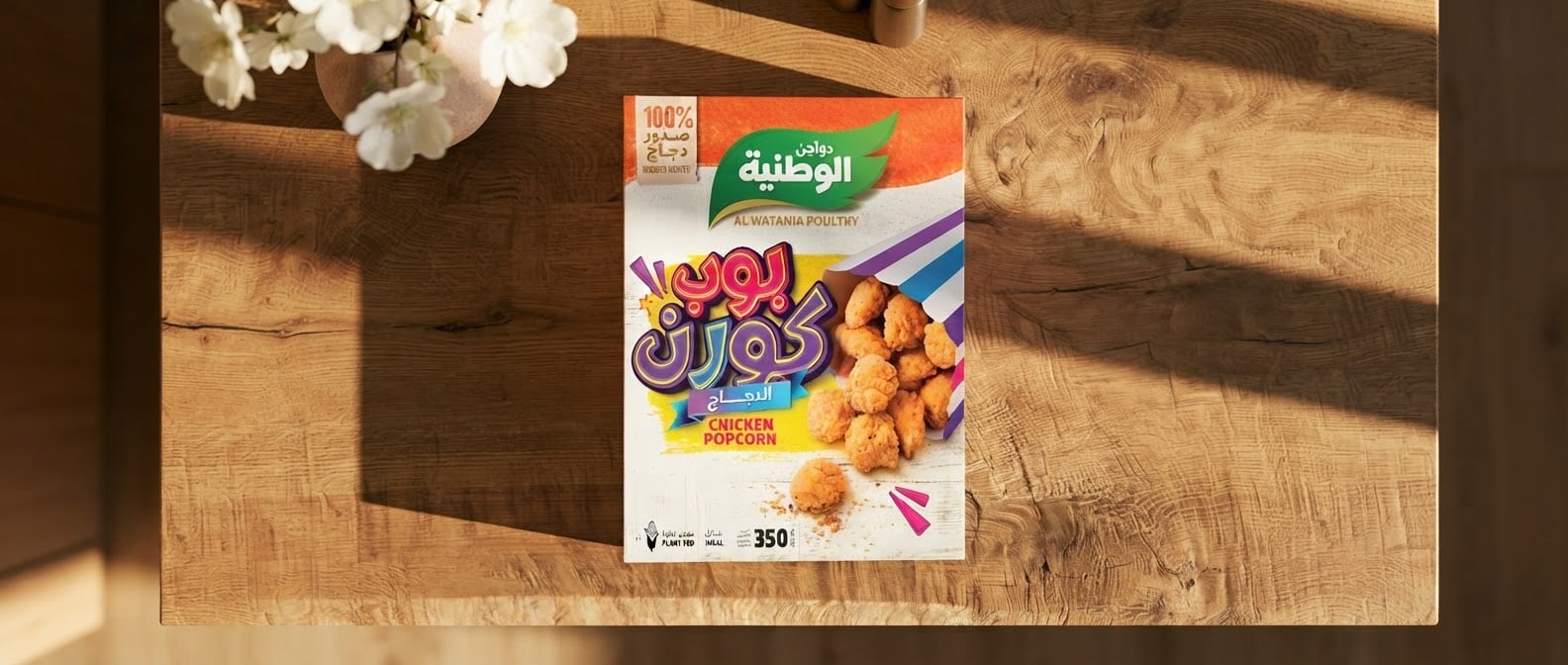
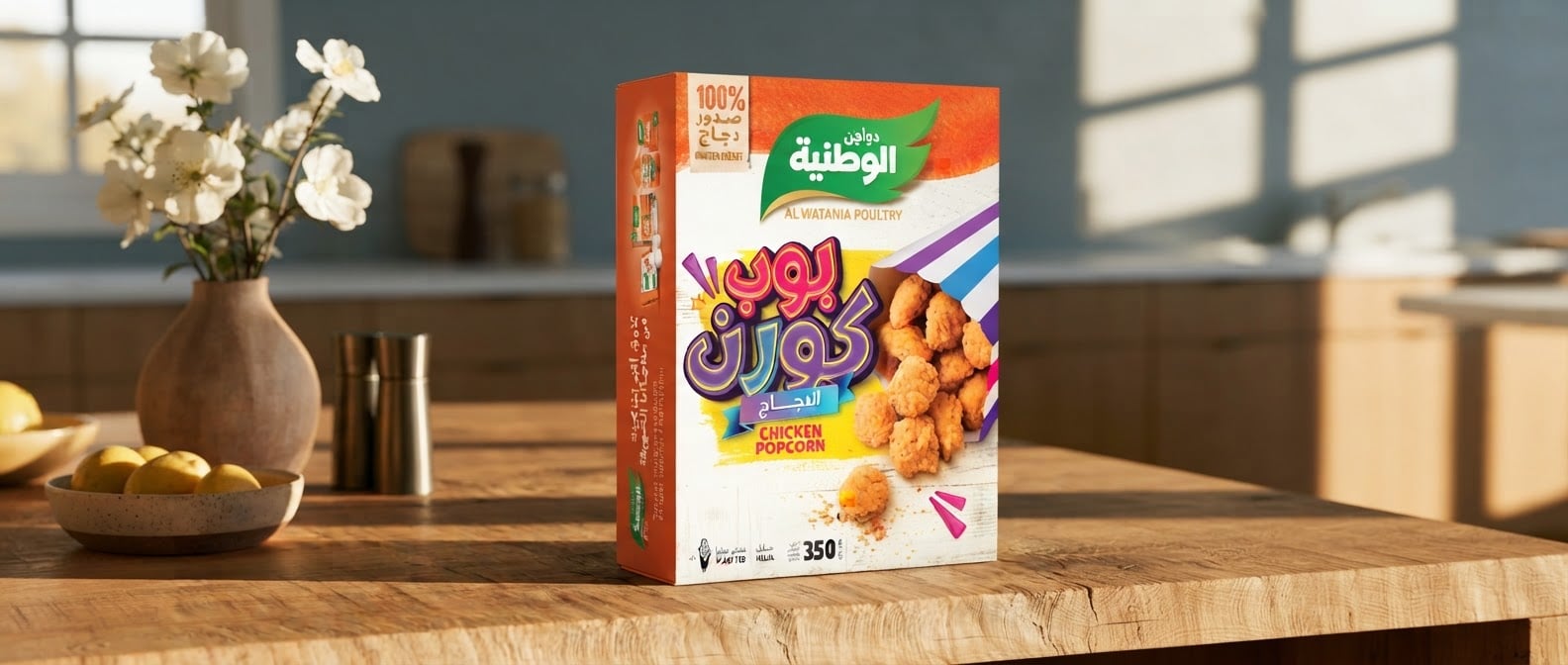
Upload your product, describe the setting, and export high-quality visuals for ecommerce, ads, and web in minutes.

