














Step 1
Describe
Enter a clear text prompt and add key details like subject, lighting, camera angle, and mood. Optionally include negative prompts to avoid unwanted artifacts.
Generate high-quality AI images in seconds with app 1. Turn prompts into stunning visuals, edit styles, upscale details, and download instantly—try it now.
How to use app 1
This quick guide shows how to create, refine, and export images using app 1. Start with a prompt, choose a style, generate variations, then enhance quality and download files ready for use.
Step 1
Enter a clear text prompt and add key details like subject, lighting, camera angle, and mood. Optionally include negative prompts to avoid unwanted artifacts.

Step 2
Pick a style and aspect ratio, then generate multiple variations. Iterate by adjusting keywords or strength settings to steer composition, color, and detail.

Step 3
Upscale for sharper edges and improved texture, then make final style tweaks. Download your AI-generated image in a share-ready format for web or print.
Features
app 1 combines text-to-image generation with practical controls for style, composition, and quality. Create multiple options quickly, refine results with simple adjustments, and upscale for clean, detailed outputs. It’s a streamlined AI tool for producing ready-to-use images without heavy editing software.
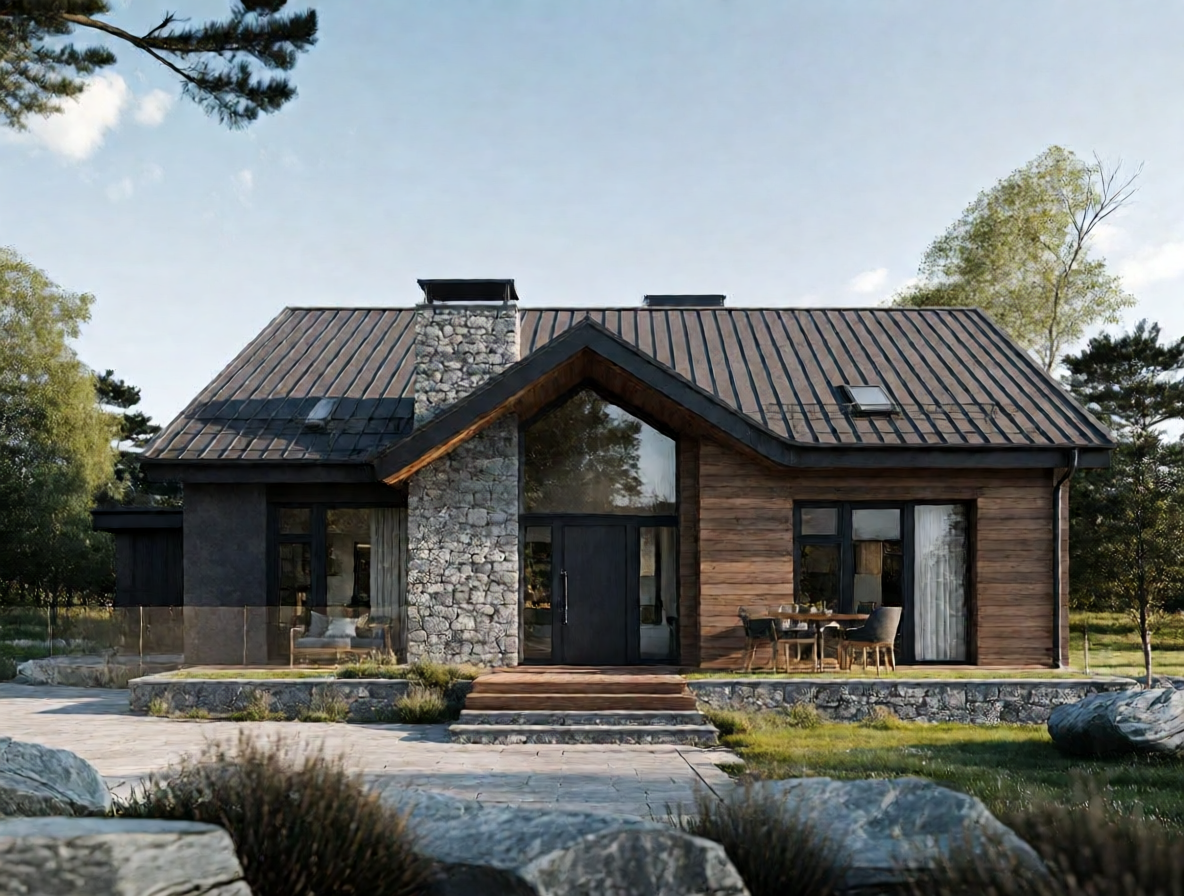
Turn prompts into high-quality visuals with AI-driven rendering. Generate consistent results across styles and subjects, with options to create multiple variations for faster iteration.
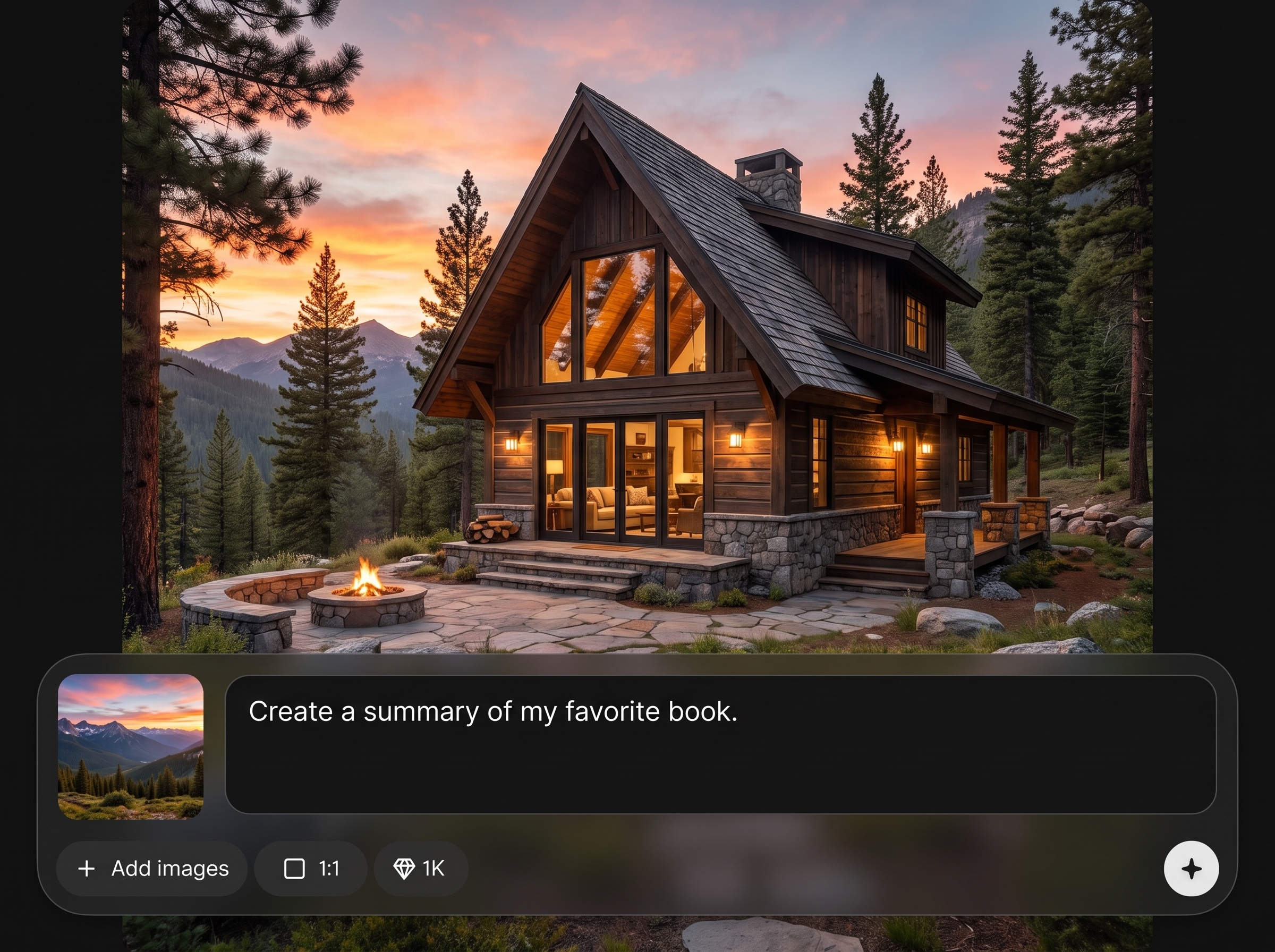
Adjust style, aspect ratio, and prompt details to guide composition and mood. Quickly compare outputs, refine direction, and land on a final image with fewer reruns.
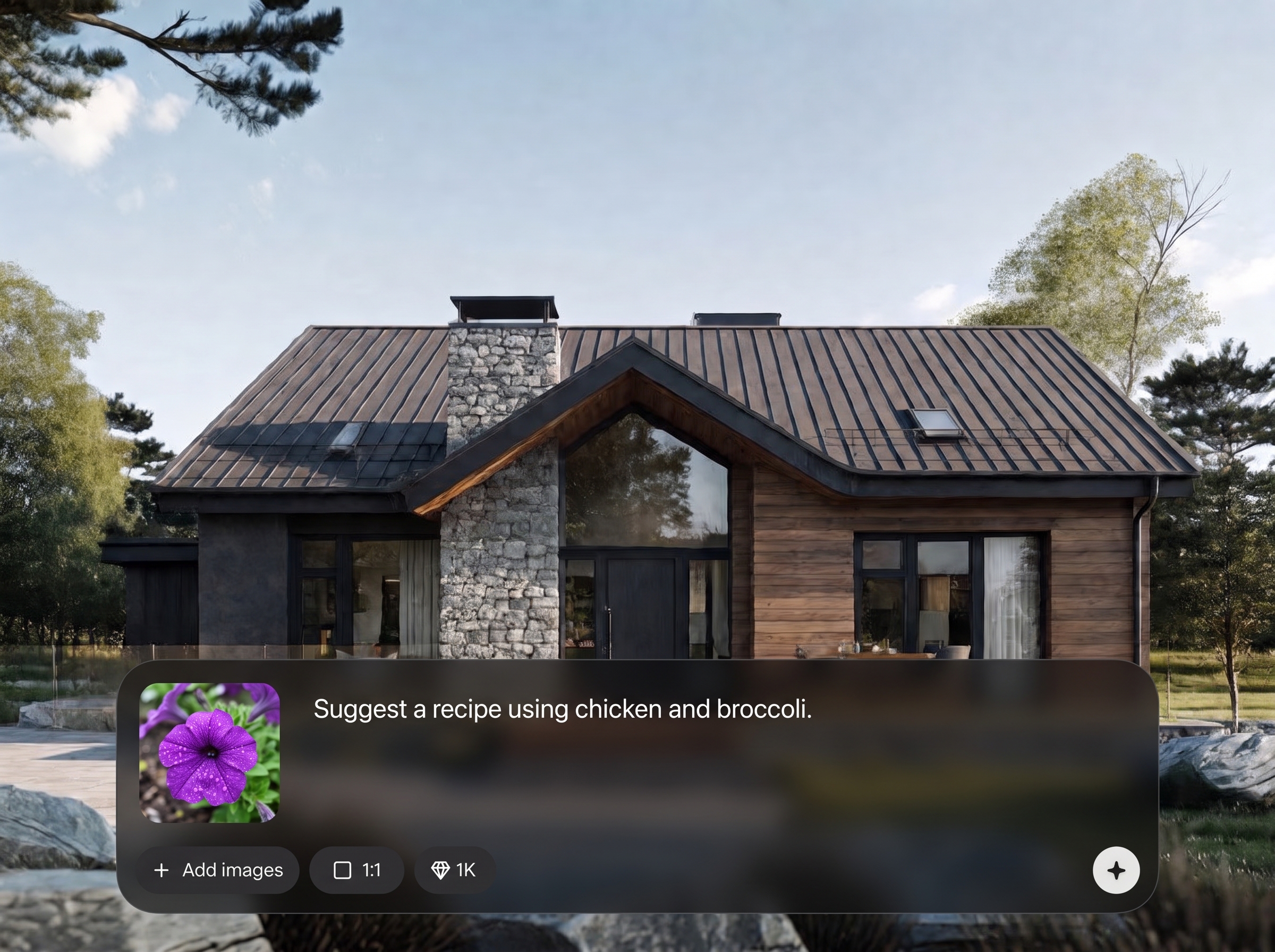
Improve sharpness, textures, and small elements with AI upscaling. Export cleaner images that hold up for social posts, presentations, and marketing assets.
About
app 1 is an AI image generator that turns text prompts into high-quality visuals for ads, concept art, social posts, and product mockups. Choose styles, refine compositions, and upscale for crisp detail without complex workflows. Generate multiple variations fast, iterate with simple controls, and export ready-to-use images in seconds.
app 1 focuses on fast, practical AI image generation with controls that improve consistency and reduce reruns. Generate variations, refine styles, and upscale for clean outputs in one place. It’s built to move from prompt to publish-ready visuals with minimal friction.
Open app 1, enter a prompt, choose a style and size, then generate variations. Refine by adjusting prompt details and upscale the best result before downloading your final image.
Use cases
Discover how different creators use this app in their workflow.
Generate on-brand visuals for campaigns, headers, and promos. Create multiple concepts quickly, test styles, and export assets sized for common ad placements.
Create lifestyle scenes and mockup-style images from prompts. Iterate backgrounds, lighting, and angles to present products consistently across listings and decks.
Explore characters, environments, and moods in minutes. Produce rapid variations to support brainstorming, storyboards, and early design exploration before final production.
Krea is one of the world's leading generative AI platforms. See what others say.
Real reviews on TrustpilotSo many AI tools out there but I always come back to Krea. It's really the one AI platform that 'just works'.

FYN
Krea's interfaces are still the best in the industry. Everything looks and feels so clean and easy to use! Imo the easiest to use gen AI website.

Lynn
Ultra fast generations. Extremely simple to use. All the latest AI models.

Daniel
KREA is the only AI subscription I have right now besides ChatGPT.

Sophia M.
Answers to common questions about app 1, AI image generation, and exporting high-quality results.
app 1 is an AI image generator that converts text prompts into visuals using artificial intelligence and machine learning. You can generate variations, adjust style, and export high-quality images for common creative workflows.
Use specific nouns and adjectives, then add details like lighting, lens, color palette, and environment. Keep the main subject clear, and include negative prompts to reduce unwanted elements or distortions.
Yes. app 1 supports style selection and flexible aspect ratios, so you can generate images for social posts, banners, thumbnails, and presentations. Changing these settings helps guide composition and framing.
Generation is designed to be quick so you can iterate. Create multiple variations, compare results, and refine prompts without long waits, making it easier to reach a final image efficiently.
Yes. Upscaling enhances sharpness and fine detail, improving edges and textures. It’s useful for producing cleaner exports that look better in marketing graphics, slides, and higher-resolution deliverables.
You can generate product-style scenes, concept art, illustrations, photo-like images, and backgrounds. Results depend on your prompt clarity and style settings, so iterating is key for consistency.
You can refine outputs by adjusting prompts, styles, and quality settings, then regenerate variations. This workflow helps you steer the image toward the look you want without complex manual editing.
Download options are designed for everyday use cases like web and presentation assets. Export your generated images in common, share-ready formats so they’re easy to publish, upload, or drop into designs.
Turn ideas into polished visuals fast with text-to-image generation, variations, and upscaling in one simple workflow.

