














Step 1
Upload
Start with an image or blank canvas. Choose the orbox - glass sphere preset to place a glass orb overlay or generate a centered sphere composition.
Apply the orbox - glass sphere preset to generate glossy, realistic orb effects in seconds. Fast AI rendering, editable lighting, export ready visuals.
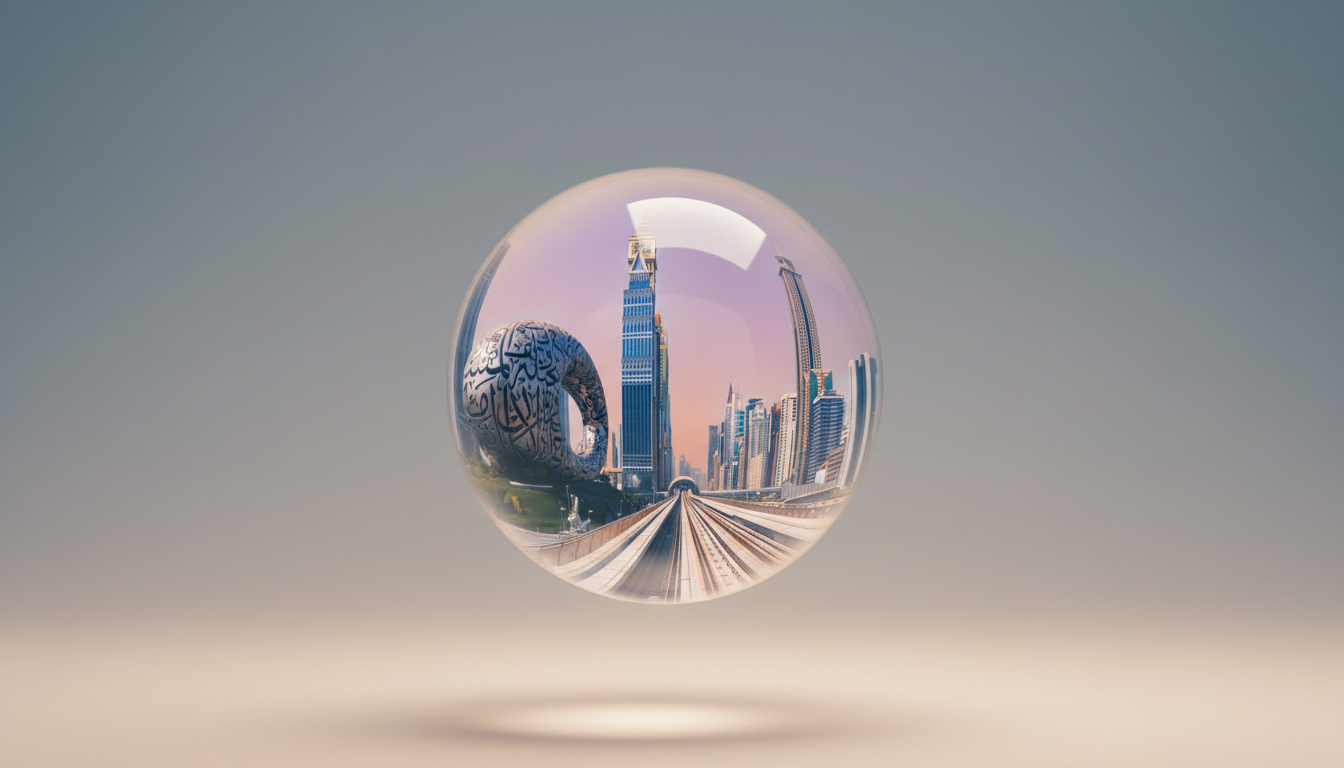
How to use orbox - glass sphere preset
This quick tutorial shows how to apply the orbox - glass sphere preset, adjust orb size and lighting, and export high-quality results. Create realistic reflections and refraction without complex 3D software.
Step 1
Start with an image or blank canvas. Choose the orbox - glass sphere preset to place a glass orb overlay or generate a centered sphere composition.

Step 2
Control sphere size, position, and transparency. Tweak lighting direction, highlight strength, and background blur to match the scene and improve realism.

Step 3
Preview at full resolution, then export PNG or JPG. Use transparent backgrounds for overlays, or keep the full scene for posters, ads, and mockups.
Features
Generate a convincing glass sphere effect with AI-driven reflections and refraction styling. The preset helps you keep consistent highlights, clean edges, and modern depth across images. Quickly iterate on lighting and composition, then export high-resolution assets for design, marketing, and product visuals.
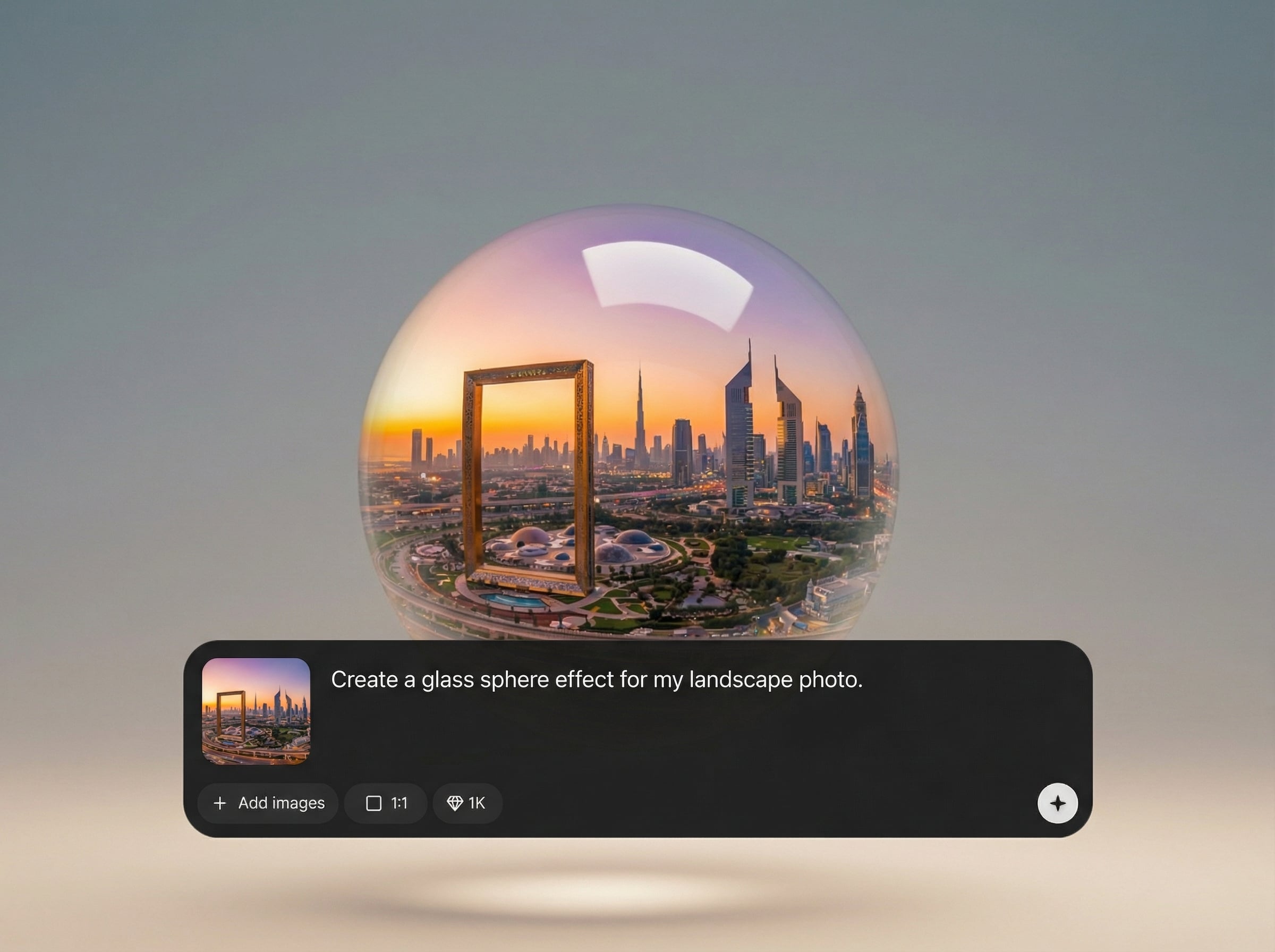
Create a true glass look with controlled refraction, specular highlights, and edge clarity. The result reads as 3D without manual masking or complex rendering workflows.
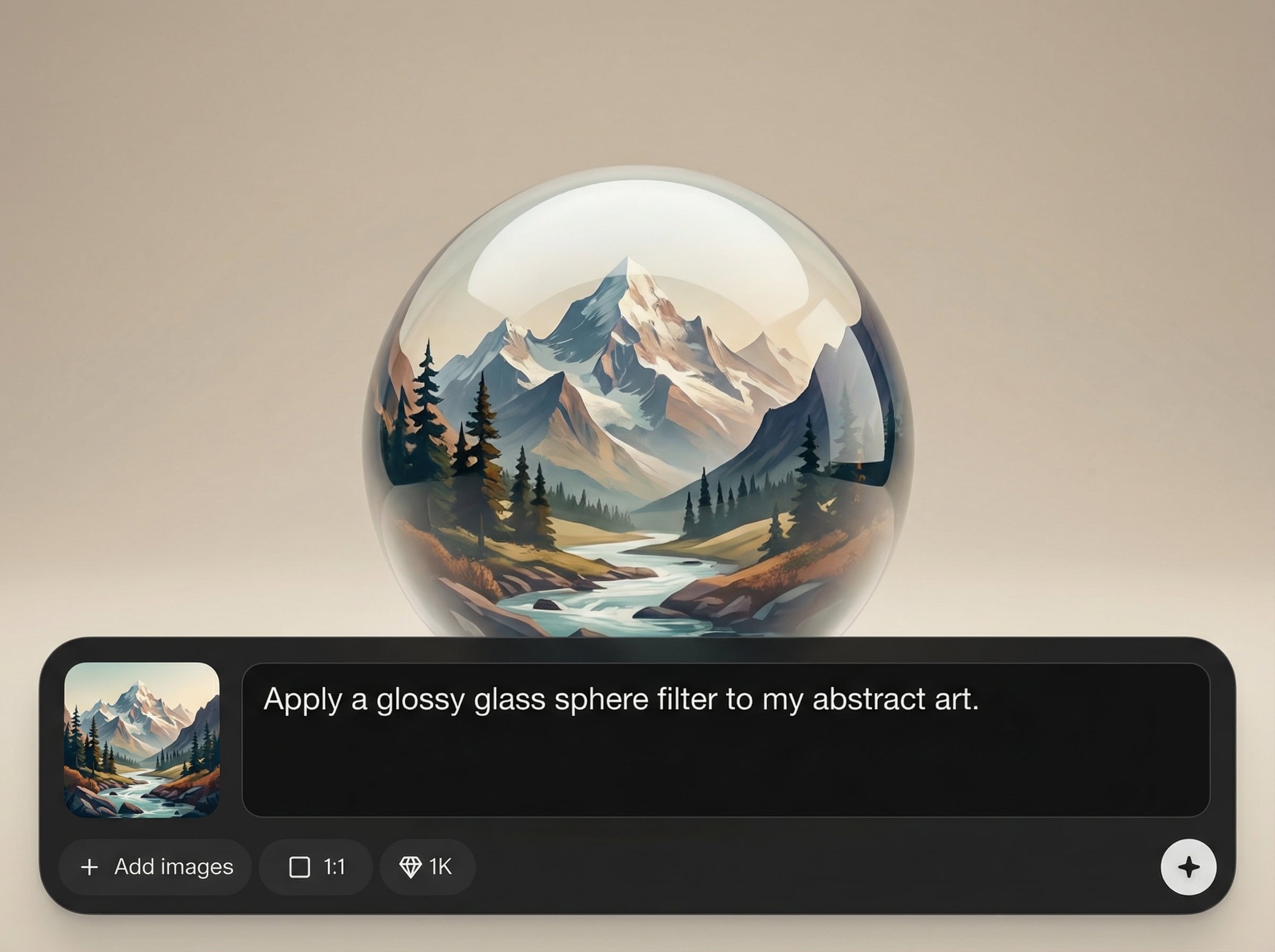
Generate variations quickly while keeping a consistent orb aesthetic. Iterate on size, placement, and lighting to match branding and layout needs in seconds.
Export clean assets for posters, product mockups, and UI backgrounds. Use transparent or filled backgrounds and keep crisp edges for easy compositing in any design tool.
About
orbox - glass sphere preset turns any scene into a polished glass-orb look with realistic reflections, refraction, and soft highlights. Use AI to generate a clean sphere overlay or centerpiece, then fine-tune lighting and background for a premium, 3D finish. Perfect for product visuals, posters, and modern UI graphics—fast, consistent, and export-ready.
Get a clean, modern glass sphere effect without complicated 3D pipelines. AI helps maintain consistent highlights and edge quality, while quick controls let you iterate on composition, lighting, and export formats for real production needs.
Open the tool, select orbox - glass sphere preset, and upload an image or start from a blank canvas. Adjust sphere placement and lighting, then export in the format and resolution your project requires.
Use cases
Discover how different creators use this app in their workflow.
Add a premium glass-orb focal point to product shots. Great for tech, skincare, and luxury visuals that need depth, shine, and modern polish.
Build striking compositions with a reflective sphere centerpiece. Use it to frame subjects, create mood, and add dimensional highlights quickly.
Generate glossy orb accents for landing pages and apps. Keep consistent lighting and clean edges for professional, minimal, high-contrast layouts.
Krea is one of the world's leading generative AI platforms. See what others say.
Real reviews on TrustpilotSo many AI tools out there but I always come back to Krea. It's really the one AI platform that 'just works'.

FYN
Krea's interfaces are still the best in the industry. Everything looks and feels so clean and easy to use! Imo the easiest to use gen AI website.

Lynn
Ultra fast generations. Extremely simple to use. All the latest AI models.

Daniel
KREA is the only AI subscription I have right now besides ChatGPT.

Sophia M.
Answers to common questions about the orbox - glass sphere preset and AI generation.
It’s an AI preset that generates a realistic glass sphere effect with reflections, refraction, and highlights. Use it as an overlay or a central object to add polished 3D depth.
Yes. Adjust light direction, highlight intensity, transparency, and background softness to better match your scene. Small tweaks can dramatically improve realism and integration.
It works well on photos, gradients, and minimal design layouts. For best results, use clean contrast and leave space around the orb so reflections and edges stay crisp.
Export high-quality PNG or JPG depending on your workflow. Choose transparent background outputs for easy compositing, or keep the full scene for finished posters and ads.
It’s an AI-driven visual preset designed to mimic 3D glass behavior. You get a realistic orb look faster than traditional 3D setup, with simple controls for iteration.
Apply the orbox preset, tweak lighting, and export design-ready glass-orb visuals in minutes.

