














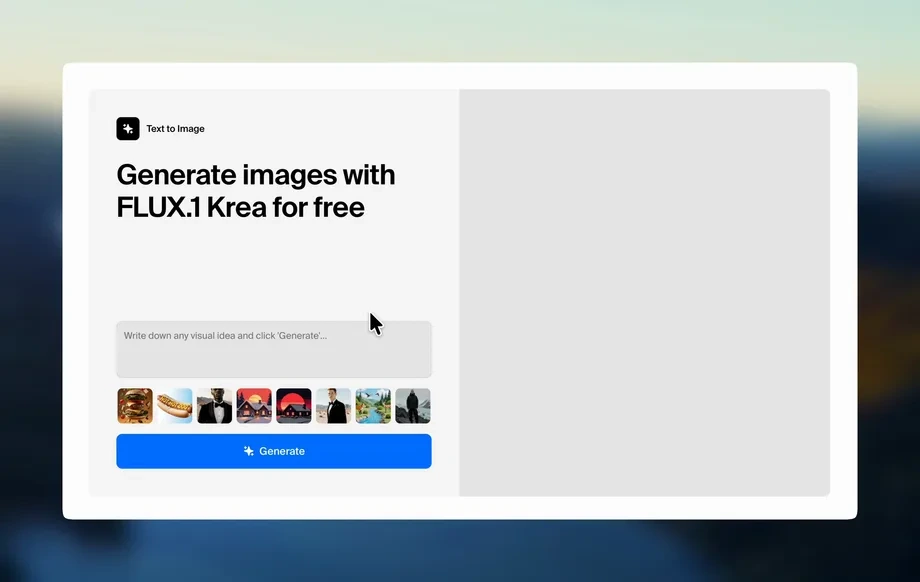
Step 1
Upload
Upload a product pack shot or select a clean frame. Define the foreground area to keep the упаковка locked, and choose your aspect ratio and duration.
Create realistic product timelapse videos online: keep packaging fixed in the foreground while background workers demonstrate real use. Try the AI generator now.
How to use Красная цена С1 -таймлапс
Follow these steps to create a product timelapse where the package remains stationary in the foreground and the background shows real usage. Set framing, motion style, and export settings for your campaign.
Step 1
Upload a product pack shot or select a clean frame. Define the foreground area to keep the упаковка locked, and choose your aspect ratio and duration.
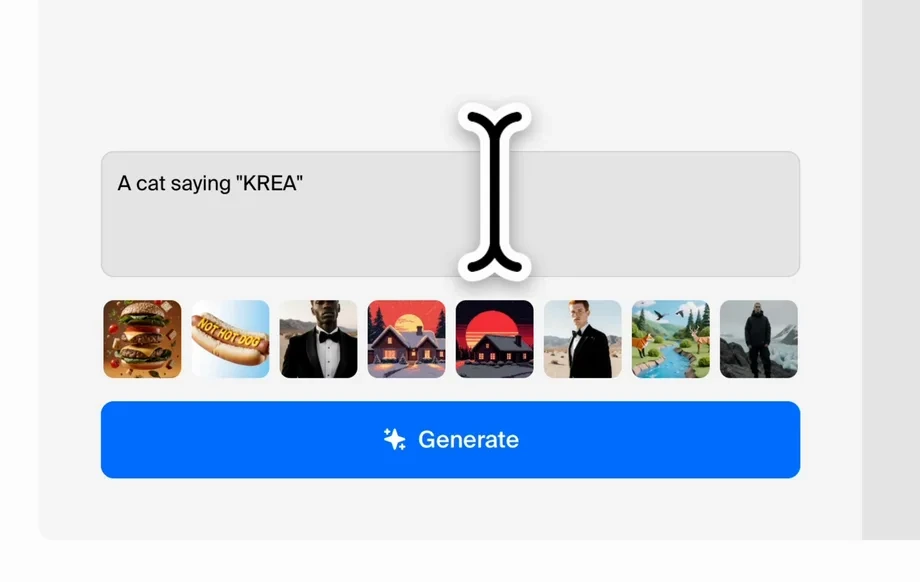
Step 2
Add a prompt for background activity: workers demonstrating real application, workspace type, lighting, and pace. Adjust realism, camera motion, and timelapse intensity.
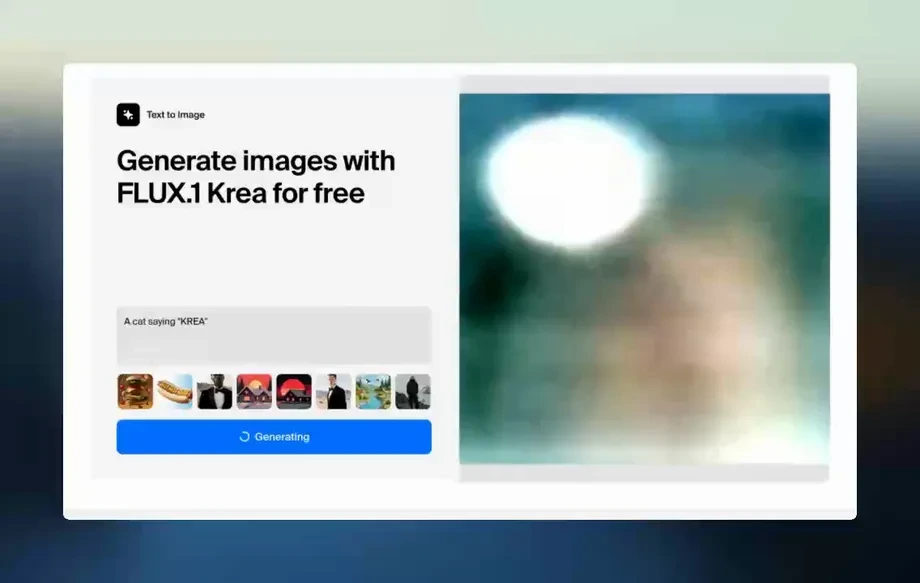
Step 3
Generate multiple variations, pick the strongest scene, then refine details like background actions and timing. Export MP4 in high quality for ads, product pages, or social.
Features
Generate product demo timelapse videos with a stable, foreground-locked package and realistic background action. Control composition, movement, and lighting to match your brand style. Produce multiple variations fast, then iterate until the scene clearly shows real-world use and benefits.
Keep the упаковка fixed in the foreground while the scene evolves behind it. Maintain consistent framing for cleaner product focus and fewer distractions in promotional video outputs.
Generate believable workers and actions that show real product application. Tune environment, lighting, and motion pacing to create authentic timelapse-style demonstrations for ads and listings.
Create multiple takes quickly, compare options, and refine the best result. Export high-quality video in common formats for ecommerce, presentations, and social media distribution.
About
Красная цена С1 -таймлапс generates realistic product timelapse scenes where the packaging stays fixed in the foreground while workers in the background demonstrate real product use. Create consistent, ad-ready visuals from simple inputs, control the look and pacing, and export clean clips for ecommerce, promos, and social campaigns.
Get stable product framing with believable background action, built for fast iteration and consistent outputs. Generate multiple variations, keep the упаковка clearly visible, and produce realistic timelapse scenes that communicate real-world use quickly.
Upload a pack shot, mark the foreground area, and describe the background demonstration. Generate variations, refine the best result, and export a ready-to-publish timelapse video.
Use cases
Discover how different creators use this app in their workflow.
Add a dynamic timelapse clip that keeps the packaging clear while showing real usage in the background, improving understanding and reducing purchase hesitation.
Generate short, ad-ready scenes with stable product framing and realistic worker activity, ideal for campaign creatives across display, video, and social.
Show how a product is applied in a quick timelapse format while the упаковка remains front-and-center, making the message easy to scan and remember.
Krea is one of the world's leading generative AI platforms. See what others say.
Real reviews on TrustpilotSo many AI tools out there but I always come back to Krea. It's really the one AI platform that 'just works'.

FYN
Krea's interfaces are still the best in the industry. Everything looks and feels so clean and easy to use! Imo the easiest to use gen AI website.

Lynn
Ultra fast generations. Extremely simple to use. All the latest AI models.

Daniel
KREA is the only AI subscription I have right now besides ChatGPT.

Sophia M.
Answers to common questions about generating foreground-locked AI timelapse product videos.
Красная цена С1 -таймлапс is an AI timelapse generator for product scenes. It keeps packaging fixed in the foreground while generating realistic background workers demonstrating real product use.
You define the foreground region (packaging) and the model preserves it while generating background motion and actions. This helps maintain consistent framing and clearer product visibility in every variation.
Yes. Use prompts to specify tasks, tools, environment, and pacing. You can generate multiple options and refine until the background demonstration matches the real application you need.
It’s designed for ad-ready scenes: stable product focus, realistic motion, and quick iterations. Export clean clips that work well for ecommerce listings, social ads, and promotional placements.
Start with a pack shot or a clean product frame, then add a short description of the background demonstration. Choose aspect ratio, duration, and motion settings to match your channel.
Yes. Generate several takes with different prompts or motion settings, compare results, and keep the best version. This speeds up creative testing without reshooting footage.
Export standard video files such as MP4 for easy publishing across ecommerce platforms, ad managers, and social networks. Choose quality settings based on your distribution needs.
Specify lighting, camera behavior, workspace details, and natural action verbs. Keeping prompts grounded in real environments and using moderate motion settings typically produces more believable timelapse results.
Yes. Select common aspect ratios like 1:1, 4:5, 9:16, or 16:9. This helps you generate platform-ready timelapse clips without manual reframing.
Lock your packaging in the foreground and show real usage in the background in minutes.

