













Step 1
Upload or Prompt
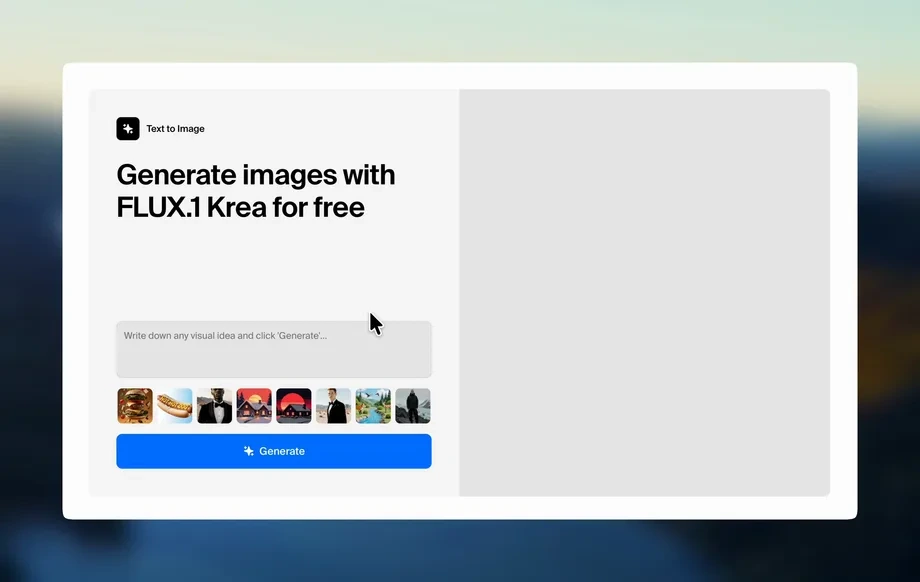
Add site photos as references or write a prompt describing the location and stage. Choose output size and style so each frame stays consistent across the timeline.
Create timelapse-style construction progress images with AI. Add dates, frames, and consistent visuals in minutes. Try СТРОЙБАЗА С1 - Таймлапс (картинка) now.
Run the app to see your first output
How to use СТРОЙБАЗА С1 - Таймлапс (картинка)
Build a clear construction timeline image with AI in three quick steps. Upload reference photos or describe the scene, set frame count and date range, then export a consistent, report-ready timelapse sequence.
Step 1
Add site photos as references or write a prompt describing the location and stage. Choose output size and style so each frame stays consistent across the timeline.
Step 2
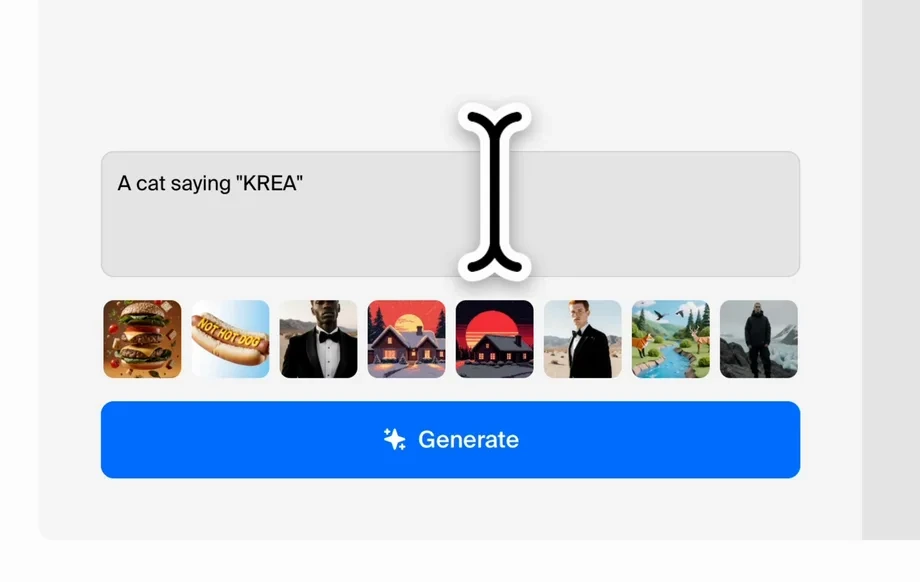
Set frame count, dates, and labels for the progress sequence. Adjust consistency strength, perspective lock, and minor variations to visualize changes without visual drift.
Step 3
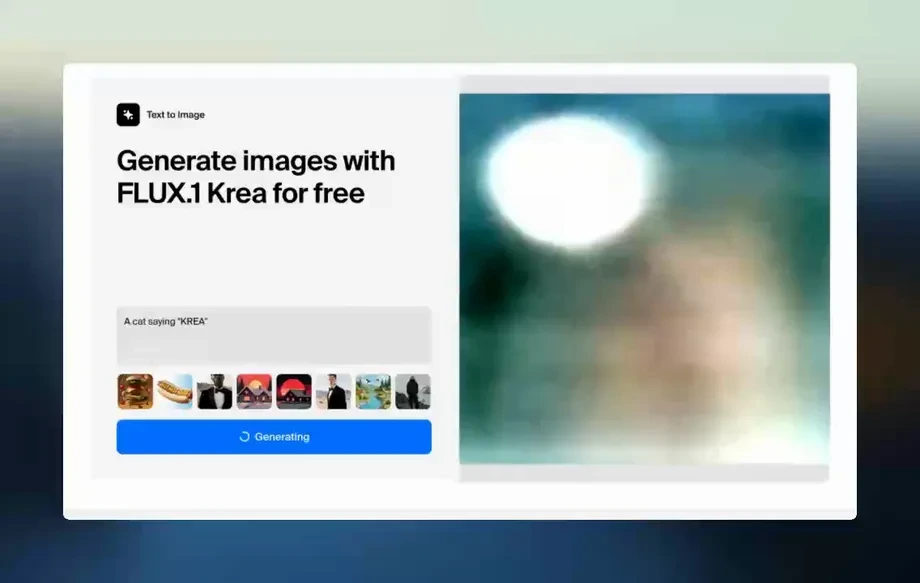
Generate the timelapse image frames, review alignment, and refine if needed. Export as PNG/JPG frames for reports, slides, or documentation with crisp, consistent results.
Features
Create timelapse-style progress visuals that stay consistent from frame to frame. This AI tool helps align perspective, preserve key site details, and add timeline context like dates and labels. Produce standardized images for reports, stakeholders, and project records—without manual editing or rebuilding layouts every update.
Use AI to keep perspective, composition, and key structures stable across frames. Reduce flicker and mismatched angles so progress reads clearly from start to finish.
Set dates, frame count, and labeling in a few clicks. Generate a clean progress sequence quickly, then iterate with updated inputs as the site changes.
Export high-quality frames for presentations, PDF reports, or dashboards. Get clear, standardized progress imagery that’s easy to reuse across projects and updates.
About
СТРОЙБАЗА С1 - Таймлапс (картинка) turns construction updates into timelapse-style images using AI. Generate consistent frames from photos or prompts, add dates and labels, and keep lighting and perspective aligned across the timeline. Export clean visuals for site reports, presentations, and progress documentation—fast, repeatable, and easy to standardize for every project.
СТРОЙБАЗА С1 - Таймлапс (картинка) is built for consistent, timeline-based visuals, not one-off images. It streamlines progress documentation with repeatable settings, perspective stability, and export-ready frames. Produce clear updates faster, reduce manual design work, and keep every report visually standardized.
Upload a few site photos or write a prompt, choose your timeline settings, and generate frames. Refine consistency and labels, then export PNG/JPG images ready for reports, slides, or archives.
Use cases
Discover how different creators use this app in their workflow.
Turn weekly photos into a consistent progress timeline image for stakeholders. Add dates and labels for quick review and easy comparison across updates.
Generate timelapse-style visuals that summarize milestones in slides. Keep framing consistent so before/after changes are obvious and professional.
Create standardized progress frames for long-term records. Maintain clear visual history for compliance, audits, and internal tracking over time.
Krea is one of the world's leading generative AI platforms. See what others say.
Real reviews on TrustpilotSo many AI tools out there but I always come back to Krea. It's really the one AI platform that 'just works'.
FYN
Krea's interfaces are still the best in the industry. Everything looks and feels so clean and easy to use! Imo the easiest to use gen AI website.

Lynn
Ultra fast generations. Extremely simple to use. All the latest AI models.

Daniel
KREA is the only AI subscription I have right now besides ChatGPT.

Sophia M.
Answers to common questions about AI timelapse construction images and exports.
It generates timelapse-style image frames that visualize progress over time. You can use photos or prompts, keep consistent composition, and export frames with dates and labels for reporting.
Yes. Upload reference photos to guide layout and site details, then generate consistent frames. This helps maintain perspective and reduces visual drift between time points.
The tool uses consistency controls to lock composition, preserve key structures, and limit unwanted variations. You can tune strength settings to balance stability with visible progress changes.
Yes. Configure a date range, frame count, and label text to match your timeline. Export frames that are ready to drop into reports, slides, or dashboards.
Export standard image formats like PNG or JPG for each frame. This makes it easy to assemble sequences, include them in PDFs, or share individual milestones as standalone images.
It’s an AI generator optimized for timelapse-style progress imagery. You can start from photos for guidance, but the focus is generating consistent timeline frames and annotations.
Describe the site, camera viewpoint, key structures, and stage changes you want across time. Mention consistent lighting and perspective, plus any labels or date formatting needed.
Yes. Reuse the same settings and replace or add new references to extend the timeline. This keeps output standardized while reflecting the latest on-site changes.
Yes, outputs are designed to be clean and readable. Use high-resolution exports, consistent labeling, and stable framing to create professional visuals for stakeholders and documentation.
Generate consistent progress frames with dates and labels for reports, presentations, and documentation in minutes.