














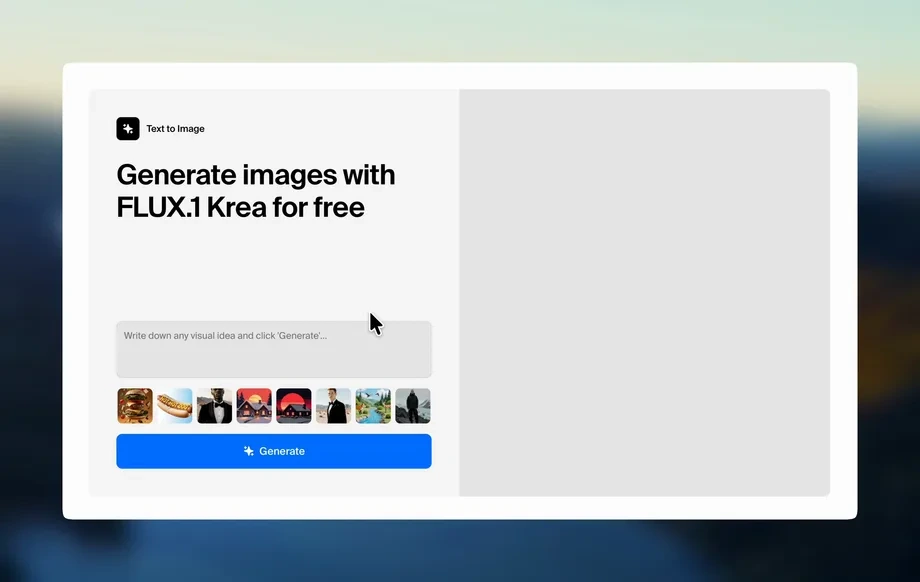
Step 1
Configure
Choose a template, set time range, and define sheet-material stages. Add labels for cutting, fitting, fastening, and finishing to keep the sequence structured.
Create time-lapse videos for sheet material workflows with AI. Set stages, add notes, and export consistent updates fast. Try it online now.
Run the app to see your first output
How to use СТРОЙБАЗА С1 - Таймлапс (Листовой материал)
This quick walkthrough shows how to set up a sheet-material time-lapse, organize stages, and export a polished progress video. No complex editing required—just configure, generate, and share.
Step 1
Choose a template, set time range, and define sheet-material stages. Add labels for cutting, fitting, fastening, and finishing to keep the sequence structured.
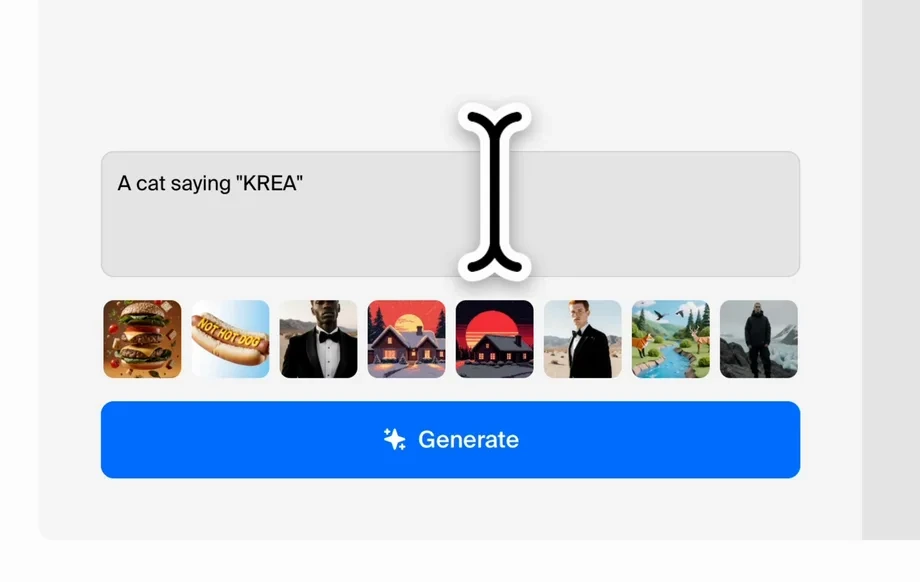
Step 2
Upload frames or select captured shots, then let AI align, smooth, and sequence them. Adjust speed, transitions, and on-screen notes for clarity.
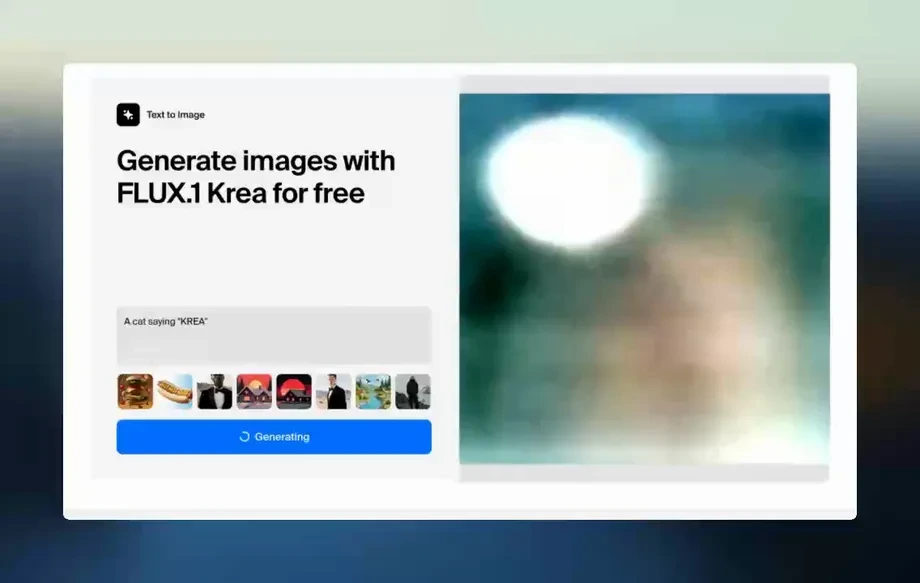
Step 3
Preview the timeline, then export MP4 or share a link. Keep versions for reporting, audits, and weekly updates with consistent formatting.
Features
Turn scattered progress photos into a structured time-lapse with AI. Auto-order frames, stabilize visual changes, and overlay stage labels for clear documentation. Export standardized videos that support reporting, quality control, and stakeholder updates—without manual editing overhead or inconsistent results.
Machine learning helps sort frames, reduce jitter, and smooth visual jumps. Get a coherent time-lapse that highlights real progress on sheet material, not camera noise.
Add step markers like delivery, cutting, installation, and finishing. Keep every update readable with consistent overlays, timestamps, and short notes for quick reviews.
Generate lightweight videos optimized for sharing. Export common formats, keep version history, and produce repeatable weekly or shift-based updates in less time.
About
СТРОЙБАЗА С1 - Таймлапс (Листовой материал) generates clean time-lapse sequences for sheet-material workflows using AI automation. Define stages, attach key frames, and keep progress visuals consistent across days or shifts. Export lightweight videos for reporting, quality checks, and status updates—fast, repeatable, and easy to standardize.
Get repeatable time-lapse outputs tailored to sheet-material workflows. AI sequencing reduces manual cleanup, while stage overlays keep updates readable and standardized. Export quickly for reporting, quality checks, and operational reviews without rebuilding timelines from scratch.
Open the tool, select a template, and upload frames or progress photos. Define stages, generate the sequence, then preview and export a share-ready time-lapse video.
Use cases
Discover how different creators use this app in their workflow.
Convert site photos into a clear time-lapse for weekly status updates. Show sheet-material milestones quickly without manually editing long timelines.
Track installation steps with labeled stages and consistent exports. Use time-lapse evidence to support checks, sign-offs, and issue follow-ups.
Visualize bottlenecks across cutting, staging, and mounting. Compare sequences between shifts or areas to improve scheduling and throughput.
Krea is one of the world's leading generative AI platforms. See what others say.
Real reviews on TrustpilotSo many AI tools out there but I always come back to Krea. It's really the one AI platform that 'just works'.

FYN
Krea's interfaces are still the best in the industry. Everything looks and feels so clean and easy to use! Imo the easiest to use gen AI website.

Lynn
Ultra fast generations. Extremely simple to use. All the latest AI models.

Daniel
KREA is the only AI subscription I have right now besides ChatGPT.

Sophia M.
Answers to common questions about AI time-lapse generation for sheet-material workflows.
It turns progress photos or captured frames into a structured time-lapse video. AI helps sequence frames, smooth transitions, and add stage labels so updates stay consistent and easy to review.
No. The workflow is template-based: select a time range, add frames, and generate. You can fine-tune speed, labels, and notes, then export a ready-to-share video.
A series of consistent-angle photos or periodic captures works best. Clear lighting and stable framing improve machine learning alignment, but the tool can also handle minor shifts and gaps.
Yes. You can label steps such as delivery, measuring, cutting, fitting, fastening, and finishing. Stages create a readable timeline for reporting and quality control reviews.
AI-assisted alignment and sequencing helps reduce jitter and sudden jumps. Using the same capture position and naming conventions improves consistency and makes multi-day progress easier to compare.
Export options typically include shareable video outputs like MP4 and link-based previews. You can generate multiple versions with different speeds or overlays for different reporting needs.
Yes. A labeled time-lapse creates a compact visual record of work stages. Exported videos can support internal documentation, progress validation, and follow-ups when questions arise.
Yes. Save your stage structure, overlay style, and speed settings as a repeatable format. That way each new update stays standardized across teams, shifts, or sites.
Turn progress frames into a labeled AI time-lapse and export consistent updates in minutes.