














Step 1
Add News
Paste a headline, summary, or article text, then upload relevant photos. The app extracts key details and prepares a TBPN trading card structure automatically.
Turn breaking news into TBPN trading cards with AI. Add a headline and photos, choose a style, and export share-ready cards in minutes. Try now.

How to use TBPN Trading Card Generator
Create share-ready TBPN trading cards from news in a simple workflow. Provide the story text and images, review the AI-generated layout, then export a clean card file for publishing.
Step 1
Paste a headline, summary, or article text, then upload relevant photos. The app extracts key details and prepares a TBPN trading card structure automatically.

Step 2
Click generate to create a complete TBPN card. Adjust title, caption, and style options to match the story tone and improve visual clarity.

Step 3
Download your trading card as a high-quality image for sharing or printing. Re-generate variations to compare layouts and pick the strongest final card.
Features
Convert headlines and photos into a TBPN trading card layout with AI-assisted formatting and copy. The tool automatically organizes key story elements, balances typography, and generates ready-to-post visuals. Create multiple variations quickly, keep branding consistent, and export crisp assets for web, social, or internal reporting.
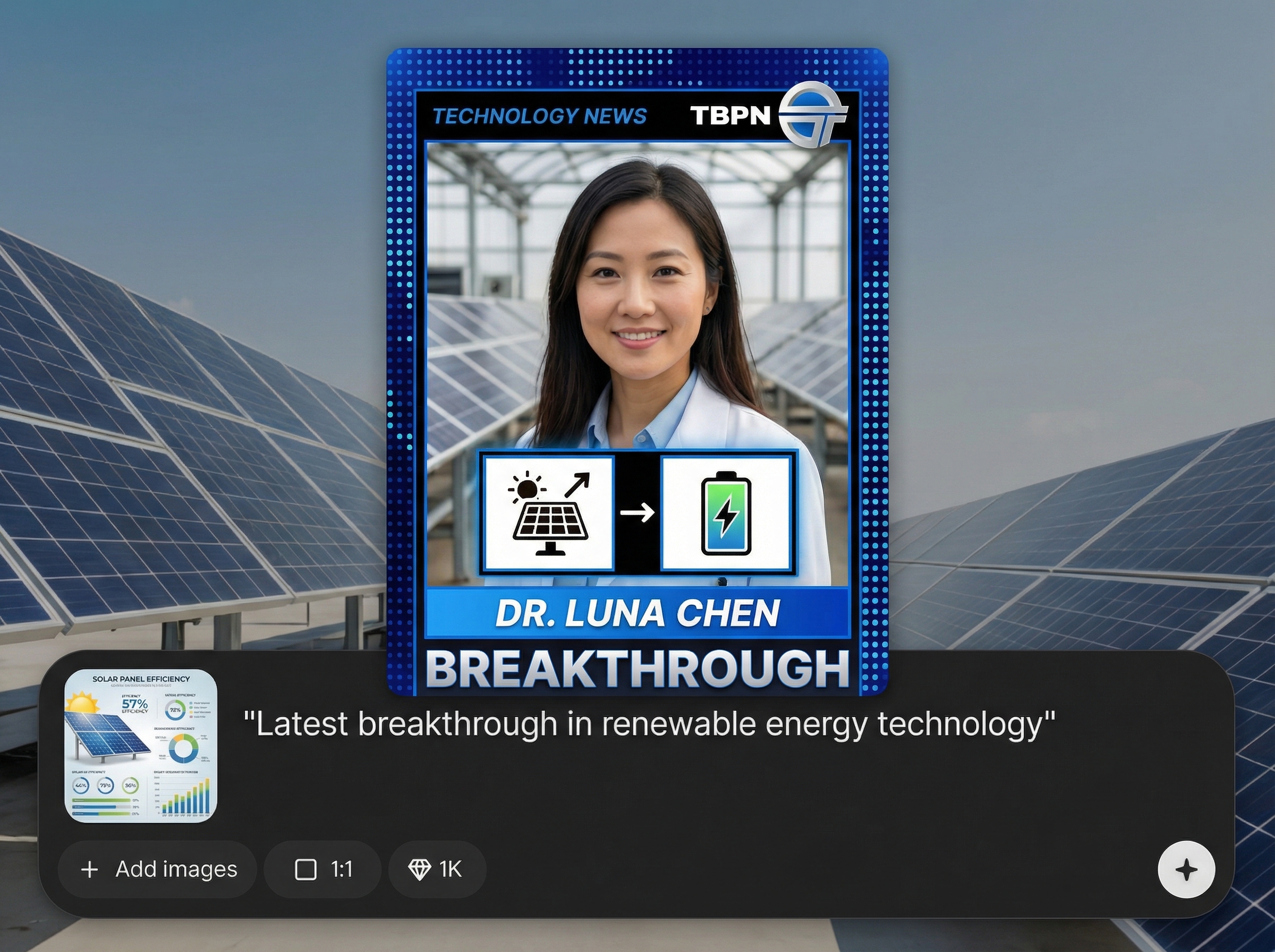
Turn a story into a structured TBPN trading card automatically. AI places headline, subtext, and image treatment into a balanced, readable layout optimized for quick scanning.
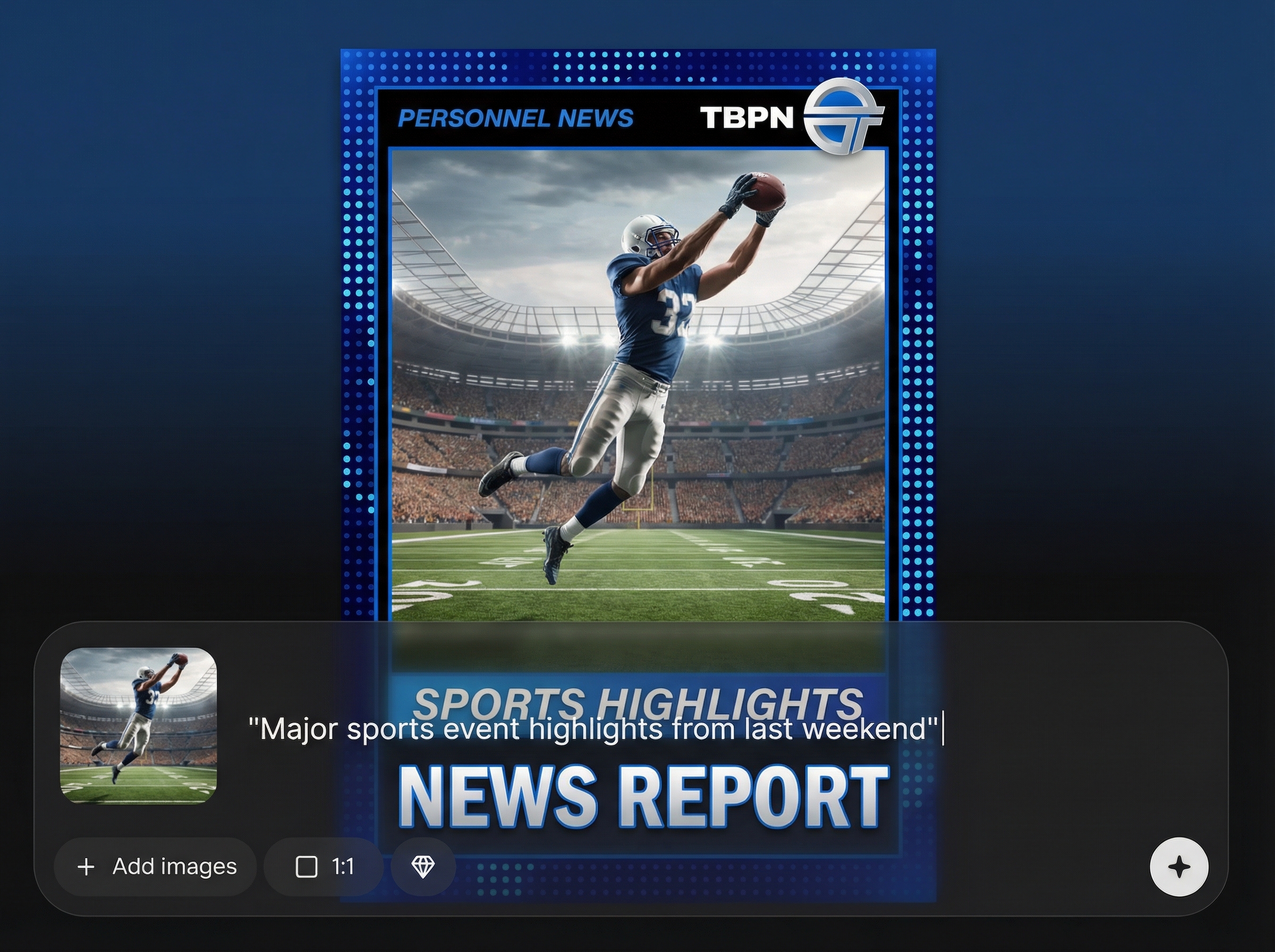
Upload relevant photos and generate designs that fit the imagery. The tool adjusts composition, cropping, and hierarchy to keep subjects clear and the card visually coherent.
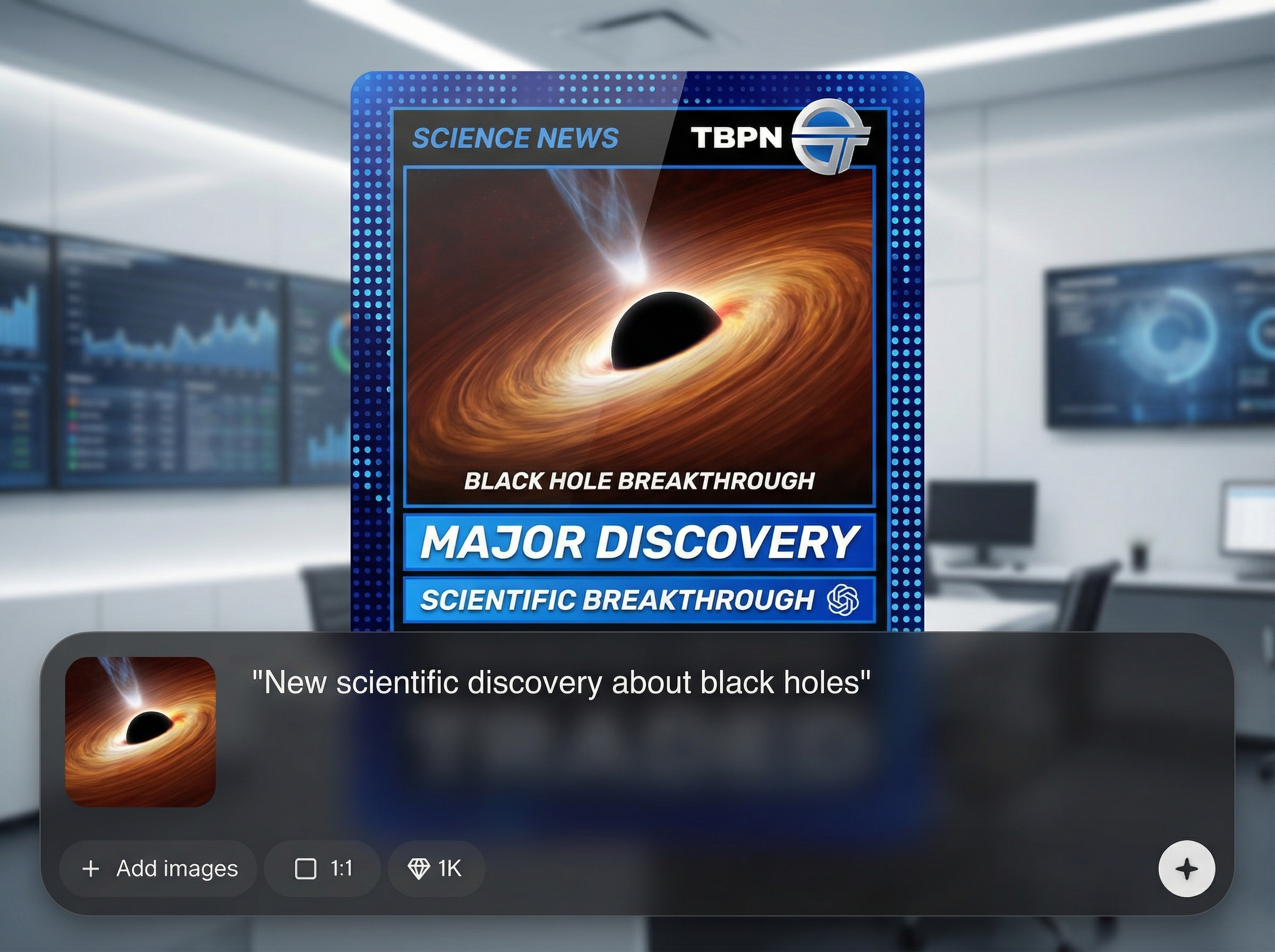
Generate multiple card versions in seconds to test titles, captions, and styling. Export high-resolution images ready for posting, archiving, or printing without extra design steps.
About
TBPN Trading Card Generator turns any news story into a polished TBPN-style trading card using AI. Paste a headline or story link, add relevant photos, and generate a formatted card with stats, captions, and visual styling. Export high-quality images fast for social posts, newsletters, or archives—no design skills required.
Get consistent, professional TBPN trading card visuals without manual design. AI handles layout, hierarchy, and styling so you can focus on the story. Generate fast variations, keep cards on-brand, and export high-resolution assets ready for publishing anywhere.
Enter a headline or news text and upload relevant photos. Click generate, refine the title or caption if needed, then export a high-quality TBPN trading card image.
Use cases
Discover how different creators use this app in their workflow.
Transform daily headlines into shareable TBPN trading cards that look consistent and polished, ideal for fast publishing across feeds and story formats.
Generate clean card graphics for newsletter sections and recaps. Keep information compact, readable, and visually engaging without manual layout work.
Standardize story snapshots into collectible-style cards for internal reporting, research logs, or event timelines with quick re-generation and export.
Krea is one of the world's leading generative AI platforms. See what others say.
Real reviews on TrustpilotSo many AI tools out there but I always come back to Krea. It's really the one AI platform that 'just works'.

FYN
Krea's interfaces are still the best in the industry. Everything looks and feels so clean and easy to use! Imo the easiest to use gen AI website.

Lynn
Ultra fast generations. Extremely simple to use. All the latest AI models.

Daniel
KREA is the only AI subscription I have right now besides ChatGPT.

Sophia M.
Common questions about generating TBPN trading cards from news with AI.
TBPN Trading Card Generator is an AI tool that converts news text and photos into a TBPN-style trading card. It formats key details into a clean, share-ready visual you can export.
Yes. You can paste a headline, short summary, or longer article text. The AI uses the provided content to generate a structured card, then you can edit wording before export.
Use clear, high-resolution photos related to the story, ideally with a strong subject and minimal blur. The tool can adapt cropping and layout, but better source images improve results.
Yes. You can generate multiple variations to explore different compositions, typography, and styling. This makes it easy to compare options and select the best card for publishing.
Export your TBPN trading card as a high-quality image suitable for social sharing, newsletters, and archives. If you need a specific size, generate variations and choose the closest layout.
Paste a story, add photos, and generate a share-ready trading card layout in minutes with AI.

