














Step 1
Upload
Add your content image and choose a style reference image. StyleTransfer analyzes colors, texture, and brush-like patterns to prepare an accurate style match.
StyleTransfer uses AI style transfer to mimic one image’s look on another. Upload, tune strength, and export high-res results fast. Try it now.
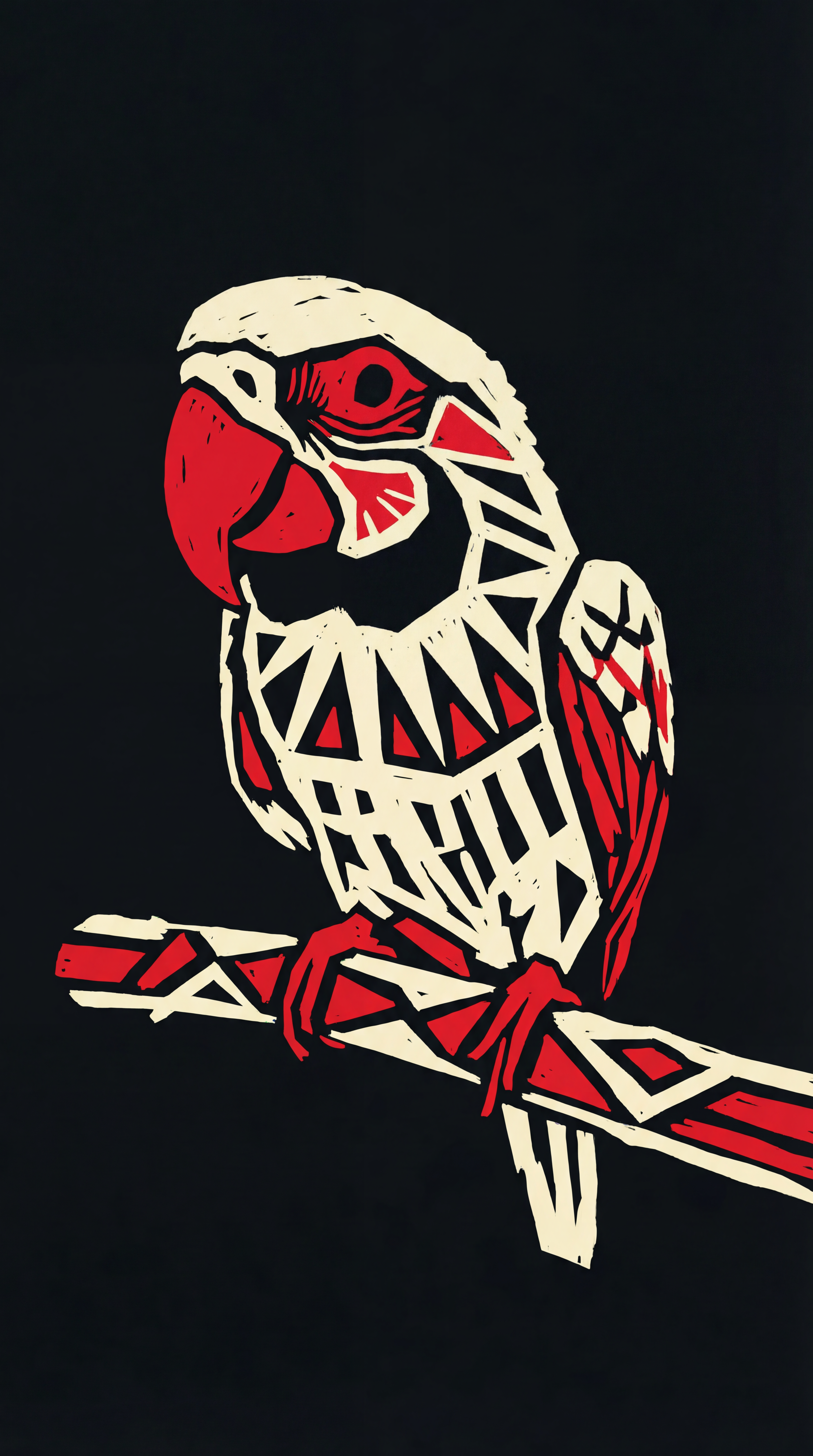
How to use StyleTransfer
Learn how to mimic one image’s style onto another using StyleTransfer. In minutes, you’ll upload your content and reference, adjust transfer strength, and export a polished, high-resolution result.
Step 1
Add your content image and choose a style reference image. StyleTransfer analyzes colors, texture, and brush-like patterns to prepare an accurate style match.

Step 2
Tune style strength, detail, and color preservation to control the look. Preview changes in real time until the transfer feels natural and consistent.

Step 3
Download the final image in high resolution for web or print. Re-run with new references to create a consistent series across multiple images.
Features
StyleTransfer applies neural style transfer to map a reference image’s aesthetic onto your target image while keeping key structure intact. Control intensity and color behavior for subtle grading or bold transformations. Get fast previews and export-ready files that fit creative, marketing, and design workflows online.
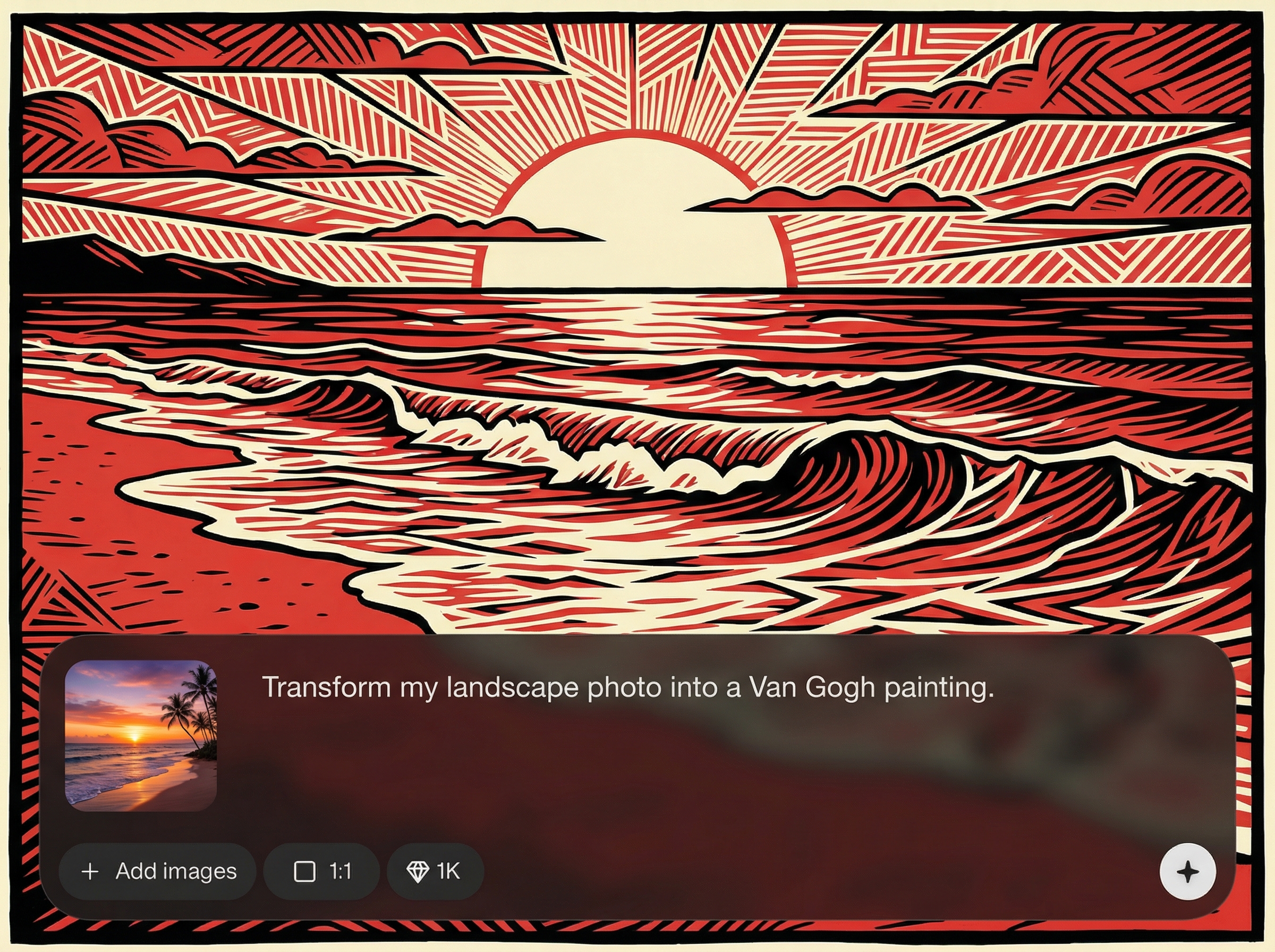
Use any image as a style reference to transfer color palettes, textures, and overall mood. Maintain your subject’s composition while adopting the desired aesthetic consistently.
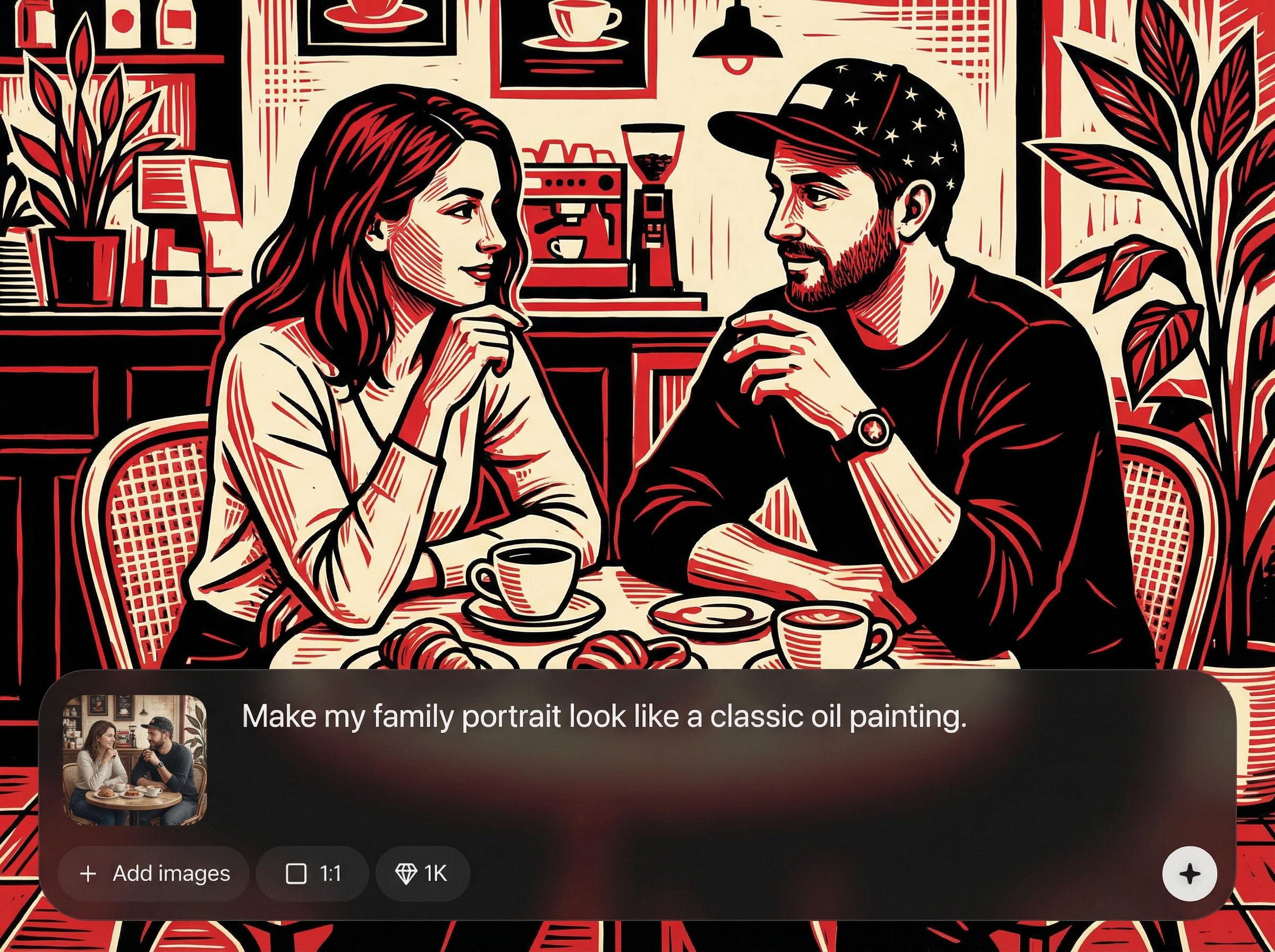
Dial in style intensity and preserve original colors when needed. Fine-tune results for realistic edits, cinematic grading, or dramatic artistic transformations without overprocessing.
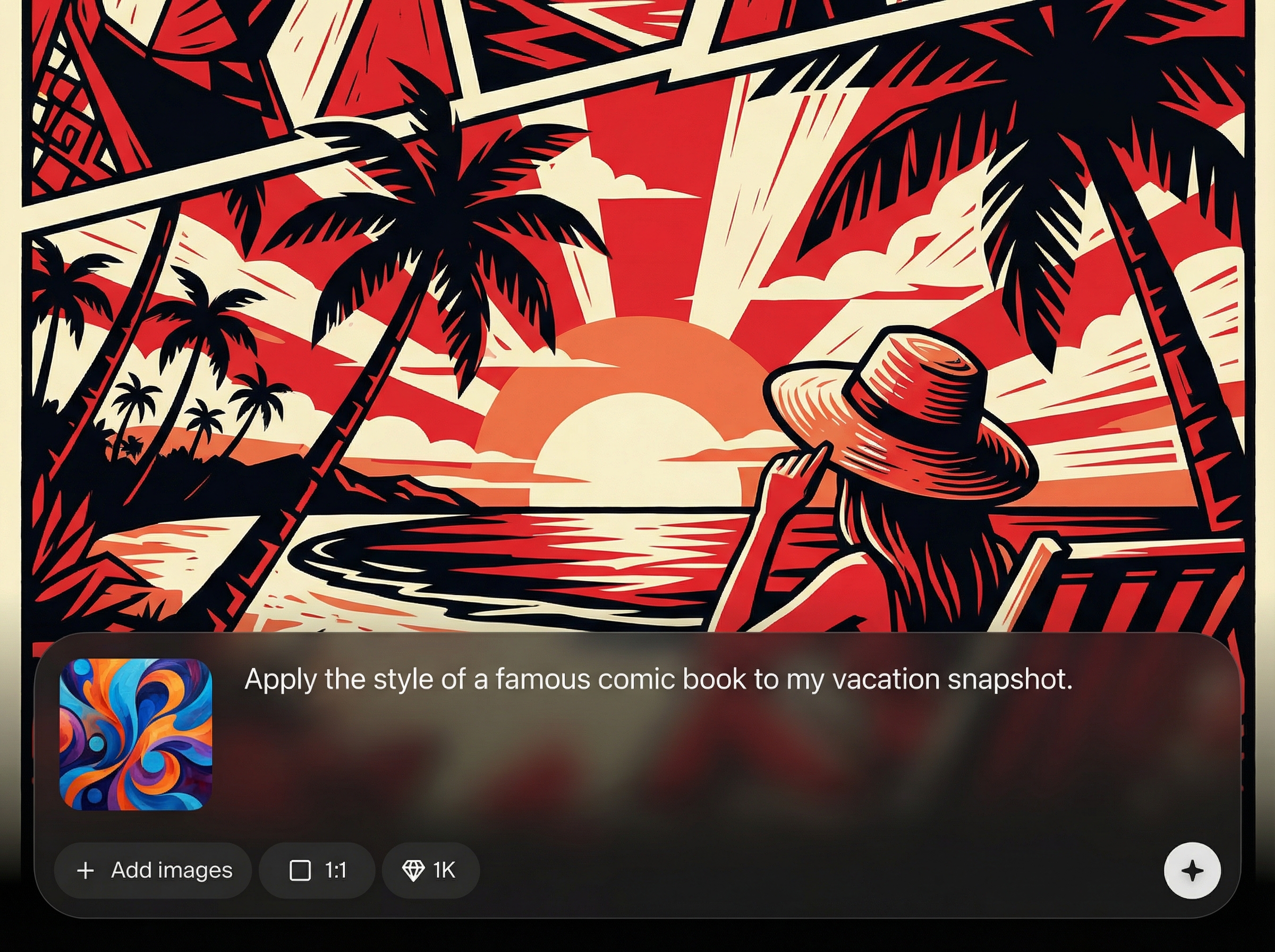
Generate quick previews to iterate faster, then export high-resolution results suitable for social, web, and print. Keep quality sharp with minimal artifacts and better detail retention.
About
StyleTransfer is an AI style transfer tool that mimics the style of one image and applies it to another with clean, controllable results. Upload a content image and a style reference, adjust intensity, and preview instantly. Create cohesive visuals for branding, posters, thumbnails, and social graphics—without manual editing or complex workflows.
StyleTransfer makes AI style matching simple: upload two images, control intensity, and get consistent results fast. It’s optimized for clean structure retention, quick iteration, and export-ready quality. Use it to standardize visual identity, explore aesthetics, and accelerate image editing online.
Open StyleTransfer, upload your content image and style reference, then adjust strength and color settings. Preview instantly and export the final high-resolution image when it matches your desired look.
Use cases
Discover how different creators use this app in their workflow.
Apply a consistent look across product shots and ads by transferring a reference style. Build cohesive campaigns quickly without time-consuming manual retouching.
Turn ordinary photos into eye-catching posts by mimicking trending aesthetics. Match style across a series to keep feeds and thumbnails visually unified.
Explore multiple visual directions by transferring styles from paintings, film stills, or textures. Iterate on mood and palette faster for pitching and planning.
Krea is one of the world's leading generative AI platforms. See what others say.
Real reviews on TrustpilotSo many AI tools out there but I always come back to Krea. It's really the one AI platform that 'just works'.

FYN
Krea's interfaces are still the best in the industry. Everything looks and feels so clean and easy to use! Imo the easiest to use gen AI website.

Lynn
Ultra fast generations. Extremely simple to use. All the latest AI models.

Daniel
KREA is the only AI subscription I have right now besides ChatGPT.

Sophia M.
Answers to common questions about AI style transfer with StyleTransfer.
StyleTransfer uses AI to mimic the style of one image and apply it to another. It transfers color, texture, and overall aesthetic while aiming to keep the target image’s main structure recognizable.
Pick a reference with clear colors, textures, or lighting you want to replicate. Strong visual patterns—like brush strokes, grain, or distinct palettes—typically produce more noticeable, controllable transfers.
Yes. Adjust style strength and color preservation to get subtle grading or a bold transformation. Preview changes as you tweak settings to find the right balance for your content image.
StyleTransfer is designed to keep edges and key details clean while applying the new look. Export in high resolution for best results, especially for print, posters, and large-format graphics.
High-quality JPG or PNG images work well. Use sharp, well-lit inputs for cleaner transfers, and avoid heavily compressed files to reduce artifacts and preserve fine texture detail.
Upload a content image and a style reference, adjust strength, and download a polished result instantly.

