














Step 1
Upload
Import MRI images or DICOM series, then select the study type and sequences. Confirm orientation and basic metadata so the pipeline can interpret the scan context.
Use Aeon MRI Image Pipeline V2 to generate MRI labels, captions, and structured reports with AI. Fine-tuned image language for fast review. Try it now.
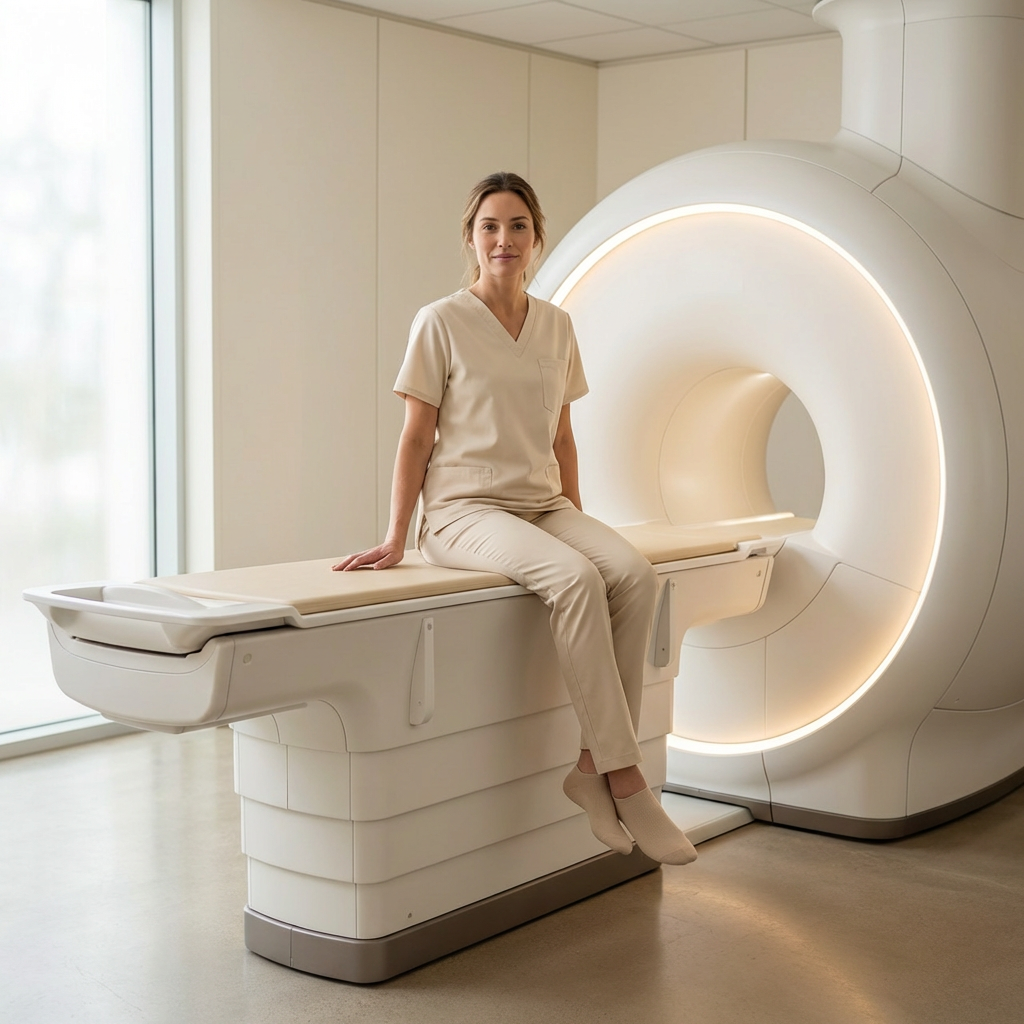
How to use Aeon MRI Image Pipeline V2
This quick workflow shows how to upload MRI images, run the fine-tuned image language pipeline, and export consistent labels and captions. Follow three steps to generate standardized results for review or documentation.
Step 1
Import MRI images or DICOM series, then select the study type and sequences. Confirm orientation and basic metadata so the pipeline can interpret the scan context.

Step 2
Run the AI pipeline to generate labels, captions, and structured fields. Adjust prompt settings to match your terminology, desired granularity, and reporting format.

Step 3
Download outputs as JSON, CSV, or text for reporting workflows. Re-run on additional series to keep labeling consistent across the full study and dataset.
Features
Aeon MRI Image Pipeline V2 applies fine-tuned image language to MRI scans to produce consistent labels, captions, and structured data. Standardize terminology across sequences, reduce manual annotation time, and keep outputs compatible with downstream tools. Tune prompts and fields to match your workflow, from quick review to dataset preparation.
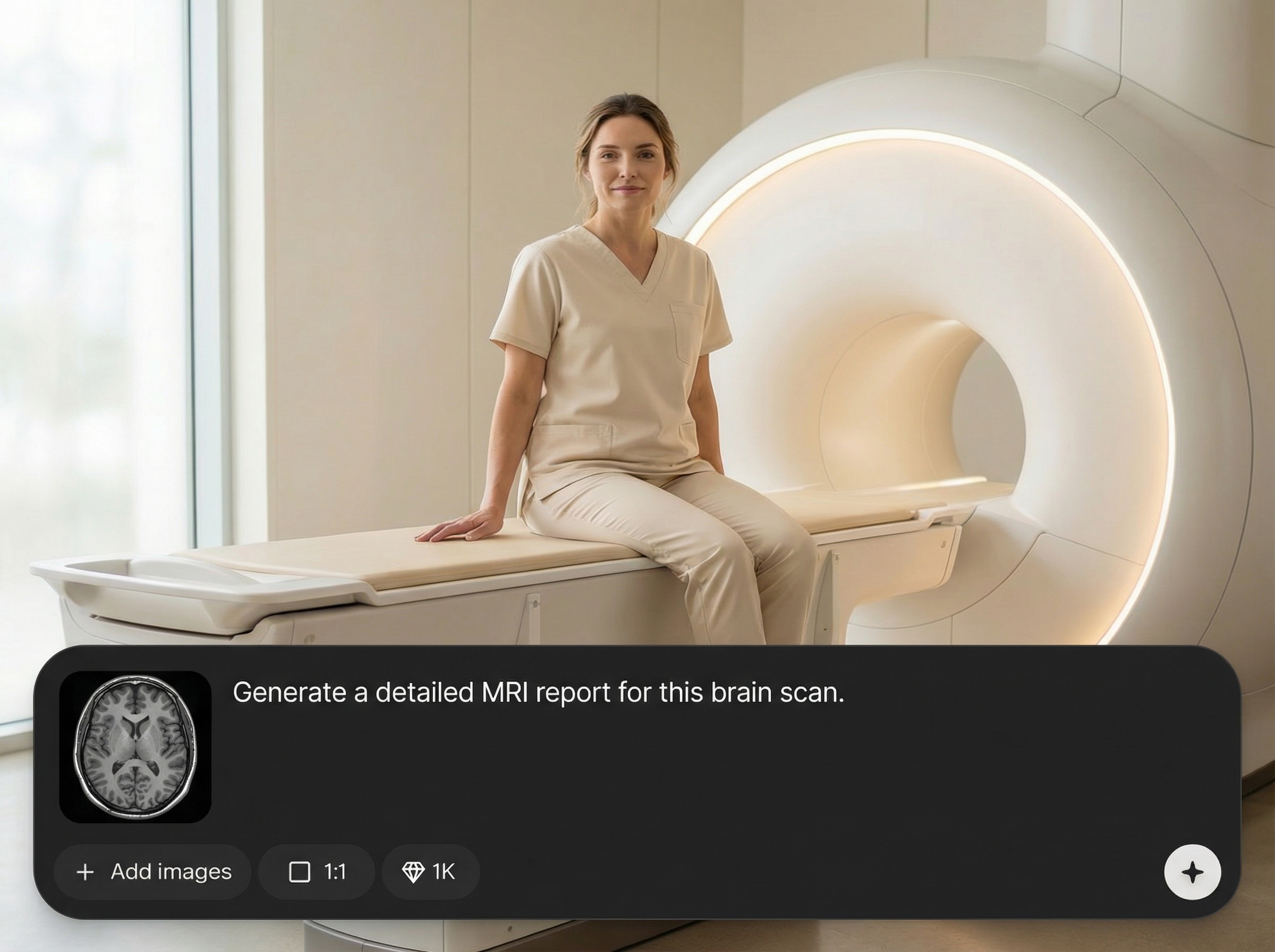
Generate high-signal captions and labels tailored to MRI context. The model focuses on scan-relevant phrasing, helping keep descriptions consistent across modalities, sequences, and repeated runs.
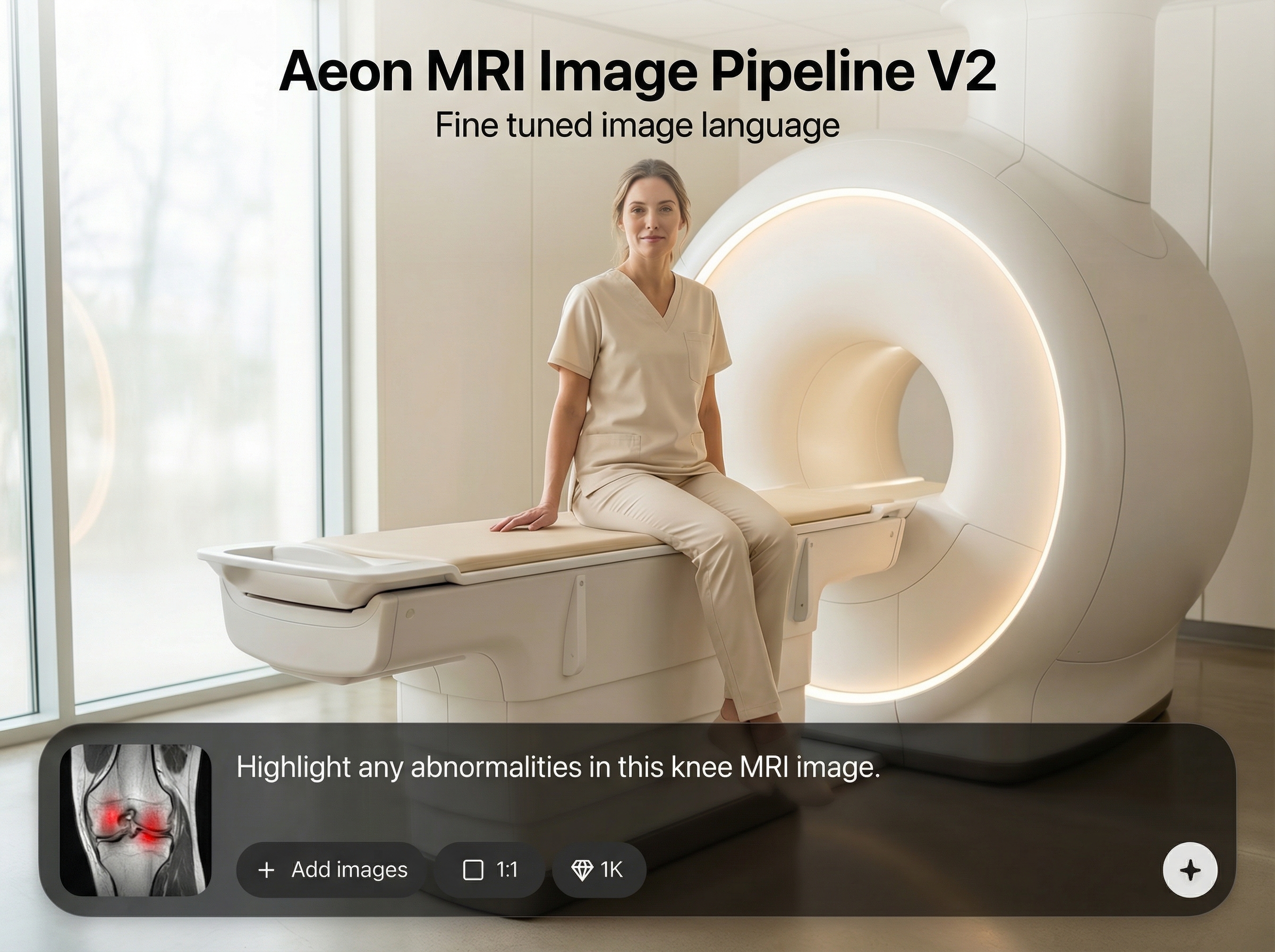
Export results in clean, machine-readable formats like JSON or CSV. Map fields to your schema for easier indexing, search, QA checks, and integration with reporting or analytics pipelines.
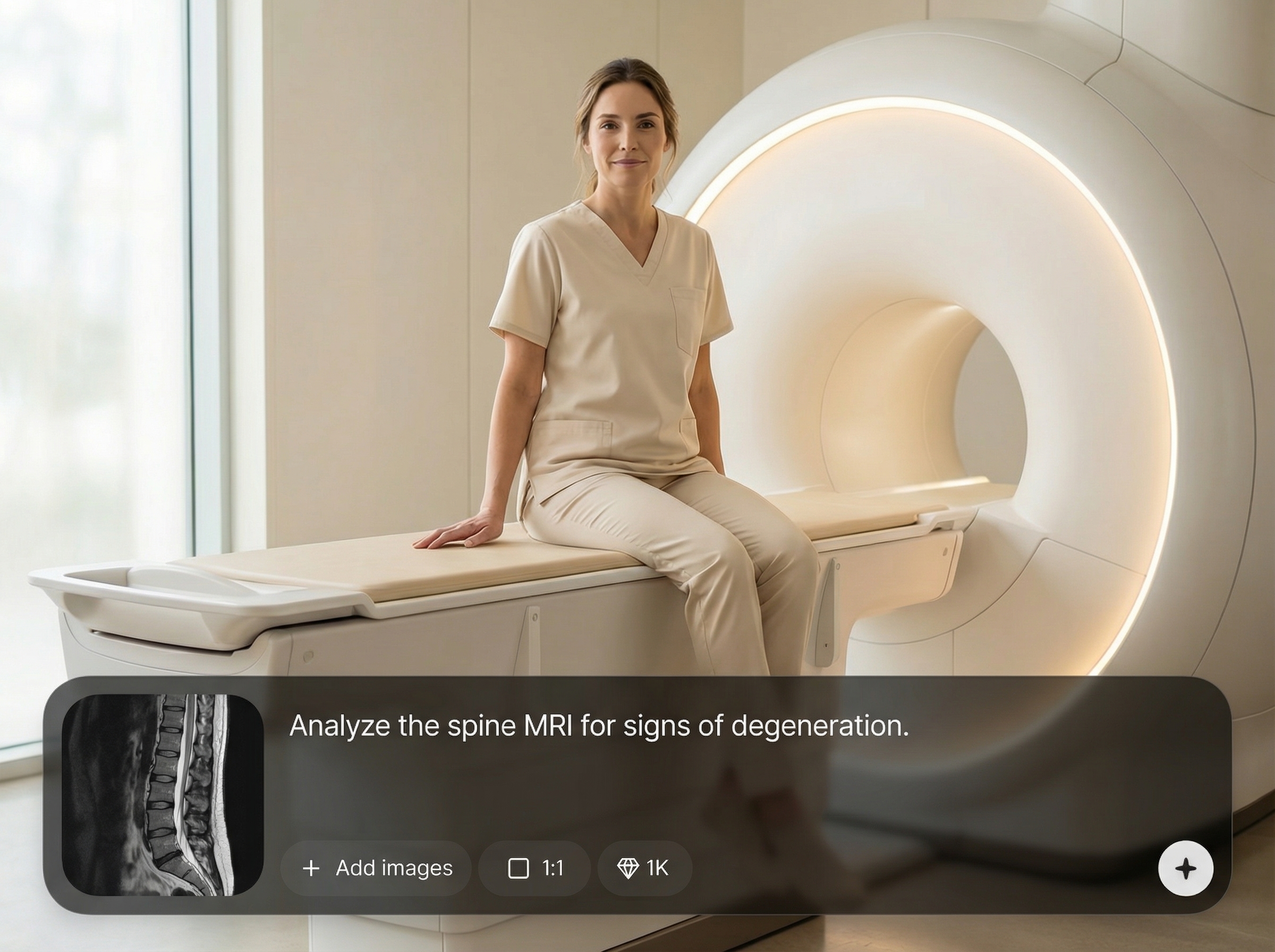
Process multiple series with consistent settings to keep datasets uniform. Save time on reformatting and re-labeling by reusing prompts and output templates across similar studies.
About
Aeon MRI Image Pipeline V2 is an AI MRI image generator for turning scans into clear labels, captions, and structured outputs. Powered by fine-tuned image language, it helps standardize descriptions across sequences and studies. Generate consistent annotations faster, reduce manual formatting, and export results ready for downstream review or documentation.
Aeon MRI Image Pipeline V2 delivers consistent MRI labeling with fine-tuned image language and structured exports. Reuse prompts, standardize terminology, and produce machine-readable outputs that fit existing workflows. Get repeatable results across studies and sequences without manual reformatting overhead.
Open the app, upload MRI images or a DICOM series, then choose your output fields. Run the AI analysis and export captions, labels, and structured data in the format your workflow requires.
Use cases
Discover how different creators use this app in their workflow.
Create standardized captions and labels for training data and evaluation sets. Keep terminology consistent across scans and speed up annotation for machine learning workflows.
Generate structured text outputs that reduce manual formatting. Use consistent fields and phrasing to support review, handoffs, and downstream documentation tasks.
Produce uniform descriptors that make it easier to spot inconsistencies across sequences. Export structured fields for quick filtering, checks, and reporting summaries.
Krea is one of the world's leading generative AI platforms. See what others say.
Real reviews on TrustpilotSo many AI tools out there but I always come back to Krea. It's really the one AI platform that 'just works'.

FYN
Krea's interfaces are still the best in the industry. Everything looks and feels so clean and easy to use! Imo the easiest to use gen AI website.

Lynn
Ultra fast generations. Extremely simple to use. All the latest AI models.

Daniel
KREA is the only AI subscription I have right now besides ChatGPT.

Sophia M.
Common questions about MRI labeling, image language, and exporting structured AI outputs.
It generates MRI-focused labels, captions, and structured fields from uploaded images or series. Outputs can be used for review, dataset preparation, indexing, or integrating into reporting workflows.
Yes. You can export machine-readable outputs such as JSON or CSV, making it easier to map fields to your schema and connect results to analytics, search, or documentation pipelines.
The pipeline uses fine-tuned image language to emphasize MRI-relevant terminology and consistent phrasing. You can adjust prompts and output fields to match your preferred granularity and naming conventions.
Yes. Process multiple series with the same settings to keep outputs consistent across a study. Reuse prompts and templates to reduce manual work and standardize results.
It’s designed to help machine learning teams generate consistent labels and structured annotations. Exported outputs can support dataset creation, QA, and benchmarking with repeatable settings and formats.
Upload a study, run the pipeline, and export consistent labels and captions in minutes.

