











Step 1
Describe
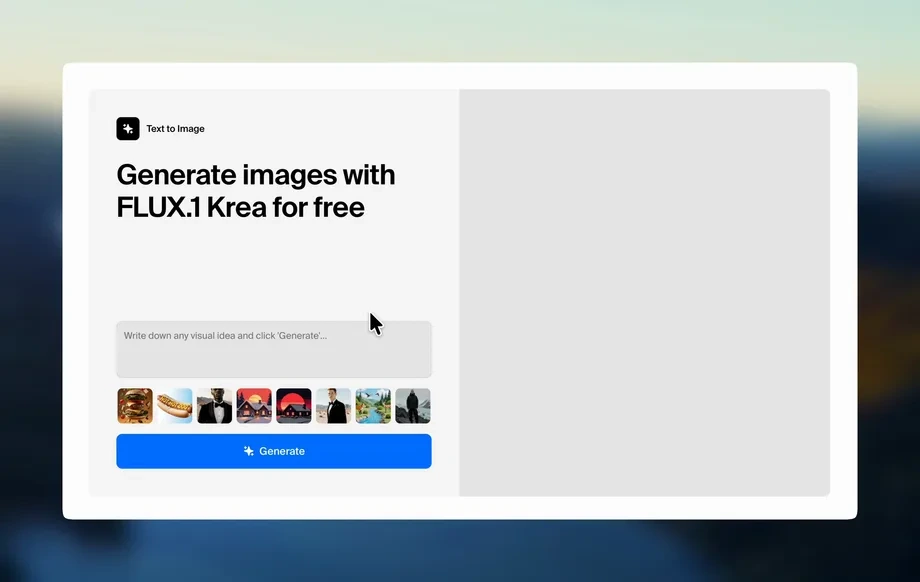
Enter a clear text prompt, pick an illustration style, and set details like color palette, mood, and aspect ratio to match your brand or concept.
Generate custom illustrations in seconds with the Salzburg AG Illustration App. Use AI styles, prompts, and edits to create print-ready artwork—try it now.
Run the app to see your first output
How to use Salzburg AG Illustration App
Learn how to create AI-powered illustrations with Salzburg AG Illustration App using prompts, style settings, and quick edits. Follow these steps to generate, refine, and export artwork for any project.
Step 1
Enter a clear text prompt, pick an illustration style, and set details like color palette, mood, and aspect ratio to match your brand or concept.
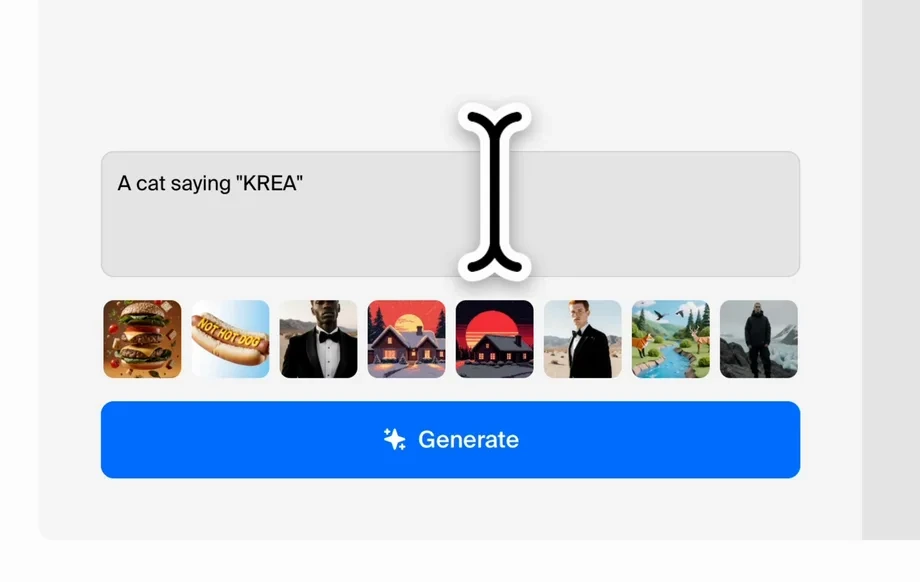
Step 2
Run the AI generator to produce multiple variations. Compare results, adjust the prompt or settings, and regenerate until the composition and style feel right.
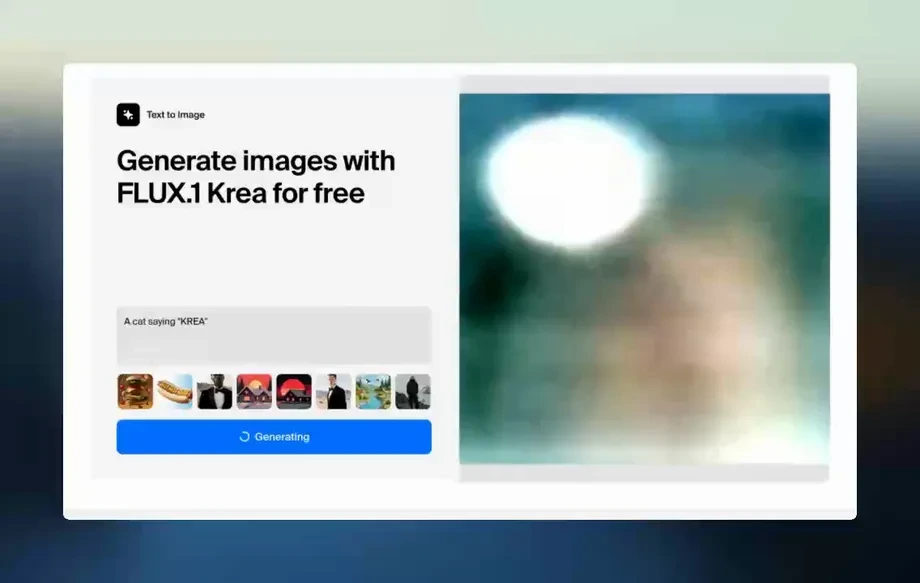
Step 3
Use edit tools to polish key elements, remove distractions, and improve consistency. Download high-resolution outputs for web, social, presentations, or print production.
Features
Create high-quality illustrations with an AI workflow built for speed and control. Salzburg AG Illustration App helps you generate on-style artwork, explore variations, and refine results with simple edits. Produce assets for campaigns, product pages, and decks while keeping your look consistent across formats and resolutions.
Turn text into clean, usable illustrations with AI. Generate multiple options per prompt, then iterate quickly to reach the composition, subject, and visual tone you need.
Explore styles and layouts without starting over. Regenerate alternatives, tweak prompts, and keep momentum when you need many concepts for A/B tests or campaigns.
Download sharp, high-quality images suited for web and print. Produce assets in common aspect ratios so illustrations stay clear in social posts, banners, and presentations.
About
Salzburg AG Illustration App is an AI illustration generator that turns prompts into polished artwork for branding, marketing, and storytelling. Choose styles, refine composition, and iterate fast with intelligent controls built for clean, consistent results. Export high-quality images for web, presentations, or print, and keep your visual identity cohesive across every asset.
Salzburg AG Illustration App combines AI speed with practical control for real design work. Generate multiple options, refine quickly, and export high-resolution assets that stay consistent across formats. It’s built to reduce iteration time while keeping your visuals polished and on-style.
Type a prompt, choose a style and aspect ratio, then generate variations. Make small edits to refine details and download high-quality outputs for web, presentations, or print.
Use cases
Discover how different creators use this app in their workflow.
Generate on-brand illustrations for ads, landing pages, email headers, and social posts. Create consistent variations quickly without rebuilding designs from scratch.
Create feature callouts, onboarding illustrations, and icon-like scenes that explain complex ideas. Keep a cohesive visual language across screens and documentation.
Build professional slide visuals with AI-generated artwork that matches your narrative. Export high-resolution images that look crisp on large displays and printouts.
Krea is one of the world's leading generative AI platforms. See what others say.
Real reviews on TrustpilotSo many AI tools out there but I always come back to Krea. It's really the one AI platform that 'just works'.

FYN
Krea's interfaces are still the best in the industry. Everything looks and feels so clean and easy to use! Imo the easiest to use gen AI website.

Lynn
Ultra fast generations. Extremely simple to use. All the latest AI models.

Daniel
KREA is the only AI subscription I have right now besides ChatGPT.

Sophia M.
Answers to common questions about generating and refining AI illustrations with this tool.
Salzburg AG Illustration App is an AI illustration generator that creates artwork from text prompts. It helps you produce consistent visuals, explore variations, and export high-quality images for web, marketing, and print.
Use specific subjects, setting, and style cues such as “flat vector,” “ink line,” or “soft gradient.” Add composition notes, color palette, and aspect ratio to guide the AI toward consistent results.
Yes. Generate several outputs per prompt, then adjust style, mood, or details and regenerate. This workflow makes it easy to compare options and converge on the best illustration.
It’s designed for practical production. Create illustrations for landing pages, social graphics, banners, and presentations, then export in high resolution so assets stay sharp across placements.
Exports are optimized for clean, high-resolution use in web and print workflows. Choose the right aspect ratio and download outputs that remain crisp for decks, posters, and digital campaigns.
Yes. By reusing prompt structure, style settings, and color guidance, you can generate illustrations that maintain a cohesive look. Iteration and variations help align outputs to brand needs.
No. The interface is built for straightforward prompting and simple settings. You can start generating immediately, then refine results with small prompt edits and quick adjustments.
Most generations complete in seconds, depending on settings and demand. You can quickly run multiple variations to explore ideas and finalize an illustration faster than manual drafts.
Yes. Use prompts to explore characters, scenes, and compositions rapidly. Generate variations for story beats, then refine details to create clearer frames for pitches and planning.
Generate consistent, high-quality artwork from prompts, iterate fast, and export ready-to-use visuals in minutes.

