














Step 1
Upload
Import a previs frame, blockout render, or animatic still. Keep the camera angle and composition you want, and optionally add reference images to steer the final look.
Turn previs into polished final frames with AI. Enhance lighting, materials, and detail from simple scenes or animatics. Generate shots online now.
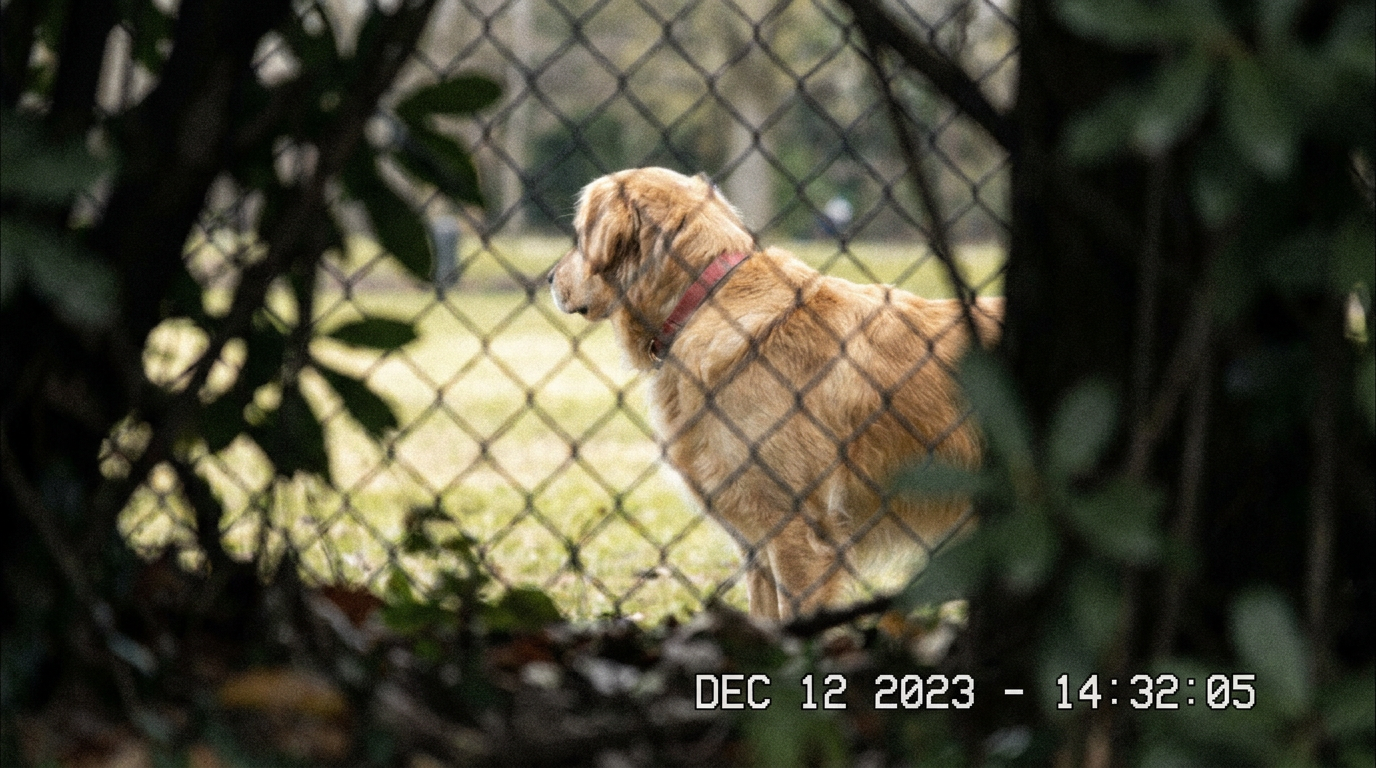
How to use Previs to final
Convert simple previs into high-impact final-looking images with a guided AI workflow. Start from a still, playblast frame, or animatic, then control style, realism, and shot consistency with targeted settings.
Step 1
Import a previs frame, blockout render, or animatic still. Keep the camera angle and composition you want, and optionally add reference images to steer the final look.

Step 2
Add a short prompt for lighting, materials, and mood. Tune realism, detail level, and denoise, then lock key elements so the AI upgrades the shot without drifting.

Step 3
Run the AI generator to create polished frames. Compare variations, pick the best result, then export high-resolution images for reviews, decks, and production notes.
Features
Previs to final turns rough previs into clean, cinematic frames with AI-assisted detail and realism. Preserve composition while improving lighting, materials, textures, and depth for clearer shot intent. Generate multiple variations quickly, keep a consistent look across a sequence, and export ready-to-share images for pitching and production planning.
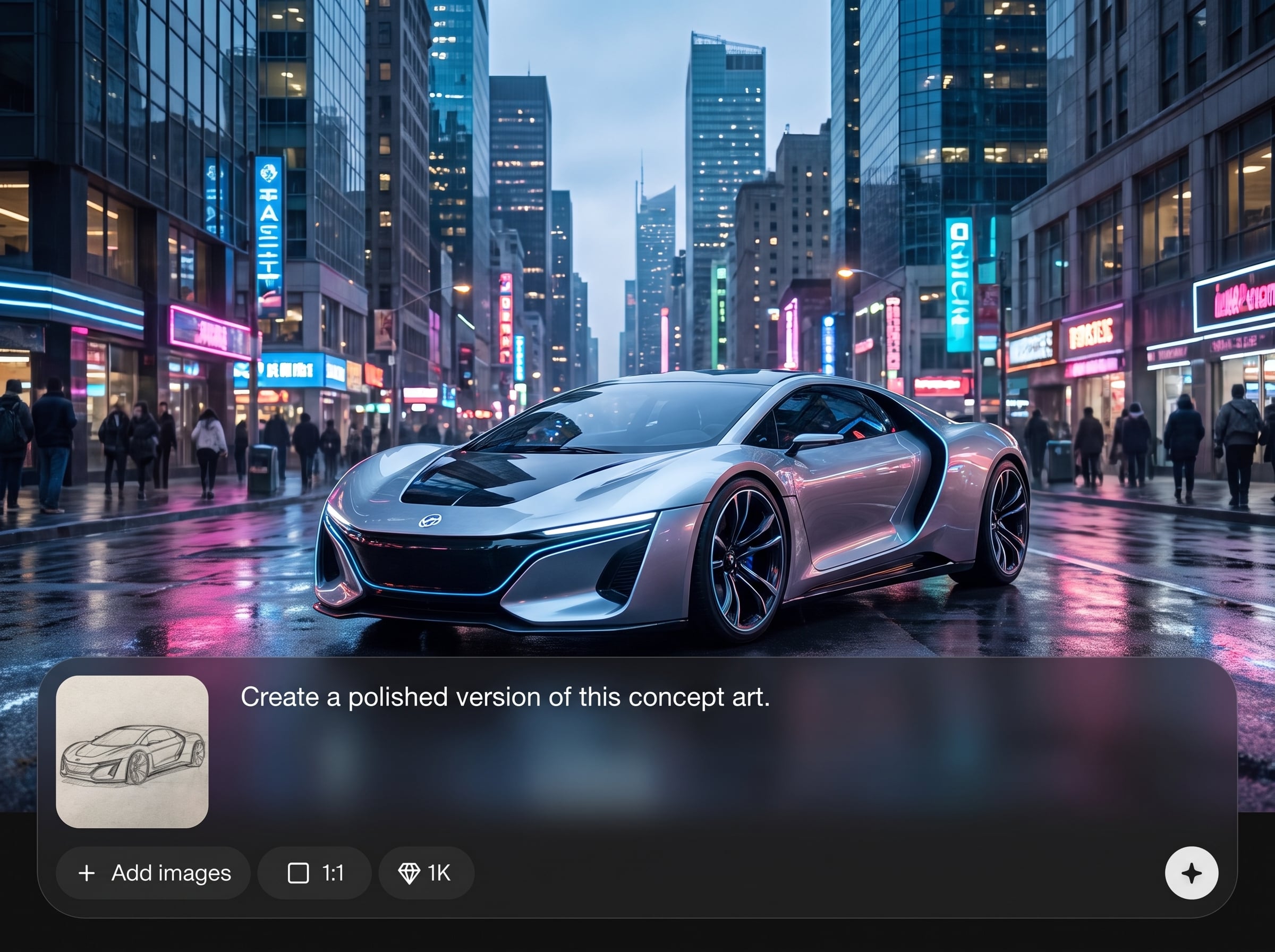
Upgrade previs while keeping the same camera, framing, and staging. The AI focuses on realism, surface detail, and lighting improvements so your shot intent stays intact.
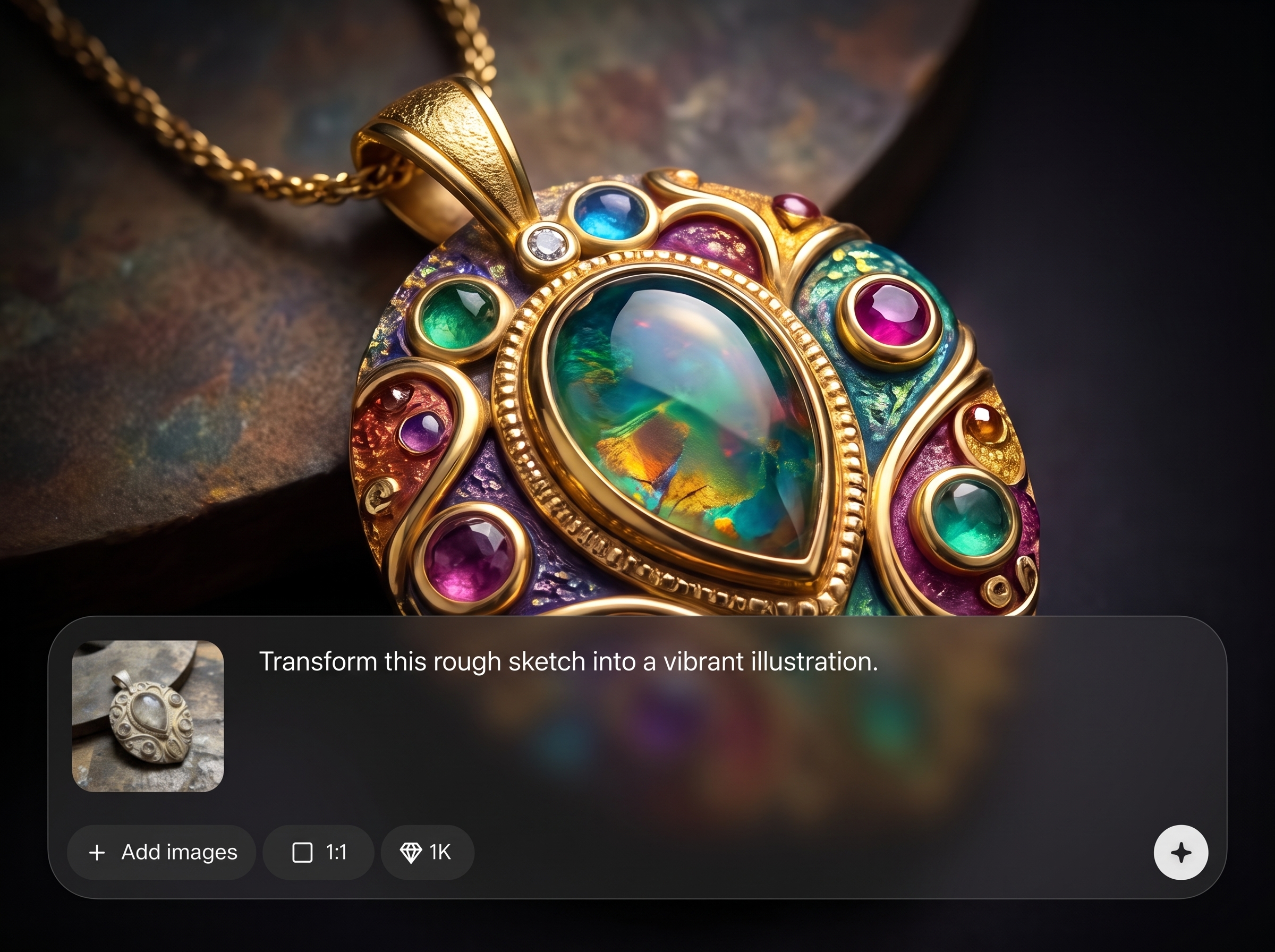
Generate multiple looks in minutes to explore lighting setups, materials, and atmosphere. Compare options side-by-side and iterate quickly without rebuilding scenes from scratch.
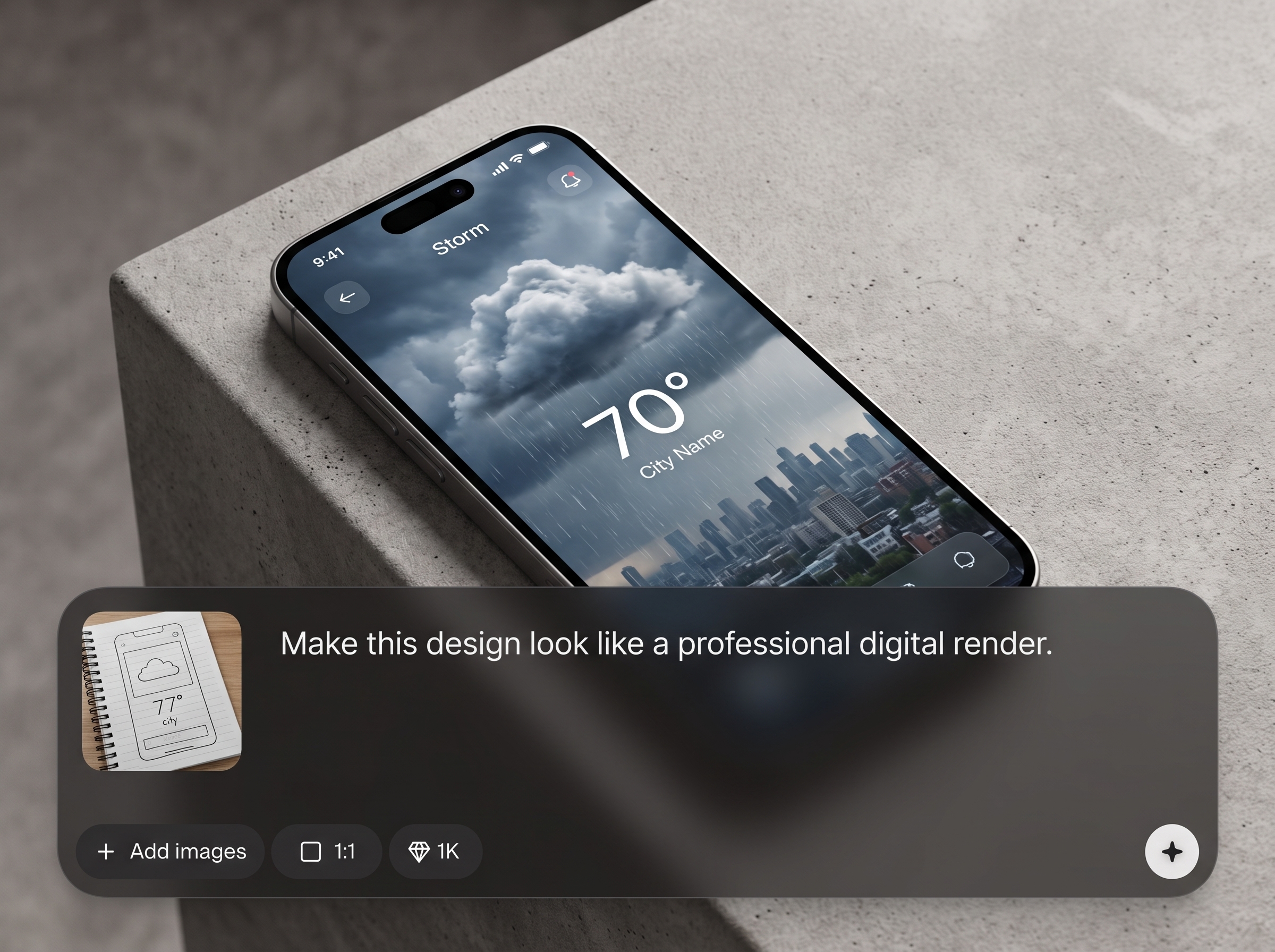
Guide results with prompts and references for a consistent cinematic style. Reuse settings across shots to keep continuity in tone, color, and detail from frame to frame.
About
Previs to final helps you transform rough previs, blockouts, or animatics into polished, film-ready frames using AI. Refine lighting, materials, depth, and cinematic detail while preserving the original composition and camera intent. Upload a frame, guide the look with prompts and references, then generate consistent upgrades for review, pitching, and production visualization.
Previs to final is built for fast, controllable shot upgrades that preserve your original composition. Get clearer intent with better lighting, materials, and realism, without rebuilding scenes. Generate multiple variations quickly, keep continuity across frames, and export clean images for review and planning.
Drop in a previs or animatic frame, add a short prompt and optional references, then generate variations. Pick the best look, refine settings for consistency, and export high-resolution frames.
Use cases
Discover how different creators use this app in their workflow.
Turn rough previs into polished frames that communicate lighting, mood, and scale. Improve clarity for stakeholder reviews and speed up shot approval decisions.
Create final-looking frames from blockouts to validate composition and art direction. Align teams on set design, VFX needs, and scene continuity earlier.
Upgrade animatic frames into high-quality stills with refined materials and atmospherics. Keep timing intent while producing images suitable for presentations and boards.
Krea is one of the world's leading generative AI platforms. See what others say.
Real reviews on TrustpilotSo many AI tools out there but I always come back to Krea. It's really the one AI platform that 'just works'.

FYN
Krea's interfaces are still the best in the industry. Everything looks and feels so clean and easy to use! Imo the easiest to use gen AI website.

Lynn
Ultra fast generations. Extremely simple to use. All the latest AI models.

Daniel
KREA is the only AI subscription I have right now besides ChatGPT.

Sophia M.
Answers to common questions about turning previs into final-looking frames with AI.
It converts rough previs, blockouts, or animatic frames into polished, final-looking images using AI. You keep the original composition while enhancing lighting, materials, texture detail, and overall realism.
Use a still image from previs, a playblast frame, or any blockout render. For best results, start with a clear frame and add references to guide style, lighting, and materials.
Upload the exact previs frame you want and avoid changing aspect or crop. Use locks and subtle prompts so the AI enhances detail and lighting without shifting perspective or composition.
Yes. Adjust prompts, detail strength, and denoise to move between stylized looks and photoreal results. Reference images help anchor art direction, palette, and material choices.
You can reuse prompts, settings, and references across frames to maintain continuity. Generate variations per shot and select a consistent look, then apply the same configuration to adjacent frames.
Most frames generate in minutes, depending on resolution and settings. Create multiple variations in one run to speed up exploration and reduce iteration time during reviews.
Yes. Target lighting direction, contrast, and atmosphere in your prompt, and specify materials like metal, skin, fabric, or concrete. The AI emphasizes surface response and scene readability.
Export high-resolution images suitable for decks, boards, and production notes. Download your chosen variations and use them to communicate final intent while your pipeline progresses.
Upload a frame, guide the look, and generate cinematic results online in minutes.

