














Step 1
Configure
Enter a clear scene prompt and select a style preset. Set aspect ratio, camera perspective, lighting mood, and any must-have objects to guide composition accurately.
Generate high-quality scene context images with backbone 情境圖生成模型. Control style, lighting, and composition fast with AI. Try it online now.
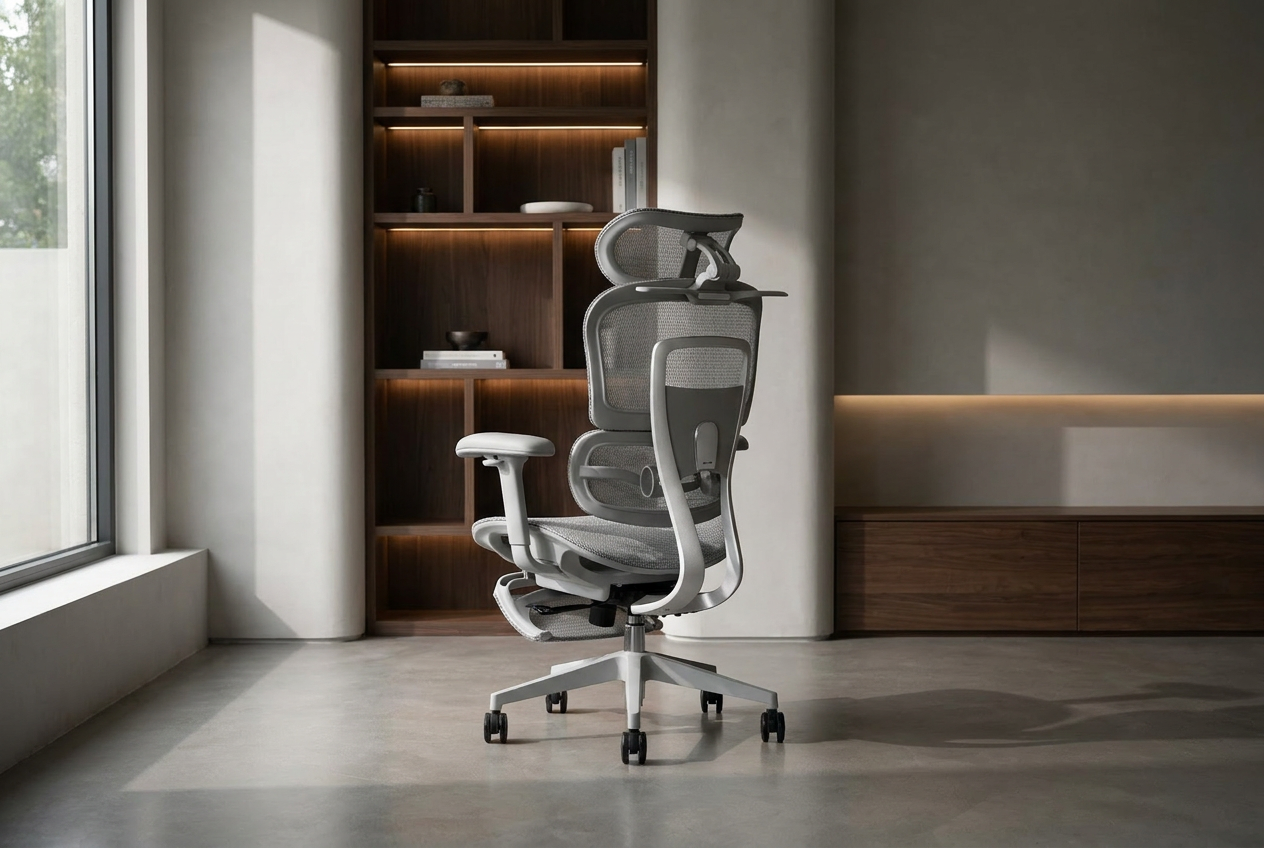
How to use backbone 情境圖生成模型
Use backbone 情境圖生成模型 to turn a prompt into polished scene visuals. Choose a style, set key details like lighting and camera angle, then generate variations and export your best result.
Step 1
Enter a clear scene prompt and select a style preset. Set aspect ratio, camera perspective, lighting mood, and any must-have objects to guide composition accurately.

Step 2
Run the AI generator to produce multiple scene options. Refine the prompt or settings, then iterate to improve details, coherence, and atmosphere with each pass.

Step 3
Choose your favorite output and download in high resolution. Use the image for storyboards, mood boards, product mockups, or background plates across projects.
Features
backbone 情境圖生成模型 is an AI scene image generator designed for context-rich visuals. Create backgrounds and environment shots with controllable style, lighting, and composition. Generate multiple variations quickly, keep results coherent, and export high-resolution images for concept art, mockups, or presentation-ready scene boards.
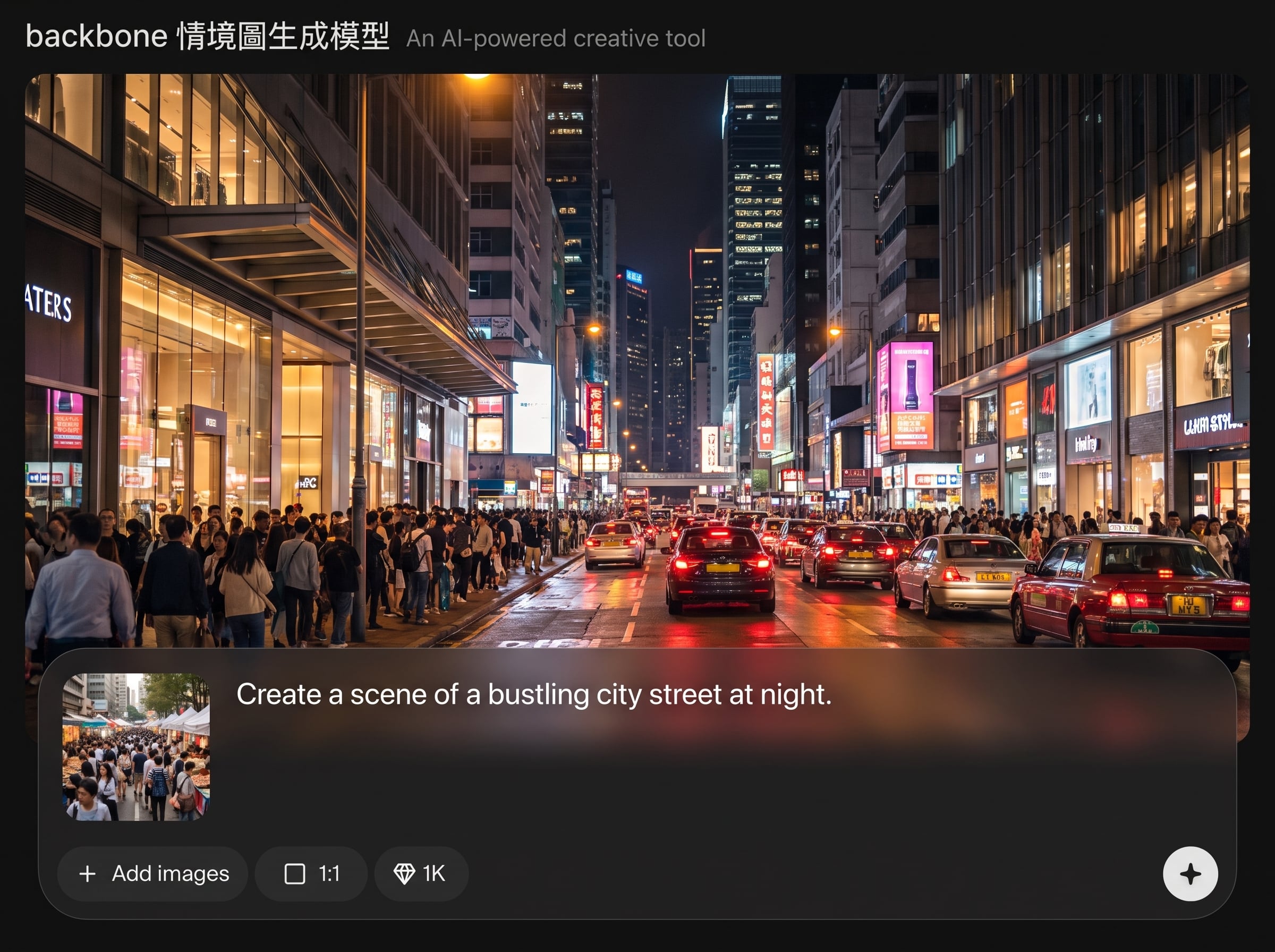
Convert text prompts into detailed environments with strong spatial logic. The model emphasizes context, foreground-to-background relationships, and readable composition for scene-focused image generation.
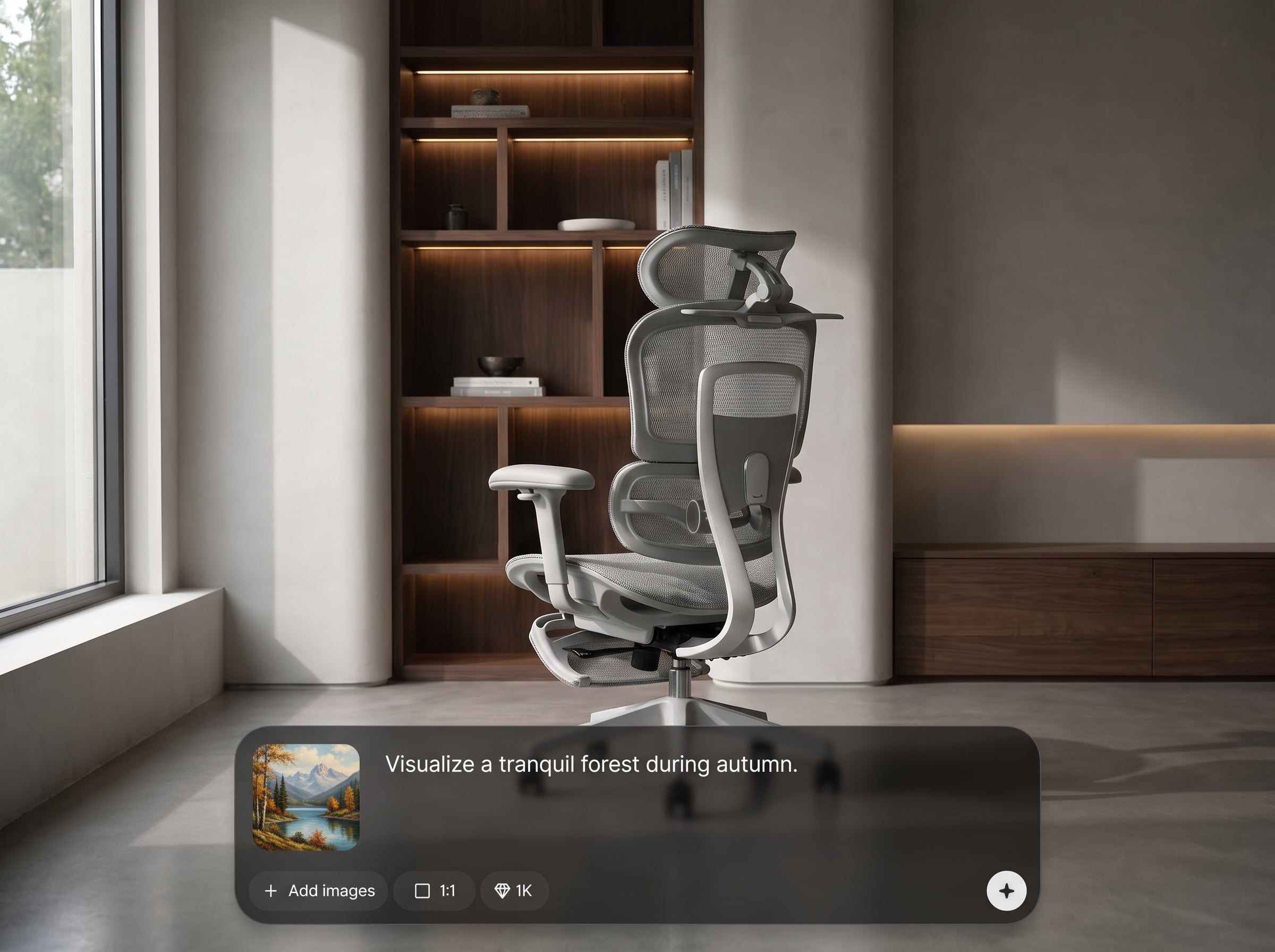
Adjust visual style, lighting, and atmosphere to match your brief. Create cinematic, minimal, or illustrative looks while maintaining consistent scene structure across variations.
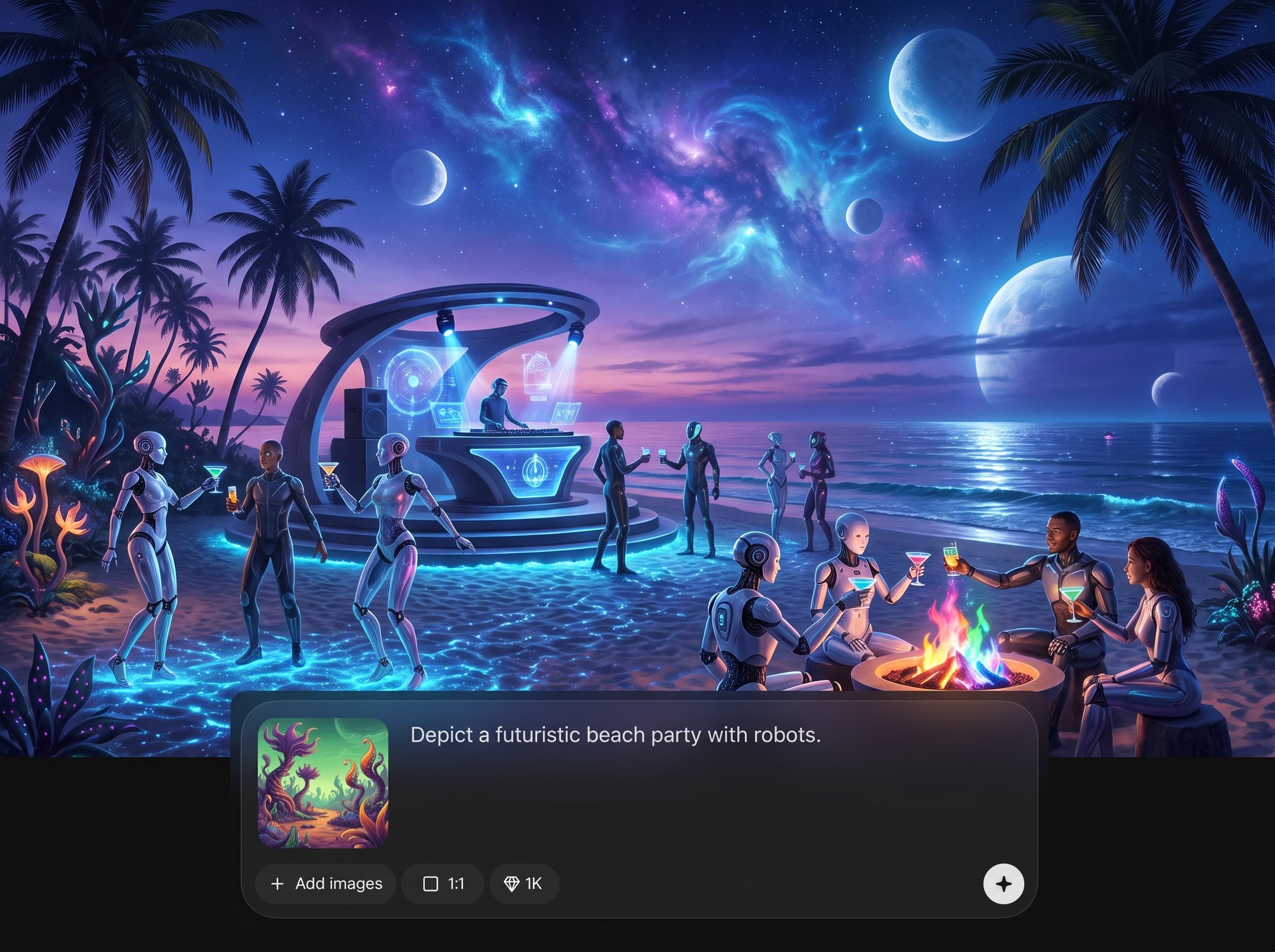
Generate multiple options fast and refine with small prompt changes. Compare variations side by side to converge on the right layout, palette, and environmental details efficiently.
About
backbone 情境圖生成模型 generates realistic or stylized scene images from text prompts, perfect for backgrounds, story beats, and concept frames. Tune mood, lighting, perspective, and visual style with AI-assisted controls. Create consistent context visuals in minutes, iterate quickly, and export high-resolution images ready for presentations, mockups, or production workflows.
Choose backbone 情境圖生成模型 for scene-first image generation that prioritizes context and composition. Quickly explore multiple variations, steer mood and style with clear controls, and export high-resolution visuals for concept art, marketing backdrops, and story-driven presentations.
Type a scene prompt, pick a style, and set aspect ratio plus lighting mood. Generate several options, refine with small prompt tweaks, then download your best high-resolution scene image.
Use cases
Discover how different creators use this app in their workflow.
Generate quick environment concepts for worlds, locations, and establishing shots. Explore different moods, eras, and materials without rebuilding scenes from scratch.
Create contextual backgrounds for product renders, ads, and landing pages. Match brand style and lighting, then export clean scene plates for compositing.
Build scene frames for scripts, trailers, or presentations. Produce consistent context images that communicate setting, camera angle, and tone clearly.
Krea is one of the world's leading generative AI platforms. See what others say.
Real reviews on TrustpilotSo many AI tools out there but I always come back to Krea. It's really the one AI platform that 'just works'.

FYN
Krea's interfaces are still the best in the industry. Everything looks and feels so clean and easy to use! Imo the easiest to use gen AI website.

Lynn
Ultra fast generations. Extremely simple to use. All the latest AI models.

Daniel
KREA is the only AI subscription I have right now besides ChatGPT.

Sophia M.
Answers to common questions about AI scene generation and backbone 情境圖生成模型.
backbone 情境圖生成模型 is an AI scene image generator that creates context-rich environment visuals from text. It helps you produce backgrounds, establishing shots, and concept scenes with controllable style and lighting.
Describe the location, time of day, mood, and camera framing. Add key objects and materials, plus style cues like “cinematic,” “watercolor,” or “minimal.” Keep it specific and structured for best results.
Yes. Use settings and prompt cues to guide lighting mood, perspective, and framing. Iterating with small adjustments helps lock in consistent composition and clearer foreground/background separation.
It supports a wide range of looks, from realistic scenes to stylized illustrations. Choose a preset or describe the aesthetic in your prompt to influence palette, texture, and rendering style.
Yes. Generate batches of variations to compare layouts and moods quickly. Pick the best candidate, then refine the prompt or parameters to improve details and overall coherence.
Use them for concept art, storyboards, marketing backdrops, mockups, and presentations. Export high-resolution images for scene boards, compositing, or as visual references in production workflows.
Yes. backbone 情境圖生成模型 runs online, so you can generate scene images from a browser. This makes it easy to iterate quickly without complex local setup.
Reuse a prompt template with the same style, camera, and lighting terms. Keep key descriptors consistent, change only the scene-specific details, and iterate gradually to maintain visual continuity.
You can export high-resolution outputs suitable for decks and mockups. Choose the best aspect ratio for your use case, then download the image for editing or compositing in standard design tools.
No. The interface is designed for quick AI image generation using prompts and simple controls. If you can describe a scene clearly, you can produce strong results and refine them by iterating.
Generate polished backgrounds and environment shots online with controllable style, lighting, and fast iteration.

