














Step 1
Describe your design
Enter a prompt with your goal, audience, and format (UI screen, poster, logo, banner). Add style keywords, colors, or references to guide the AI generator.
Generate three design variants fast with три вариант дизайна. Use AI prompts to explore layouts, colors, and styles, then export options online—try now.
How to use три вариант дизайна
Use три вариант дизайна to turn one idea into three polished directions. Add a prompt, set style hints, and generate options you can compare, refine, and export for your workflow.
Step 1
Enter a prompt with your goal, audience, and format (UI screen, poster, logo, banner). Add style keywords, colors, or references to guide the AI generator.

Step 2
Click generate to get three different design directions. Compare layouts, type hierarchy, and color choices, then pick a favorite or regenerate for more alternatives.

Step 3
Adjust the prompt or settings to iterate on the selected variant. Export your preferred design output for presentations, reviews, or production-ready handoff.
Features
три вариант дизайна helps you explore multiple design directions instantly. Generate three unique variants per prompt, compare options side-by-side, and iterate with simple edits. Use AI to accelerate concepting for UI, marketing assets, and branding while keeping results consistent with your style goals and constraints.
Get three distinct design variants in one run—ideal for comparing layout, typography, and color approaches quickly. Reduce guesswork and move from idea to options in seconds.
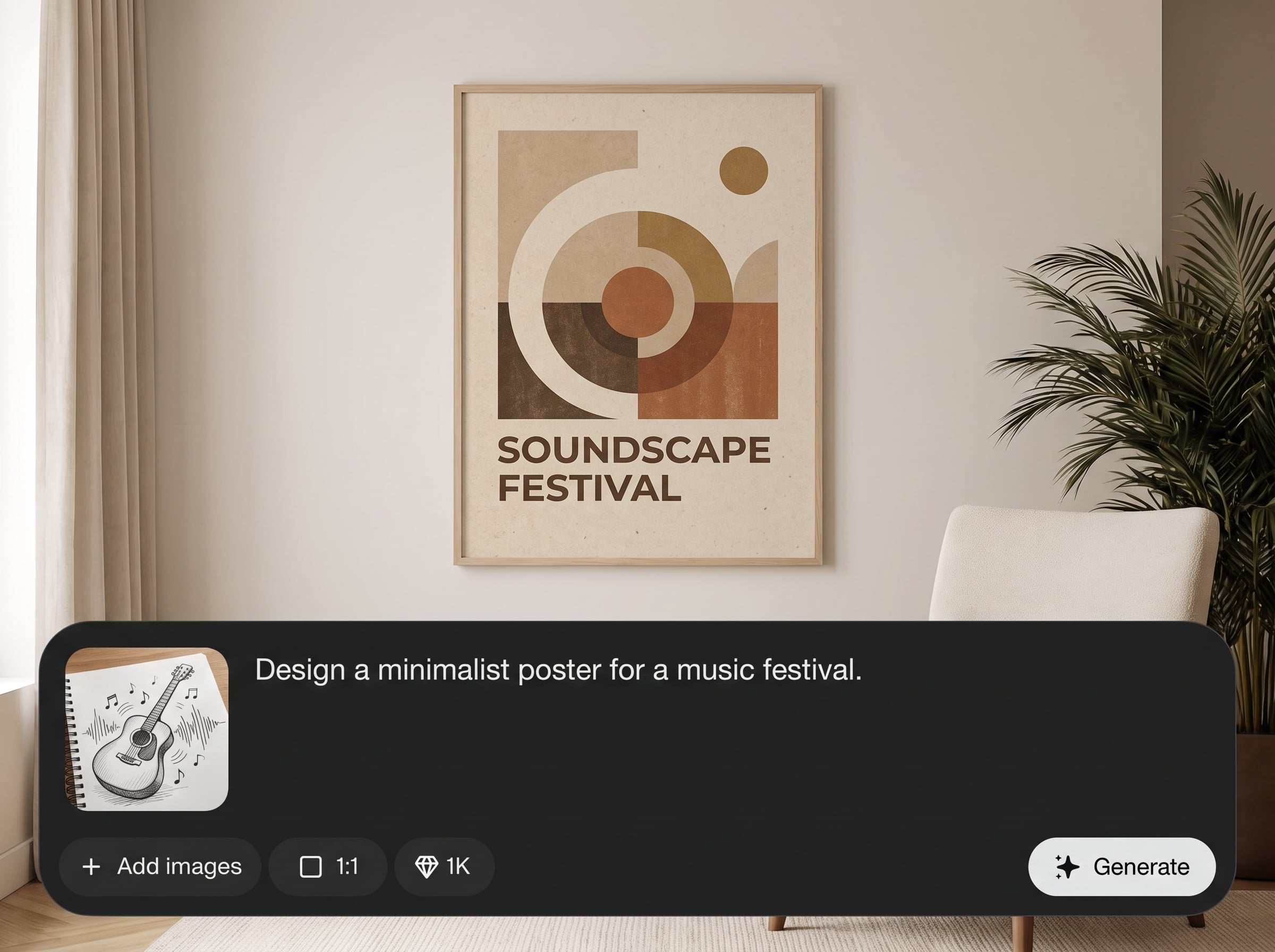
Guide results with clear prompts and style keywords. Request minimal, bold, modern, or retro looks, specify palettes, and steer composition so each variant fits your brief.
Regenerate, refine, and converge on the best concept faster. Use quick edits to narrow directions, keep consistency across assets, and speed up design review cycles.
About
три вариант дизайна generates three distinct design variants from a single prompt. Use AI to explore layout, typography, color, and style directions in seconds, then refine the best option. Ideal for fast iteration when you need multiple concepts for UI, posters, branding, or social visuals—without starting from scratch each time.
Choose три вариант дизайна when you need fast, comparable options without extra effort. The three-variant output simplifies decision-making, while prompt-led control keeps results aligned with your brief. Explore more directions per minute and reduce time spent on early-stage concept exploration.
Type a clear prompt, add style hints like palette and mood, then generate three variants. Pick the strongest direction, refine with small edits, and regenerate until the result matches your design goals.
Use cases
Discover how different creators use this app in their workflow.
Generate three interface directions for a single screen, compare hierarchy and spacing, then refine the strongest option for faster prototyping and stakeholder alignment.
Create multiple poster, banner, or ad concepts from one brief. Test messaging and visual styles quickly before committing to final production designs.
Produce three social visual options for the same campaign. Keep the core message consistent while exploring different layouts, colors, and attention-grabbing styles.
Krea is one of the world's leading generative AI platforms. See what others say.
Real reviews on TrustpilotSo many AI tools out there but I always come back to Krea. It's really the one AI platform that 'just works'.

FYN
Krea's interfaces are still the best in the industry. Everything looks and feels so clean and easy to use! Imo the easiest to use gen AI website.

Lynn
Ultra fast generations. Extremely simple to use. All the latest AI models.

Daniel
KREA is the only AI subscription I have right now besides ChatGPT.

Sophia M.
Answers to common questions about generating three AI design variants quickly.
It generates three different design variants from a single prompt using AI. You can compare visual directions, choose the best concept, and iterate with prompt edits to improve fit and consistency.
Write a specific prompt including format, purpose, audience, and style keywords. Add color preferences, typography mood, and constraints like “minimal” or “high contrast” to guide the generator.
Yes. Use style descriptors, palette notes, and composition hints to steer outputs. You can also regenerate to explore alternative directions while keeping the same brief and requirements.
Yes. It’s designed for rapid concepting across UI screens, posters, banners, and social assets. Generate three options, compare them quickly, and refine the best candidate for your project.
Generation is typically completed in moments, depending on complexity and settings. The goal is speed: three concepts per prompt so you can review options without manual layout from scratch.
No. If you can describe what you want, you can generate usable concepts. The three-variant workflow helps you choose a direction even when you’re not sure which style works best.
Yes. Update your prompt, adjust style details, and regenerate to explore new directions. This makes it easy to converge on a final look while preserving the intent of your original brief.
Include the asset type, key message, target audience, desired style, and any palette or typography cues. Mention constraints like size, mood, or brand tone to get more relevant variants.
Yes. You can generate AI design variants online without installing software. Start with a prompt, review three options, and iterate until you have a direction ready to export.
Yes. The tool uses AI techniques, including artificial intelligence and machine learning, to translate prompts into multiple design variants and help you explore visual directions efficiently.
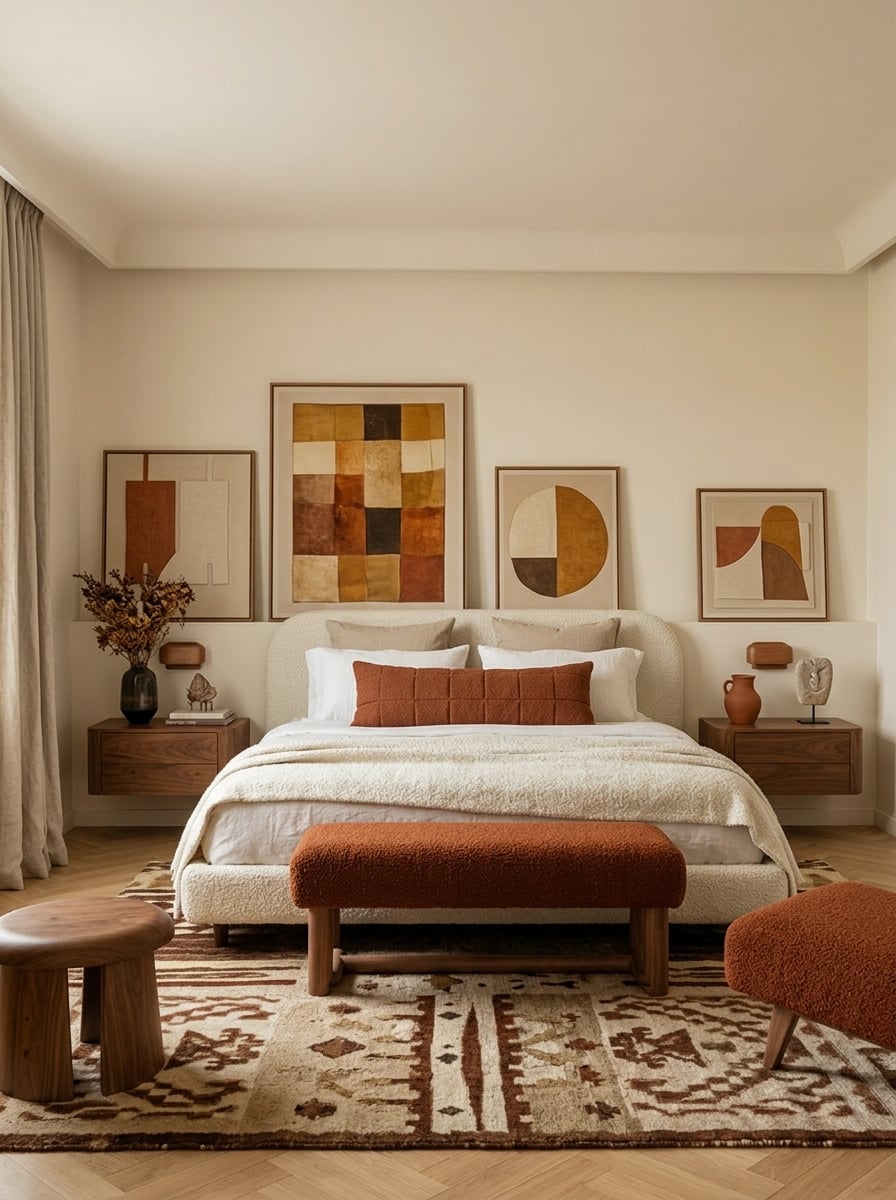
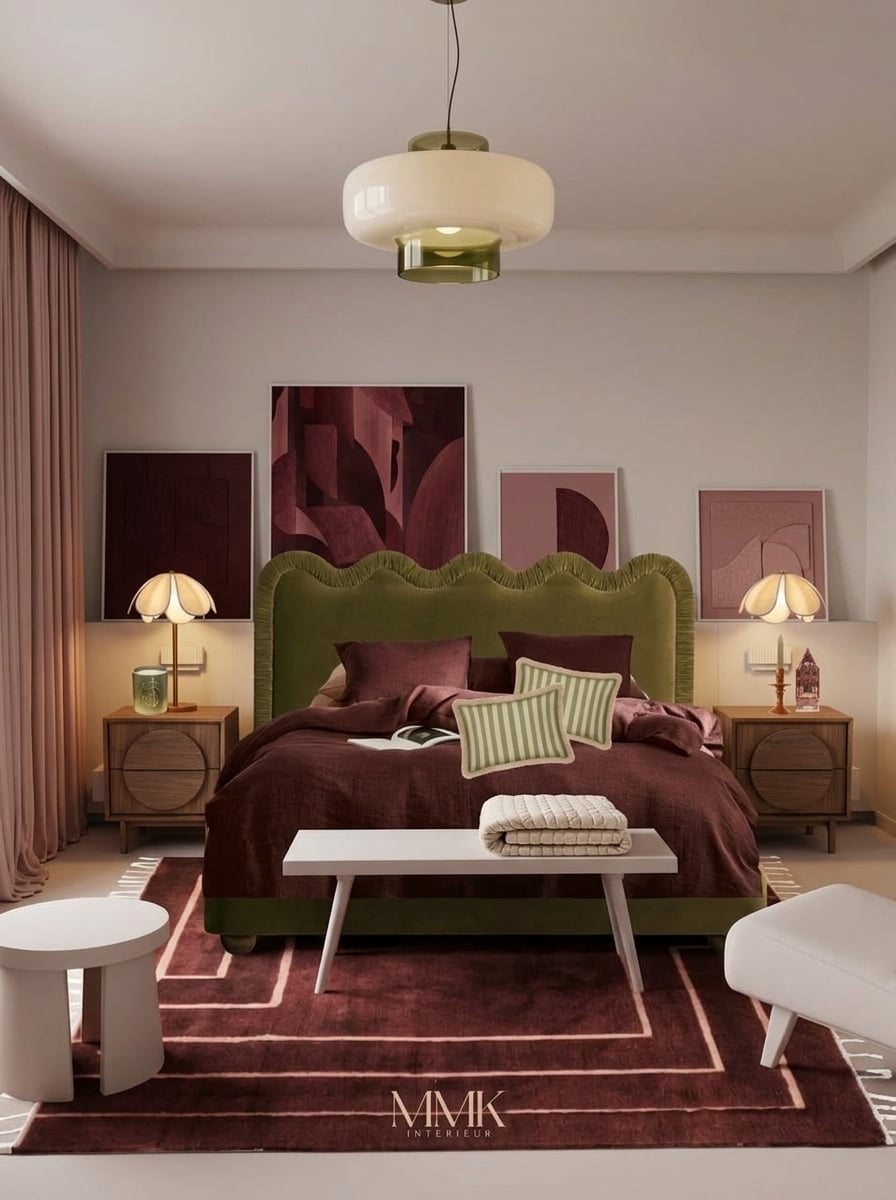
Turn one prompt into three polished design directions and iterate online in seconds.

