














Step 1
Set inputs
Enter your headline, offer, and any required disclaimers. Add brand colors or style notes, and choose the placement format you need for your ad image.
Generate static advertiser images fast with AI. Create brand-ready ad creatives in seconds with simple inputs, sizes, and export options. Try it now.

How to use Advertiser Creative Image - Normal
Follow these steps to generate a normal advertiser creative with AI. Provide your copy and brand cues, select the right size, then generate and export a static image for your campaign.
Step 1
Enter your headline, offer, and any required disclaimers. Add brand colors or style notes, and choose the placement format you need for your ad image.

Step 2
Run the AI image generator to create a static advertiser visual. Review variations, refine the text or style, and regenerate until the creative matches your campaign goal.

Step 3
Download the final static image in the chosen size. Use the exported creative in display ads, social posts, and landing page promos while keeping visuals consistent.
Features
Create static advertiser images with AI that stay clean, readable, and on-brand. Quickly generate variations for different messages and placements, then iterate with simple edits. Export campaign-ready visuals that reduce design time while keeping consistent formatting across your marketing channels.
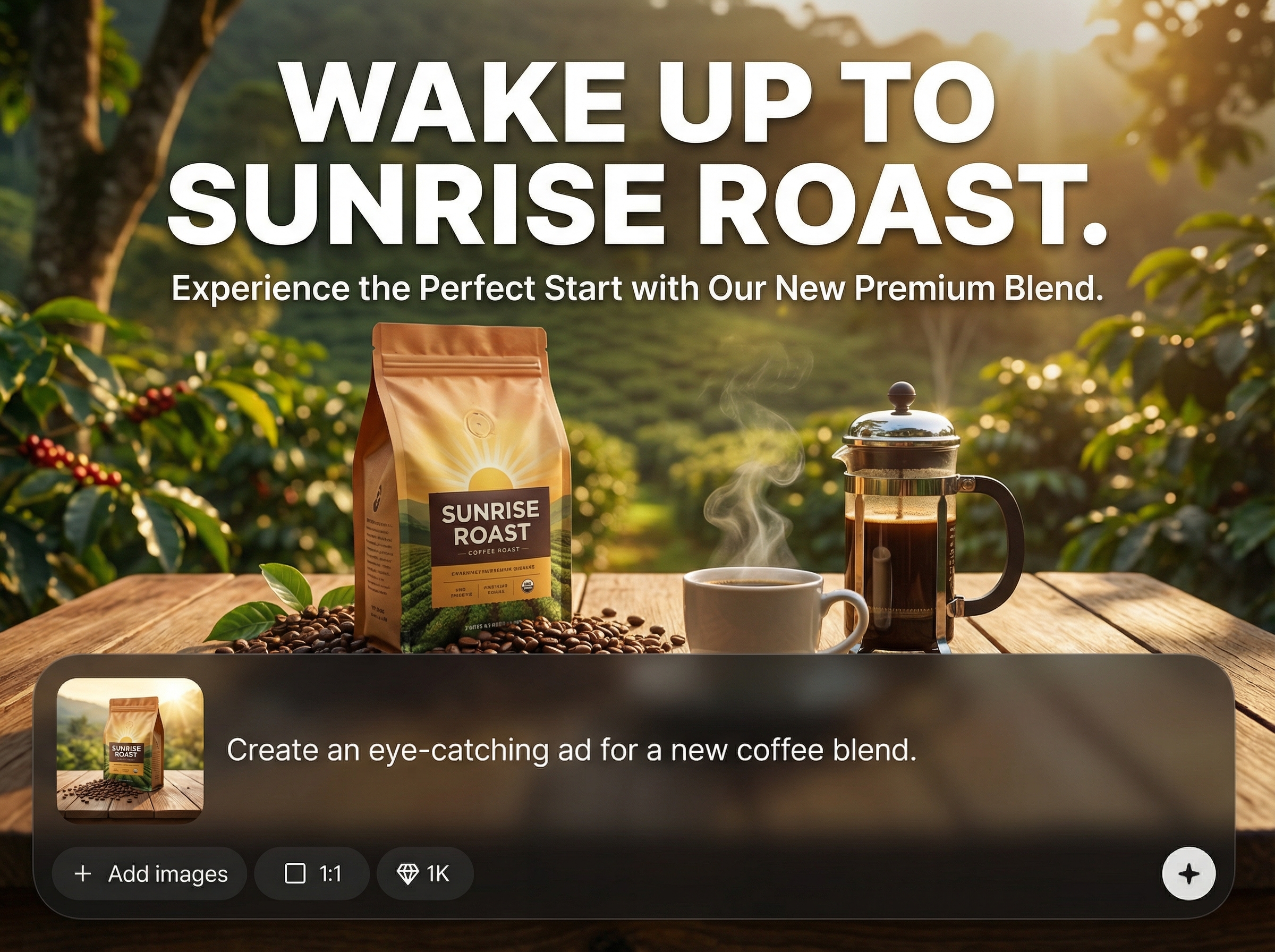
Generate polished, static ad images from simple inputs like headline, offer, and style cues. The AI helps produce clear layouts designed for quick scanning and conversion-focused messaging.
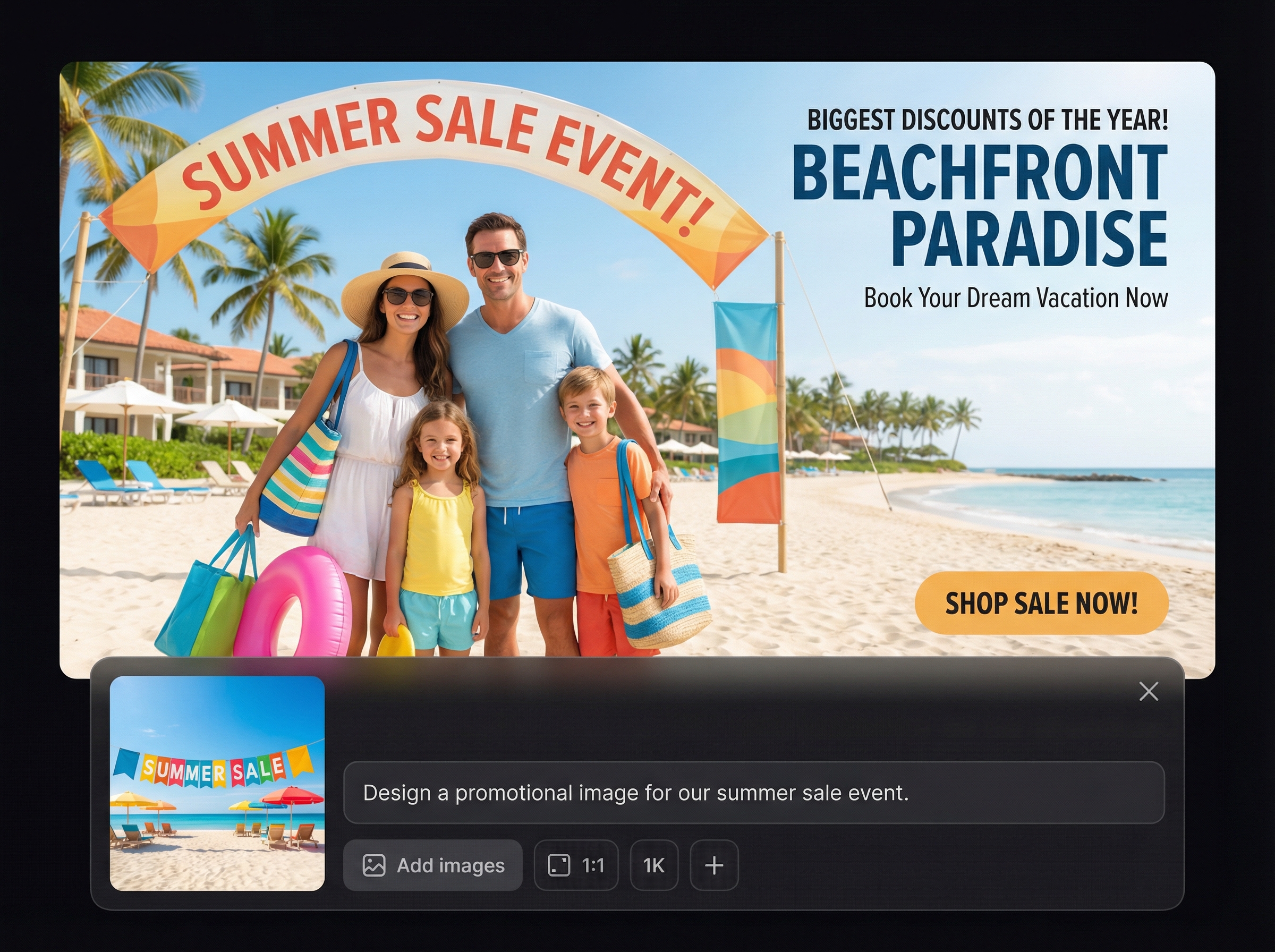
Create multiple creative options in seconds for A/B testing. Adjust copy, colors, or style notes and regenerate to compare concepts without restarting your design workflow.
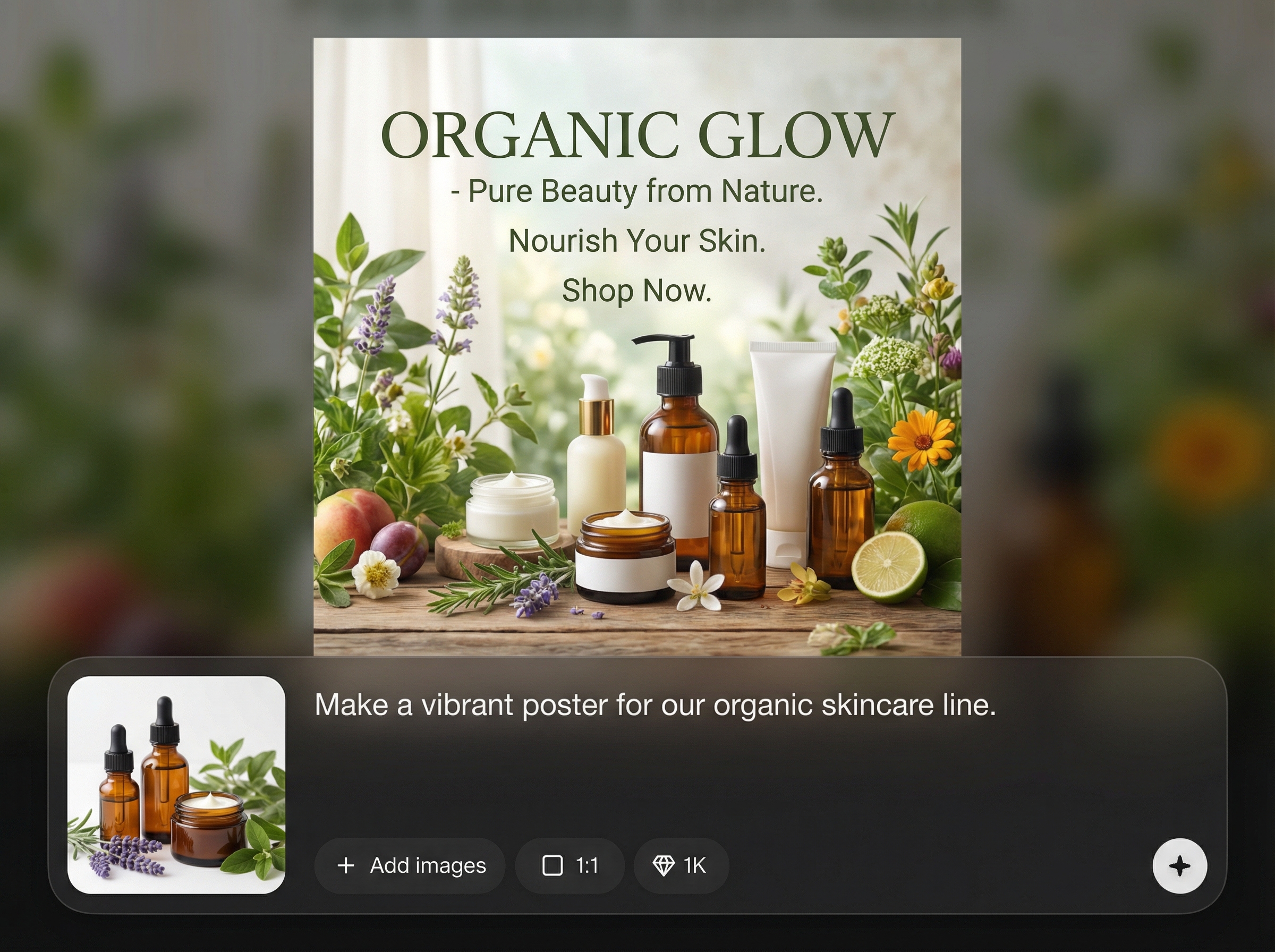
Generate images in common ad formats for display and social placements. Download clean assets that are easy to upload, share, and reuse across campaigns and channels.
About
Advertiser Creative Image - Normal generates static, brand-ready images for everyday advertising needs using AI. Add your message, choose a format, and produce clean ad creatives optimized for display placements and social feeds. Get consistent visuals quickly, reduce design overhead, and export images that are ready to launch across campaigns.
Advertiser Creative Image - Normal is optimized for speed and consistency in static ad production. Generate clean layouts, iterate on messaging quickly, and export assets ready for common placements. It reduces design bottlenecks while keeping your creatives readable, on-brand, and campaign focused.
Enter your headline and offer, add optional brand colors or style notes, and select an output size. Generate a static image, tweak inputs for better results, then download your final creative for immediate use.
Use cases
Discover how different creators use this app in their workflow.
Generate static banner-style creatives for standard display placements. Keep messaging readable and consistent while producing quick variants for different audiences and offers.
Create ad images tailored for social feeds with clear copy and strong visual hierarchy. Iterate quickly to match new promotions, seasonal campaigns, and targeting segments.
Produce supporting promo graphics for landing pages and email headers. Maintain brand consistency and speed up campaign production when you need fresh visuals fast.
Krea is one of the world's leading generative AI platforms. See what others say.
Real reviews on TrustpilotSo many AI tools out there but I always come back to Krea. It's really the one AI platform that 'just works'.

FYN
Krea's interfaces are still the best in the industry. Everything looks and feels so clean and easy to use! Imo the easiest to use gen AI website.

Lynn
Ultra fast generations. Extremely simple to use. All the latest AI models.

Daniel
KREA is the only AI subscription I have right now besides ChatGPT.

Sophia M.
Find quick answers about generating static advertiser images with AI and exporting campaign-ready creatives.
It generates a static advertiser image designed for normal, everyday ad needs. You provide basic copy and style cues, and the tool outputs a clean, campaign-ready visual you can export and use.
Yes. Generate multiple versions by changing your headline, offer, colors, or style notes. This makes it easy to test different messages and visual directions without manual redesign.
You can export static images suitable for common ad placements such as display and social. Choose the size you need, then download an asset that’s ready to upload to ad platforms.
No design experience is required. The workflow is prompt-based and guided: enter copy, choose a format, generate, and refine. You stay in control while AI handles the layout and rendering.
Add brand colors, tone, and style notes in your inputs, and reuse them across generations. This helps maintain consistent look and messaging while still producing fresh variations for new campaigns.
Create brand-ready advertiser creatives with AI, generate variations fast, and export assets sized for your campaigns.

