














Step 1
Input
Paste your extracted business description prompt, then confirm key details like offer, location, and target audience. This helps the AI keep the ad message accurate and focused.
Generate 3 ad images and a ready-to-read audio script from your business description prompt. Fast AI advertising for local campaigns. Try now.
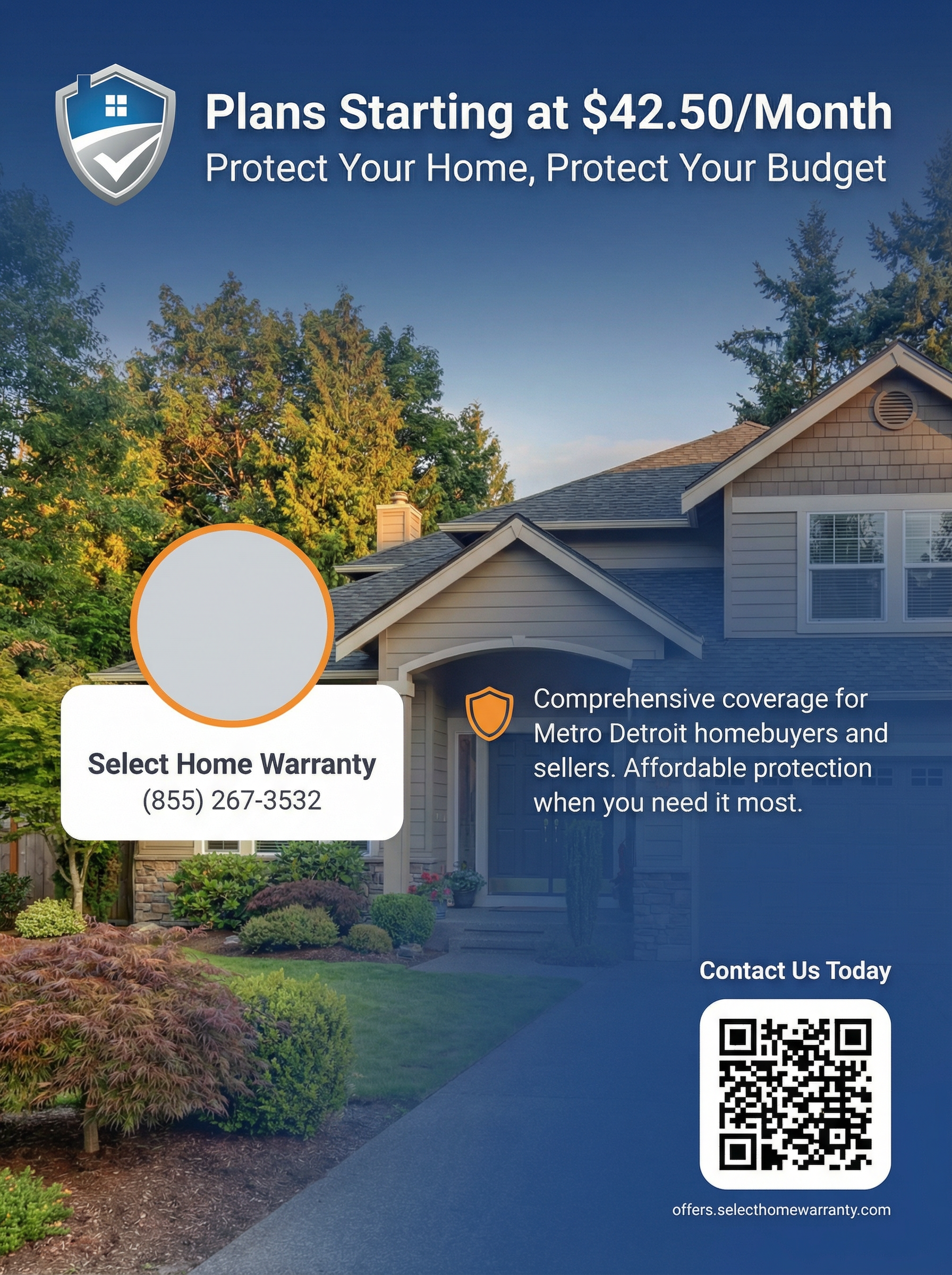
How to use LocalAdvertiserAutoGen
Paste the long business description prompt you already have, then let AI transform it into campaign-ready assets. In a few steps, you’ll get multiple image options and an audio script for ads.
Step 1
Paste your extracted business description prompt, then confirm key details like offer, location, and target audience. This helps the AI keep the ad message accurate and focused.

Step 2
Run the generator to produce three different ad images and a matching audio advertising script. Review variations to choose the best angle for your campaign.

Step 3
Download the images and copy the audio script for recording or voiceover. Re-run with small prompt edits to quickly create new variations for A/B testing.
Features
LocalAdvertiserAutoGen converts long-form business descriptions into cohesive ad assets. Get three visual variations plus an audio ad script designed for quick iteration. Use it to streamline creative production, keep brand messaging aligned, and launch local campaigns faster with AI-powered generation.
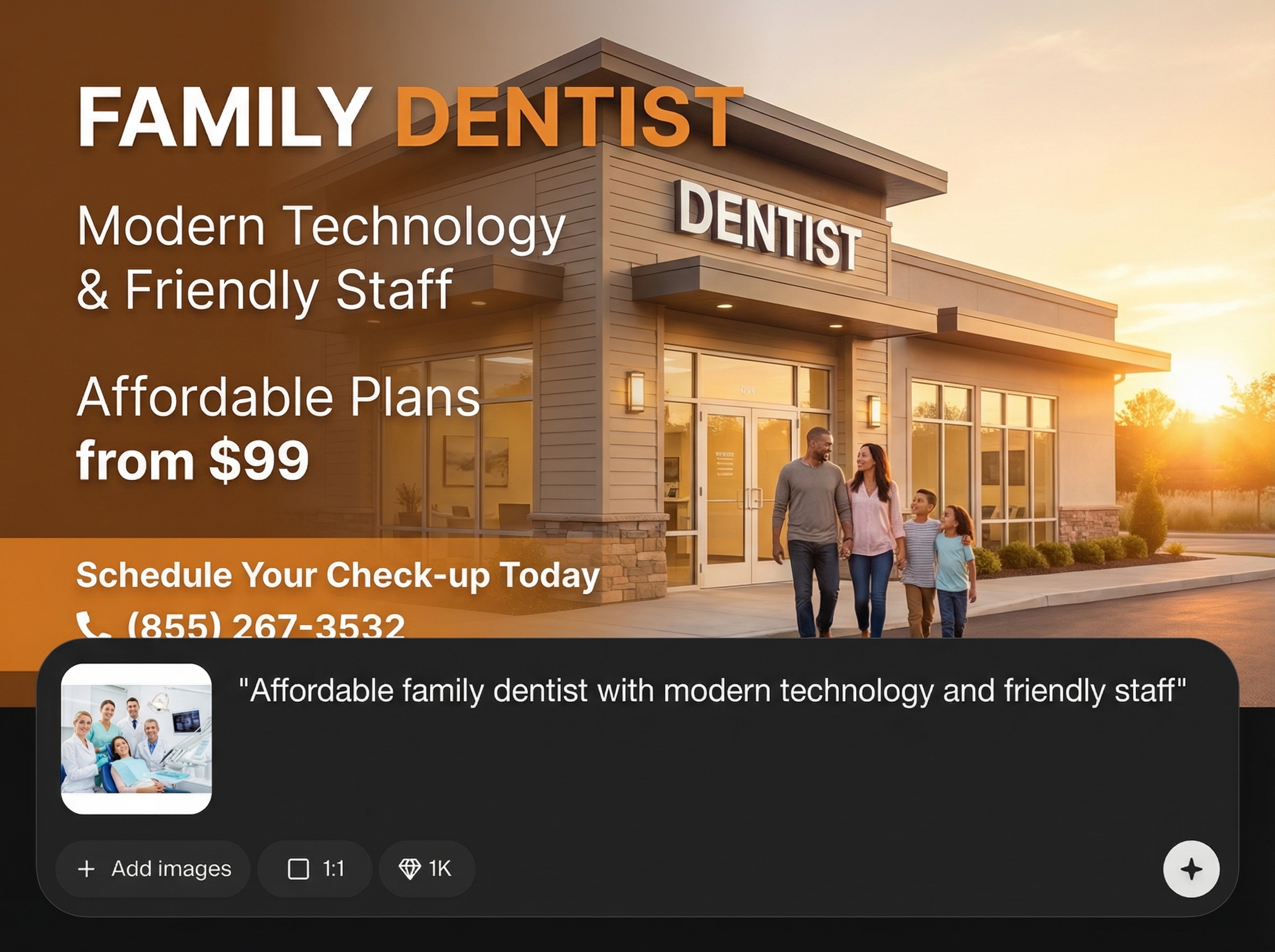
Generate three distinct ad images from one business description to explore different styles and hooks. Compare options quickly and pick the best creative for each placement.
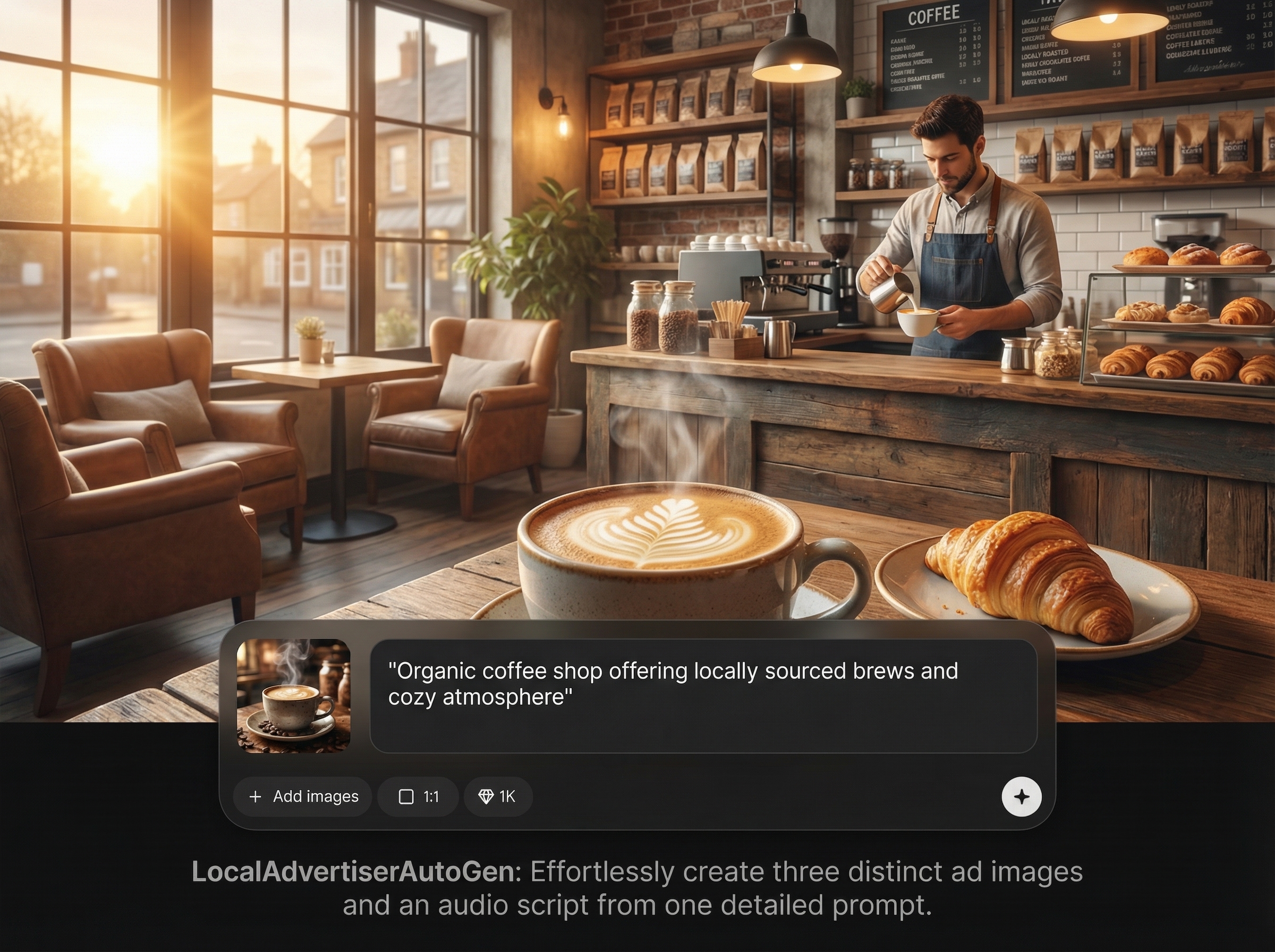
Get a ready-to-read audio advertising script that matches your visuals and offer. Perfect for radio-style spots, social voiceovers, and quick recording workflows.
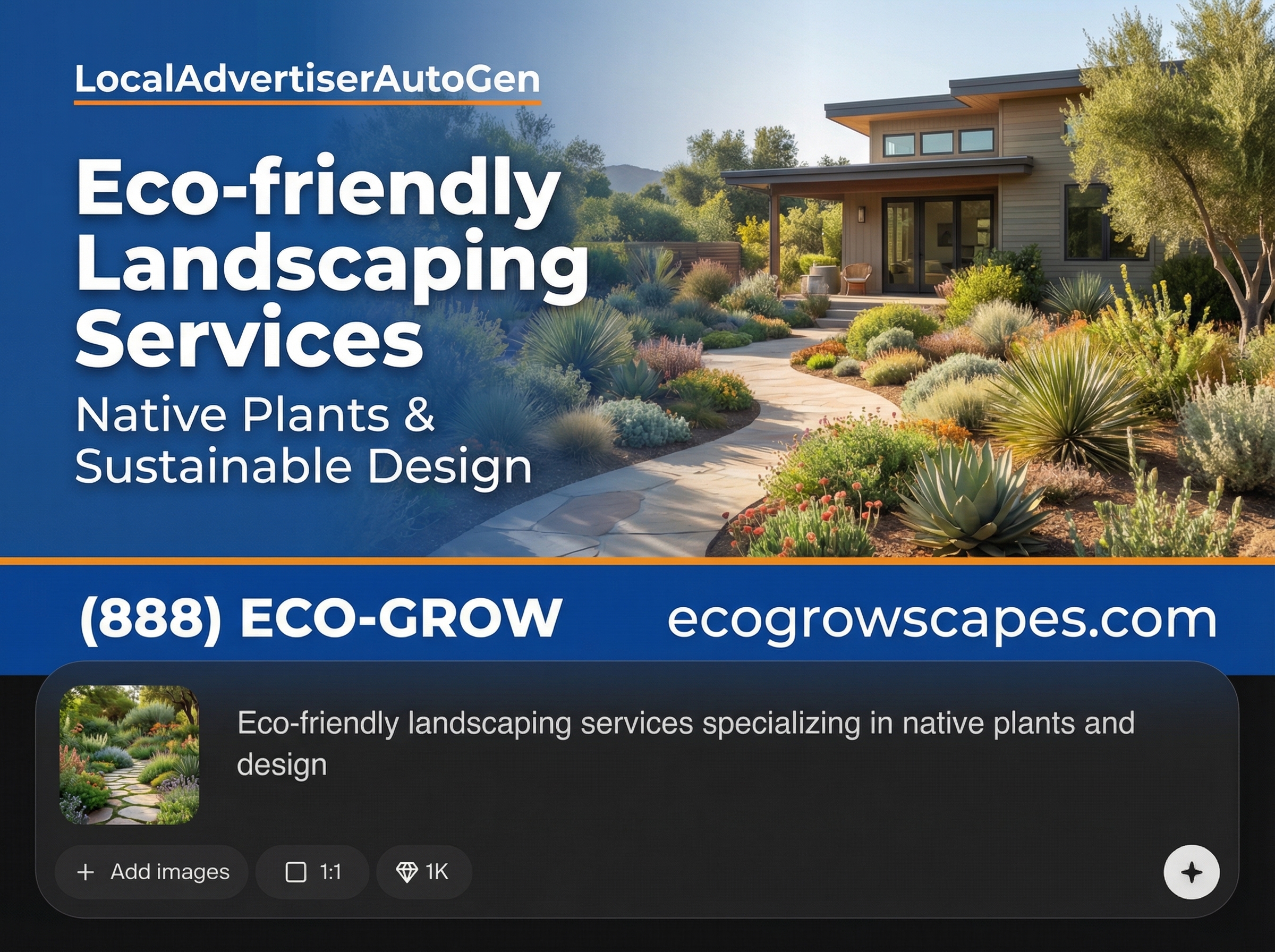
Turn one detailed prompt into multiple usable assets in minutes. Adjust inputs and regenerate to produce fresh variants for seasonal promos, new services, or A/B testing.
About
LocalAdvertiserAutoGen turns a long business description prompt into ready-to-use local ad creative. Generate three distinct advertising images plus an audio ad script in one run, optimized for quick testing across channels. Save time, keep messaging consistent, and launch campaigns faster with AI-generated visuals and voice-ready copy.
LocalAdvertiserAutoGen delivers a complete mini creative kit from a single prompt: three image variations plus an audio advertising script. It helps standardize messaging, reduce creative bottlenecks, and accelerate local campaign launches with consistent AI-generated assets.
Paste your long business description prompt, confirm the key offer details, and click generate. Download the three images and use the audio script immediately, or iterate with small edits for fresh variations.
Use cases
Discover how different creators use this app in their workflow.
Create ad images and an audio script for discounts, openings, and limited-time deals. Launch consistent creative across print, social, and local channels faster.
Reuse a core description and tweak location details to generate localized creative sets. Maintain consistent messaging while tailoring visuals and scripts per area.
Generate three image options per prompt to test different angles quickly. Pair each with the provided audio script to validate performance across formats.
Krea is one of the world's leading generative AI platforms. See what others say.
Real reviews on TrustpilotSo many AI tools out there but I always come back to Krea. It's really the one AI platform that 'just works'.

FYN
Krea's interfaces are still the best in the industry. Everything looks and feels so clean and easy to use! Imo the easiest to use gen AI website.

Lynn
Ultra fast generations. Extremely simple to use. All the latest AI models.

Daniel
KREA is the only AI subscription I have right now besides ChatGPT.

Sophia M.
Common questions about generating local ad images and audio scripts with AI.
It generates three different advertising images and one audio ad script from your long business description prompt. The outputs are designed to stay consistent with your offer and messaging.
A long, detailed business description works best. Include your services, unique value, location, and offer details so the AI can produce more accurate ad visuals and a clearer script.
Yes. You can rerun generation or adjust your prompt to explore new visual styles, messaging emphasis, or seasonal angles. This makes it easy to create variants for testing and updates.
Copy the script into your recording workflow for a voiceover, radio-style spot, or social video narration. It’s formatted to read naturally and align with your generated ad creative.
Yes. It’s built to speed up local advertising by producing multiple image options and a voice-ready script from one prompt. That reduces production time while keeping campaigns cohesive.

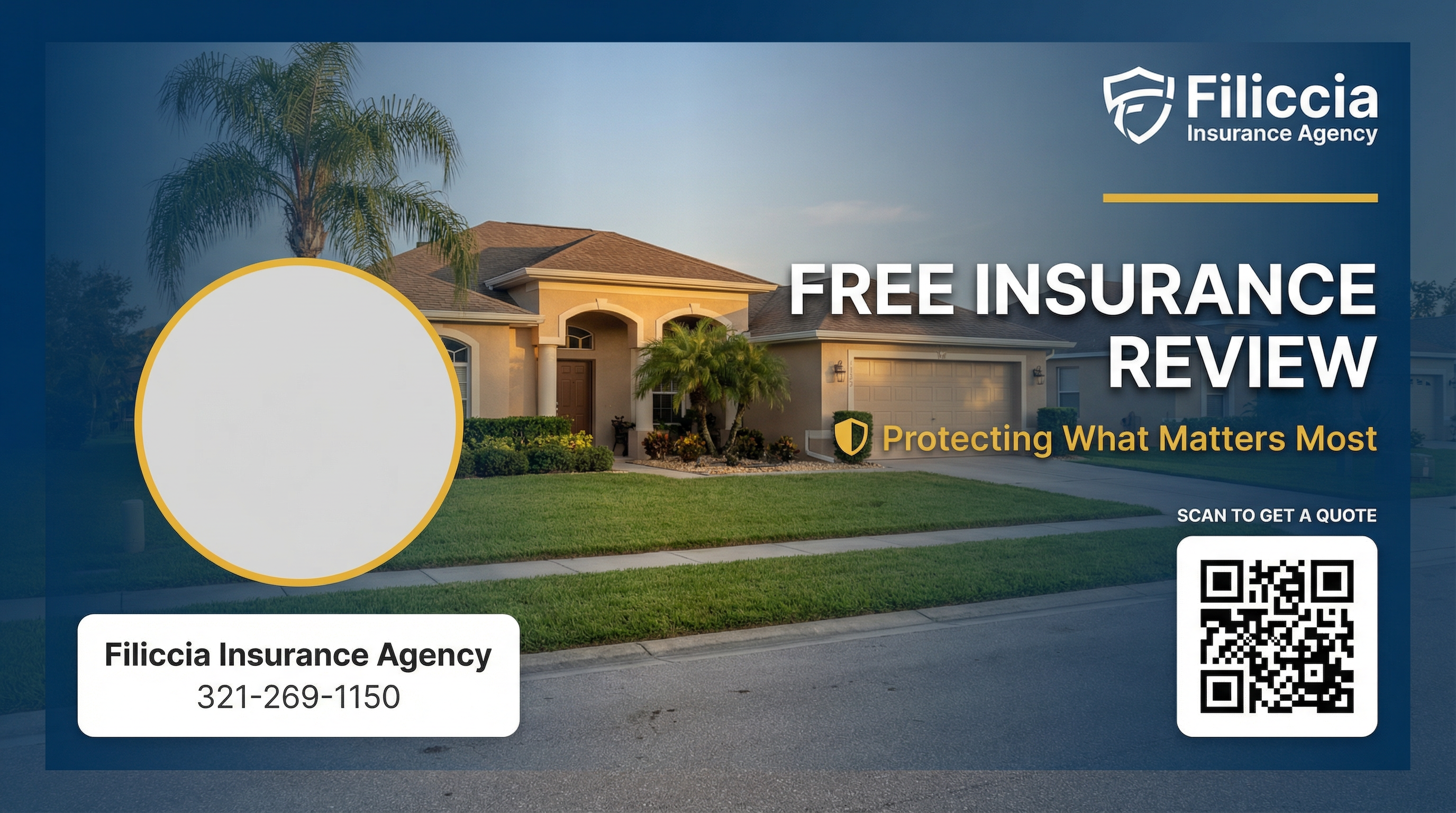
Turn one business description into three ad images and a voice-ready audio script in minutes.

