














Step 1
Prompt
Type a clear text prompt, then add key details like subject, lighting, color palette, and mood. Use negative prompts to avoid unwanted elements and artifacts.
Use amir 1 - 4 to generate high-quality AI images fast. Customize styles, prompts, and sizes for ads, socials, and concepts. Try it now.
How to use amir 1 - 4
This quick tutorial shows how to create images with amir 1 - 4 using text prompts and style controls. Generate multiple variations, refine results, and export ready-to-use visuals for your next project.
Step 1
Type a clear text prompt, then add key details like subject, lighting, color palette, and mood. Use negative prompts to avoid unwanted elements and artifacts.

Step 2
Select a style preset, aspect ratio, and quality level. Adjust guidance and variation settings to explore options while keeping composition and branding consistent.

Step 3
Generate multiple images, review the best results, and iterate quickly with small prompt edits. Download in the size you need for web, ads, or presentations.
Features
amir 1 - 4 helps you create high-quality visuals from text using artificial intelligence. Control style, composition, and output format, then generate variations to iterate fast. Whether you need concept art or marketing graphics, the tool streamlines image creation from idea to export.
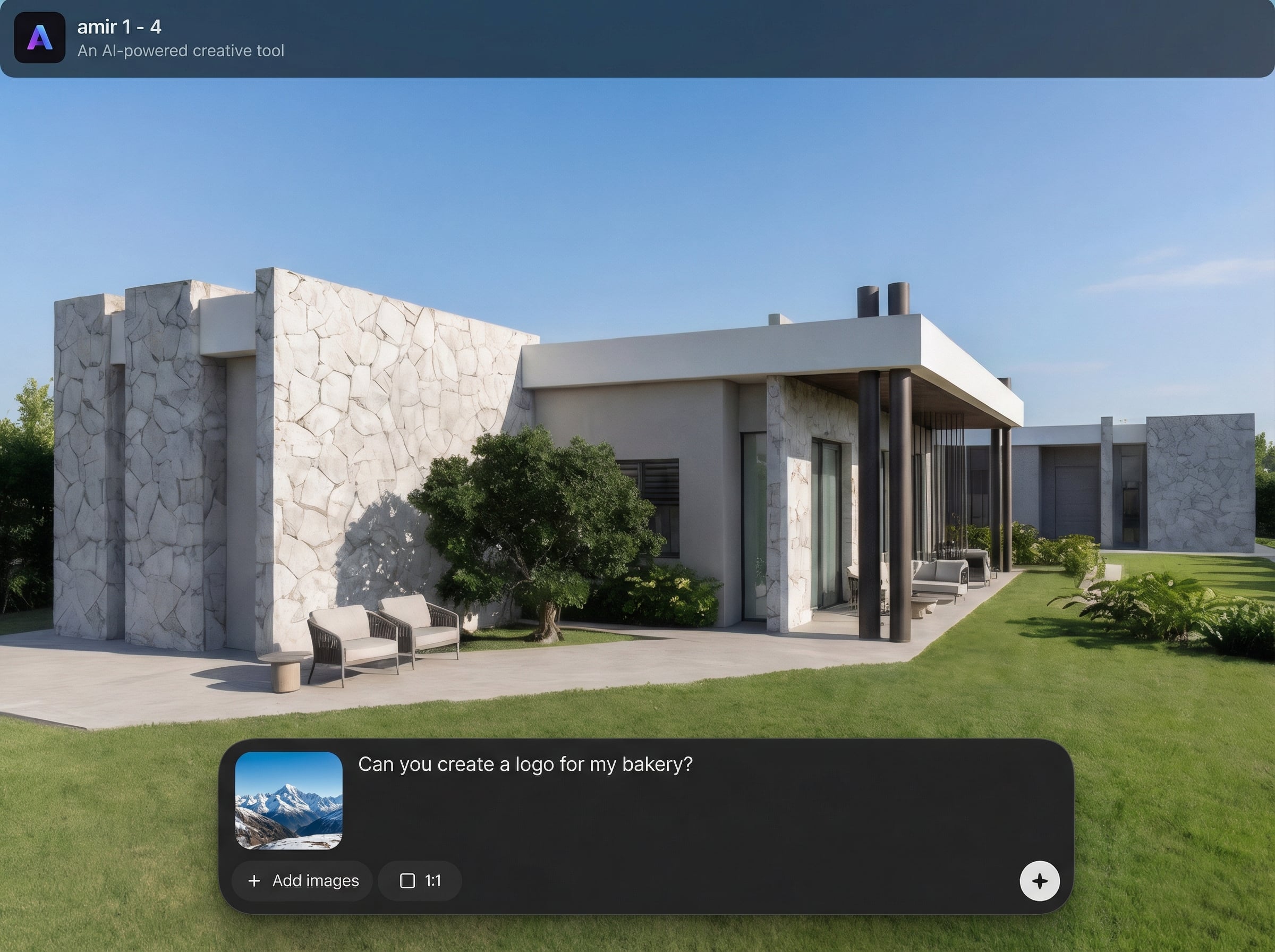
Turn prompts into detailed images with AI-driven rendering. Get clean compositions, strong lighting, and consistent aesthetics while refining results with prompt edits and negative prompts.
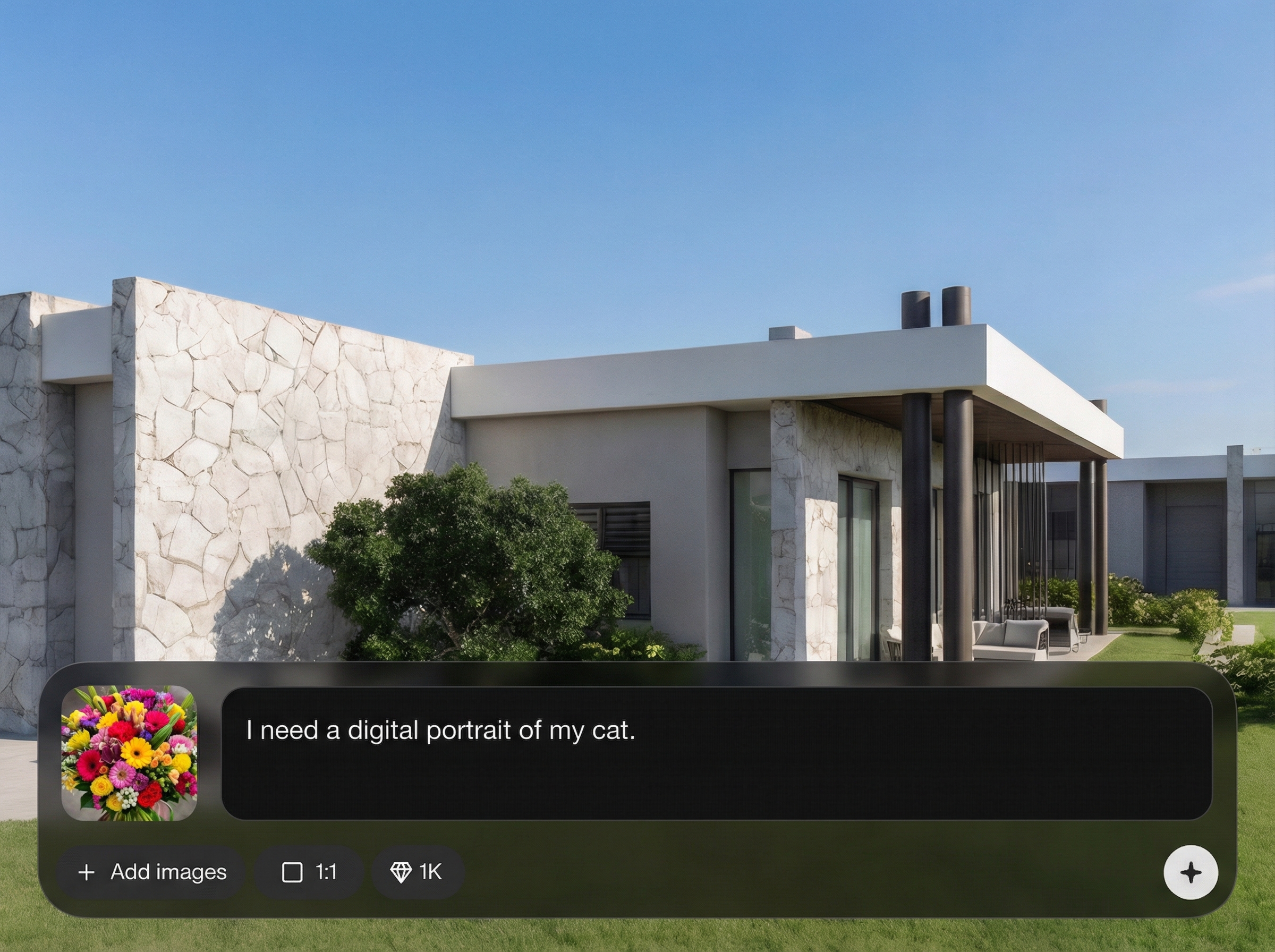
Explore multiple options in one run to compare styles and layouts quickly. Iterate with small changes to prompts and settings to reach the exact look without starting over.

Choose style presets, aspect ratios, and quality settings for consistent outputs. Export images sized for social posts, ads, thumbnails, or presentations with minimal extra editing.
About
amir 1 - 4 is an AI image generator that turns text prompts into polished visuals in seconds. Choose styles, refine details, and generate multiple variations for the exact look you need. Create concept art, product visuals, and social graphics with consistent quality, fast iteration, and easy downloads for any workflow.
amir 1 - 4 combines fast AI image generation with practical controls for style, format, and iteration. Create multiple options per idea, refine with prompt adjustments, and export clean outputs ready for real-world use across marketing, design, and content workflows.
Open amir 1 - 4, enter a descriptive prompt, pick a style preset, and set your aspect ratio. Generate a batch, select the best result, then iterate with small edits before downloading.
Use cases
Discover how different creators use this app in their workflow.
Generate campaign visuals, banners, and product scenes quickly. Test multiple concepts, then export the best-performing styles in the right sizes for each channel.
Visualize characters, environments, and moods from a simple prompt. Create variations to explore directions fast and refine details before committing to production.
Create scroll-stopping posts and thumbnails with consistent style. Produce batches of visuals from prompt templates to keep publishing schedules on track.
Krea is one of the world's leading generative AI platforms. See what others say.
Real reviews on TrustpilotSo many AI tools out there but I always come back to Krea. It's really the one AI platform that 'just works'.

FYN
Krea's interfaces are still the best in the industry. Everything looks and feels so clean and easy to use! Imo the easiest to use gen AI website.

Lynn
Ultra fast generations. Extremely simple to use. All the latest AI models.

Daniel
KREA is the only AI subscription I have right now besides ChatGPT.

Sophia M.
Answers to common questions about amir 1 - 4, AI image generation, and prompt-based workflows.
amir 1 - 4 is an AI image generator for creating visuals from text prompts. It’s useful for concept art, marketing graphics, and social content where fast iteration and consistent style matter.
Describe the subject first, then add style, lighting, camera angle, and color palette. Use specific nouns and adjectives, and include negative prompts to remove artifacts, text, or unwanted objects.
Yes. Choose an aspect ratio and output settings before generating to fit common formats like square, portrait, or landscape. This helps maintain composition and reduces the need for cropping later.
Reuse a prompt template, keep key descriptors consistent, and adjust one variable at a time. Generate variations in batches and lock in the best settings for style and composition.
Yes. Start with a simple prompt and a style preset, then iterate using variations. The workflow is designed to help you improve results quickly without needing advanced image editing skills.

Write a prompt, choose a style, and export high-quality visuals in minutes for any project.

