














Step 1
Upload
Add a front-facing portrait with good lighting and a visible face. The tool detects the subject and prepares it for multi-angle photo ID generation.
 App by umiros
Generate 4 passport-style photo ID angles from one image with AI. Get consistent views, clean framing, and fast exports for verification and forms.
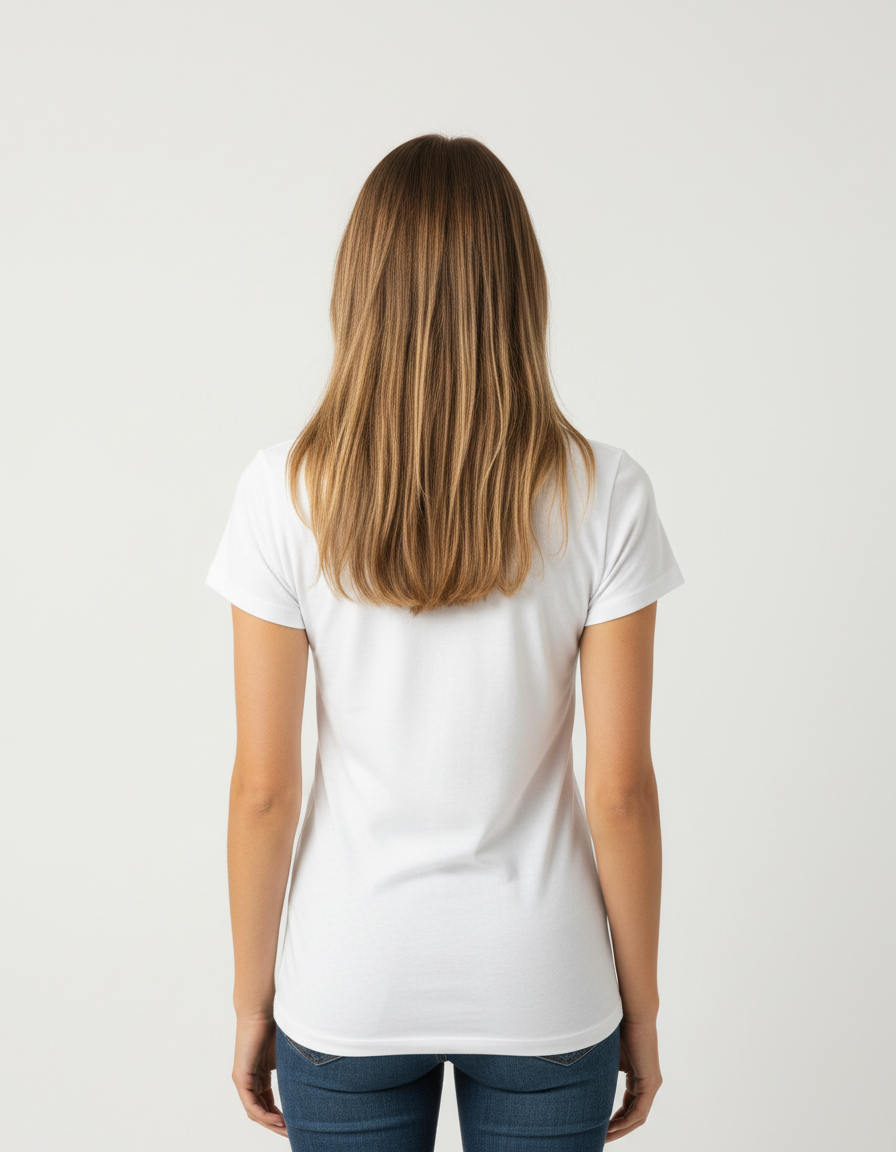
How to use 4 angles Photo ID
Upload one clear portrait and let the AI generate four photo ID-style angles. In this quick guide, you’ll choose the layout, refine framing, and export a consistent 4-view result for your workflow.
Step 1
Add a front-facing portrait with good lighting and a visible face. The tool detects the subject and prepares it for multi-angle photo ID generation.

Step 2
Select the 4-angle photo ID layout and run the AI. Review the front and side views, then adjust crop and alignment for consistent results.

Step 3
Download the 4-view image as a grid or individual angles. Use the exports for verification, forms, or internal documentation workflows.
Features
Generate four photo ID-style angles from a single image with AI-driven pose and alignment. Keep proportions consistent across views, standardize framing, and export clean results fast. Ideal for workflows that need uniform head positioning, repeatable outputs, and quick iteration without manual editing.
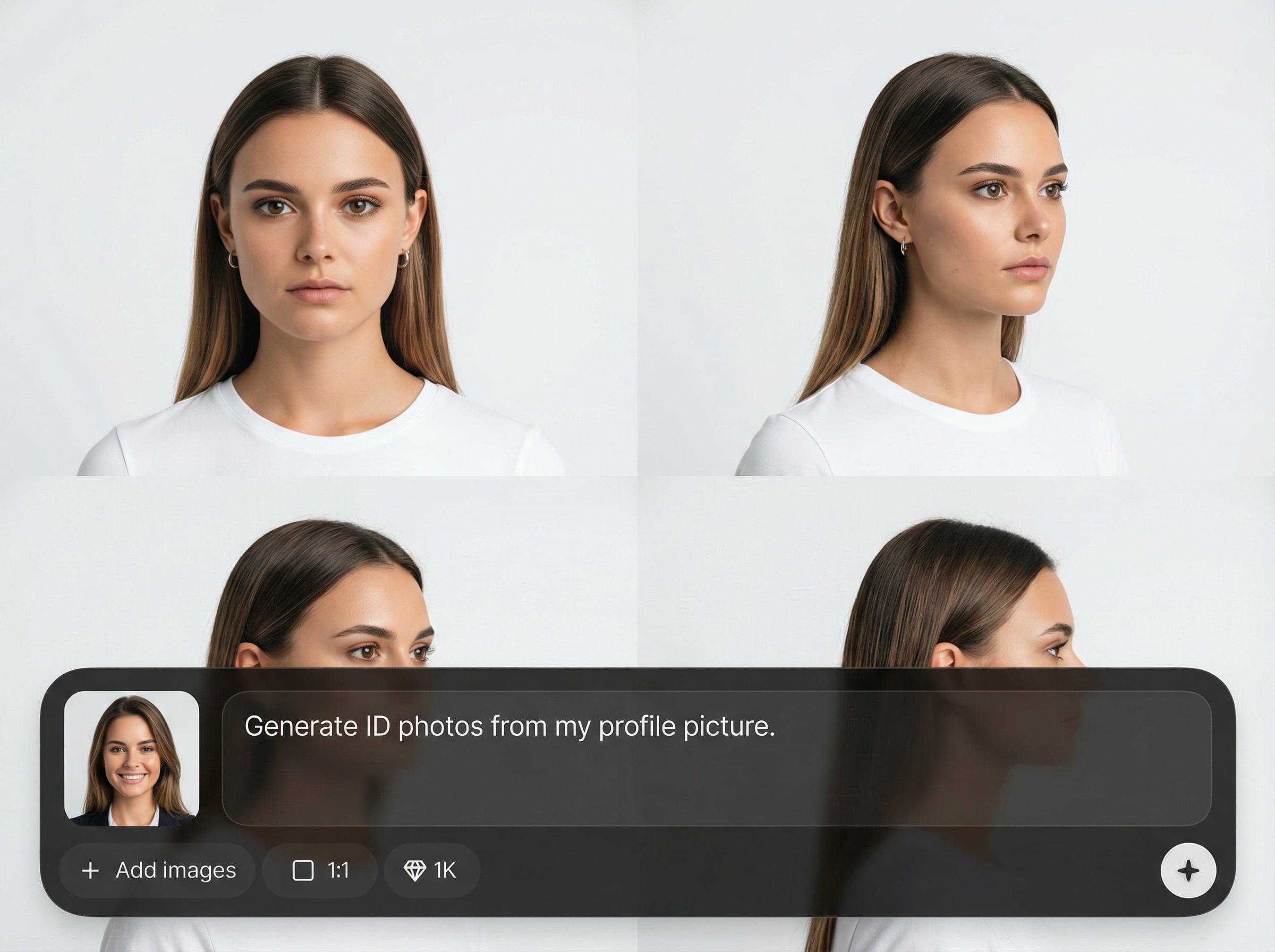
Create front and side photo ID angles from one portrait using machine learning. Get a cohesive 4-view set with consistent head size, positioning, and overall look.
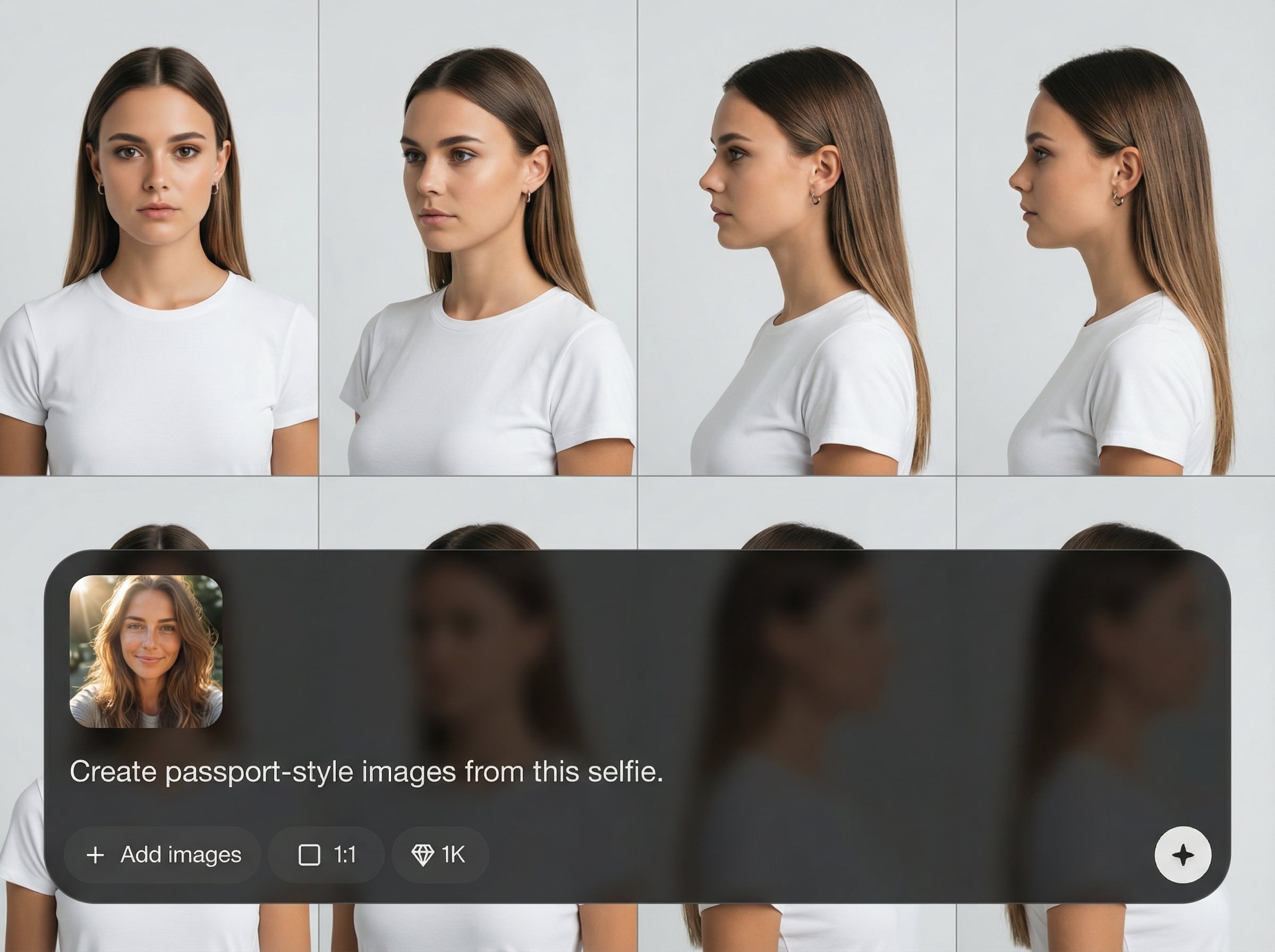
Automatically centers the face and standardizes crop across all angles. Fine-tune framing for uniform margins and a clean, document-friendly composition.
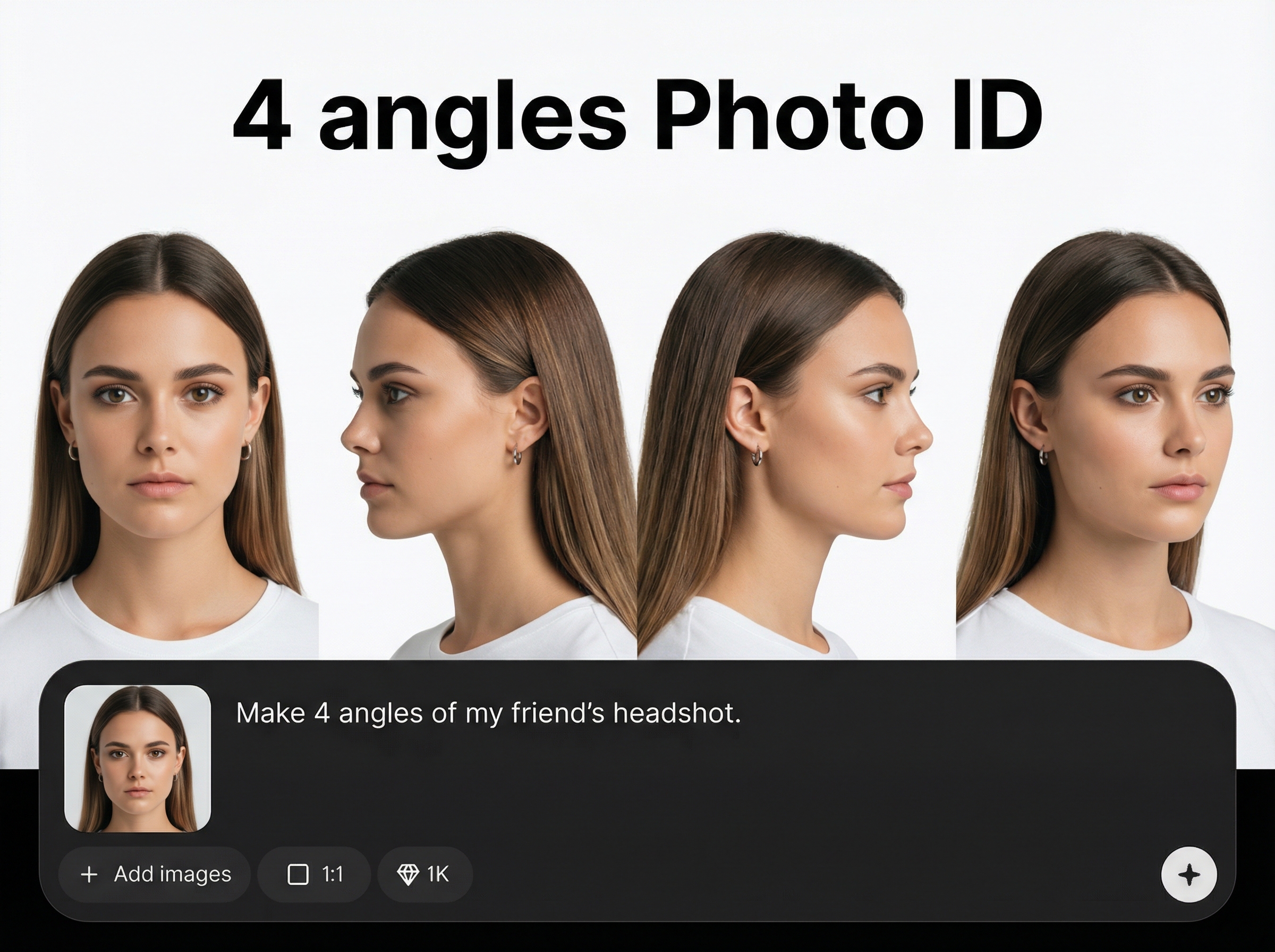
Generate results quickly and preview each angle before downloading. Export as a single grid or separate images to match your photo ID or verification process.
About
4 angles Photo ID turns a single portrait into four photo-ID style angles using AI. Generate consistent front and side views with clean framing, natural proportions, and unified lighting for professional verification-ready images. Upload once, preview instantly, and export the 4-angle grid for forms, onboarding, or document workflows.
4 angles Photo ID delivers consistent multi-view outputs from a single image, reducing manual edits and rework. Smart alignment keeps framing uniform across angles, while fast previews help you iterate quickly. Export options make it easy to fit your existing document or verification workflow.
Upload a clear portrait, choose the 4-angle layout, and generate results instantly. Review the angles, tweak framing if needed, then export as a grid or individual files for immediate use.
Use cases
Discover how different creators use this app in their workflow.
Produce consistent multi-angle photo ID views from one image to support onboarding checks, internal records, and identity verification processes.
Create a clean 4-angle set for document submissions where standardized framing and consistent angles help reduce back-and-forth revisions.
Generate uniform views for staff profiles, badges, and access systems—keeping alignment and framing consistent across large batches.
Krea is one of the world's leading generative AI platforms. See what others say.
Real reviews on TrustpilotSo many AI tools out there but I always come back to Krea. It's really the one AI platform that 'just works'.

FYN
Krea's interfaces are still the best in the industry. Everything looks and feels so clean and easy to use! Imo the easiest to use gen AI website.

Lynn
Ultra fast generations. Extremely simple to use. All the latest AI models.

Daniel
KREA is the only AI subscription I have right now besides ChatGPT.

Sophia M.
Answers to common questions about AI photo ID angles and exports.
It generates four photo ID-style angles from a single portrait, typically including a front view and side views. The goal is consistent framing, alignment, and proportions across all outputs.
Use a clear, well-lit portrait with the full face visible and minimal motion blur. Neutral expressions and simple backgrounds help the AI produce cleaner, more consistent multi-angle results.
Yes. You can review the generated angles and refine framing or alignment to keep margins consistent. This helps match photo ID standards and improves uniformity across the 4-view set.
You can export the result as a single 4-angle grid or download individual angle images. Choose the format that best fits your verification, forms, or documentation workflow.
It’s designed to generate photo ID-style multi-angle views for consistency and workflow needs. Always check your local document rules and acceptance criteria before submitting any generated images.
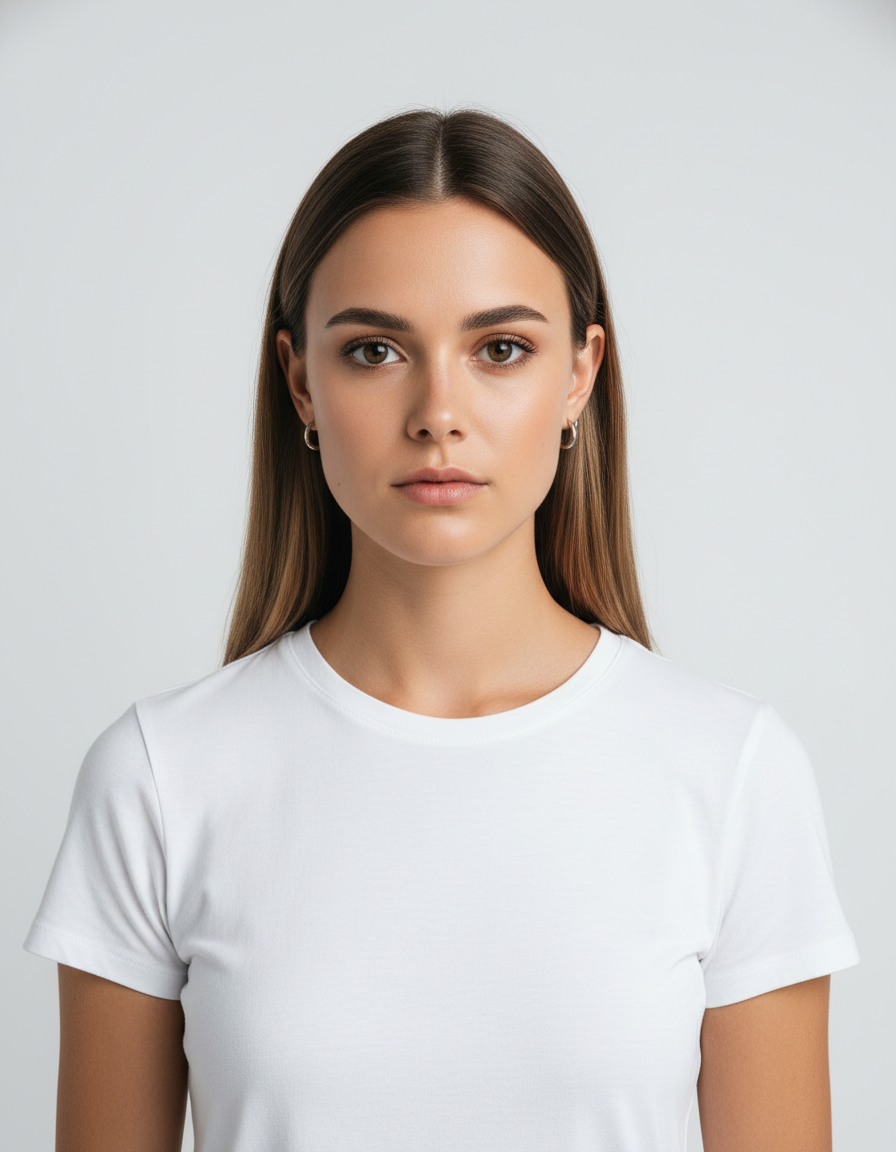
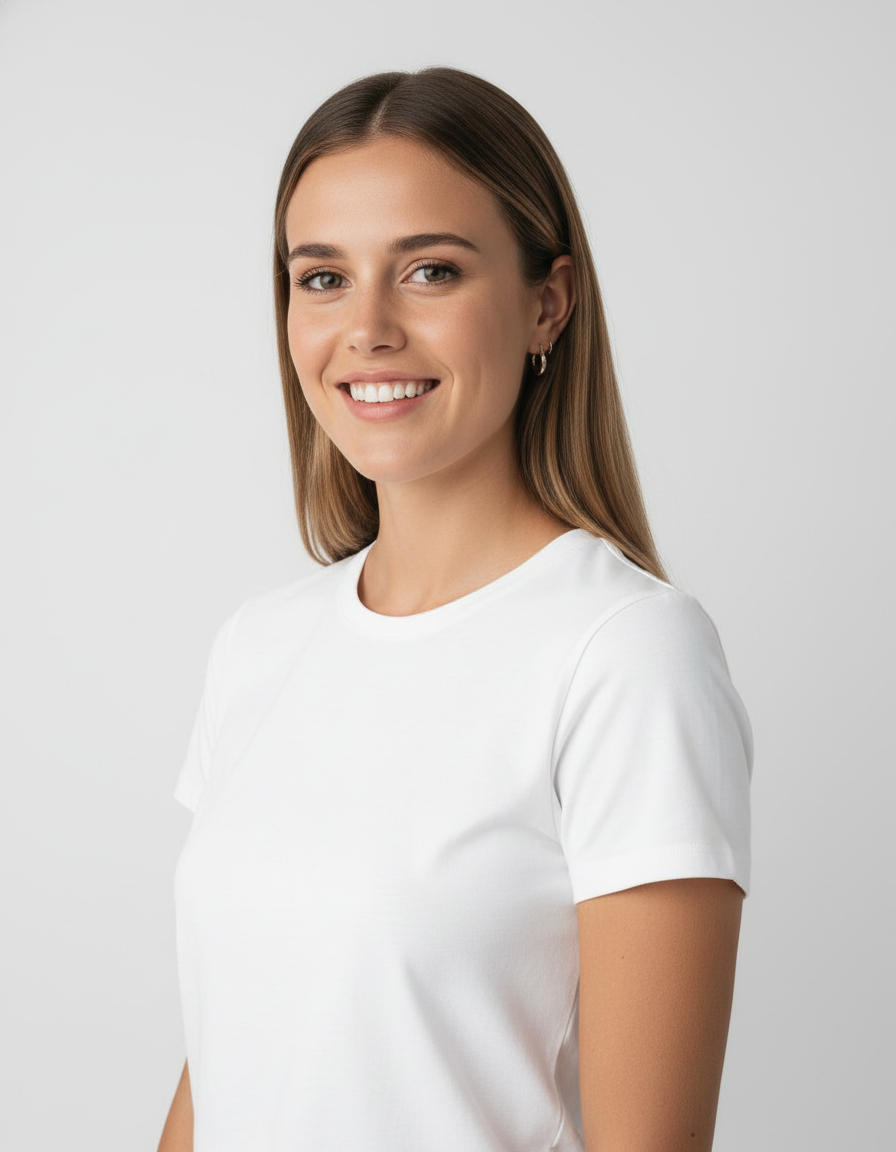
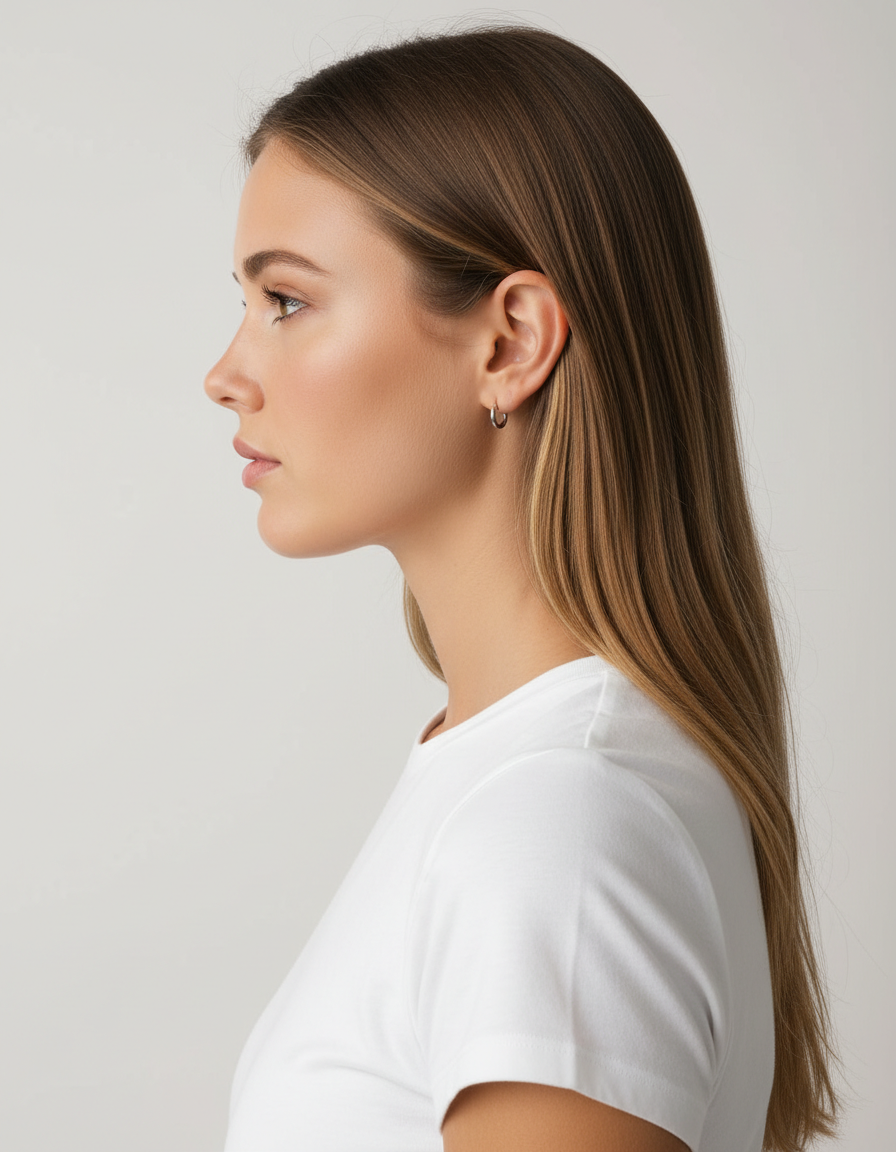
Upload one portrait and export consistent 4-angle ID views in minutes for forms, verification, or internal records.

