














Step 1
Upload
Add your moodboard images or reference links. Include key elements like color palettes, furniture, textures, and lighting cues to guide the AI interior visualization.
 App by umiros
Turn moodboards into realistic interior renders fast. Use AI visualization to refine layouts, materials, and lighting. Generate, iterate, and export now.
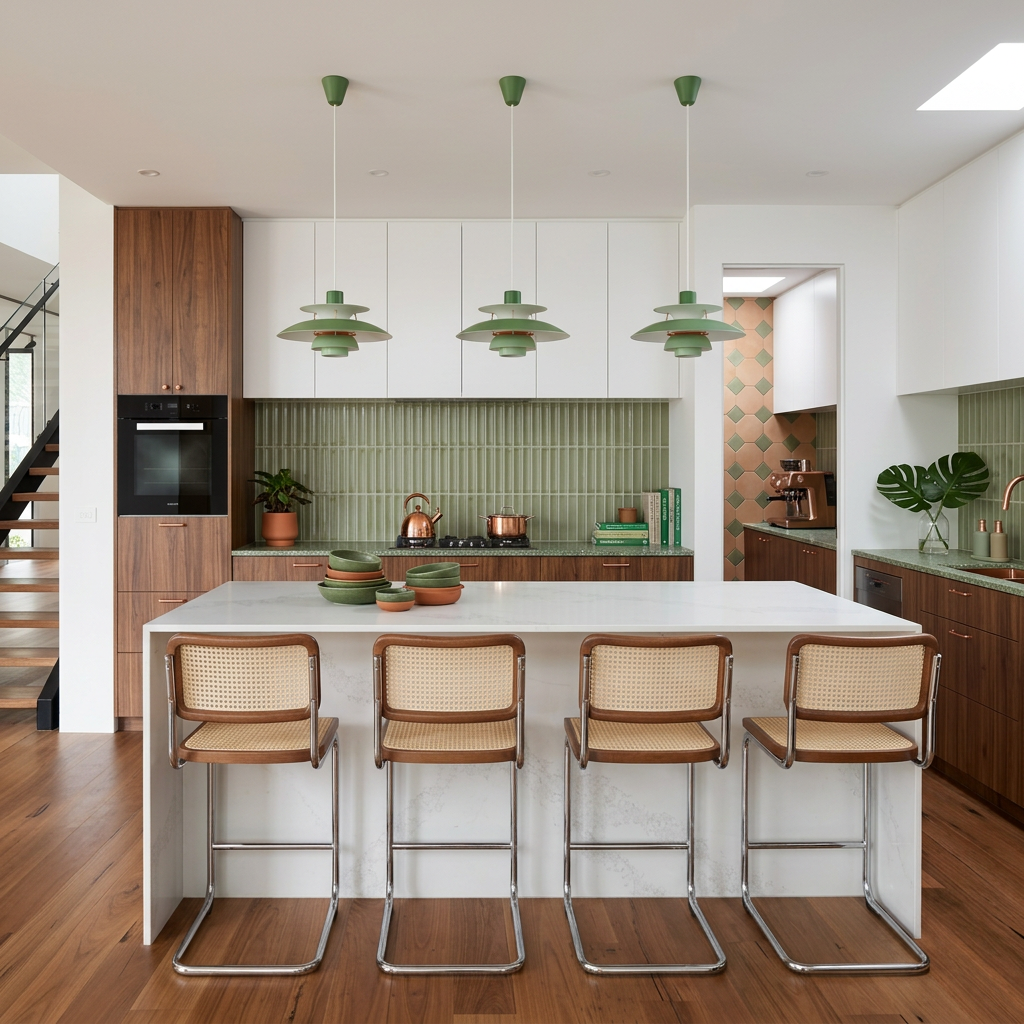
How to use Moodboard to Render
Turn inspiration into clear visuals with a simple workflow. Upload your moodboard, add a short prompt, and generate realistic interior renders. Refine results with quick variations until the scene matches your design intent.
Step 1
Add your moodboard images or reference links. Include key elements like color palettes, furniture, textures, and lighting cues to guide the AI interior visualization.

Step 2
Enter a style prompt and choose room type or angle. Generate multiple render options, then iterate with variations to improve layout, materials, and realism.

Step 3
Select your best interior render and export in high quality. Download images for decks, client reviews, or concept validation, with consistent style across iterations.
Features
Convert moodboards into photorealistic interior renders with AI that understands style, materials, and lighting. Generate multiple design directions in seconds, refine details with fast iterations, and keep results consistent for presentations. Ideal for concepting, approvals, and exploring layouts before committing to time-intensive modeling.
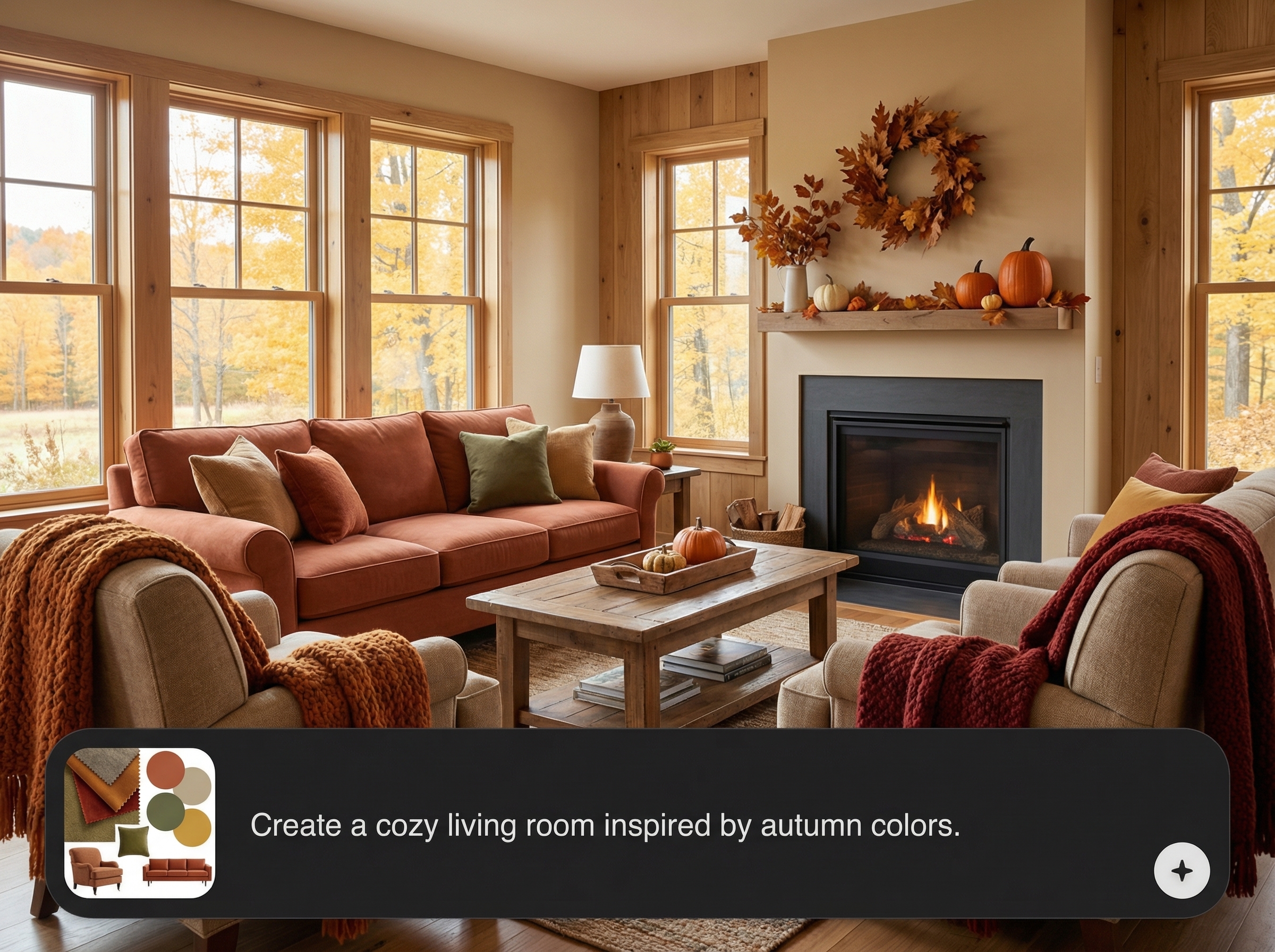
Ground renders in your references to keep the intended palette, textures, and overall vibe. The AI uses your moodboard to guide composition and material choices for believable results.
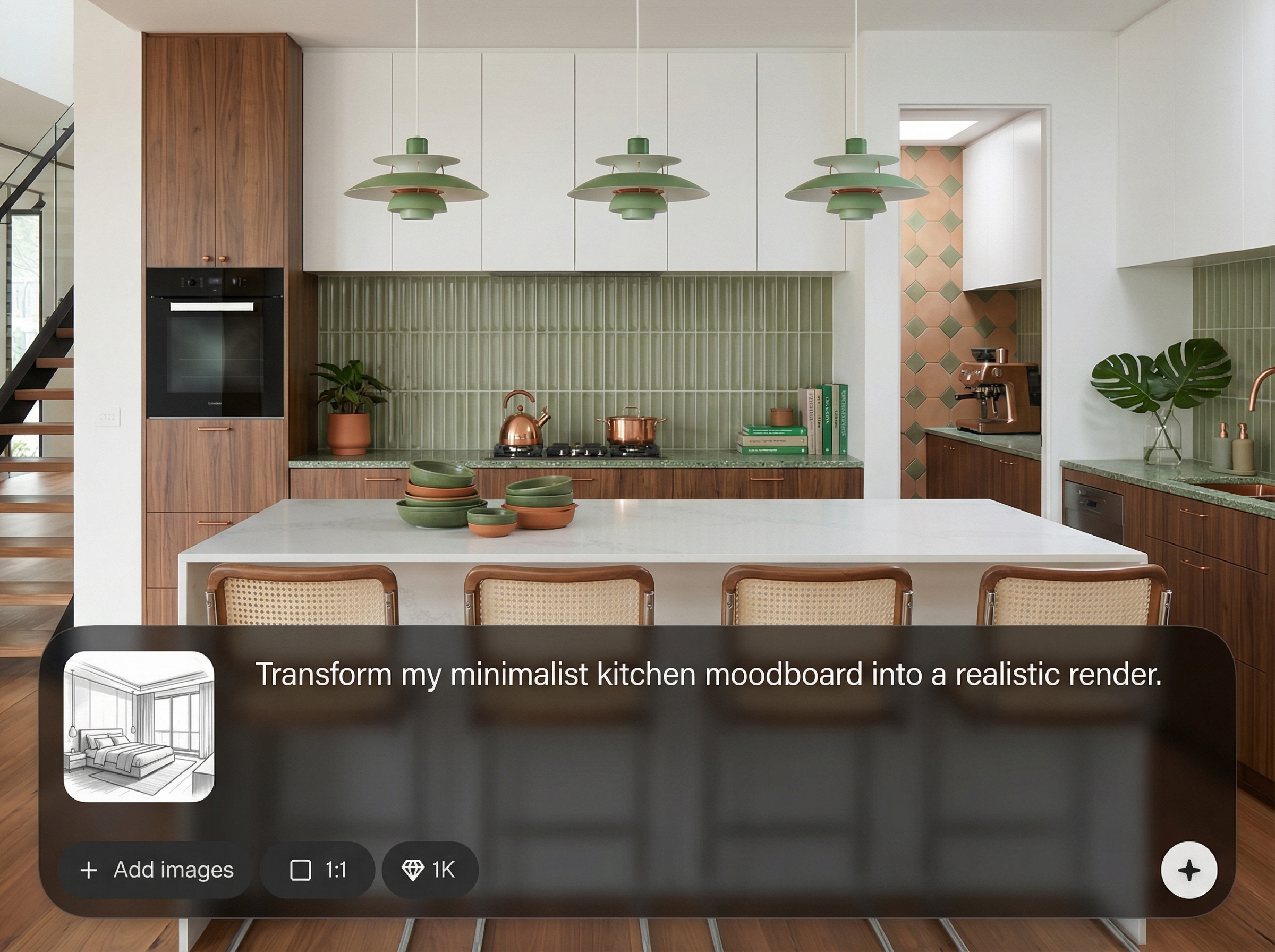
Explore multiple interior directions without restarting. Generate variations to test furniture swaps, finish changes, and lighting adjustments, helping you converge on a final look quickly.
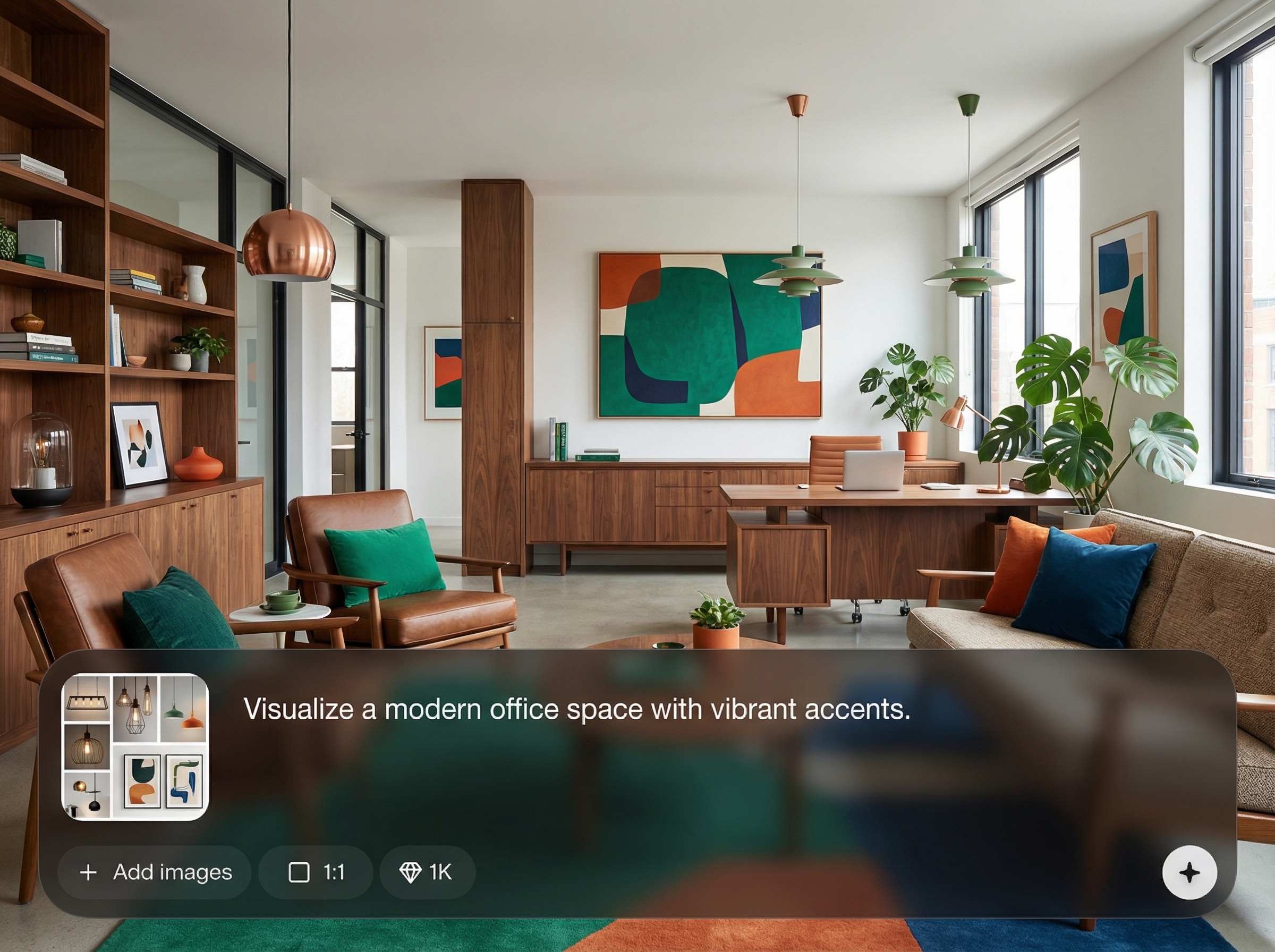
Steer outputs with clear prompts for styles, room types, and camera angles. Get consistent interior visualization across a set of renders, making it easier to compare options and present decisions.
About
Moodboard to Render transforms moodboard concepts into realistic interior renders using AI-powered visualization. Upload references, describe the style, and generate photorealistic room images with accurate materials, lighting, and composition. Iterate quickly with variations to explore layouts and finishes, then export high-quality renders for presentations, approvals, and design decisions.
Move from inspiration to clear visuals without long rendering cycles. Moodboard to Render delivers fast, consistent AI interior visualization with strong material and lighting cues. Generate multiple directions, compare options side by side, and present realistic concepts that align with your moodboard.
Upload your moodboard, add a short prompt describing the room and style, then generate options instantly. Iterate with variations, select the best render, and export high-quality images for presentations or approvals.
Use cases
Discover how different creators use this app in their workflow.
Turn early moodboards into realistic renders for stakeholder reviews. Communicate layout, lighting, and material intent clearly before committing to detailed production work.
Test flooring, wall finishes, textiles, and color palettes quickly. Generate multiple AI render variations to compare options and narrow down the best combination.
Visualize furnished interiors from inspiration boards. Create photorealistic staging renders to evaluate style directions, room mood, and buyer appeal across listings.
Krea is one of the world's leading generative AI platforms. See what others say.
Real reviews on TrustpilotSo many AI tools out there but I always come back to Krea. It's really the one AI platform that 'just works'.

FYN
Krea's interfaces are still the best in the industry. Everything looks and feels so clean and easy to use! Imo the easiest to use gen AI website.

Lynn
Ultra fast generations. Extremely simple to use. All the latest AI models.

Daniel
KREA is the only AI subscription I have right now besides ChatGPT.

Sophia M.
Answers to common questions about AI moodboard-to-render interior visualization and output quality.
Moodboard to Render is an AI interior render generator that converts moodboard references and prompts into realistic room visuals. It helps you visualize concepts faster with photorealistic materials, lighting, and composition.
Use high-quality moodboard images, include clear material cues, and specify room type, lighting, and camera angle in your prompt. Generate variations and refine prompts to improve realism and consistency.
Yes. Add style keywords, color palettes, finishes, and furniture descriptors to guide the AI visualization. You can also iterate with variations to test different materials while keeping the same overall concept.
You can export high-quality interior render images suitable for presentations and reviews. Download your selected results after generating, then reuse the same moodboard and prompt to maintain a consistent render set.
It’s best for rapid concept visualization and early-stage decision-making. For technical documentation and exact construction details, traditional 3D modeling remains important, while AI renders speed up exploration.
Upload inspiration, prompt your style, and generate photorealistic interior renders in minutes for faster decisions.

