














Step 1
Upload
Add one or more product images to the app. Use clear, well-lit photos for the best AI masking and accurate recolor results.
Upload product images, enter a color name and hex code, and instantly generate clean colourways with AI recoloring. Export variants in minutes—try it now.
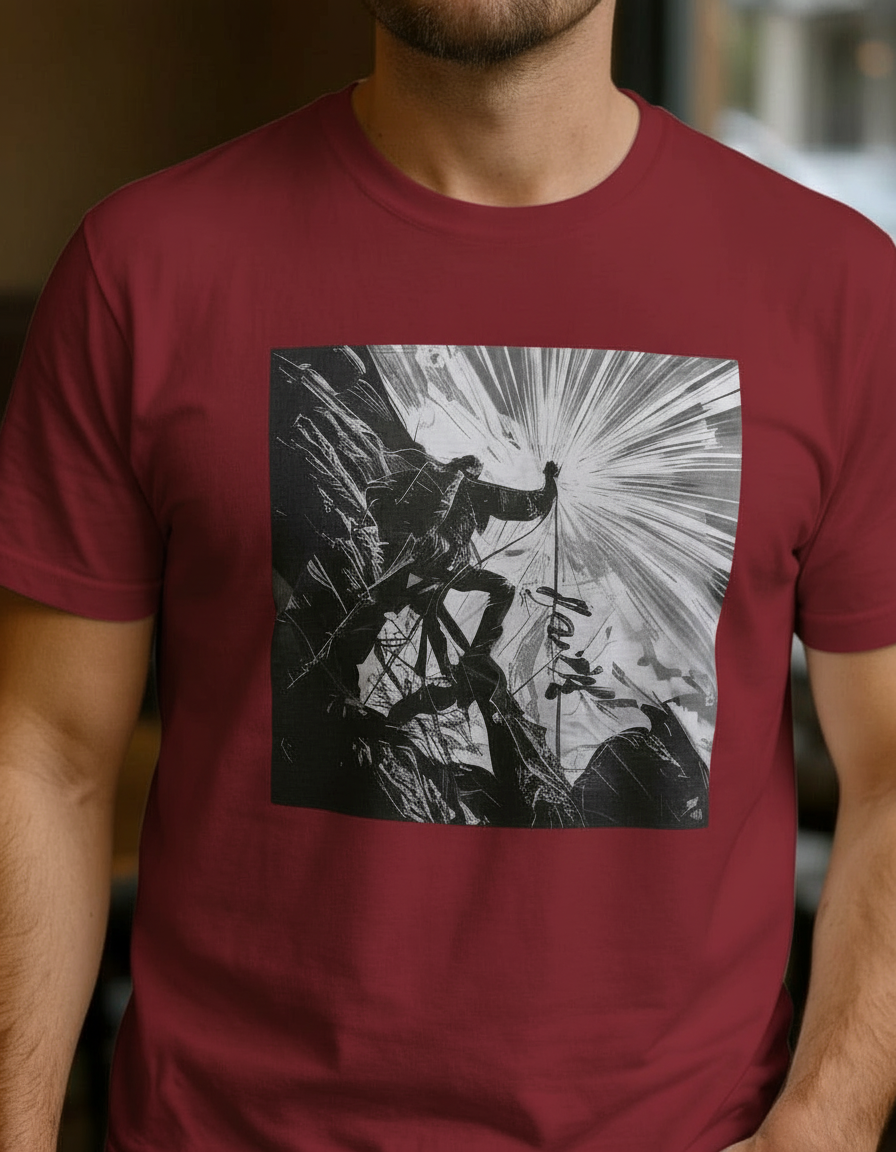
How to use Product Colourways Generator v1
Create new colour variants without manual editing. Upload your product image, set a color name and code, then generate AI recolors you can review, iterate, and export for product pages or presentations.
Step 1
Add one or more product images to the app. Use clear, well-lit photos for the best AI masking and accurate recolor results.

Step 2
Enter the colour name and the exact color code (hex). This keeps variants consistent across different products, angles, and batches.

Step 3
Run the AI recolor to create new colourways. Review the output, adjust inputs if needed, then export the variants for ecommerce and marketing.
Features
Turn one product photo into a full set of colourways using AI. Product Colourways Generator v1 applies precise recoloring from your color name and hex code while keeping lighting and texture intact. Create consistent variants for catalogs, PDPs, and approvals—without time-consuming manual edits.
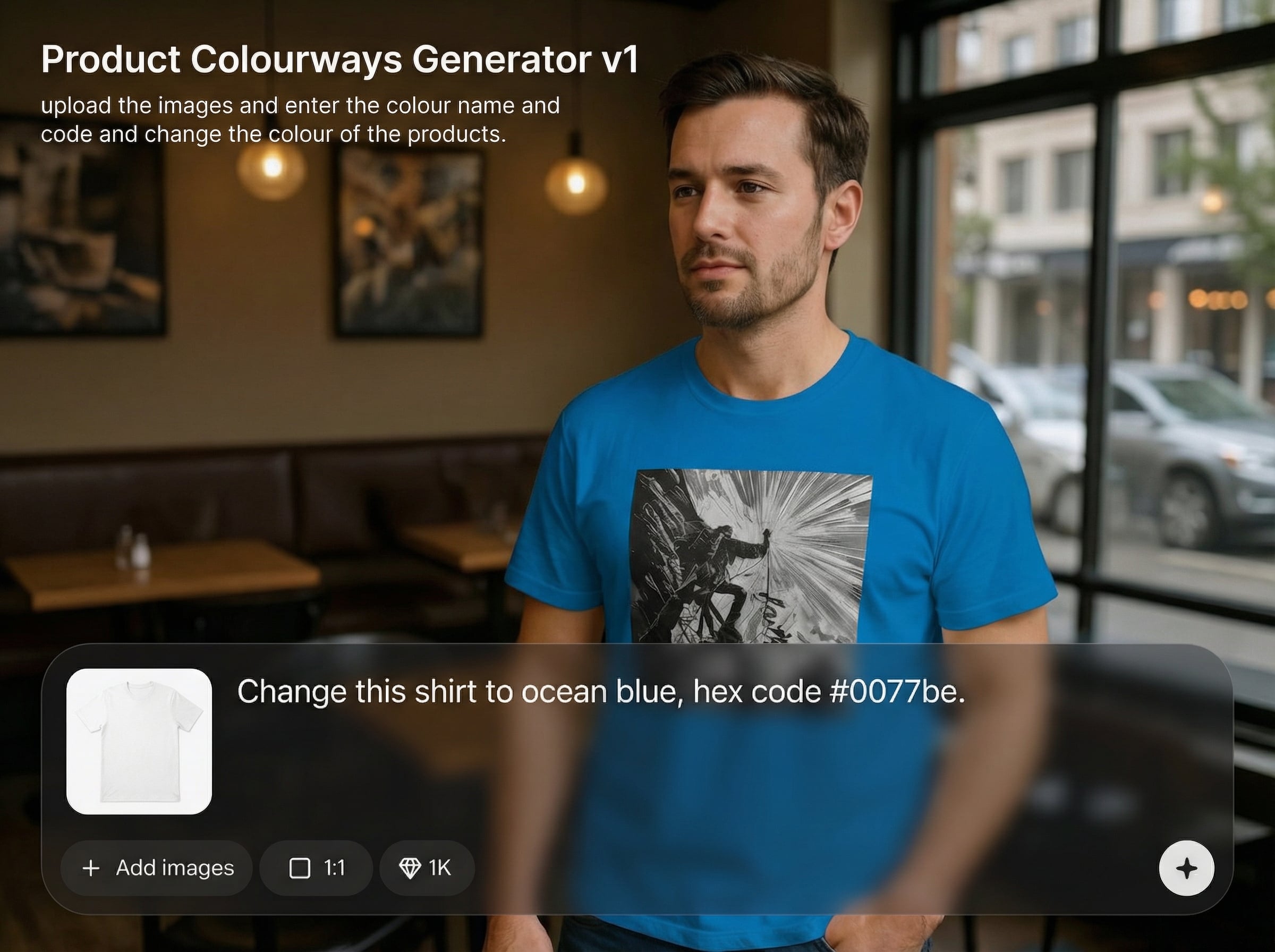
Recolor products using exact hex codes for predictable, brand-safe output. Keep finishes and material detail while changing only the product color for clean, consistent variants.
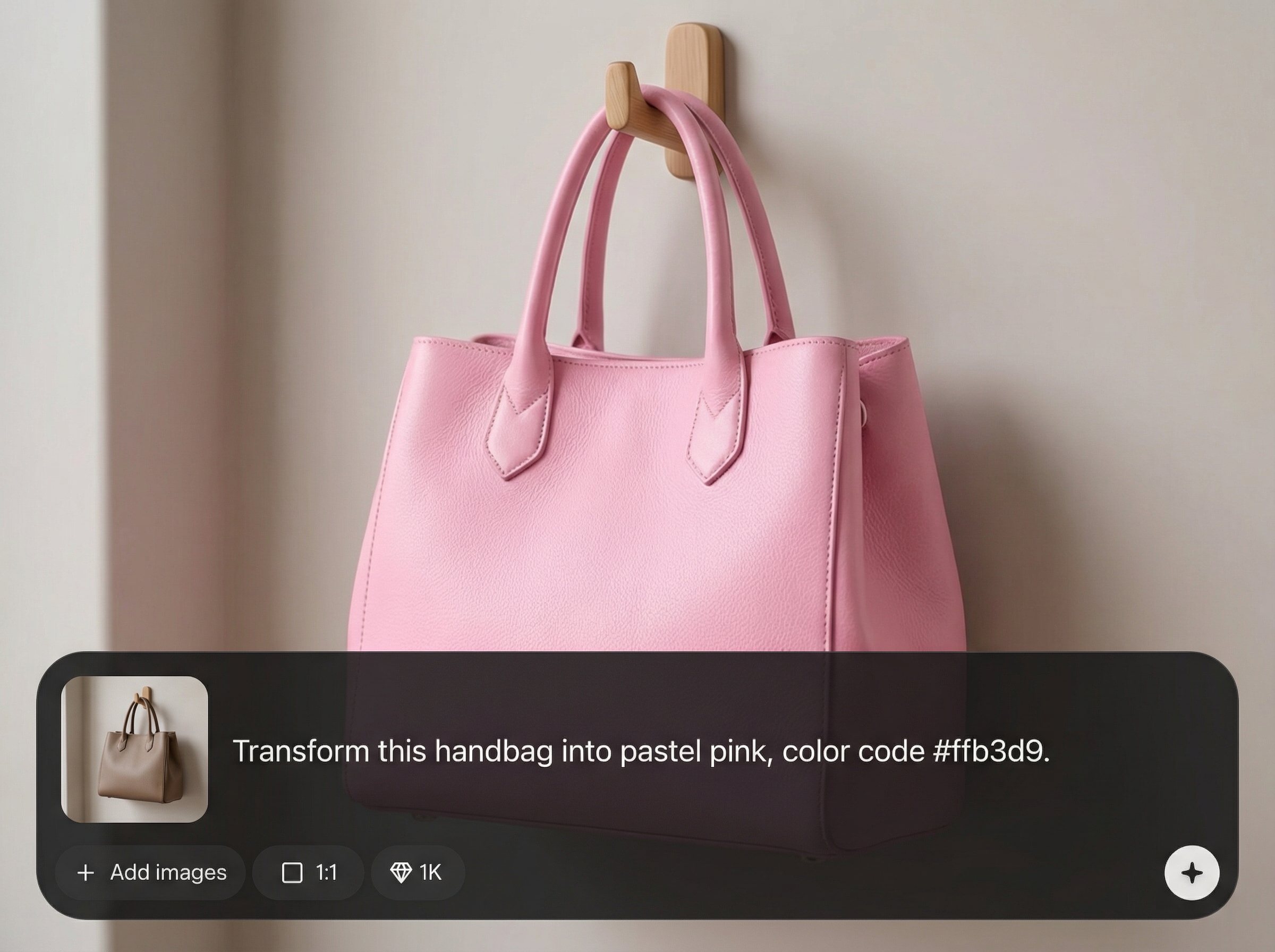
Create multiple product colourways in minutes from a single upload. Iterate quickly by swapping color names and codes, and compare options side by side for faster decisions.
Generate polished product color variants suited for product pages and catalogs. Reduce retouching time and keep your visual library consistent across SKUs and seasonal drops.
About
Product Colourways Generator v1 helps you create product colourways fast. Upload your product image, enter a color name and hex code, and apply precise AI recoloring to generate consistent variants. Produce multiple options for ecommerce listings, catalogs, and design reviews with clean, on-brand results in minutes.
Get fast, consistent product recoloring with hex-accurate control. Product Colourways Generator v1 helps reduce manual retouching, keeps colourways on-brand, and accelerates approvals with easy iteration. Build cleaner variant sets for ecommerce, catalogs, and design reviews from a single image.
Open the app, upload your product image, and enter a colour name with a hex code. Generate a variant, review the result, then repeat with new codes to build a complete colourway set.
Use cases
Discover how different creators use this app in their workflow.
Produce consistent color variants for PDPs and marketplaces. Match brand palettes with hex codes and keep visuals aligned across the entire catalog.
Create quick color explorations for garments, footwear, and accessories. Share clear options for review without rebuilding assets from scratch.
Generate colourways for lookbooks, banners, and line sheets. Speed up campaign prep by exporting ready-to-use product variants.
Krea is one of the world's leading generative AI platforms. See what others say.
Real reviews on TrustpilotSo many AI tools out there but I always come back to Krea. It's really the one AI platform that 'just works'.

FYN
Krea's interfaces are still the best in the industry. Everything looks and feels so clean and easy to use! Imo the easiest to use gen AI website.

Lynn
Ultra fast generations. Extremely simple to use. All the latest AI models.

Daniel
KREA is the only AI subscription I have right now besides ChatGPT.

Sophia M.
Answers to common questions about AI product recoloring and colourways generation.
Upload a product image, then enter a colour name and hex code. The AI applies targeted recoloring to generate new colourways while preserving texture, highlights, and overall realism.
Use hex color codes for the most consistent results, paired with a color name for easy organization. Hex-based inputs help keep variants uniform across different products and image angles.
Use high-resolution, well-lit photos with a clear view of the product. Clean backgrounds and minimal color cast improve masking accuracy and help the AI produce more natural colourways.
Yes. Reuse the same upload and switch the color name and hex code to generate additional variants. This workflow is ideal for comparing palettes and building a full SKU color set.
The goal is to change product color while keeping material detail intact. Results vary by image complexity, so if edges or trims shift, refine the input image and regenerate for cleaner separation.
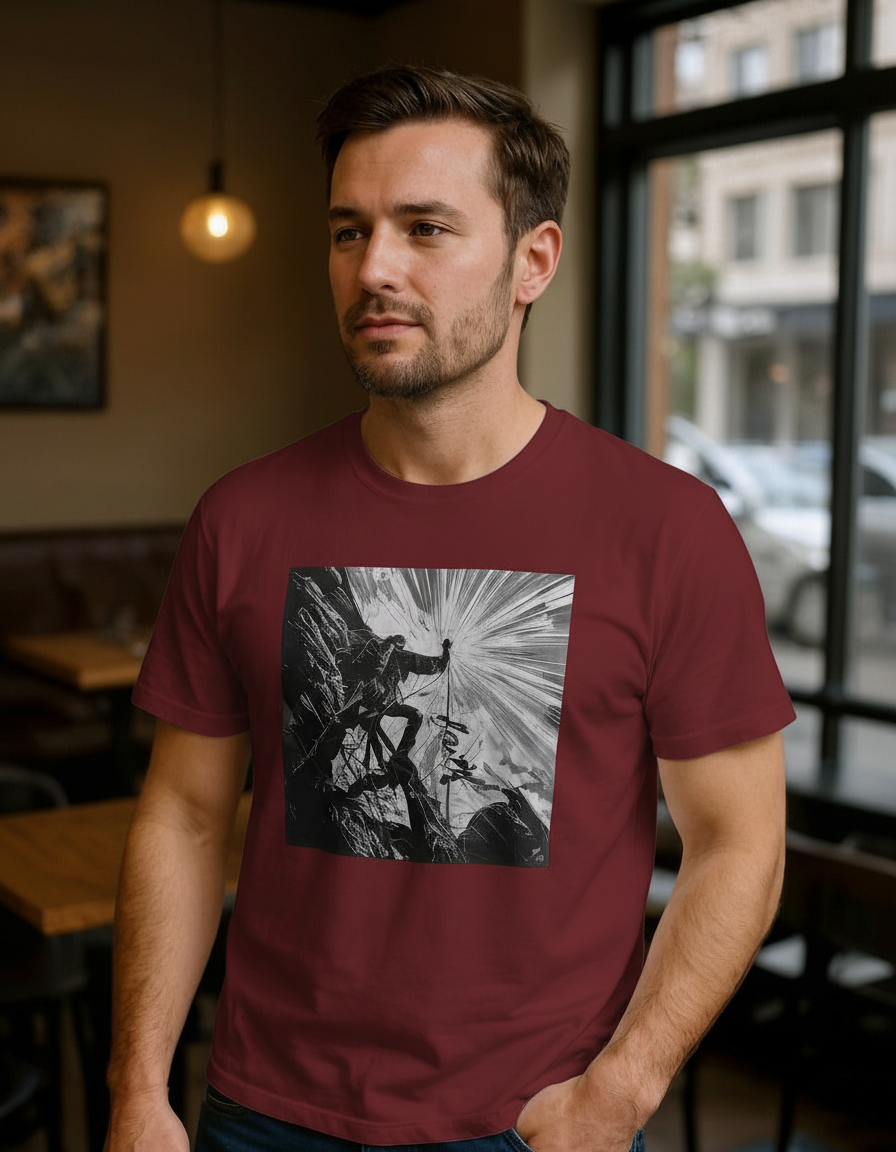
Upload a product photo, enter a color name and hex code, and export consistent variants in minutes.

